Opera Neon First Impressions
- Paul Thurrott
- Oct 08, 2025
-
4
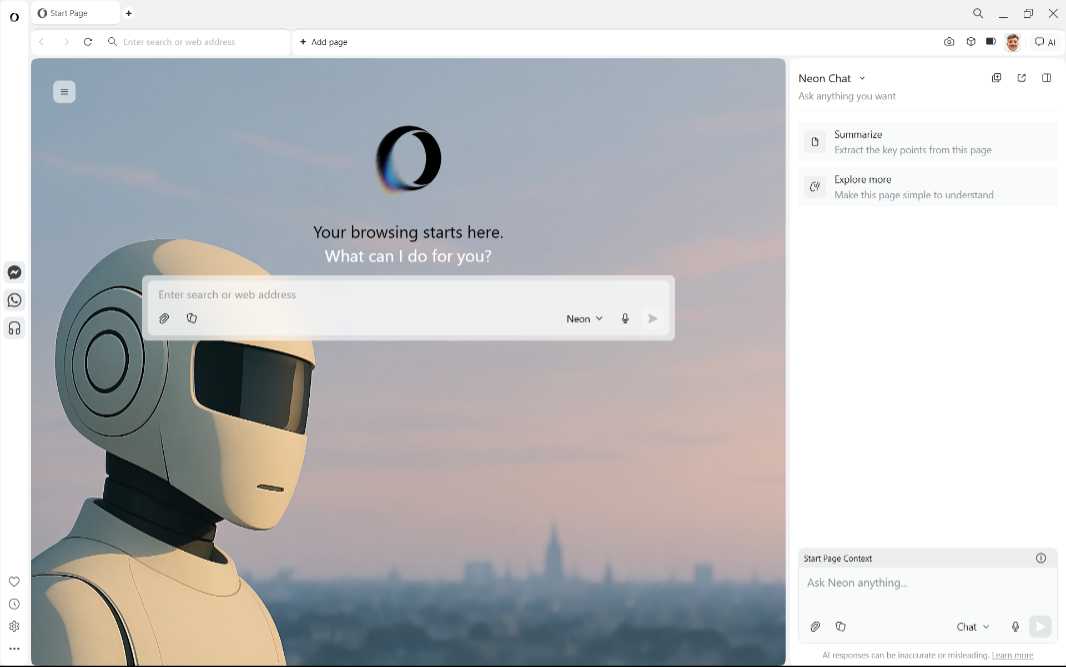
Opera Neon is the first agentic web browser from a company I explicitly trust, though its most controversial feature might rankle some. That is, you have to pay to use it: Opera describes Neon as a premium, subscription-based browser designed for power users, and it will set you back $19.90 per month.
Opera announced Neon in May, noting that it had been working on the “fully agentic web browser” for two years. At the time, it said that Neon would provide native, fully integrated AI via a chat interface, agents that do things on your behalf, and “cloud computer” capabilities that would solve more complex tasks for you. There’s an early access waitlist for those interested in checking it out.
Count me among them, though Opera made testing Opera easier on the media by providing us with 90-day trial, and there is a $59.90 early bird special that provides anyone with 9 months of access. I know this will turn some people off, and maybe that’s the point, given how early we are in this transition. Perhaps there will be free access with limits in the future.
Either way, Neon doesn’t arrive in a vacuum. It’s been a big year for AI advances in web browsers, and I’ve been looking at each notable addition in turn. So far, I’ve looked at Perplexity Comet, which is arguably the furthest ahead of the AI-powered browsers I’ve examined, Microsoft Edge in Copilot Mode, Dia (for Mac), Norton Neo, and Google Chrome, though I need to revisit the latter because Google has since announced a major set of AI improvements to its browser.
Neon also isn’t Opera’s only web browser. In addition to this new premium offering, Opera also offers its standard Opera Browser, the lightweight Opera Air, and Opera GX for gamers on desktop, and then various mobile clients. And for now, at least, there’s no Opera Neon on mobile.
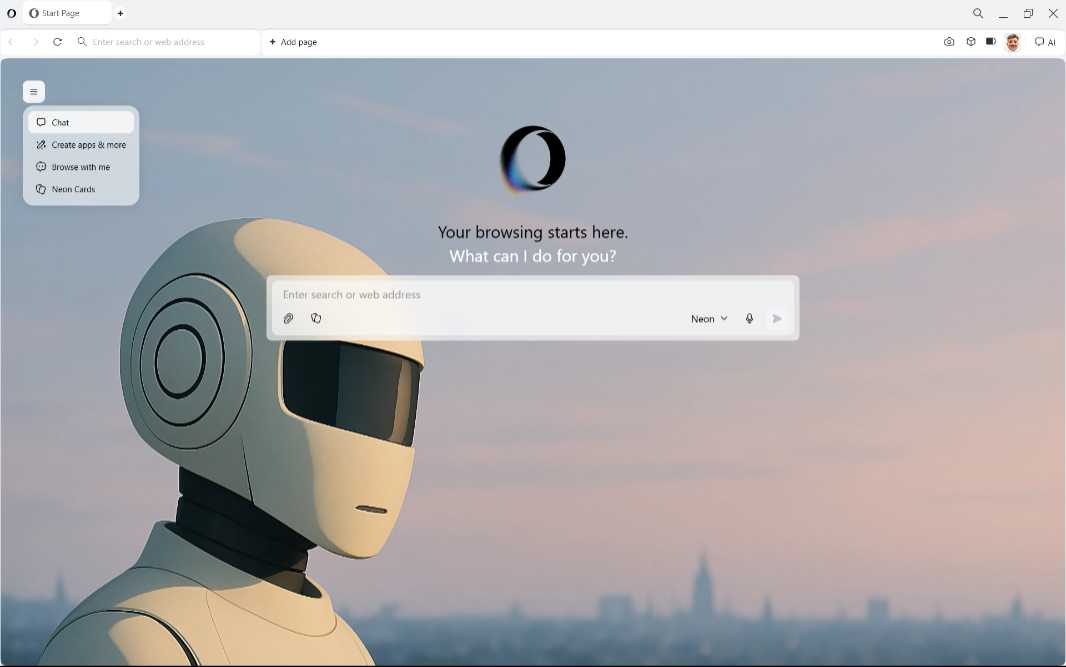
Opera Neon has the same basic look and feel as Opera’s other desktop web browsers, so it has the familiar minimalist design with a sidebar. But there are subtle indications that this one is a bit different, too. The default New Tab screen is a chat box UI with a menu of AI-related options at the top left, and there’s a tiny “AI” button at the far right of the toolbar.
Before getting too deep into the new features, I signed into my Opera account, installed a few key extensions (Proton Pass, Instapaper, and Dark Reader), and checked Cover Your Tracks to see whether the browser’s built-in tracker blocking was good enough. It was, but then I installed Privacy Badger anyway. Call me compulsive.
Opera is one of those web browser makers that makes it difficult to replace the New Tab page with a third-party alternative, which is odd given all the ways you can otherwise customize these apps. This would normally be an issue for me, but in this case, I want to see how its AI front end works anyway. So I will use it as is.
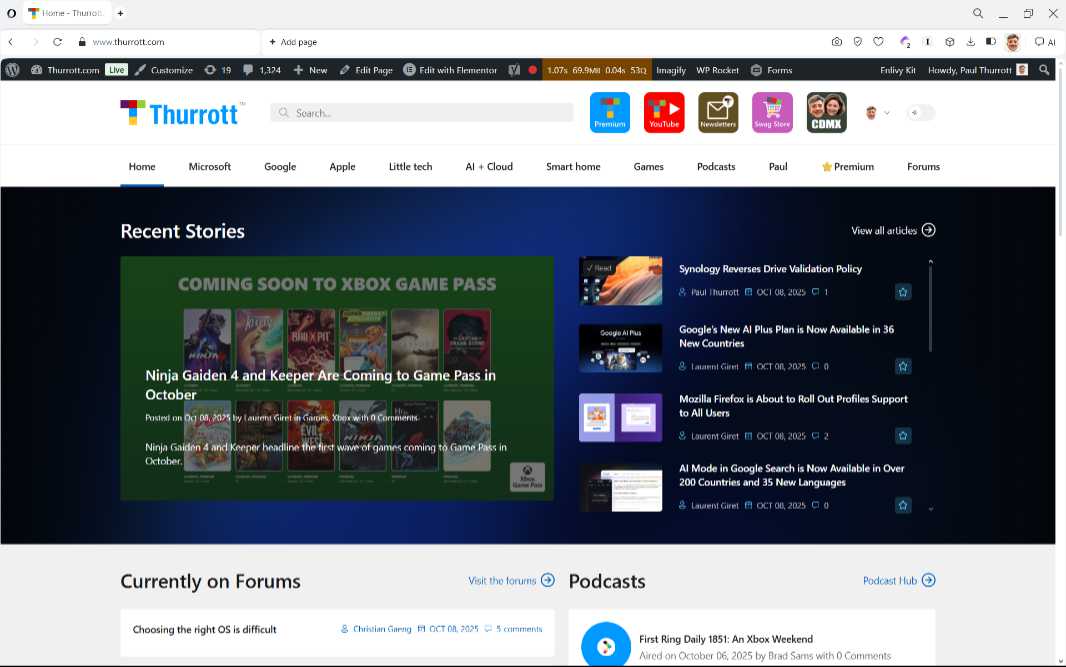
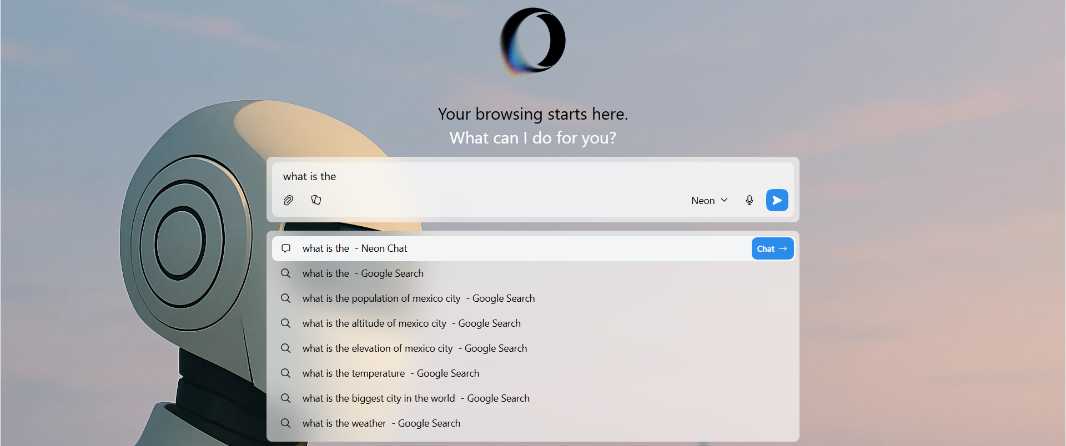
When you open a new tab, the text entry field in the chat box is selected by default, as opposed to the address bar in traditional browsers. This lets you start typing immediately, and as we’ve seen with other AI-infused web browsers, you can type in a specific web URL or a search term. So I can type www.thurrott.com, hit Enter, and my site loads as expected.
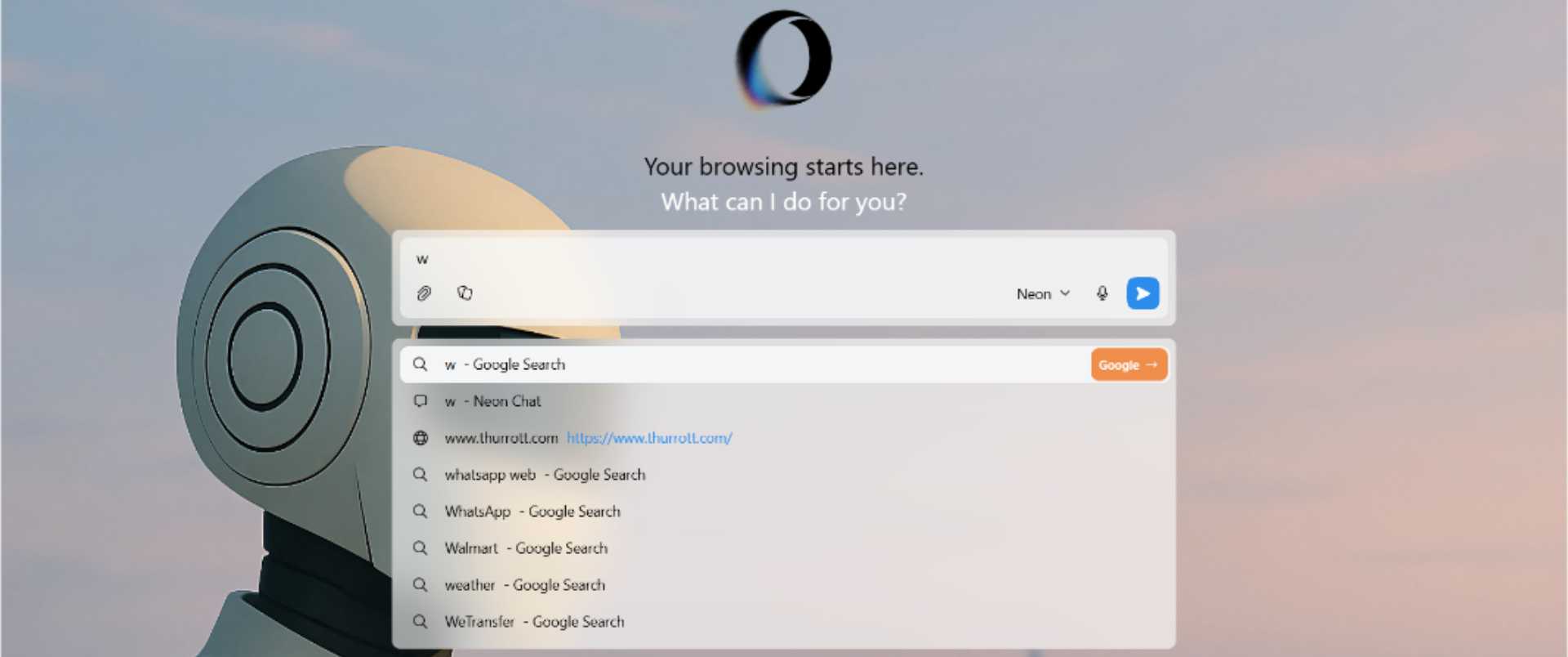
The chat interface is smart enough to anticipate what I want, which I guess is as expected. If I start typing with w, as in the first letter in www, the drop-down indicates that the default search engine, Google, will be invoked when I hit Enter. But if I type another word or term, the drop-down changes to indicate that the target is Chat, not web search. (Along with various web search-based suggestions.)
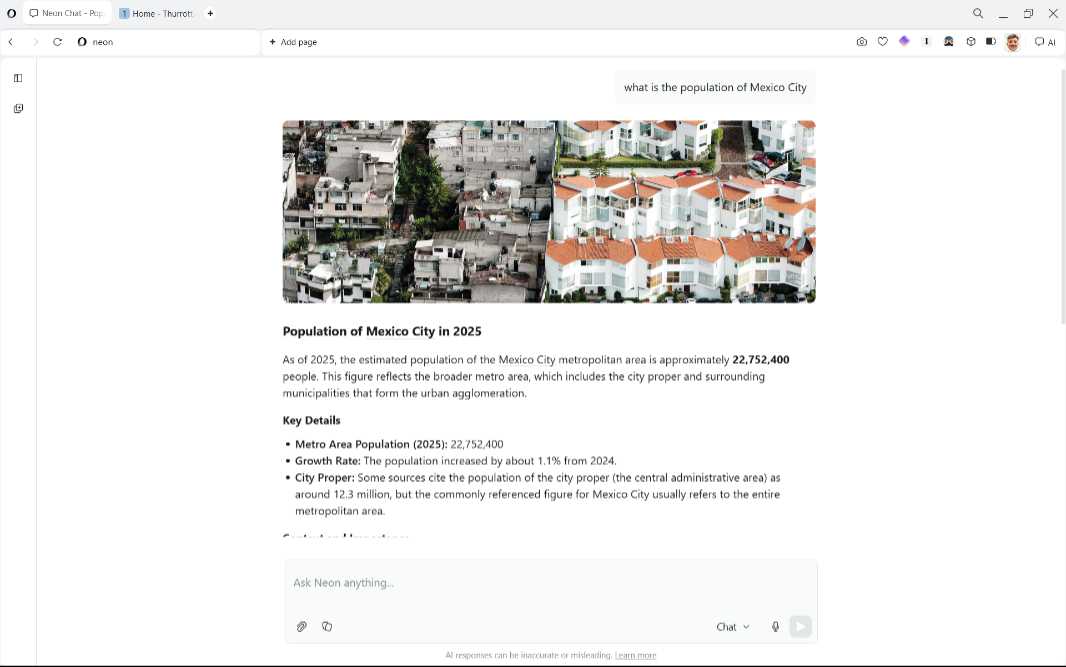
So I started off with something simple—what is the population of Mexico City—something that one might normally ask of Google Search. The result is a nicely formatted answer with an image, a summary, key details, context, and a few sources. Oddly, I couldn’t click on any of the sources to visit them directly. But there are also some suggested follow-ups at the bottom.
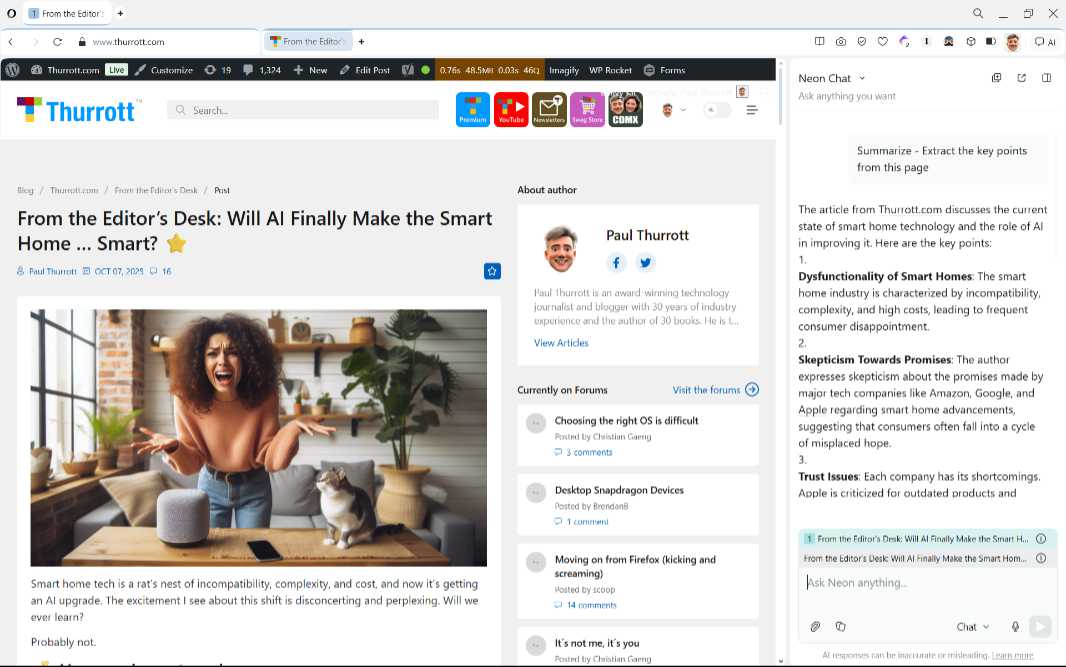
You can also open Neon Chat in a sidebar via the AI toolbar button and then learn more about the page you’re viewing. There are Summarize and Explore more buttons to get you started. This works nicely and as expected.
Indeed, it’s probably safe to assume that the chat interface works much like those we see elsewhere, though that will become clearer with use. What I’m really interested in experiencing, of course, is the browser’s agentic capabilities that enable it to do things on my behalf. Unfortunately, I’ve had mixed results in early testing, so I’ll simply list them for now. I need a bit more time to figure this out.
Tasks. Here, you can open multiple tabs about the same topic and then query the AI about them collectively, using it as a sort of research assistant. In an admittedly lame test, I opened tabs for each of the three new iPhone models, clicked the AI toolbar button to open Neon Chat in a sidebar, and asked it to compare the products. I suppose the way to look at this is that Summarize works on the current tab and Tasks works across multiple tabs.
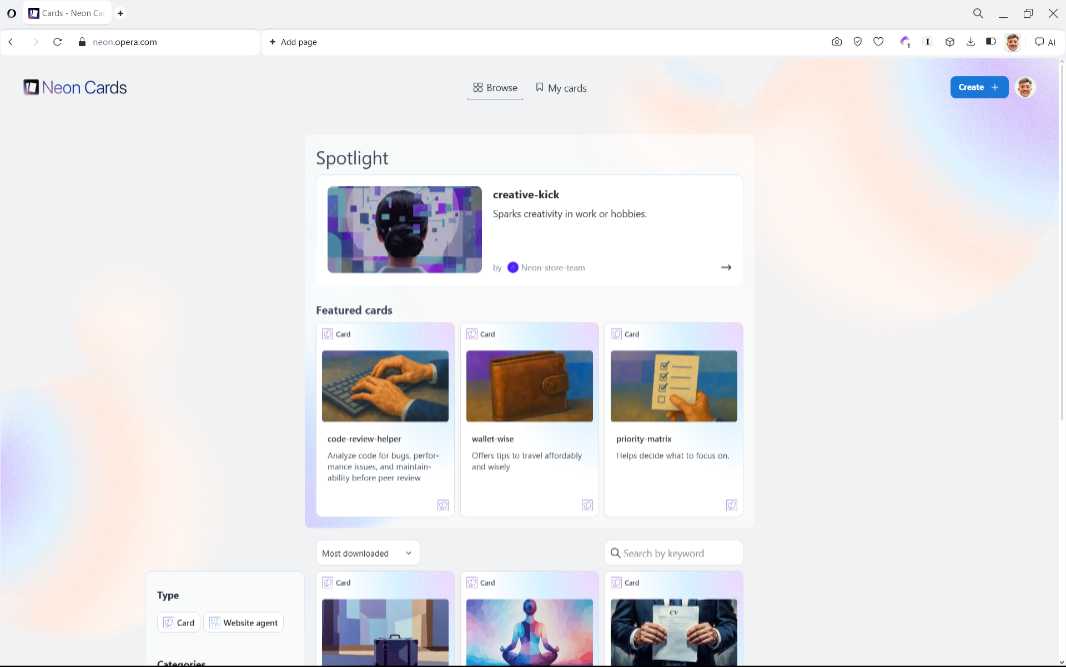
Cards. Because typing prompts is vaguely unnatural and a curious skill for people to master in the 21st century, Neon provides a feature called Cards that is essentially a set of prompt shortcuts. There’s an interface to find cards (code-review-helper, pack-like-a-pro, amazon, and many others) you can install (accessible from the little hamburger menu in New Tab). And then you can summon these cards from chat when viewing a page.
Do. This feature works with Tasks—with their multi-tab context—to open and close tabs and then perform actions across tabs.
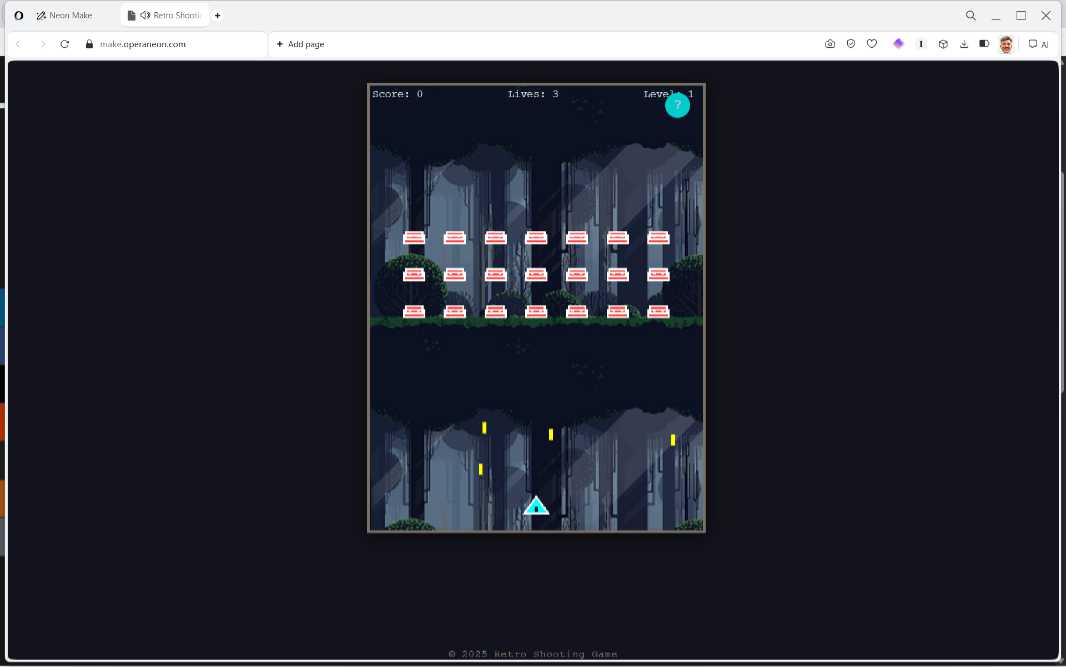
Make. This feature can create websites, games, videos, reports, or tools, Opera says, so it’s pretty far-reaching and, frankly, insane. Using an Opera-supplied recommended prompt, I asked it to make a retro shooting game and it set out to do just that. Over a several minute long period, it found free graphics and sound assets to use on the web, generated the code for the game with levels, difficulty levels, scoring, and other features, and then created a static website containing a very fast-moving Space Invaders-type game, which it also made available as a ZIP download. Good God. (Yes, it works.)
I have a lot of work to do here, but Opera Neon is impressive and I think it’s vaulted to the top of the heap, though I will need to do some side-by-side tests with Comet in particular. And these things change all the time, of course.
More soon.