Microsoft Wants to Redefine “AI PCs” with Copilot Voice and Copilot Vision on Windows 11
- Laurent Giret
- Oct 16, 2025
-
15
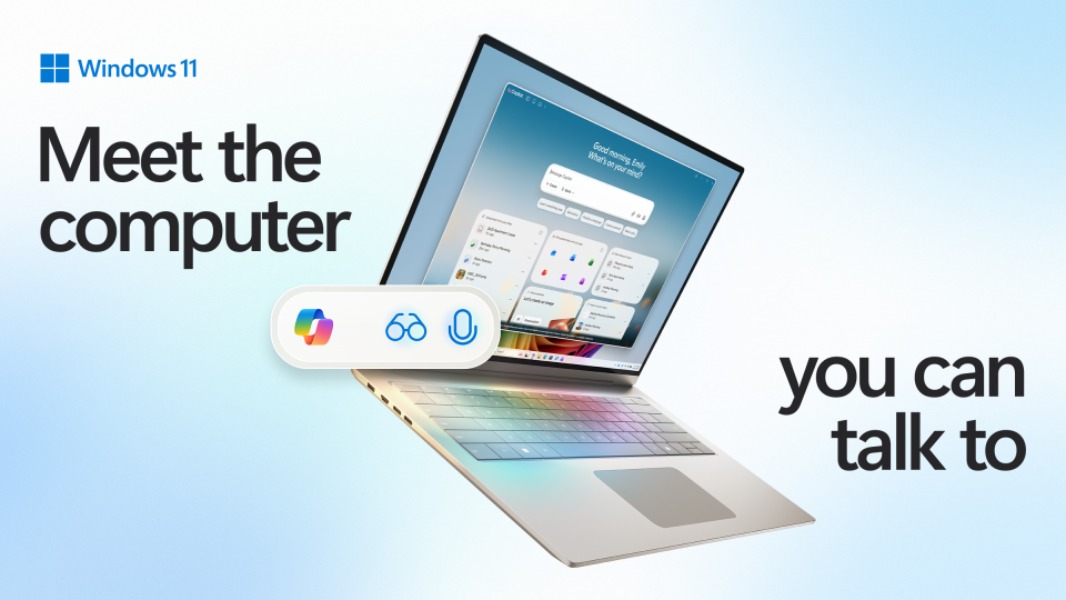
As Microsoft says goodbye to Windows 10 this week, the company has a new carrot to encourage users to upgrade to Windows 11: the promise of turning any PC into an “AI PC” that can be controlled by voice and perform intelligent actions on its own. And this will all be powered by Copilot on Windows, with new Copilot Voice and Copilot Vision experiences.
“Today, we’re taking an exciting step forward with a new wave of updates that make every Windows 11 PC an AI PC – with Copilot at the center of it all,” said Yusuf Mehdi, EVP and Consumer Chief Marketing Officer at Microsoft. “We are making the most powerful AI more accessible by integrating it into the Windows experiences people are already using every day.”
With Copilot Voice and Copilot Vision coming to all Windows 11 PCs, Microsoft believes that putting conversational input easily accessible will be “as transformative as the mouse and keyboard in terms of unlocking new capabilities on the PC for the broadest set of people.”
Copilot Voice adds new wake and goodbye words
Windows 11 is getting a new “Hey Copilot” wake word as an opt-in feature in the settings for the Copilot on Windows app. When using the wake word, a Copilot microphone icon will appear on the screen, and a chime will also indicate that Copilot is listening. Ending a conversation can be done by saying “Goodbye” or tapping ‘X’. Copilot will also end the conversation automatically after a few seconds of no interaction, and a chime will confirm that the assistant is no longer listening.
Copilot Voice on Windows 11 will complete the existing Voice Access and Voice typing features on Windows 11 with an assistant that can understand what users ask and perform actions on their behalf. “We’re seeing that when people use voice, they engage with Copilot twice as much as when they use text. This ease of use leads to deeper engagement within Copilot.
Copilot Vision is now generally available on Windows 11
Copilot Vision, which allows Copilot to analyze what’s on the screen, is now available in all markets where Copilot for Windows is available. The assistant can provide insights on the content of applications, and it can also analyze entire Office documents even if their content isn’t visible on the screen.
The Highlights feature in Copilot Vision can also help users learn how apps work, review a travel itinerary, and more. “Since its initial release, early adopters of Copilot Vision have inspired us with their creative use cases, from troubleshooting settings, to getting step by step guidance, and even learning complex editing tools,” Spatator said today.
Windows Insiders will soon be able to interact with Copilot Vision via text in addition to voice. When enabled, the assistant will also respond in text in the chat window.
New Copilot features coming soon to Insiders
Microsoft detailed today other new Copilot features that will soon be available for testing by Insiders. Last week, a new Copilot app update enabled new connectors, allowing the assistant to connect to consumer services like OneDrive, Outlook, Google Drive, Google Calendar, and Google Contacts.
The Insider update also added the ability to create and then export Word documents, Excel spreadsheets, and PowerPoint presentations with Copilot. Earlier this week, another Copilot update for Insiders added direct access to the Windows 11 settings app.
Microsoft isn’t stopping there, and it will soon preview the following features with Insiders:
Copilot integration in the taskbar: A new Ask Copilot button will become available in the taskbar as an opt-in feature. It will allow Insiders to quickly launch Copilot Vision and Voice, search for apps, files, settings, and more using natural language prompts.
Copilot Actions for local files: Copilot Actions, an experimental agentic feature that lets Copilot perform actions on the web, will soon add support for local files. Microsoft says that it will start “with a narrow set of use cases while we optimize model performance and learn.”
New Manus AI agent: This new agent will be able to perform complex tasks, such as creating a website from scratch using local files. It will be integrated into File Explorer and also available as a native app with a familiar chat window interface.
Zoom integration in Click to Do: Insiders with Copilot+ PCs will be able to schedule a Zoom call by just hovering over an email address visible on the screen.
In a separate blog post about securing AI agents on Windows, Microsoft emphasized that AI agents like Copilot actions will be disabled by default and operate in a contained environment with no ability to make changes to your device without your intervention. When performing actions on your behalf, AI agents will also use a separate agent account distinct from the user account currently in use.
With Windows 10 reaching out of support this week, Microsoft believes that “there’s never been a better time to upgrade to a Windows 11 PC.” And while Copilot+ PCs will continue to offer unique AI experiences like Recall, Click to Do, and the new AI agent in Settings, all Windows 11 users should soon benefit from new Copilot and agentic experiences. However, it remains to be seen if a shift to conversational input is really going to happen.