Microsoft Prepares Windows Insiders for the Arrival of AI Agents on the Taskbar
- Laurent Giret
- Dec 19, 2025
-
0
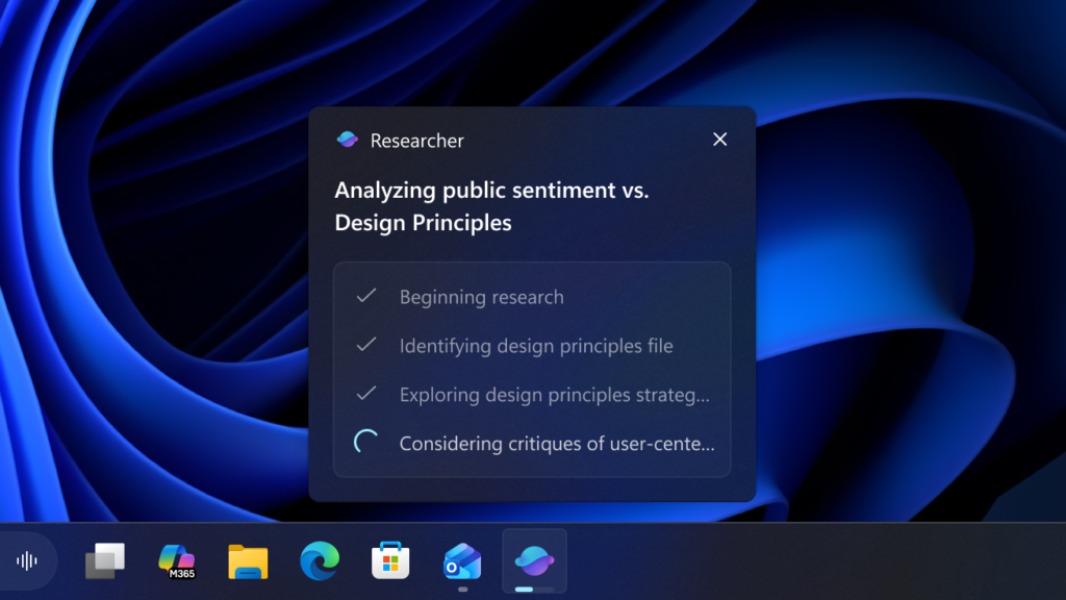
The last Windows 11 preview build of the year is out for Insiders on the Dev and Beta Channels, and with it, Microsoft is showing how tasks from AI agents will appear on the taskbar. Microsoft’s Researcher agent is the first to be supported in the freshly released build 26220.7523, which also introduces a new framework to make these AI agents appear in Ask Copilot in the taskbar.
“Windows is adding a new way to keep an eye on your Agents right from the taskbar,” the Windows Insider team said today. “Researcher in Microsoft 365 Copilot can dig into a topic and build a detailed report, and now you’ll be able to track its progress without breaking your flow.”
The Researcher agent will only appear on the Windows 11 taskbar when it’s been assigned a task from the Microsoft 365 Copilot app. Insiders will be able to track its progress by hovering their cursor over the Copilot or Researcher icon in the taskbar. A “completed” notification will also appear on the taskbar when the task is done.
This new AI agent experience in the taskbar will only start to roll out in the coming weeks to US Insiders with a Microsoft 365 Copilot license, however. The Windows Insider team also said that it’s “experimenting with different ways that Agent tasks will appear in the taskbar to determine how to best meet the needs of customers.”
Today’s Windows 11 build 26220.7523 also introduces Agent Launchers, which Microsoft describes as “a standardized way for apps to expose their interactive AI agents so they can be found and invoked by Windows and Applications.” This will allow AI agents to be launched from the new Ask Copilot experience in the taskbar, as well as other places across Windows 11.
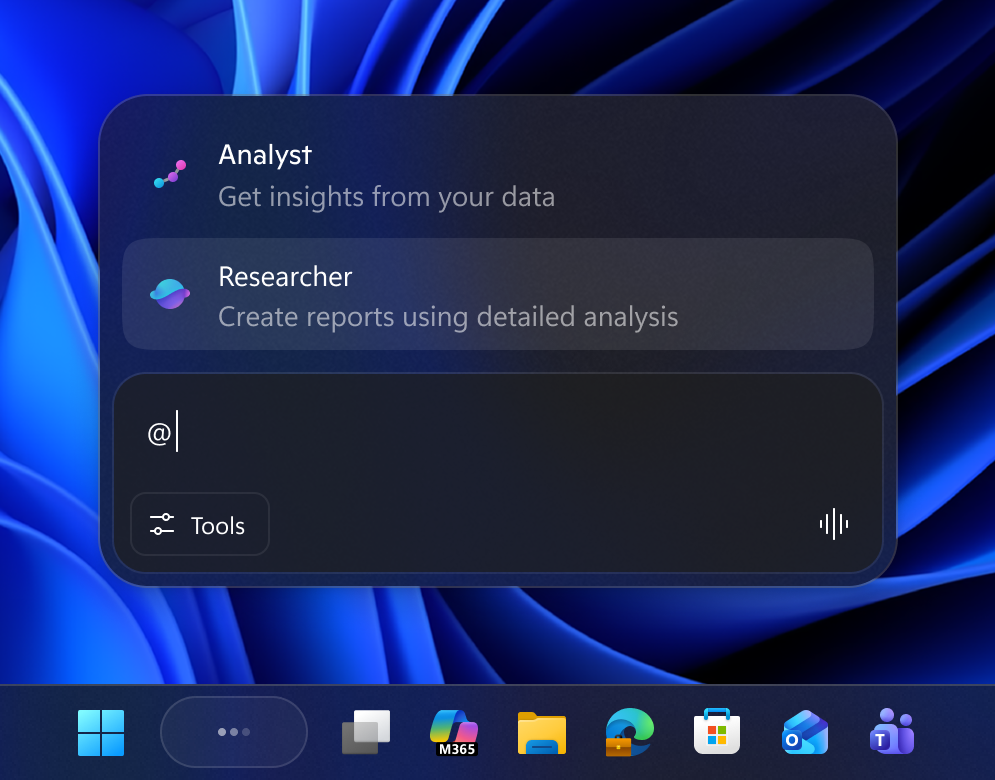
The new Ask Copilot experience, which entered public testing in October, is also adding support for commercial customers with a Microsoft 365 license. In the coming weeks, the opt-in experience will allow commercial customers to access Microsoft 365 Copilot, other AI agents, and Windows Search right from a unified interface.
The last Insider build for 2025 is actually quite substantial, and there are other notable new features worth mentioning. There’s a new Discover Windows widget designed to provide helpful Windows tips throughout the day. It can be added to both the Widgets Board and the Lock Screen.
Insiders will also notice that the File Explorer Home page will now show people icons under the “Activity” column and in areas like Recommended, Favorites, and Recent. People cards with contact details will appear when hovering or clicking on a people icon, mirroring the experience Microsoft previously made available for File Explorer users logged in with a work or school account.
Lastly, a new Paint update is rolling out to Insiders on the Canary and Dev Channels. The new bits only bring the option to automatically hide the app’s toolbar.