Google Enhances AI Mode in Search with New Features
- Paul Thurrott
- Jul 29, 2025
-
0
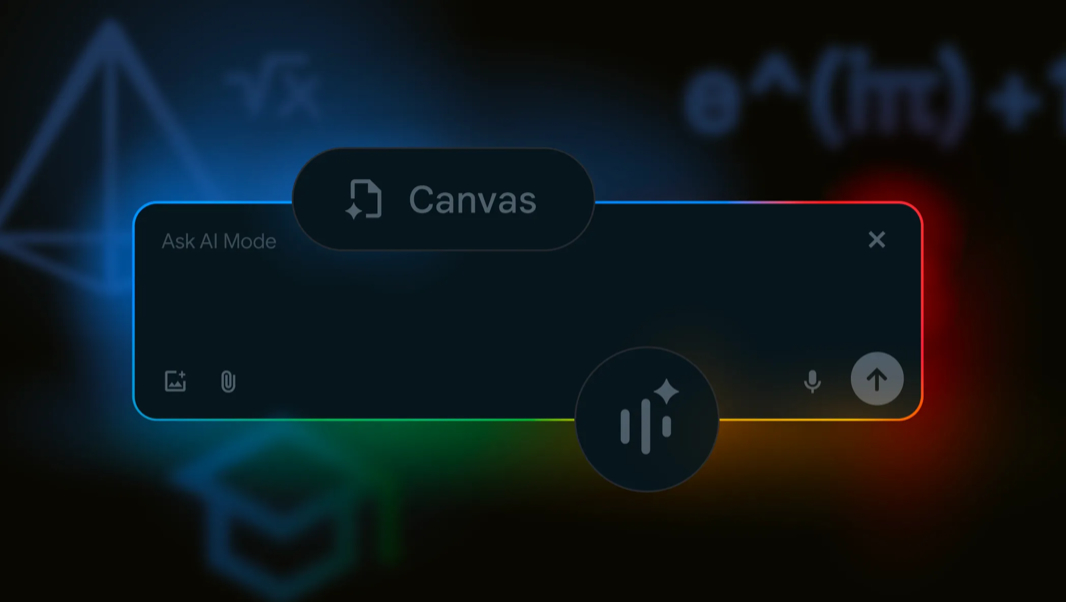
Google is enhancing the capabilities of AI Mode in Search with several new features for students, parents, and educators.
“We’re introducing new features and capabilities for AI Mode in Search, just in time for the back-to-school season,” Google Search vice president Robby Stein writes. “AI Mode can help you explore complex questions and discover high-quality information from across the web.”
Google revealed AI Mode for Search back in March, describing it as an experiment that expanded on the AI overviews in results by providing advanced reasoning, thinking, and multimodal capabilities. Since then, it’s added new features and made the feature more generally available, albeit in the U.S. only. And last month, it added an experimental Search Live feature with voice chat support.
This update adds the following new features:
Ask complex questions about PDFs. You can already ask AI Mode complex questions about images, and now you can do so with PDFs as well. This will be expanded in the coming weeks to include uploaded PDFs on desktop, and with support for additional files types and Google Drive.
Canvas. The new Canvas feature in AI Mode helps you create plans and organize information over multiple sessions via a side panel. This will also be updated soon to support file uploading
Search Live. This feature was shown off at I/O and it was previously an experiment. But it’s more broadly available now and supports video input so you can use Project Astra capabilities in AI Mode. Search Live also integrates directly with Google Lens so you can learn more about items you see in the real world from your phone.
Lens in Chrome. For desktop users, the Lens feature in Google Chrome lets you learn more about anything you see on your Windows, Mac, or Linux desktop. A new “Ask Google about this page” will feature will arrive soon, as well, providing another way to interact with Lens in Chrome.
Follow-up questions. Starting this week, you’ll be able to ask AI Mode follow-up questions via a new “Dive deeper” option.