The Markdown Book: Typecraft for Windows and Mac is Now Available
- Paul Thurrott
- Nov 28, 2026
-
0
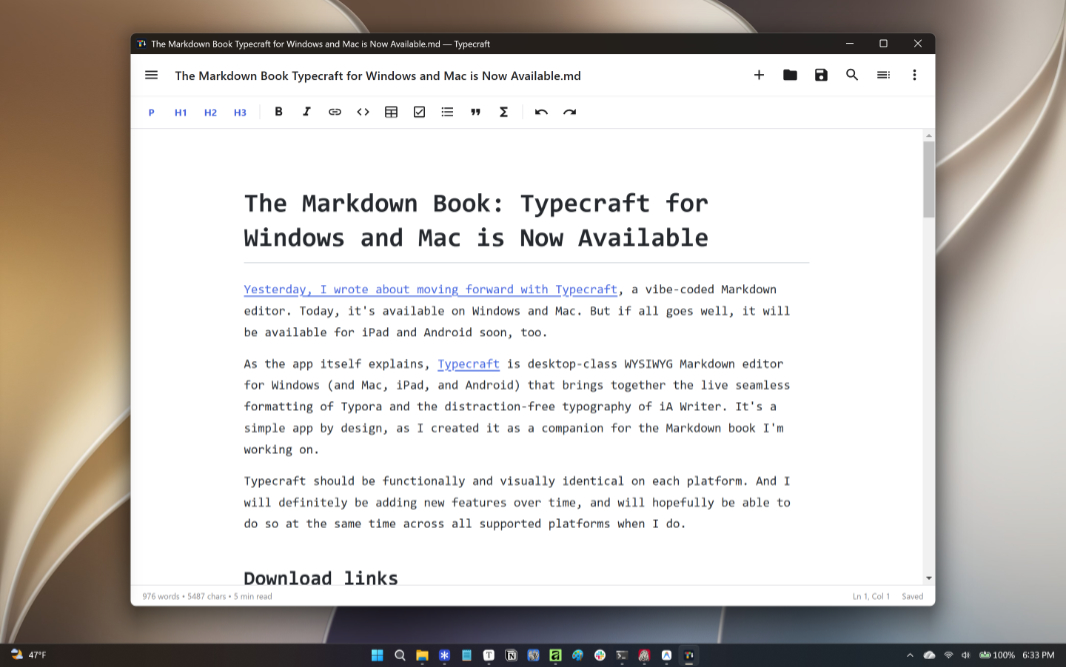
Yesterday, I wrote about moving forward with Typecraft, a vibe-coded Markdown editor. Today, it’s available on Windows and Mac. But if all goes well, it will be available for iPad and Android soon, too.
As the app itself explains, Typecraft is desktop-class WYSIWYG Markdown editor for Windows (and Mac, iPad, and Android) that brings together the live seamless formatting of Typora and the distraction-free typography of iA Writer. It’s a simple app by design, as I created it as a companion for the Markdown book I’m working on.
Typecraft should be functionally and visually identical on each platform. And I will definitely be adding new features over time and will hopefully be able to do so at the same time across all supported platforms when I do.
Download links
You can download Typecraft for Windows 11, Windows 11 on Arm, and Mac (Apple Silicon) from the project’s Releases page on GitHub.
You can also download the source code for the Windows version of the app from GitHub. I will add the Mac source code at some point as well.
Typecraft for Mac
This app was originally vibe-coded using Antigravity on a Googlebook, so that version was a native Android desktop app for that platform. Then, I used Antigravity to bring the app to Windows using the original app’s APK files, and so it transitioned it to an Electron-based web app. While that’s not ideal in some circles, it is ideal for this app, since Markdown renders in and publishes to HTML by nature, and because that makes it easier to port to different platforms.
Today, I wanted to see whether I could port the app to the Mac and, if possible, the iPad. So I created a new GitHub repository, pushed the source code for the project to it, and then used GitHub Desktop on the Mac so sync a copy locally. Then, I created a new folder for the Mac version and added both folders–the Windows app source code and the new empty folder for the Mac version–to a new project in Antigravity.
All it took was the following prompt:
The Typecraft folder contains an app project I created with Antigravity on a different Laptop. It’s a Markdown editor for Windows. I would like a version for Apple Silicon Macs that looks and works identically. And if this is possible, a version for the iPad as well.
13 minutes later, Antigravity had created an XCode project with the Mac and iPad versions of the app and built the Mac version. “Because the Windows app’s UI and editor engine are self-contained HTML/CSS/JavaScript with zero npm runtime dependencies, both the Mac and iPad versions share the exact same UI and WYSIWYG editor core inside native Swift + WKWebView shells (served over a custom typecraft:// URL scheme so the editor iframe works cleanly),” it told me.
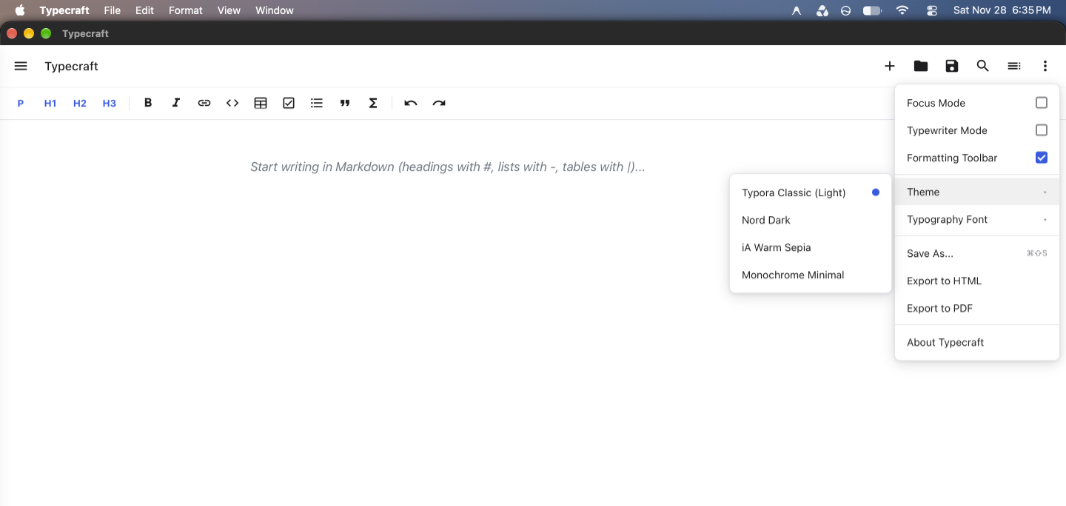
After testing the app briefly, I asked:
Can you make a DMG-based installer for the mac app
That happened very quickly, and Antigravity noted I could “Open the .dmg and drag Typecraft into the Applications folder alias inside the disk image to install it.” Nice.
And then … well, I was curious.
Typecraft for iPad
To see what it might take to get the iPad version of the app into the App Store–knowing in the back of my mind that Apple’s onerous policies would no doubt rear their ugly head at some point–the following:
Can you help me submit the iPad version of this app to the Apple App Store?
This came together quickly as well. There’s a lot to this, but Antigravity created an iPad-only target in the Xcode project, an opaque App Store icon, the required privacy manifest, an exported compliance key, and numerous other things that Apple requires. Then it gave me some to-do’s, which included signing the Xcode project with the Apple account tied to my Apple Developer ID, taking some screenshots of the iPad app (which I’d have to get running first), and several other items.
All that required me to reacquaint myself with Xcode, which was painful, but I eventually got the app running in an iPad Pro emulator.
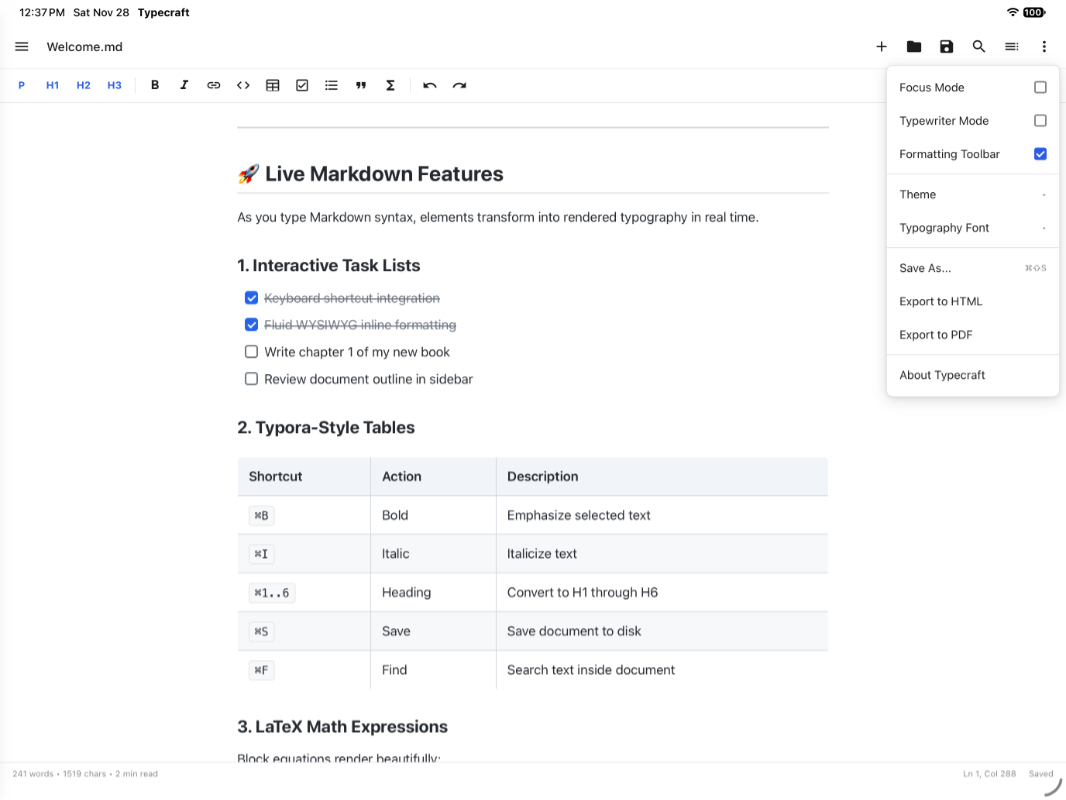
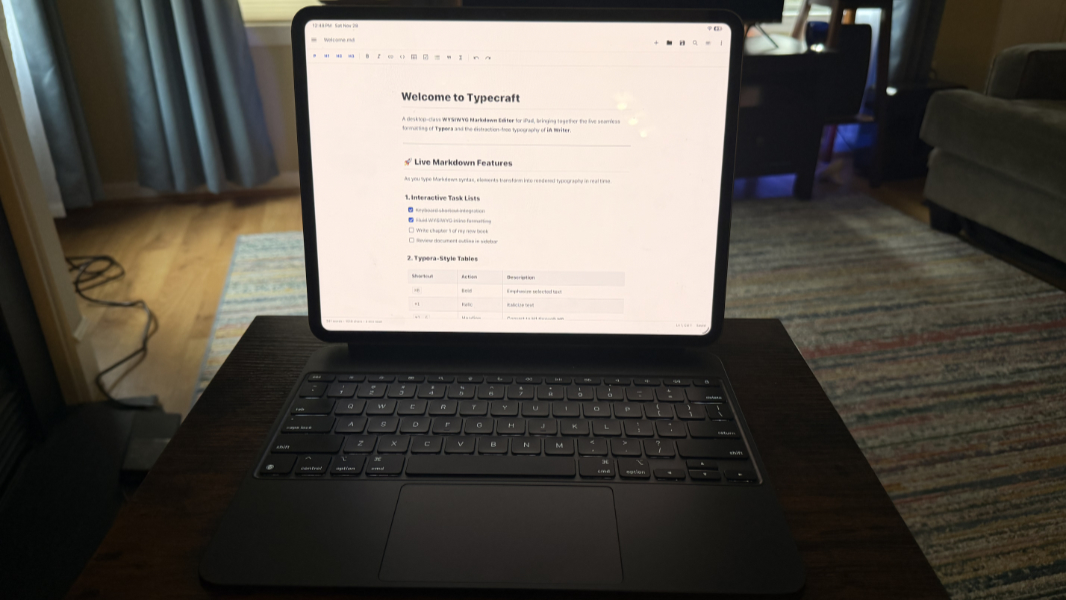
And then I connected Xcode to my real iPad Pro and ran it on there too(!). Progress.
Then, I validated the iPad version of the app for the store, which surprisingly didn’t trigger any warnings. (Antigravity told me this was “the biggest hurdle — nice work!”, not that I had much to take credit for there.)
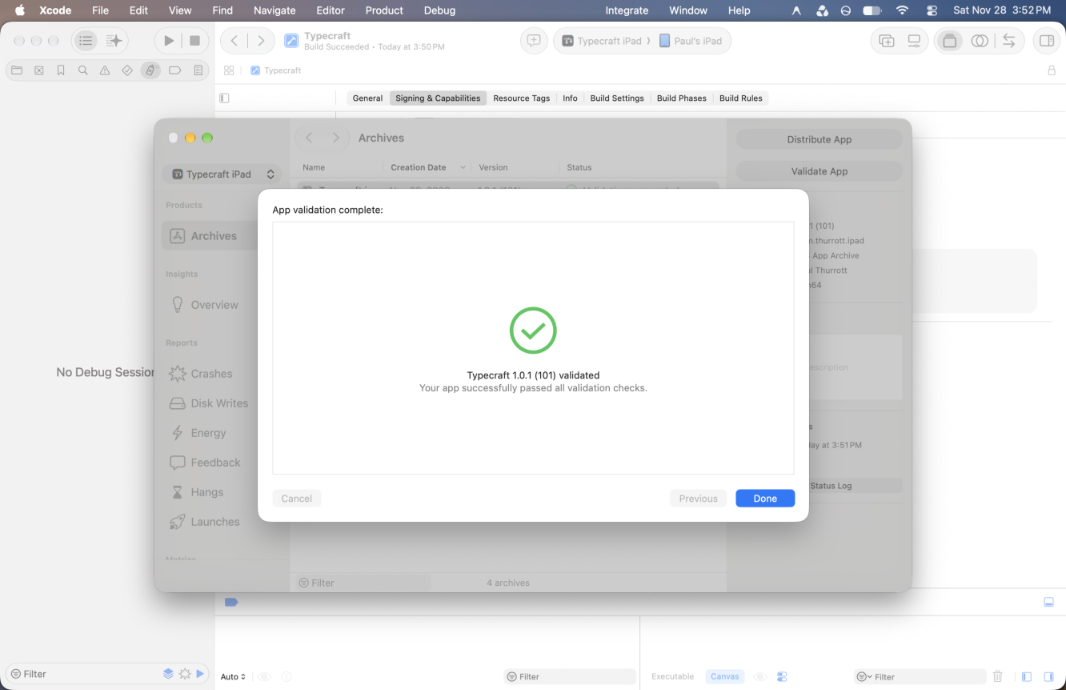
And it seemed like I could just try and publish it then, but to be sure, I chose to see if I could get it into TestFlight, Apple’s service for hosting pre-release versions of apps. But I have to make a few configuration changes in App Store Connect before that will go live, I guess. That’s for tomorrow.
Typecraft for Android?
Since the initial version of this app was created as an Android app, I shouldn’t have too many issues getting that updated with all the new features and bug fixes I’ve added since. But I also want to see what it looks like to use the latest (Windows) app version as the base for a new Android app version, as I did for the Mac and iPad. And then I have to figure out the Google Play Store, of course. But let me figure out the iPad version first.
More soon, but given all the issues I’ve had with hand-coding apps over the past several years, this is incredibly exciting. Typecraft isn’t a complicated app per se, but I love that I can pull it together so quickly and then bring it to any platform too. We live in exciting times.