Outlook for Mac is Getting the Ability to Recall Emails
- Laurent Giret
- Feb 03, 2025
-
7
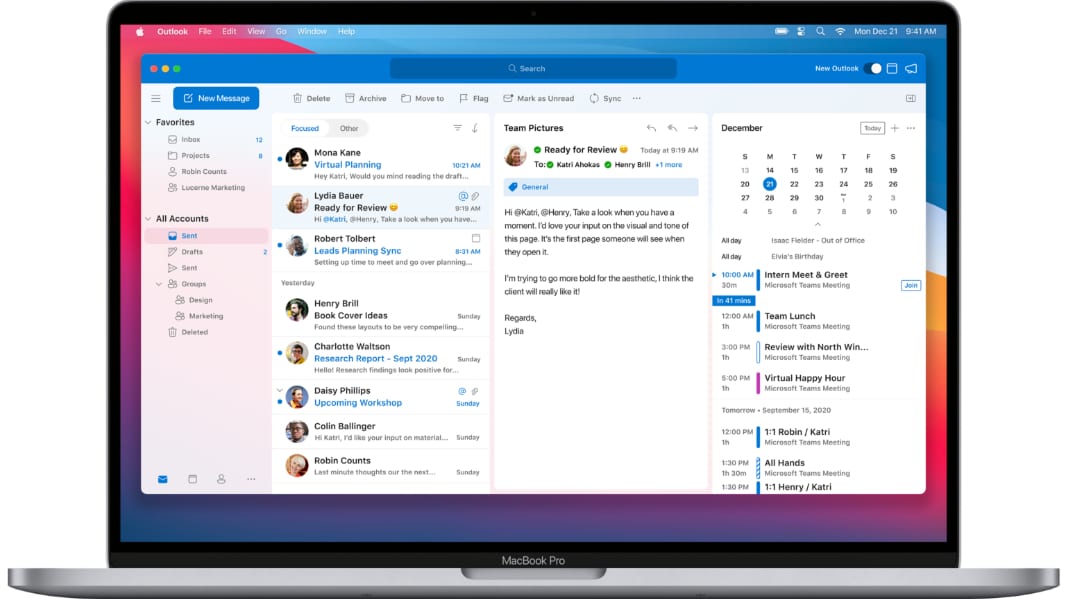
Outlook for Mac is getting the ability to recall emails sent by mistake, which was a top-requested feature. Recall in Outlook is now available for testers on the Beta Channel, and Microsoft plans to enable it for all Outlook for Mac users later this month.
“We have all experienced that moment of regret after hitting the Send button on an email, when we quickly realize a mistake was made – whether it was forgetting an attachment, sending it to the incorrect recipient, or spotting a significant typo, wrote Priya Ganta, a Product Manager with the Outlook team. “This can be particularly crucial in professional settings, where sending incorrect information can lead to confusion, or erode trust or confidence.”
In Outlook for Mac, the new Recall option will appear in the context menu that appears when right-clicking on an email in the Sent Items folder. A Recall button will also be available from the app’s top menu bar. After using the feature, Outlook users will be notified by email about whether the recall was successful or not.
Message recall has been available for a while on Outlook for Windows and Outlook for the web, but the feature is only available if both you and the recipient have a Microsoft 365 or Microsoft Exchange email account in the same organization. To be clear, it’s not possible to recall emails sent to or from Outlook.com/Hotmail, Gmail, and other email accounts.