Copilot in Outlook Can Now Proactively Manage your Inbox and Calendar
- Laurent Giret
- Apr 28, 2026
-
4
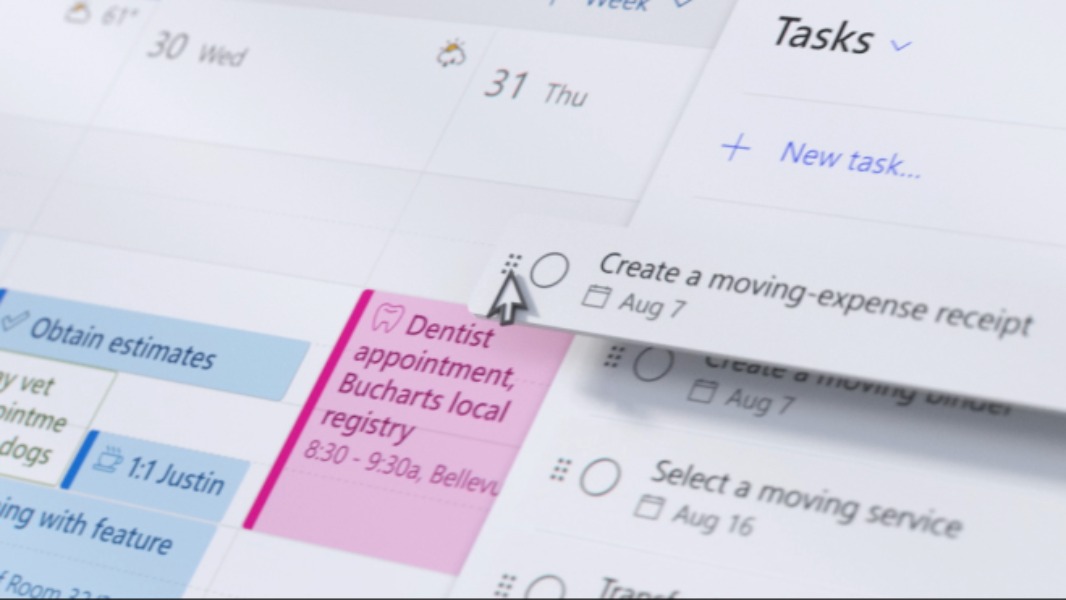
Microsoft is improving the Copilot integration in Outlook with the addition of new agentic features. The new experimental capabilities, available via the company’s Frontier program, will allow Outlook to intelligently prioritize emails, proactively manage calendars, help users prepare for meetings, and more.
“Until now, Copilot in Outlook helped with the task in front of you: drafting an email, catching up on a long thread, or finding a time to meet. Useful, but not the hardest part”, the Outlook team explained. “That’s what’s changing today. Copilot in Outlook is now agentic, taking on the ongoing work of running your inbox and calendar. It triages emails, reschedules conflicts, and surfaces what matters most before you even ask.”
In practice, Outlook users will just need to tell Copilot what the chatbot needs to do with their inbox, whether that’s prioritizing and triaging emails using inbox rules, drafting follow-ups, and more. Copilot can identify important messages and use recent context to prepare its responses, and users can still monitor what Copilot is doing in real time.
Inbox overload? Calendar conflicts? Copilot keeps everything on track with new agentic capabilities in Outlook. Available via the Frontier program.
Read the blog: https://t.co/wfcecGtQuP pic.twitter.com/kVsukkZJQO
— Microsoft Outlook (@Outlook) April 27, 2026
On Outlook for Windows and the web, Copilot’s new agentic capabilities can also go beyond calendar management: The assistant can also draft an agenda based on the topic of the meeting and tell participants what they need to know. It can also recommend to users which meetings they should decline, follow, or delegate by understanding their current priorities.
Organizations interested in testing these new agentic features in Copilot for Outlook will need to join the Microsoft Frontier program in the Microsoft 365 Admin center and assign Microsoft 365 Copilot for Business licenses to their users. You can learn more about other Frontier features on this page.