Microsoft Announces June 2025 Update for the New Outlook
- Paul Thurrott
- Jun 03, 2025
-
13
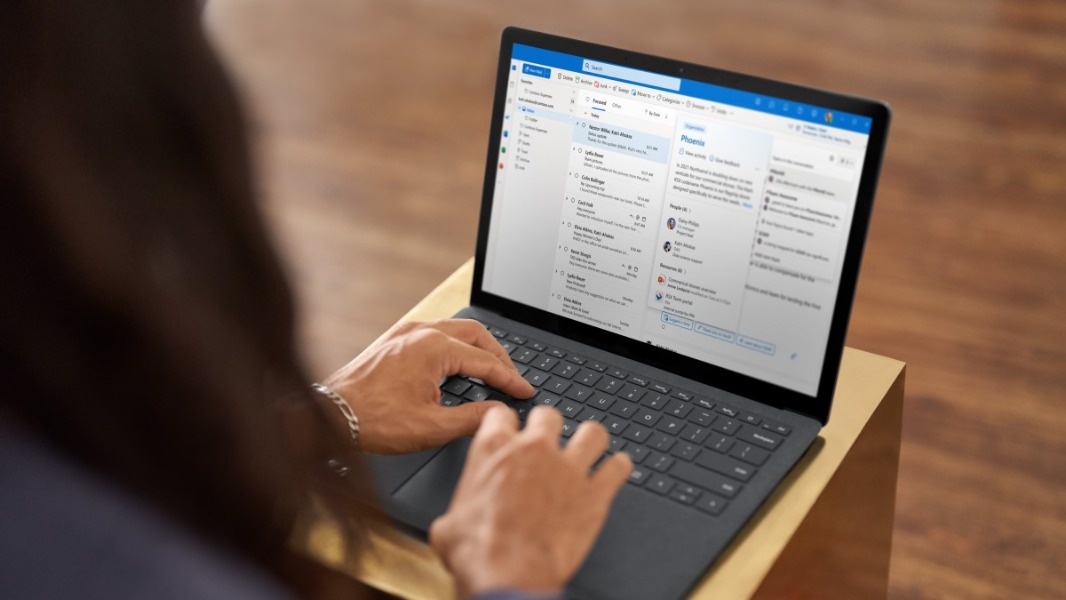
The new Outlook for Windows isn’t what anyone would call a fan favorite, but Microsoft keeps on trying. Today, it revealed all the changes coming in the June 2025 update for this app. And it’s a pretty impressive list.
Here are the key improvements and other changes.
Disable Copilot in Outlook. You can now disable Copilot in Outlook. To do so, open Settings and navigate to Copilot > Copilot control. Then, click “Turn on Copilot” to change it to “Off.”
Copilot features in multiple email accounts. If you’re signed in with an account that has a Copilot subscription or AI credits, those features will now be available across all your email accounts and not just the one that’s associated with Copilot. This works with Outlook.com, Hotmail.com, Live.com, MSN.com, of course, but also third-party accounts like Gmail, Yahoo, and iCloud. You can learn more here.
Copilot email coaching. Copilot in Outlook now provides tone, clarity, and reader sentiment suggestions so you can be sure an email conveys the message you intend. You can learn more here.
Improved PST file support. Now, you can reply to and forward email messages that are stored in a PST file. Microsoft says it will add more PST-related features in future updates as well.
Move emails between accounts. If you’re using consumer accounts, you can now move email messages between different accounts. If you’re a commercial customer, this feature is disabled by default and administrators can control it via policy. If it is enabled, they can configure it in such a way that respects other organizational policies.
Offline improvements. By default, the new Outlook would save 7 days of email for offline use, but now that default is 30 days. You can now search group emails when offline. And you can cancel a message after you’ve sent it while offline.
Favorites improvements. You can now add shared folders to Favorites.
Contact suggestion improvements. Now, when Outlook displays suggestions as you start typing an email address, it will mark external contacts with an “External” tag so it’s obvious they’re not within your organization.