Xbox July Update Adds New Social Features and Customization Options
- Laurent Giret
- Jul 17, 2026
-
0
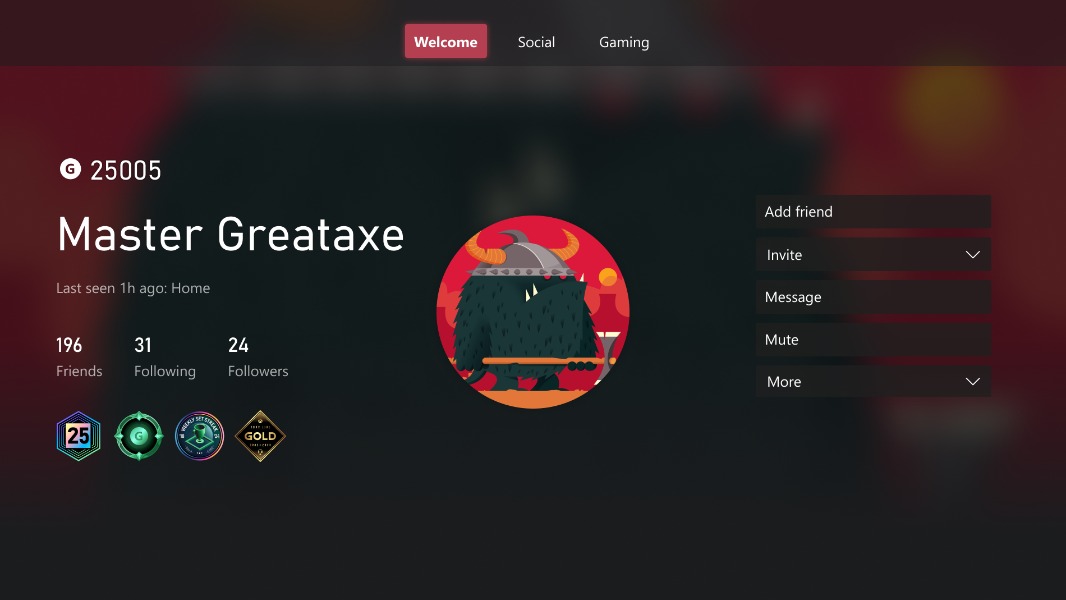
The Xbox team released a July console update this week that adds support for longer gamertags, new library customization options, and more. After installing this update, Xbox gamers will also be able to quickly check out the release notes for console updates right from the Home’s top navigation menu.
Regarding Xbox gamertags, the character limit for unique gamertags has been raised from 12 to up to 15 characters. “Gamertags that are not unique or contain non-Latin characters may have a suffix and will continue to support up to 12 characters,” the Xbox team explained.
Hey XBOX, if you wanted to know more about the July console update that started going out to users yesterday, here's a link to the release notes: https://t.co/o7CfTdIdqq
— Eden Marie (@neonepiphany) July 16, 2026
As a reminder, you’re still allowed to change your gamertag for free once, then all future gamertag changes will require a fee. Another social update included in this release is the ability to see mutual friends when checking out another player’s profile (if their privacy settings allow it).
In the My Games & apps menu, Microsoft added a new option to choose a poster-style artwork for games instead of a square image. There are also new options to remove the Xbox Series X|S optimized and Game Pass icons that appear on game tiles in My Games and Apps and recently played lists.
Other notable new features in the July console update include the ability to choose a custom profile color or pick up one that matches your gamepric. I’m surprised this wasn’t possible before, but the release notes also mention that Xbox gamers can now set up dark and light themes, custom backgrounds, a solid color background, a limited selection of dynamic backgrounds, and more when their console is offline.
Lastly, Microsoft added a new indicator on the Home page to inform Xbox gamers about service issues. These new service alerts will lead to a status page with the latest information about the outages.