HP OmniBook X Flip 14 First Impressions
- Paul Thurrott
- Jun 24, 2025
-
2
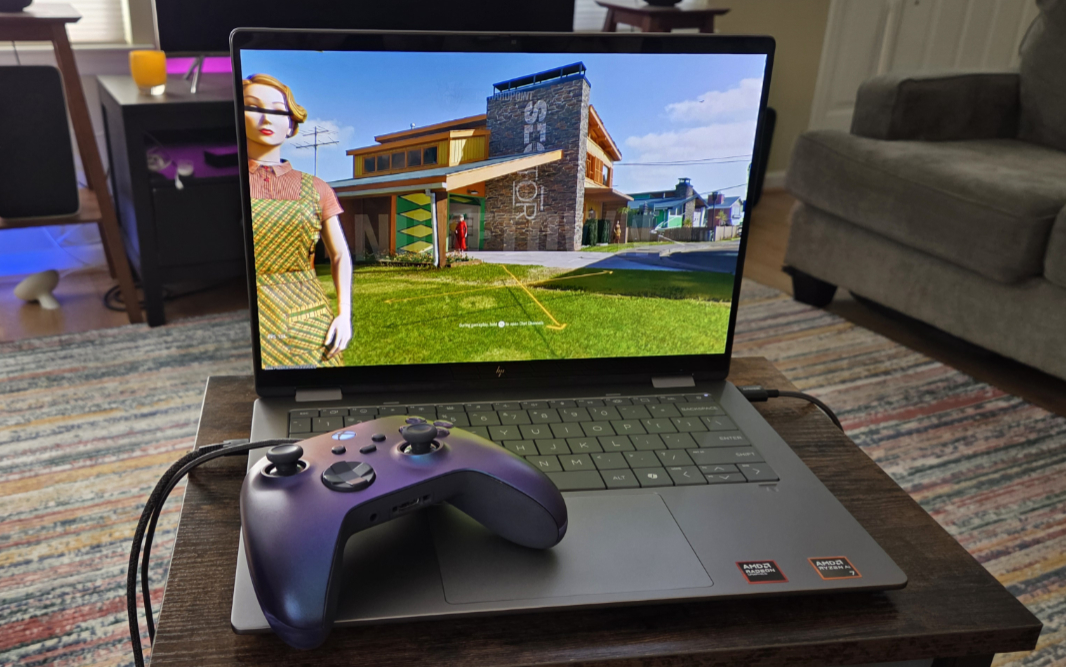
In addition to the Intel-based HP OmniBook X Flip 16, I’m also reviewing an OmniBook X Flip 14 with an AMD Ryzen AI 7 processor. This presents an interesting conundrum for me, as I prefer the bigger display on the Intel unit, but I very much prefer recent AMD Zen 5 processors.
There’s a simple enough solution to this problem, of course: HP sells both laptops–the OmniBook X Flip 16 and OmniBook X Flip 14–in AMD and Intel variants. And so you should be able to find the combination of components that’s perfect for your needs.
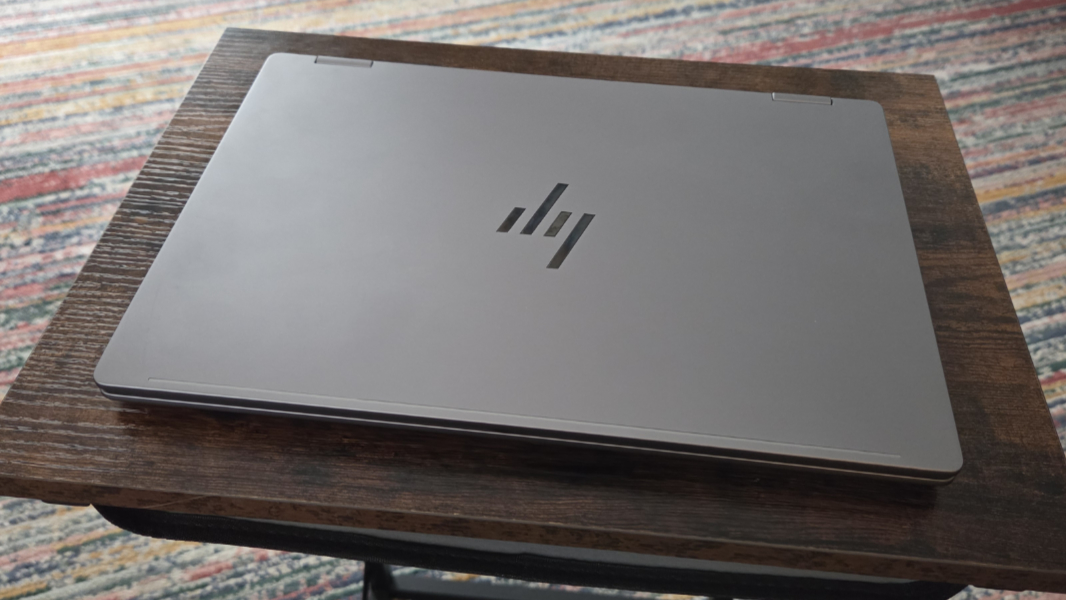
There is, of course, a familiar similarity to the two laptops: Like its 16-inch siblings, the OmniBook X Flip 14 is a 2-in-1 design with multitouch and active pen support. That versatility can be useful, though I typically find myself sticking to the traditional clamshell form factor. And it adds a bit of weight: The 14-inch OmniBook X Flip is 3.11 pounds, over the 3 pound threshold that is typical for 14-inch laptops. I suspect the cooling needs of its more powerful AMD processor might be responsible for some of that, too.
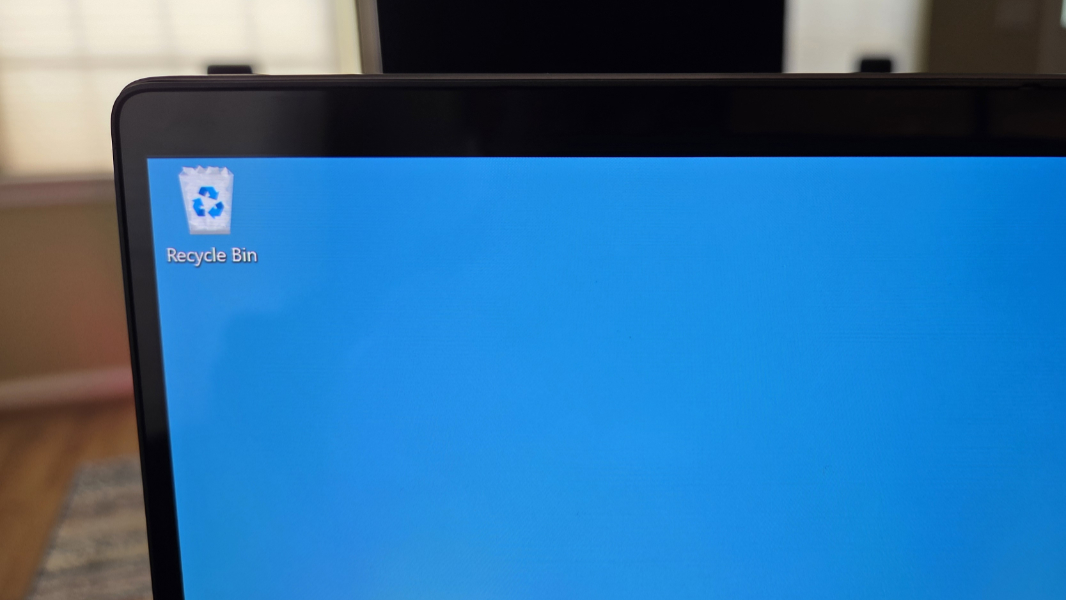
Speaking of which, there are four processor/RAM choices since the memory is integrated and non-expandable: An AMD Ryzen AI 5 340 with AMD Radeon 840M graphics and 16 GB of RAM and an Ryzen AI 7 350 with Radeon 860M and 16 GB, 24 GB, or 32 GB of RAM. There are also two storage choices, a 512 GB or 1 TB PCIe NVMe M.2-based SSD. And two 16:10 display choices, similar to the 16-inch models: A Full HD+ (1920 x 1200) IPS panel that emits 400 nits of light and a 3K (2880 x 1800) OLED panel with low blue light and HDR 500 capabilities that emits 400 nits of light (or up to 500 nits with HDR content). One oddity: It supports a 120 Hz refresh rate, but not a dynamic (variable) refresh rate.
The review unit is the highest-end configuration with the Ryzen AI 7 350 processor, Radeon 860M graphics, 32 GB of RAM, 1 TB of storage, and 2.8K display. It’s in a handsome medium gray metal enclosure of unspecified material, and the keyboard is nicely offset with a darker gray color. I would likely choose the lower resolution display at this screen size, however.
What the AMD processor choices give you is better overall performance, especially in games, plus better reliability and battery life. Well, generally. I’m seeing roughly 50 FPS in Call of Duty: Black Ops 6 with a mix of low and medium-quality graphics setting, which is better than I get with Intel Lunar Lake chips but not spectacular compared to the PRO-level AMD chips.
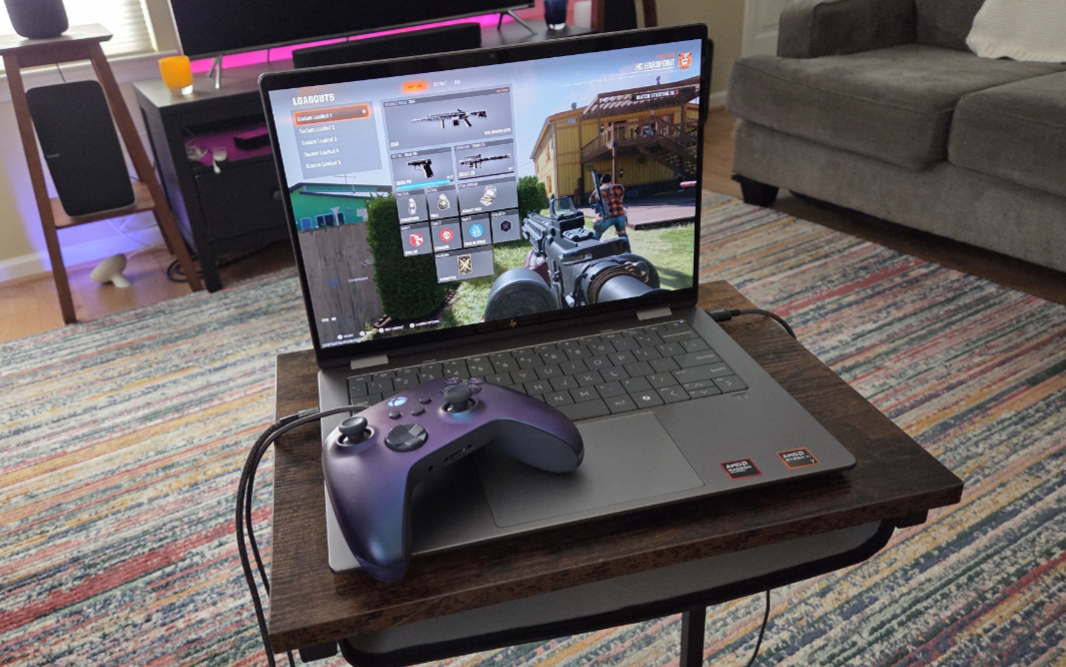
And while it’s too early to really report on battery, I did mention that the 16-inch Intel-based version I’m testing was seeing 6.5 hours-ish of battery life in early testing. So what the heck, I’m seeing about 7.5 hours with less testing time on the 14-inch AMD version. I’m expecting that to get closer to 8 hours, but we’ll see. Whatever the outcome, I very much prefer AMD’s latest mobile processors to those from Intel, and I would put up with a bit less battery life if that was the case.

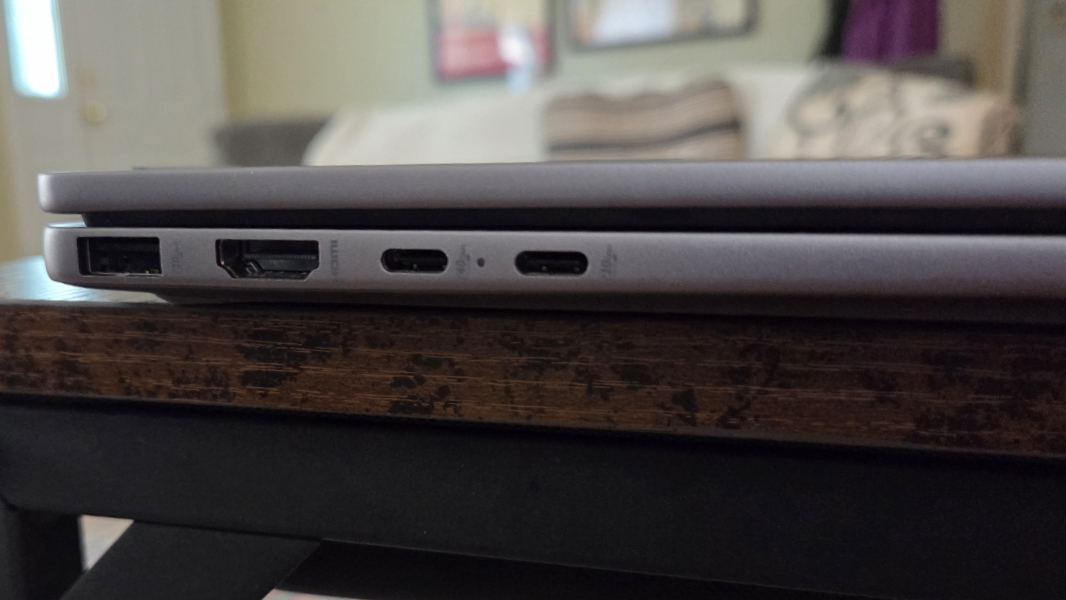
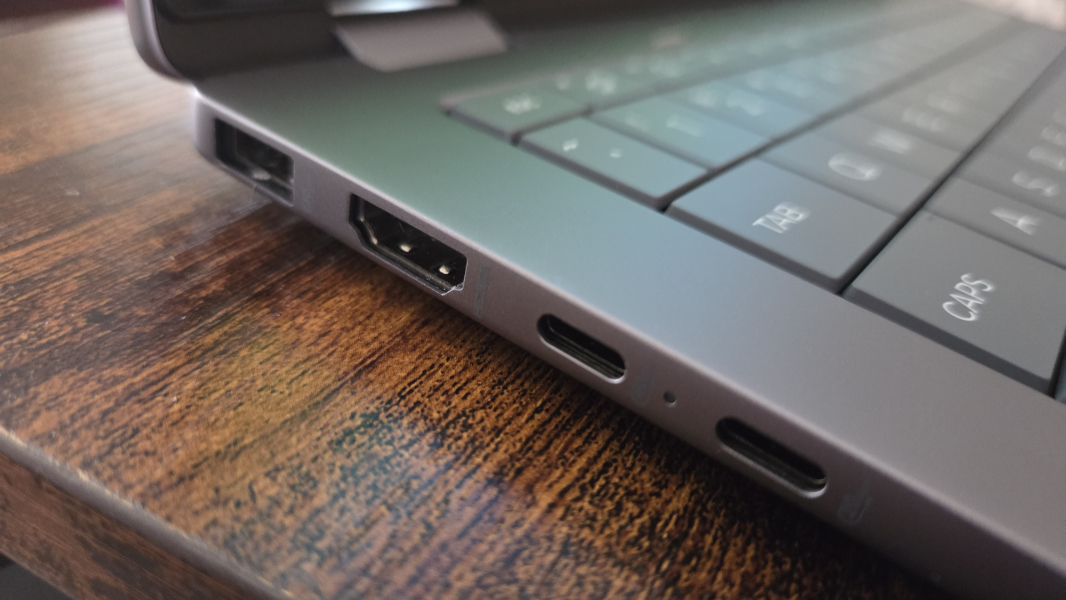
Beyond that, the smaller OmniBook X Flip has nearly identical connectivity, expansion, audio-video, and hybrid work functionality as the larger versions, as one might expect. There’s Wi-Fi 7 and Bluetooth 5.4 (albeit it of the MediaTek variety rather than Intel), the same mix of USB and other ports in the same locations, a 5 MP IR webcam for Windows Hello ESS, and stereo speakers with DTS:X audio, though they are downward-firing, and in the front, on the 14-inch models.
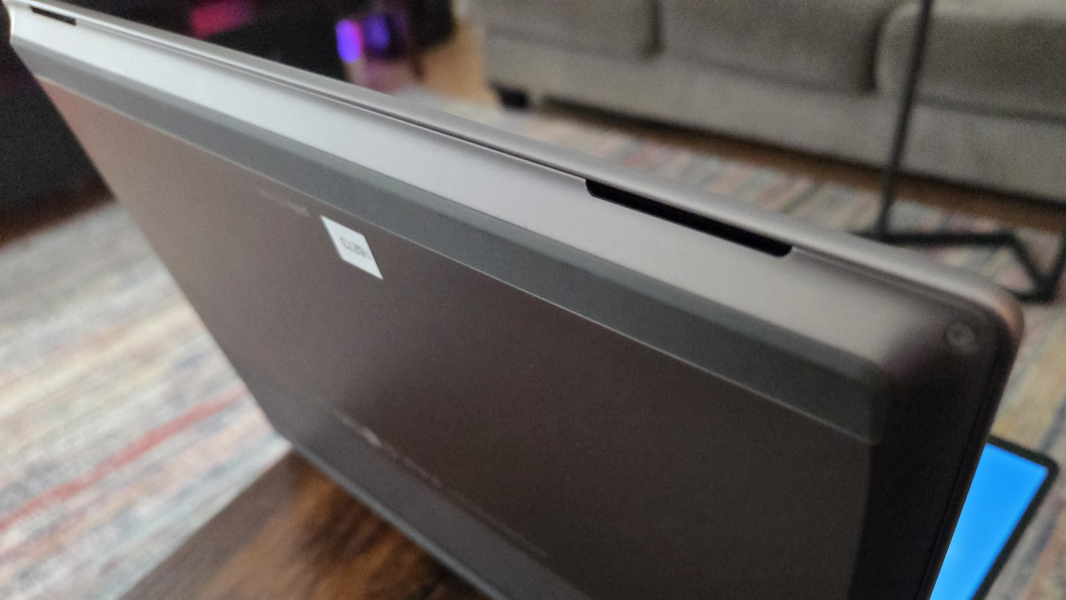
Speaking of Windows Hello, the OmniBook X Flip provides facial recognition, but not fingerprint recognition. And there is a full set of presence detection features, so it can dim the screen when you look away, turn off the display when you walk away, and wake up and turn on the display when you approach.
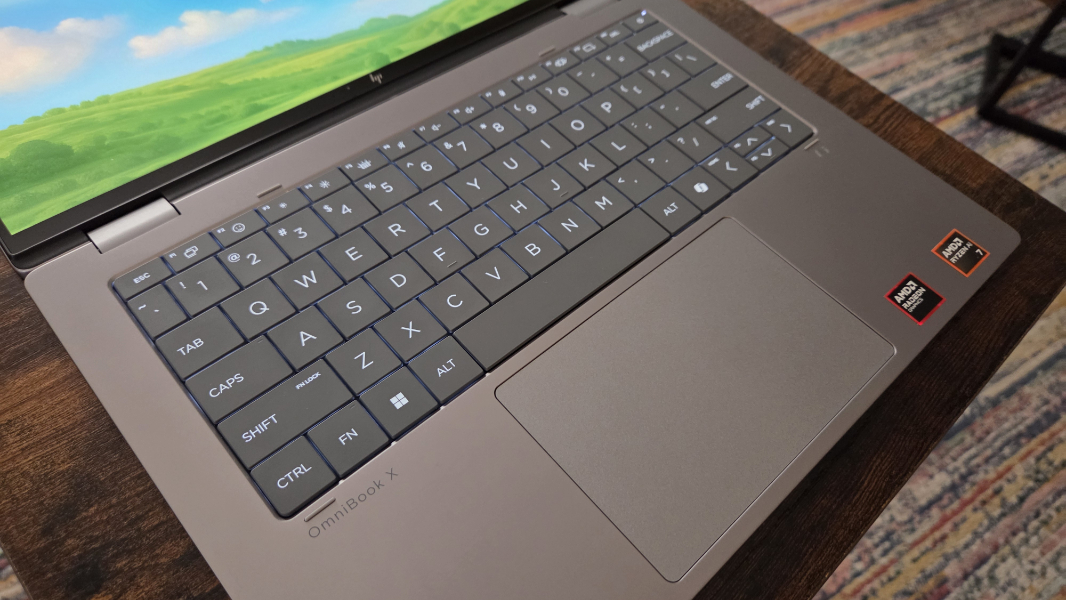
The keyboard and large touchpad are likewise identical. There was some commentary about the keyboard in my first look at the OmniBook X Flip 16 that I assume was just based on the look. But in use, these keyboards are fantastic, with a good key throw and a nice, soft feel. My only early criticism is the small Up and Down arrow keys.
The software build looks to be identical to that I see on the 16-inch OmniBook X Flip. A bit much.
Pricing is surprisingly reasonable, as is the case with the 16-inch variants. The OmniBook X Flip 14 starts at about $1130 for a model with the AMD Ryzen AI 5 340 processor, 16 GB of RAM, 512 GB of storage, and Full HD+ display. But HP routinely has sales, and you can buy a preconfigured version with those specs upgraded to a Ryzen AI 7 processor for just $800 right now. The review unit would set you back about $1500 at list price.
More soon.