Zorin OS 18 is Here to Replace Windows 10
- Paul Thurrott
- Oct 14, 2025
-
5
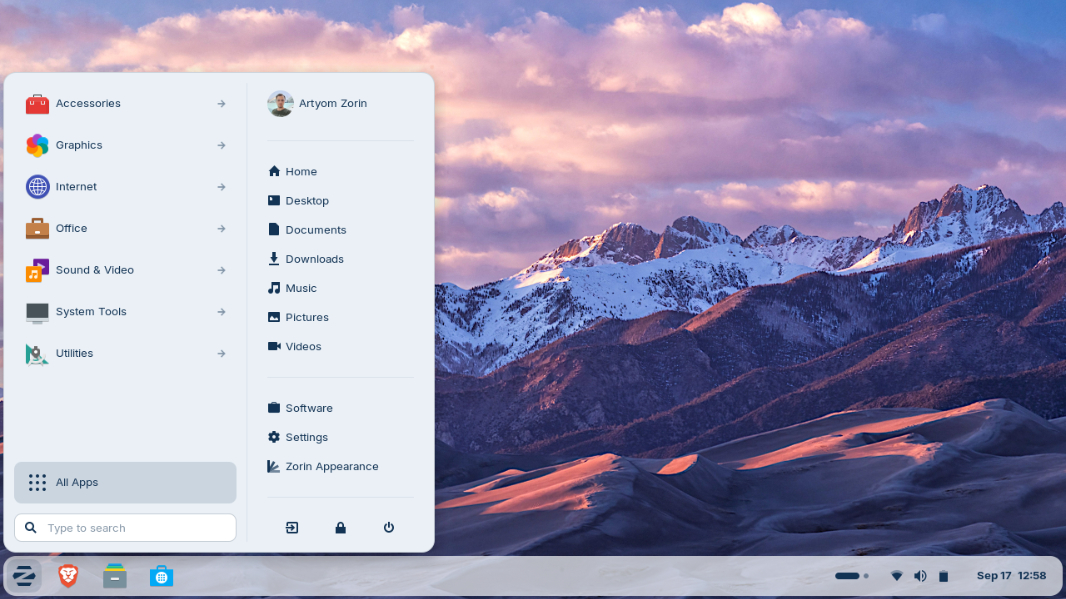
Zorin OS 18 is a major update to the user-friendly Linux distribution and it’s designed to replace Windows 10, which exits support today unless you opt into an extra year of free support.
“With Windows 10 reaching its end of life today in most of the world, an estimated 240 million computers that don’t meet Windows 11’s strict hardware requirements will be left behind,” the Zorin announcement explains. “With Zorin OS, your next computer can be the one you already own. It’s designed to be the perfect Windows replacement for everyday users, professionals, and everyone in between.”
Here’s what’s new in Zorin OS 18.
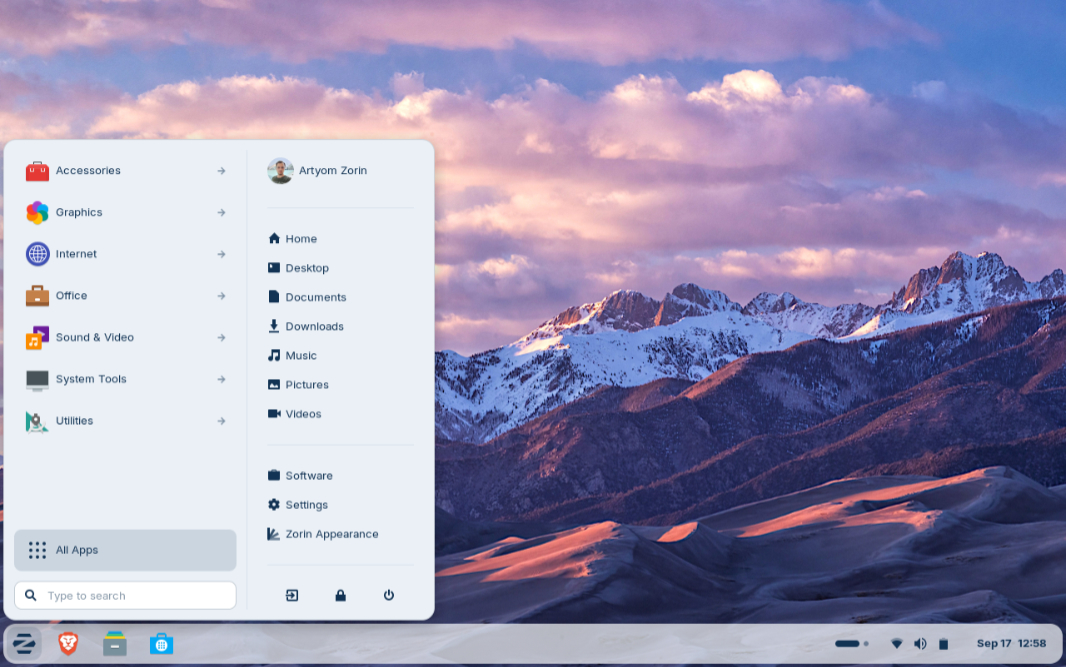
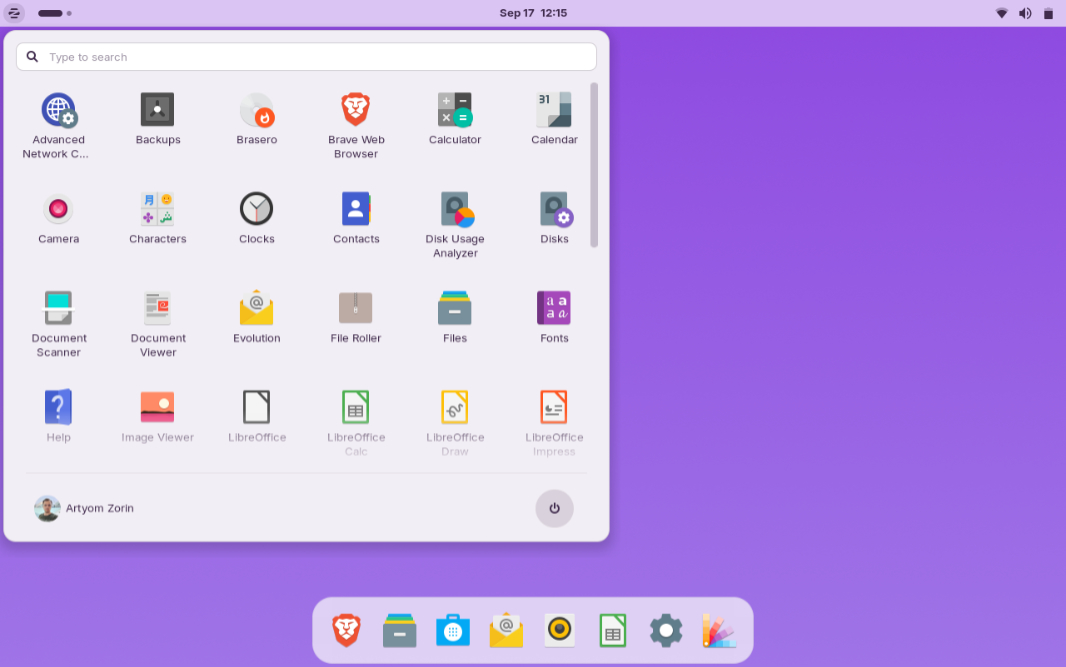
Redesigned desktop. Zorin enhanced the overall look of its environment while retaining the best parts of the Zorin OS aesthetics. The default theme looks a lot like Windows 11, with rounded on-screen elements, a lighter color palette, and increased tinting on backgrounds and sidebars. But there are design tweaks all over Zorin OS 18, including visual updates to the Files, Settings, Calendar, and Evolution (mail) apps, a new Camera app, and many others.
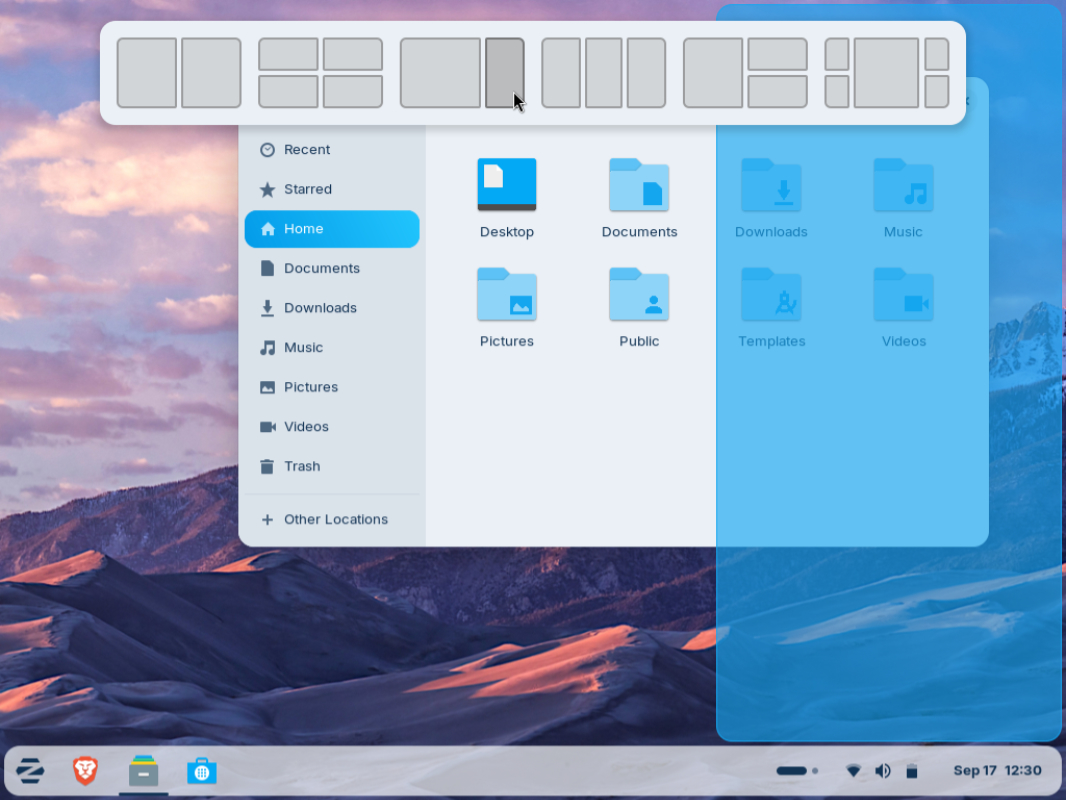
Multitasking improvements. Zorin OS 18 includes a new default window tiling manager that looks and works like Snap in Windows 11. A window layout panel appears when you drag a window, and you can create your own tiling layouts.
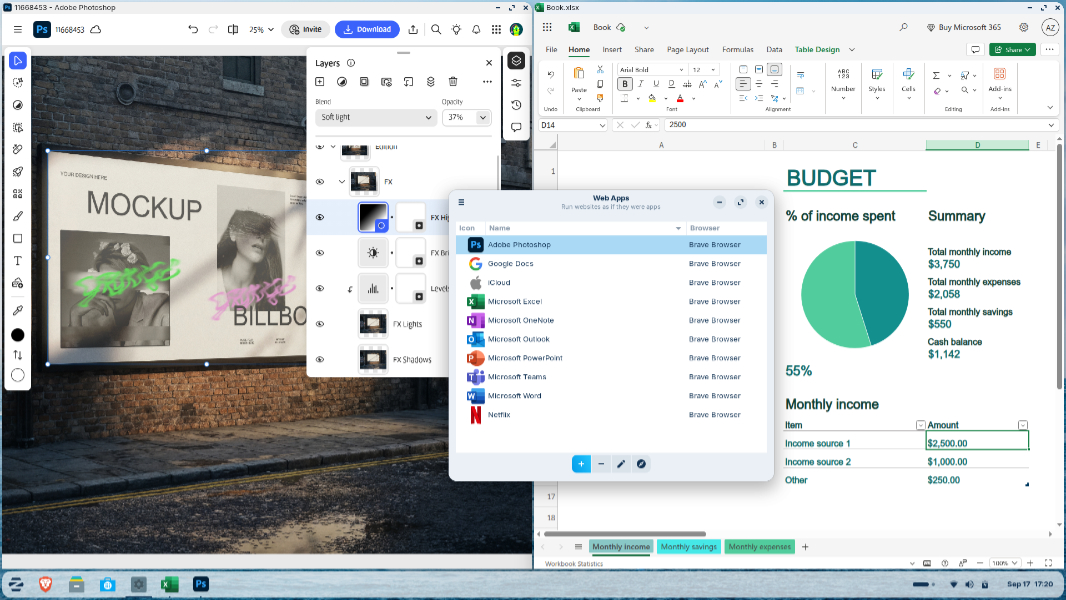
Web app integration. Progressive Web Apps (PWAs) now coexist with native apps as first-class citizens, and you can turn any website into a desktop app with a start menu shortcut using a new Web Apps utility and the web browser backend of your choice. Zorin notes that this capability allows users to run web app versions of Office 365, Teams, Google Docs, and Adobe Photoshop right from the desktop.
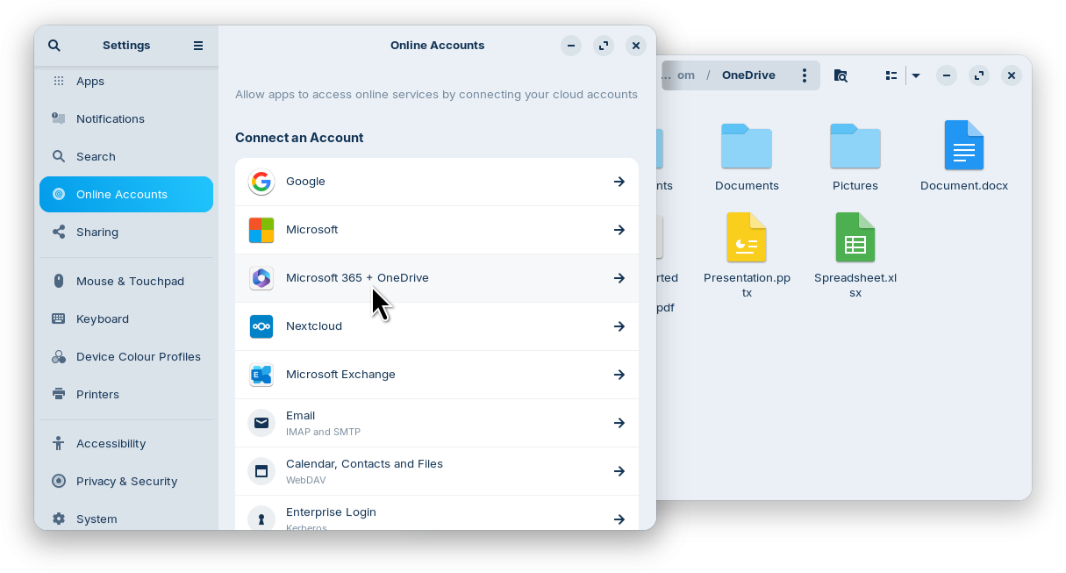
OneDrive files integration. A key feature for those migrating from Windows 10, OneDrive integration means that you can browse and manage your OneDrive files directly from the sidebar in the Files app.
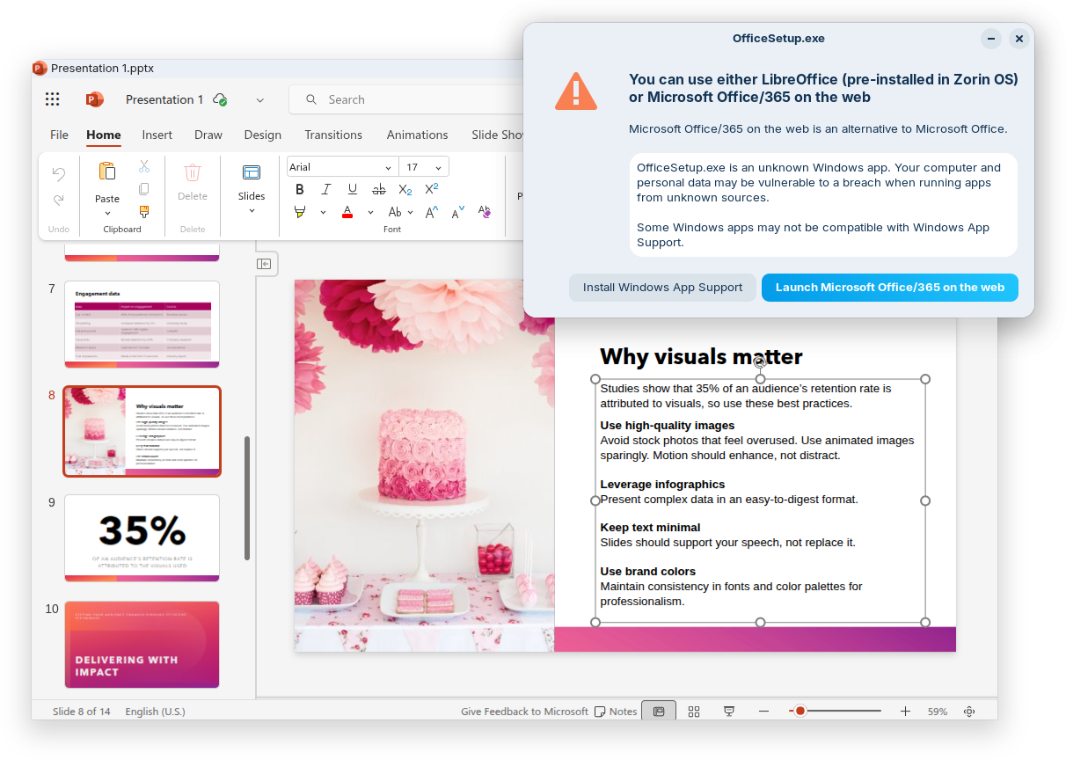
Tailored Windows app alternatives. Zorin OS 18 can auto-detect over 170 Windows app installers and recommend tailored alternatives to sideloading Windows executables using WINE 10. For example, if you try to install Microsoft Office, Zorin OS will direct you to the web app or the closest native alternatives, like LibreOffice. (It recommends Apostrophe for Markdown editing if you try to install IA Writer.)
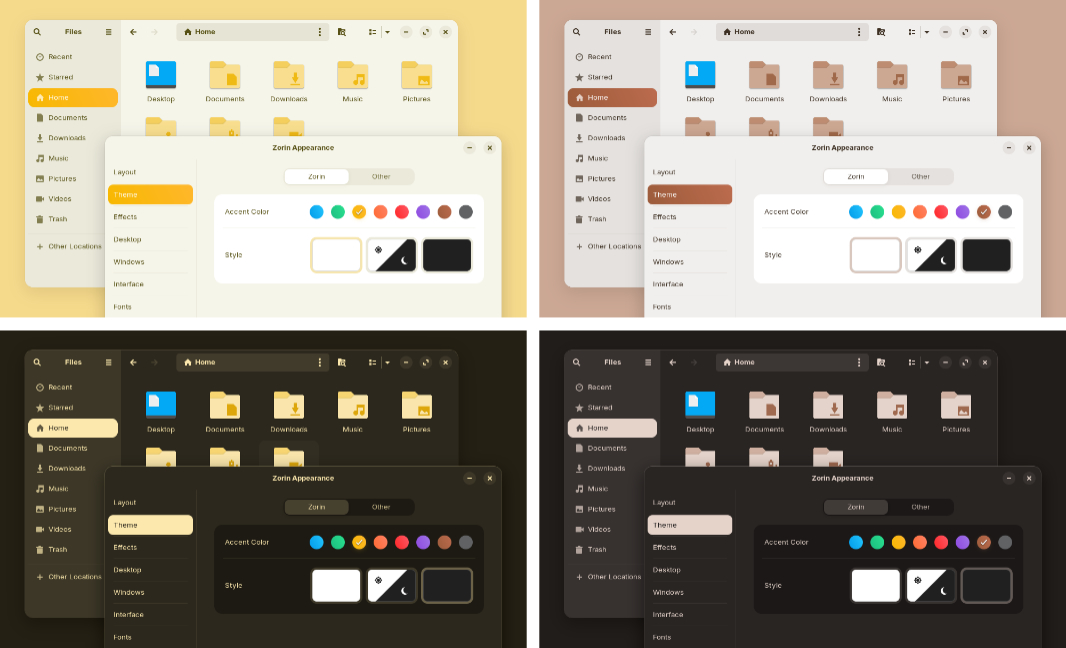
New theme colors. Thanks to feedback, Zorin OS 18 now includes yellow and brown themes that work in both light and dark mode in addition to the previous theme colors.
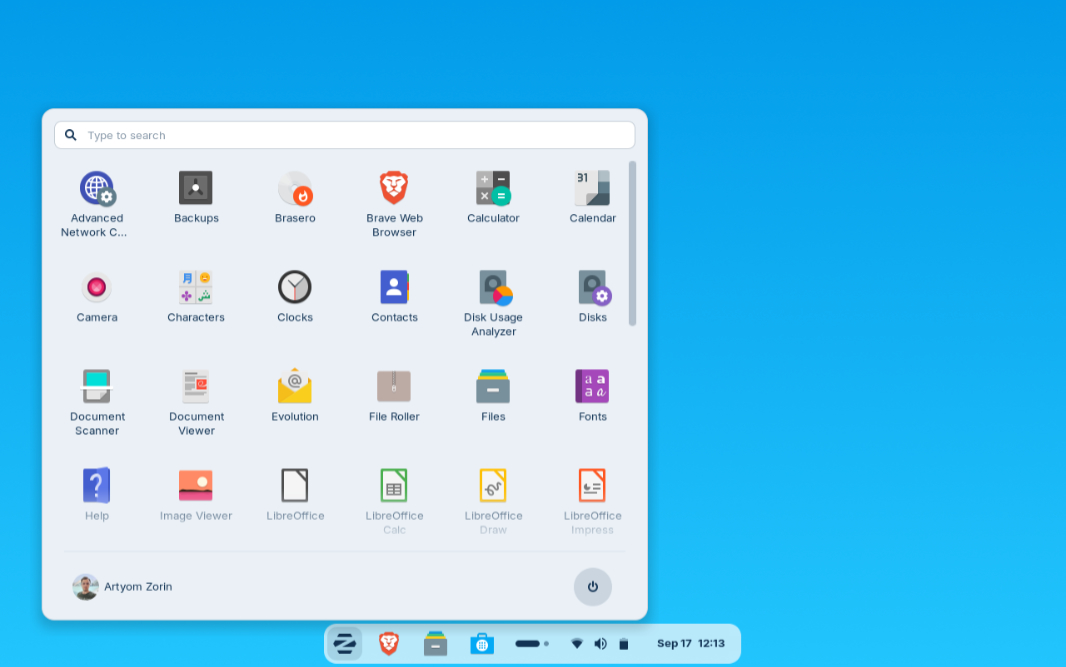
New desktop layouts. Zorin now includes 12 desktop layouts, including three new layouts: Compact, which maximizes your screen space, a Linux Mint-like layout, and an Elementary OS-like layout with a clean, minimalist look.
New apps for Pro and Education. Zorin OS 18 Pro adds 11 new apps, including Deskflow (mouse and keyboard sharing across multiple PCs), Warp (secure file send), Valot (time tracking), Easy Effects (advanced audio output), and others. And Zorin OS 18 Education includes 4 new apps.
And a lot more. Zorin OS 18 also includes many other updates, like performance optimizations throughout, a Search Everywhere feature in Files, improved multi-monitor support, remote login with RDP, windows that now open centered by default, better sound quality thanks to a new PipeWire audio server backend, new system sounds, updated artwork, expanded hardware compatibility, and support that lasts through at least June 2029.
You can learn more and download Zorin OS 18 Core, Pro, and Education from the Zorin website. If you’re currently running Zorin OS 17, direct upgrades will be available in the coming weeks. And you can also buy a computer with Zorin OS preinstalled.