Switcher 2026: So, I Bought a Chromebook
- Paul Thurrott
- Apr 02, 2026
-
8
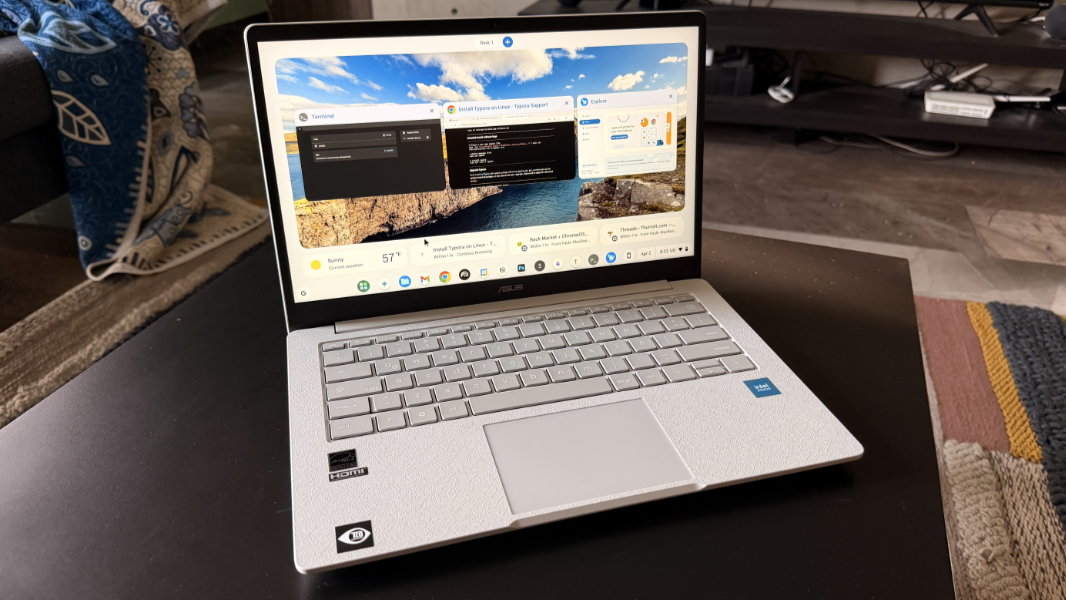
With Chrome OS Flex falling short of expectations, I decided it was time to buy a Chromebook here in Mexico. What I settled on–and, yes, settle is the right word–is an ASUS Chromebook CX1405 with an Intel N50 processor, 8 GB of RAM, and 128 GB of storage.
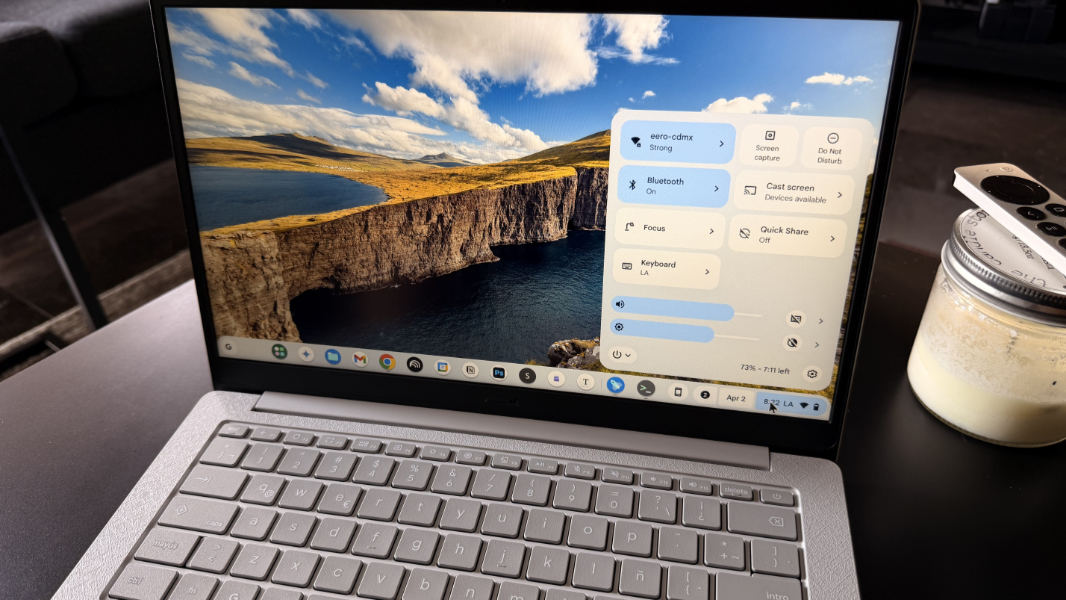
So yeah, it’s about as utilitarian as can be. But it also delivers some features one can’t get in Chrome OS Flex: Android app compatibility, Phone Hub for Android smartphone integration, Quick Share, and more.
I didn’t want to buy a Chromebook, obviously. I have at least one decent/recent Chromebook Plus model back in Pennsylvania and while I wasn’t sure when my Switcher 2026 monthly focus–which will likely extend to multiple months–would kick in, I was hoping I could wait on Chrome OS until we got back home in mid-May. But then Chrome OS Flex fell short and we are.
Finding a reasonably inexpensive Chromebook in Mexico, ideally one with a U.S.-style keyboard, proved challenging. In fact, I had given up at least twice in the recent past. But with the limitations in Chrome OS Flex proving to be too problematic, I went through the list of choices on Amazon Mexico yet again, ordered by price, and tried to find one with 8 GB of RAM that wouldn’t break the bank.
What I found was that ASUS. It was on sale Tuesday when I ordered it from Amazon for MXN$5,499, which is about $307 U.S. That seemed reasonable, but in writing this up today I see that it’s no longer on sale and is now back to its normal price of $7,499 pesos, or about $420 in U.S. dollars. It’s only $300 in the U.S., for whatever that’s worth.
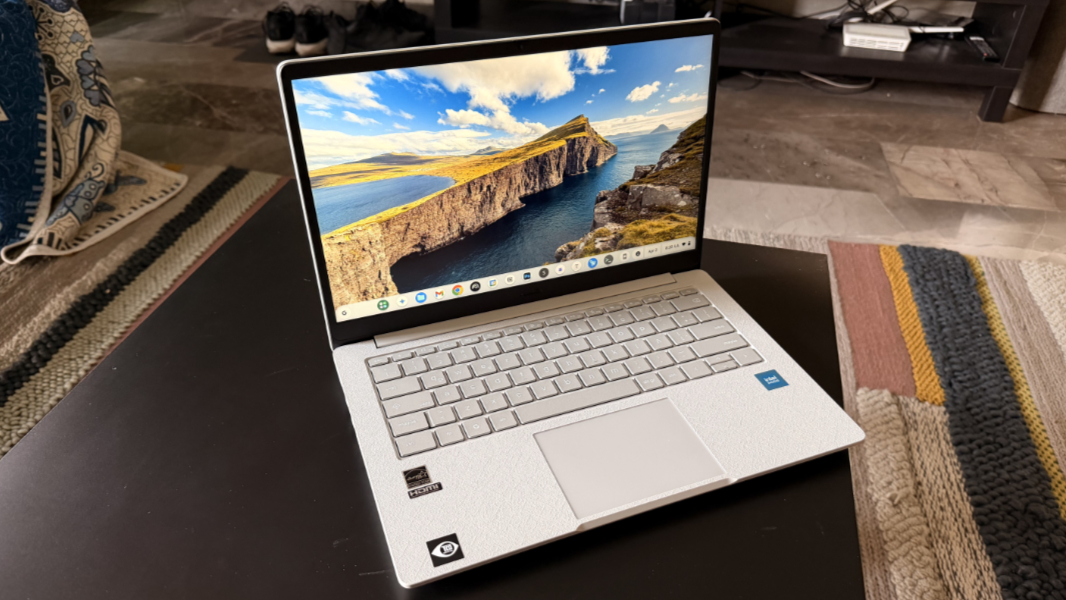
What I got for this sum is some pretty low-end components, a sort of blast from the past, though it should handle Chrome OS well enough and hopefully that RAM will make the Linux app situation a bit less dire: It has an Intel Core 3 N355 processor with integrated Intel UHD graphics, 8 GB of LPDDR4X RAM, 128 GB of eMMC storage, and a 14-inch Full HD (1920 x 1080) IPS display. So it’s not technically (or literally) a Chromebook Plus. But it’s decent for a Chromebook I guess.
Connectivity is reasonable, with Wi-Fi 6E and Bluetooth 5.4. And the ports situation is acceptable (barely), with 5 Gbps USB-A and USB-C ports, full-sized HDMI 1.4, and a combo microphone/headphone jack.
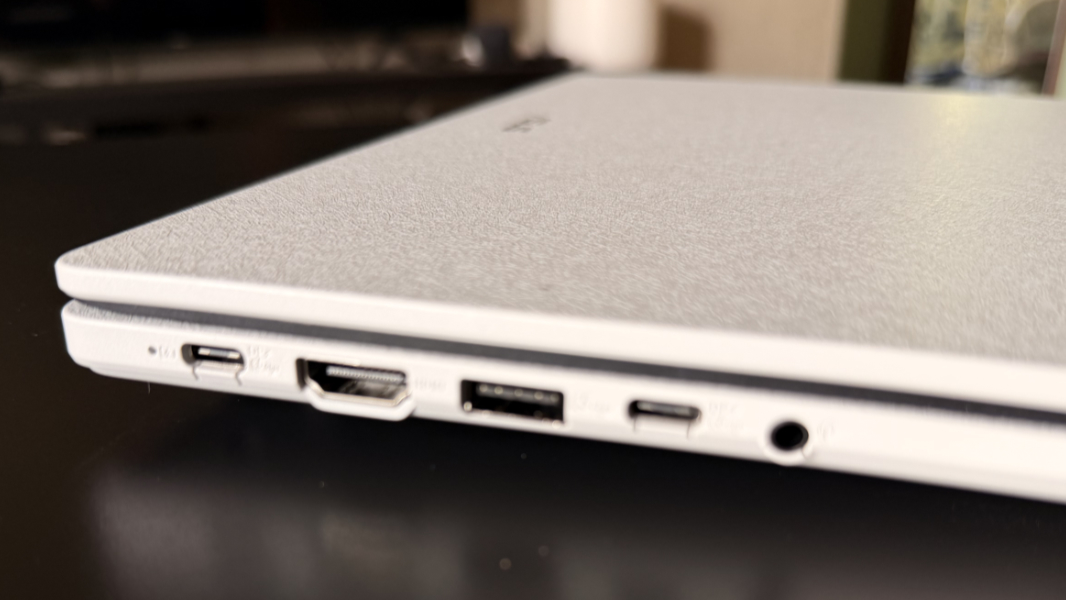
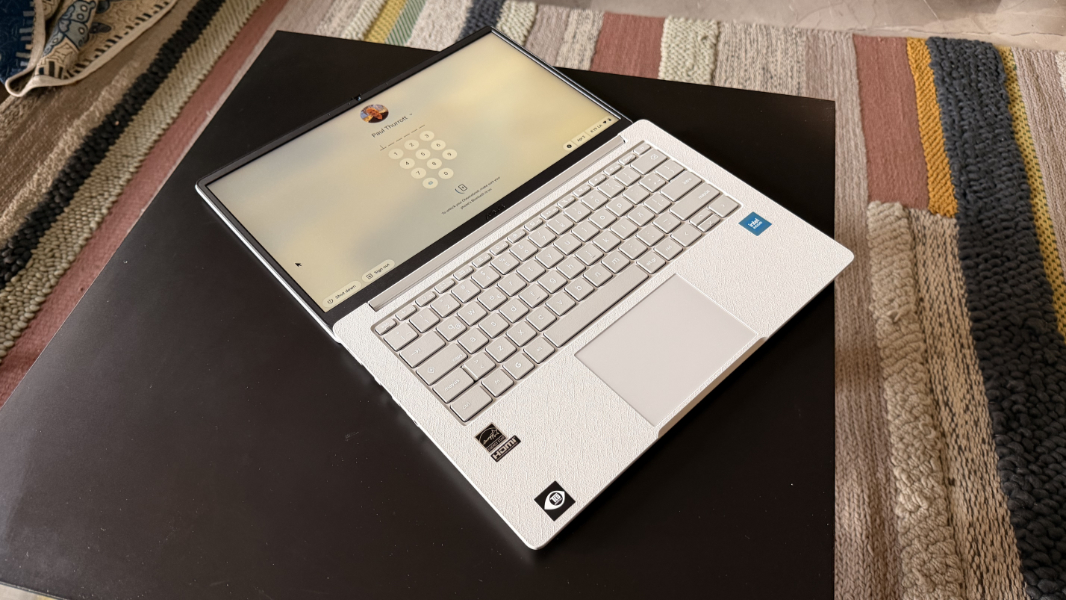
The laptop itself is … fine. It’s made of plastic from top to bottom, and there’s a sort of pattern molded into its surfaces. There’s no real flex on the display lid and, even more noticeably, the center of the keyboard.
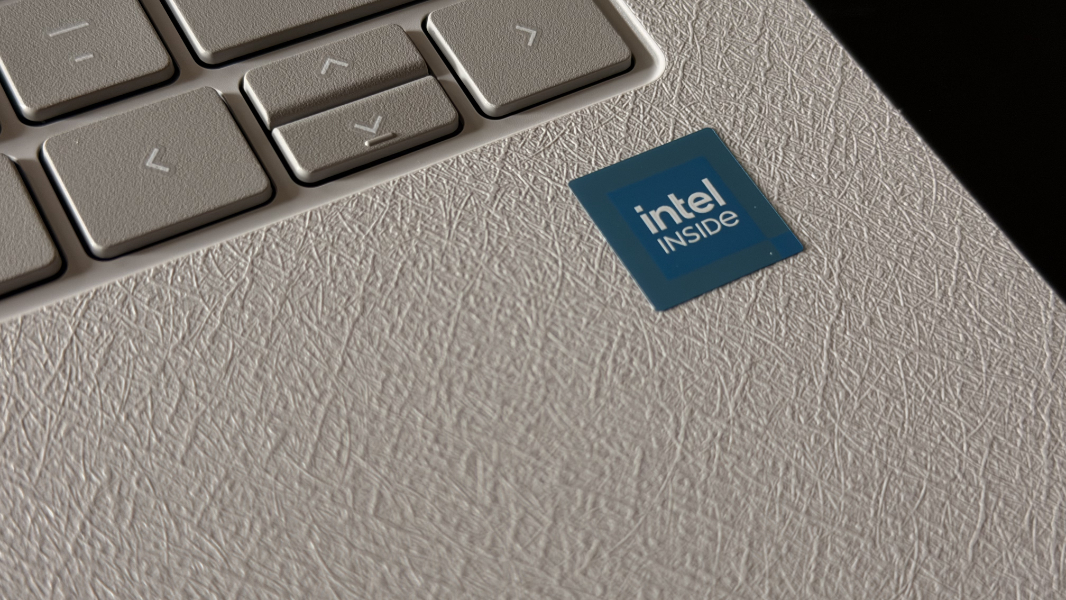
It’s pretty thick compared to most of the PCs I review and heavy for 14 inches, at over 3 pounds. And it can be had in a few different colors, though I didn’t really have much of a choice and ended up with light gray that’s … fine.
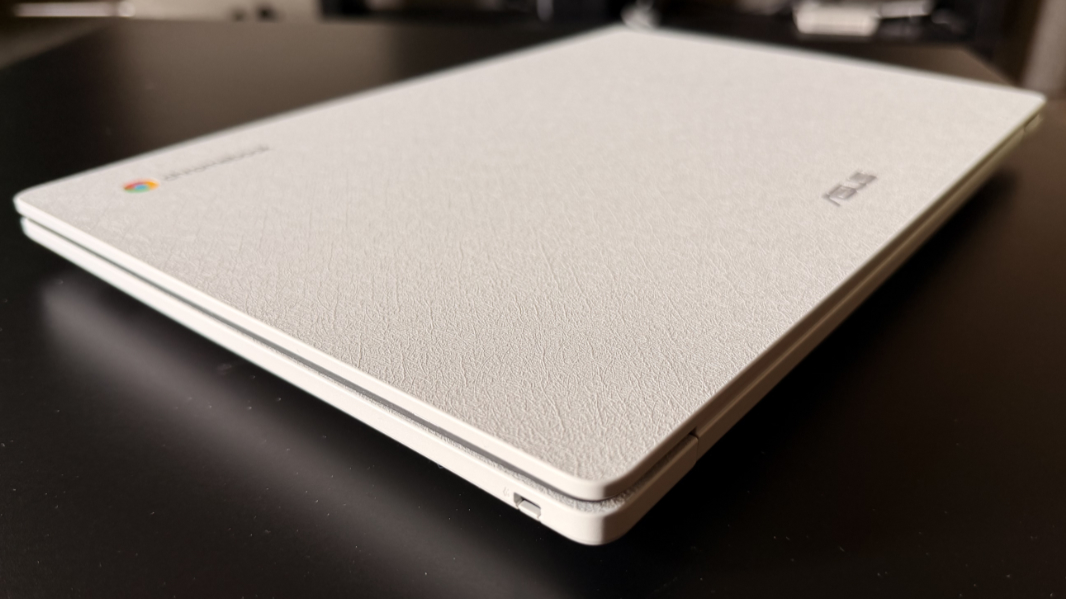
Compared to the much more powerful laptops I am using with Chrome OS Flex, the ASUS is perhaps more right-sized to the mission, so to speak. But it also has some other differences.
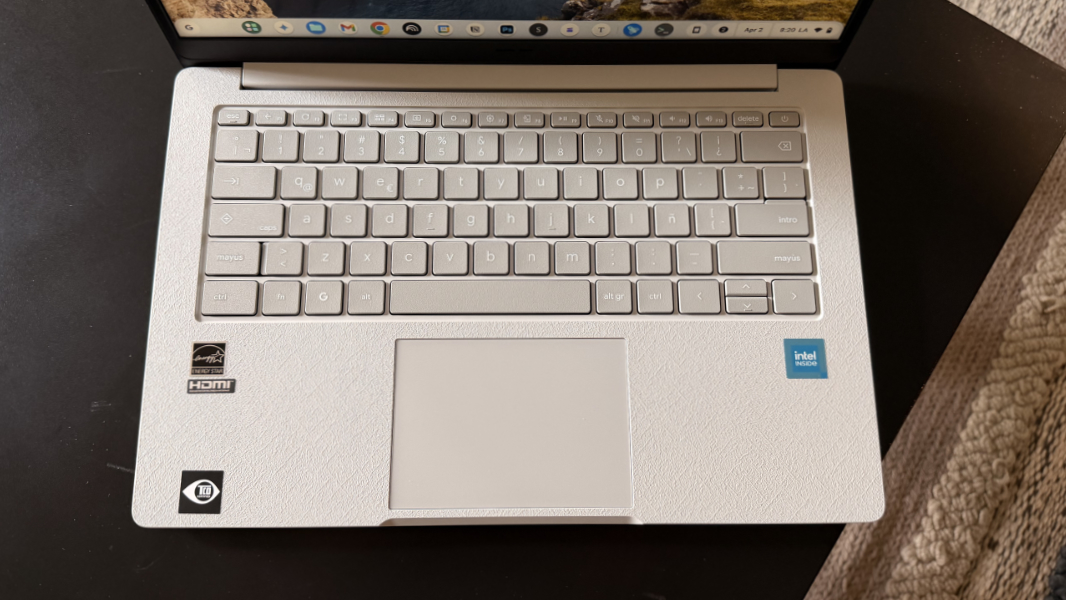
In addition to the Android app compatibility, Phone Hub, and Quick Share features noted above, it has a real Chrome OS keyboard, the latest version with the “G” key where we see Start on Windows keyboards; that said, it has the Latin American layout, so there are a few odd keys (Alt Gr, for example) and some commonly accessed keys (like @, which is Shift + F2 in the U.S.) are in different places. (I later switched it to the U.S. layout in sofware.)
There are also some internal differences, including the Chrome OS-specific Google Titan C security chip that’s a sort of TPM based on the chips it makes for phones and tablets.
But whatever. The point here wasn’t so much to waste money on a laptop I don’t want per se, but rather to see how or if those additional Chrome OS-specific features put this platform over the top when compared to Chrome OS Flex. I’ve always liked the basic premise of Chrome OS and the Chromebooks that run it, and more recent advances like Chromebook Plus and the coming Android-based Aluminum OS replacement for Chrome OS are interesting.
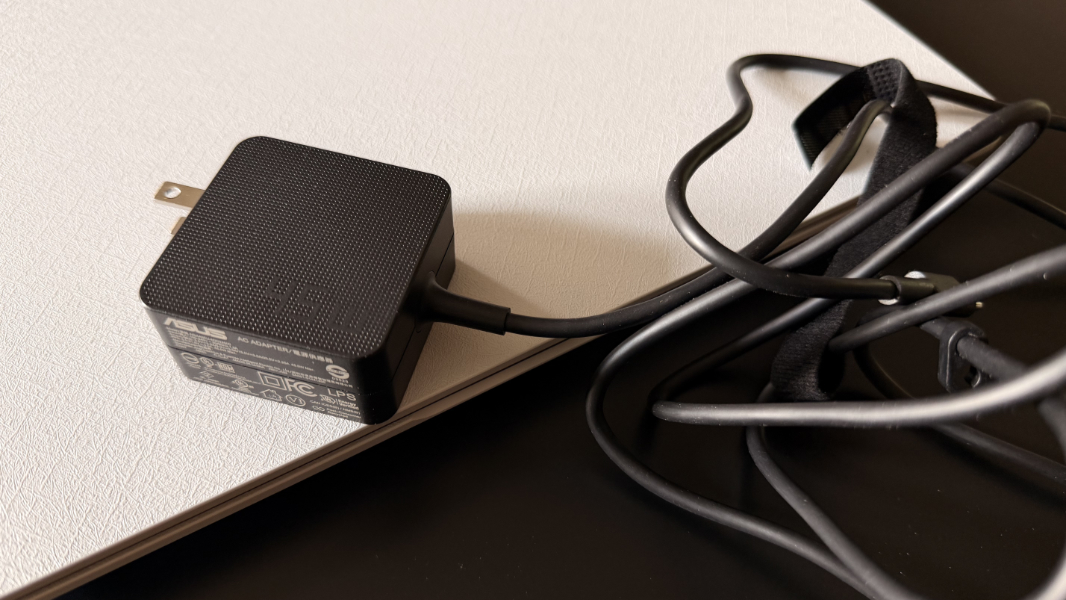
And right away, I can see the advantages of using the real Chrome OS. It connected immediately to my Pixel 10 Pro Fold smartphone, giving me quick access to its hotspot, recent photos and apps, and, surprisingly, the ability to actually run any of those apps in phone-shaped windows on the Chromebook itself. And you can install Android apps and games directly on the device, which might be interesting. I also installed the Linux environment to get started on that.
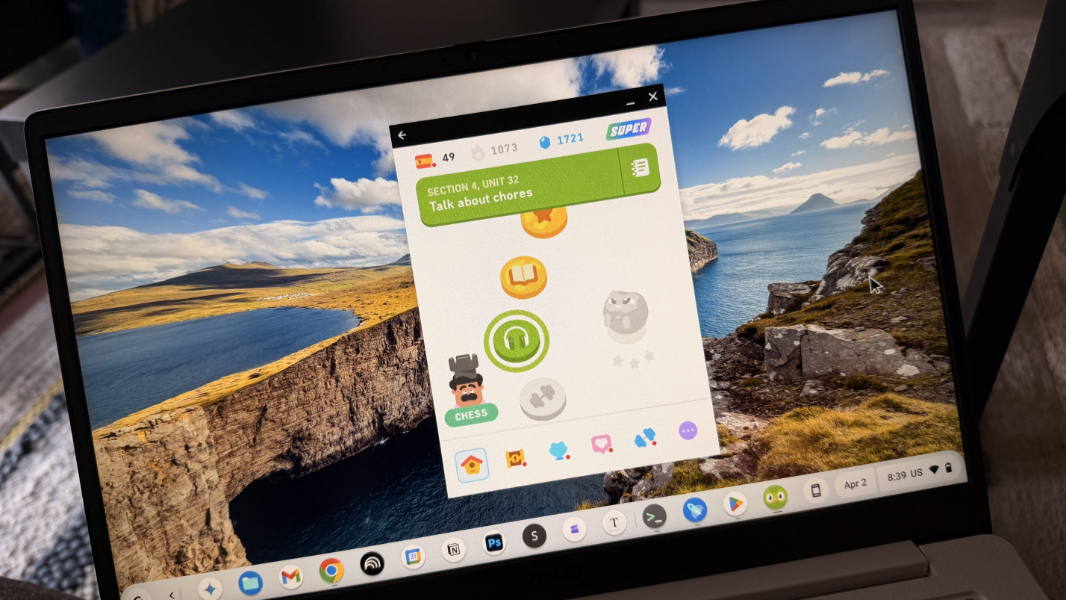
Anyway, I’m not sure if this warrants a full review, but I will at least use this Chromebook ahead of a future Chrome OS entry in the Switcher 2026 series. More soon.