TCL NXTPAPER 14 First Impressions
- Paul Thurrott
- Jun 08, 2026
-
10
Consider the Kindle problem. No, not the Big Tech, Amazon, locked-in ecosystem problem, but rather the compromises one has to make in deciding how and where you will read. You can use a Kindle device with its eye-friendly e-ink screen and days of battery life. You can use the smartphone or tablet you may already have, multifunction devices that do so much more than reading e-books, but with traditional bright displays that aren’t ideal for this use case, especially in dark environments. Or you can add complexity and do some of both, managing multiple devices and syncing your reading progress between them.
Like many of you, I’ve done it all. I used more Kindle e-book readers over the years than I can count, dating back to the very first device. The screens are small, except for a few expensive models with bigger screens that I could never justify buying. They were grayscale until recently, and they work slowly. They’re not full tablets, so they can’t do anything other than read content you’ve acquired through Amazon for the most part. But it would be nice to use that kind of display, especially the newer color variety, with other reading apps.
For these and other reasons, I did what so many have done and switched to whatever iPads for reading. As with Kindle devices, there were so many iPads over the years, and with several different display sizes, both big and small, and also dating back to the very first device. In doing so, I get a bigger display and a more versatile device, one that has color, real color, a Kindle app, and other reading apps. But it also has much less battery life and the display isn’t ideal for reading at night, which I make a point of doing before going to bed.
An iPad with a color e-ink screen is a non-starter: Apple will never make such a thing, for starters, and these displays are too slow for the videos, games, and other content that iPad owners expect. But there are Android tablets with e-ink screens, in various sizes, to accommodate readers who want more than just the support of a single e-book ecosystem. And because they’re Android devices, they support the Google Play Store and the full app ecosystem. Given my needs and wants, this is the type of product I’ve long considered.
But what if there were another way, a way to have it all?
Most modern devices support a Dark mode with an automatic setting and a Night Light feature or its equivalent that reduces eye straining blue light and gives the screen an orange cast. Many support an adaptive color or tone feature, like True Tone on Apple’s devices, that adjusts colors on-screen according to the environment you’re in. And some of you will be familiar with utilities and built-in modes that can partially transform a normal color display on a computer, phone, or tablet into a grayscale experience that’s as much about reducing distractions as it is about improving the reading experience. For example, I configure my Pixel 10 devices to use a Bedtime mode that, among other things, turns the display to grayscale after 10 pm each night.
This and other accessibility and display configuration capabilities all work to overcome the compromises in standard displays and provide many of the benefits of e-ink displays. But what I want, really, is a color e-ink screen that performs well enough to use every day. A color e-ink screen that can keep up with at least the needs of reading, something I could use on an iPad-sized device and perhaps even for productivity work.
That doesn’t exist, not yet. But there are displays out there that come closer to combining all the best attributes of e-ink and standard displays in a single panel. For example, TCL makes a family of NXTPAPER tablets and phones in various sizes. They run Android, so they provide access to the Google Play app ecosystem. But what sets these devices apart is their unique paper-like displays. These are traditional LED panels, like those on many phones, tablets, and laptops, but they offer unique grayscale and color e-ink-like display modes that emulate the reading experience on e-reader devices. And not just by tinting the screen: They deliver hardware and software innovations that provide the same benefits to your eyes as e-ink displays by reducing blue light, glare, and reflections, not to mention eye strain and fatigue. In short, these devices seem to be that magical hybrid solution I often discuss, that one thing that can replace two things without compromise.
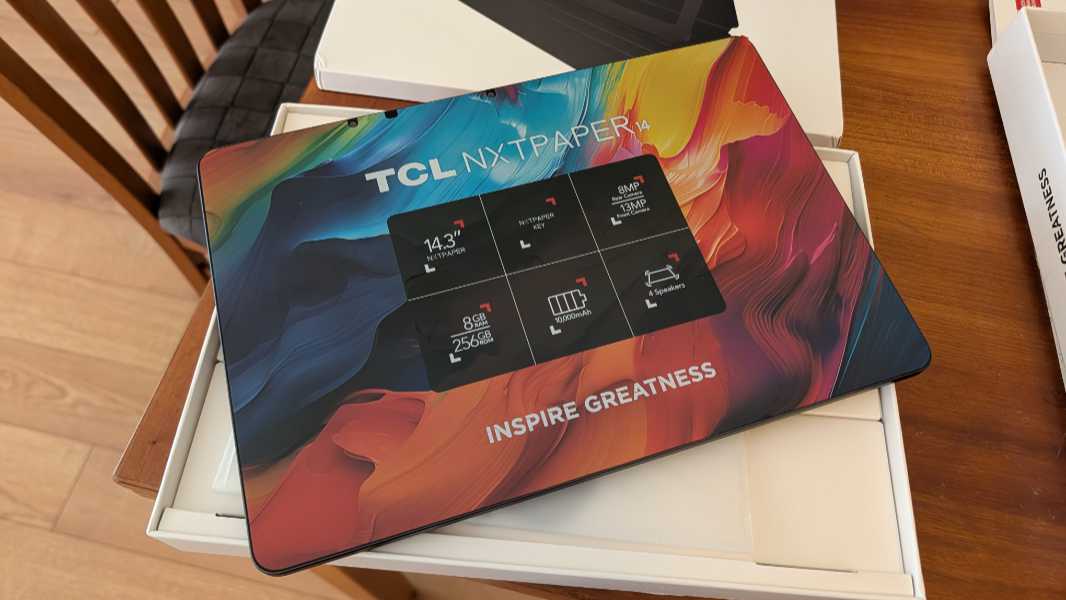
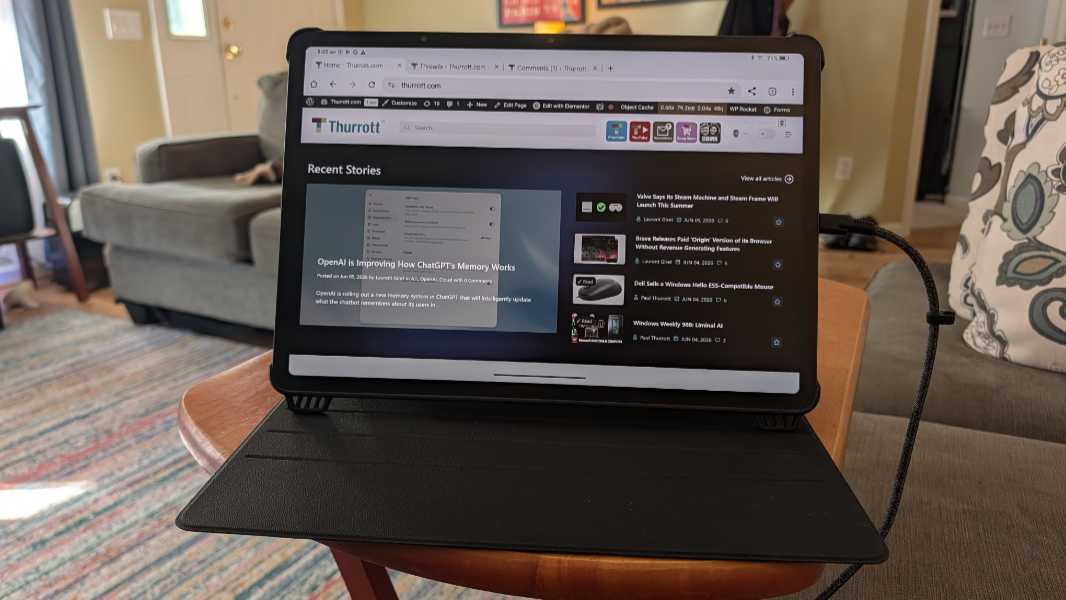
Which I know because TCL offered to loan me an NXTPAPER tablet to review. I chose the largest version, with a 14-inch display, in keeping with my recent experiments with mobile productivity-based workflows. And as noted up top, it is glorious.
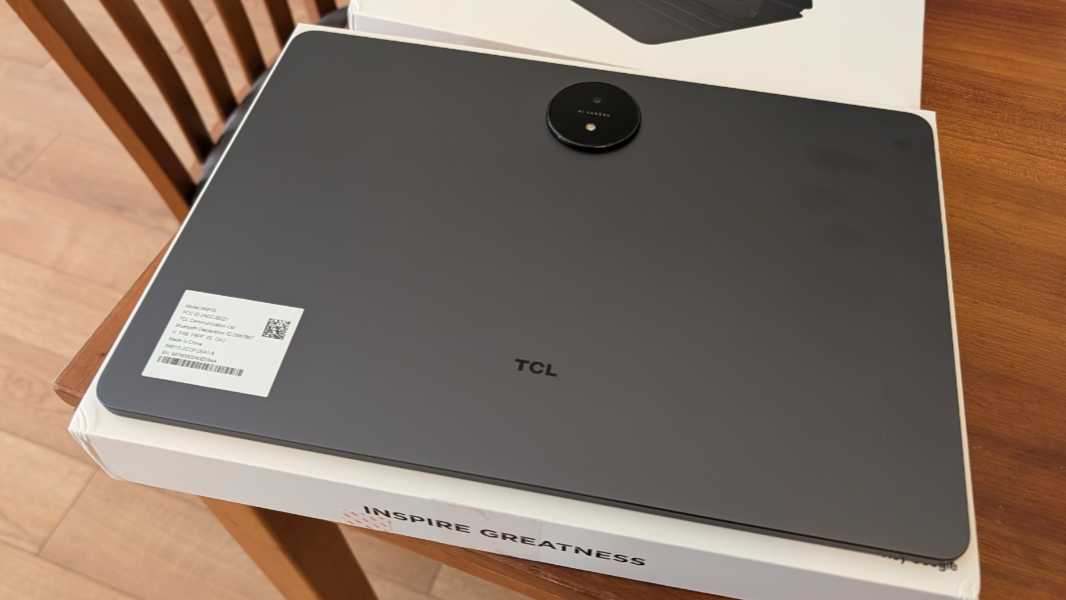
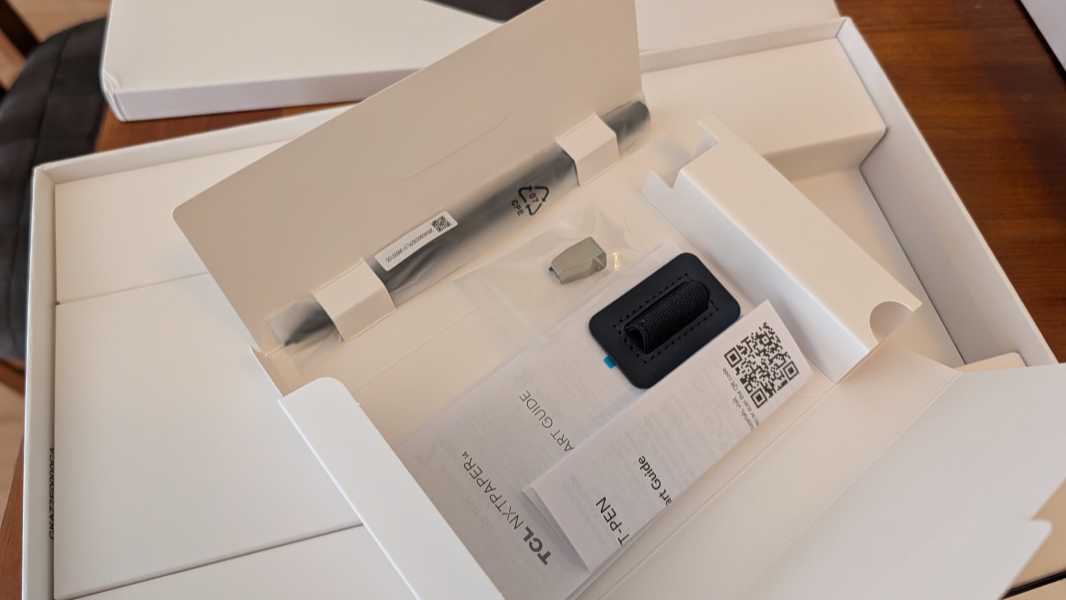
The tablet itself seems like standard fare at first blush. Other than its unusually large display, a 14.3-inch IPS panel with a high 2400 x 1600 resolution and a 3:2 aspect ratio I love, it comes off as a standard Android-based device, with Android 14, a mid-level MediaTek MT8781 processor, 8 GB of RAM, 256 GB of storage, Wi-Fi and Bluetooth connectivity, a USB-C port with fast charging, four speakers, and a large and centered 8 MP rear camera. It’s a fine-looking tablet, definitely, and I do like that TCL bundles a smart pen and a folio cover that doubles as a multi-angle kickstand of sorts. Granted, an Apple Magic Keyboard-like keyboard cover would be even better.
But this is all about that display and the underlying display technologies. This is a big enough deal that there’s an additional NXTPAPER button on the top of the tablet you can use to switch between its unique display modes. A single press provides a full-screen with three choices: Regular Mode, Color Paper Mode, and Ink Paper Mode.
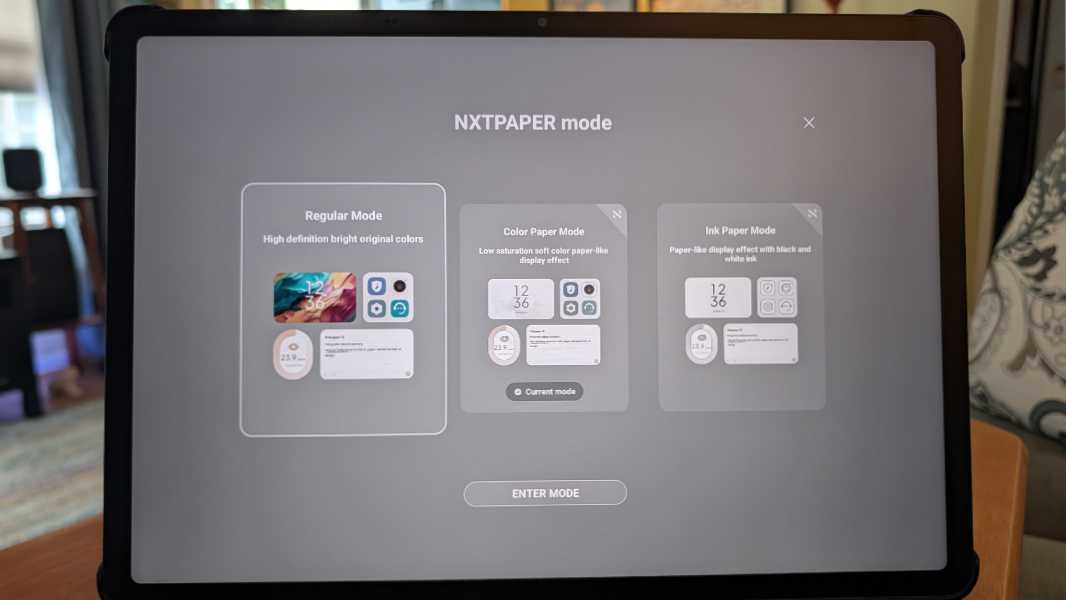
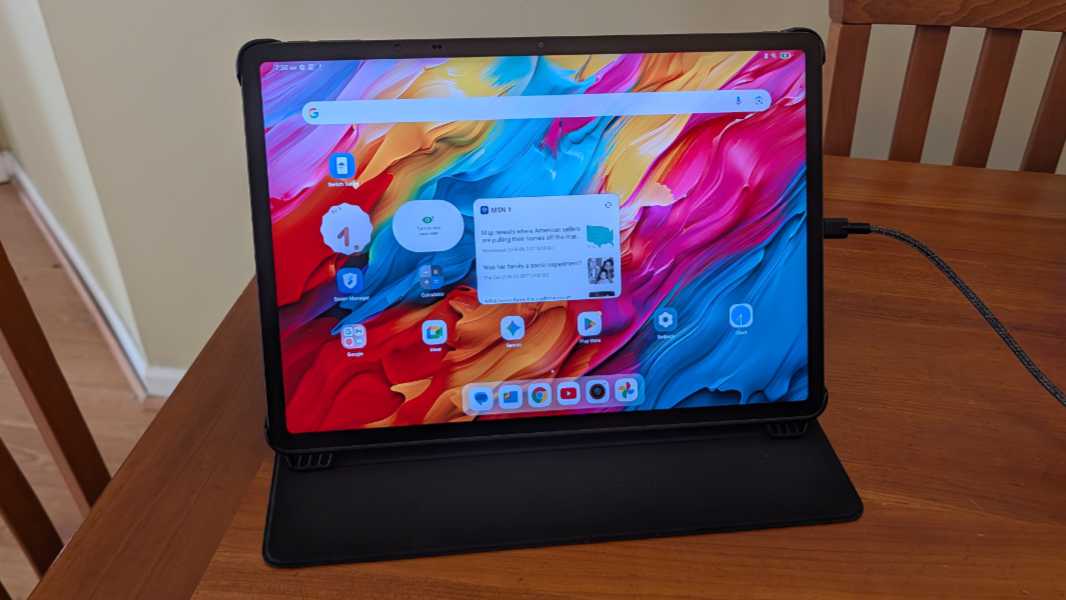
Regular Mode is the default. In this mode, the NXTPAPER 14 looks and works like a big Android tablet, as one would expect. It has a high brightness capability for those using it outside in bright sunlight, vivid colors, an adaptive tone toggle, and various other standard display capabilities. Nothing unexpected.
When you switch into Ink Paper Mode, the display transforms into a grayscale presentation similar to most e-ink screens. But unlike with e-ink, the performance is excellent, and in addition to using whatever apps you like, video (and presumably games, I’ve not yet tested that) works fine. It’s just in grayscale.
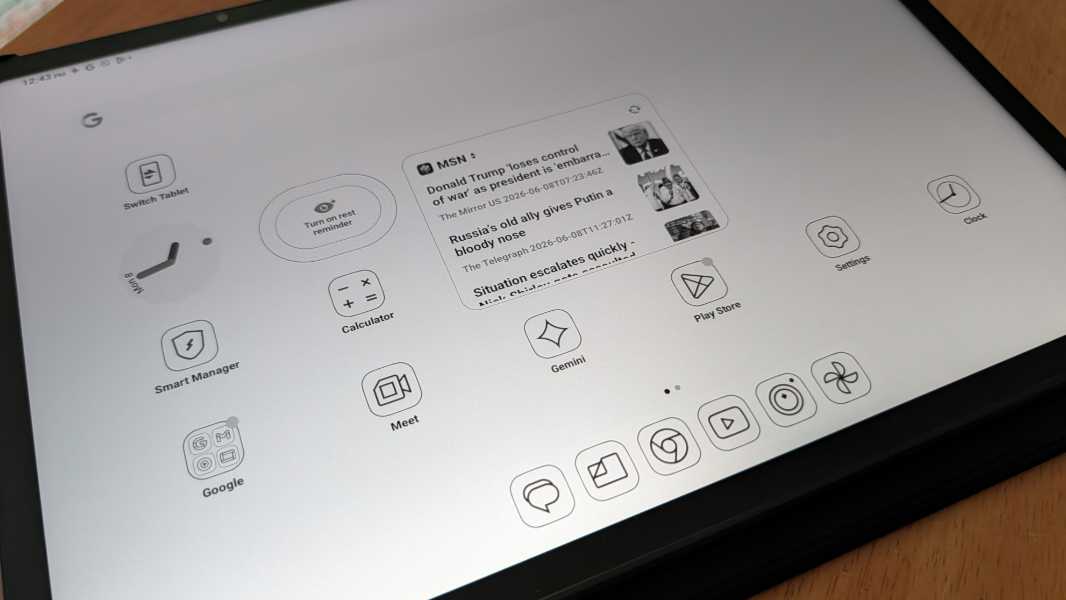
My favorite mode, of course, is Color Paper Mode. As expected, it is much like a color e-ink screen, with pleasant, muted colors throughout. And as with Ink Paper Mode, everything works normally, including video playback. I love this, and I could see living in this mode permanently. So that’s how I’ve started using the NXTPAPER 14.
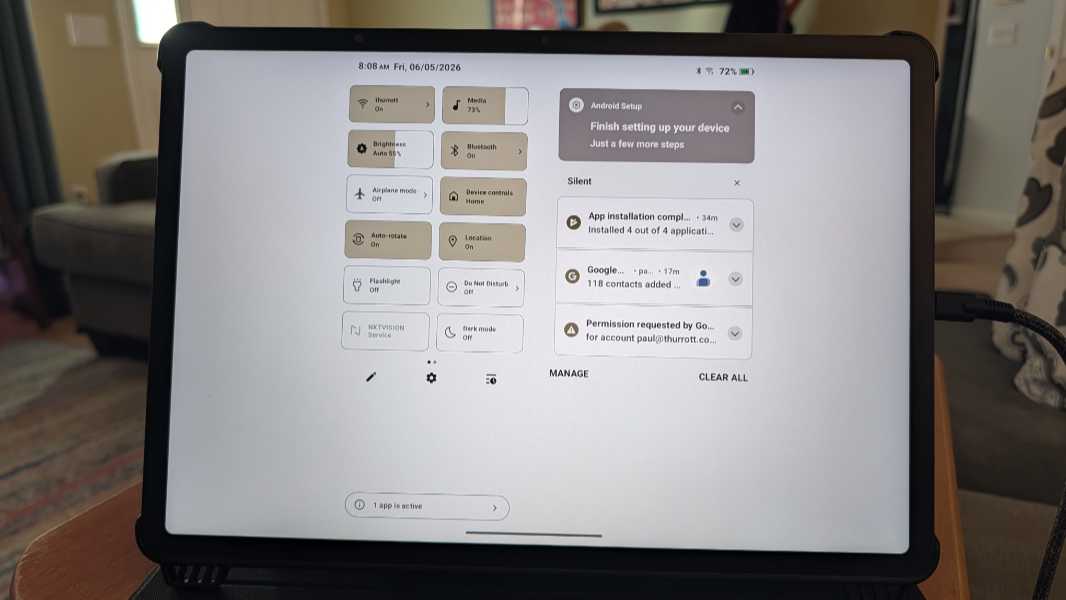
I am blown away by how well this works. It seems to be a color e-ink screen, as the display is matte without reflections or glare. And yet it performs as well as a standard display. So it’s better than an e-ink screen in the sense that it addresses the key issue with that panel type. Just as it’s better than most standard displays because it addresses those issues too.
I am super excited to test this tablet further. This display is a big differentiator over any iPad, including the expensive iPad Pro I just bought. And with Android transitioning to a full productivity experience ahead of it fully replacing Chrome OS, starting with Googlebooks, the timing is good too. Is this the hybrid device of my dreams? I’m going to find out.