HP EliteBook X G1a 14 First Impressions
- Paul Thurrott
- May 17, 2025
-
15
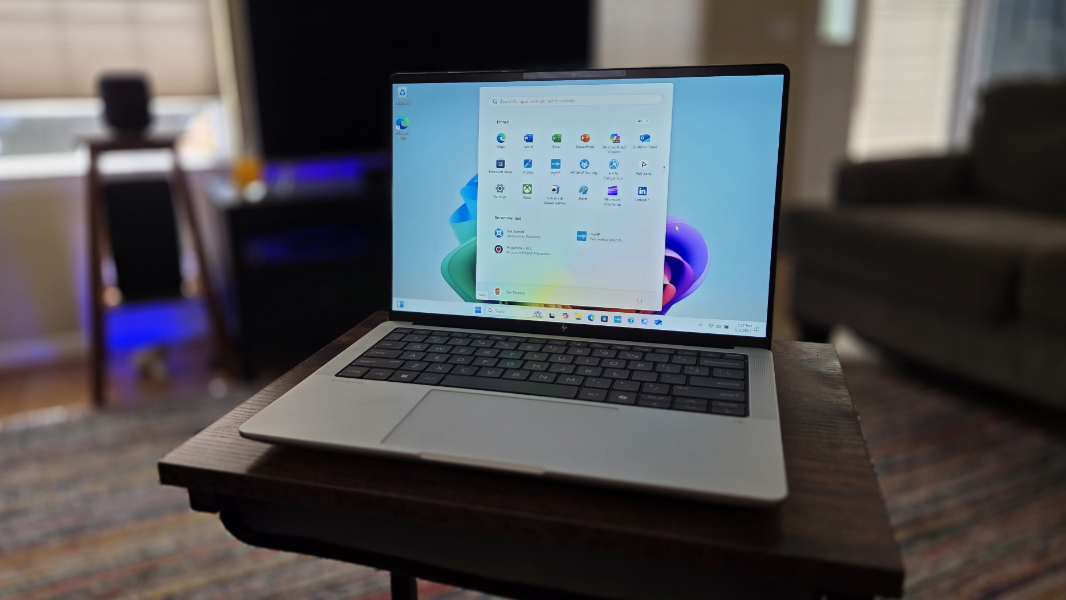
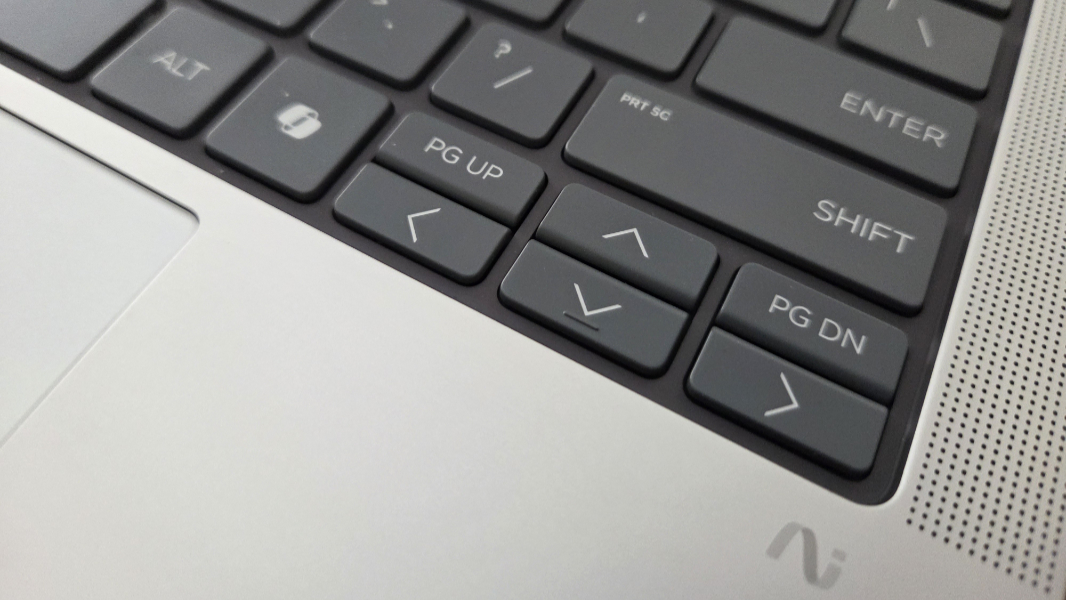
In mid-2024, HP launched its 11th-generation EliteBook 1040, which was both the first and last of its kind. In the former category, the EliteBook 1040 arrived just after the firm announced a major rebranding of its entire family of commercial and consumer PC products, but for timing reasons, it still used the old naming conventions. In the latter, this laptop introduced an elegant new EliteBook design that I absolutely adore, with two frustrating exceptions, both tied to otherwise excellent keyboard: The tiny PgUp and PgDn keys were far too easy to tap mistakenly while typing, and for reasons that still escape me, the lack of Fn key-based navigation with the arrow keys. (The latter issue was so bad I wrote an entire article about it.)
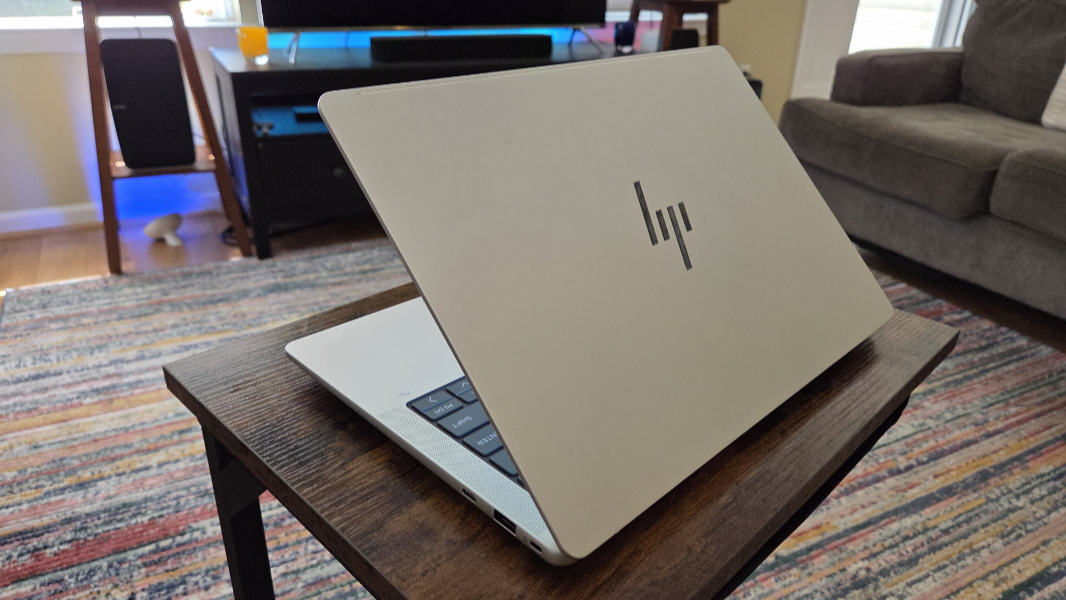
Well, it’s a year later. HP’s rebranding is in full swing, and the EliteBook 1040 line is now named EliteBook X, and so the successor to the EliteBook 1040 G11 is now available as the EliteBook X G1 14. So much is the same, which is mostly good. And so much is different, which is likewise mostly good. At least in early usage.
Now that you’re caught up, let me qualify everything you just read.
As it turns out, there are two versions of the EliteBook X G1. There’s an Intel-based model, called EliteBook X G1i, and then there’s an AMD-based model, the EliteBook X G1a. I’m reviewing the latter, which is preferable, given how much more advanced AMD’s latest PCs chips are than Intel’s. And this thing is a beast, almost a portable workstation, with one of the most powerful Ryzen AI 9 processors that AMD makes, with incredible built-in graphics and neural processing. That means this laptop is dramatically heavier than the more pedestrian Intel-based variants–3.3 pounds vs. a svelte 2.6 pounds–but I would still choose the AMD version every single time.
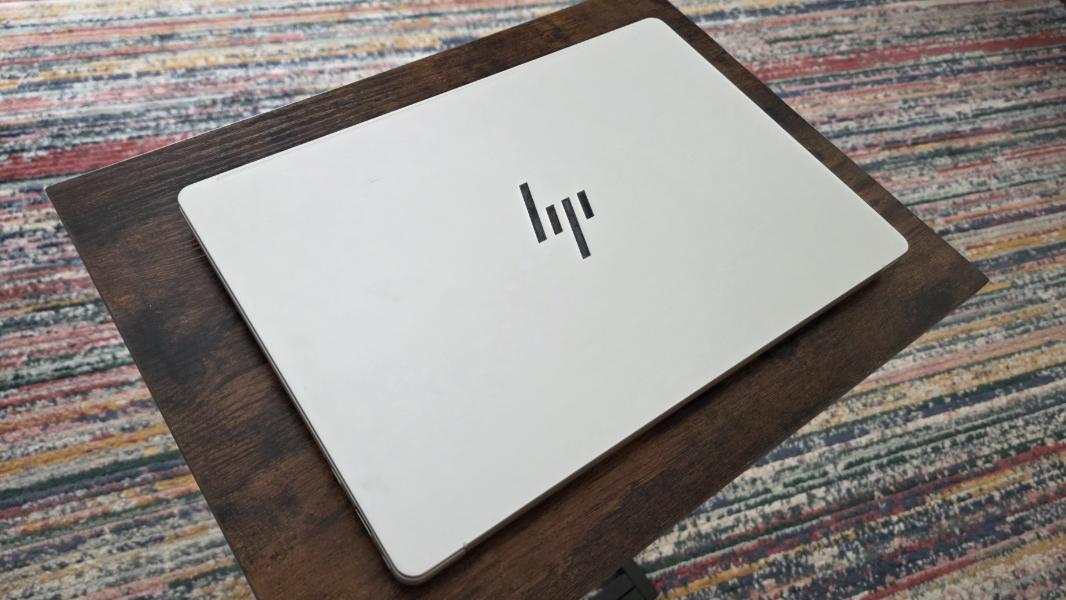
From the outside, it’s a wolf in sheep’s clothing, with the same light gray premium design, offset by the gorgeous dark gray rounded rectangle of the keyboard island and its superior typing experience.
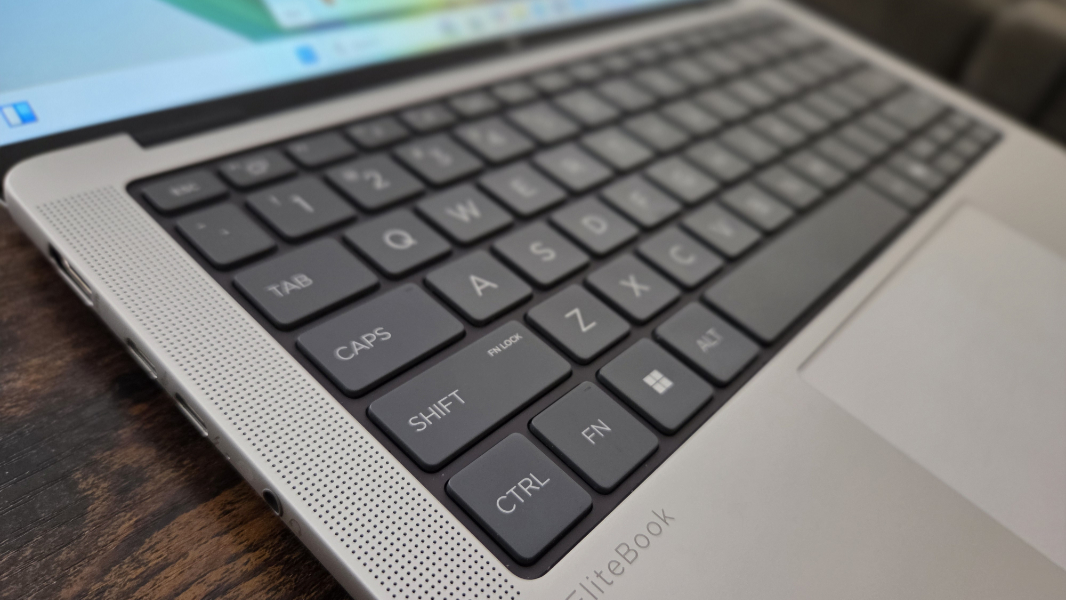
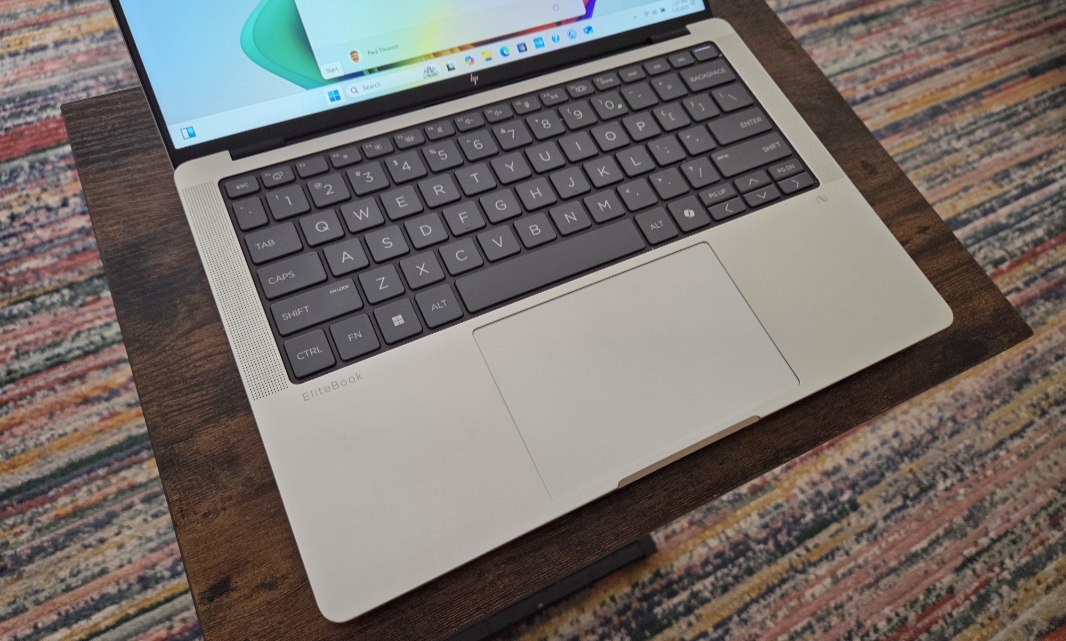
That keyboard is framed by pin-holed speaker grills to the left and right, and accompanied by an accurate, medium-sized glass touchpad.
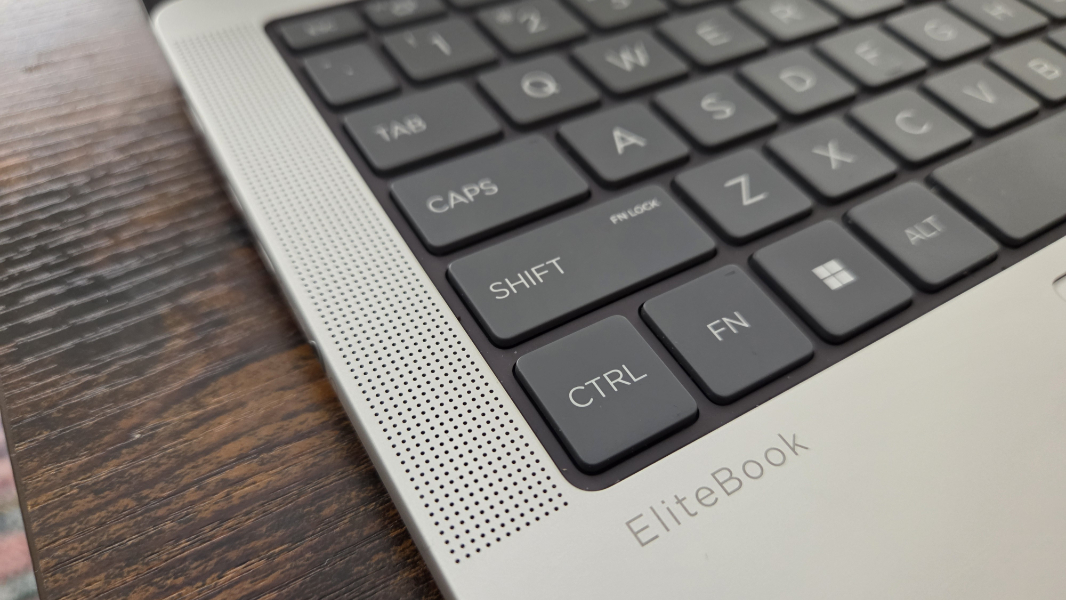
Overall, this is a simple, elegant, and minimalist design, and I love it as much as I did last year. Oddly, while the AMD version of this laptop is heavier than the Intel variant, it’s also less big (12.29 x 8.45 x 0.52 inches at its thickest, compared to 12.36 x 8.66 x 0.59 inches), but that’s likely due mostly to G1a’s larger 74.5 watt-hour battery (vs. 68 Wh for Intel). It’s power hungry enough to require a 100-watt USB-C power adapter, instead of the more typical (and smaller) 65-watt unit. So that’s even more bulk to carry around.
Again, I don’t care. I would choose the AMD variant every single time, and while it’s far too early to even report on this, I’m seeing roughly 7 hours of real-world uptime. That’s not great, but it’s good, and I cannot stress enough how much a difference the AMD innards make in everything from gaming to creator apps. Every. Single. Time.
More specifically, the EliteBook X G1a is powered by an AMD Ryzen AI 9 HX 375 processor with integrated AMD Radeon 890M graphics and an AMD XDNA2 NPU with 55 TOPS of hardware-accelerated AI performance. You can configure the laptop with 32 GB or 64 GB of LPDDR5x-8333 RAM and up to 2 TB of PCIe Gen4 NVMe TLC M.2 SSD storage; the review unit came with 32 GB and 1 TB, respectively.
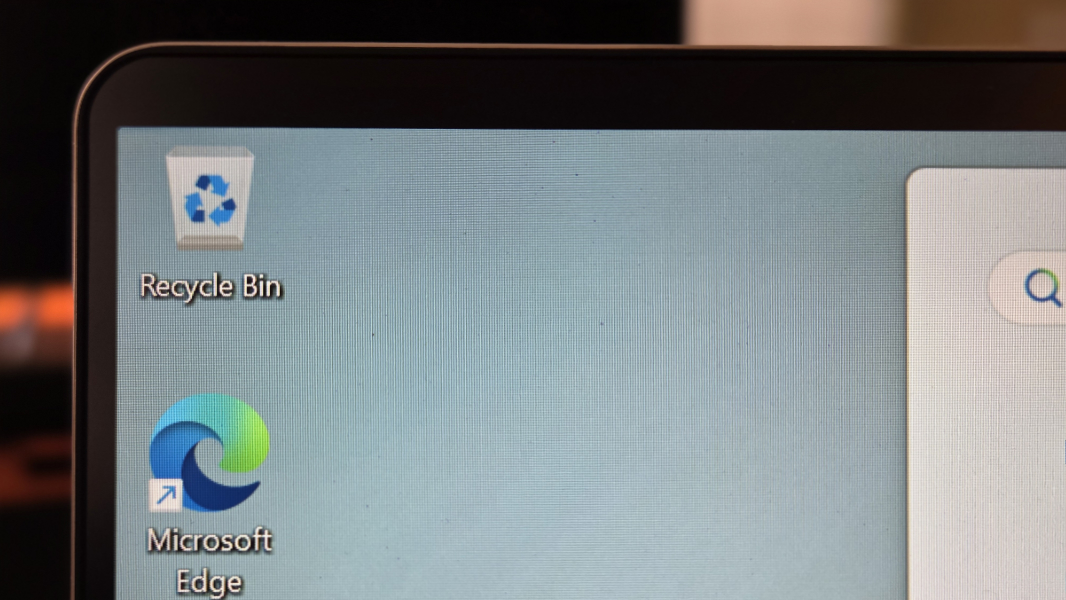
There are two 14-inch display options, both with a 16:10 aspect ratio: The Full HD+ (1920 x 1200) 60 Hz non-touch IPS panel found in the review unit or a 2.8K (2880 x 1800) BrightView OLED touch panel.
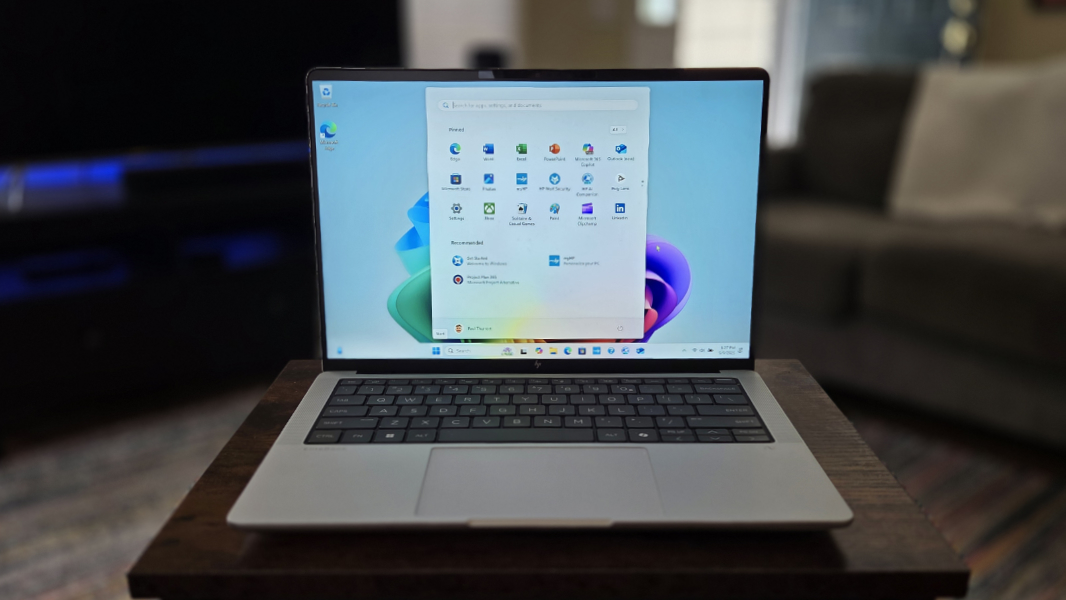
I am A-OK with Full HD+ at this size and for productivity work, and it seems like a good compromise to keep the battery life in check.
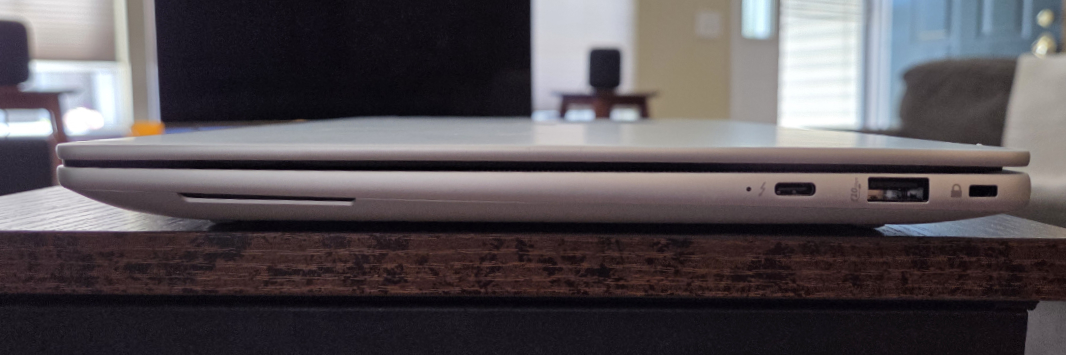
For expansion, HP provides a full-sized HDMI 2.1 video-out port, a 10 Gbps USB Type-C port (with DisplayPort 2.1 and USB Power Delivery capabilities, a 40 Gbps Thunderbolt 4/USB4 Type-C port (USB PD, DP 2.1), and a combo microphone/headphone jack on the left. And a second Thunderbolt 4/USB4 Type-C port, full-sized 10 Gbps USB Type-A port, and Kensington nano security slot on the right.
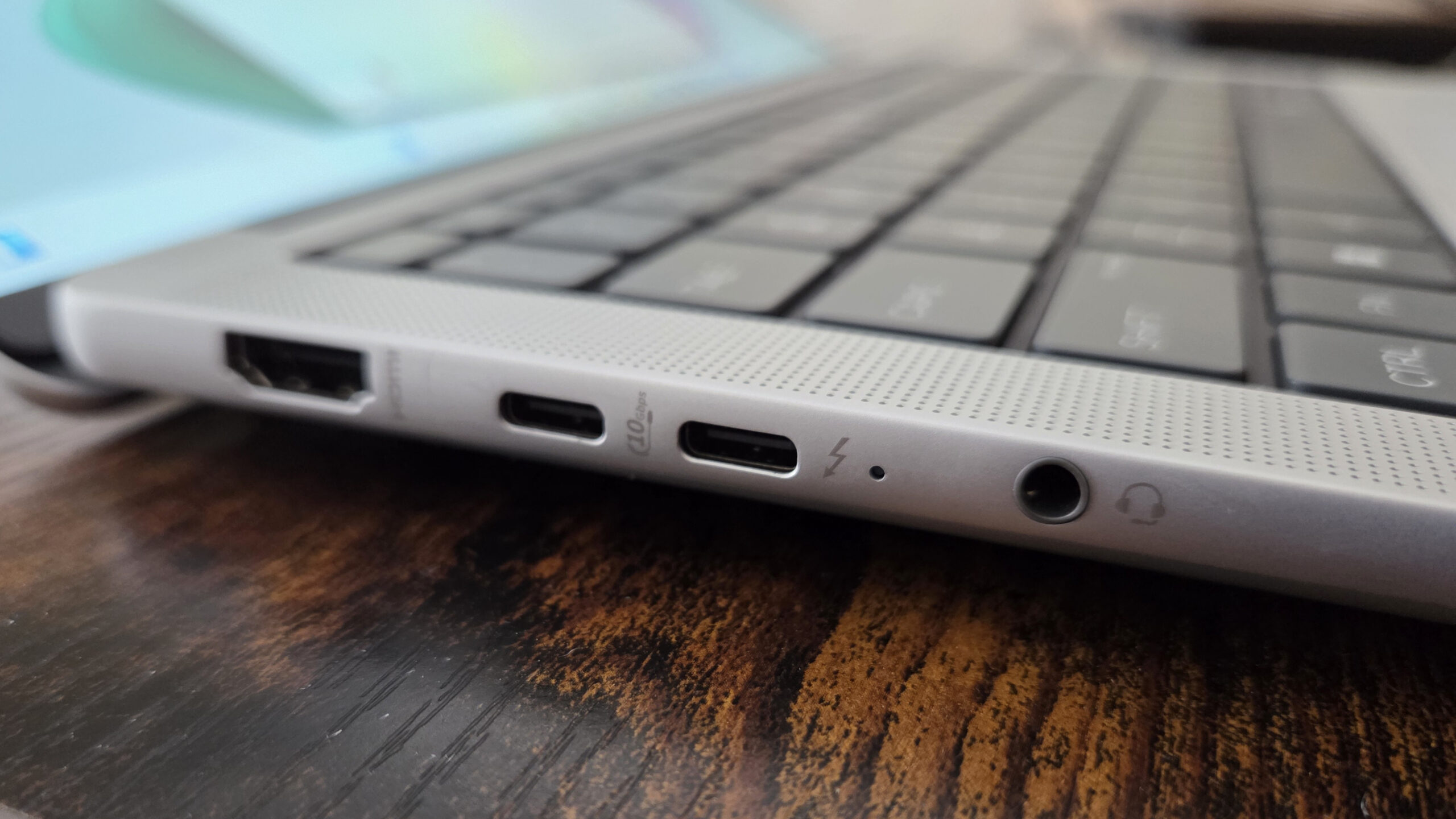
In case it’s not obvious, yes, HP put three USB Type-C ports on this laptop, God love them, and there’s at least one of those ports on each side. Excellent.
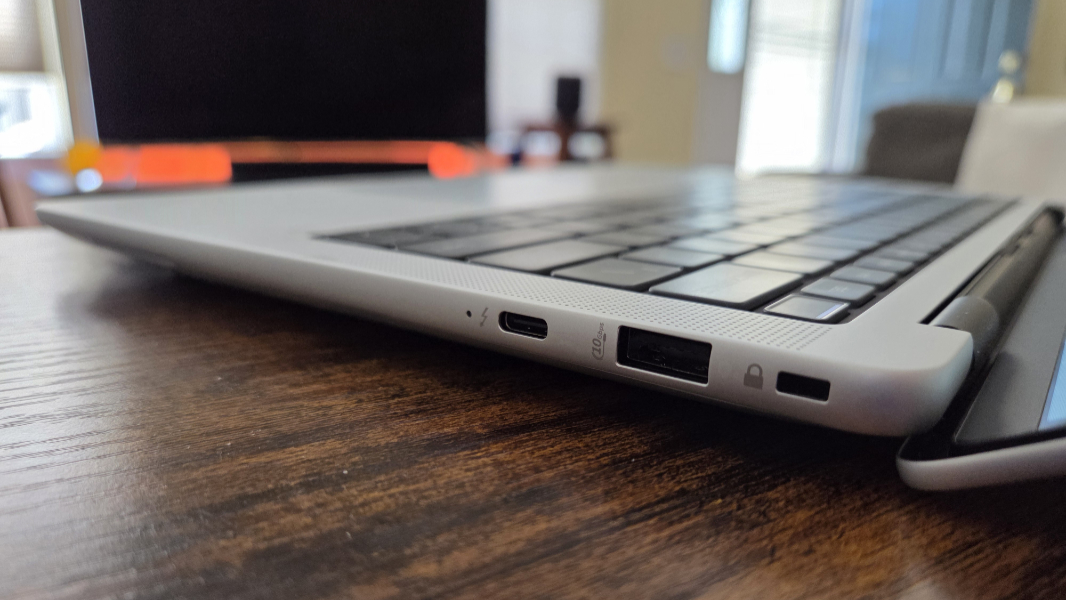
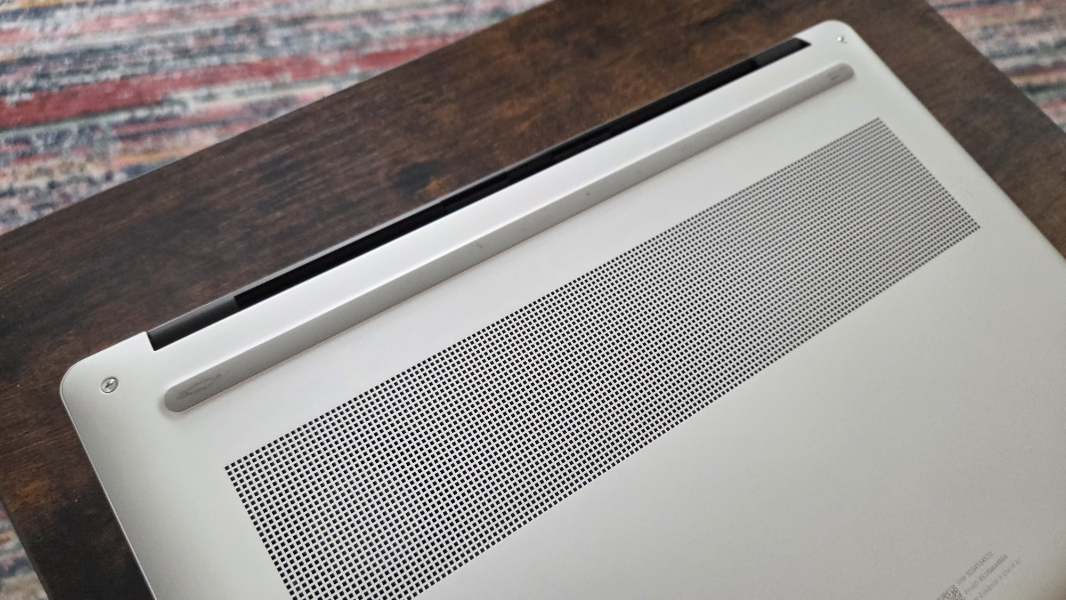
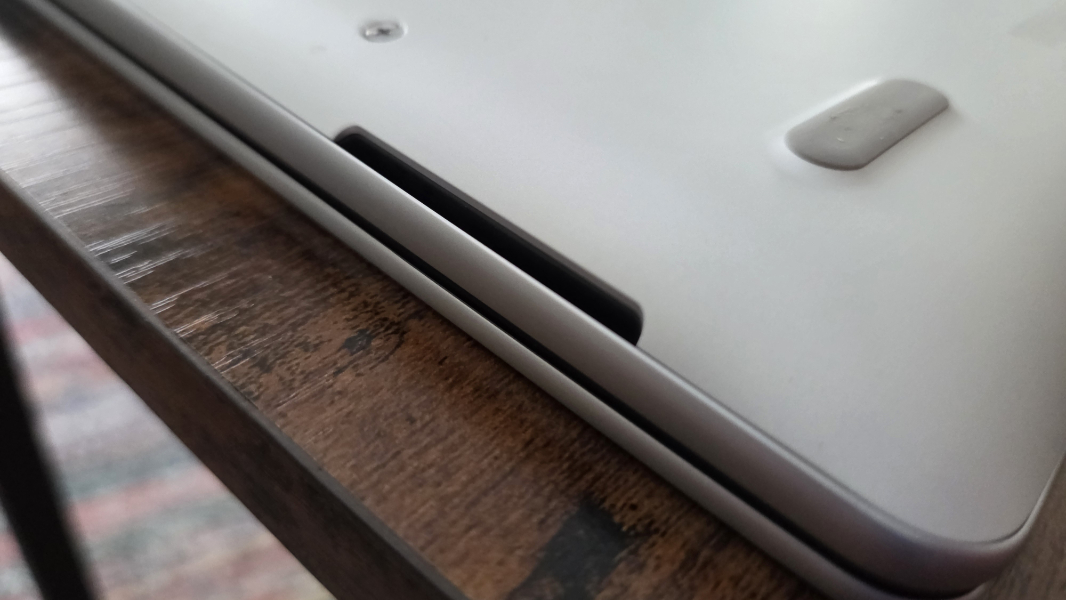
Sound is delivered through four speakers–two tweeters on the top and two woofers via thin slits on the lower left and right sides–each of which is backed with a discrete amplifier. This system is augmented by Poly Studio, and there are integrated dual microphones in the top of the display lid.
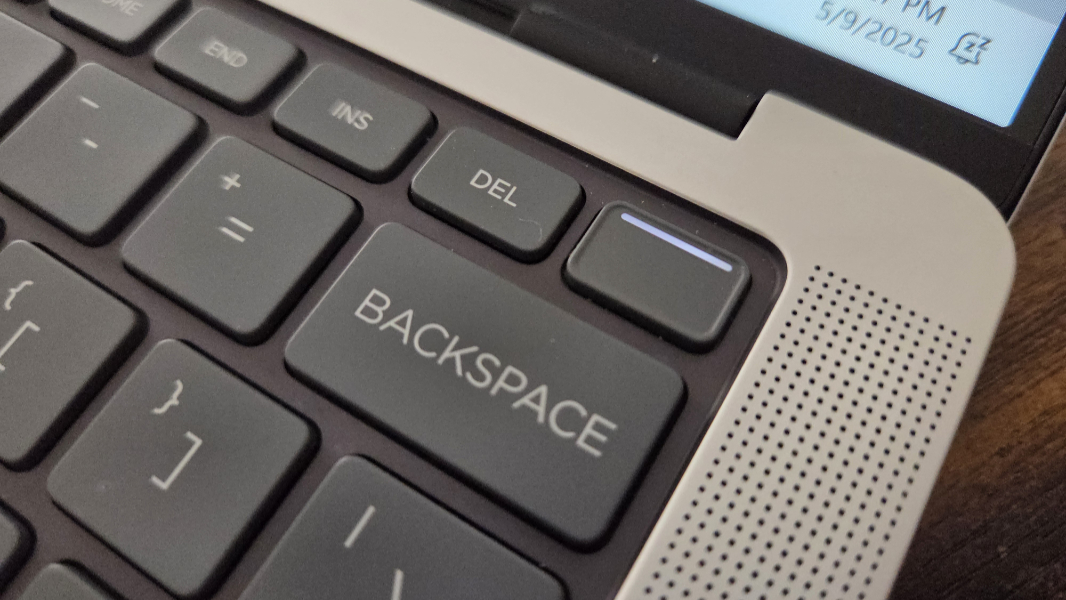
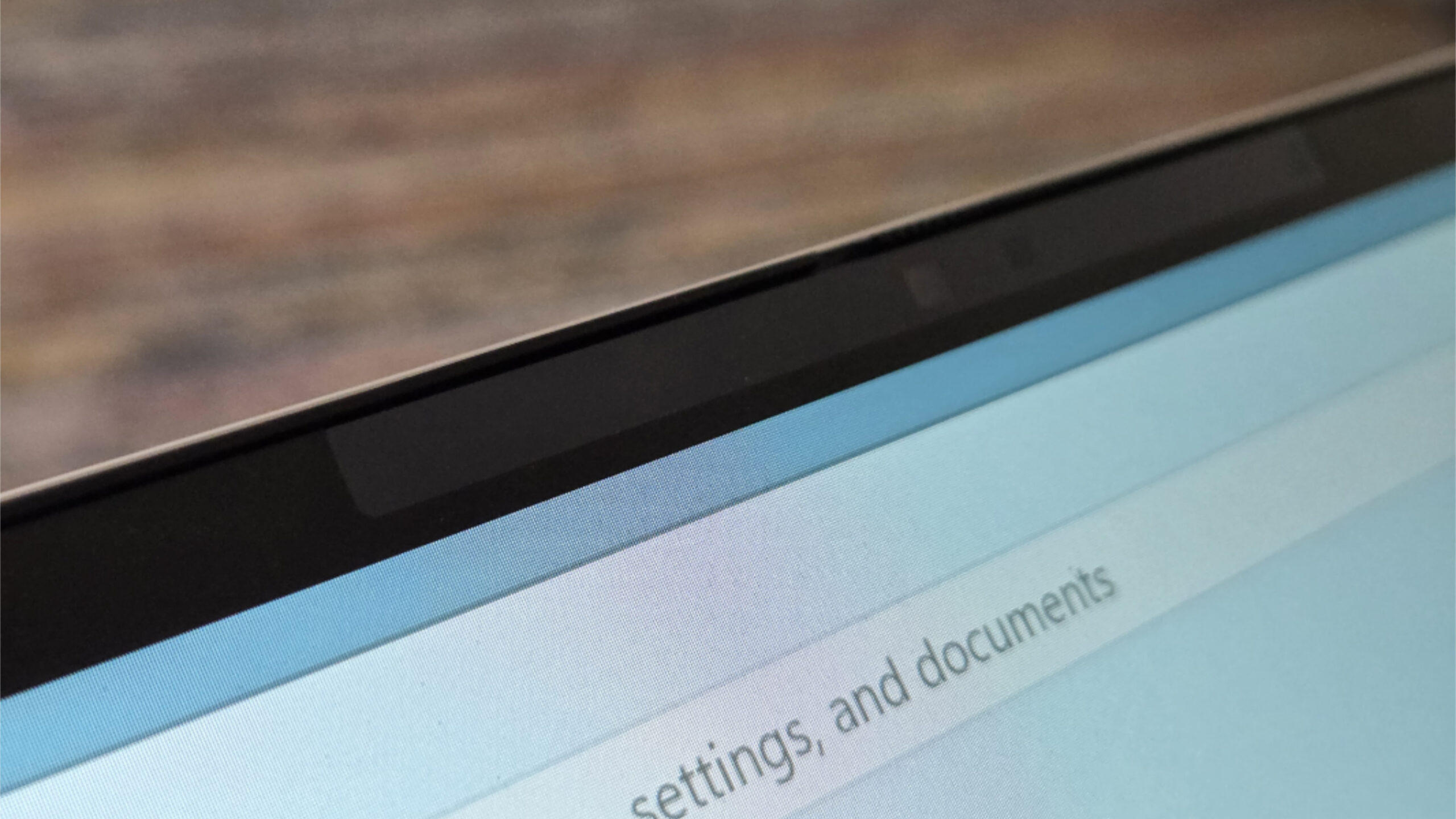
The webcam is a now-typical 5 MP IR AI camera with Windows Hello ESS capabilities–this is, of course, a Copilot+ PC–and there’s a fingerprint reader built in to the power button in the upper right of the keyboard.
Connectivity is modern, with Wi-Fi 7, Bluetooth 5.4, and NFC, but no cellular data option.

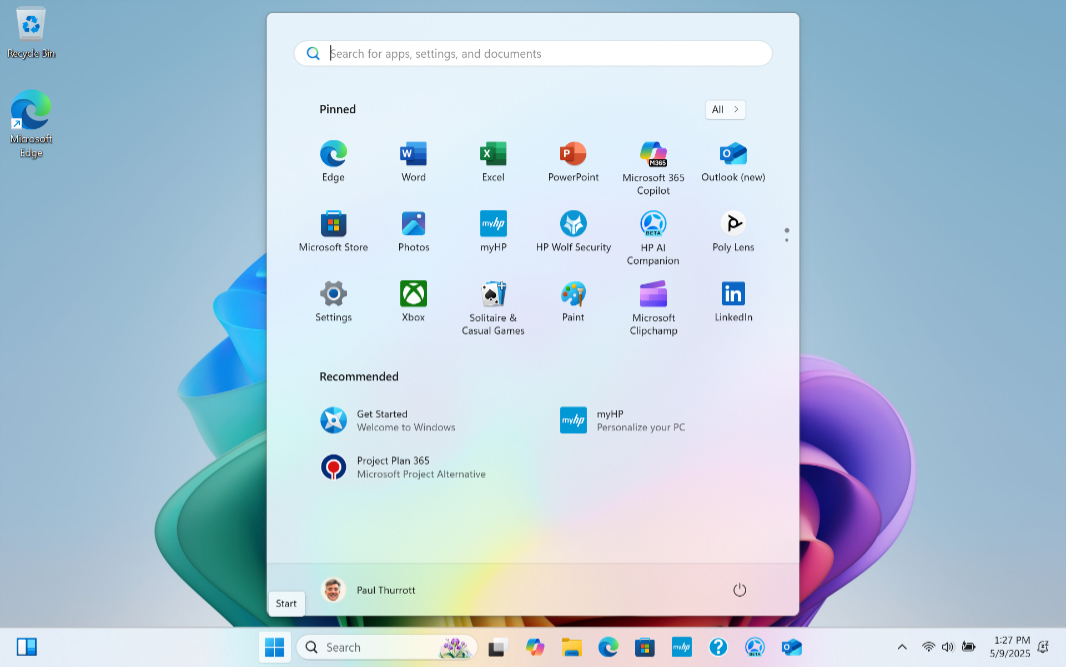
The software load-out is mostly clean, with Windows 11 Pro in the review unit, HP Wolf Pro Security–which I always end up uninstalling as I’m an individual and not part of a managed environment–and HP AI Companion rounding out the superfluous padding, and then a few other mostly useful HP utilities, including two Poly-branded utilities for the sound and camera. Nothing obnoxious.
In short, the EliteBook X G1a is a big improvement over its predecessor, thanks mostly to the AMD innards. But even the G1i would be an improvement, thanks to the “Lunar Lake” upgrade on that side. And there’s one other small update here I’d like to point out because it makes such a difference to my day-to-day usage. Yes, this laptop still features those tiny, too-easy to mis-tap Pg Up and Pg Dn keys as before. But HP got the memo on Fn-based navigation: Keyboard shortcuts like Fn + Left Arrow and Fn + Right Arrow once again work normally,
Sometimes it really is the little things. More soon.