Microsoft Issues Firmware Update for Surface Laptop 7
- Paul Thurrott
- Sep 19, 2024
-
3
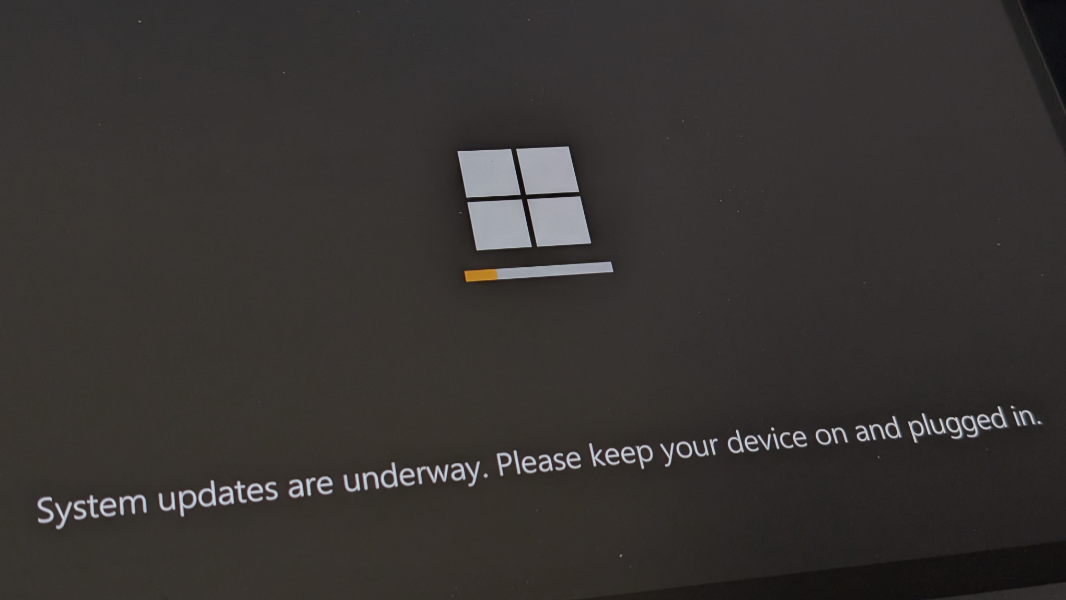
Last Friday, I noted that Microsoft had issued a firmware update for Surface Laptop 7 but didn’t bother to document it. This is only the third firmware update this device has received, so I was naturally curious. But today, Microsoft belatedly updated its Support website to explain what it did.
“There appears to be a new Surface Laptop 7 firmware update out today,” I tweeted on September 13, tagging the Surface team in an attempt to get an actual reply that never came. “That Microsoft is not yet documenting for some reason. Inquiring minds and whatnot.”
It’s been a week. And in that time, I’ve noticed something troubling. Surface Laptop 7, which had to date come on instantly every time I opened its display lid, just like every other Snapdragon X-based Copilot+ PC, stopped working properly. Instead, each time I opened the lid in the morning, it would boot up from a hibernation-like state that took dozens of seconds or more. This was troubling.
This morning, however, two things changed. For the first time since last week, Surface Laptop 7 sprung to life immediately when I opened its lid. And Microsoft, silently, updated its Support website to explain the changes it made in the firmware update. Which is dated September 12 on the site and September 10 in Windows Update.
They are:
- Addresses a potential issue that prevented the device to Wake-on-Power (automatically start when they’re reconnected to power) when connected via Dock3. [Whatever that is: Microsoft sells a Thunderbolt 4 dock and an old-school Surface Connector-based Dock 2, but nothing called Dock3.]
- Fixes the issue of boot failure that occurs when USB-C is disabled using the SEMM tool.
- Enhances the detection of certain Dell monitors when connected to a Targus docking station during power cycles.
- Improves the identification of monitors connected via USB-DP when the USB-C port is disabled using the SEMM tool.
- Resolves an issue with the Wake on LAN (WOL) feature that caused the system to automatically power on after being shut down.
- Enhances the overall display experience by preventing the system from flickering and providing maximum resolution of the monitors connected to the Surface USB-C Travel Hub.
- Addresses the issue with image distortion after the system wakes from Sleep mode.
- Improves system stability which caused a bug check or system hang during sleep mode or transition between power states.
- Addresses the problem that caused the occurrence of a black screen when trying to restart your device.
That so many of those “improvements”–Microsoft’s word–are tied to waking up is perhaps not coincidental. I just hope that it’s really working normally again, since one today of success after five days of disappointment is not a victory. So we’ll see. But as the resident canary in this coalmine, I of course installed this update immediately and will continue to do so. I just wish Microsoft would behave more responsibly with this stuff.
Too, I assumed that Surface Pro 11 got a firmware update as well, given the common underlying platform. But there’s no mention of that on Microsoft Support: According to the site, its last firmware update was July 2, the same date as the previous Surface Laptop 7 firmware update. So I assume one is coming, or it already arrived and Microsoft just hasn’t documented it yet.