YouTube Introduces Experimental ‘Auto Speed’ Feature
- Laurent Giret
- Apr 09, 2026
-
9

YouTube Premium subscribers can try a new ‘Auto speed’ feature that will help them save time by automatically adjusting playback speed while they’re watching a video. The YouTube team said that Auto Speed will do its magic “without sacrificing comprehension.” However, the feature is currently only available for select videos in English on iOS and Android.
Personally, I always watch videos and podcasts at 1.2x speed, but I often feel tempted to choose an even faster playback speed. Auto speed may well solve that problem, even though YouTube says that the feature will “automatically be disabled and hidden for videos that are not supported.”
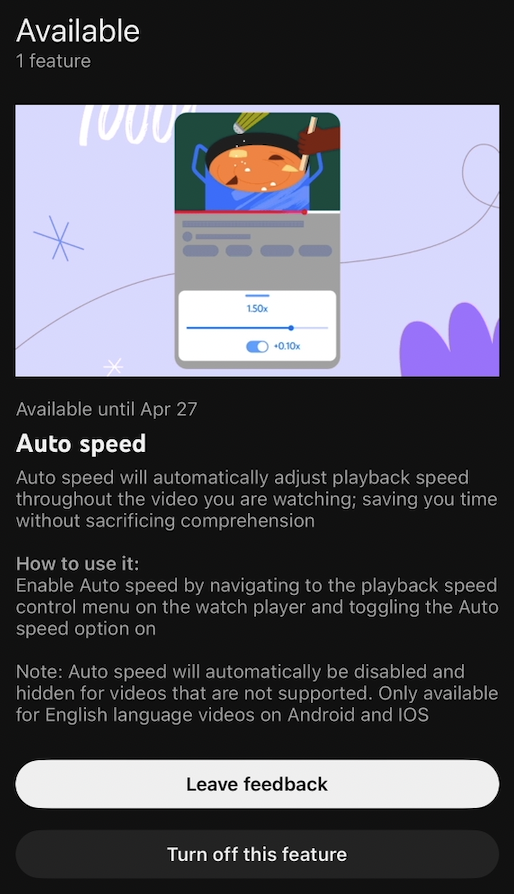
If you’re a YouTube Premium subscriber, you can enable Auto speed can be enabled by going to Settings > Try experimental new features. You’ll need to enable Auto speed manually by opening the playback speed control menu on the video you’re watching, and the feature will only be available until April 27.
Phone Arena reports that YouTube is offering access to another experimental feature named ‘On-the-go,’ but it’s only available on Android at the moment. The description says that the feature offers “listener-friendly controls while working or multitasking on the go.” It can be enabled automatically when YouTube detects any motion for at least 60 seconds, but Android users can also activate it manually by tapping on the player settings. On-the-go is also available for testing until April 27.