HP Thunderbolt 4 Ultra 180W G6 Dock First Impressions
- Paul Thurrott
- Nov 25, 2025
-
0
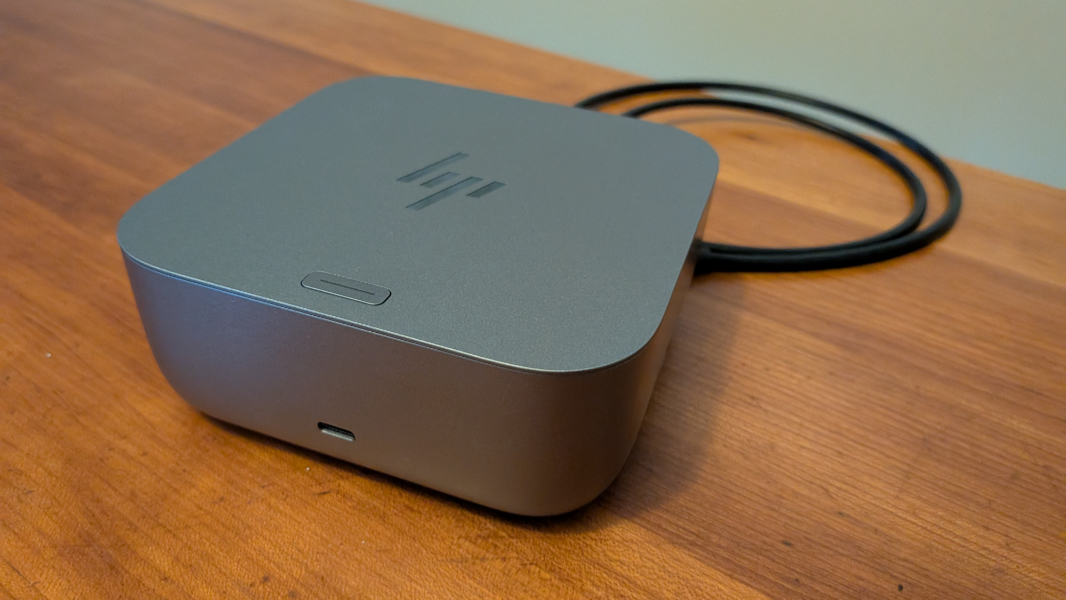
A USB hub or Thunderbolt dock is a key component of any More Mobile setup, and I’ve been using HP docks in Pennsylvania and Mexico for years. The version I’m using in Mexico currently is the HP Thunderbolt Dock G4. But HP sent me a new generation Thunderbolt 4 Ultra 180W G6 Dock to review just before our most recent trip to Mexico. We’re back now, so I’ve started using it regularly.
This new dock is one of three HP that recently introduced. There’s also am HP Thunderbolt 4 100W G6 Dock and an HP Thunderbolt 4 Ultra 280W G6 Dock that deliver 100 watts and 280 watts, respectively, of passthrough power to the laptop to which they connect.
Design
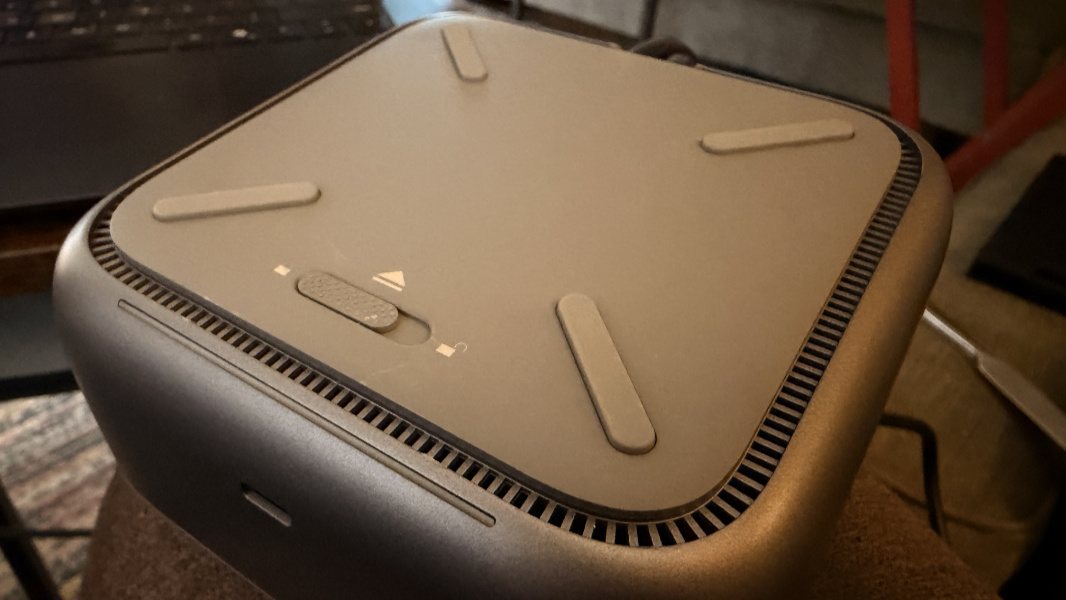
The Thunderbolt 4 Ultra 180W G6 Dock is noticeably more svelte than previous generation units. It’s also a PC-like gray color rather than black, which I’m mixed on. I really liked the previous color and it matched nicely with the monitors I use. Still, the G6 Dock is a handsome little device. And there’s a fun light ring effect on the bottom of the unit, all around, that comes on when you connect a laptop.
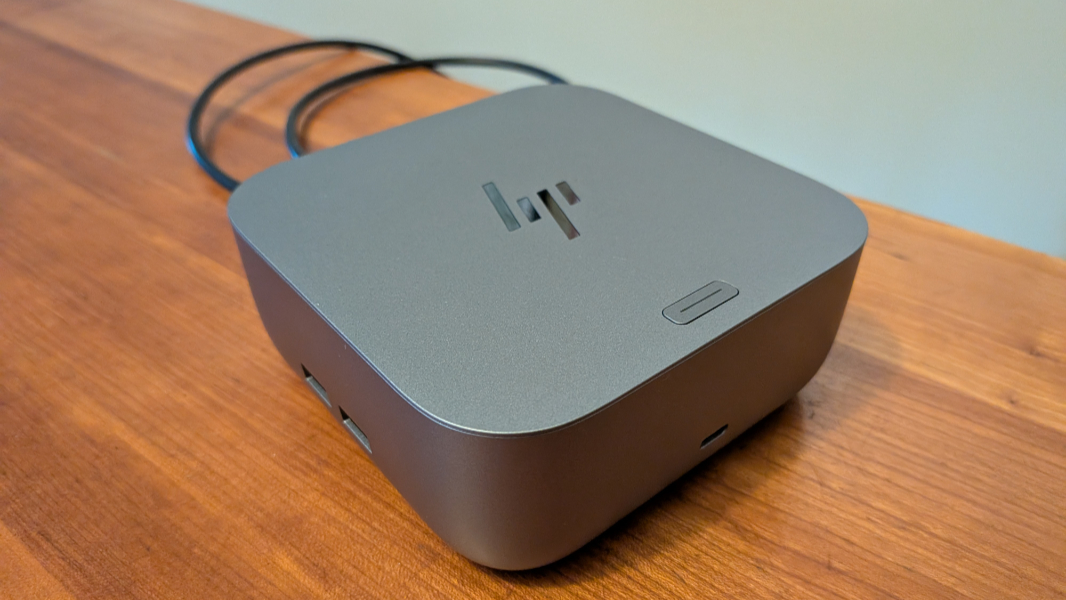
More importantly, HP resolved a minor issue I had with the previous docks: The Thunderbolt 4/USB-C cable that connects to a laptop is no longer hard-wired into the unit.
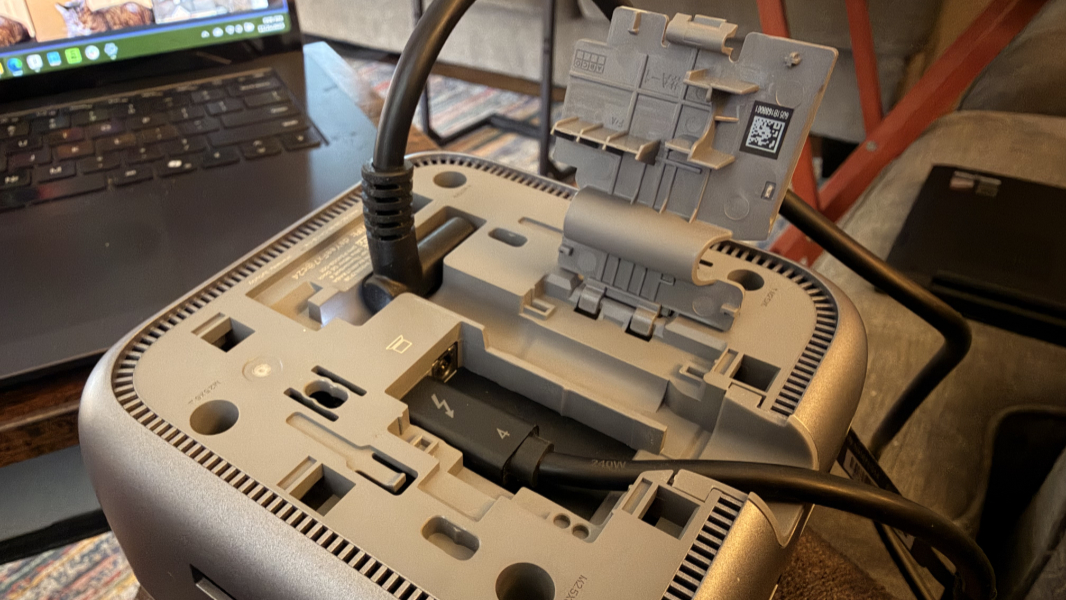
Instead, it’s a normal cable that plugs into the bottom center of the dock, underneath a little clip-on panel that’s also used to thread the power adapter.
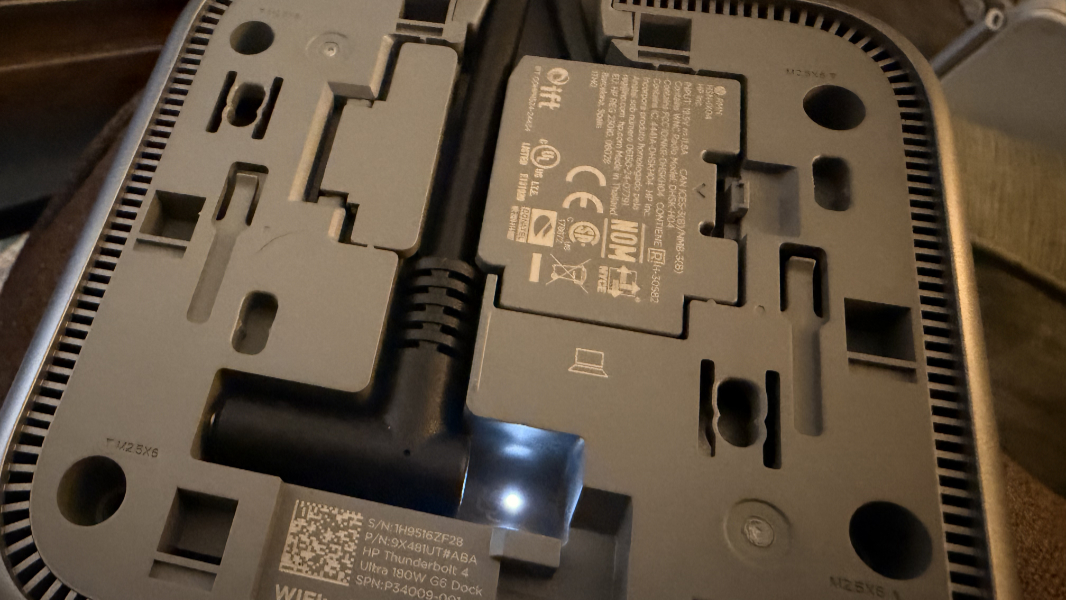
That may seem like a minor change, but I was always worried about the durability of the previous design. And this change means you can replace the cable with a longer version if required.
There is one oddity of this design change that may or may not be an issue for users: Where the hard-wired USB-C cable on previous units emerges from the front of the dock, the newly detachable cable on this one comes out of the rear of the dock, alongside the power cable. It’s a cleaner look, but the front-facing position gave the cable a bit more length, if that makes sense.
Specifications
The G6 Dock is an improvement over its predecessor across the board with newer-generation USB ports and with more power delivery, both overall and for the laptop you connect to it.
On the front, you’ll find a single 10 Gbps USB Type-C port that HP says can charge a device at up to 15 watts.
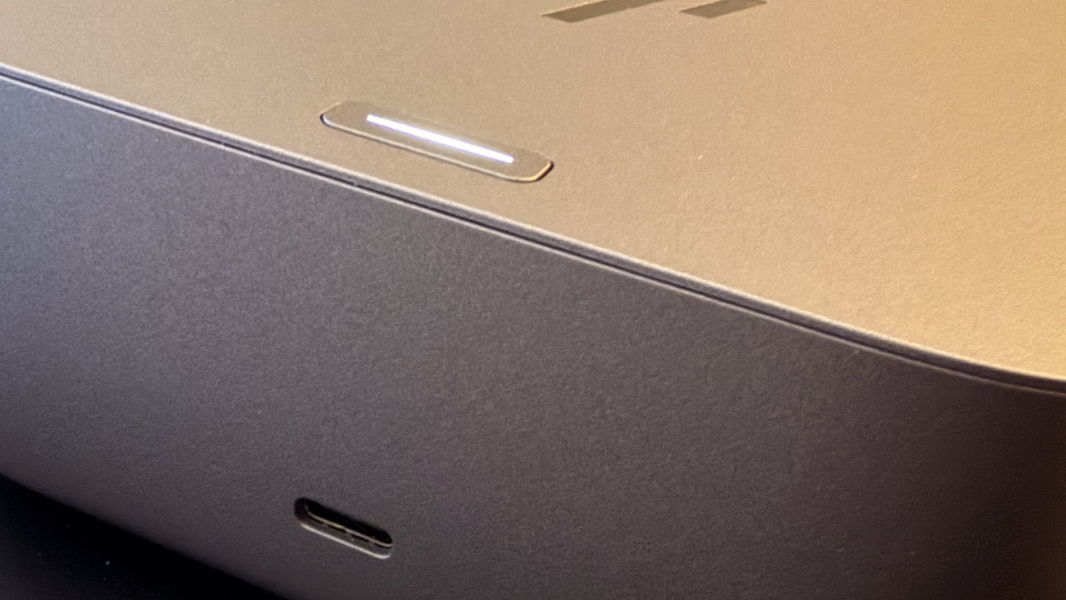
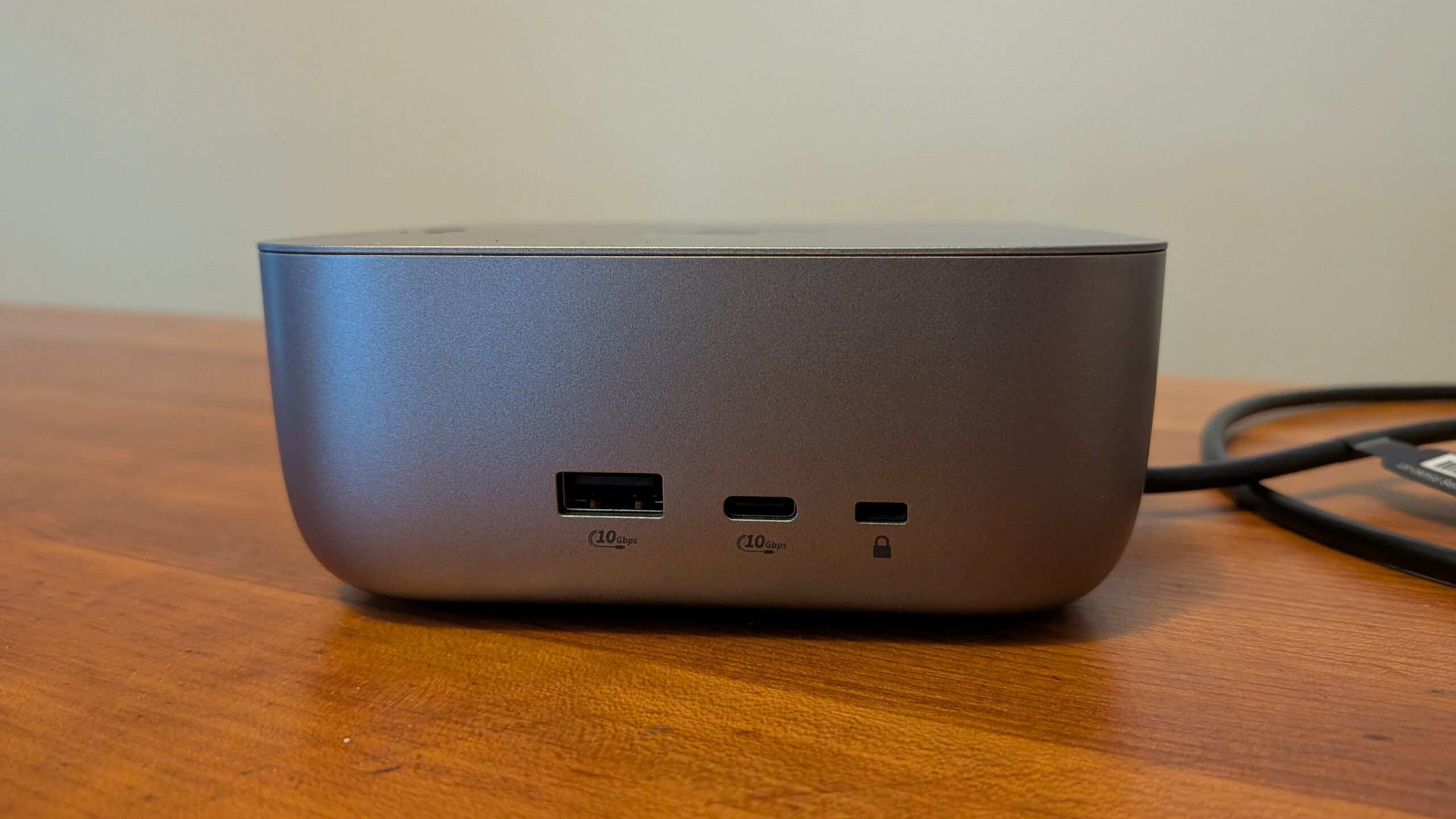
On the right side, HP placed a 10 Gbps USB Type-A port, a 10 Gbps USB Type-C port (also with 15 watts for charging), and a nano security port.
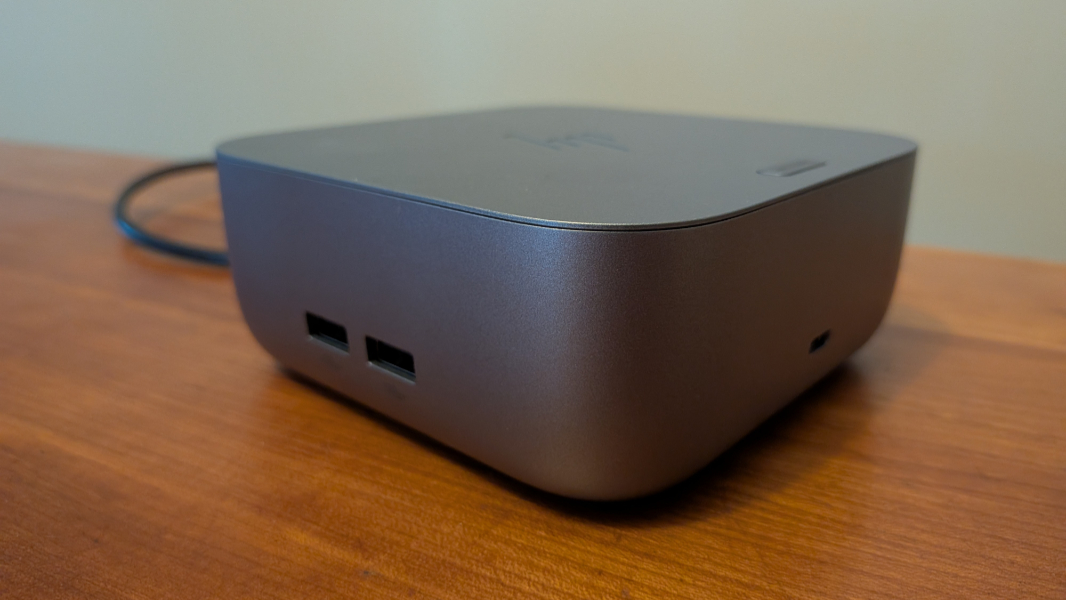
The left side offers two 10 Gbps USB Type-A ports.
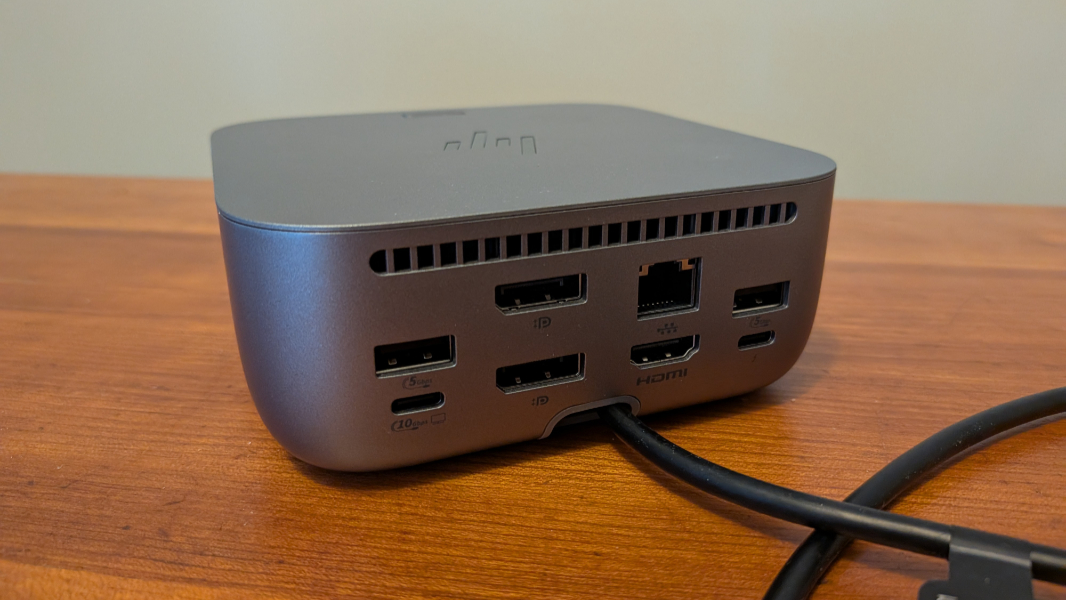
But the rear is where most of the action is: There, you will find one full-featured 40 Gbps Thunderbolt 4/USB4 Type-C port, one 10 Gbps USB Type-C port (with Power Delivery and DisplayPort 1.4), two 5 Gbps USB Type-A ports, one HDMI 2.1 port, two DisplayPort 1.4 ports, and a single 2.5 Gbps Ethernet port.
Power
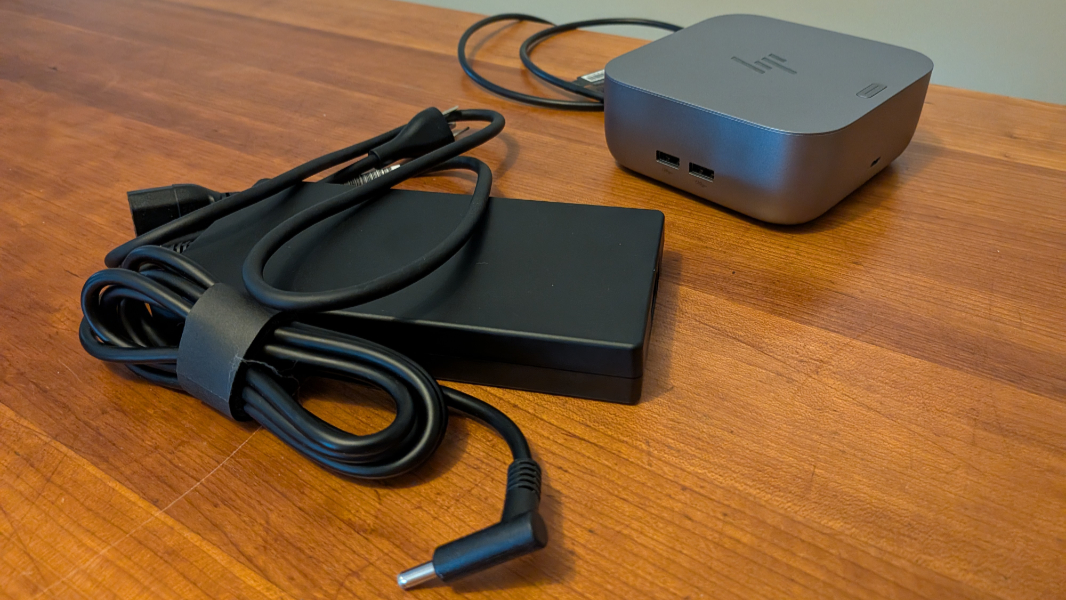
As with other Thunderbolt 4 docks, the G6 Dock comes with an enormous power supply that, in this case, is almost as big as the dock itself.
This model delivers 230 watts of power overall, up to 180 watts of which can go to the connected laptop, as indicated by its name. (Well, sort of. With previous HP Docks, the number in the product name indicated the overall power delivery.)
The G6 Docks also include active cooling, which I believe is a first. That is, there is a fan inside the top center of the dock, air intakes around the bottom edges, and exhaust vents on the top rear to blow hot air out the back. So far, it’s been quiet, and I have to put my ear up to the dock to hear the soft sound. But I’m curious if this will become more pronounced under heavy usage or when the winter ends and it’s just warmer all the time. We’ll see.
Special features
Docks are plug and play for the most part: You connect a dock to a laptop and whatever peripherals and just use it normally. But with the G6 Docks, HP added a potentially interesting feature that some will know from HP and other premium laptops. These are the first to include proximity activation, and so they can wake up your PC when you approach. If the laptop is open and configured with Windows Hello facial recognition, that means you can potentially get to work as quickly as possible since the IR sensor will be ready to roll as you sit down in front of the laptop.
Some HP and third-party laptops support this functionality as well, but having it in the dock is useful, too, especially if you’re using a laptop without presence sensing, as it’s called by Windows 11. I don’t yet have a feel for how well this works, but I have noticed the white power light on the button on the Dock’s top coming on as I walk up, so it’s doing something.
Pricing
The HP Thunderbolt 4 Ultra 180W G6 Dock retails for a bit under $400, which is quite expensive. But it’s often on sale for a lot less, and as I write this, I can see that Amazon is selling it now for $270, which is more reasonable. And less than the normal price for the less powerful 100-watt version. If you need more power, the 280-watt model is normally $430, but is likewise on sale at Amazon for $343.