Windows 11 Monthly Preview Update Brings Copilot as an App
- Paul Thurrott
- May 30, 2024
-
2

Microsoft delivered its monthly Week D preview updates for Windows 11 a day late, yesterday, and it has a surprise for those on 24H2: Copilot as an app. A really buggy app.
The update, 2024-05 Cumulative Update Preview for Windows 11 Version 24H2 (KB5037850), upgrades Windows 11 to build 26100.712, matching what those in the Release Preview channel have. So if you used my tip to get updated to 24H2 immediately, this preview update represents the very latest in stable (General Availability Channel).
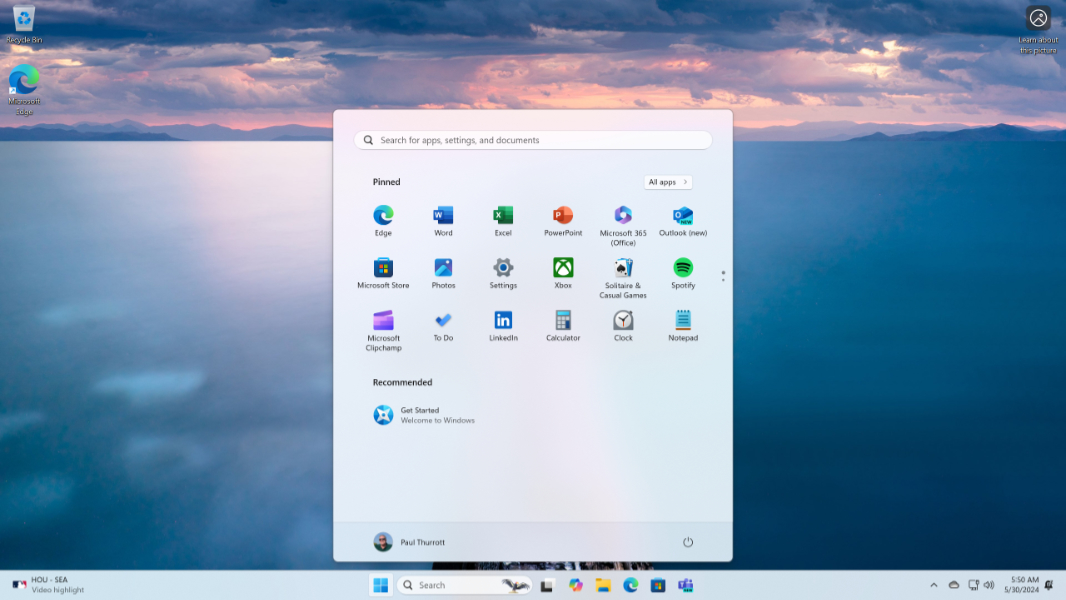
I can’t find any official documentation for the build—the Windows 11 release information website only lists updates for Windows 11 23H2 and 22H2 currently—but the Windows Insider Preview blog post for this build still applies. And it appears that Copilot as an app is the only new feature.
As noted, it’s really buggy: When you try to close it, Copilot just reappears. And as you can see in the screenshot above, it creates a second Taskbar icon when active. But in the good news department, this app version of Copilot supports custom GPTs, which was missing from the previous pane-based implementation.
I’ll keep looking and see if I can find any other changes.