Tip: Use the New OneDrive App for Windows 11 Today
- Paul Thurrott
- Oct 11, 2025
-
9
This past week, Microsoft held an online OneDrive event at which it announced several new Copilot-powered AI features coming soon to OneDrive on the web, Windows 11, and mobile. One of those features, a new OneDrive app for Windows 11, had leaked just days earlier. But at the event, Microsoft said that this app was coming to Windows 11 next year.
Which is odd, because you can use it right now. I assume this requires you to be on a very recent Windows 11 version 24H2 or 25H2 build, as I can’t really test this on older builds. But here’s how to access the new app if you are, or at least try.
- Open File Explorer and navigate to the following location (and be sure to replace “paul” with your user account name):
C:\Users\paul\AppData\Local\Microsoft\OneDrive,
- There, you should see a new app named OneDrive.App next to the normal OneDrive app.
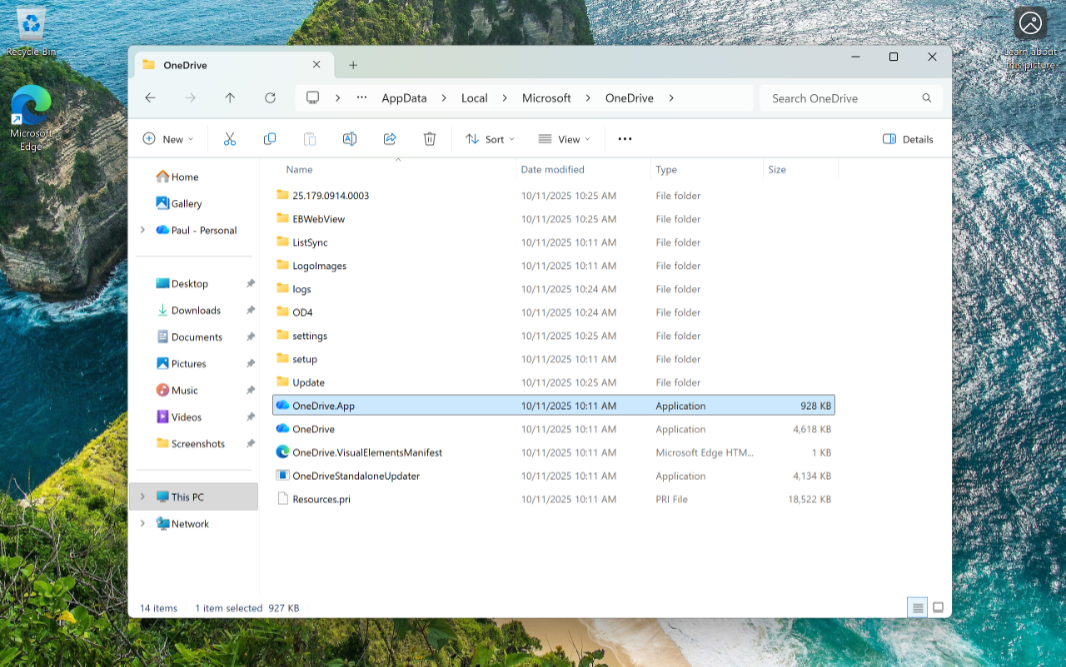
- Optionally pin a shortcut to this app to Start and/or Taskbar for easier access.
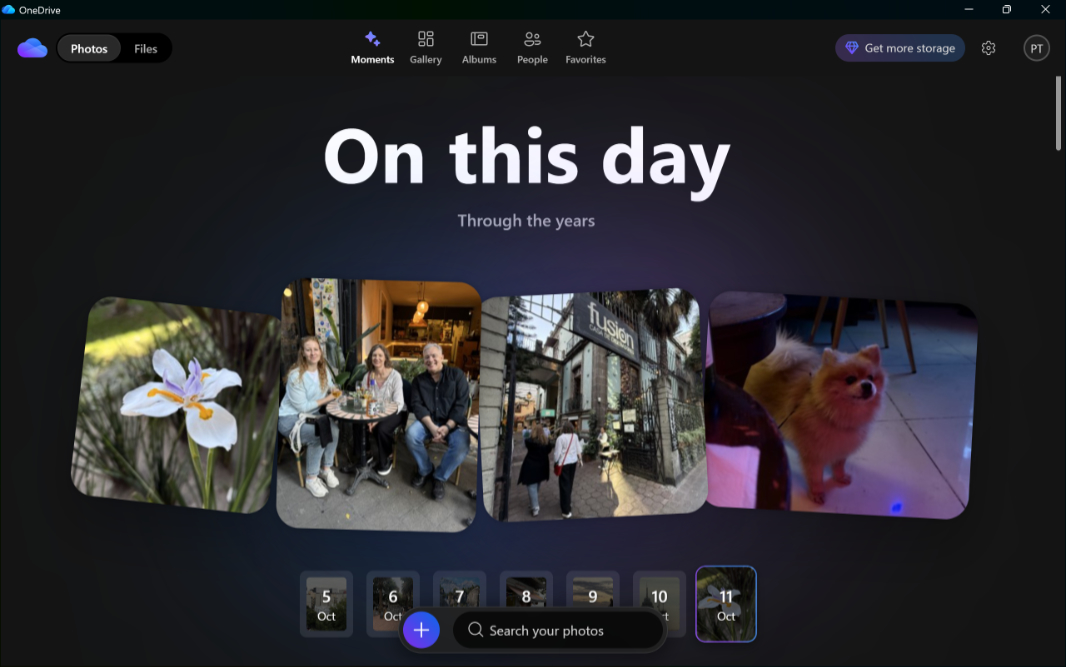
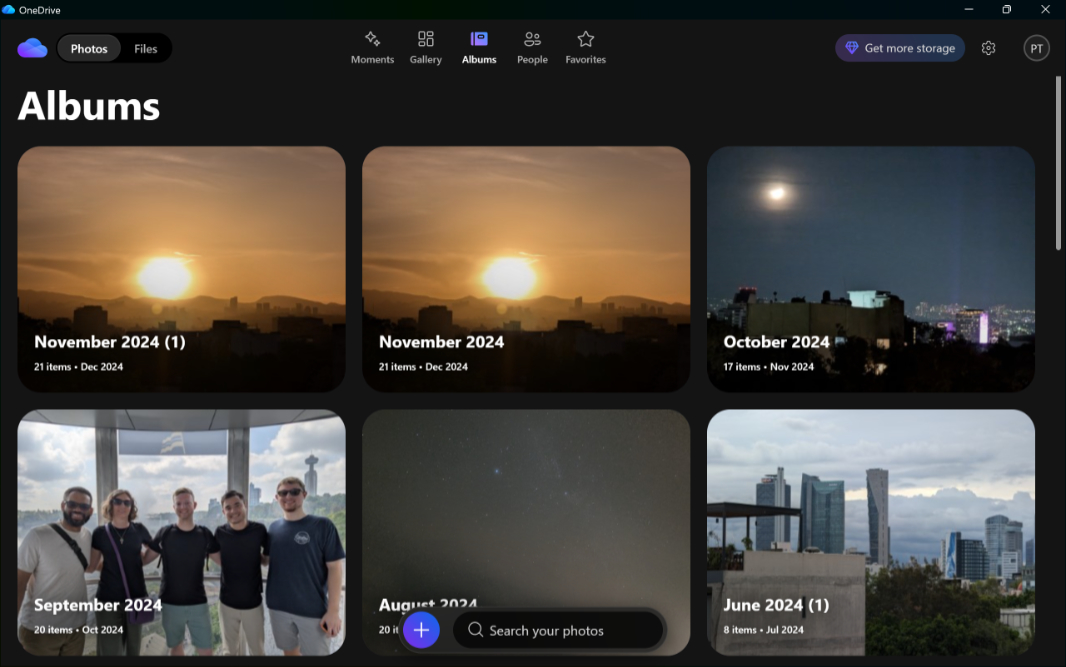
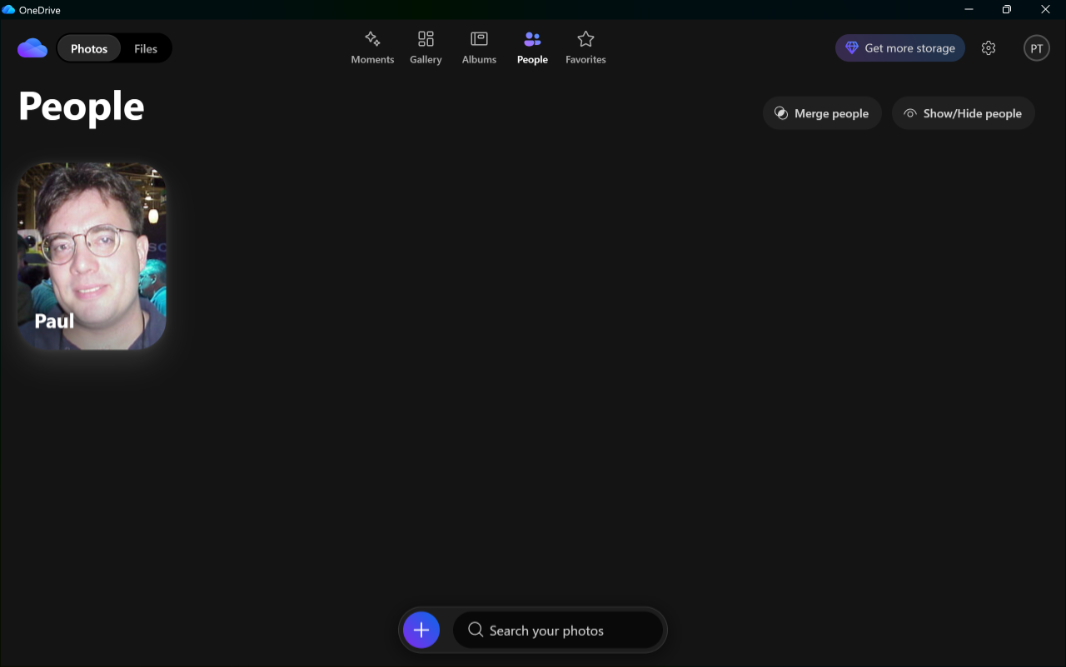
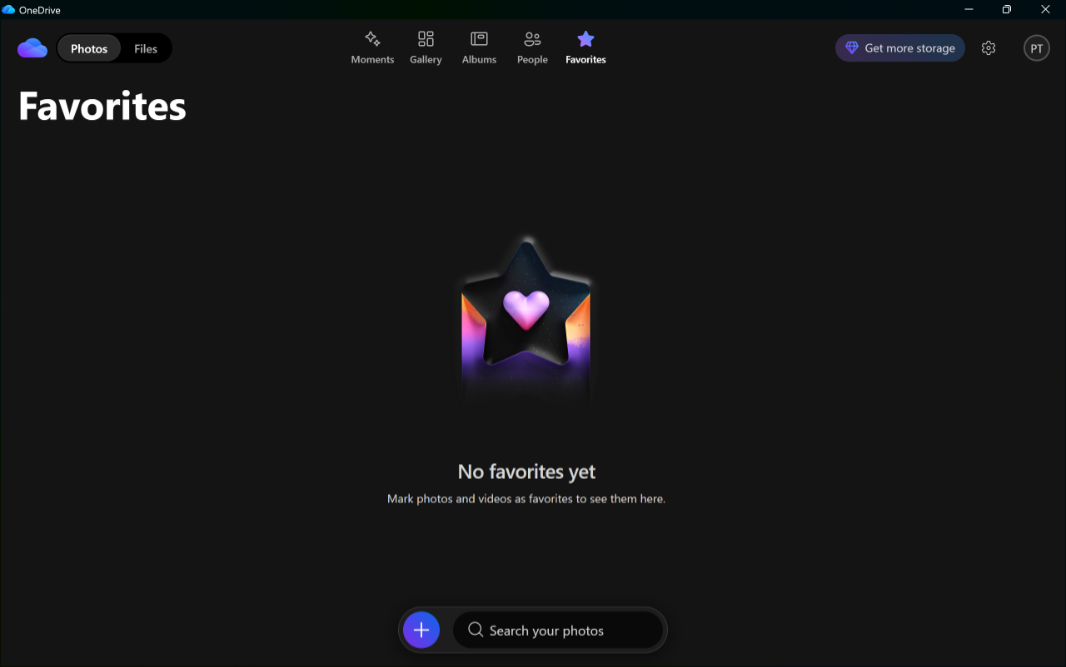
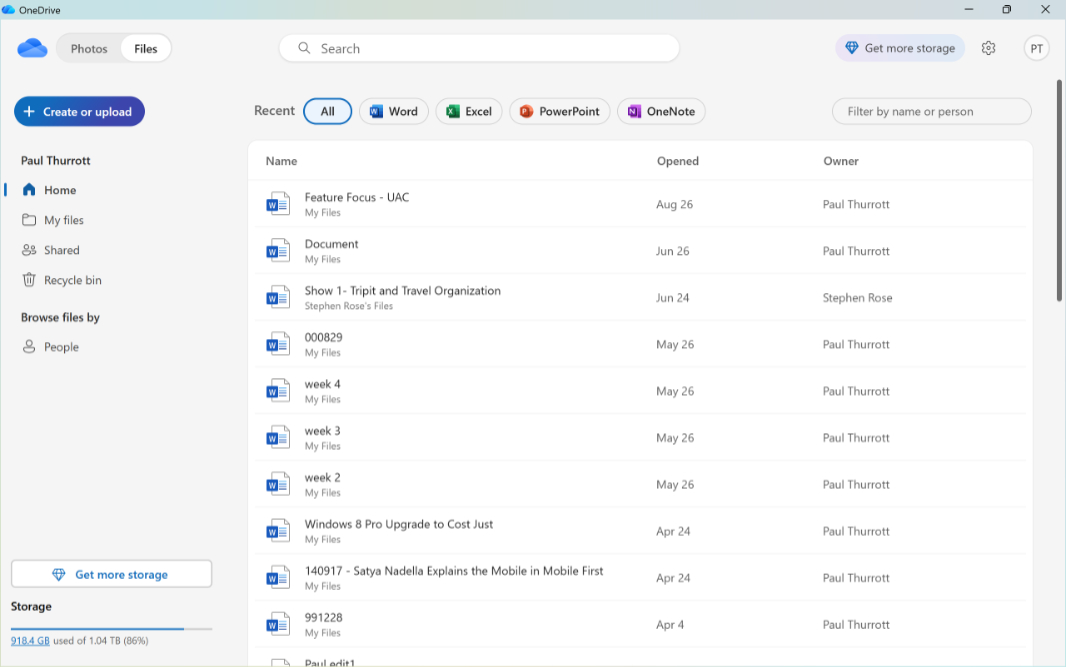
The new app has Photos and Files views, though both only work with cloud-based content and not anything local to your PC. That will change by the public release, however, but it’s clear that the real emphasis here is photos. The Photos view has Moments, Gallery, Albums, People, and Favorites tabs, with Gallery as the default.
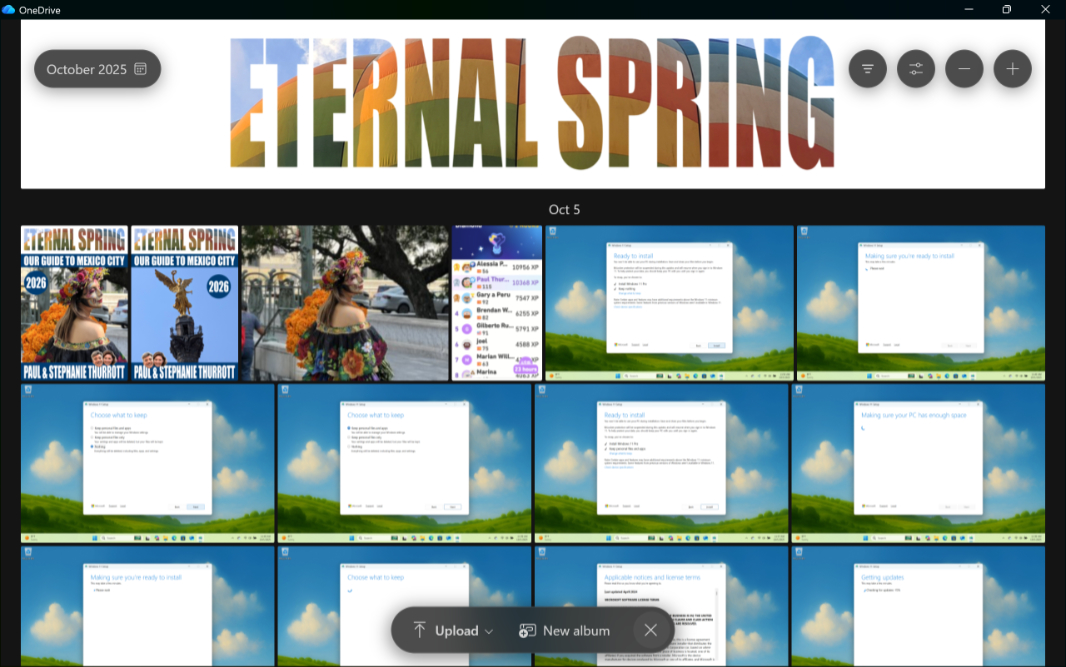
I’ll look at this app more as it evolves. But for now, here are some shots, mostly of the Photos experience, as the Files view is just OneDrive on the web but inside the app container.