HP OmniBook Ultra 16 First Impressions
- Paul Thurrott
- Oct 16, 2026
-
0
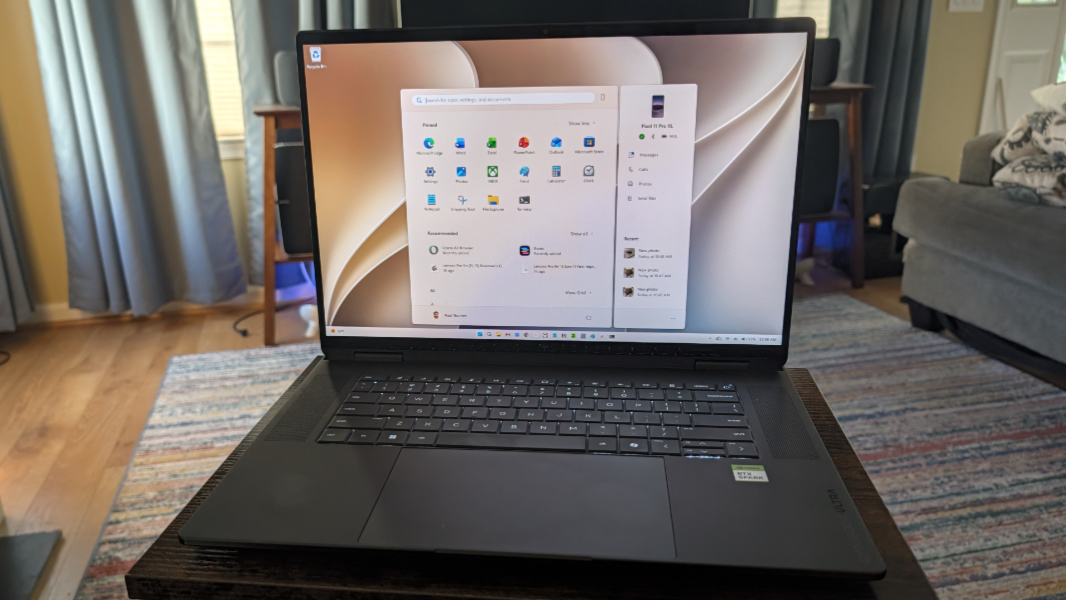
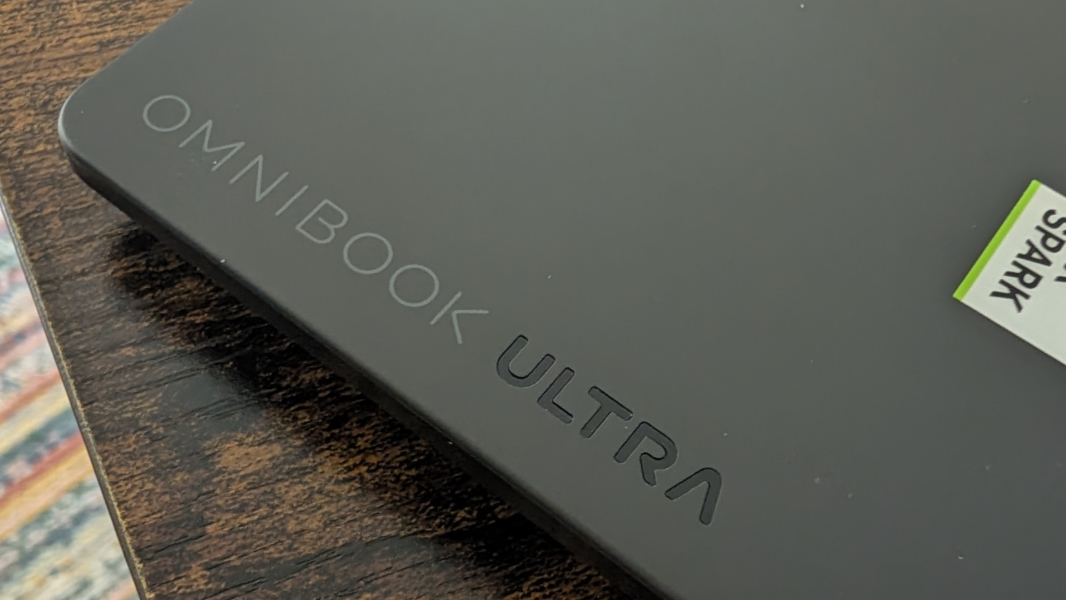
The OmniBook Ultra 16 is a 16-inch portable workstation that’s powered by the new Nvidia RTX Spark N1X processor, with its integrated CPU, Blackwell GPU, and unified RAM.
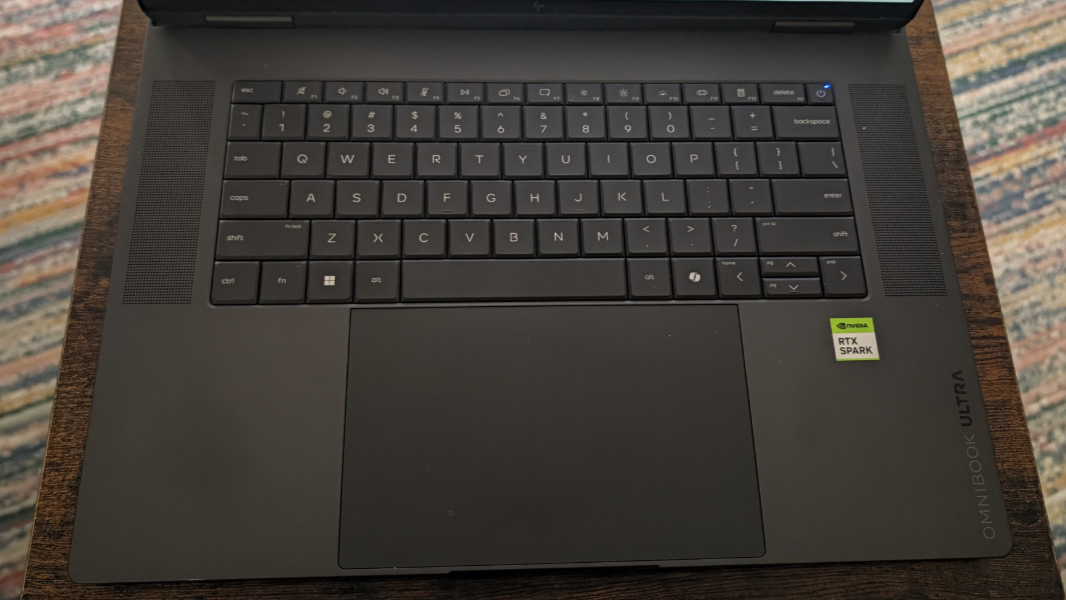
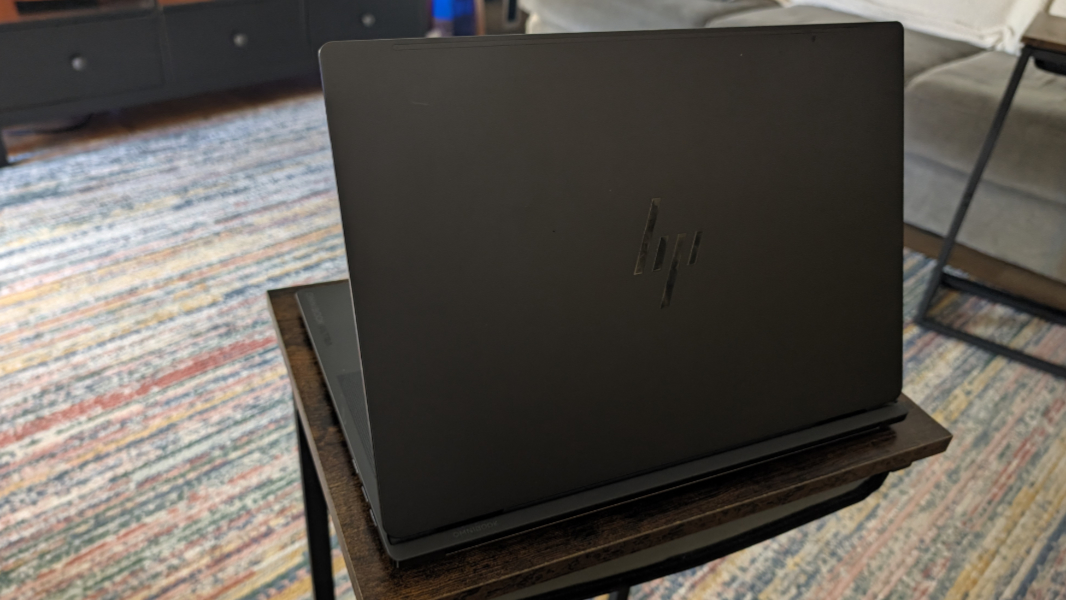
This is a notably handsome laptop in dark Eclipse Gray, with a keyboard floating between speaker grills and no numeric keyboard, like God intended.
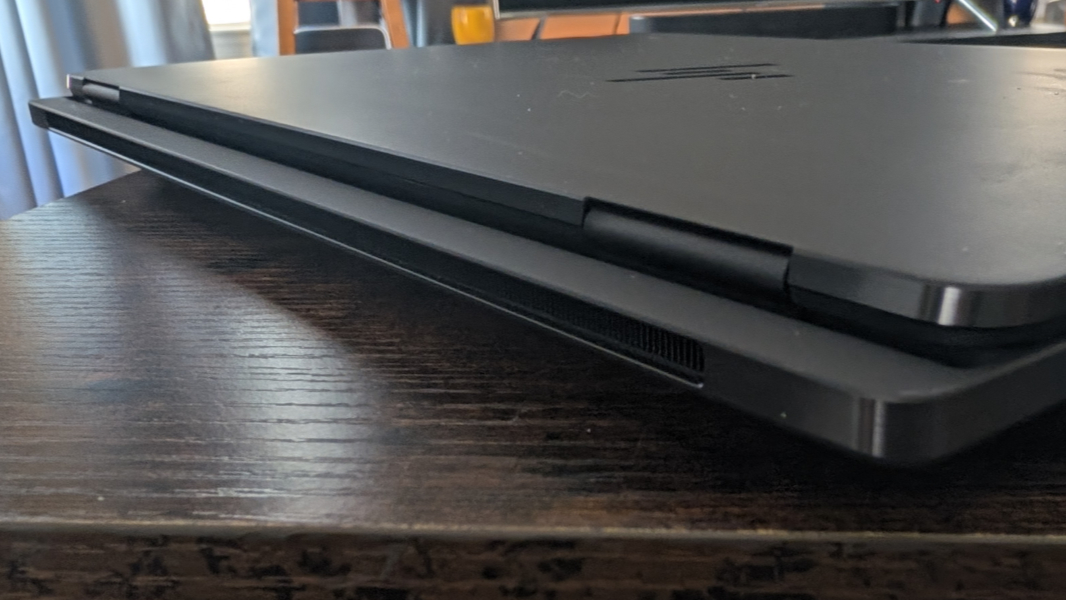
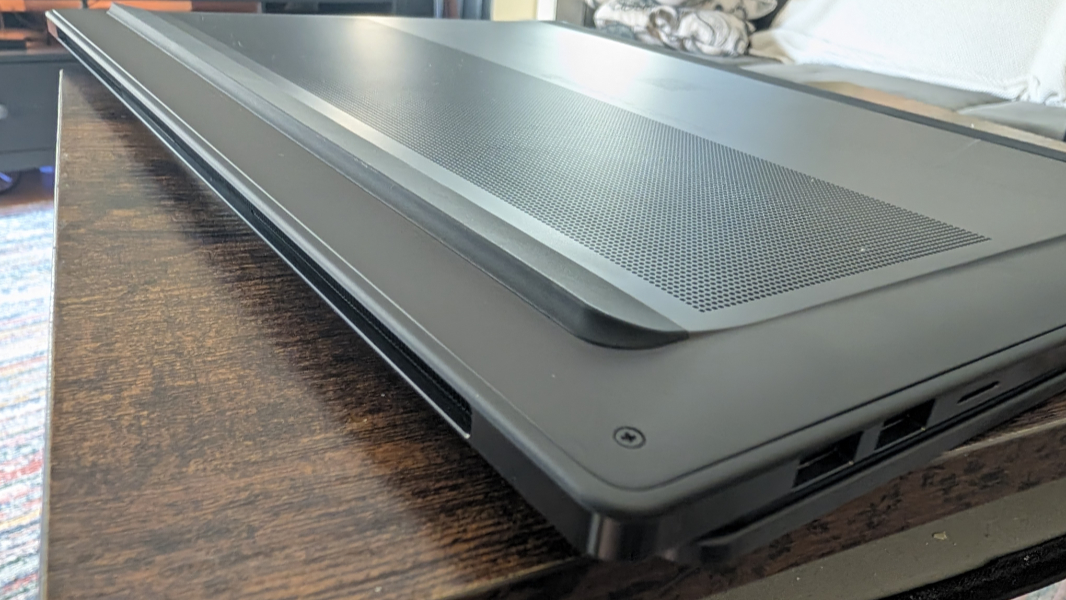
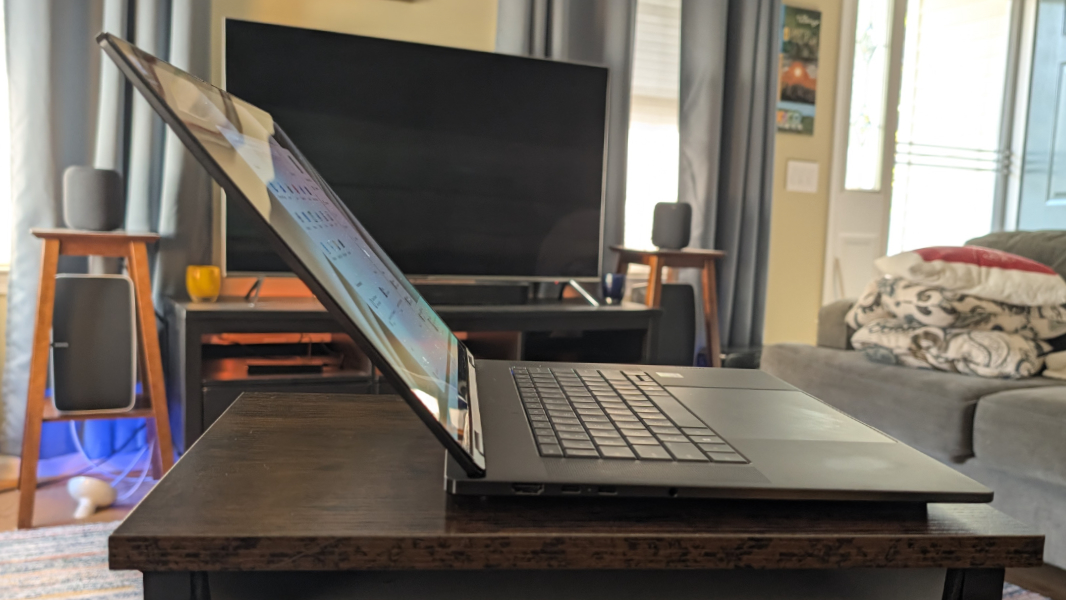
There is one unusual design point: Like some gaming laptops, it uses a tower hinge and trunk architecture that moves the display panel forward about half an inch from the back of the base. This prevents the display from angling back particularly far, and it comes nowhere near lying flat.
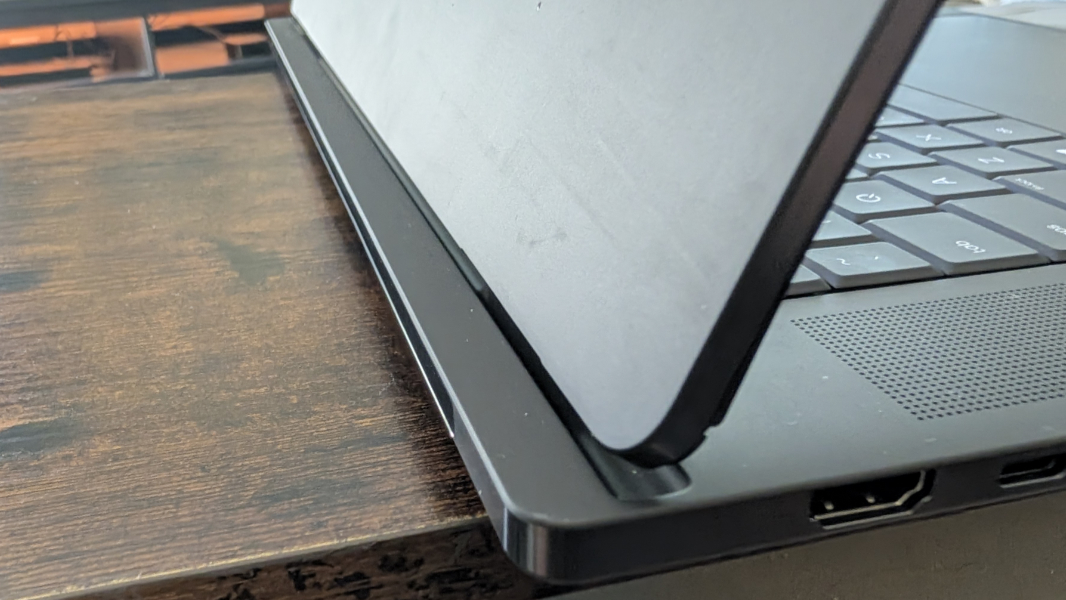
But the point here is to ensure that the exhaust in the back is never blocked. This thing is incredibly powerful, and its reworked thermal design needs to expel heat under load.
That said, the specifications are typical for an RTX Spark computer.
At its heart is the Nvidia N1X processor, which can be had in two variants, one with an 18-core CPU, a 5,120-core Blackwell RTX GPU, and 32 GB of LPDDR5x-9400 MT/s RAM and one with a 20-core CPU, a 6,144-core GPU, and 32, 64, or 128 GB of LPDDR5x-9400 MT/s RAM. The review unit includes the higher-end processor and 32 GB of RAM, which positions it for creators rather than what I’ll call AI professionals.
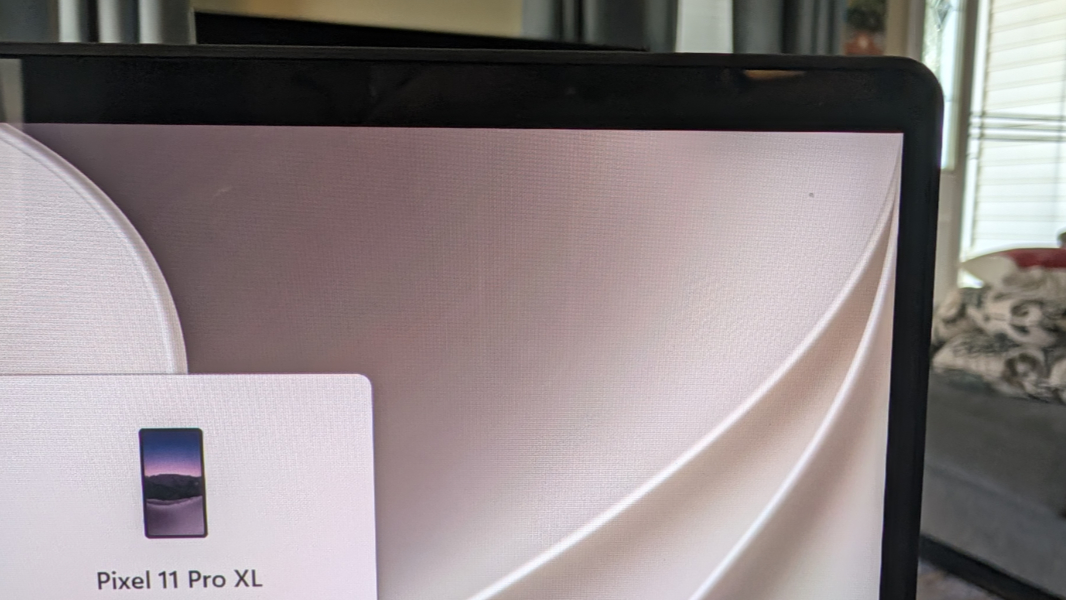
The display is epic. It’s a 16-inch 3K (2880 x 1800) OLED multitouch panel with a 120 Hz variable refresh rate (VRR), edge-to-edge Gorilla Glass 3 protection, low blue light and VESA DisplayHDR True Black 1000 capabilities, and 100 percent DCI-P3 color gamut coverage that emits 500 nits of brightness for SDR content and 1100 nits for HDR. The bezels are notably slim, with the display lid delivering a solid 91 percent screen-to-body ratio.
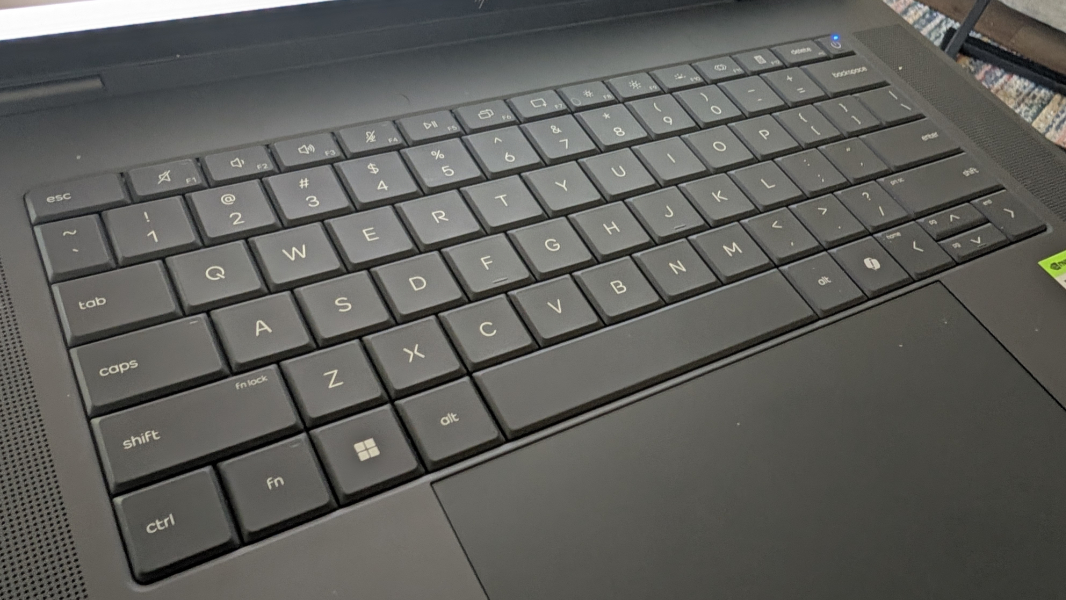
The lattice-less keyboard is awesome, which isn’t surprising given HP’s excellence here for so many years. It’s full-sized and backlit, of course, with two levels of backlighting but no auto mode. The haptic glass touchpad is humongous and stretches across the entire height of the wrist rest. It’s been solid in early testing once I disabled three-finger gestures, which is typical.
Audio output should be solid with quad speakers, smart amplifiers, and DTS Virtual:X immersive sound. There’s a 5 MP webcam with a manual privacy switch and, integrated dual-array microphones. And connectivity is modern, with Wi-Fi 7 and Bluetooth 6.0.
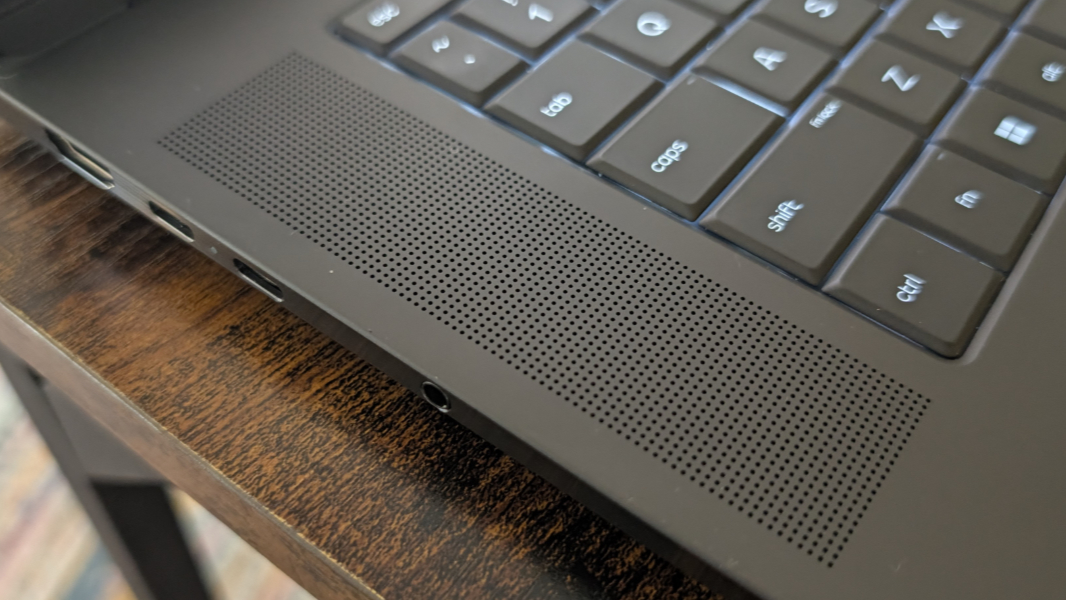
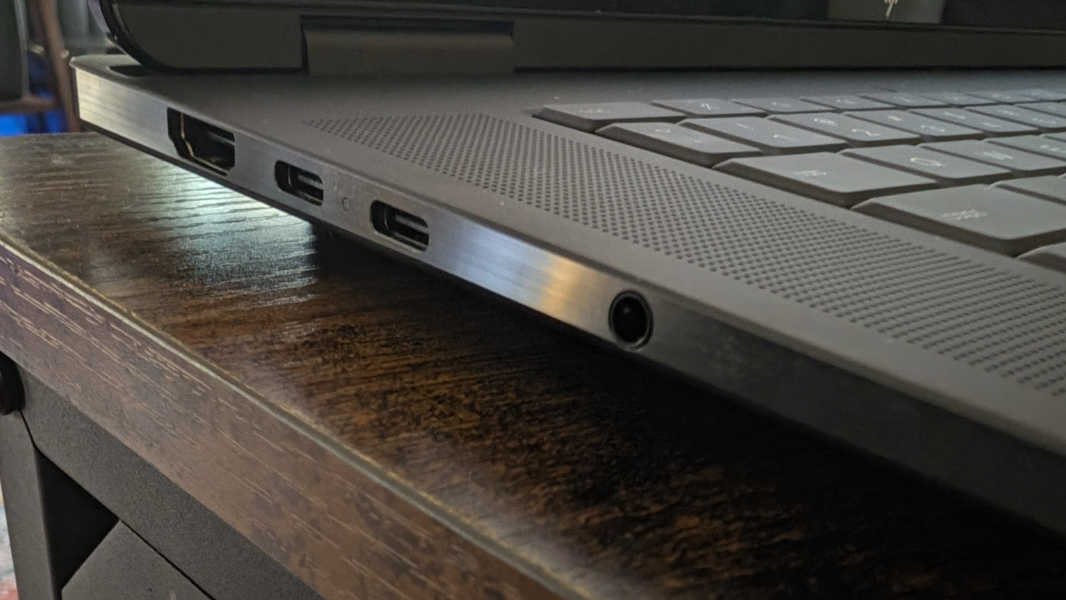
Expansion is pretty typical for these days, though there are only two USB-C ports and both are on the left side, which is curious.
On the left, there is one HDMI 2.1 video-out port, two 40 Gbps Thunderbolt 4/USB Type-C ports with USB Power Delivery 3.2, DisplayPort 2.1, and HP Sleep and Charge capabilities, and a combo headphone/microphone jack.
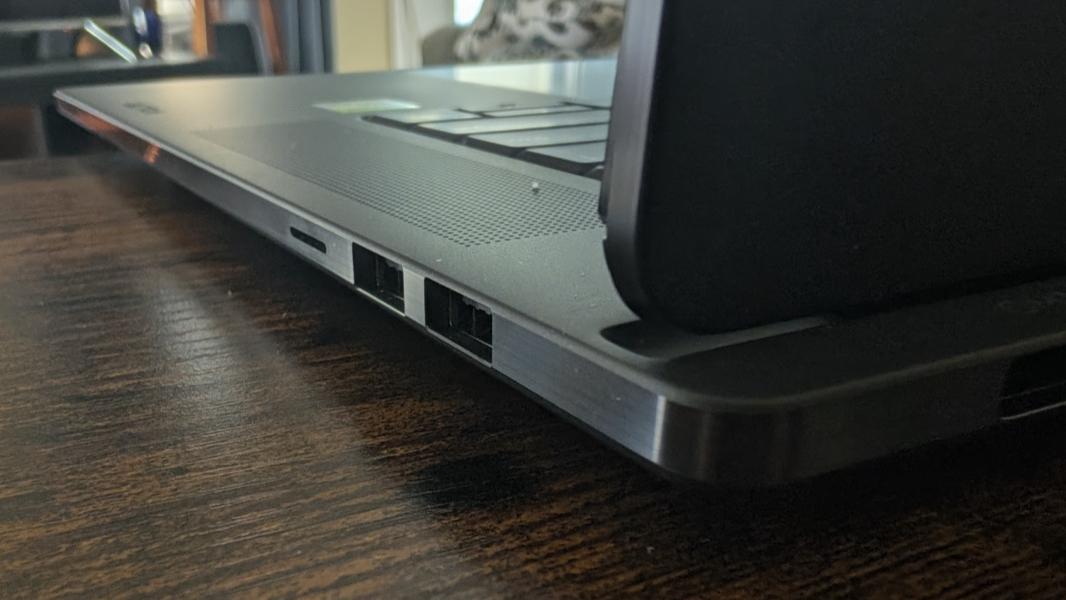
On the right, HP placed two 10 Gbps USB Type-A ports and a microSD card slot.
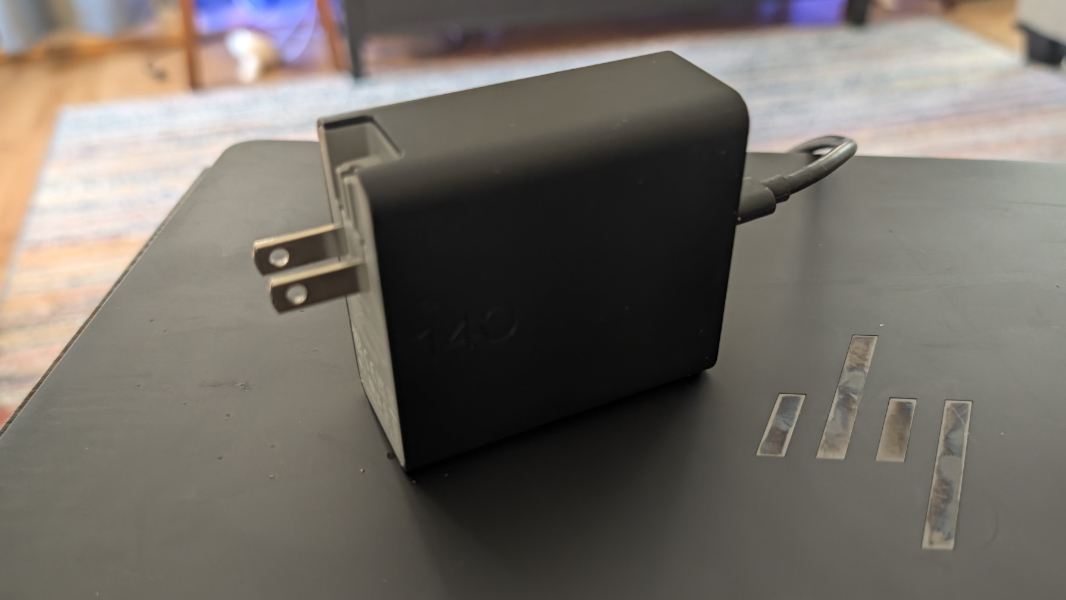
Like all portable RTX Spark computers, the OmniBook Ultra 16 comes with an enormous battery, in this case 99 watt-hours, and it’s charged with a bundled 140-watt USB-C GaN charger that’s a huge wall wart that detaches from power receptacles a bit too easily. It’s big and heavy at 14.01 x 10.1 x 0.62 inches and 4.89 pounds, but not for a 16-inch portable workstation.
And if you had any doubt that this was a normal computer, doubt no more: HP ships McAfee antivirus, Adobe offers, a Dropbox promotion, and other crapware.
I wrote about the Nvidia RTX Spark platform earlier this week, but many will of course have questions about the specifics of this experience. And while I’ve only had the OmniBook Ultra 16 for about a week, I’ve used it regularly each day since then and will review it first of the three RTX Spark laptops I have in-house right now. And I do, of course, have some early observations.
Day-to-day, the OmniBook Ultra 16 is just a normal Windows 11 computer. Like other RTX Spark computers, it runs Windows 11 version 26H1, like Snapdragon X2-based PCs, so it cannot upgrade to 26H2. And it’s Windows 11 Home because, wait for it, the OmniBook line targets consumers and prosumers.
Battery life is averaging about a bit over 6.5 hours so far, but that could change.
Efficiency and power management reliability and performance are very good right now, but they’re not quite to the same level as Snapdragon X2. For the most part, the screen comes right on when you open the display lid, but it takes a noticeable second to do so, where Snapdragon X2 is instant. It loses about 3 percent of its battery sleeping overnight, which is typical and thus good.
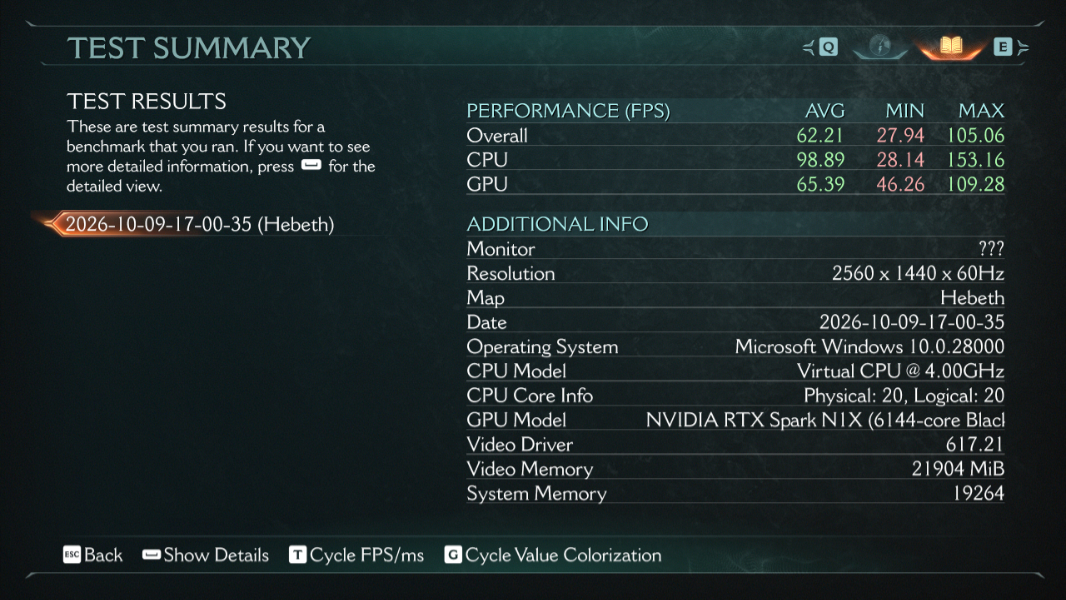
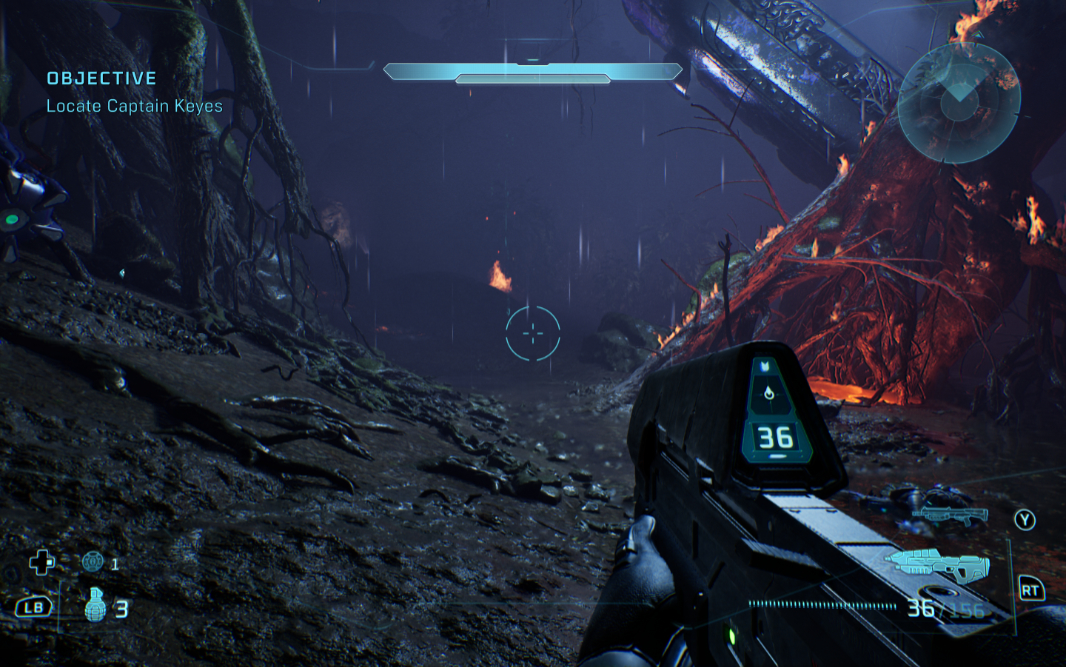
It runs more games than Snapdragon X2 and it runs those games very well. I’ve tried several titles so far, and I haven’t run into any that don’t work at all yet, aside from Call of Duty: Black Ops 7 which Microsoft implied would not work when it said that Call of Duty support is coming in 2027. (I had to at least try.) Gears of War: E-Day runs at 2400 x 1500 with dynamic upscaling and high graphics quality, and it delivers a solid 60 FPS. And Doom: Dark Ages runs at 2560 x 1440 with high graphics quality at over 60 FPS. Very nice. I’ve also successfully run Doom Eternal, Halo Campaign Evolved, and The Last of Us Part 1, and all look great and run wonderfully.
Fan noise is more like that of an x86-64-based PC or portable workstation than it is a Snapdragon X2-based laptop. It can kick on at any time and does so during any compute-intensive tasks, whether it’s bulk installing apps, running heavy local AI loads, or playing games. Where Snapdragon X2 is usually silent, this thing is more like a normal PC.
Regarding those local AI tasks, I’ve gotten started with Hermes and LM Studio, but I’ve mostly been using Stardock Clairvoyance with both local and cloud-based models. For the latter, I’ve gotten Gemma 4 12B working without issue. Brad stepped me through the setup there and my next goal is to try this on a 128 GB RTX Spark computer and see which even larger models I can use and how they compare.
I will have a lot more to say about this and the other RTX Spark computers before my formal review. But my initial experiences are very positive, and the HP OmniBook Ultra is particularly good.