Synology DiskStation DS224+ Next Steps
- Paul Thurrott
- May 18, 2025
-
9
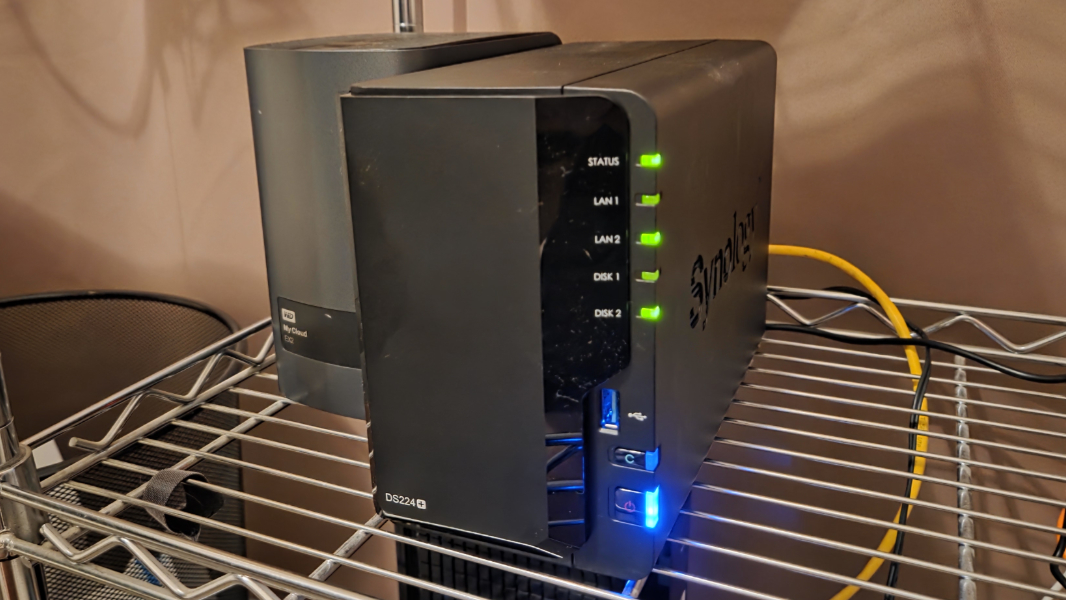
I had hoped to leave for Seattle with a completely configured NAS, but life had other ideas. That’s OK. It’s in a pretty good place.
As you may recall, the new NAS, a Synology DiskStation DS224+, and one of two 16 TB hard drives I had ordered arrived last Wednesday, and the 4 GB RAM upgrade had arrived a few days before that. I got started with it immediately, of course, putting together the hardware I could and doing the initial configuration. And then I started copying over data. From my old NAS. From some external drives. And from the cloud, through my PCs.
It wasn’t clear why both hard drives hadn’t arrived on Wednesday. They were supposed to. So I waited until the next day and then looked it up on Amazon. The retailer confirmed that it was scheduled to arrive the day before, but it was in some sort of limbo. So I checked the product listing. There were still 19 in stock. So I canceled the order that had never arrived, which went fine. And then I ordered a new drive. This was Thursday, and Amazon told me that the drive would arrive on Saturday. I had to fly to Seattle (very early) on Sunday, so that wasn’t ideal., schedule-wise But it was better than nothing.
Over Friday and Saturday, I copied content to the NAS while I worked. Depending on the source, this took a while. The old NAS is very slow and unreliable, for example, so that was depressing but not unexpected. But I was surprised by the YouTube take-out I had done after Google had stripped away my channel. That took the better part of a day, which seemed off to me, given that I had directly attached the USB hard drive to a USB port on the NAS. But … whatever. I was busy with other things, and I could let these things just run in the background. No problem.
Anyway, things progressed. At some point Saturday, I powered down the NAS and moved it into my home office, next to the router where it belongs. (It had been out in the living room on a lengthy Ethernet cable so I could keep track of it before that.)
I was finally winding down with work late Saturday, and we were getting ready to go out to eat. I gave a last look at email and … oh, right, the drive. It had just been delivered. There was a photo of it in the email, sitting outside the door. So I powered down the NAS, unboxed the drive, and installed it. And then I powered the NAS back up. I figured this would go quickly.
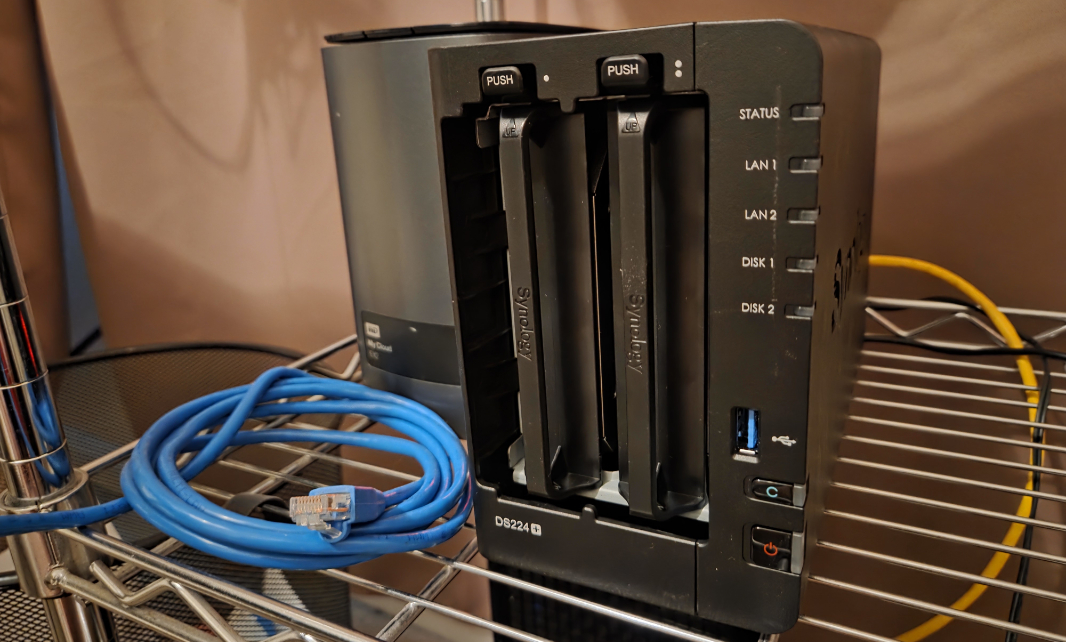
I am so naive.
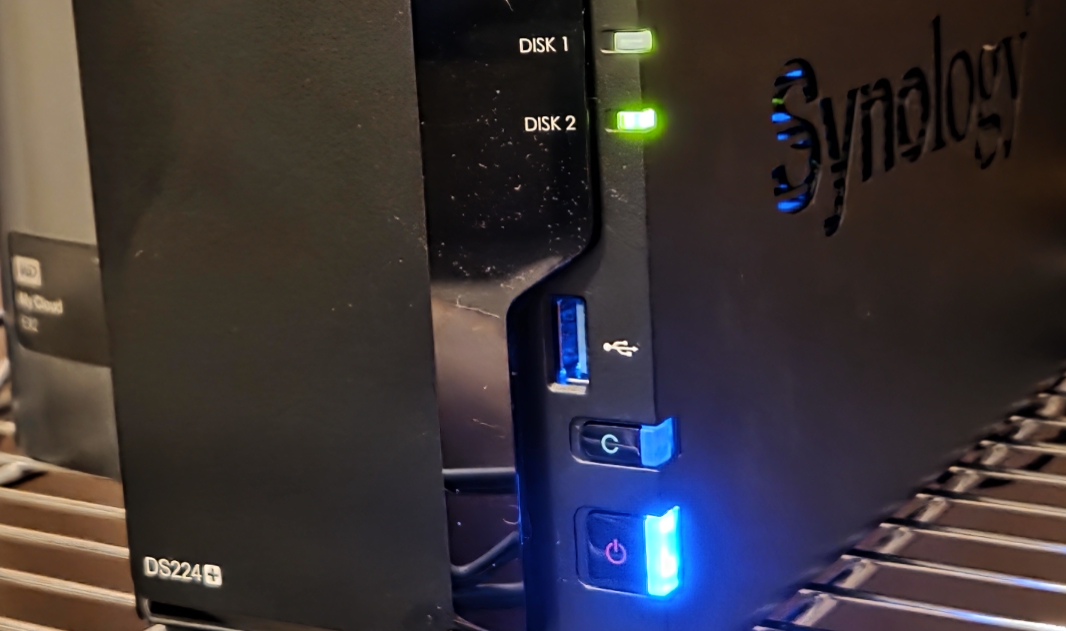
Synology Storage Manager saw the drive and automatically added it to the Volume I have in the one Storage Pool I have. So that was a step I didn’t need to take. Good. But making that drive available was another thing entirely. After a brief initialization processor, it reported that this process would take … wait, what? … over 13 days.
13 days.
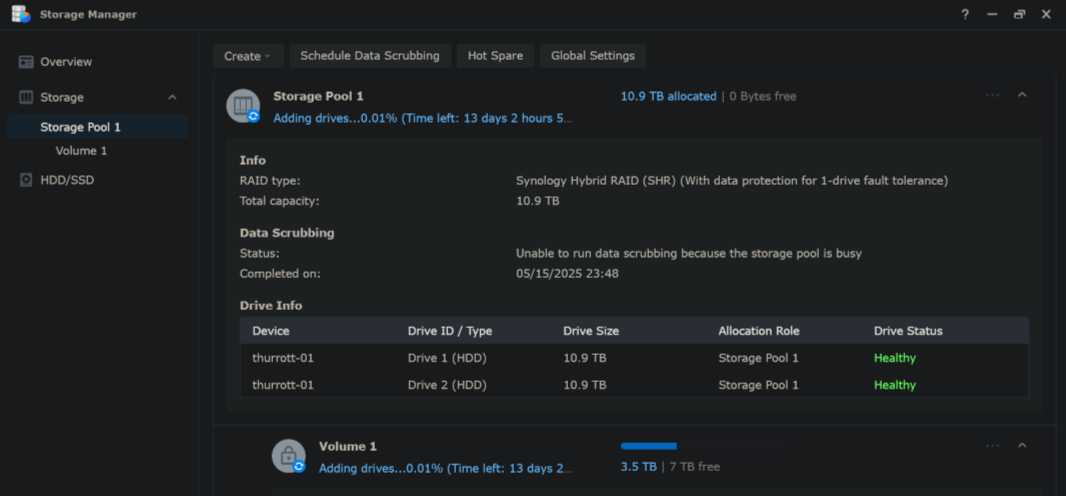
That couldn’t be right. But I let it do its thing. We left, ate dinner, and returned. And when I check it, two hours later, It was 0.57 percent done. And still had over 12 days to go. Ah boy.
We watched a bit of TV last night, so I Googled this and discovered, to my surprise, that this behavior is normal and, from Synology’s perspective, completely acceptable. I knew it wouldn’t really take 12–13 days. But maybe it would take a few days. So it wouldn’t finish before I was in Seattle. Not what I wanted. But … it didn’t really matter, I guess.
I mean, everything matters. But this was never going to be perfect. And I had other concerns to deal with.
For example, I was very curious to test remote access to the NAS. And to be fair, I did a bit of this before I traveled. For example, I can access the NAS from my phone when I’m out in the world, over cellular, and have done so multiple times. I can stream video, access documents, whatever.
But my primary goal here is to move from Big Tech cloud services to this Little Tech solution for storage and day-to-day work, if possible. And to test that, I need to use a PC. At home, I specifically worked off NAS-based documents and files when possible, and had no issues. And I was very happy that my .NETpad 2025 project in Visual Studio worked normally–meaning full speed, with no errors–from the NAS. But what would this be like on the go?
This trip gives me a good way to test that in a real-world sense. On the flights here–I flew from Allentown to Chicago and then from there to Seattle–I connected to the Wi-Fi on the planes and then connected to the NAS quick connect interface on the web. Mostly to see how that disk add was going.
When I got up in the morning–at 4:30 am local time–the process had progressed to over 42 percent complete, a good sign, and it said there were about 9 hours left. On the first flight, at about 7:30 am, it had jumped to 61 percent. At 10:00 am, on the second flight, it was at almost 92 percent. And so it was clearly going to finish today, which was a nice improvement.
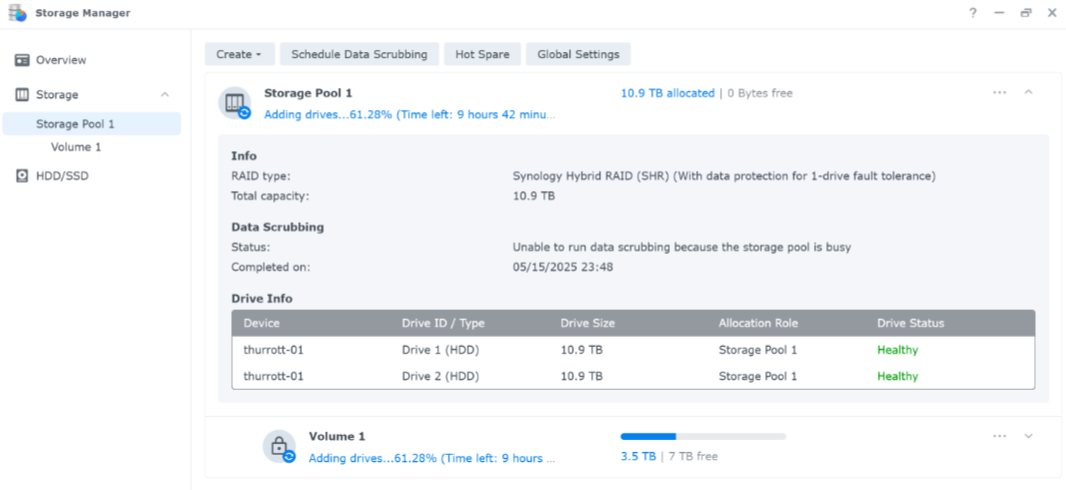
I wasn’t able to check again until I got to the hotel in Seattle. But at 5:00 pm my time (2:00 pm in Seattle), I signed in to the web interface and … it was done. The drive had been added.
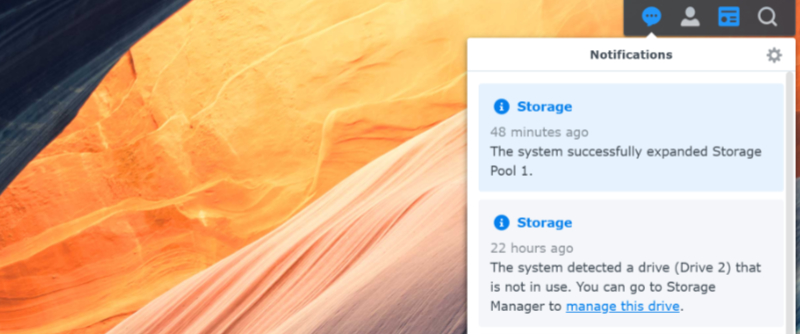
I thought I would need to configure the drives to replicate each other–using Synology’s SHR hybrid RAID–but, once again, it had just configured it correctly for me. So I had nothing to do. It was just correctly configured.
So here I was, a continent away, on non-upgraded hotel Wi-Fi. How well could this work? There are bottlenecks on both ends, after all. Not just the hotel, but also my home Internet connection, which is 1 Gbps down but only 350 Mbps or whatever upstream. Accessing documents and photos seemed to work fine. But I wanted to find something that would stress it a bit.
If I try to open a video from File Explorer–through the Synology Drive Client integration–it will download the file first. But I wanted to stream a video. So I looked this up, and there are a few ways to do that without installing a Plex-type solution. One is to use the Synology File Station app in the web interface, locate the video, right-click it, and choose “Open in new tab.” It will then stream the video in a web browser tab.
Because I’ve been using this in my tests to date, I chose a 1080p version of Star Wars 4K77 that’s about 5 GB in size. This is a fan-made restoration of the original Star Wars and the quality is surprisingly high, even in 1080p form. So I gave it a shot.

It played nicely. You can’t skip around in the movie without waiting a few seconds each time, of course. There’s no scrubbing. But it plays, and it looks great, and it ran without a hitch. And that, to me, is a reasonable success. I will almost certainly never watch a movie this way, really. But it was an interesting test.
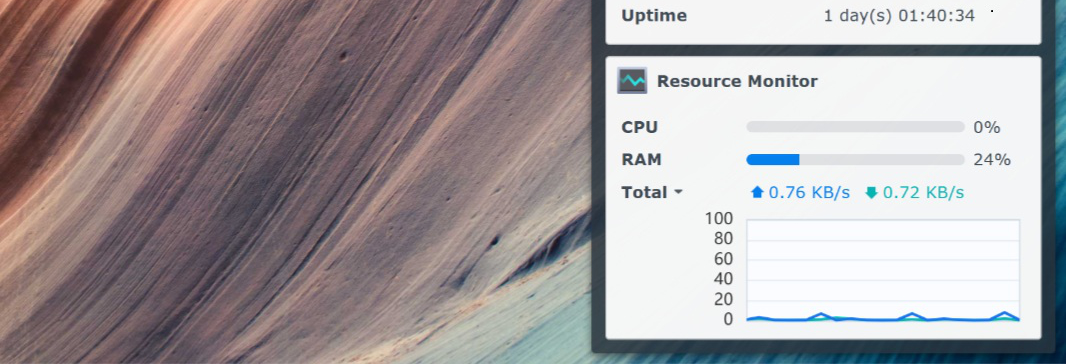
As I write this, I’m at a Microsoft pre-Build event. My laptop is tethered to my phone’s cellular Internet connection. And so it’s not fair to expect the same sort of performance I get in, say, the Windows file system as I would over a more standard Internet connection. But … who’s interested in being fair? I can keep the web interface up, where I can view CPU and RAM usage, and just work normally. And see what happens.
My .NETpad 2025 project in Visual Studio consists of almost 2000 files, most tiny. So I brought it up in Visual Studio 2022, built the app, and ran it. And it works fine. I saw a tiny bump in CPU and an even smaller bump in RAM at build time. And then nothing.
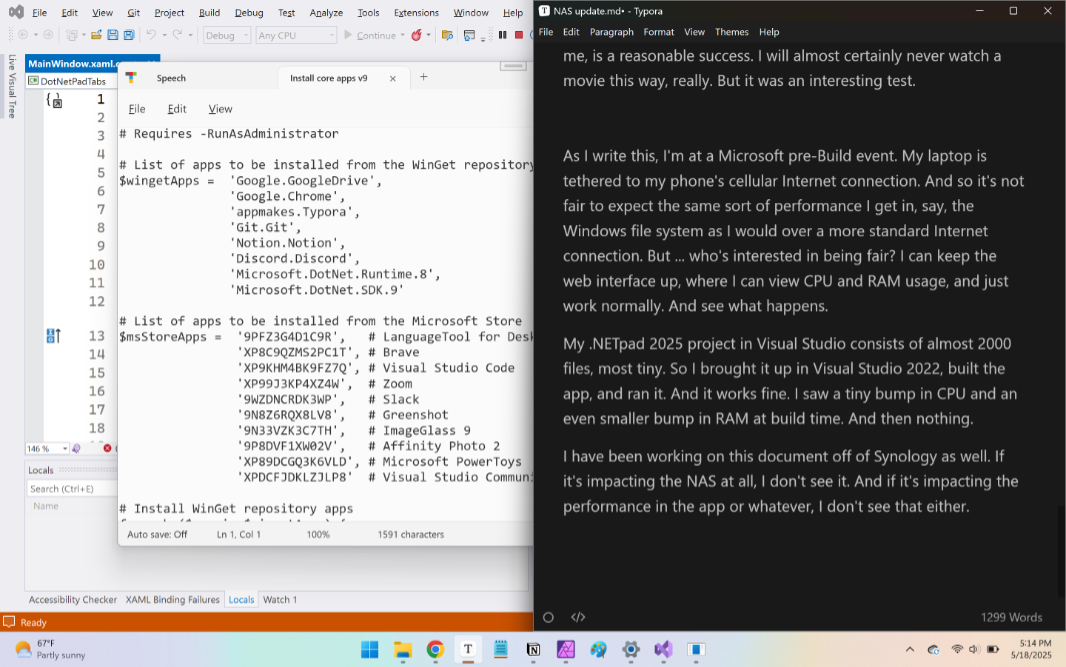
I have been working on this document off the Synology as well. If it’s impacting the NAS at all, I don’t see it. And if it’s impacting the performance in the app or whatever, I don’t see that either.
These are not definitive tests in any way. I need to experience this over time, from multiple places. At some point, I’ll have two NASes, syncing to each other, from different locations. That may–or may not–impact things. It’s early days. We’ll see.
But I feel like this can work. Synology Drive Client uses the same underlying on-demand technology as OneDrive and Google Drive, so the files I access most often are synced locally, and even if syncing is slower or less efficient, the real world differences might not be that great. This is at least promising.