HP EliteBook 8 G1a 16 Review
- Paul Thurrott
- Sep 18, 2025
-
2
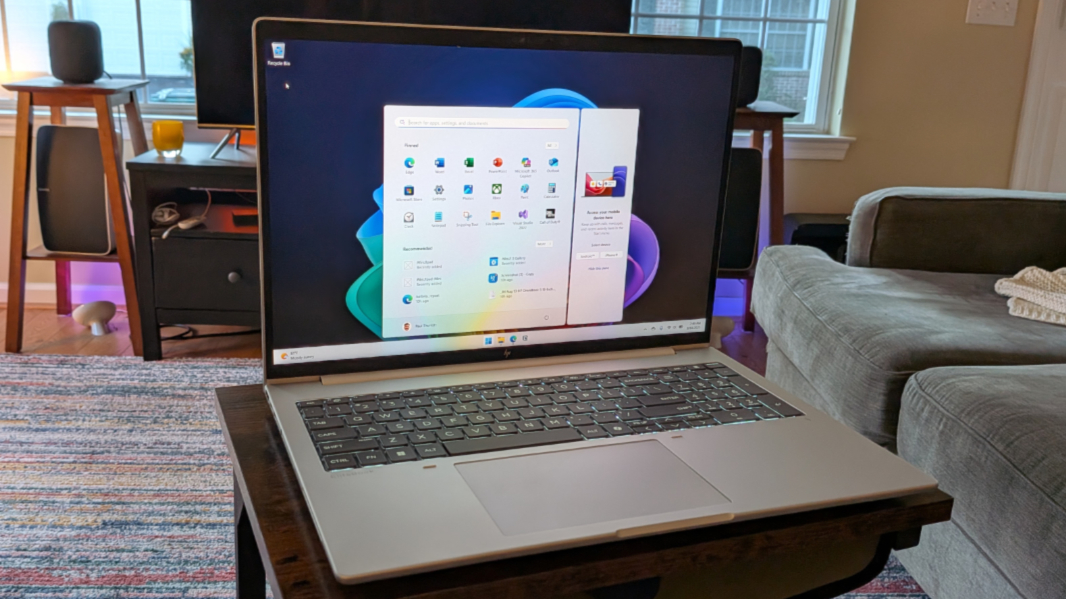
The HP EliteBook 8 G1a is a thin, light, and handsome AMD Ryzen Pro-powered Copilot+ PC workhorse for road warriors. If it weren’t for some familiar keyboard miscues, it would be just about perfect.
For those unfamiliar, EliteBook 8 is the updated branding for what used to be the EliteBook 800 series. It sits below the EliteBook Ultra (formerly Dragonfly) and EliteBook X (formerly EliteBook 1000 series) product lines in HP’s business-class portfolio, emphasizing looks, value, and performance. There are multiple models in 13.3-, 14-, and 16-inch screen sizes, with latest-generation Intel and AMD processors. And each is a Copilot+ PC, with a 40+ TOPS NPU and the other components required to meet that specification.
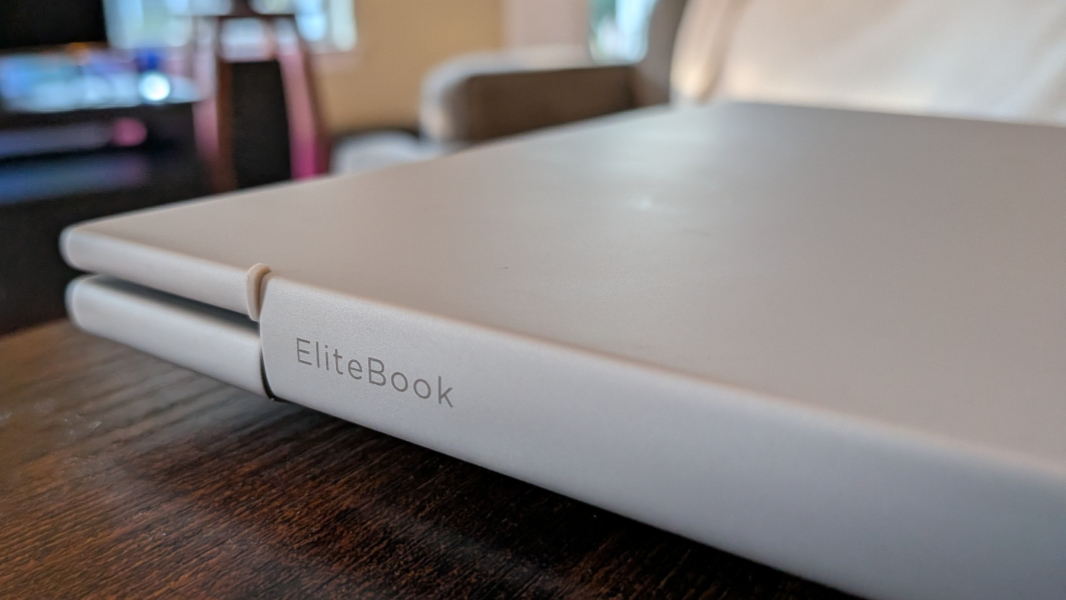
The laptop I’m reviewing here is the 16-inch AMD-based variant of the HP EliteBook 8. There is an Intel version as well. The less said about that, the better.
Design
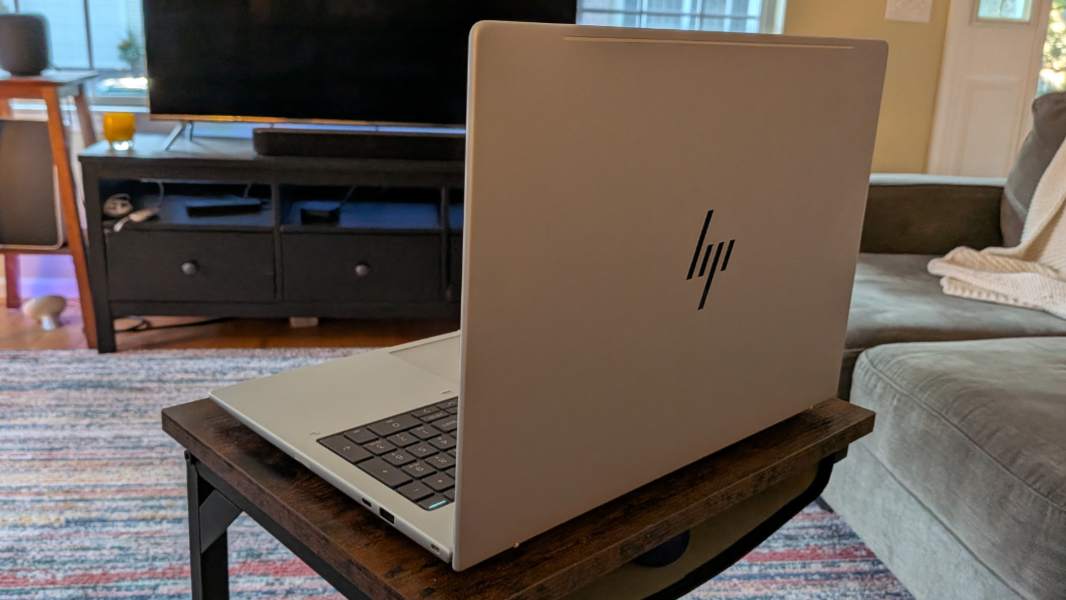
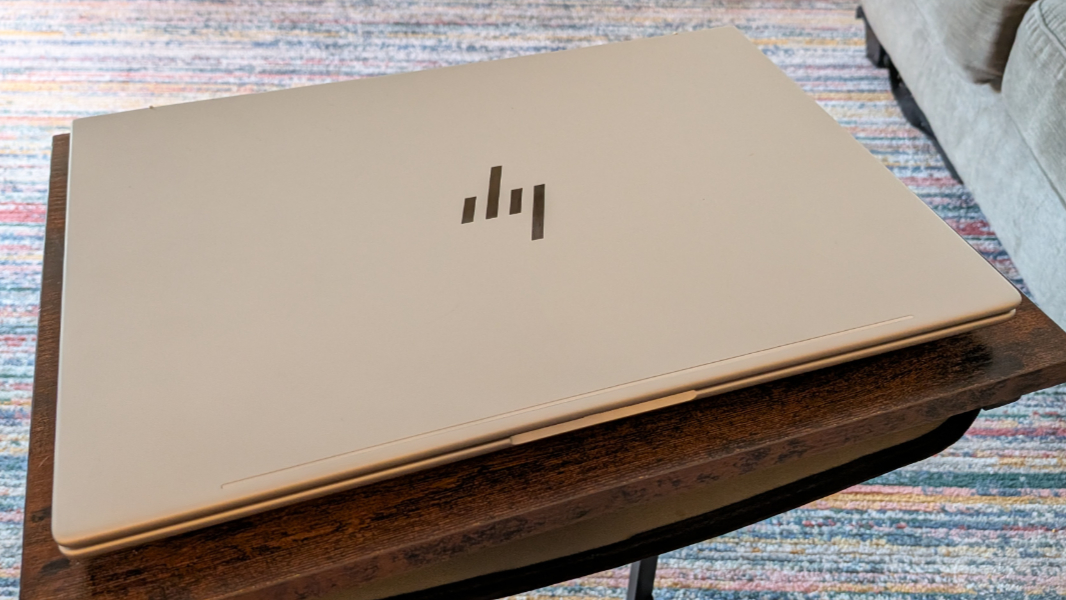
The EliteBook 8 G1a comes in a handsome Glacier Silver color that looks like very light gray or even white depending on the angle and lighting. This color and the overall minimalist look and feel first debuted on HP’s higher-end EliteBooks, and it’s nice to see it work its way down the product line list.
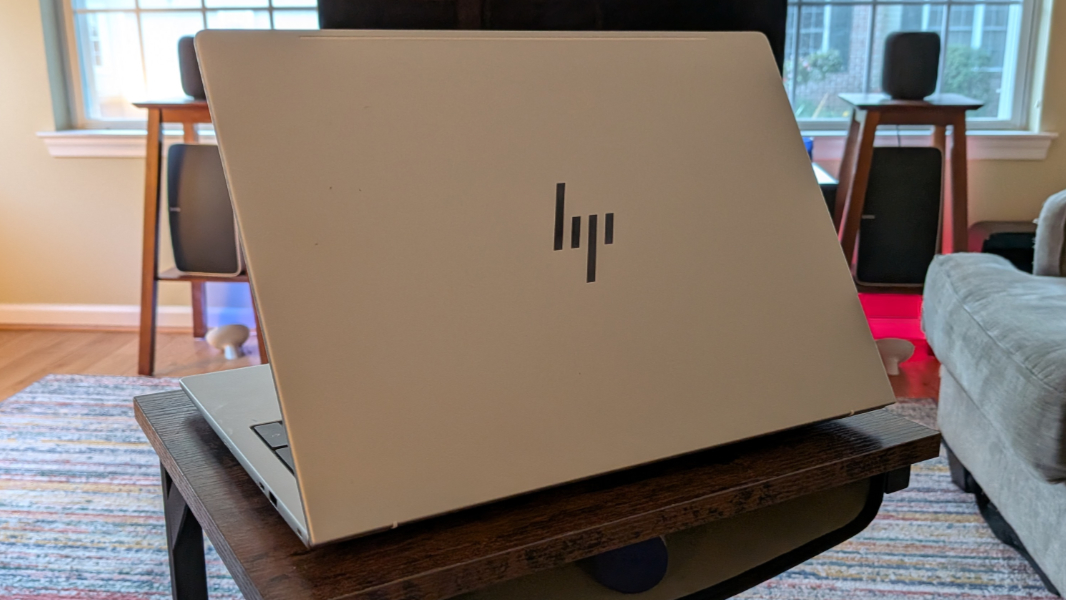
The keyboard is a much darker gray color, providing a pleasant contrast with the lighter color of the metal body. The branding is almost beyond subtle, you almost have to squint to see the small medium gray logos on the keyboard deck’s light gray body. And there are no stickers the mar the view, something I wish was true of all PCs, premium or otherwise.
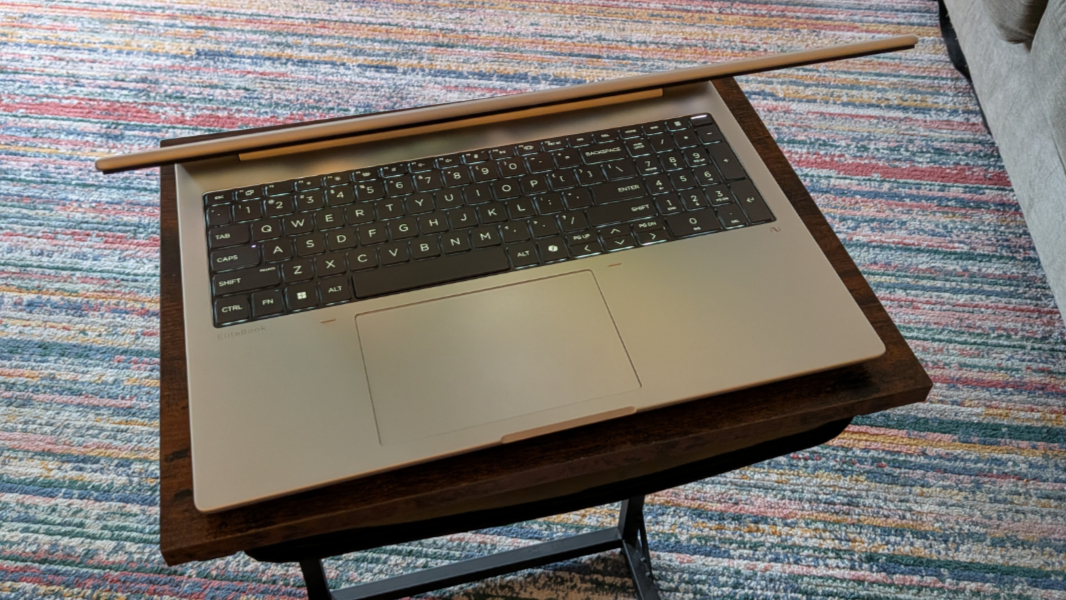
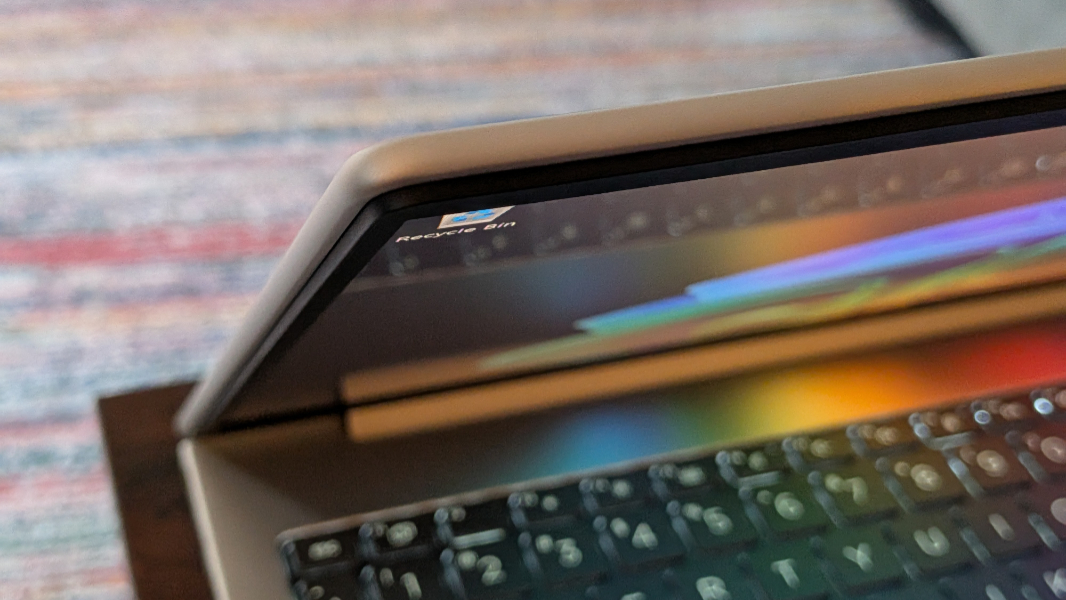
Another thing HP really gets right there is all the curved edges and corners: The front of the wrist rests won’t irritate your wrists as so many other laptops do. And it’s just a good look all around. The only corners without curves are on the display.
Display
The EliteBook 8 G1a can be configured with any of six 16-inch IPS display panels, five of which are limited to a Full HD/1200p (1920 x 1200) resolution and a 60 Hz refresh rate. The single outlier is a 2.5K (2560 x 1600) IPS panel with a 120 Hz variable refresh rate.
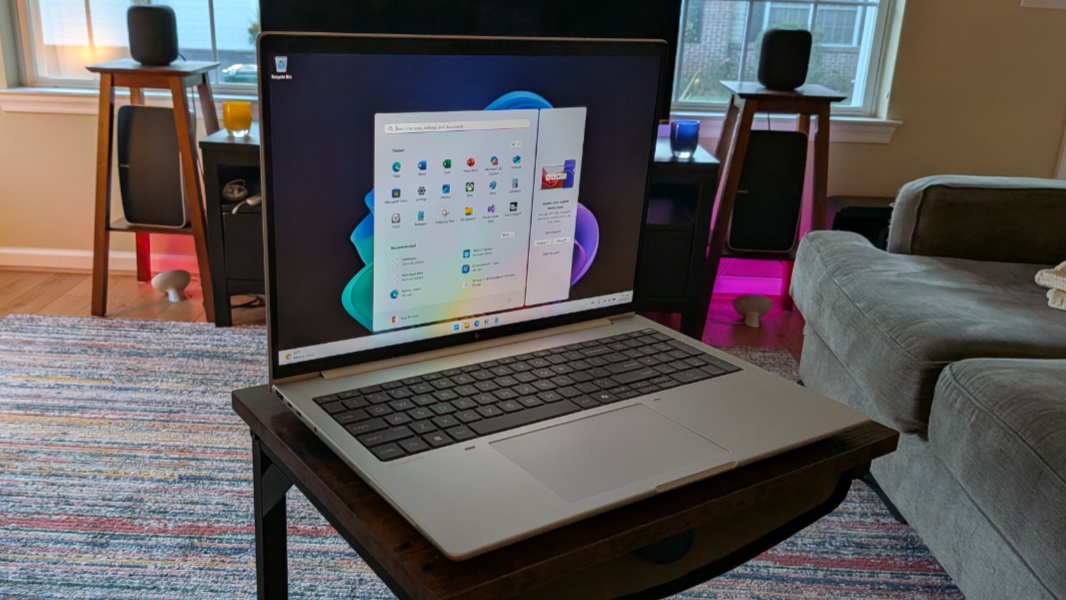
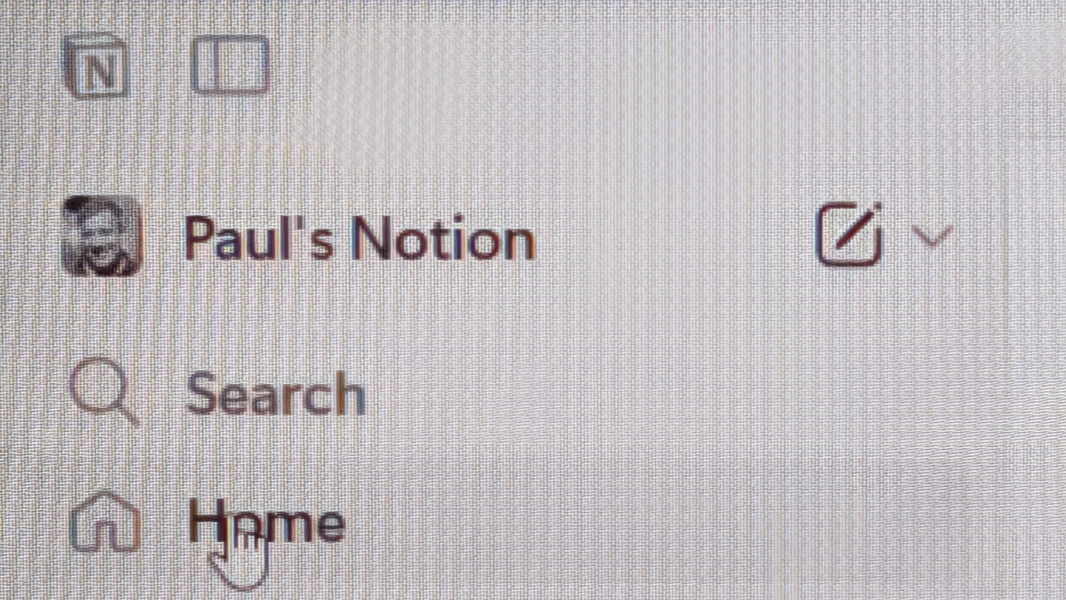
The review unit came with one of the 1200p choices. I was initially concerned that the combination of a relatively low resolution and the large panel would be problematic, even given the target audience and its typical productivity-focused workloads. But used at its default 125 percent display scale, text looks smooth and non-jaggy, and I had to take off my glasses and put my eyes right up against the panel to detect the text smoothing effects. Put simply, it looks fine.
Aside from the touch and non-touch options, the five 1200p display choices are only subtly different from each other. Each comes in a 16:10 aspect ratio, of course, and the panels are tied to a webcam configuration (with or without Windows Hello ESS). So you’re basically looking at 300 nits of brightness with an antiglare coating, 400 nits and an antiglare coating and low blue light, and 800 nits with anti-glare, low blue light, and HP Sure View 5 privacy capabilities.
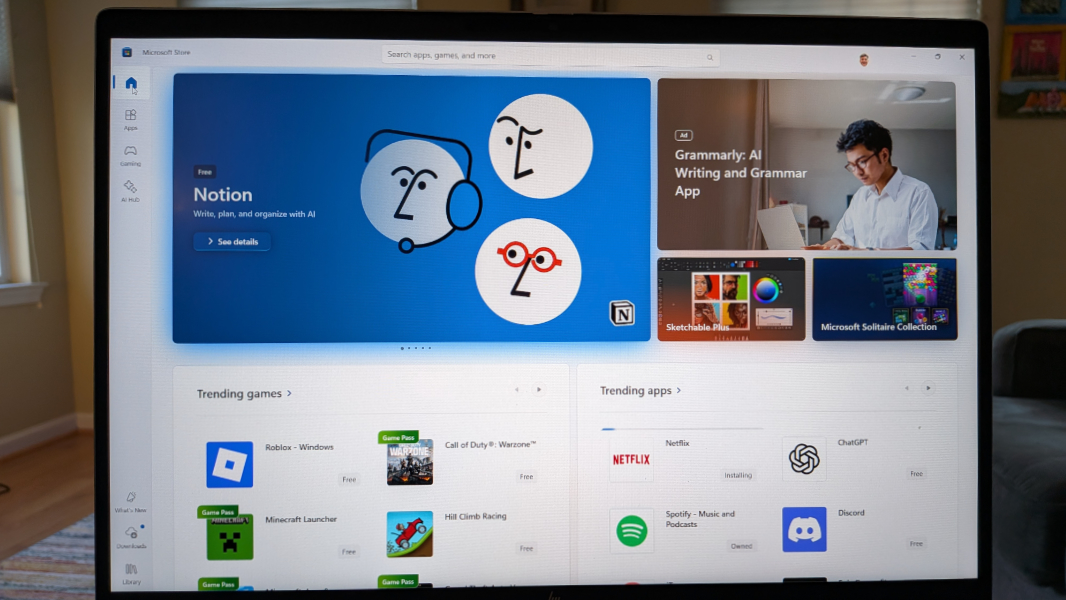
The review unit display panel is a non-touch variant with 400 nits of brightness, tied to a Windows Hello ESS-compatible webcam. It’s perfectly good for productivity work—web browsers, Notion, word processing, and the like—but also programming in Visual Studio or Visual Studio Code. It supports HDR in video content, but not games or apps, and so Call of Duty: Black Ops 6, discussed a bit in the next section, looks fine, too, but doesn’t approach the visual splendor I experienced with the Lenovo Yoga Pro 9i and its crazy-good OLED panel.
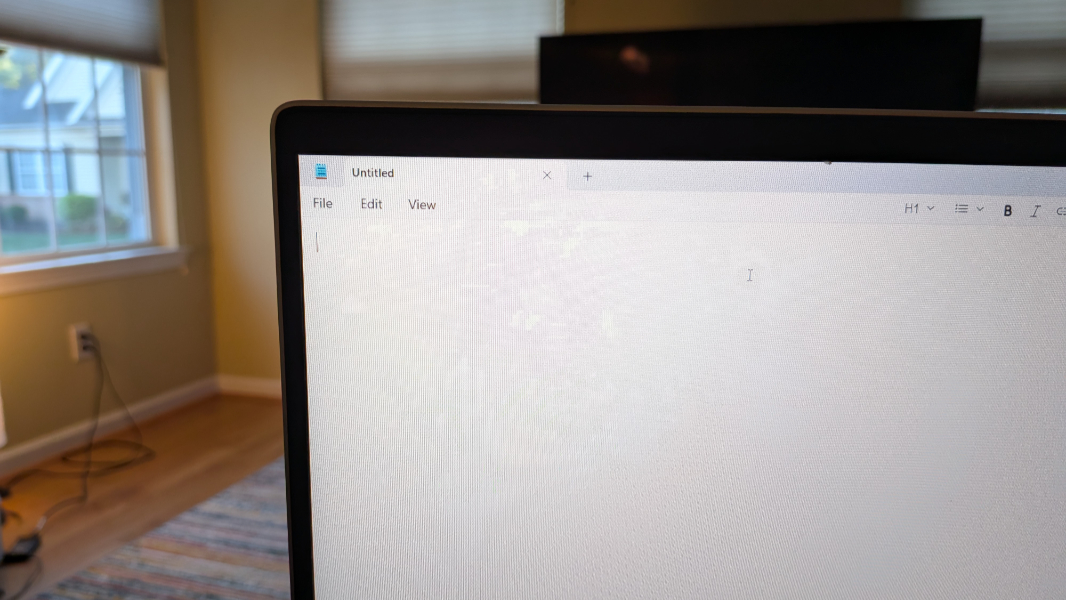
But again, this is about meeting the needs of a specific type of customer. And the display does that and little more. It supports adaptive color, and it covers 100 percent of the sRGB color spectrum. But professional photographers and most others who require color accuracy will likely choose a more suitable PC.
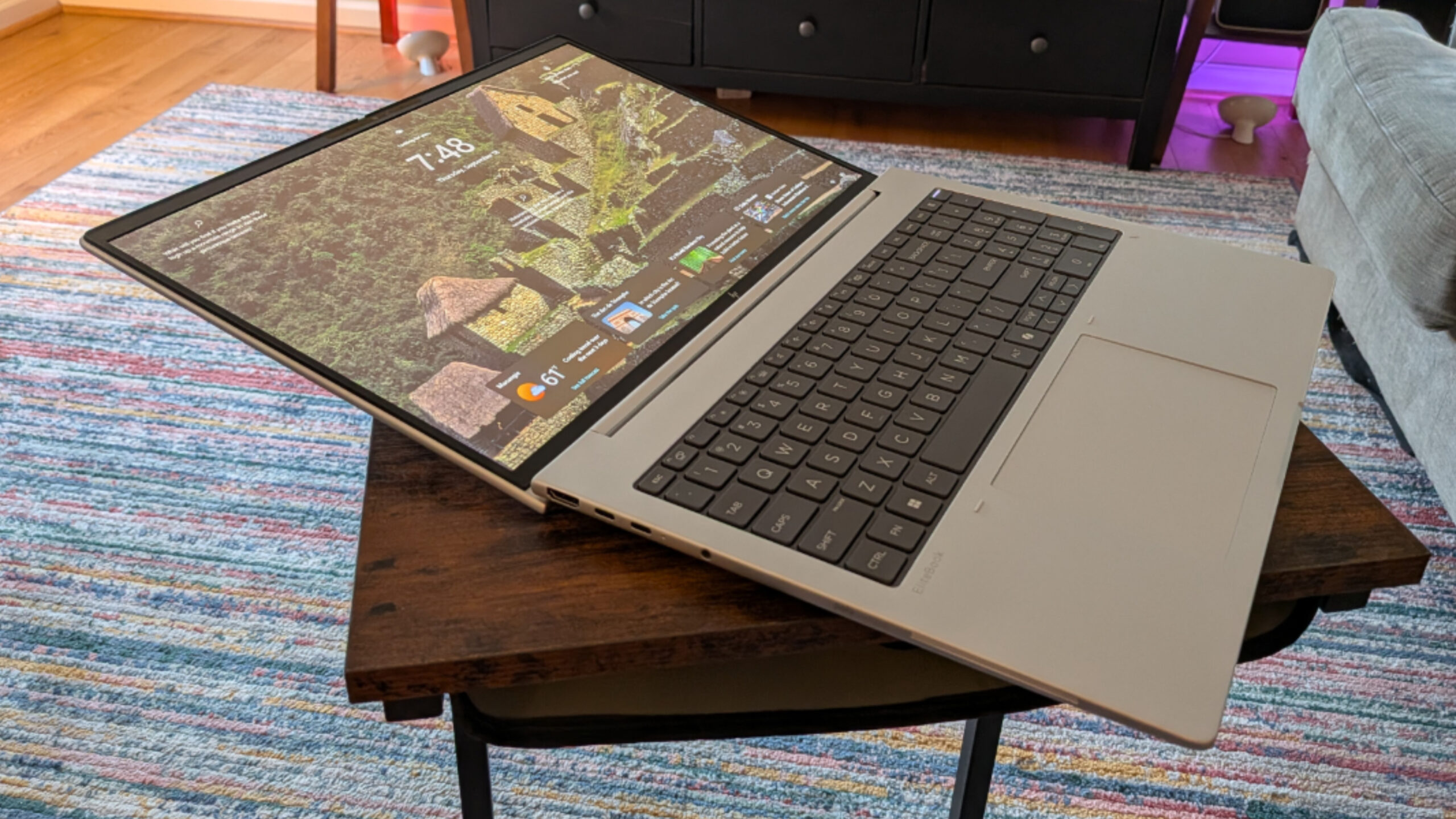
The display bezels are pretty standard at this point. And the display doesn’t quite lie flat.
Internal components
AMD’s Zen 5-series processors offer better performance, efficiency, and reliability than the latest Intel processors, especially the lackluster and unpredictable “Lunar Lake” chips. And so I was happy to see HP turn to this processor line for the EliteBook 8 G1a. There are two AMD Ryzen AI Pro 300 series processors on offer here, and either will handily outperform any Lunar Lake system.
More specifically, you can configure an EliteBook 8 G1a with a Ryzen AI 5 Pro 340 with Radeon 840M graphics or a Ryzen AI 7 350 processor with Ryzen 860M graphics. Both come with a 50 TOPS AI Engine NPU. So aside from the graphics, the most significant difference between the two is that the AI 5 340 has 6 CPU cores while the AI 7 350 has 8. The review unit’s higher-end processor has slightly higher clock speeds as well.
The EliteBook 8 comes with two SODIMM slots for RAM, and you can put 8, 16, or 32 GB of DDR5-5600 RAM in one or both of those slots when you configure the PC or at any time in the future. This is a nice plus: Most of the laptops I review these days have integrated or soldered RAM, neither of which can be replaced or upgraded.
There are several storage choices as well. The EliteBook 8 G1a has a single M.2/2880 slot for PCIe NVMe SSD storage, and you can configure it with 256 GB, 512 GB, 1 TB, or 2 TB of storage. Like the RAM, this is user accessible and replaceable.
In addition to its AMD Ryzen AI 7 Pro 350 processor and Radeon 860M graphics, the review unit shipped with 32 GB of RAM (two 16 GB DIMMs) and 512 GB of SSD storage.
Day-to-day performance is terrific, as I had expected, and the EliteBook 8 G1a proved to be an ideal choice for standard productivity work and the Visual Studio developer projects I’m working on. It also works well with Adobe Photoshop, Affinity Photo 2, Clipchamp, and the other creator solutions I use.
Since Call of Duty: Black Ops 6 has become my standard for side-by-side performance comparisons, I can say that the EliteBook 8 G1a works well for light AAA gaming, assuming you’re OK with no HDR and most graphics settings set to low. That’s better than it sounds, honestly, and it runs this game at a consistent 60 FPS in multiplayer.
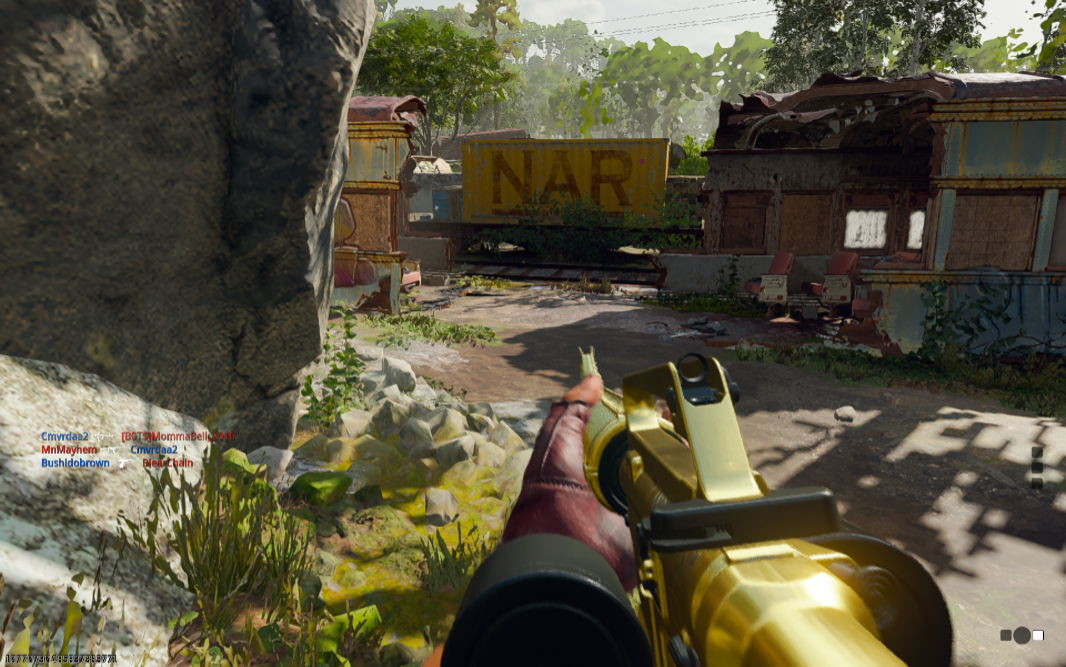
No, the EliteBook 8 G1a isn’t as impressive as the Yoga Book 9i, with its beefy Nvidia GPU and its incredible OLED display. But here’s the thing: It plays Call of Duty: Black Ops 6 wonderfully, and it is notably quiet to the point of being silent during and after gameplay. Folks, that’s not just unusual, it’s unheard of (sorry).
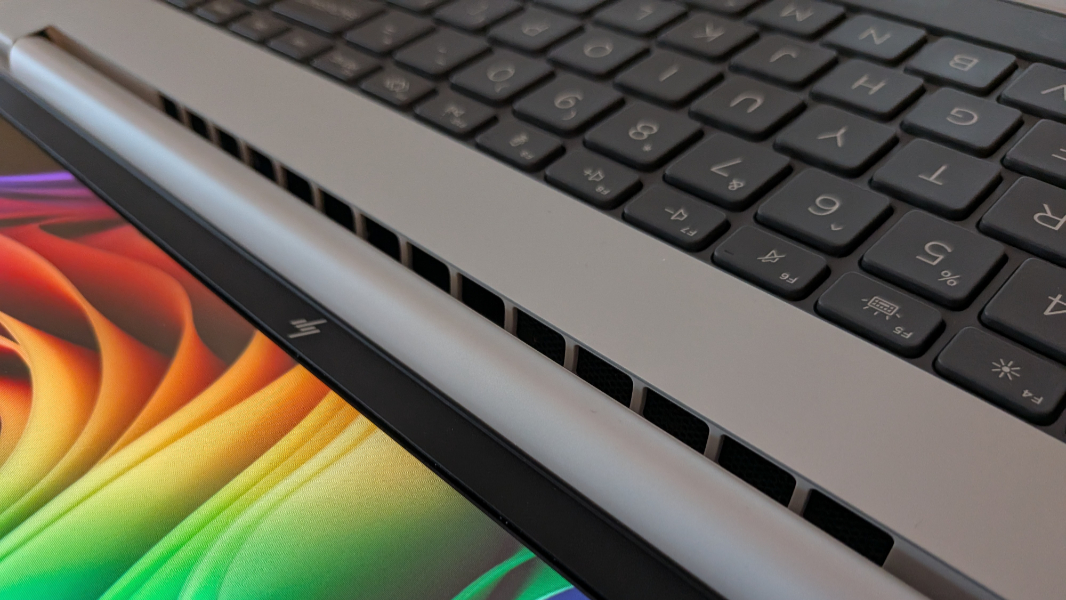
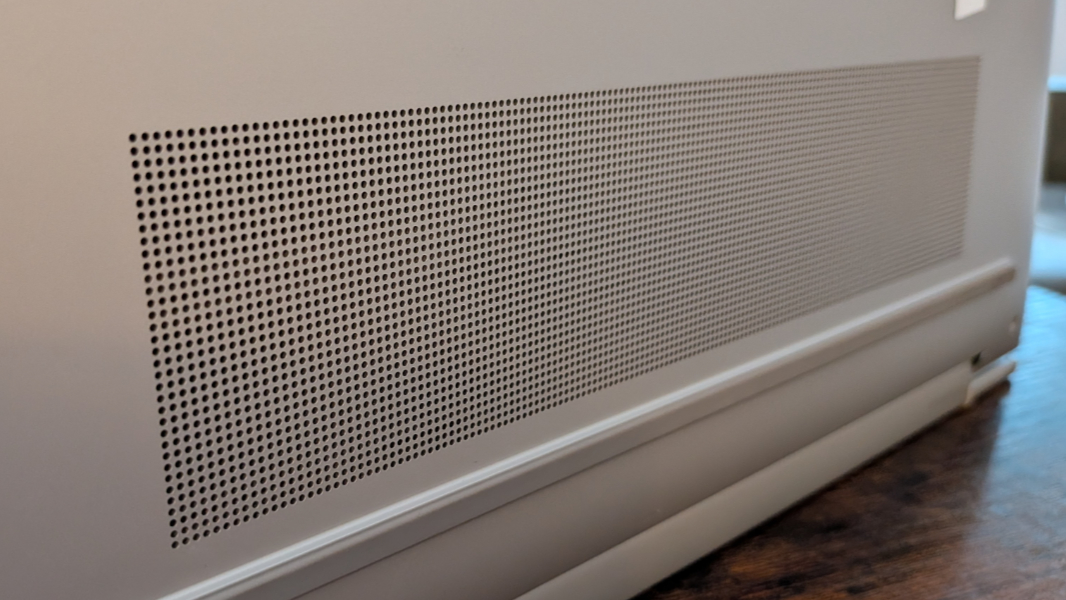
The key to that, HP tells me, is the EliteBook 8 G1a’s next-generation cooling system, which combines two fans and two heat pipes and works with an updated Smart Sense that’s tuned for performance, thermals, and sound. Whatever black magic is happening here, it really works.
Connectivity
Every EliteBook G1a comes with modern Wi-Fi 7 and Bluetooth 4 connectivity. But you can optionally configure one with 4G/LTE or 5G cellular broadband, which supports both eSIM and a physical nano SIM card slot. The review unit did not include that option.
Ports and expansion
As one would expect of a business-class laptop, the EliteBook 8 G1a provides a nice mix of legacy and modern ports, so you should be able to achieve a dongle-less life. As good, there is at least one USB-C port on each side of the PC. Can I get a halleluiah?
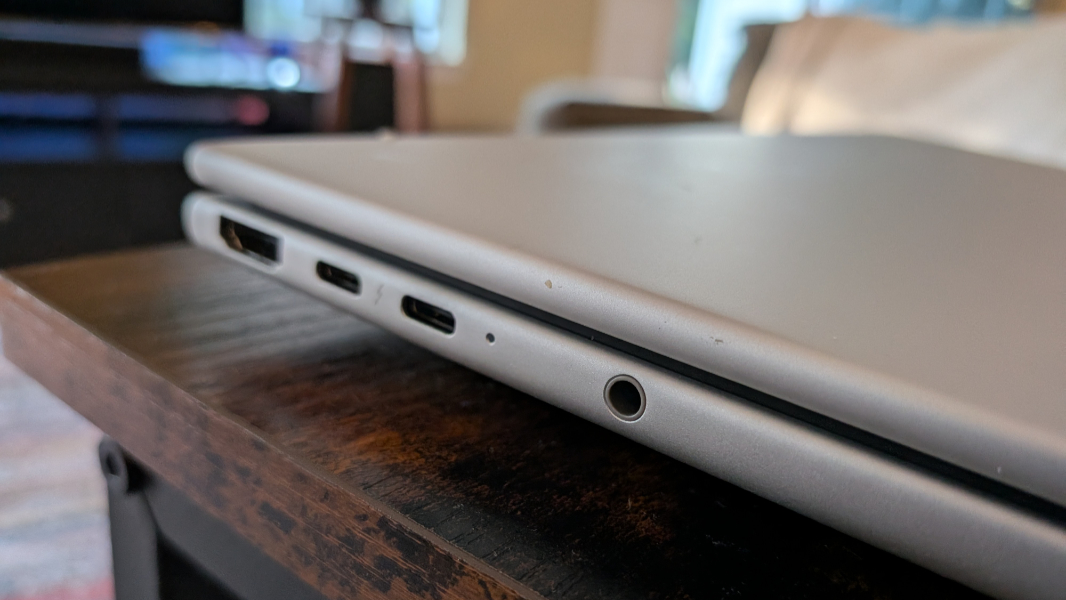
On the left, there is a full-sized HDMI 2.1 port, two 40 Gbps Thunderbolt 4/USB4 Type-C ports, a combo microphone/headphone jack, and, if configured a smart card reader.
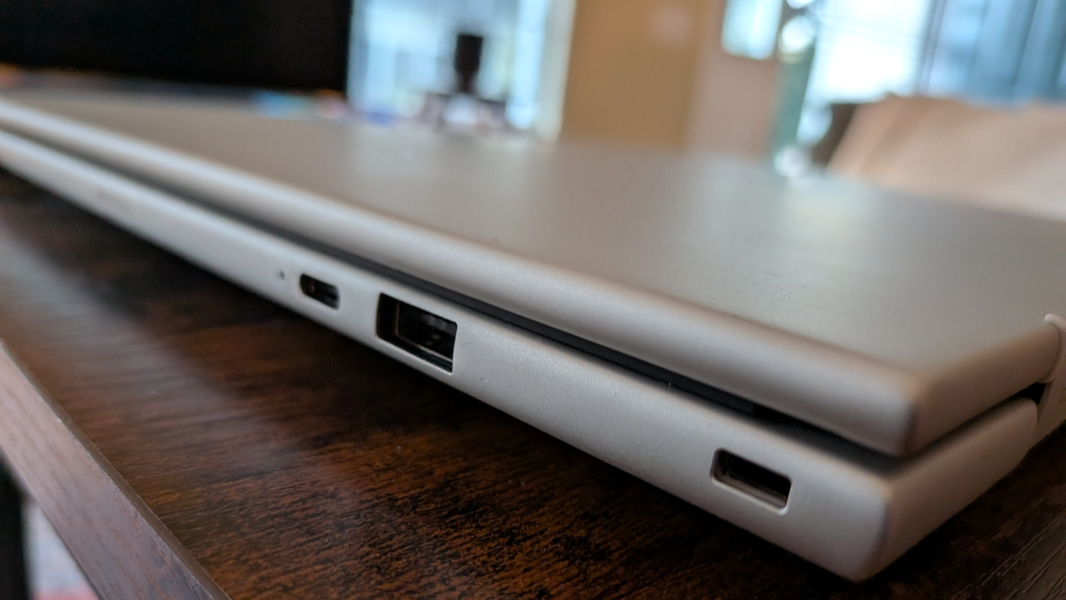
On the right, HP supplies a 5 Gbps USB Type-A port, a 10 Gbps USB Type-C port (with Power Delivery and DisplayPort 1.4 capabilities), a nano SIM card slot if configured, and a nano lock slot.
Audio and video
The A/V story is predictably middle of the road but solid enough for the typical mobile warrior: The EliteBook 8 G1a provides two bottom firing speakers, located towards the front, with discrete amplifiers, but no Dolby Atmos or other spatial audio capabilities.
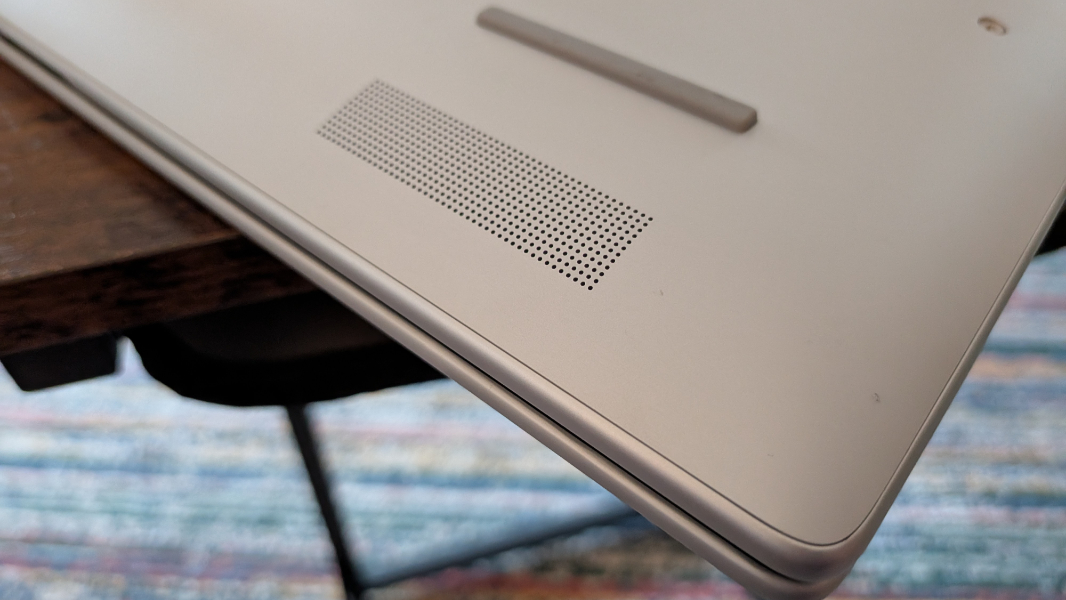
The overall experience is solid, but not particularly noteworthy. This is straight-up stereo sound and HDR video with compatible content (and when enabled). The speakers never distort, and while the top volume level is adequate, it doesn’t get notably loud.

Hybrid work
The EliteBook 8 G1a offers no surprise here: There’s a standard issue 5 MP webcam with a manual privacy switch that can be outfitted with or without Windows Hello ESS authentication and dual-array microphones that are average at best. And the usual dual array microphone setup.
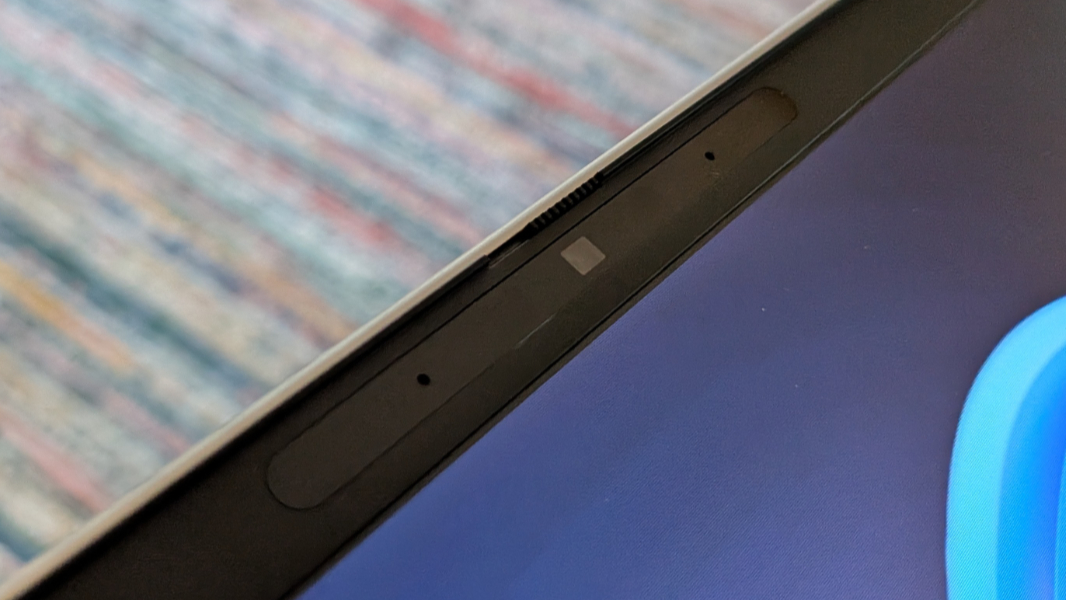
But the star of the show, as usual, is HP’s incredible Poly Camera Pro software, which continues to impress with its granular video customization capabilities. You also get Windows Studio Effects, of course.
Keyboard and touchpad
Despite making some of my favorite laptop keyboards, HP has had a mixed record in recent years. And the EliteBook 8 G1a sadly makes the same mistakes as the EliteBook X G1i and, to a lesser degree, the EliteBook X G1a 14: The standard function key-based shortcuts—things like Fn + Left arrow for Home and Fn + Right arrow for end—don’t work, which is beyond frustrating.
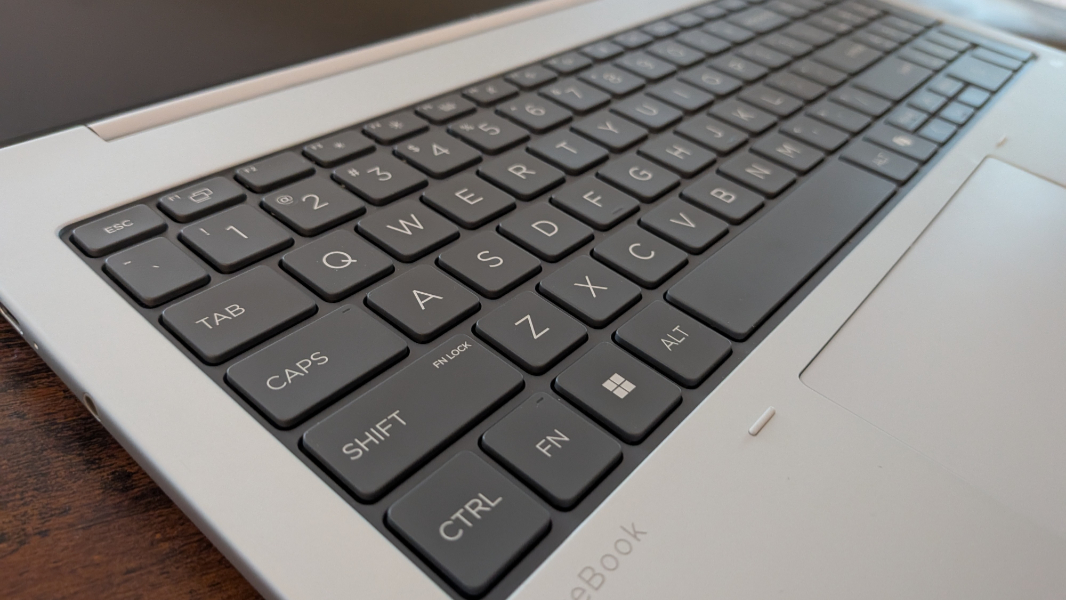
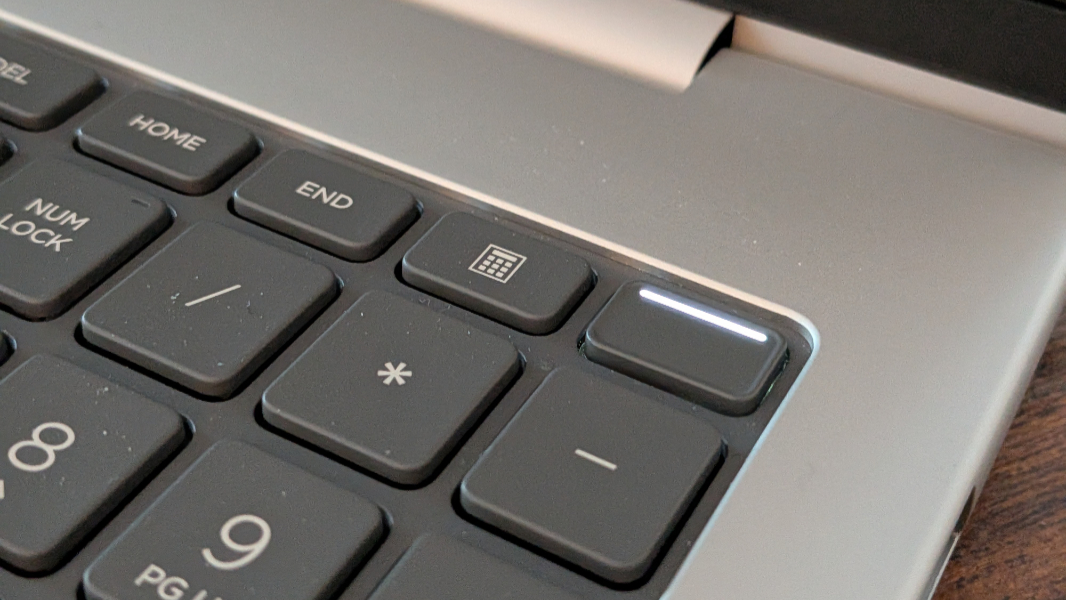
Yes, there are dedicated Home and End keys above the numeric keypad I also don’t want on any laptop. And tiny Pg Up and Pg Dn keys crowding the Arrow keys. But the former are always in different locations, while the function key-based options are (or would be) in the same location on every laptop. They’re terrible, too small, and prone to mistaken taps. This whole thing is a mess.
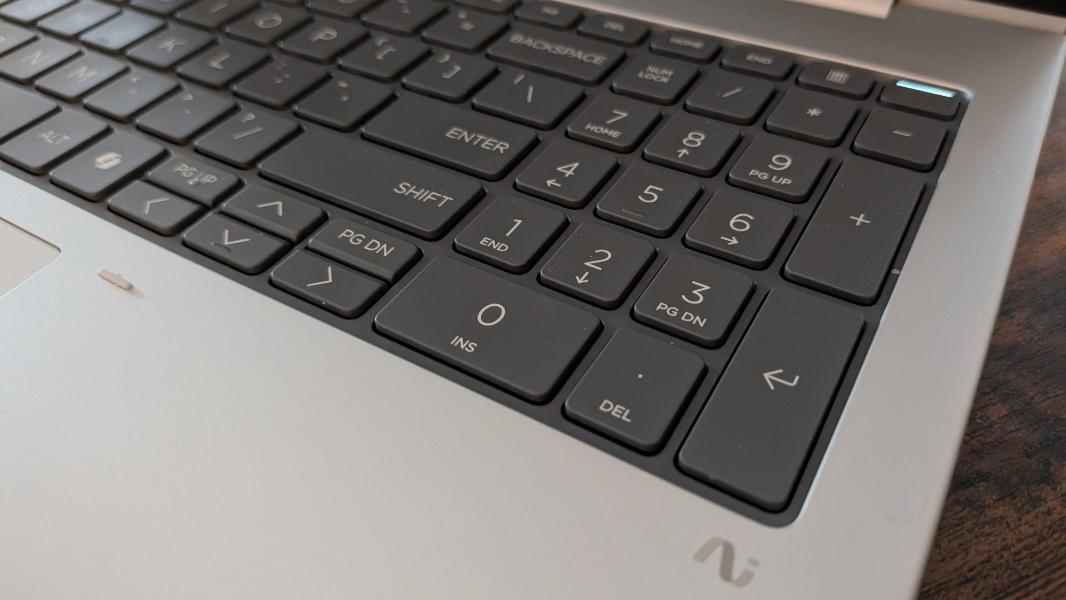
This is doubly frustrating because the EliteBook 8 G1a keyboard is otherwise fantastic, with pleasantly soft surfaces and solid but quiet key throws. There are two levels of backlighting, but no automatic mode. The best news about the keyboard is that it’s user-replaceable, as discussed below.
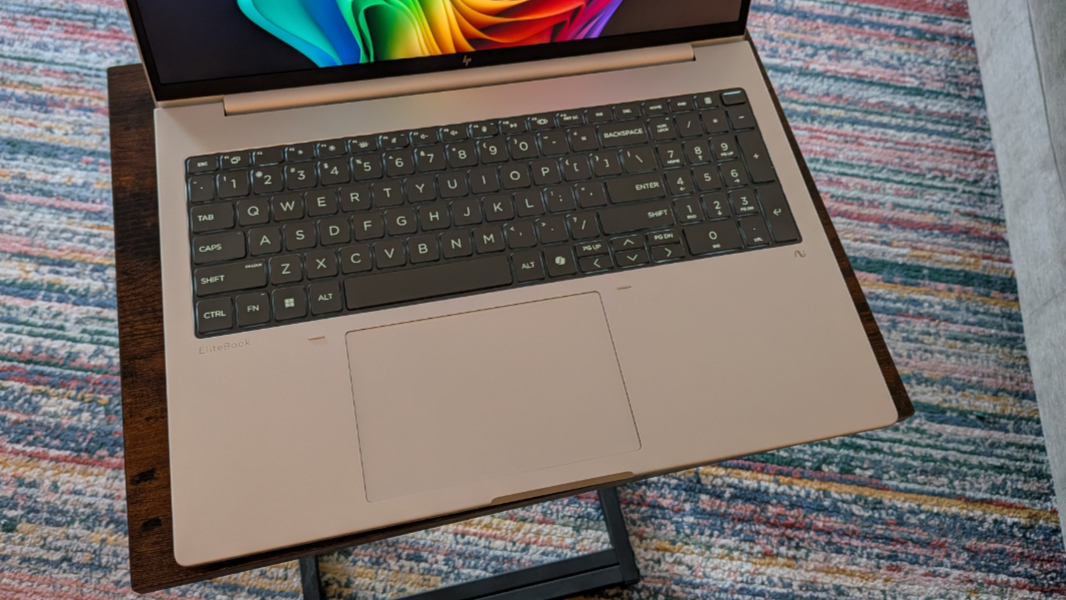
The large mechanical touchpad worked reliably well, but I did need to disable three-finger gestures, which is common.
Security
The EliteBook 8 G1a is a Copilot+ PC, so it offers Windows Hello Enhanced Sign-In Security (ESS) and the best possible security available with a laptop today. It offers both facial and fingerprint recognition, the latter via a power button in the top-right of the keyboard. Both were accurate, though the built-in webcam would sometimes try to identify me and fail, forcing me to wait and then type in my PIN.
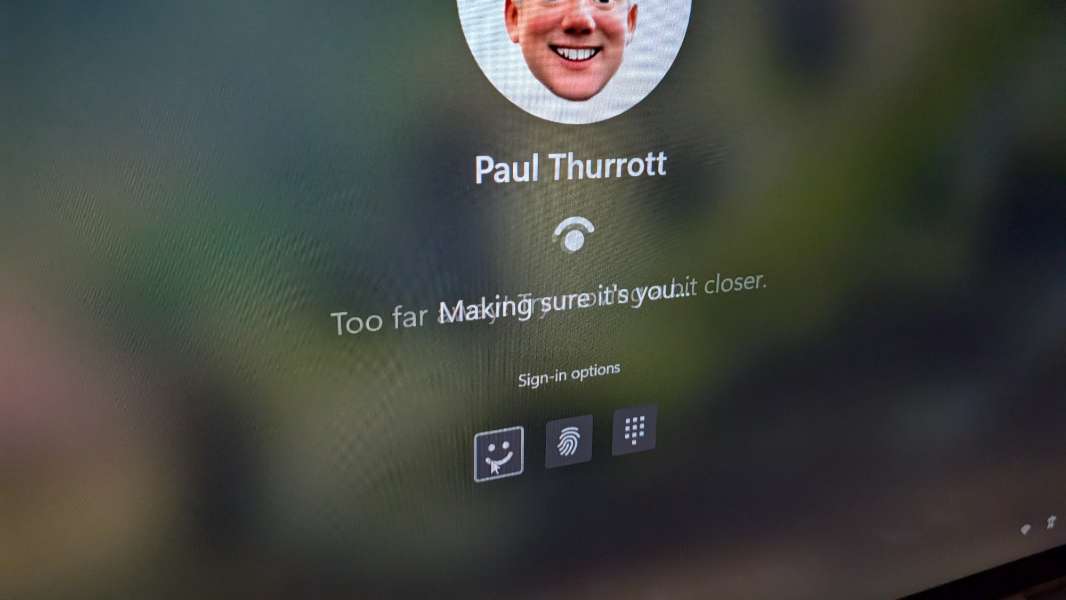
HP preinstalls Wolf Security, and some of the display options add optional Onlooker Detection with screen blur or Sure View 5, though I didn’t experience that.
Sustainability
HP has aggressively advanced its use of recycled and recyclable materials in recent years, and like other PC makers, it has started making its portable PCs more easily serviceable by end users and professionals alike. But the EliteBook 8 series takes things a step further in three important ways.
This product line delivers a modular keyboard design that makes it easy to remove it and replace it with a different keyboard layout/locale. Previously, the keyboard was delivered as part of the bottom deck (the “C” deck) of these laptops, so replacing one was difficult and costly.
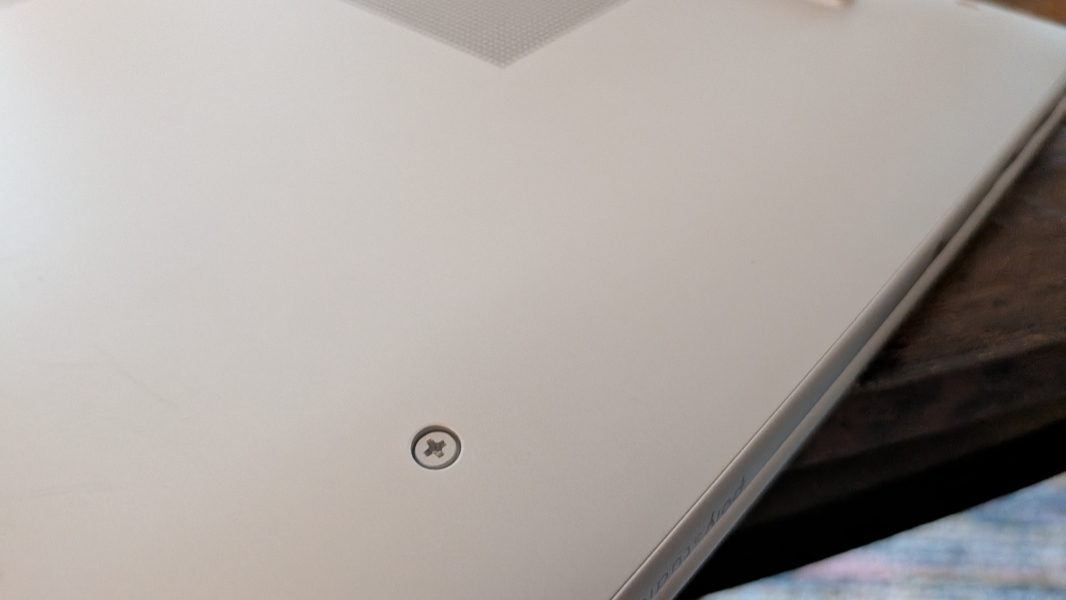
Second, the EliteBook 8’s battery is held in place without screws now, so it can be more easily removed and replaced if needed. This is a big deal to me because of the volatility of batteries and the possibility that one might damage it during the removal process.
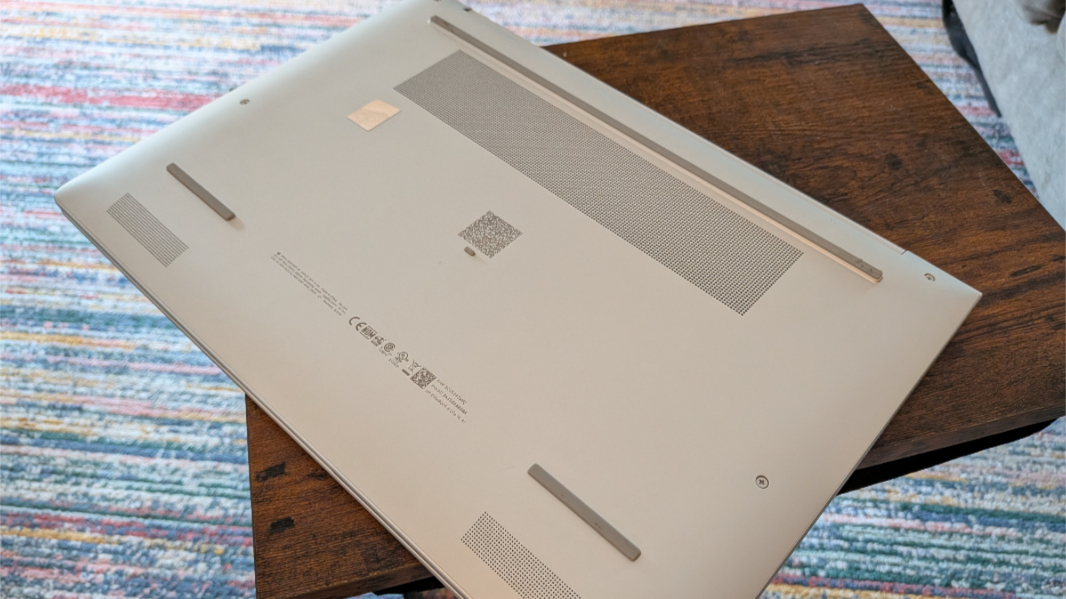
Finally, the RAM in this laptop comes on standard DIMMs, with two DIMM slots, so you can easily replace or upgrade it. This used to be much more common than is the case now, with PC makers following Apple’s lead and delivering soldered on RAM–or RAM integrated into processor packages–to make PCs thinner and lighter. But this kind of upgradeability is a win for customers.
Efficiency and portability
Few would describe a 16-inch laptop as being highly portable, but the EliteBook 8 G1a strikes a nice balance for its size. Its dimensions—14.13 x 9.84 x 0.61 inches at its thickest—and 3.73 pound weight are both on the low side, with anything under 4 pounds being ideal. And you can choose between 62 and 77 watt-hour (wHr) batteries to strike your own balance between weight and longevity.
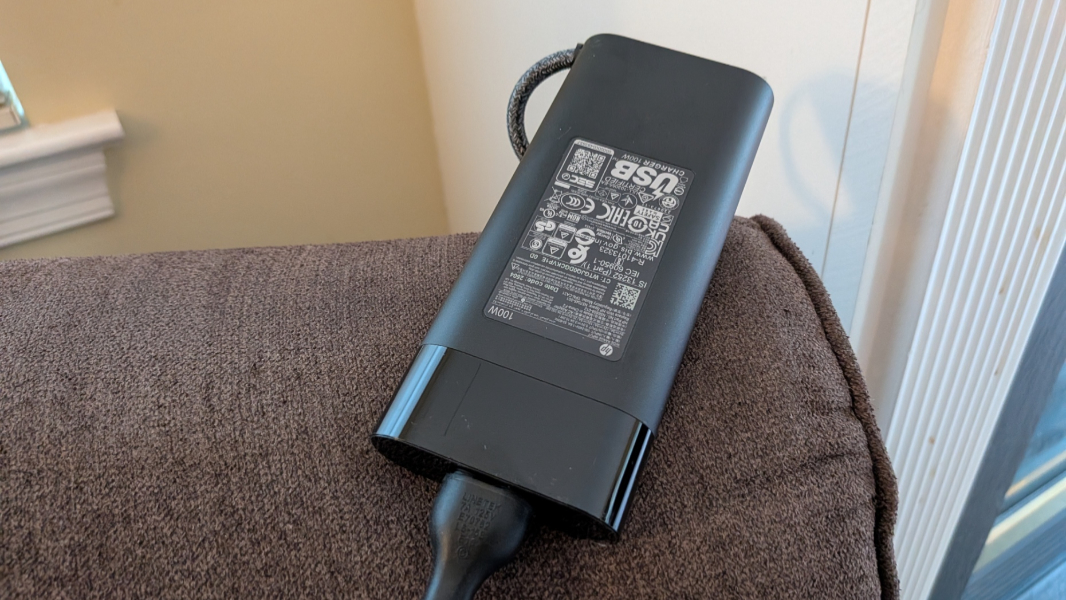
The review unit shipped with the 77 wHr battery and a large 100-watt USB-C charger. It delivered just under 8 hours of uptime in real-world use. Instant-on performance was good and reasonably reliable, though the webcam would sometimes not work correctly as noted earlier.
Software
Thanks to its business focus, the EliteBook 8 G1a doesn’t ship with any real crapware, but there is a creeping list of HP-supplied utilities, most of which will be of little interest to individuals. There are a full dozen of HP- (and Poly-) branded apps preinstalled, plus one AMD app and a TCO Certified shortcut that doesn’t do anything meaningful. Not too horrible, but it’s unclear who wants or needs yet another AI chatbot (HP AI Companion). That said, Poly Camera Pro is the star of the lot and a real differentiator.
Pricing and configurations
As a premium business-class laptop, the EliteBook 8 doesn’t come cheap, at least when you look at the retail pricing. HP often offers sales across its product lines, and that’s true here, as noted below.
Prices start at about $2300 for a model with a Ryzen AI 5 340 processor, 16 GB of RAM, 256 GB of storage, and the base display. But there are many, many options to choose from, including two processor choices across five configurations, including three memory size choices across 7 configurations (of one or two DIMMs), four storage sizes across 6 configurations, five display choices, and a lot more. A lot more.
The review configuration—with its Ryzen AI 7 350 processor, 32 GB of RAM, 512 GB of storage, and low-power non-touch display, has a list price of $4300, which is, of course, insane. But this configuration is on sale as I write this on HP.com for a far more reasonable $1800. Now we’re talking.
Recommendations and conclusions
The HP EliteBook 8 G1a 16 is a terrific business-class laptop with handsome good looks, powerful AMD processors, upgradeable RAM and storage, a modular keyboard, good battery life, and excellent expandability. The 1200p display options are middle of the road, but good enough for productivity work. And the laptop’s silent operation, even under big workloads like AAA video gaming, is nothing short of magical. The keyboard issues are a bit troubling, but may not impact others as much as they bother me. And that’s really my only serious issue, so I have no qualms recommending this laptop to anyone.
At-a-glance
Pros
✔️ Gorgeous, professional design
✔️ Powerful AMD innards
✔️ Magically silent, even under duress
✔️ Good battery life
✔️ Solid range of ports, USB-C on both sides
✔️ Modular keyboard, screw-less battery, and upgradeable RAM
Cons
❌ Maddening keyboard issues, again