Windows Insiders on the Experimental Channel Can Try Alternative Taskbar Positions
- Laurent Giret
- May 16, 2026
-
1
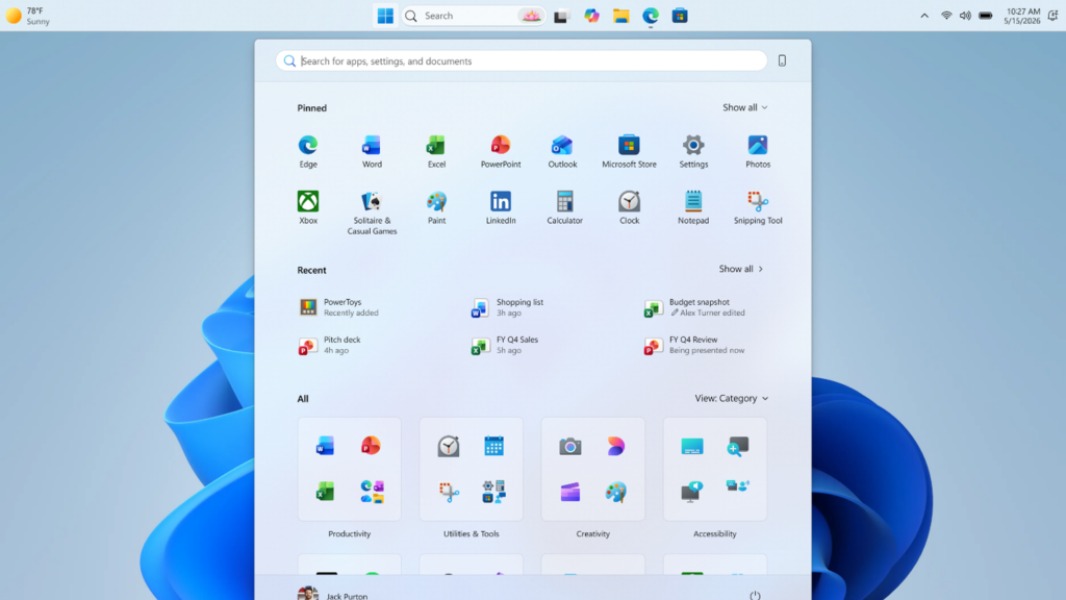
As it promised last month, Microsoft is bringing back the ability to move the taskbar to other sides of the screen on Windows 11. The new feature is rolling out today to Insiders on the Experimental Channel, along with a new smaller taskbar option.
“The ability to move the taskbar to the top or sides of the screen has been one of the most requested features, and we are bringing it to Windows 11,” wrote Diego Baca, Partner Director of Design at Microsoft. In addition to positioning the taskbar on any edge of the screen, Insiders will also be ale to choose icon alignment for every taskbar position and access Start, Search, and other flyouts.
The new taskbar position options are available in Settings > Personalization > Taskbar > Taskbar behaviors. A “Show smaller taskbar buttons” option is also available to provide more vertical space. “We are also evaluating additional features like different taskbar positions per monitor and drag and drop,” Baca said yesterday. “Our focus is to deliver the core functionality you need while keeping the experience simple, predictable, and free from accidental taskbar movement.”
Alternate taskbar positions will be rolling out gradually to Insiders who install the Experimental build 26300.8493. Microsoft also issued two other Experimental builds yesterday, 28028.2134 (26H1) and 29591.1000, but those don’t include the taskbar changes.
Baca also said yesterday that Windows Insiders will soon simplify the options to customize the Start Menu. Microsoft will make it easer to turn off the “Recommended” and “All” sections to just keep pinned apps. Privacy-conscious users will also be able to hide their name and profile picture in the Start Menu.