Lenovo ThinkPad X9 15p Aura Edition First Impressions
- Paul Thurrott
- Aug 17, 2026
-
4
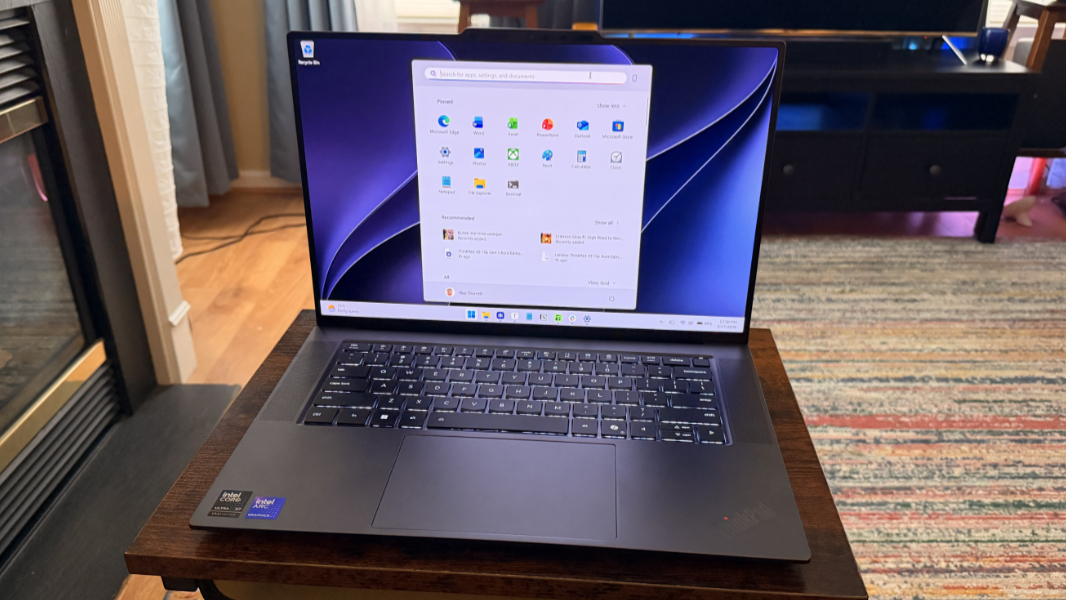
The ThinkPad X9 is Lenovo’s latest rethinking and redesign of its vaunted premium laptop line. For now, it remains almost an experiment, with some very good idea, for sure, but with an uncertain future given market expectations. Mostly, I like it. A lot.
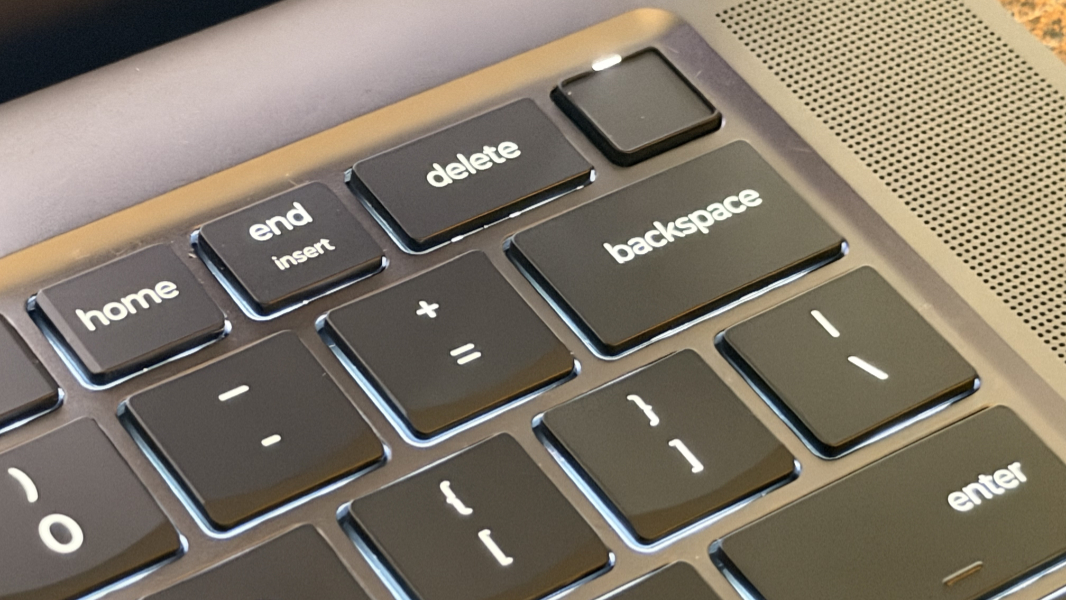
I reviewed its predecessor, the 14-inch ThinkPad X9 14 Aura Edition, back in March, describing it as “the anti-ThinkPad” thanks to it jettisoning classic ThinkPad design elements like the matte black hybrid chassis, scalloped keyboard, and TrackPoint dual-pointing system. And moving forward to this new model, that basic difference remains unchanged. Lenovo describes it as “a modern take on the traditional ThinkPad” and “a new branch on the ThinkPad family tree.” There you go.
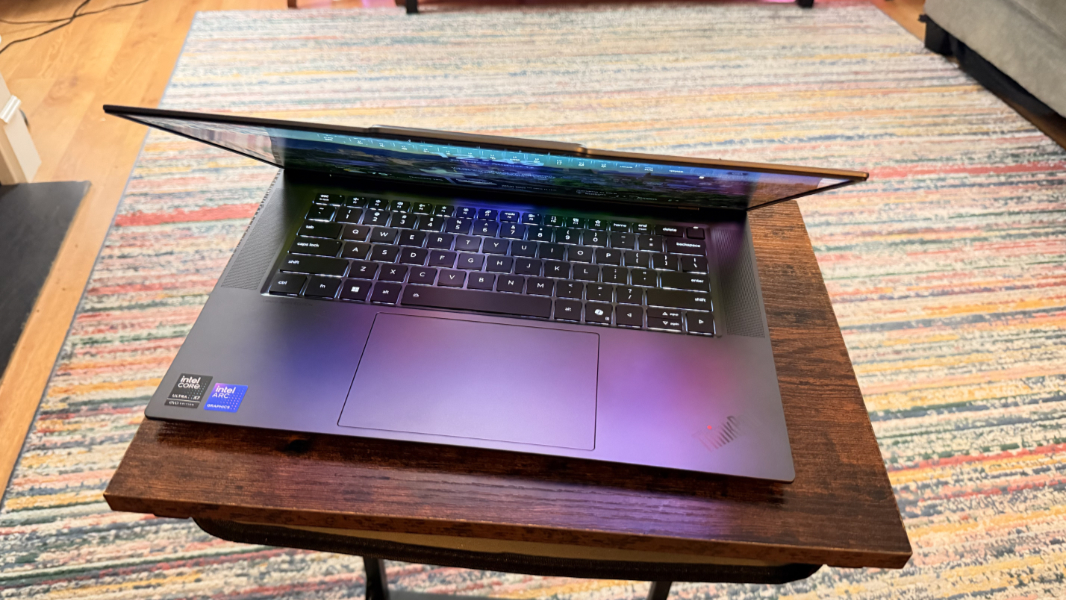
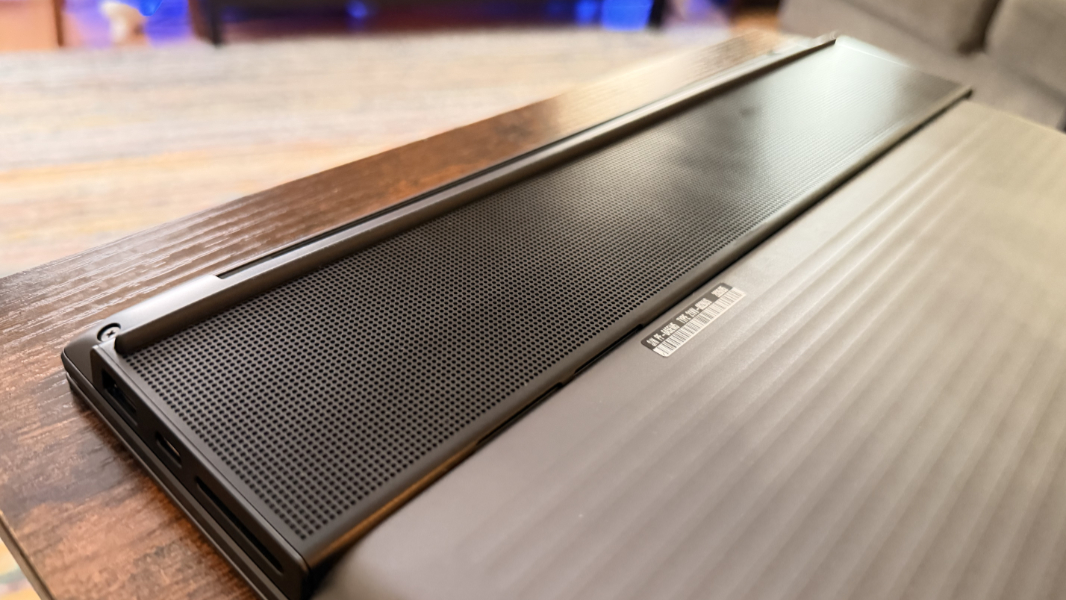
The ThinkPad X9 retains key elements of what makes ThinkPad special, like its quality and performance, while delivering a more modern design. So there’s an all-aluminum build, a more typical island-style keyboard, and a radical Engine Hub bar on the bottom rear of the laptop that holds critical internal components and expansion ports while providing ventilation. It’s kind of the Pixel camera bar or iPhone camera plateau of laptops.
I like the look, and if the goal here is to attract customers who might find traditional ThinkPads to be a bit tired and not iconic as I see them, then so be it. I prefer the larger 15.3-inch display to 14 inches, and thanks to the addition of the latest and greatest Intel Core Ultra Series 3 “Panther Lake” processors with up to the most powerful Arc B-series integrated GPUs, this thing should be a beast.
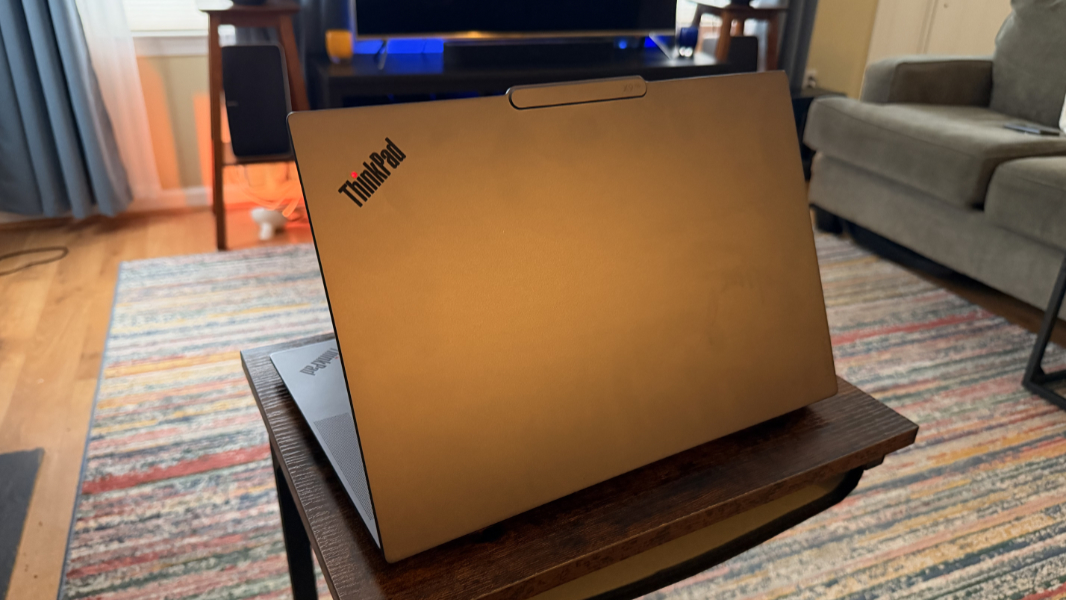
The review unit is outfitted with some of the best-possible internal components, given that the Aura branding and unique features are a collaboration with Intel, Lenovo’s biggest partner. It’s powered by an Intel Core Ultra X7 358H processor with Arc B390 graphics, 32 GB of soldered LPDDR5X-9600 dual-channel RAM, and a 1 TB M.2 2280-based PCIe 4 NVMe Opal 2.0 SSD.
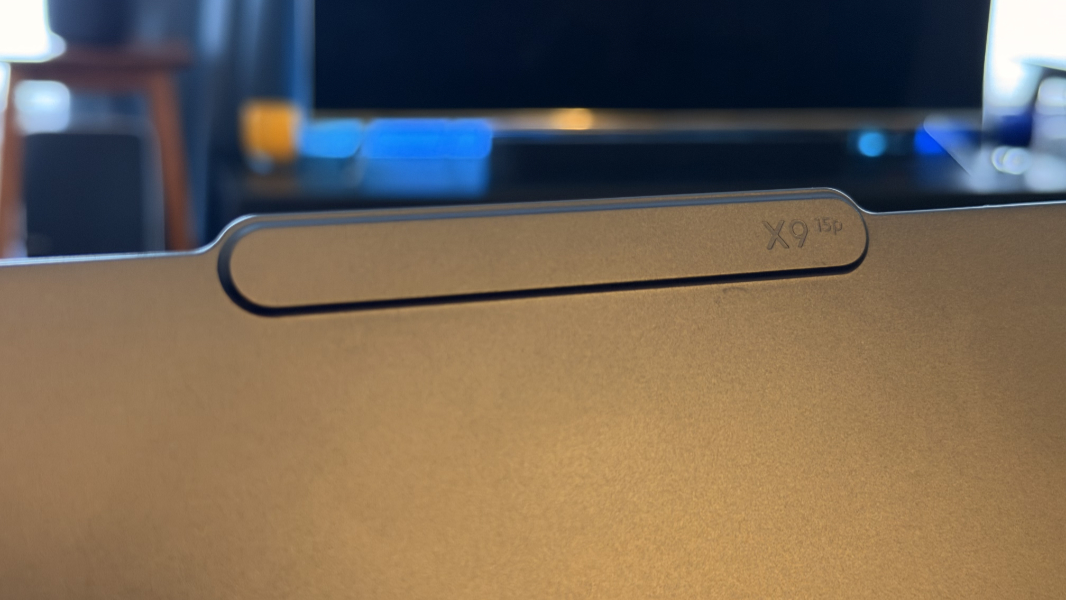
The display is a 15.3-inch 2.8K (2880 x 1800) non-touch OLED panel with anti-reflection and anti-fingerprint coatings, DisplayHDR True Black 1000 and Dolby Vision capabilities, and a 30 to 120 Hz variable refresh rate that emits 500 nits of brightness or 1100 nits with HDR content.
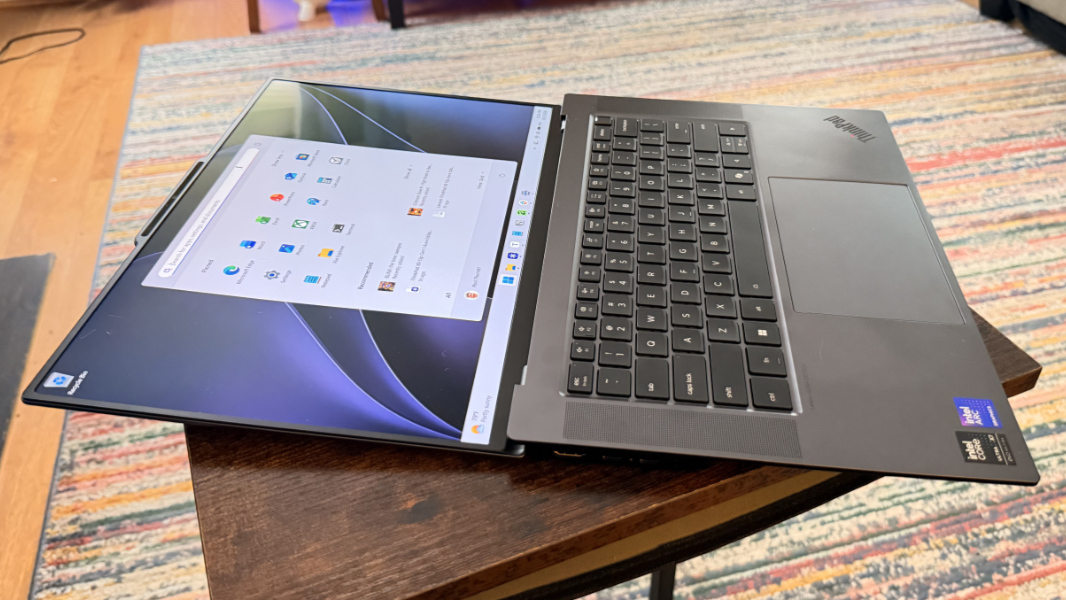
The keyboard has been great in early testing, and I like the key feedback and layout.
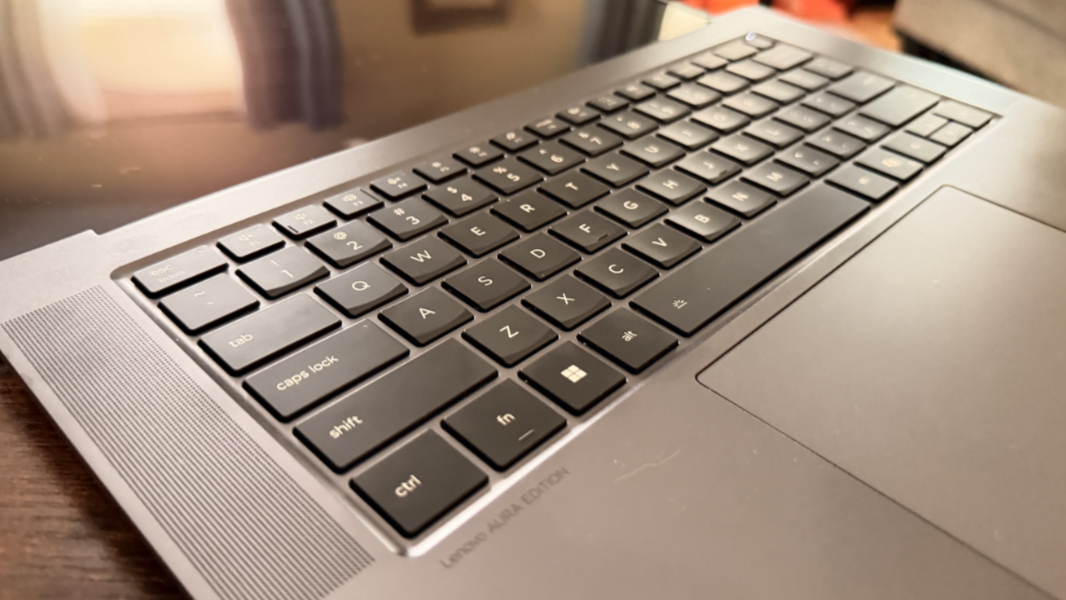
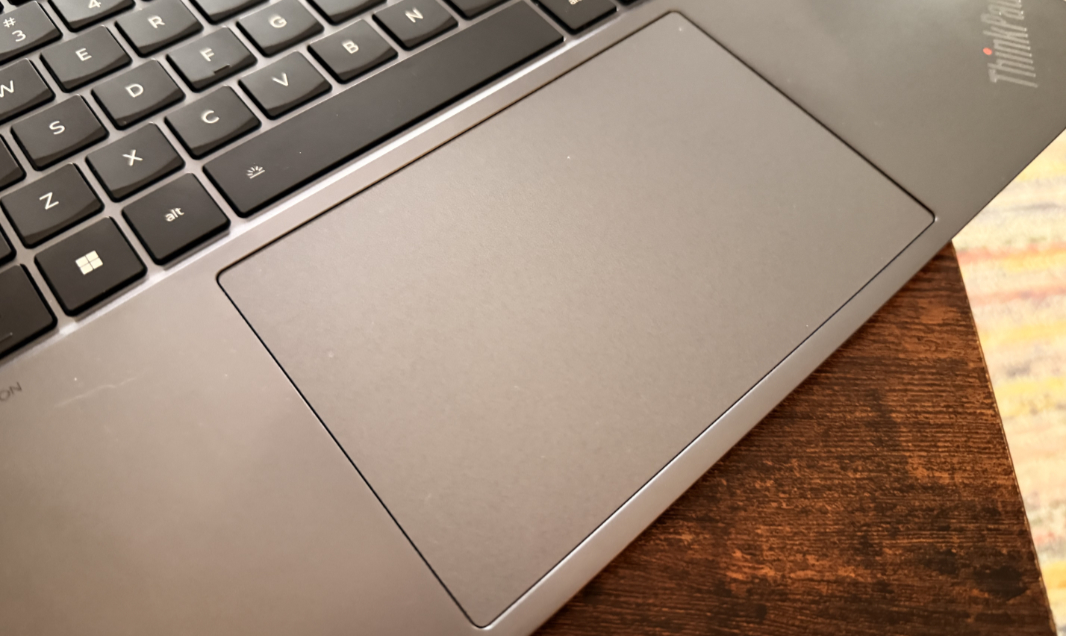
But the haptic touchpad has been problematic and that’s something I’ll try to fix with some configuration changes. I’ve not seen this kind of issue in years, but it can’t be used to reliably drag and drop on-screen icons or select text in a document. It’s most curious.
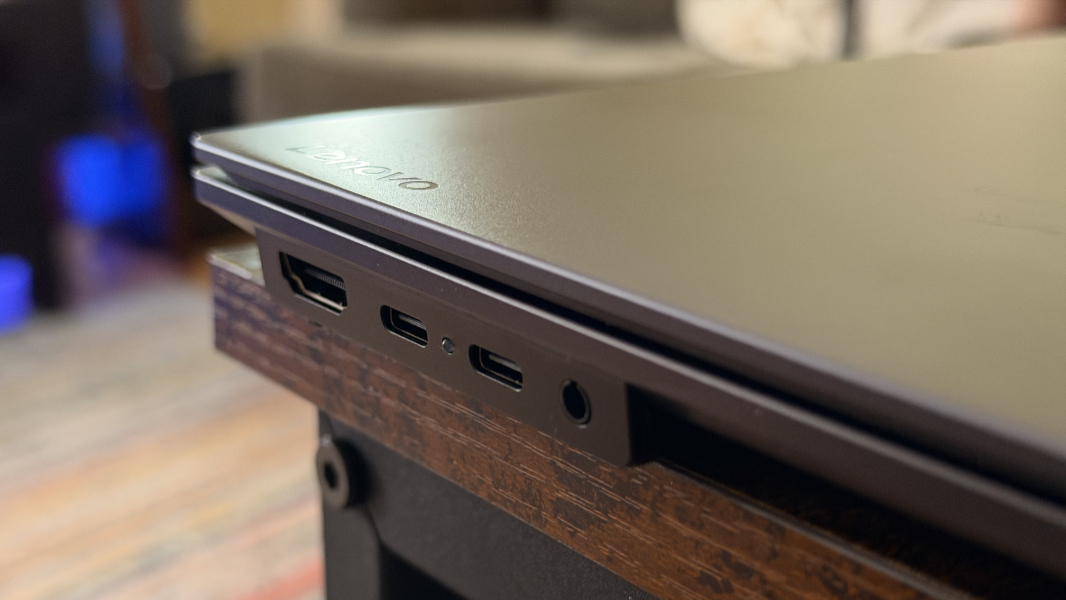
Expandability is solid. There’s a full-sized HDMI 2.1 video-out port, two 40 Gbps Thunderbolt 4/USB4 Type-C ports with Power Delivery 3.0 and DisplayPort 2.1 capabilities, and a combo headphone/microphone jack on the left.
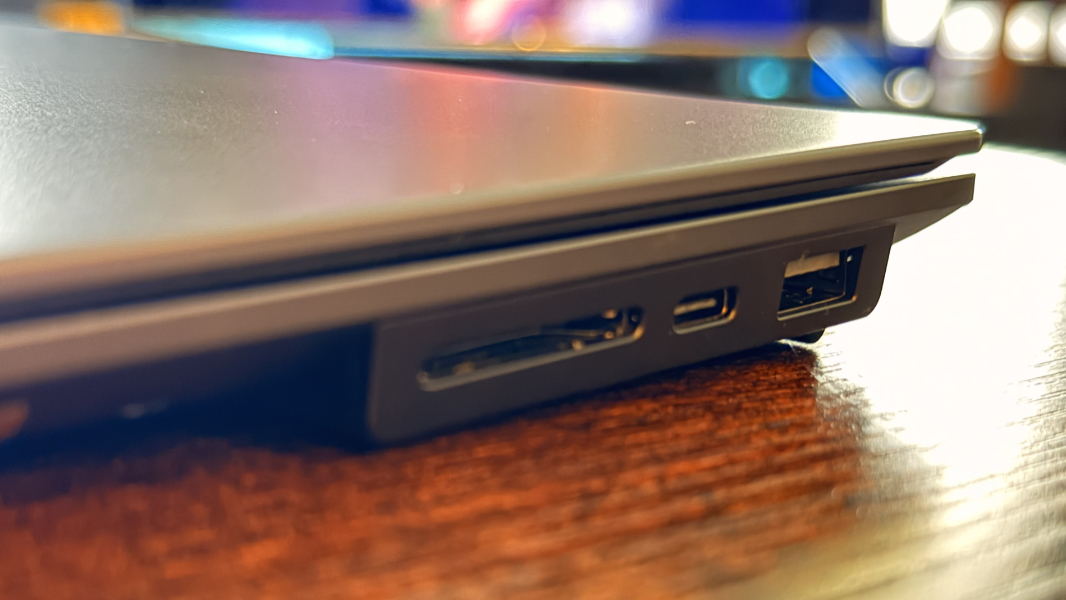
And the right side holds a full-sized and always-on 10 Gbps USB 3.2 Gen 2 Type-A port, a third Thunderbolt 4/USB4 Type-C port, and an SD card reader. Connectivity is modern, with Wi-Fi 7 and Bluetooth 5.4.
The audio-video and hybrid work capabilities should both be impressive, thanks to six (!) Dolby Atmos-powered speakers, a 10 MP UHD webcam with an electronic shutter, and a 360-degree dual-array microphone.
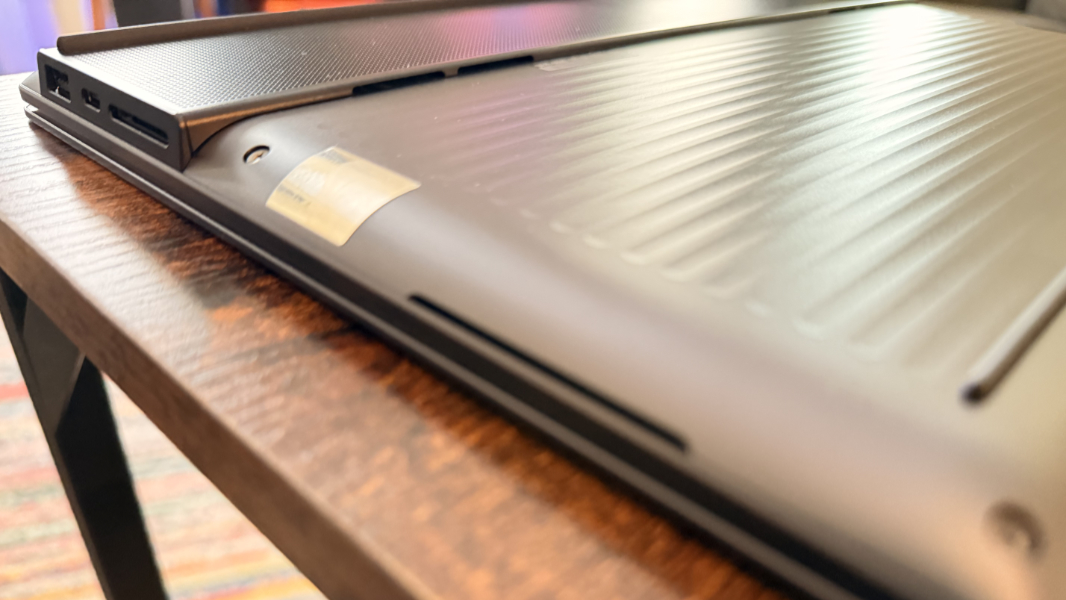
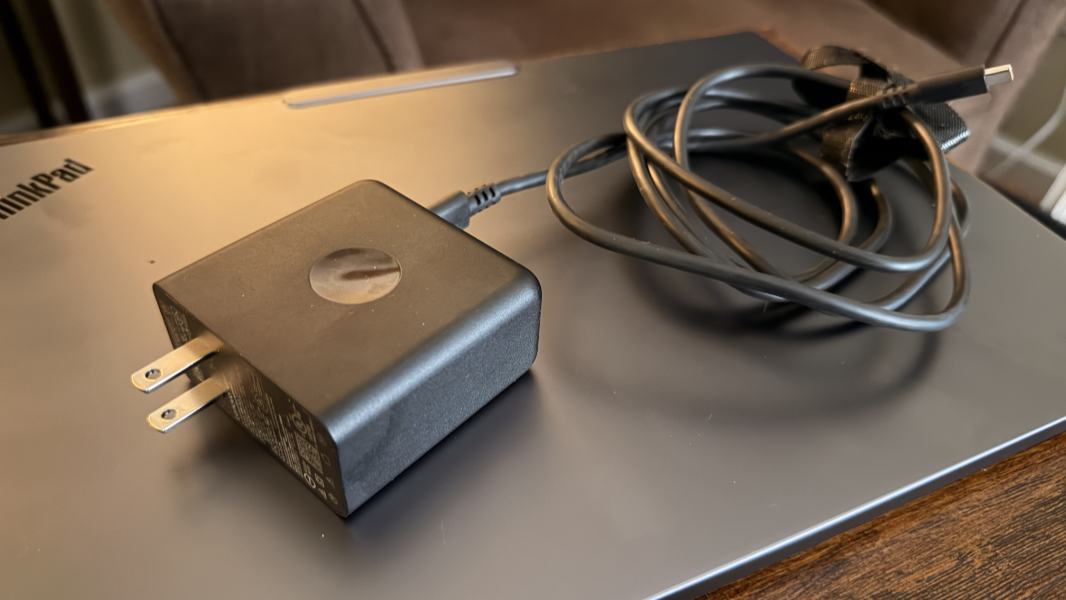
The laptop weighs just 3.31 pounds, which is very good for a 15-inch design. And it’s powered by an 88 watt-hour battery that’s both easily replaced by the end user and charged to 80 percent capacity in just an hour using a much smaller and lighter and more modern 100-watt GaN charger: The entire bottom panel of the laptop can be removed using six exposed screws. Very nice.
So far so good. But I’ll have more soon.