Google Gemini Now Lets Users Edit AI-Generated Files Right From the Chat Window
- Laurent Giret
- Oct 29, 2026
-
0
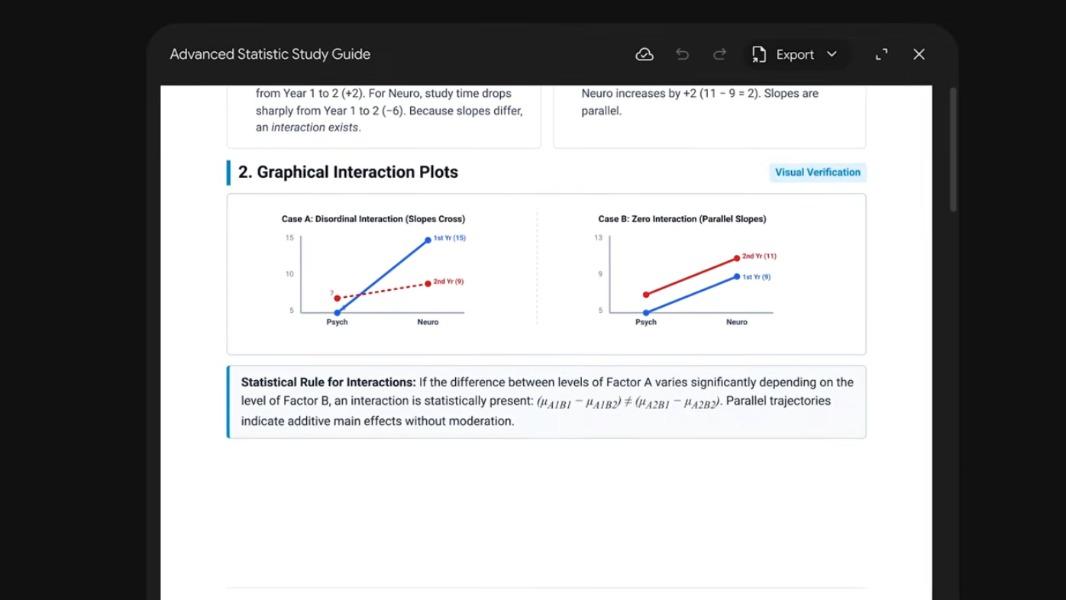
Google’s Gemini chatbot now lets users generate and then edit documents right from the chat window. Users can expand AI-generated documents to a full-screen view, make manual edits, or go back to the chat conversation to ask Gemini to refine it.
At the moment, editing documents, PDFs, presentations, and spreadsheets from the chat window is available on both the web and mobile. However, editing Google Docs, Google Sheets, Markdown files, TXT files, slide decks, and code is only available on the Gemini web app.
Google also announced today that Gemini can now create PDF study guides from handwritten notes, which can also be previewed and edited from the chat window. Just like the other editing capabilities, this is available to all users in all languages where the Gemini app is available.
In other Gemini-related news, Google announced yesterday Gemini 4 Carbon, its next frontier model with “state-of-the-art cybersecurity and long horizon capabilities.” This new model, which is currently only available for cybersecurity researchers, comes two weeks after Google made its Gemini 4 Argon model available in the Gemini app for AI Pro and Ultra subscribers.