Adobe Photoshop and Premiere Elements 2026 Are Now Available
- Paul Thurrott
- Oct 09, 2025
-
2
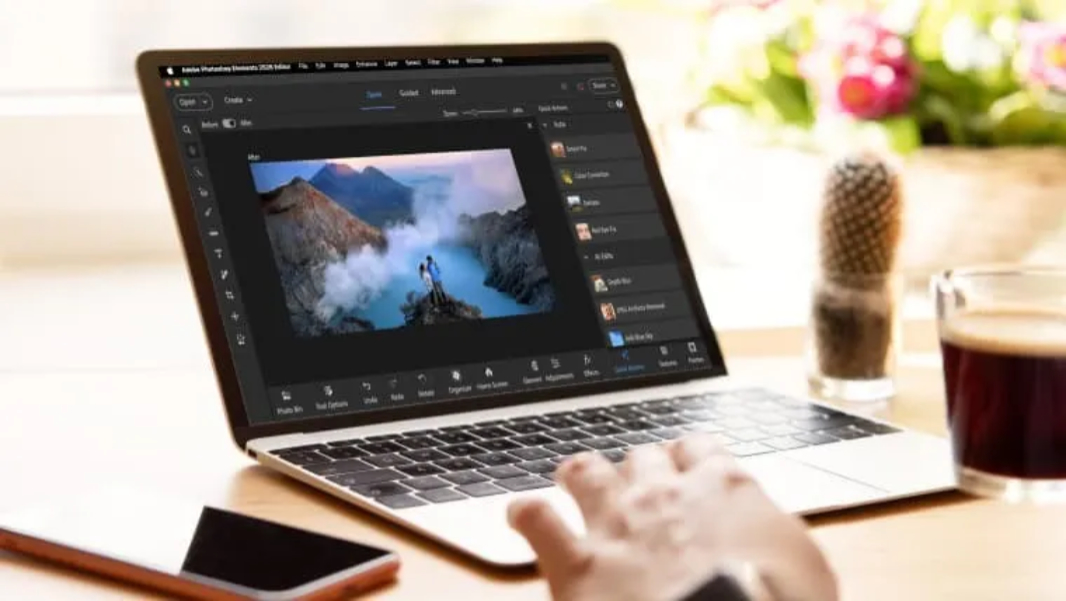
Adobe recently announced the release of Photoshop Elements and Premiere Elements 2026, its latest standalone creativity apps for Windows and Mac. But they’re limited to a three-year license for the first time.
“Photoshop Elements 2026 and Premiere Elements 2026 make it easy to dive right in and start creating,” Adobe’s Kirsten Higgins writes. “Whether you’re just getting started or looking to sharpen your skills, you’ll find Quick, Guided, and Advanced editing modes to match your pace. With built-in AI and automation, your photos and videos look their best with less effort. And it’s a breeze to organize everything and show off your favorite moments in creative, eye-catching ways.”
Photoshop Elements and Premiere Elements continue as interesting alternatives to the Creative Cloud-based versions of these products, and unlike those versions, they can be purchased once and used without ongoing monthly payments. That said, I can see that the license term is now three years, a first.
Key new features in Photoshop Elements 2026 include:
- Generative AI. A new Generate Image feature lets you describe what you want and PS Elements will create the image for you. There’s also an Insert Object tool to do the same for objects you want to add to an existing image.
- Restore Photo. This one-click option will remove and correct all the problems in older photo scans, giving them new life.
- Remove. This tool removes objects, including people in the background, from photos.
- Adobe Express templates. This new integration lets you access thousands of beautifully designed layouts for everything from social posts and videos to cards, photo books, and more.
- More. There are also new visual tooltips, editing enhancements across multiple tools, QR code scanning to import mobile photos, organizer enhancements and other updates.
Key new features in Premiere Elements 2026 include:
- 360-degree and VR editing. New 360 and VR editing tools let you import and position VR footage, apply effects, transitions, text, and graphics, fine-tune viewing angles, and export to formats suitable for VR headsets and social media.
- Adobe Stock media. You can now access high-quality photos, videos, audio clips, and sound effects directly from Premiere Elements.
- Text style templates. You can now use built-in text style templates, design your own, and save favorites so they are easily accessible when needed.
- More motion title templates. There are new motion title templates with sleek text, graphics, and animations.
- Freehand crop. You can now reframe videos on the fly with a new freehand crop tool.
- More. There are many more improvements, including visual tooltips, Timeline gap removal improvements, faster shake stabilization, video import from cloud services, and organizer improvements.
Adobe Photoshop Elements 2026 and Premiere Elements 2026 are available separately for $99.99 each and in a Photoshop Elements & Premiere Elements 2026 bundle for $149.99. But there are also discounts for those with previous versions of these products ($79.99/$119.99), each is often made available on sale for lower prices, and there is a 7-day trial if you want to take a look first.