Apple Updates Creator Studio
- Paul Thurrott
- Jun 30, 2026
-
2
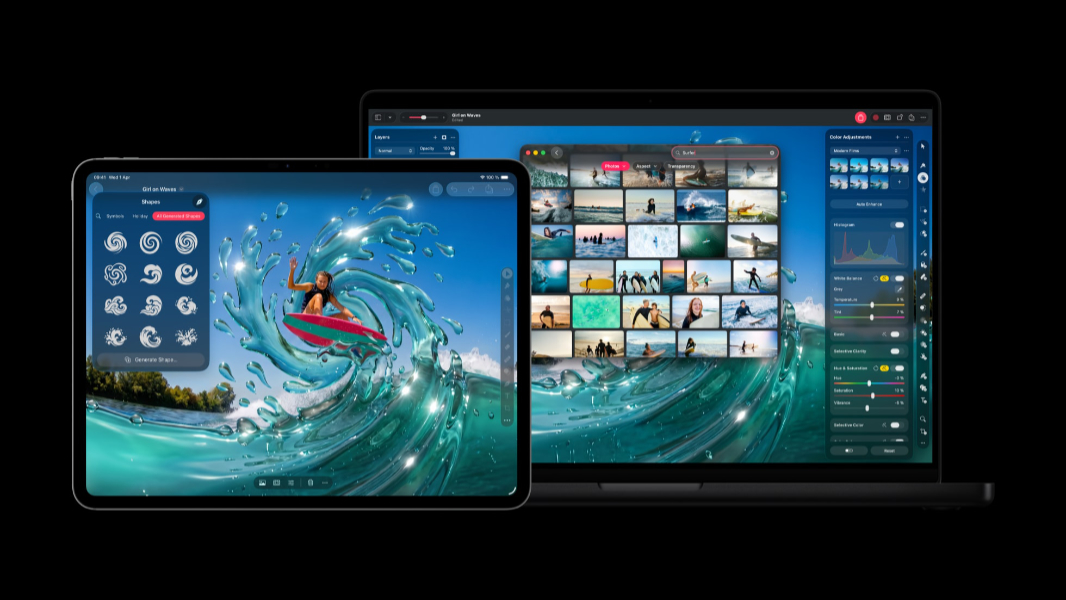
Apple’s Creator Studio got its first big update today, with improvements to Final Cut Pro, Pixelmator Pro, and more.
“Apple today introduced power-packed updates to Apple Creator Studio, a groundbreaking collection of creative apps that build on the essential role Mac, iPad, and iPhone play in the lives of millions around the world,” the Apple announcement notes with the company’s usual humility. “Featuring new AI capabilities that are dynamic enough for every creative discipline, these updates make Apple Creator Studio even more connected, capable, and intelligent.”
Apple introduced Creator Studio in January as a $12.99-per-month subscription that bundles Final Cut Pro, Logic Pro, and Pixelmator Pro on Mac and iPad; Motion, Compressor, and MainStage on Mac; and new versions of Keynote, Pages, Numbers, and Freeform for iPhone, iPad, and Mac that feature unique intelligent features and premium content. Today’s updates include the following:
- Final Cut Pro gets new AI tools like Generate Captions and Edit Detection, new content like Creator Themes, and, on Mac, Auto Mask, an enhanced Match Color, Advanced Trimming, and the ability to send frames to Pixelmator Pro.
- Motion gets “native support to keep vector graphics crisp” at any resolution and Distribute Layers for faster setup of complex animations.
- Compressor gets an Immersive Metadata Viewer, 180-degree Apple Projected Media Profile support for Apple Vision Pro, and an Anaglyph View for Stereoscopic Video Previe
- Final Cut Camera for iPhone and iPad now supports Clean HDMI Out, expanded ProRes support, and the ability to disable digital zoom.
- Pixelmator Pro, Keynote, Pages, and Numbers all make it easier to generate vector shapes.
- Logic Pro for Mac and iPad gets Chord ID improvements and a new Producer Project.
There are several other small updates. But when iOS 27, iPadOS 27, and macOS 27 arrive this fall, Freeform will also add the ability to generate shapes, open an image in Pixelmator Pro, Dark Mode, folders for organize boards, and support for drawing on Mac. (Which hints at coming touch-based MacBook Pros.)
You can learn more about Creative Studio on the Apple website.