
Paul Thurrott
Paul Thurrott is an award-winning technology journalist and blogger with 30 years of industry experience and the author of 30 books. He is the owner of Thurrott.com and the host of three tech podcasts: Windows Weekly with Leo Laporte and Richard Campbell, Hands-On Windows, and First Ring Daily with Brad Sams. He was formerly the senior technology analyst at Windows IT Pro and the creator of the SuperSite for Windows from 1999 to 2014 and the Major Domo of Thurrott.com while at BWW Media Group from 2015 to 2023. You can reach Paul via email, Twitter or Mastodon.
Paul Thurrott’s Recent Posts

Microsoft Garage Quietly Launches News Pro App for iOS
- Paul Thurrott
- Jan 26, 2016
-
0
comment
You may be familiar with the MSN News mobile app, which I use regularly across…

It’s Official: Lumia Firmware Updates Are Coming to Windows Insiders
- Paul Thurrott
- Jan 26, 2016
-
0
comment
I've stated before that any true Windows phone fan needs to be on the Windows…

Bing Predicts U.S. Electoral Primary and Caucus Winners
- Paul Thurrott
- Jan 26, 2016
-
0
comment
Microsoft today announced its predictions for the first phase of the U.S. presidential election. And…

Reports Emerge of Windows 10 Mobile Abusing Cell Data
- Paul Thurrott
- Jan 26, 2016
-
0
comment
A number of readers are reporting that Windows 10 Mobile is using cell data even…

Thurrott Daily: January 26
- Paul Thurrott
- Jan 26, 2016
-
0
comment
A few tidbits from around the web: Windows Defender goes from goat to hero, Audible…

Windows 10 Mobile Tip: Disable Skype Integration
- Paul Thurrott
- Jan 26, 2016
-
0
comment
In a nice nod to the platform's past, Windows 10 Mobile enables Skype integration across…

Smile! Microsoft Selfie App for iPhone Hits 500,000 Downloads
- Paul Thurrott
- Jan 25, 2016
-
0
comment
Just two weeks into its initial release, Microsoft Selfie for iPhone hit 500,000 downloads, a…

Thurrott Daily: January 25
- Paul Thurrott
- Jan 25, 2016
-
0
comment
A few tidbits from around the web: The original COD: Black Ops is coming to…

BYOPC: Building a PC (or Two) in 2016
- Paul Thurrott
- Jan 25, 2016
-
0
comment
Last year, I discussed my plans to build my next desktop PC, and then never…
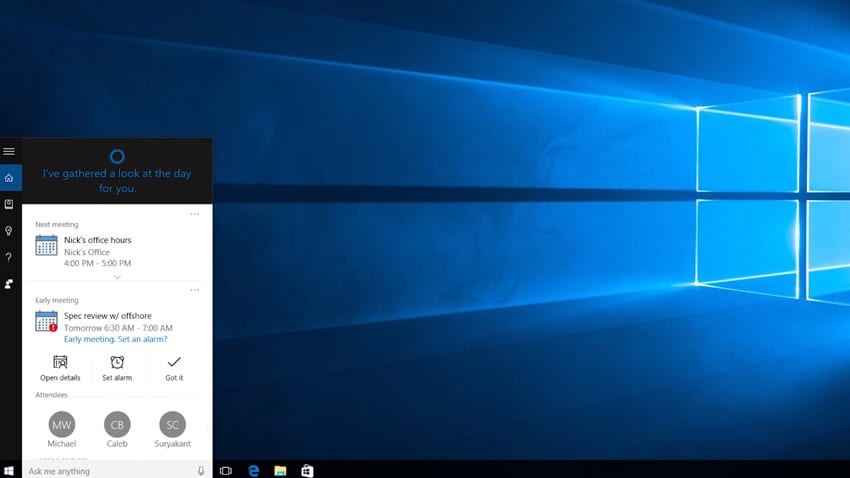
Cortana is Being Updated to Help With Your Schedule
- Paul Thurrott
- Jan 25, 2016
-
0
comment
Microsoft is updating Cortana in Windows 10 so that it can suggest reminders based on…

HERE Maps, Drive, and Transit Return to Store (But …)
- Paul Thurrott
- Jan 24, 2016
-
0
comment
This is a good news/bad news thing: HERE Maps, Drive, Transit, and City Lens have…
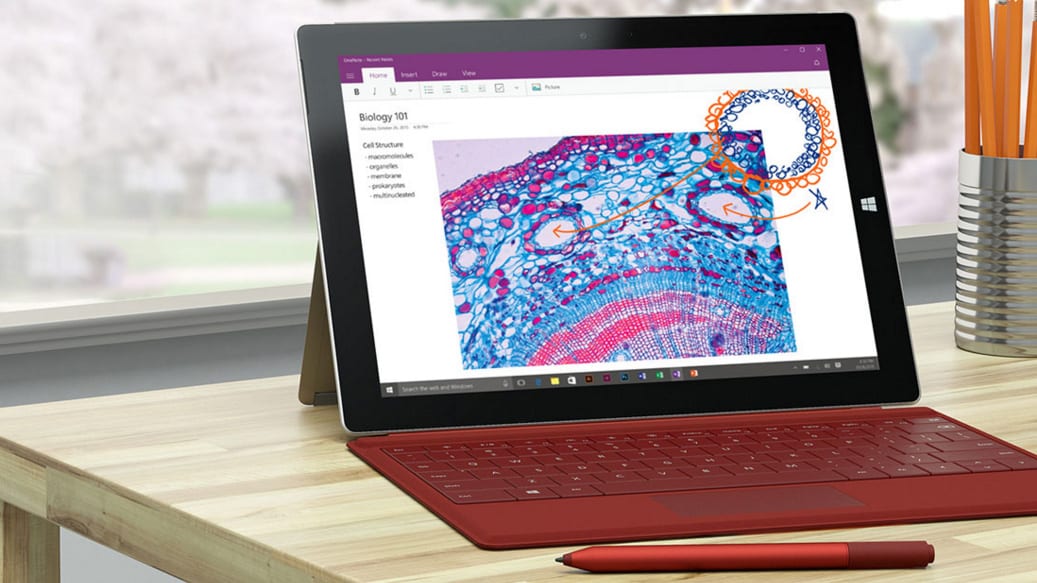
Microsoft Delivers Firmware Updates for Surface 3 and Surface Pro 3
- Paul Thurrott
- Jan 24, 2016
-
0
comment
While Surface Book and Surface Pro 4 users continue to twist in the wind, the…

Thurrott Daily: January 22
- Paul Thurrott
- Jan 22, 2016
-
0
comment
A few tidbits from around the web. 1/22/2016 2:55:37 PM Office Insider releases a new…
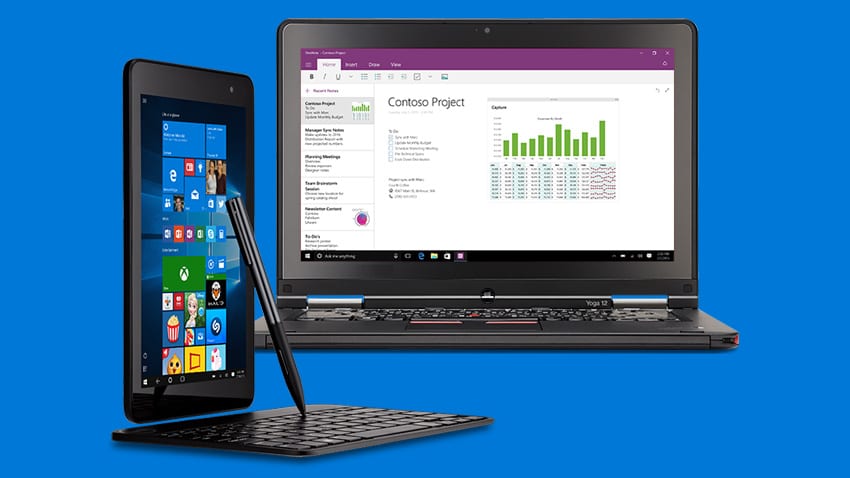
Microsoft Publishes Initial Lists of Skylake-Compatible Business PCs It Will Support on Windows 7 and 8.1
- Paul Thurrott
- Jan 22, 2016
-
0
comment
As promised, Microsoft has delivered the initial lists of Skylake-based business PCs on which it…
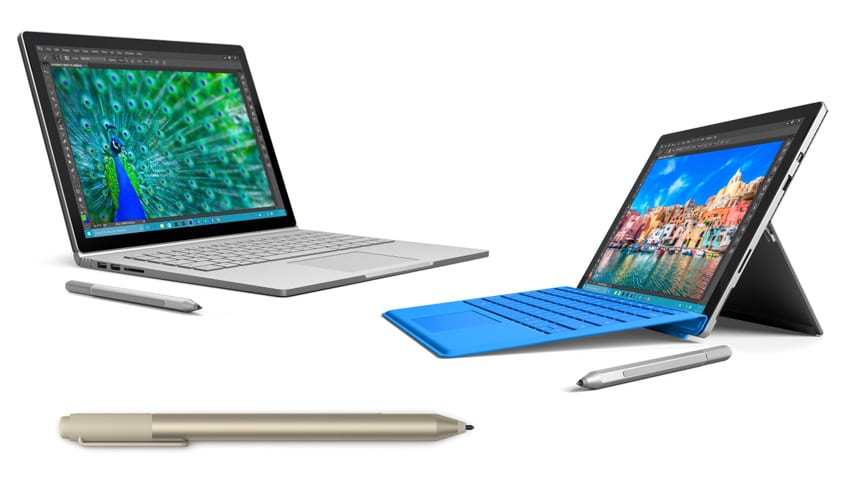
Most Powerful Surface Book and Pro 4 Models Now Available, Alongside a Gold Surface Pen
- Paul Thurrott
- Jan 22, 2016
-
0
comment
Microsoft this morning announced that previously-promised high-end versions of Surface Book and Surface Pro 4…
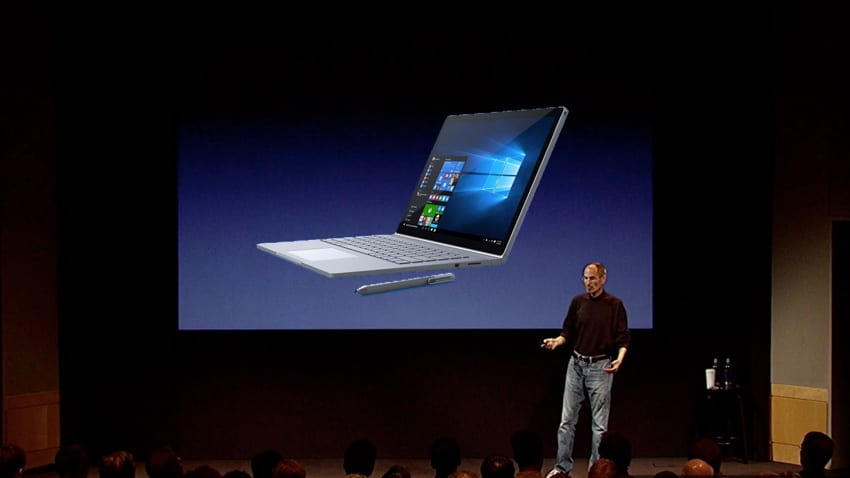
Welcome to Surfacegate
- Paul Thurrott
- Jan 22, 2016
-
0
comment
Microsoft is having its iPhone 4 "Antennagate" moment, thanks to rampant reliability issues with its…