Books
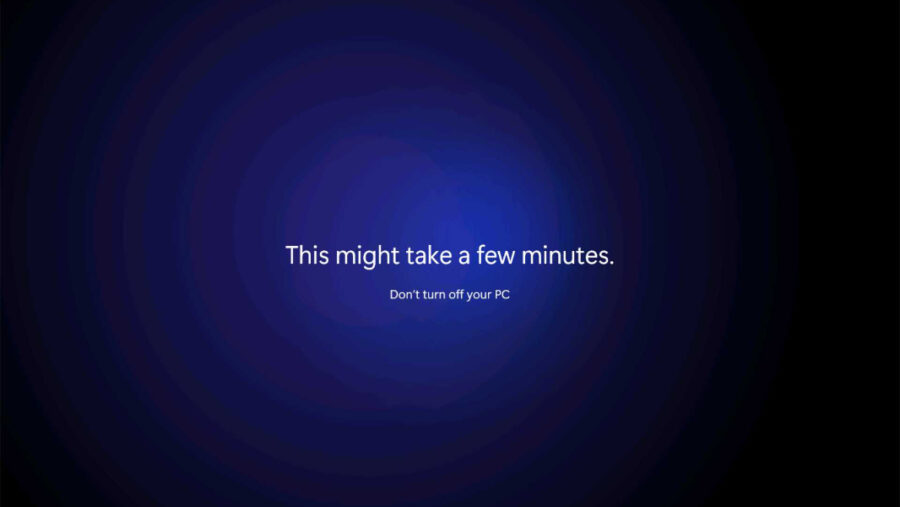
Upgrade from Windows 10 to Windows 11 (24H2)
- Paul Thurrott
- Oct 09, 2024
-
0
comment
In most cases, upgrading from Windows 10 to Windows 11 is easy, but Microsoft has…
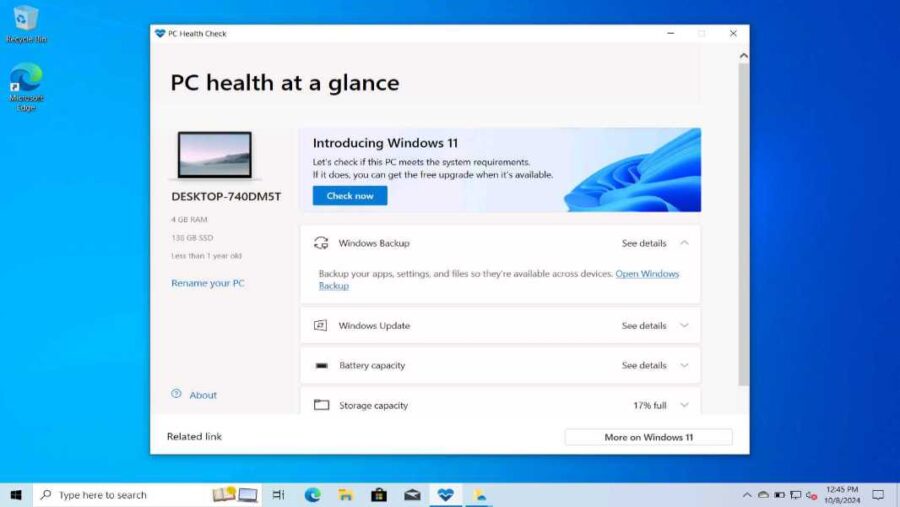
Windows 11 and Copilot+ PC Hardware Requirements and Recommendations (24H2)
- Paul Thurrott
- Oct 08, 2024
-
0
comment
Windows 11 has stricter hardware compatibility requirements than its predecessor that artificially limit which PCs…
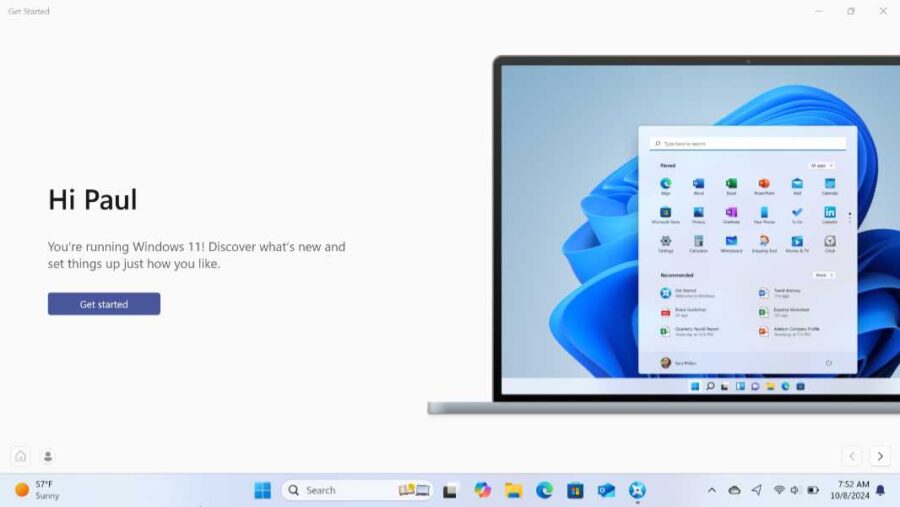
What’s Missing in Windows 11 (24H2)
- Paul Thurrott
- Oct 08, 2024
-
1
comment
While the latest version of Windows 11--called 24H2--is in most ways an improvement over previous…
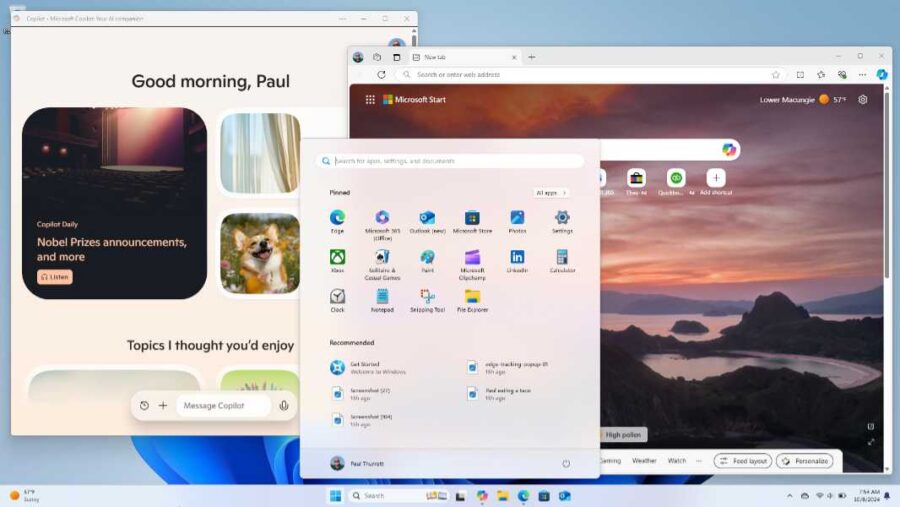
What’s New and Familiar in Windows 11 (24H2)
- Paul Thurrott
- Oct 08, 2024
-
1
comment
Windows 11 offers a fresh new user experience that is simpler, prettier, and more modern…
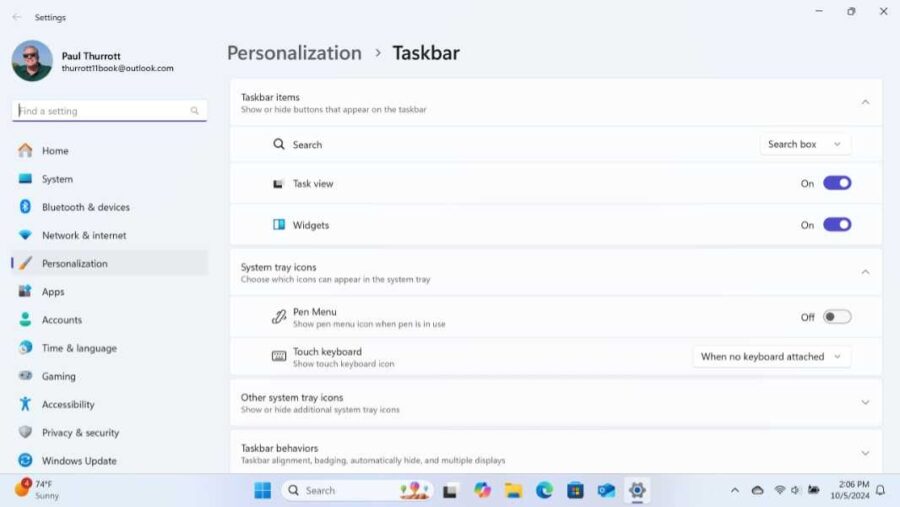
Taskbar (24H2)
- Paul Thurrott
- Oct 06, 2024
-
0
comment
The Taskbar in Windows 11 has been simplified, with fewer options, and many of the…
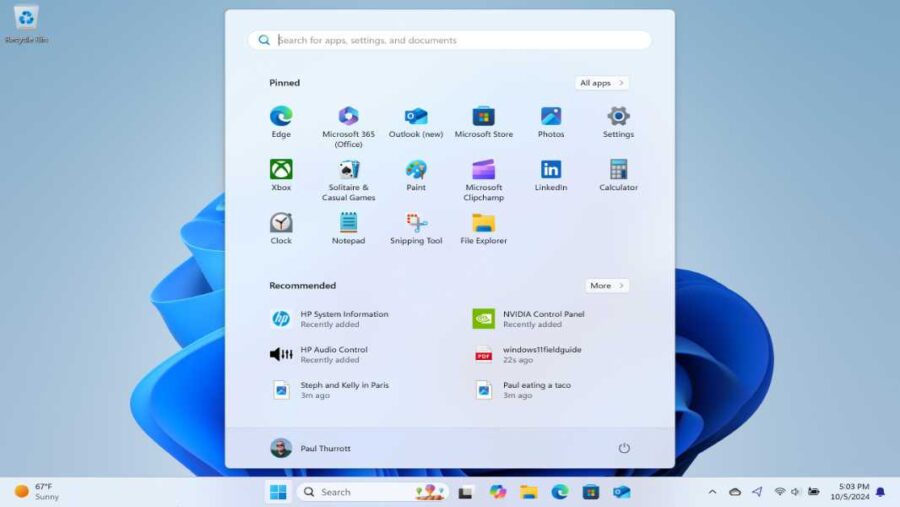
Start (24H2)
- Paul Thurrott
- Oct 06, 2024
-
0
comment
In Windows 11, Start has been simplified, and it's now a centered floating window that's…
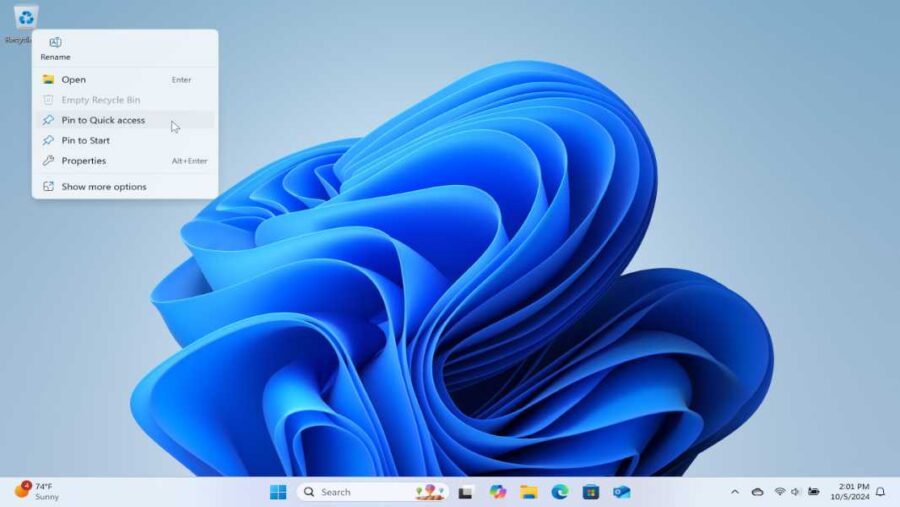
Desktop (24H2) (Archived)
- Paul Thurrott
- Oct 06, 2024
-
0
comment
The Windows 11 Desktop works much as it did in Windows 10, but it has…
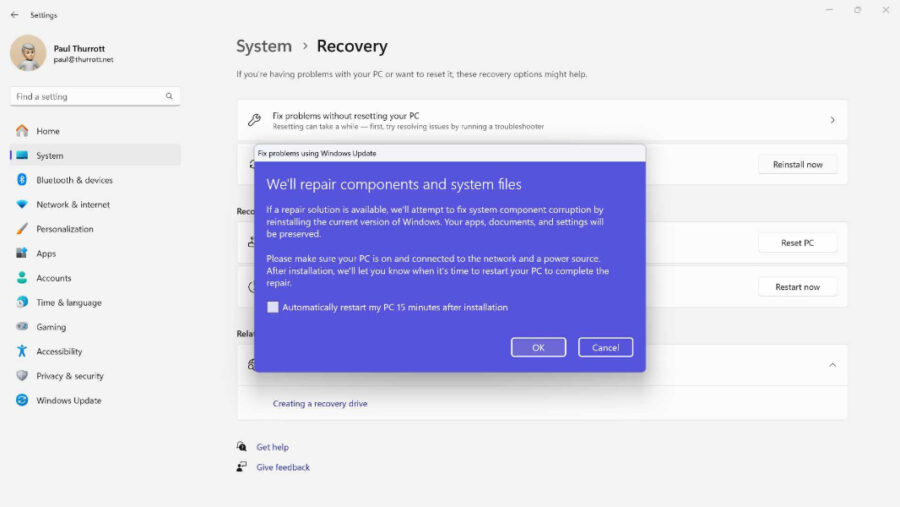
Reinstall Windows with Windows Update
- Paul Thurrott
- Sep 25, 2024
-
0
comment
Fix problems using Windows Update is a new Windows 11 feature that can resolve problems…
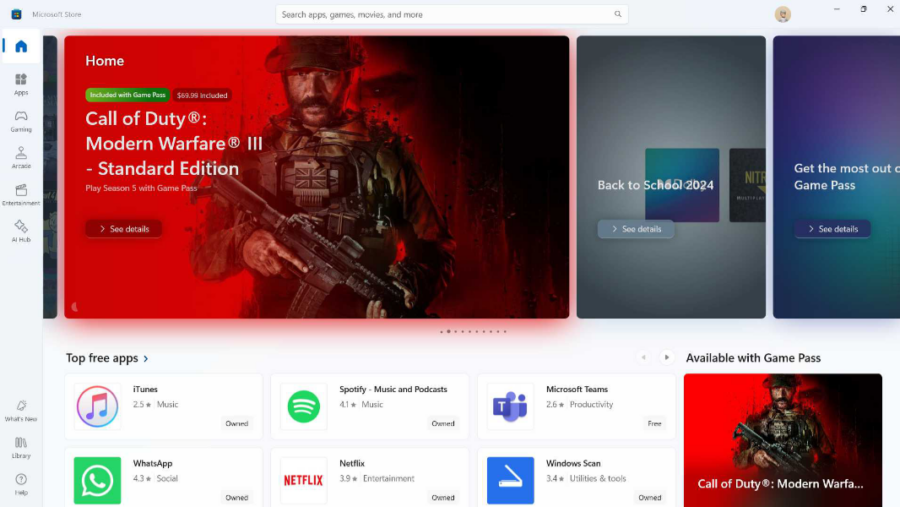
Microsoft Store (24H2)
- Paul Thurrott
- Jul 30, 2024
-
0
comment
The Microsoft Store in Windows 11 helps you find, download, and buy apps, games, and…
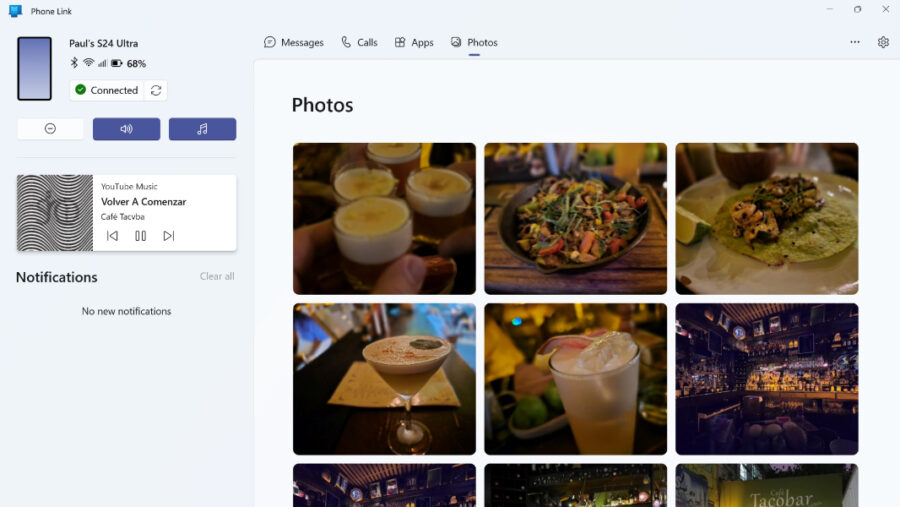
Phone Link (23H2)
- Paul Thurrott
- Jun 20, 2024
-
3
comments
Windows 11 provides a Phone Link app you can use to access key iPhone and…

Microsoft Edge Collections (23H2)
- Paul Thurrott
- May 02, 2024
-
0
comment
Collections is a unique Microsoft Edge feature that helps you gather, save, and organize information…

Reading with Microsoft Edge (23H2)
- Paul Thurrott
- Apr 28, 2024
-
0
comment
Microsoft Edge provides all the expected reading functionality, but it also goes well beyond that…

Microsoft Edge Basics (23H2)
- Paul Thurrott
- Apr 28, 2024
-
2
comments
Microsoft Edge is a feature-rich web browser that offers all the features you expect, though…

Set Up Microsoft Edge Correctly … Whether You Use It Or Not
- Paul Thurrott
- Apr 21, 2024
-
1
comment
Because Microsoft Edge is so deeply integrated with Windows 11, it's important to configure it…

Snipping Tool, Screenshots, and Screen Recordings (23H2)
- Paul Thurrott
- Mar 08, 2024
-
0
comment
Microsoft provides the Snipping Tool app in Windows 11 so that you can capture, save,…

Snap (23H2 + Moment 5) (Archived)
- Paul Thurrott
- Mar 05, 2024
-
0
comment
Snap is a set of Windows 11 features that helps you organize how your open…