Microsoft Edge 137 Improves Picture-in-Picture Playback, Removes Wallet and Other Features
- Laurent Giret
- May 30, 2025
-
4
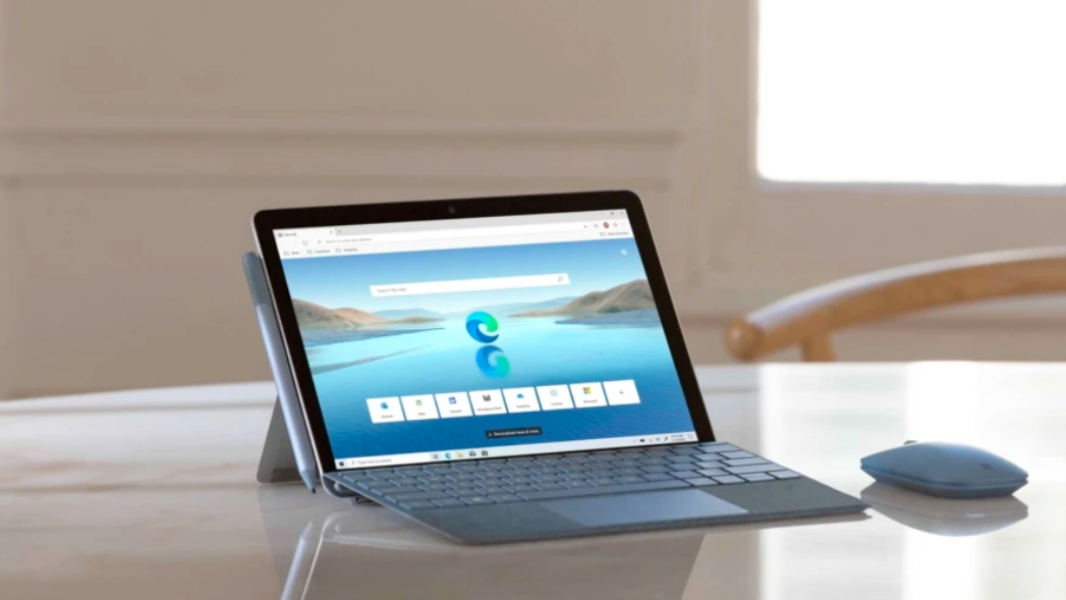
Microsoft Edge 137 is now available on the Stable Channel, bringing improvements to picture-in-picture playback and new Edge for Business features. This new update also removes the Wallet Hub in Edge and a couple of features you probably didn’t know about, such as Image Editor and Video Super Resolution.
The picture-in-picture player enhancements in Microsoft Edge 137 let users easily pause, play, skip forward or backward, and seek from the progress bar right from the picture-in-picture window. This Edge update also removes the Video super resolution feature that required beefy GPUs to upscale web videos using AI.
The Wallet Hub in Microsoft Edge, which is used to sync passwords, payments, and personal information, is also going away in Microsoft Edge 137. However, all that personal data can now be found in the Passwords and autofill section within Edge’s Settings.
Other Wallet features including tickets, shopping deals, and donations are being relocated on the web, while order tracking can now be accessed within Settings and more > Shopping. You can learn more details on these changes on this support page.
Lastly, Microsoft Edge 137 is adding support for some of the new Business features that Microsoft announced at its Build developer conference last week. The first one is Web Content Filtering, which is now available in public preview for EDU and SMB organizations. Edge for Business users with a Microsoft 365 Copilot license are also getting the ability to summarize online Microsoft 365 Word, Excel, and PowerPoint documents right from the Edge sidebar.