Google Workspace Intelligence Now Provides Deeper Context for Gemini Features
- Laurent Giret
- Apr 22, 2026
-
1
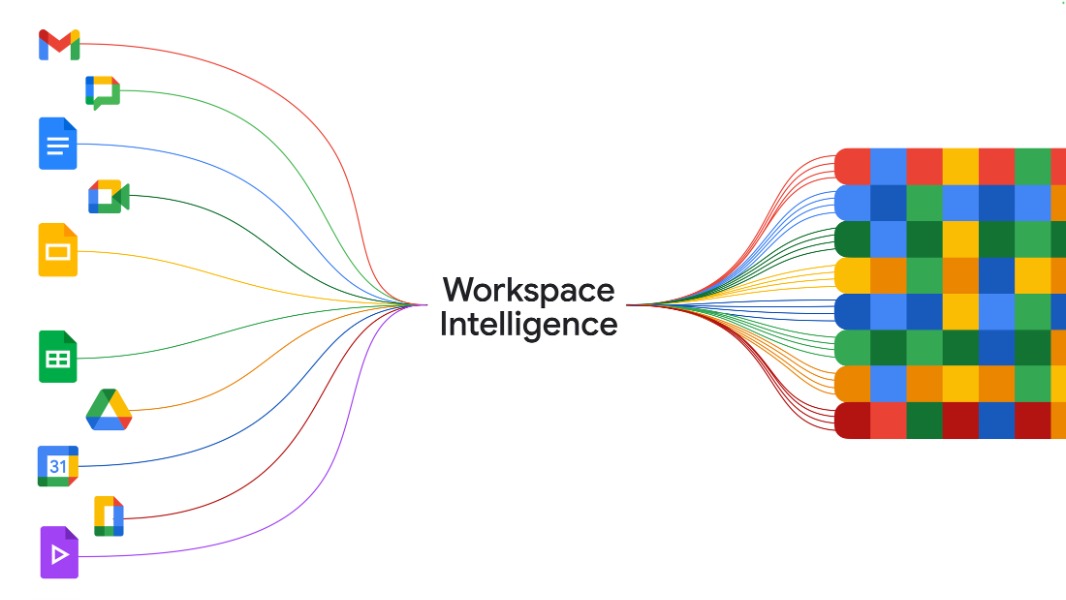
Google announced Workspace Intelligence at its Cloud Next conference today, which will improve all generative AI tasks across Workspace apps by grounding them in customers’ data. Workspace Intelligence will also enable new agentic AI features, including an inbox assistant in Gmail, an agentic builder in Google Slides, and more.
Just like Google’s new Personal Intelligence feature can make AI features deliver better results by connecting the dots between Gmail, Google Photos, and other consumer services, Workspace Intelligence will connect data from Google’s various productivity apps to create a new semantic layer that can automate various processes. Workspace Intelligence also uses advanced Gemini reasoning to understand users’ work habits and digital workflows. This should eliminate the need for Workspace users to manually provide context to Gemini on every prompt.
“Workspace Intelligence delivers unified, real-time understanding to power agentic work — it does more than just connect to your apps and pull from your data to create an output. It is a secure, dynamic system that inherently understands complex semantic relationships within your Workspace apps (such as Docs, Slides, or Gmail) content, your active projects, your collaborators, and your organization’s domain knowledge,” Google explained today.
Workspace Intelligence will be enabled by default on most Google Workspace plans, but admins can disable access to certain data sources, including Gmail, Drive, Calendar, and Chat. Google also emphasized that customer data is “not reviewed by humans, used for ads, or used to train AI models outside of Workspace without your permission.”
Here are the main new Workspace Intelligence features Google announced today:
AI Inbox and AI Oveviews in Gmail: The new AI inbox can suggest to-dos and topics to catch up on in emails. The new AI overviews will also synthesize information from various email threads when using search.
Ask Gemini in Google Chat: Google’s Gemini chatbot is now available right from the company’s enterprise communication app, where it can be used to create documents, schedule meetings, find files, and more. It can also connect to third-party apps like Nira and Salesforce using connectors.
Ask Gemini and AI Overviews in Google Drive: Just like in Google Chat, Ask Gemini in Drive lets users ask questions about their data. AI Overviews in Google Drive can also provide a relevant list of documents or a complete answer with citations at the top of search results.
Google Drive Projects: This new feature will allow enterprise users to organize files and emails as a shareable source that Google’s Gemini chatbot can also use to generate AI Overviews.
New Gemini features in Docs, Slides, and Sheets: Gemini in Docs can now edit multiple images at once, create infographics using Workspace data, and improve a document using suggestions from comments. Slides can also create full presentations from a single prompt using company templates and visual styles, while Sheets can now create spreadsheets using data from files, emails, chat, and the web.
Google had many other AI announcements at its Cloud Next conference today, including a new Rapid Enterprise Migration offering targeting organizations currently using Microsoft 365. The company also unveiled two new eighth-generation Tensor Processing Units (TPUs), which are AI chips designed for the agentic AI era.