Firefox 127 Can Auto-Start When You Sign in to Windows
- Paul Thurrott
- Jun 11, 2024
-
1
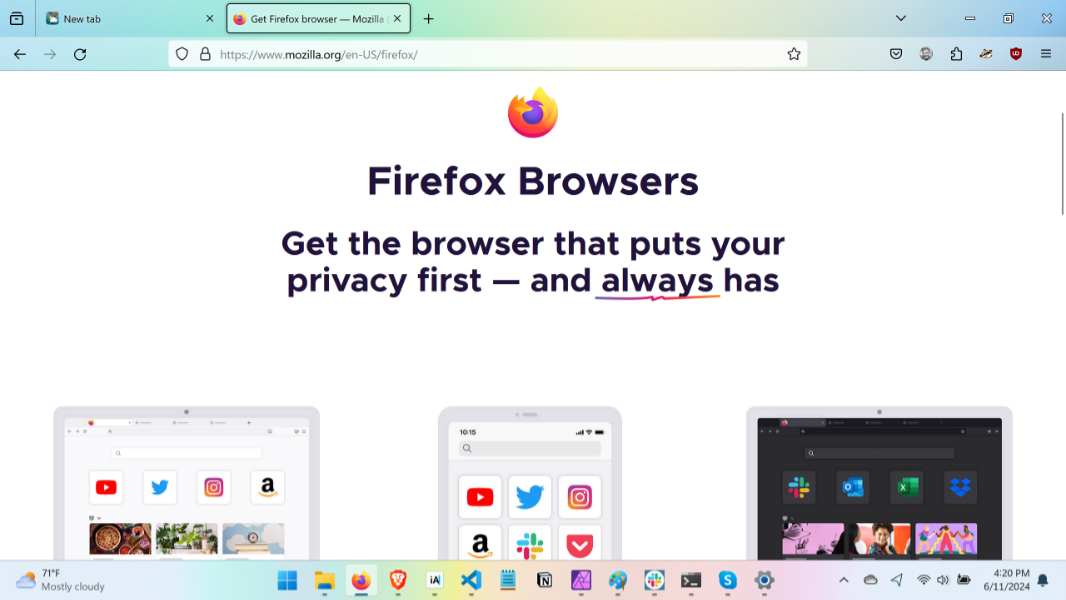
Mozilla delivered Firefox version 127 this week, allowing users to configure the browser to auto-start when you sign in to Windows.
“Setting Firefox to auto-launch optimizes efficiency in our browser-centric digital routines, eliminating manual startup delays and facilitating immediate web access,” Mozilla notes of this feature, which mimics the way Microsoft Edge works by default. Of course, this is Mozilla, so you need to opt in: You’ll be prompted to do so, or you can find the “Open Firefox automatically when your computer starts up” option in Settings > General > Startup.
There are several other new features in this release, but the most important is a new capability in Windows and Mac that allows you to require you to authenticate with a PIN, finger, or face sign-in when accessing stored passwords in the Firefox Password Manager about:logins page.