Mozilla Begins Public Testing of Nova UI for Firefox
- Paul Thurrott
- May 21, 2026
-
5
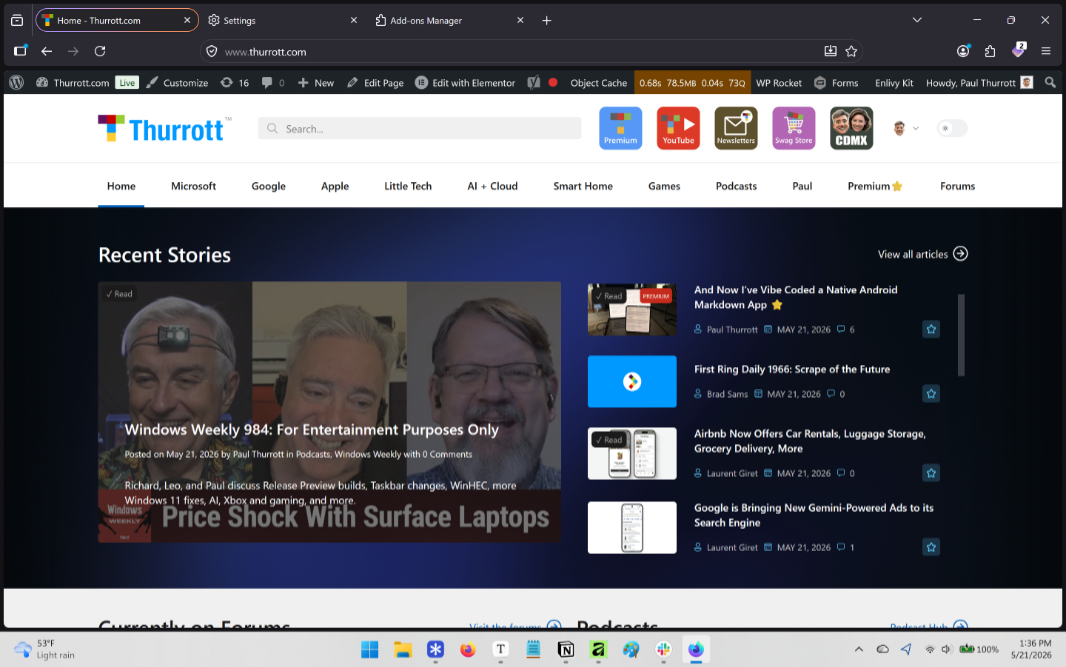
Mozilla isn’t just working to fix the bugs in Firefox, it also has big plans for the future of its flagship web browser. Among those plans is a modern new user interface for Firefox codenamed Project Nova. It leaked about a month ago, but now Mozilla is discussing this change and you can test it in the Nightly builds of Firefox starting today.
“Keeping Firefox the best browser for being online today is what motivated our recent work to update Firefox’s design and design system,” the Firefox UI team writes. “We’re aiming to deliver a more cohesive foundation for Firefox [by] making the browser feel cleaner, warmer, faster and more adaptable.”
This sounds a bit like the work we see now in Vivaldi 8.0, but the Firefox UI refresh won’t land in stable until later in 2026. And it won’t be called Nova or whatever, it will just be Firefox. The good news? You can test it right now if you’d like: All you need to do is download a Nightly build of Firefox for desktop per the instructions below.
Here’s what’s happening.
Nova continues the Firefox push to put privacy at the center. Mozilla is redesigning Firefox settings as part of this UI refresh and this will make the choices you make about your data easier to understand and act on. The Privacy and Security page in settings will have color-coded indicators for Enhanced Tracking Protection, the number of trackers blocked, and whether the browser is up-to-date right at the top, followed by the Enhanced Tracking Protection configuration section that’s at the top today and then VPN and other related settings.
Performance optimization. One of the side benefits of blocking trackers and ads is that webpages have less to load so they appear more quickly. Over the past year, Mozilla has worked to improve this performance by prioritizing the loading of the most important parts of each page, too, resulting in a 9 percent performance improvement overall. And in addition to continuing that work, it is designing the UI to speed up your workflows too. So tab groups, split view, and vertical tabs will be easier to access, and Mozilla is bringing back the Firefox compact mode so the browser’s UI takes up as little space as possible.
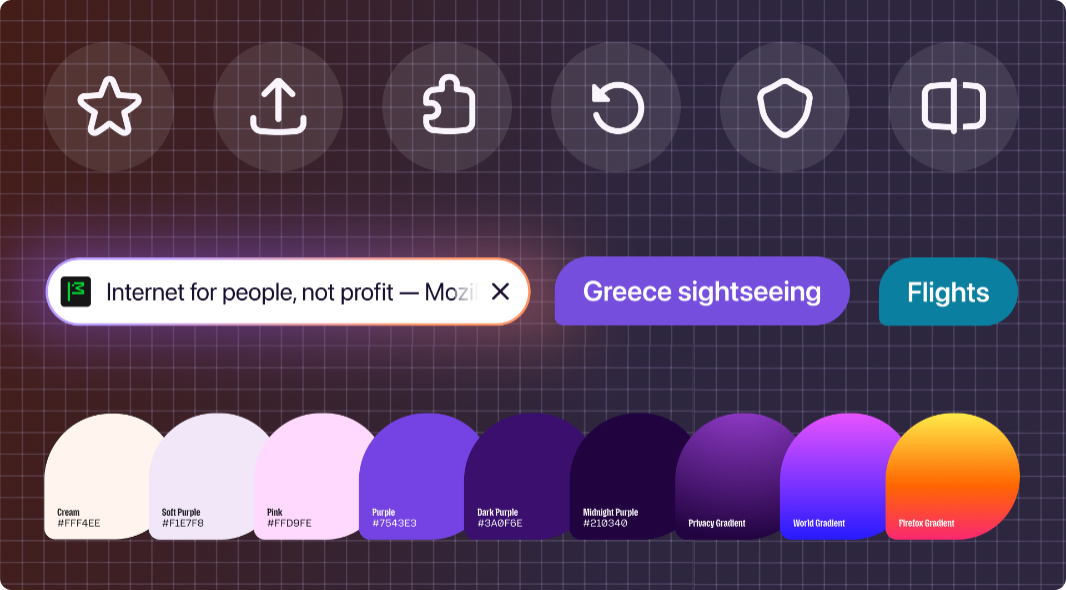
Modernizing while retaining familiarity. Mozilla wants the new design to feel modern but familiar, so it is making subtle changes throughout. Tabs will have a softer shape with a subtle gradient, and other UI components are likewise taking on more rounded and consistent shapes. Icons are being redesigned to be cleaner and more balanced across light and dark themes without adding visual noise. Mozilla is rebalancing the white space used throughout the UI. And there’s a refreshed color palette inspired by the feeling of fire. “The glow around your active tab, deep smoky purples and lighter tones that add warmth,” the team writes. “The effect is distinctly Firefox: Approachable and energetic, while still easy to scan.” This redesign will be most obvious on desktop, but it’s coming to mobile, too, and you will see shared, consistent colors, icons, copy, and design foundations across both versions.
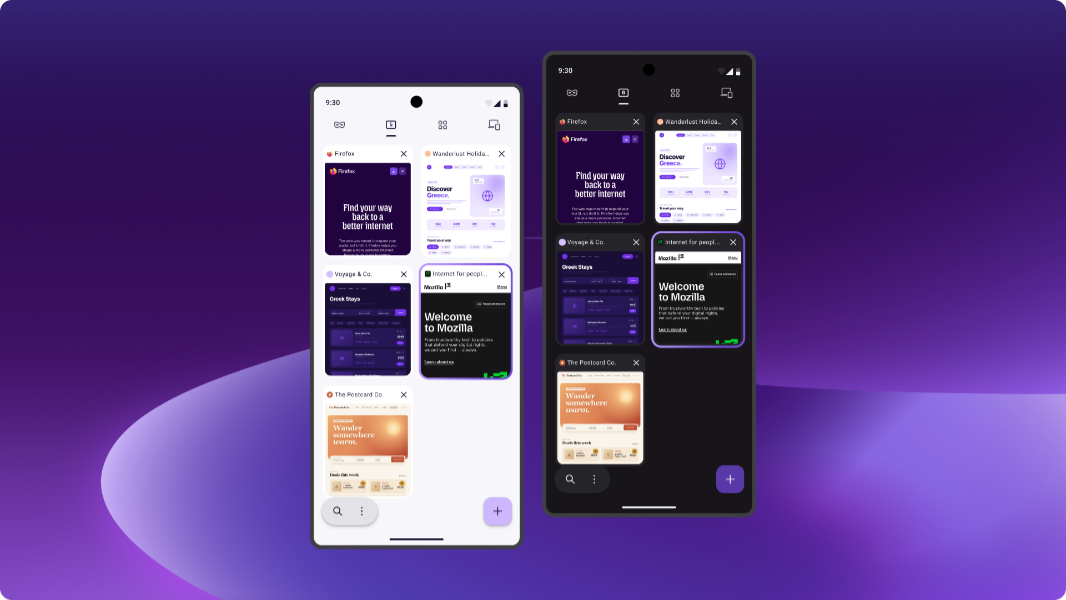
More customizable. Firefox has always offered solid customization capabilities, but the refresh will include more ways to make it your own, with new themes and wallpapers and controls for the shapes used by tabs, components, and related visual treatments. There will be new accessibility features related to contrast, readability, focus states, keyboard behavior, target sizes, system settings, visual comfort, and how the interface works across themes and windows. And some improvements to dark mode specifically because so many use this all the time.
Built in the open. As with Firefox itself, this new UI will be built in the open and Mozilla wants to get your feedback. “You help us build the browser, test, extend and improve it,” the Firefox UI team writes. “You tell us when something doesn’t feel right. That relationship is part of what makes Firefox different.”
If you wish to try this now, download and install a Nightly build of Firefox, and then open the advanced configuration preferences page (about:config) and search for nova. There, you can enable browser.nova.enabled and then restart the browser.