Google Chrome and Google App for iOS Get Circle to Search Capability
- Laurent Giret
- Feb 19, 2025
-
0
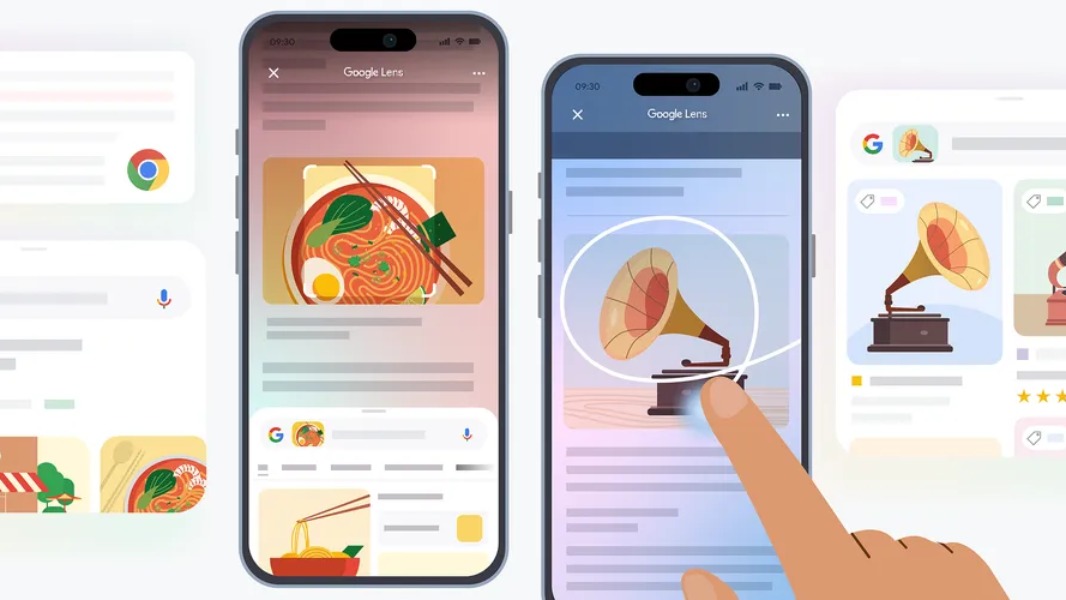
Google is bringing a Circle to Search-like feature to its Google and Chrome apps on iOS. However, the company isn’t using the Circle to Search branding for the new visual search feature and named it “Search Screen with Google Lens” instead.
This new Search Screen feature will let users select and search what’s on their screen when they’re browsing the web with Google Chrome or the Google app. Users will first need to tap the three-dot menu in Google Chrome or the Google app, choose “Search this Screen,” and then select what they’d like to search.
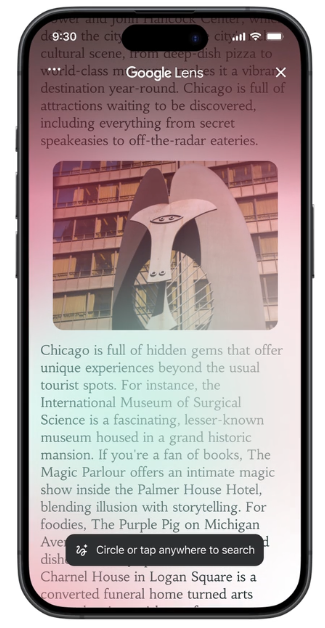
Selecting content on a page to initiate a visual search can be done by highlighting it, tapping it, or using a drawing gesture.”In the coming months, you’ll also see a new Lens icon in the address bar to access the same feature, similar to the Lens experience for Chrome desktop we launched last summer,” Google said today.
This new “Search Screen with Google Lens” feature is just starting to roll out on both the Chrome and Google apps for iOS, so you may not see it immediately. Google also said today that it’s bringing AI Overviews, its ChatGPT-like answers to more Google Lens results. This will start in the Google app for Android and iOS for English-language users, with Chrome to follow soon.