Lenovo ThinkPad T14s Gen 6 (AMD) Review
- Paul Thurrott
- Jan 06, 2025
-
7
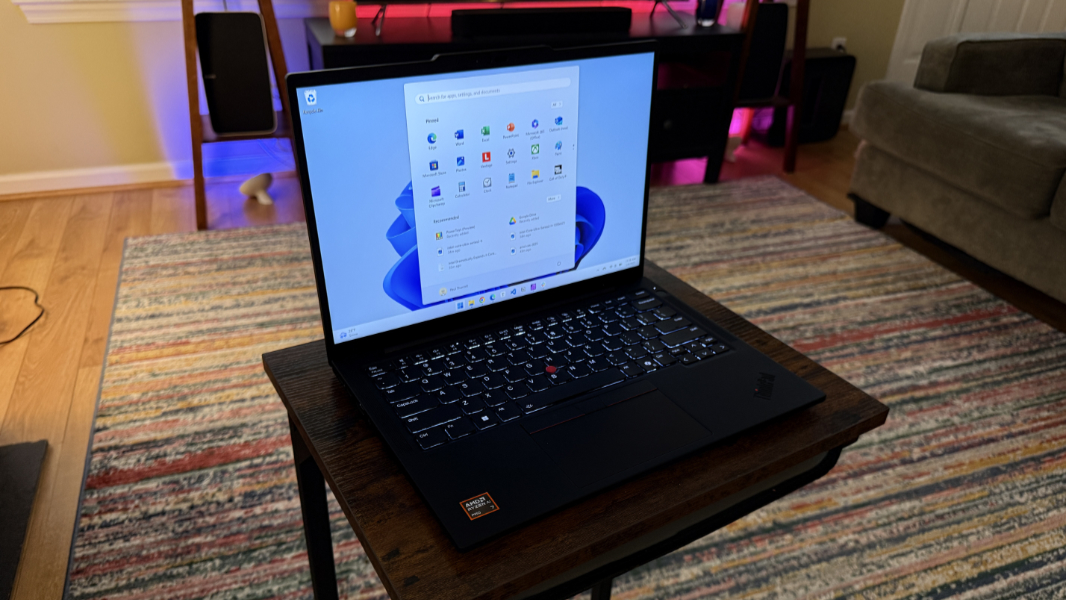
If you’re still uncertain about Windows 11 on Arm–and you shouldn’t be–Lenovo has you covered with the AMD Zen 5-powered ThinkPad T14s Gen 6. It’s physically identical to the Qualcomm Snapdragon Elite X-powered ThinkPad T14s Snapdragon Gen 6 I reviewed last August. And while it falls short of that laptop’s battery life and reliability, it sets a high new bar for those attributes in an x86 PC while providing the full software and hardware compatibility you’d expect. And because we live in a time of wonder, it’s even a decent portable gaming PC.
Design
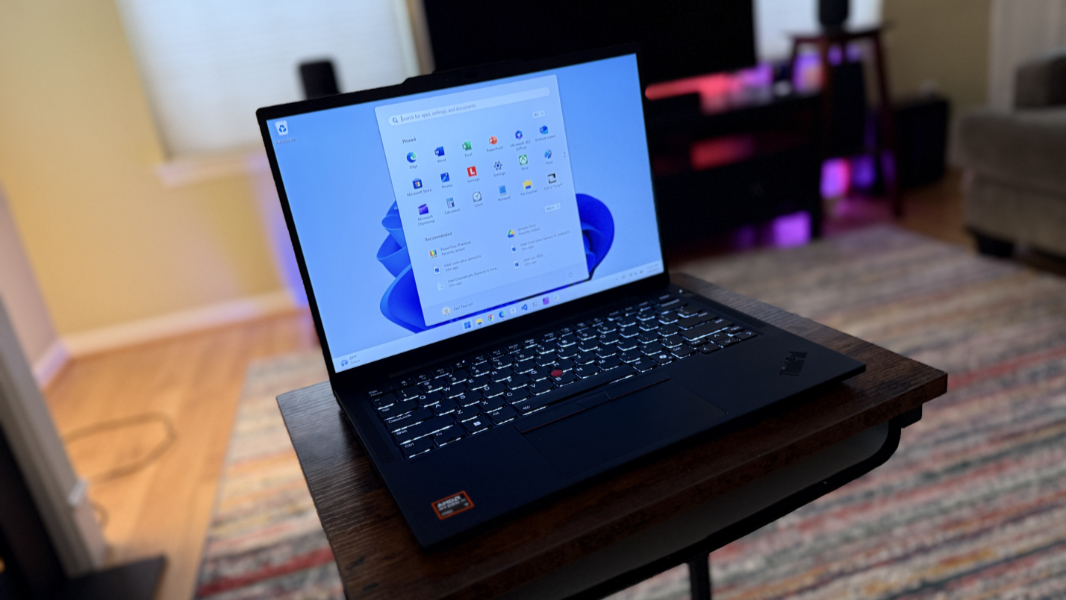
I’m running out of ways to describe the look, feel, and quality of ThinkPad laptops, a product line whose most radical change was to lower profile keyboard keys several long years ago. But that’s sort of the point: You don’t mess with perfection. And ThinkPad fans–OK, I am among that fanbase–don’t want Lenovo to rock the boat. We like what we like.
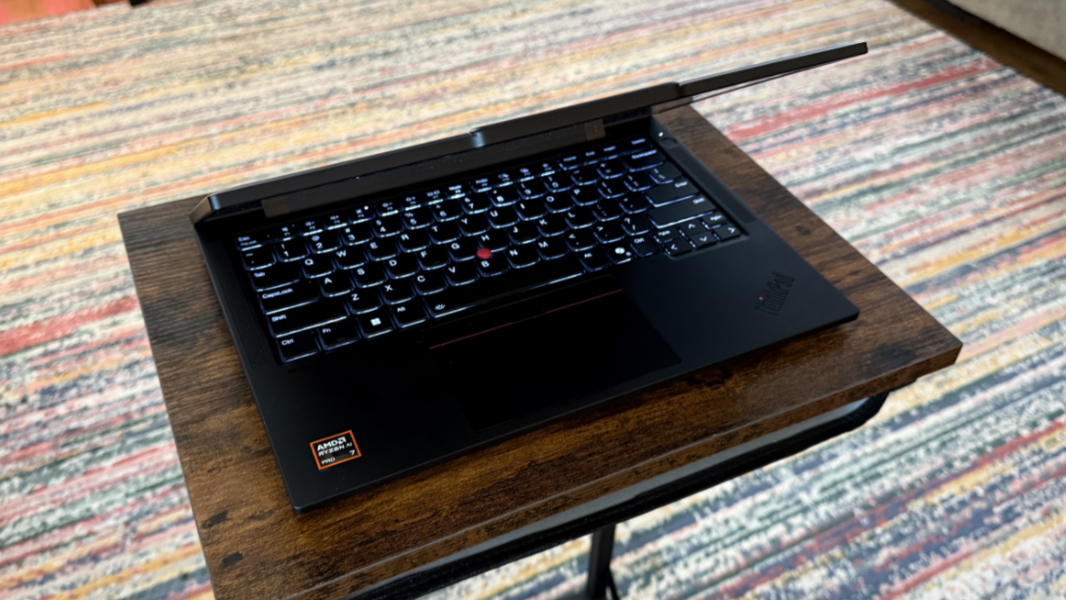
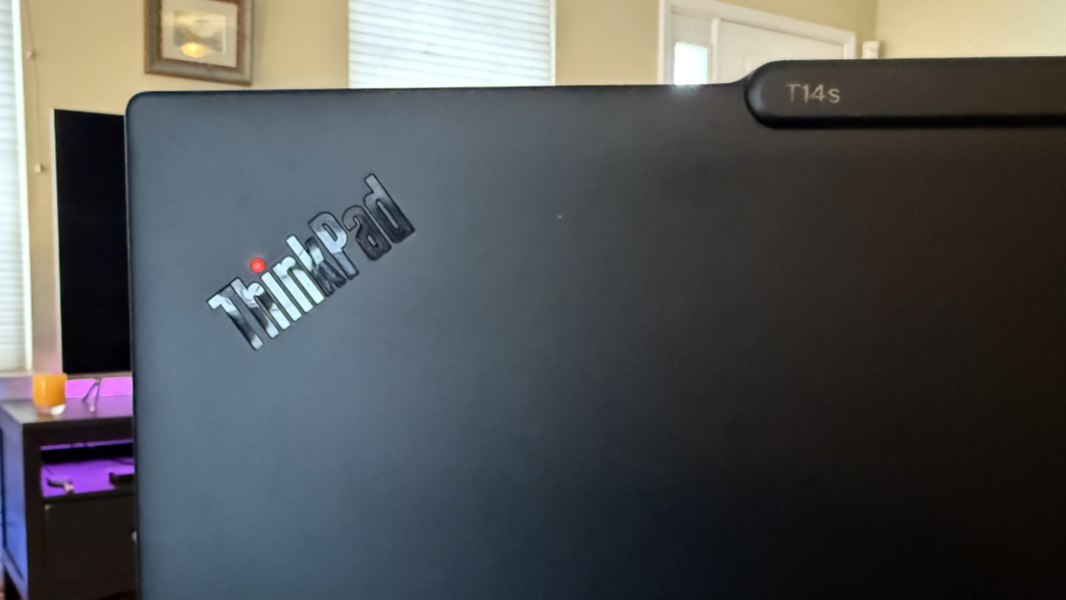
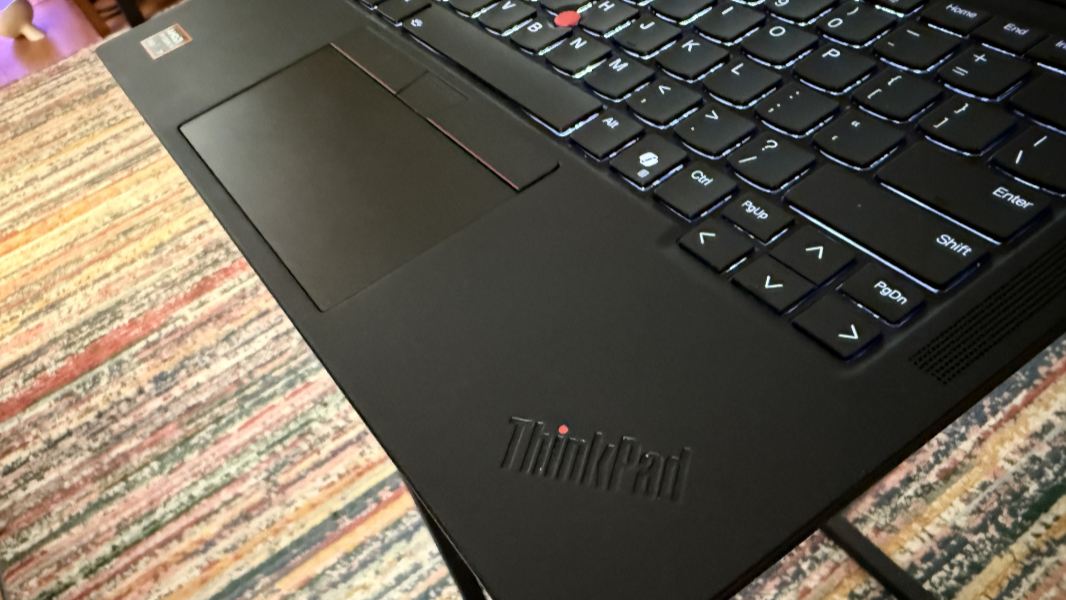
And what we like is an Eclipse Black frame made of carbon fiber, magnesium, and aluminum that can pass dozens of MIL-STD-810H military-class durability tests. The iconic red accents, including the fun little light-up dot on the “i” in the ThinkPad logo on the outside of the display lid. The silky-smooth island-style keyboard and TrackPoint nubbin. The fingerprint reader hidden in the power button. Even the communications bar–a sort of “reverse notch”–on the top of the display is, by this time, iconic.
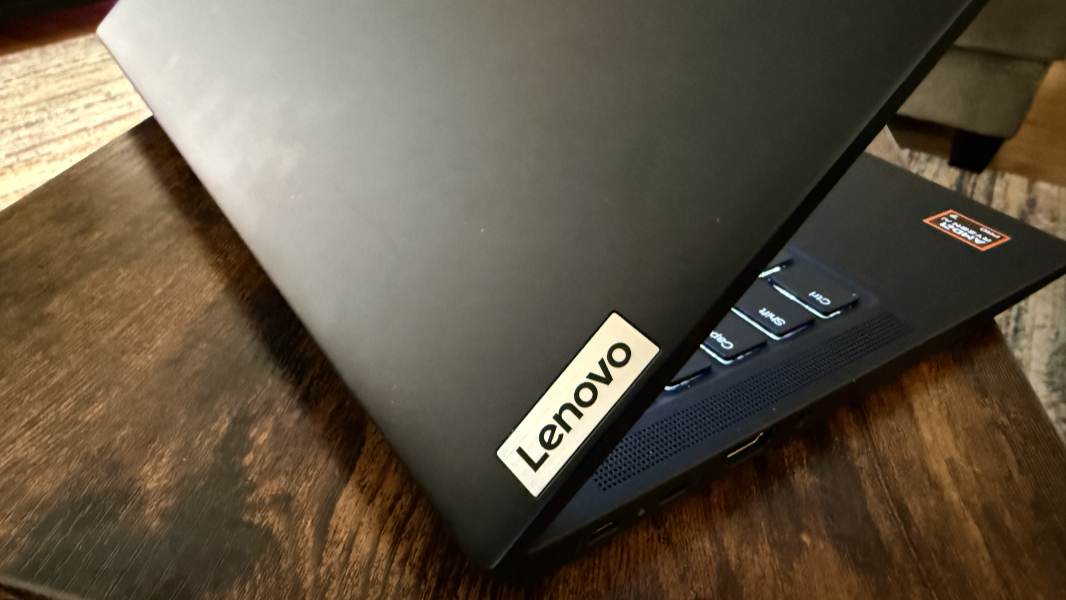
Are there any downsides to this design? Aside from its sheer commonality of it amongst well-educated business travelers, I can think of only two minor issues. The way its surfaces still get smudgy with skin oils and the two lights–one red and blinking, one white–that illuminate the room it’s in at night. I’ve gotten out of bed to cover it with clothes more than once.
Display
The ThinkPad T14s Gen 6 (AMD) arrives with a 14-inch Full HD+ (1920 x 1200) IPS display with a 16:10 aspect ratio, 60 Hz refresh rate, EyeSafe 2.0 certification, and an anti-glare surface. It can be configured with or without multitouch, and it throws off 400 nits of brightness either way.
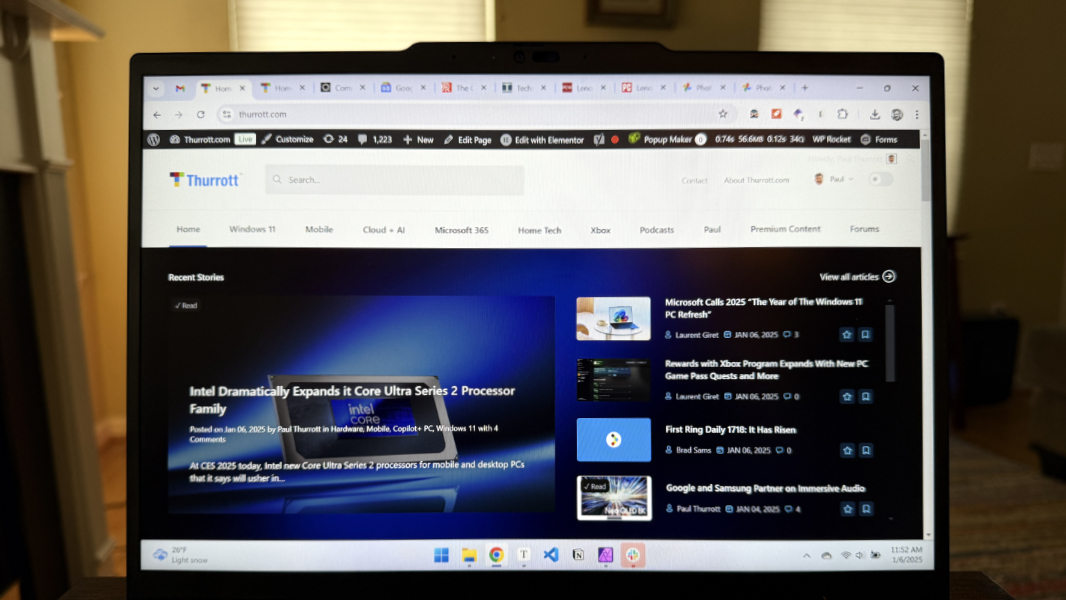
Yes, it’s a bit pedestrian, and I’m surprised that Lenovo doesn’t provide a higher resolution display up-sell, as it does with the Snapdragon version. But Full HD+ is a nice match for the panel’s size, and I never noticed any jaggy text or other issues. It also has a nice matte finish that works well for both productivity and entertainment uses cases.
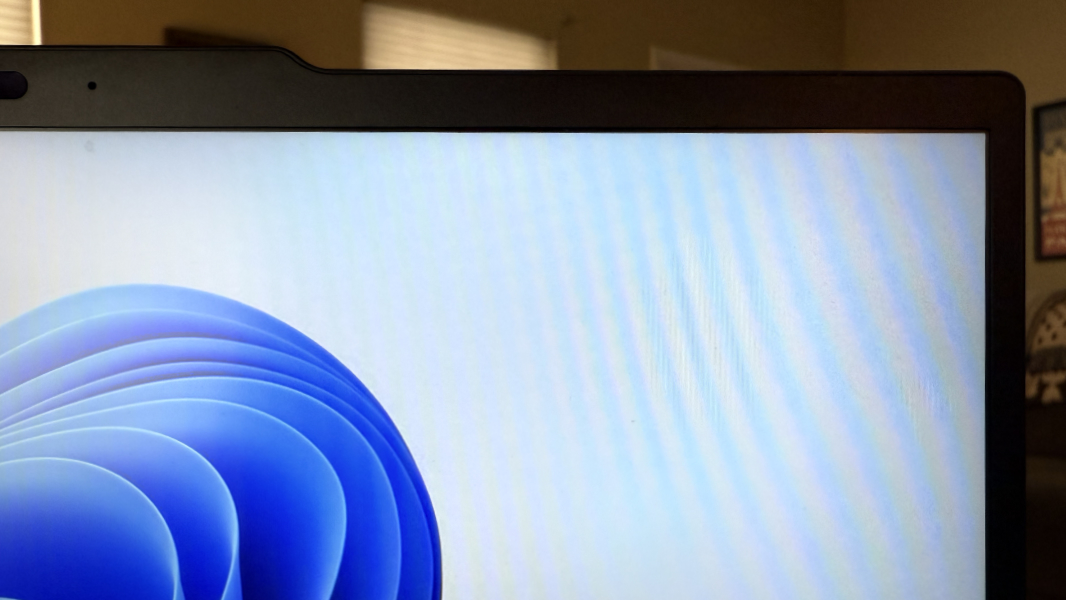
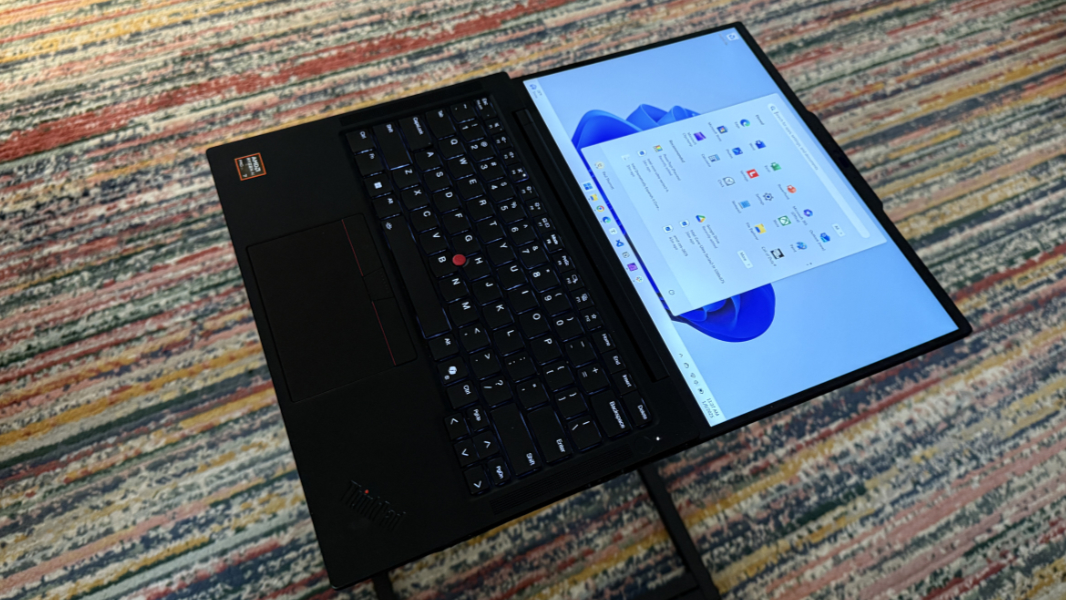
The display lays flat, always appreciated. And the bezels are thin enough, especially on the sides.
Internal components
The ThinkPad T14s Gen 6 (AMD) provides a single processor choice, an AMD Ryzen AI 7 Pro 360 with integrated AMD Radeon 880M graphics and a 50 TOPS capable AMD Ryzen AI NPU. But you can configure it with 32 GB or 64 GB of soldered, non-upgradeable LPDDR5x-7500 RAM at purchase time, plus 256 GB, 512 GB, or 1 TB of PCIe NVMe 4.0 x4 SSD storage on an M.2 2280 card.
The Ryzen AI 7 processor in the T14s is essentially a mid-level model in AMD’s mobile business processor lineup, with the beefier Ryzen AI 9 above it in the “premium” tier and the Ryzen AI 5 just below it in the same “advanced” tier. They are, of course, part of the Zen 5 series of releases that will continue this week at CES, and like Intel’s vPro-enabled business processors, they include on-chip support for various security and management technologies. Like other Zen 5 mobile chips, the Ryzen AI 7 Pro 360 offers a configurable TDP, which means that the PC maker, in this case, can dynamically adjust and optimize its power consumption, balancing efficiency with the performance needs of the moment. In this case, it runs between 15 watts, typical for a now-classic U-series Intel Core chip, and 54 watts, which is/was more typical for higher performing, desktop-like chips.
Configurable power consumption isn’t new, but today’s chips are so technically advanced–and AMD’s chips so reliable–that this is starting to get really interesting. This and other modern Ryzen chips are built on a 4 nm process, and the Ryzen AI 7 Pro 360 features 8 processor cores, supports 16 threads, and runs at a base clock speed of 2 GHz, though it can boost individual cores all the way up to 5 GHz. This chip is powerful enough that it’s used in desktop PCs, but it’s efficient enough to be used in laptops too. Did I mention that we live in a time of wonder?
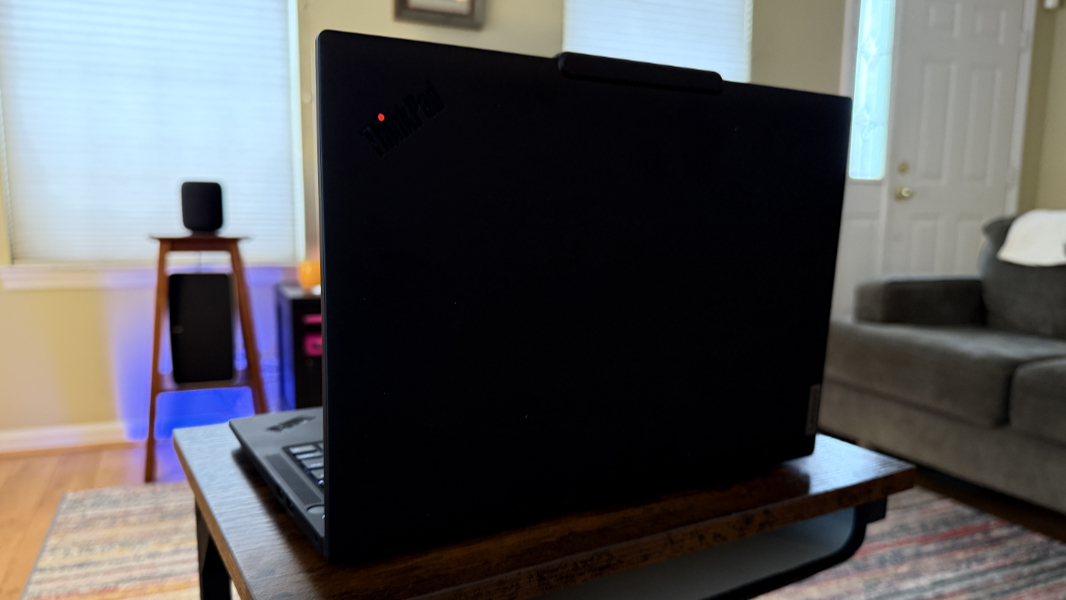
My review unit ThinkPad T14s (AMD) is configured with 32 GB of RAM and 1 TB of storage, and I’m not surprised to report that the performance is absolutely stellar across the board. As I do these days, I run multiple instances of Visual Studio 2022 alongside more typical productivity fare–Chrome and Edge, Typora, Microsoft Word, Notion, Affinity Photo 2, and more–and do so routinely. And this PC never once paused, stuttered, or complained.
That extends to generated heat and fan noise, both of which were never noticed or considered during normal work, at least when I used the laptop on a hard surface. As I type these words into Typora while running on battery, I have several applications open, and the system is completely silent. I’ve brought it up to my ear repeatedly, sure I’d hear some whispery low fan sound, but it rarely happens. Right now, it’s dead silent.
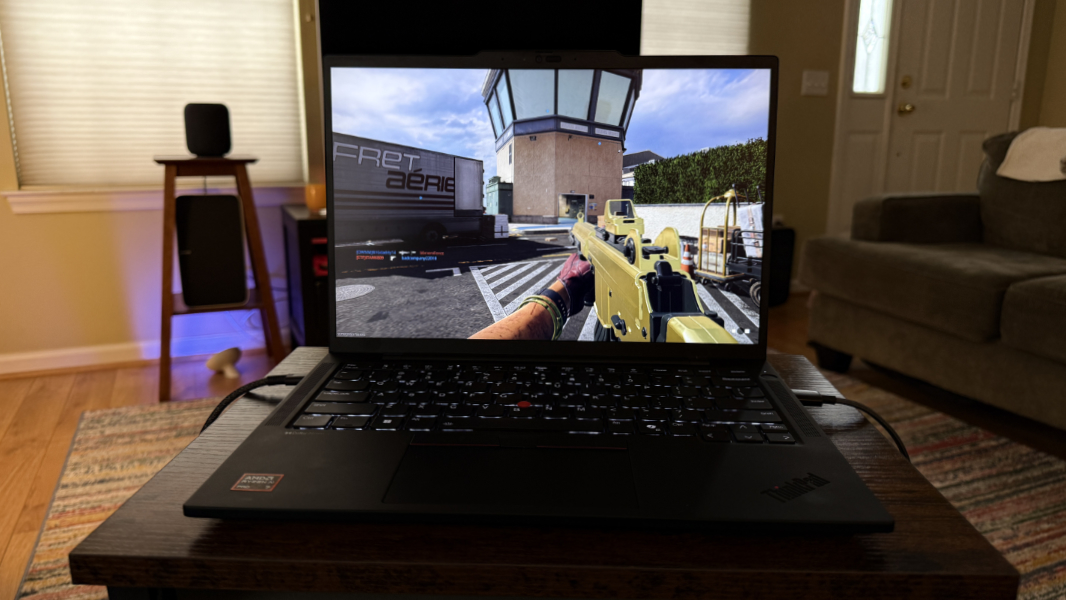
So, the T14s is first and foremost a productivity workhorse, and a quiet and confident one at that. But is that all it is? Thanks to its powerful AMD innards, it can play modern AAA games ably. I’ve been on quite the run with Call of Duty: Black Ops 6 lately, and across multiple laptops, and it runs best (on laptops) on AMD hardware. On the ThinkPad T14s with its mid-level chipset, I average roughly 42 FPS at native resolution, which granted isn’t a huge leap. But that resolution combined with the processing power means that the game auto-optimizes for higher levels of graphic effects as well. And the result is pretty sweet. To be clear, the fans do of course kick on during game play. That’s as expected. But being able to play games this well on a thin and light laptop–a business laptop–is something I’m still getting used to.

Long story short, this isn’t your father’s ThinkPad. It’s not even your previous ThinkPad. This laptop can do it all.
Connectivity
As with the Snapdragon variant of the T14s, this laptop provides modern Wi-Fi 7 and Bluetooth 5.3 connectivity, and I never had issues with either. But it adds a nice 5G mobile broadband option with eSIM and nano-SIM capabilities. The review unit doesn’t include the 5G radio, so I wasn’t able to test that.
Ports and expansion
The expansion story is similarly modern and familiar, though the AMD rendition of the T14s allows for the smart card that the Snapdragon didn’t offer. Unfortunately, it also has the same ports layout, with both USB-C ports on the same side of the device. I like to see at least one on both sides.
On the left, you will find those two Thunderbolt 4/USB4 Type-C ports (40 Gbps, Power Delivery 3.0, DisplayPort 2.1), a full-sized HDMI 2.1 video-out port, a 3.5 mm headphone/microphone combo jack, and, if configured, a nano-SIM card slot.

On the right, Lenovo provides two full-sized USB 3.2 Gen 1 Type-A ports (5 Gbps, the rear-most of which is always-on), and a Kensington nano security slot. If you configure your T14s with a smart card slot, that’s also on the right side, towards the front of the device.
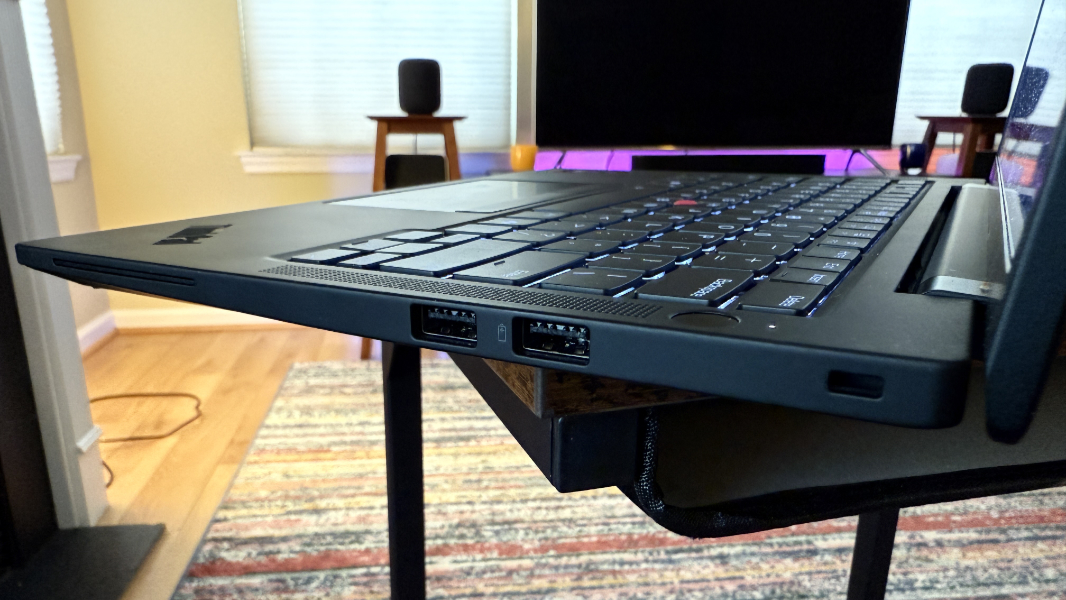
As I noted in my Lenovo ThinkPad T14s Gen 6 Snapdragon Review, only the USB-C ports and always-on USB-A port are marked with little icons, lightning bolts for the former and a battery for the latter.
Audio and video
The T14s builds on its non-productivity prowess by providing a compelling multimedia experience. There’s no Dolby Vision for the display, but sound is delivered via a pair of upward-firing 2-watt stereo speakers and augmented with Dolby Atmos spatial audio capabilities. And that is pretty impressive in its own right. I can’t say the soundtracks to 6 Underground, Furiosa: A Mad Max Saga, or King Kong (2005) are truly spatial, but it’s close, and the stereo separation is notably good in each.
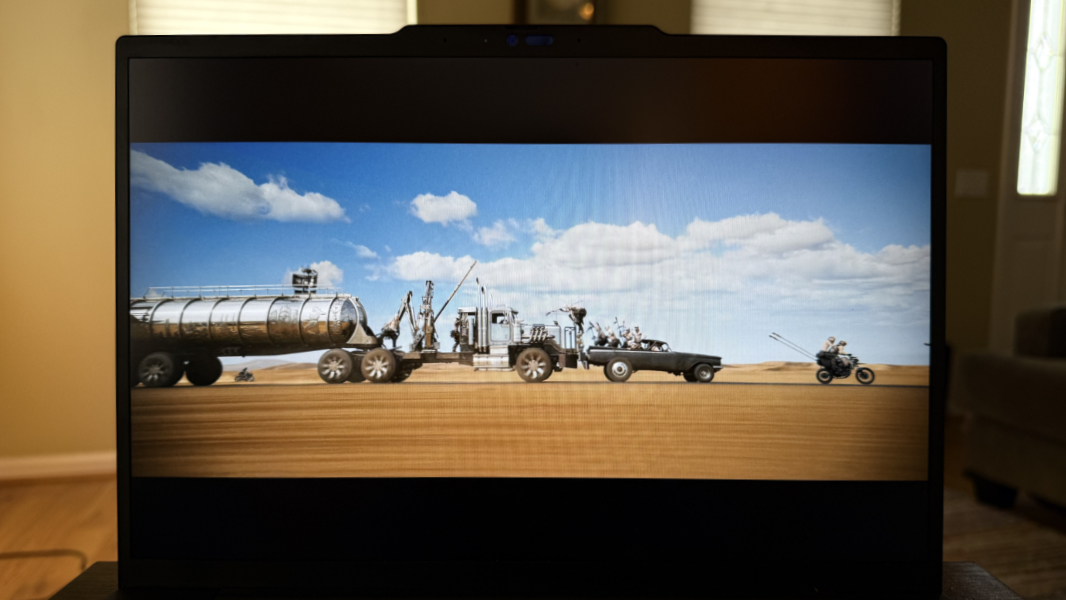
That’s true of music as well. Shakira’s Estoy Aqui is a well-made recording and it, too, sounds crisp and clear on the T14s, with good voice and instrument separation. You can pretty much crank it up all the way without much distortion, and my only minor nit is a desire for a bit more bass. But as with the system’s game playing capabilities, it’s astonishing that a thin and light laptop–a business laptop, no less–is capable of such things, especially with just two tiny speakers. Again, we live in a time of wonder. We should celebrate this.
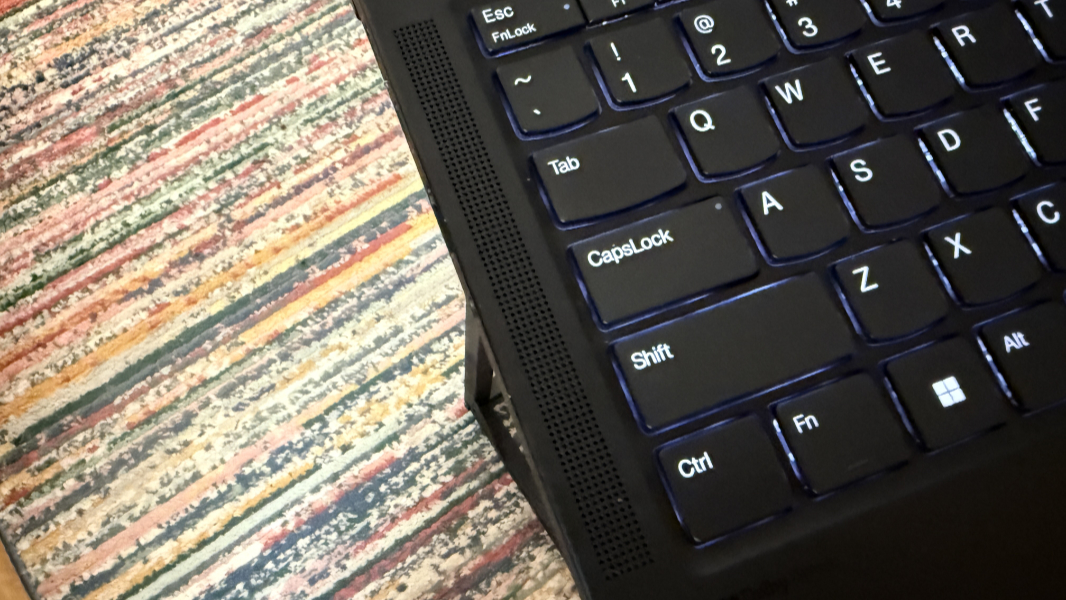
Lenovo bundles two third-party utilities for the sound hardware, but only one of them, Dolby Access is useful. It allows you to configure the system in a Dynamic mode that auto-adapts the sound profile to the content you’re enjoying, which is preferable. But there are custom modes for game, movies, and music, too, and you can customize the sound using an equalizer. I tried to up the bass with this, but Dynamic was still the best choice.
Hybrid work
Returning to the less exciting world of work, the T14s (AMD) does, of course, provide the expected hybrid work functionality one would expect of a business-class laptop. There’s a 360-degree far-field dual-microphone array with Dolby Voice support, plus a 5 MP Windows Hello ESS-capable webcam with a fixed focus lens and temporal noise reduction, plus a manual privacy shutter.
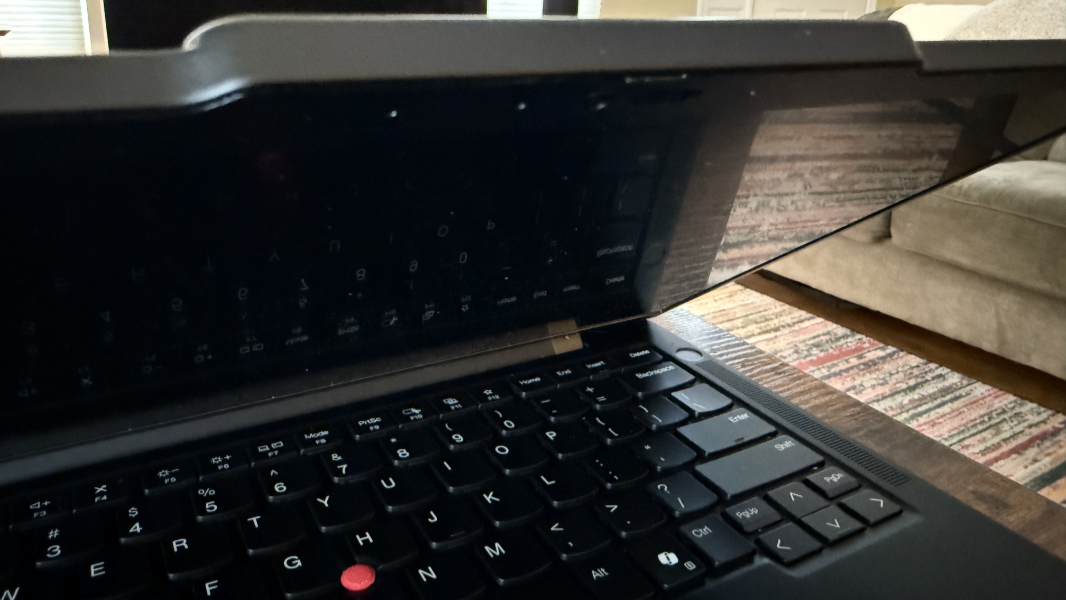
The microphone quality is decent, and generally similar to what’s typical in laptops these days. It supports Default and Communications audio processing modes in Windows, but I couldn’t detect a difference between the two in my Sound Recorder tests. And there’s no Microsoft Voice Focus support.
You can, however, configure the microphones to a greater degree using the Dolby Voice settings in the Dolby Access app. This includes various levels of background noise removal, for both you and other meeting participants (with separate settings for each), automatic volume adjustment based on ambient sound, and discrete spatial (stereo) and center (mono) modes. It was set to the former for some reason, so I switched that to center (mono), but I didn’t hear much of a difference. I suspect this would all work better if I was, in fact, in a noisy meeting. But you can only do so much with the built-in microphones in a laptop.
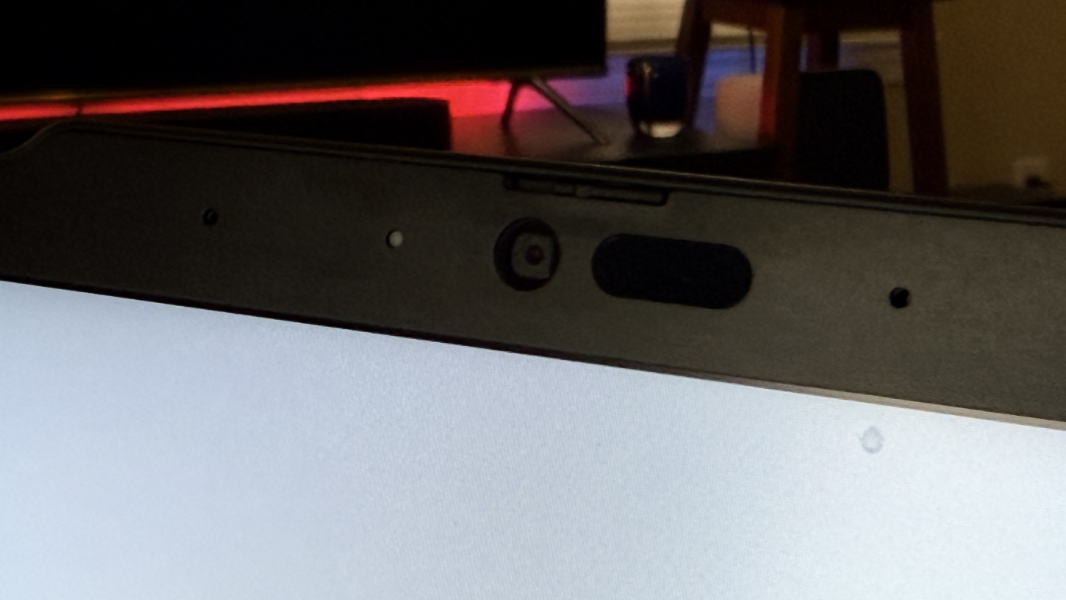
The webcam is a bigger leap forward, at least from a hardware perspective. Where the Snapdragon-based T14s features a (roughly) 2.1 MP webcam, the AMD rendition includes a nicer 5 MP unit. It supports Windows Studio Effects, thanks to the NPU, but oddly not all the tools: Automatic framing, Eye contact, and Background effects are available, but Portrait light and Creative filters (and Voice focus for audio) are not. That’s curious, but there’s a bundled Lenovo View utility for those who want to micromanage the camera settings a bit. There’s a lot there, but for online meetings, it provides Video enhancer (on power), background removal, and auto-framing capabilities.
Keyboard and touchpad
The T14s keyboard is nearly perfect, with full-sized, island-style keys, a comfortable key feel, and medium key throws with good feedback. Lenovo says it’s spill resistant, though I didn’t test that. It supports two levels of backlighting, but can’t be configured to come on automatically. Which is fine, I just leave it on all the time anyway. And yes, the Ctrl and Fn keys are in the right places.
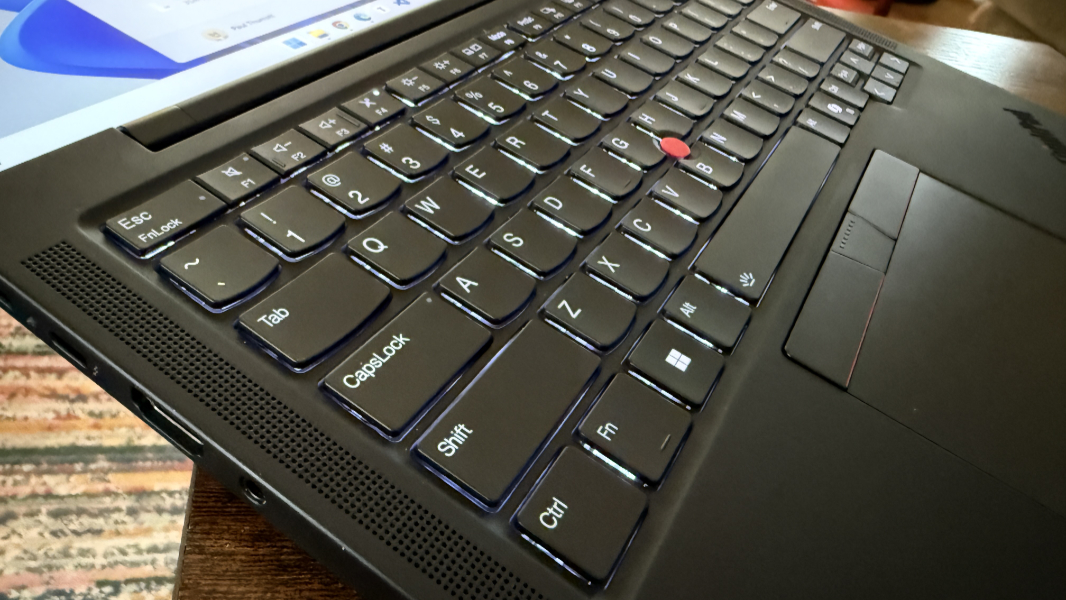
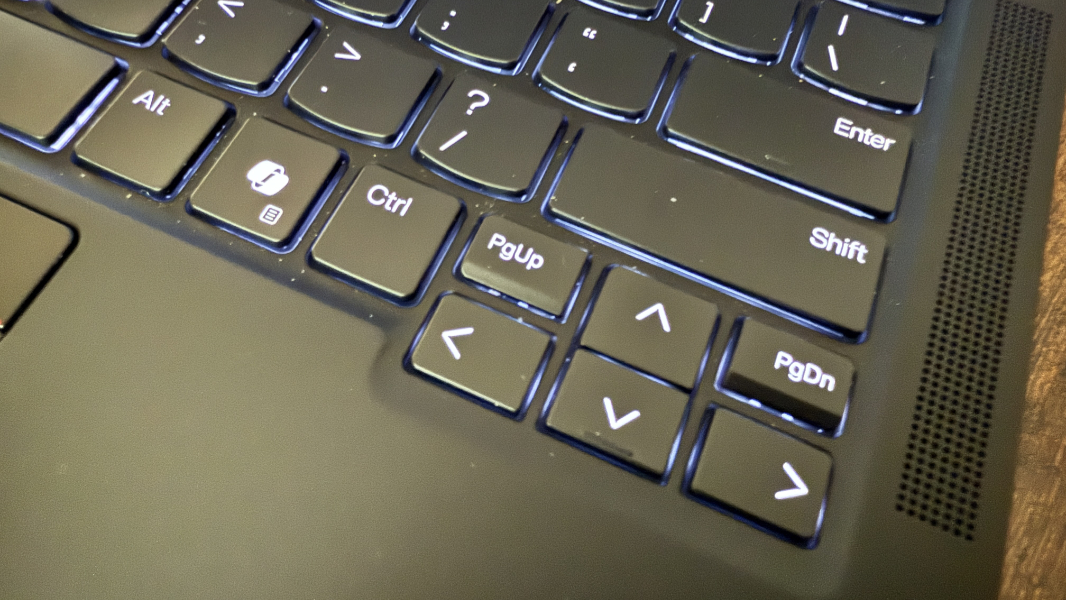
The only thing holding back this keyboard is the addition of tiny PgUp and PgDn keys that straddle the Arrow keys in the lower right of the keyboard. I mistakenly hit one or the other so many times–including during the writing of this review–that I finally installed Microsoft PowerToys and used its Keyboard Manager utility to remap them to the Left and Right arrow keys, respectively. (I’ve started doing something similar for the Copilot key, but Lenovo somehow snuck a Ctrl key between it and the Left arrow key on the T14s, so that wasn’t necessary here.)
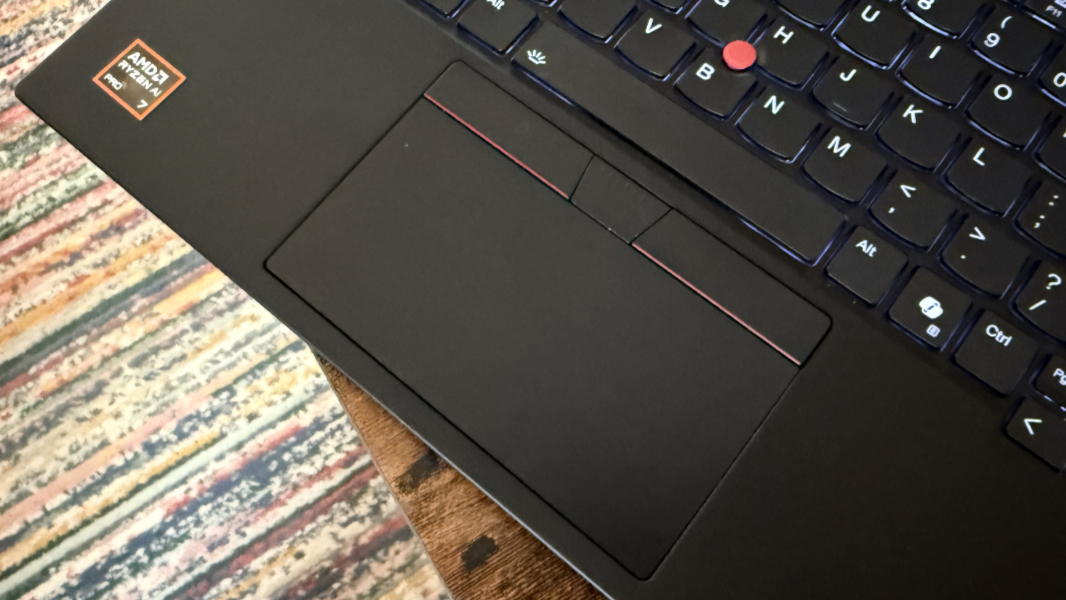
Like most ThinkPads, the T14s comes with an UltraNav dual-pointing system that provides a TrackPoint “nubbin” with dedicated buttons and a medium-sized Mylar touchpad. I no longer even think about the TrackPoint because Lenovo’s touchpads have gotten so good. And this is a great example: This sleek touchpad is so reliable that I never had to disable three- and four-finger gestures. It’s ideal.
Less ideal (to me) is the TrackPoint Quick Menu, which appears by default when you press down on the TrackPoint nubbin. I don’t like it, but I at least never trigger it accidentally.
Security
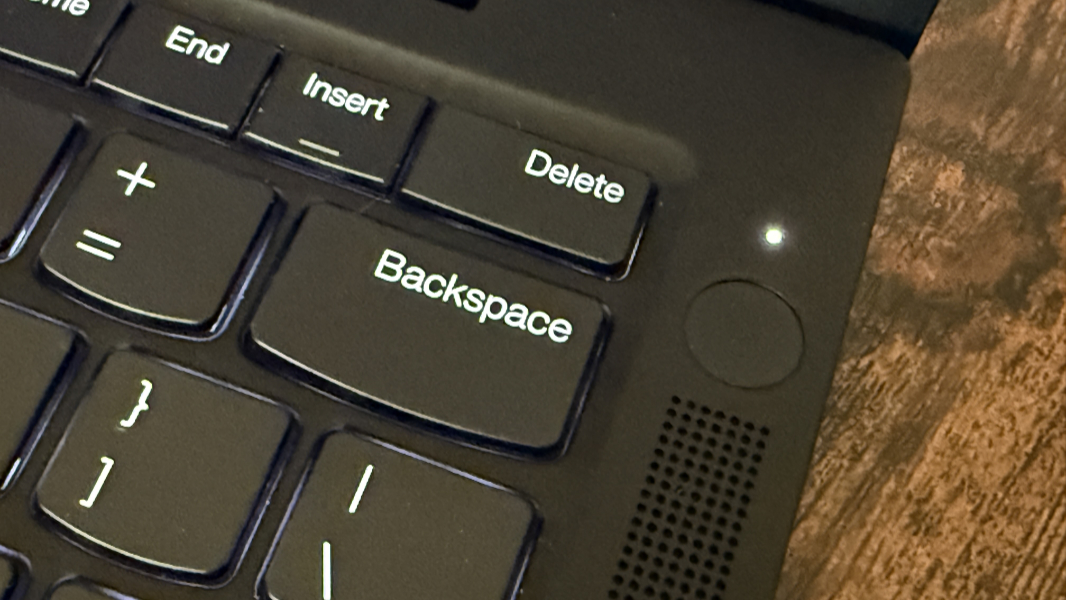
The Lenovo ThinkPad T14s Gen 6 (AMD) is a Copilot+ PC, which means that it offers the highest possible level of security protections out of the box. It’s backed by a Microsoft Pluton security processor integrated into the AMD chip, which provides TMP 2.0 capabilities, a full suite of Lenovo security protections for the firmware, SSD, and other hardware components, and an integrated Windows Hello ESS-capable webcam. You can optionally configure the PC with a Windows Hello ESS-compatible fingerprint reader, which the review unit includes–it’s integrated into the round power button in the upper-right of the keyboard deck. And a smart card reader is optional for those organizations that use them.
The webcam and fingerprint reader are both fast and accurate, though I did routinely experience that x86-based unreliability at instant on, where I’d open the display lid and the goofy little Windows Hello facial recognition “eyeball” icon would frantically look for me and sometimes fail after “looking for you” and “waiting”-type messages. This is one of several related areas where Snapdragon-based PCs are much more reliable than anything in the x86 world.
The manual privacy shutter for the webcam is a bit too subtle for my tastes, as it’s hard to see black on the black of the bezel, and it’s not defined enough to find easily by hand. But the now-standard microphone toggle key in the keyboard’s function row can optionally be configured to toggle all communications devices (in the Lenovo Commercial Vantage app). I wish that included the webcam, but it at least account for any other microphones you may have connected and didn’t remember or aren’t aware of.
Sustainability
It’s getting to the point where documenting the ways in which a laptop is sustainable is almost beside the point. As with other modern laptops, the RAM is soldered on and non-upgradeable. But the SSD is user serviceable, as is the Wi-Fi/Bluetooth module and, if configured, the 5G mobile broadband module. You can disable the battery in the firmware and then remove the bottom cover using five standard and exposed Phillips screws. No pry tool is required.
The T14s Gen 6 (AMD) is constructed with 30 percent recycled carbon fiber on top cover, 90 percent recycled magnesium on keyboard frame, 55 percent recycled aluminum on bottom cover, 85 percent post consumer content (PCC) recycled plastic in the backlit keycaps, 90 percent PCC recycled plastic in the speaker enclosures, 90 percent recycled plastic in the battery frame, 90 percent PCC recycled plastic in the power adapter, and 95 percent PCC recycled plastic in the cable and antenna holders, and the packaging is plastic free.
Efficiency and portability
The AMD-powered ThinkPad T14s delivered excellent battery life, and good to very good efficiency and instant on reliability. And while it never quite challenged Snapdragon X in those ways, I feel that the result represents a nice upgrade for most potential customers. Portability is terrific: It weighs just 2.86 pounds, which is notably light for a 14-inch laptop, unless you’re familiar with the even airier and more expensive X1 Carbon.
Battery life averaged an impressive 8.5+ hours in real-world use over almost six weeks of use, and it lost about 3 percent battery off power each night. This was very consistent: As I write this, the flyover that appears when I hover the battery icon in the Taskbar notes that the battery is 78 percent full and there are 6 hours and 33 minutes of life left.
Instant on was mostly good, but not Snapdragon-level perfect: On most days, I could open the lid first thing in the morning, and it would come on right away. But once or twice a week, it displayed the boot screen and woke up more slowly from a suspended state instead. As noted previously, the webcam would sometimes fail to initialize quickly enough during instant-on, forcing me to use my PIN. I don’t experience these issues with Snapdragon-based laptops.
If you want to boost the battery life even more, you can enable Lenovo’s Smart Standby feature, though doing so will disable Modern Standby and fast resume. In the past, this is something I might have considered experimenting with, but with AMD’s Zen 5 chips delivering stellar (for x86) battery life, efficiency, and reliability, I opted to stick with the defaults.
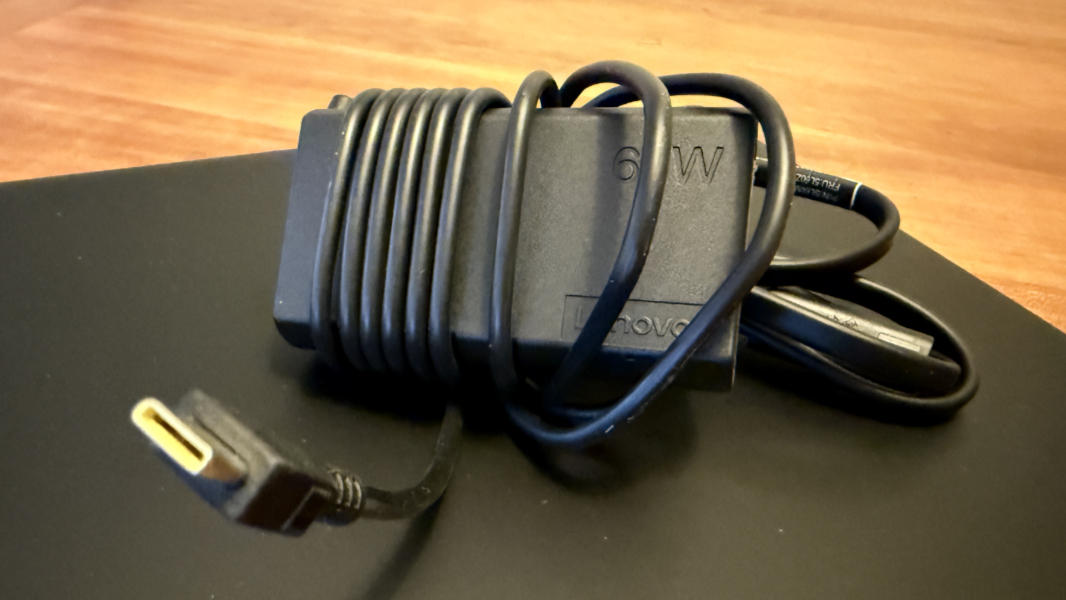
The T14s supports Rapid charge as well, so you can charge its 58 watt-hour (Wh) battery to 80 percent in about one hour using the bundled 65-watt USB-C power adapter. Lenovo updated the design of these adapters this past year and I like this smaller, more modern looking adapter.
Software
Like other ThinkPads, the T14s offers a clean software image, aside from the junk that comes with Windows 11 Home or Pro. There are four Lenovo utilities–Lenovo Commercial Vantage, Lenovo View (camera configuration), Pre-boot Manager, and TrackPoint Quick Menu, plus a shortcut for the online user guide–and then three third-party hardware utilities, AMD Software (hardware tuning, including for games), Dolby Access (audio), and Realtek Audio Console (audio, but unnecessary).
I never understood why Lenovo Vantage has a slightly different name on Lenovo’s business-class PCs, but I think I get it now: The Commercial is devoid of the nonsense up-sells that dog the consumer version, and is what this kind of software should be. Useful.
Pricing and configurations
The ThinkPad T14s Gen 6 (AMD) starts at a bit over $2300, but not really, as Lenovo laptops are on a perpetual sale. At the time of this writing, the base price was a more reasonable but still premium $1500 for a configuration with 32 GB of RAM, 256 GB of SSD storage, a non-touch display, and Windows 11 Home.
Upgrades include 64 GB of RAM ($337), 512 GB ($164) or 1 TB ($238) of storage, a touch display ($25), a fingerprint reader ($20), a 5G mobile broadband radio ($298), a smart card reader ($30), and Windows 11 Pro ($60). So a high-end configuration for an individual, minus the 5G and smart card reader, will set you back a bit under $2000.
If I were building one for myself, I’d go with 32 GB of RAM, 512 GB of SSD storage, and the fingerprint reader for a total of $1665, though the 512 GB to 1 TB jump is a tempting $74 more and probably worth considering.
Recommendations and conclusions
Generally speaking, I prefer Snapdragon X-powered Windows 11 on Arm PCs over anything with x86 chip for myself, but I love this laptop and can recommend it without reservation. The battery life and reliability are so good that I could easily live with this. And being able to play AAA modern games really puts it over the top, if that matters to you. It certainly does to me. And when you add in all that’s long been great about the ThinkPad T14s, it’s almost a no-brainer. Just be sure to get it on sale.
At-a-glance
Pros
- Incredible performance, even plays modern AAA video games well
- Terrific battery life
- Surprisingly strong multimedia experience
- Excellent keyboard and touchpad
- Iconic ThinkPad look, feel, and quality
- Clean software image with no crapware
Cons
- Tiny PgUp and PgDn keys cause typing errors
- Skin oil smudges the outer surfaces
- A few instant on reliability hiccups