Lenovo IdeaPad Slim 3 15 Review
- Paul Thurrott
- Jul 07, 2025
-
7
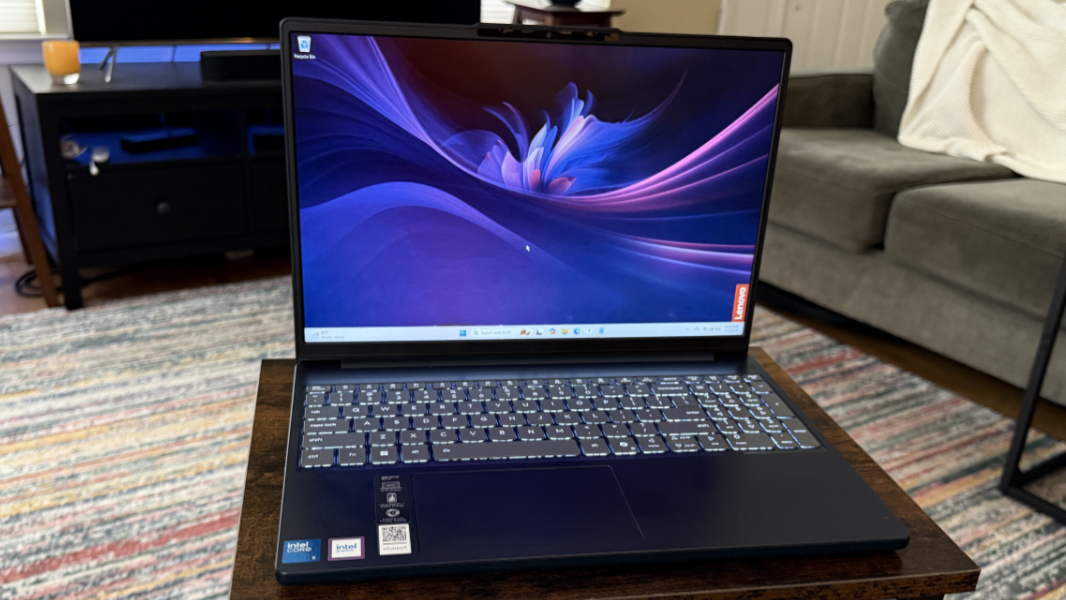
I wish I had better news, but sometimes you really do get what you pay for. And sometimes you get less than that. The Lenovo IdeaPad Slim 3 15 is a utilitarian, low-end laptop that straddles these two worlds. So I will keep this brief.
Design
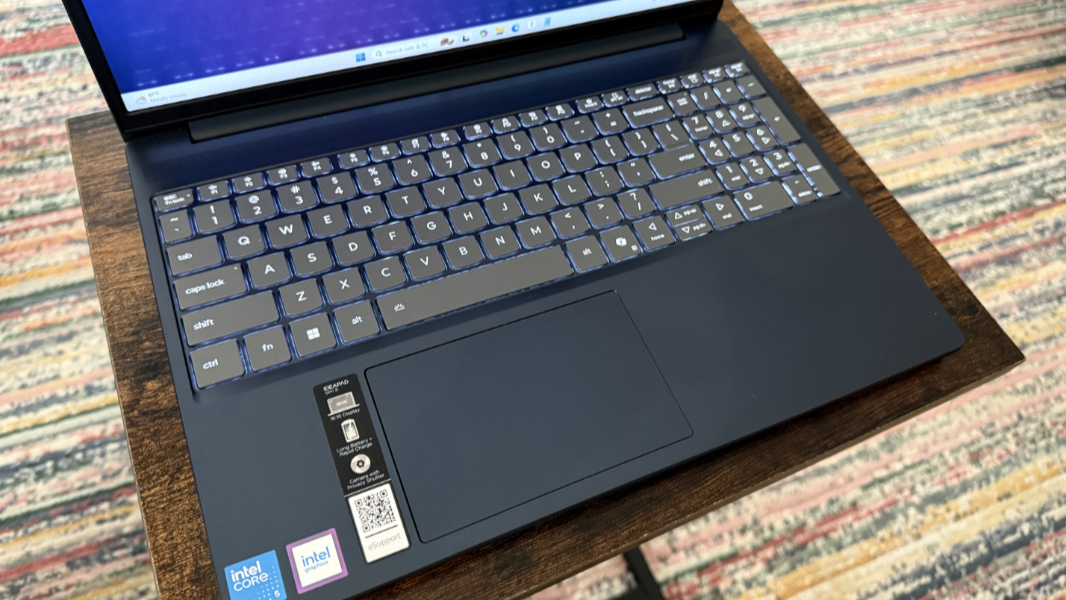
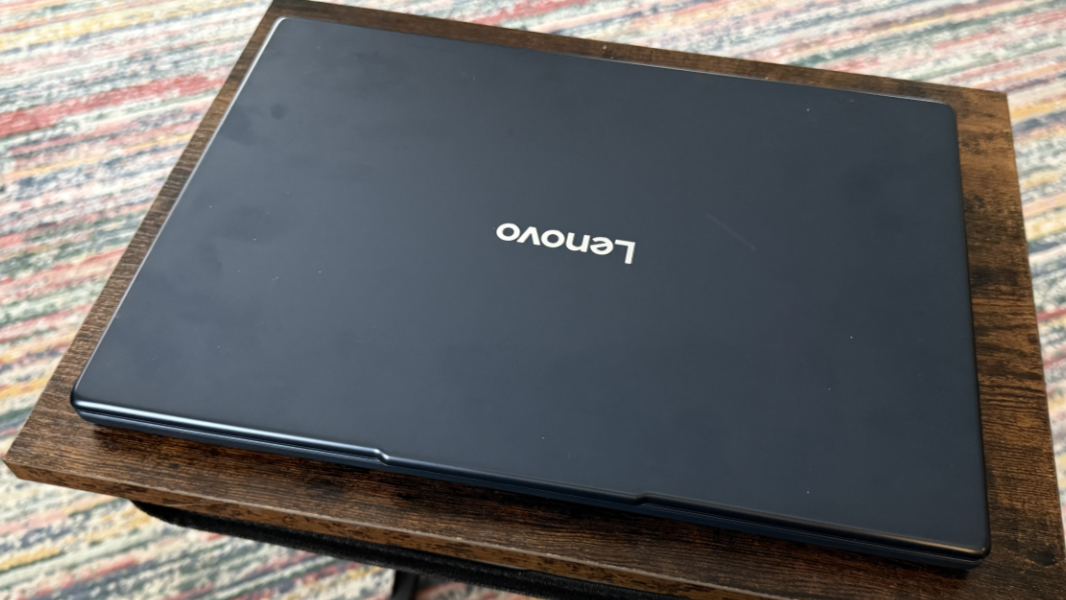
The IdeaPad Slim 3 15-inch looks like other Lenovo laptops, with the pleasant Cosmic Blue of the body nicely offset by the gray keys of the keyboard.
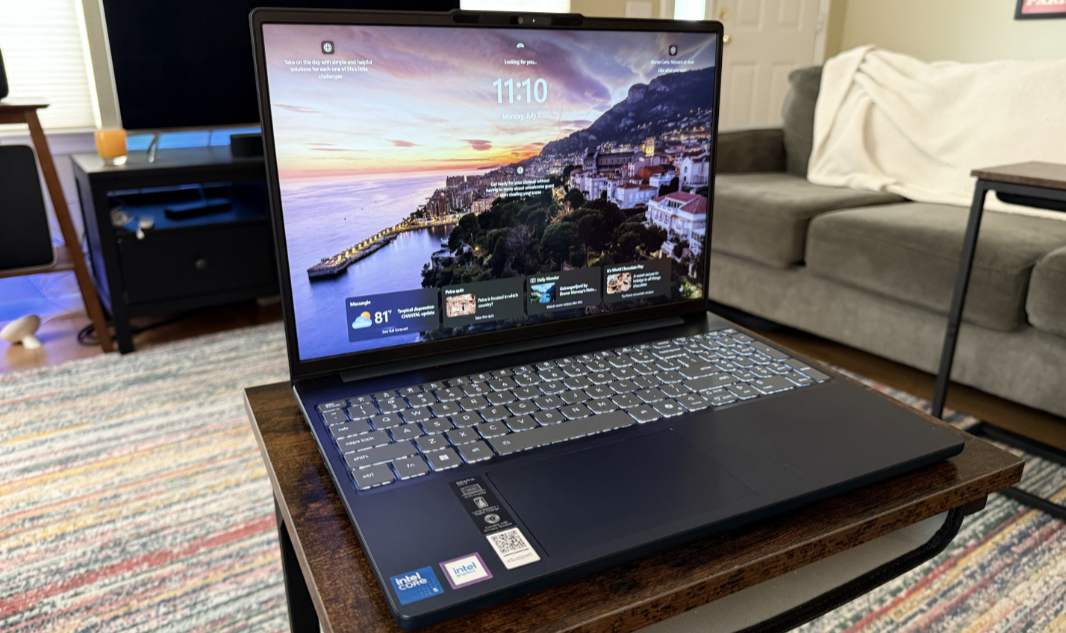
But then you pick it up and use it, and the cost-cutting is obvious everywhere. The body is plastic, not metal, it rattles when you type or tap the touchpad, and there is a steady fan hiss, even on battery, to remind you that you bought this because it’s all you can afford or thought it would meet your needs.
Display
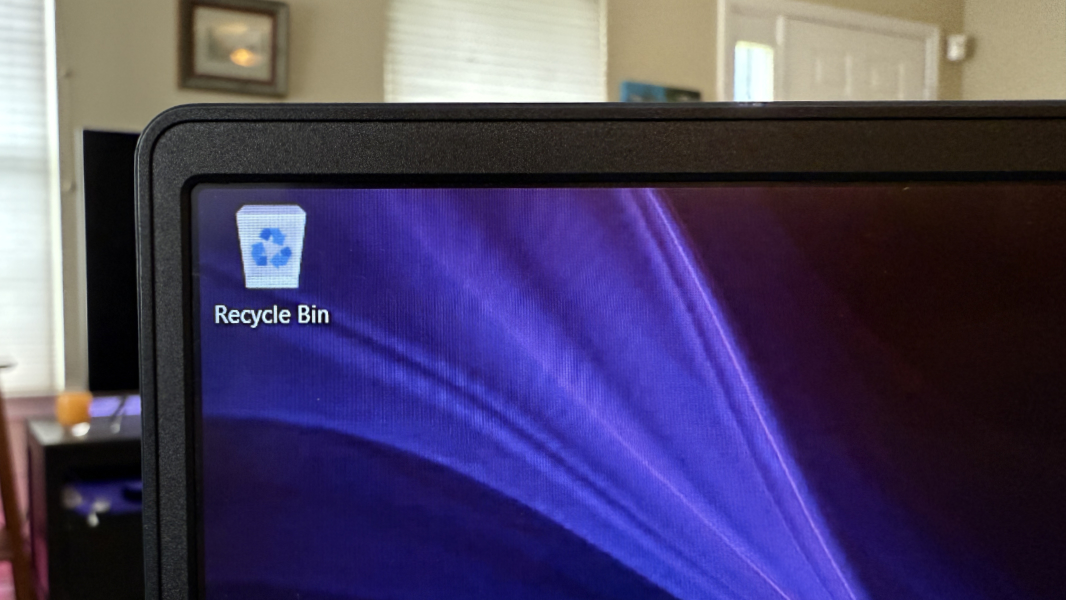
The IdeaPad provides a spacious 15.3-inch Full HD+ (1920 x 1200) 16:10 IPS touch-capable display panel with a 16:10 aspect ratio.
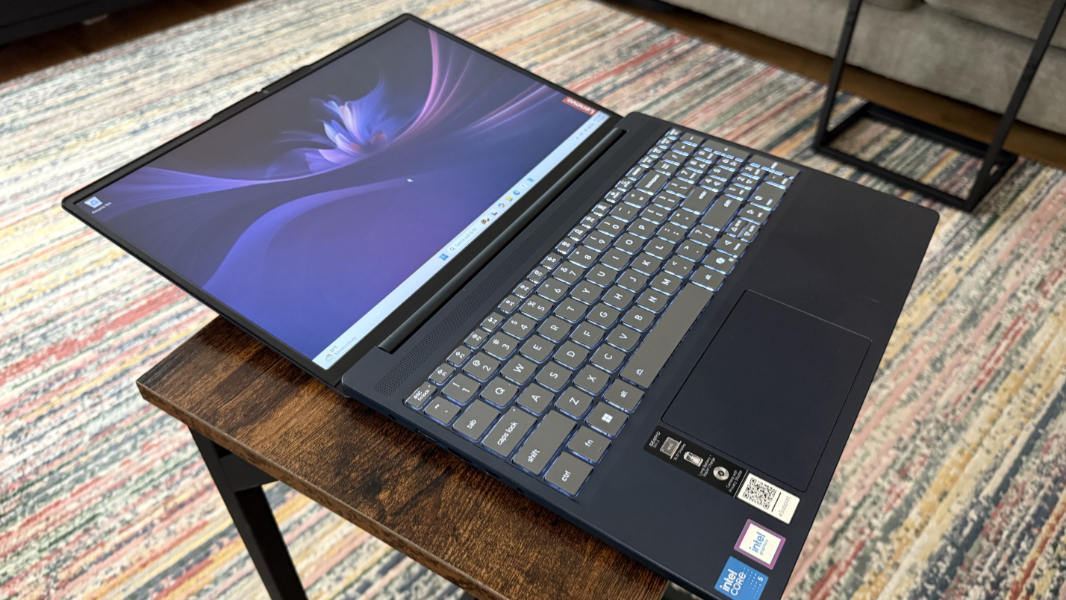
It’s as utilitarian as the rest of the PC, with a 60 Hz refresh rate, but it has small bezels, and the display almost lies flat.
Internal components
The IdeaPad Slim 3 comes in AMD and Intel variants, but these are low-end, out-of-date chips and not the modern silicon that I’m used to from premium laptops. On the Intel side, there is a range of choices, but the review unit is a Costco configuration that at least hits some important functional minimums. It features an Intel Core 5 210H “Raptor Lake” processor that’s built on an ancient 10-nm manufacturing process, 16 GB of slow DDR5-5200 RAM, and 1 TB of PCIe Gen4 NVMe SSD storage. All of this is horribly out of date, and the Core processor has an older version of Intel’s integrated graphics and no NPU, further dragging it down.
There is nothing that the IdeaPad can’t do slowly and without fan noise. Everything seems to take a bit time, like an AI reasoning model pretending to think before coming back with an answer. The performance is so leisurely it reminds me of my very first Windows experience, when I tried to run Windows 3 on my wife’s 286-based IBM PS1 with a grayscale screen and I could watch it draw every element in a menu in real-time when clicked.
Just typing this review with a few browser tabs open was maddening. So. Much. Waiting. I can’t even imagine what a lower-end configuration–there are versions with even less Intel chips and just 8 GB of RAM, if you can believe that–are like.
Connectivity
The IdeaPad Slim 3 delivers previous-generation Wi-Fi 6 and Bluetooth 5.2 for connectivity, which I suppose is adequate. But I had many slow Wi-Fi issues I never encounter with other devices, too. It’s like every component in this laptop is competing to undermine the experience.
Ports and expansion
As a larger laptop aimed at the budget-conscious, the IdeaPad Slim 3 predictably delivers a solid range of mostly legacy ports.
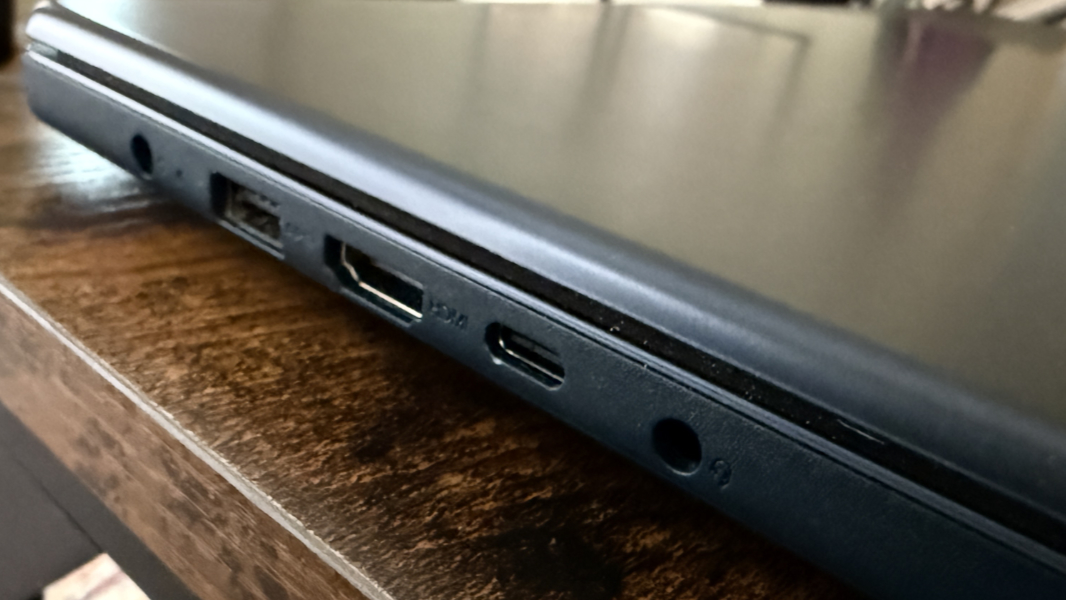
On the left, Lenovo provides a full-sized 5 Gbps USB 3.2 Gen 1 Type-A port, a full-sized HDMI 1.4 video-out port, a 5 Gbps USB 3.2 Gen 1 Type-C port, and a combo microphone/headphone jack, plus the proprietary barrel-style power port.
On the right, there’s a second 5 Gbps USB 3.2 Gen 1 Type-A port, an SD card reader, and the power button.
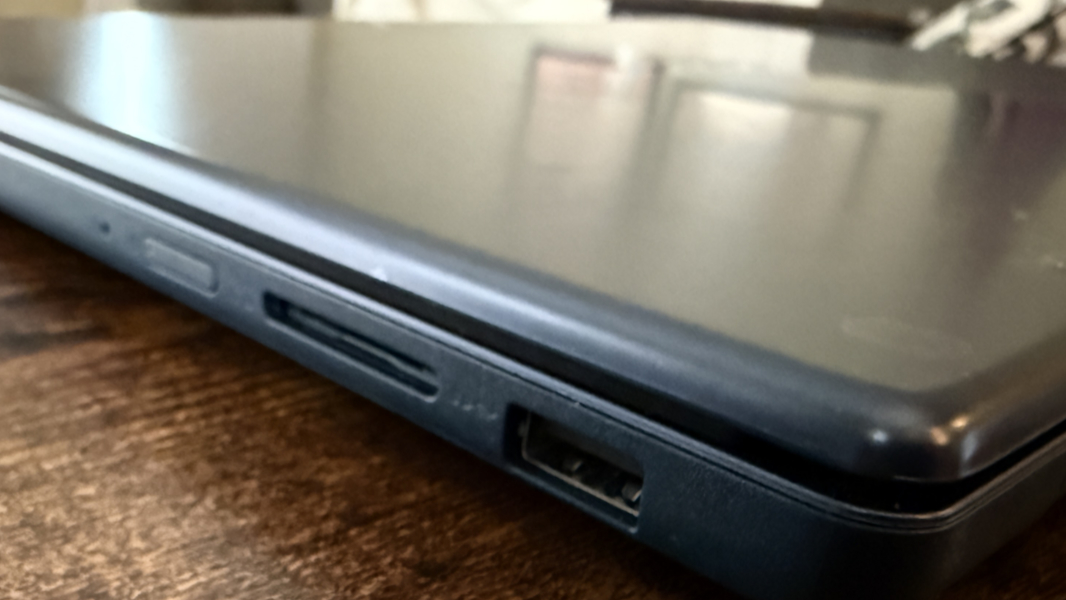
The problems here are many, but I’ll focus on the two most obvious issues: The lack of high-speed USB ports of any kind (10 or 20 Gbps would be nice), and the single USB-C port. I prefer to see one on each side of a laptop.
Audio and video
The IdeaPad provides upward firing stereo speakers above the keyboard, with a pin-hole speaker grill that extends across the width of the keyboard deck. Lenovo actually provides Dolby Atmos support, which surprised me, but the sound is tinny and not in any way positional. Which did not surprise me. In the good news department, it gets reasonably loud and doesn’t distort at full volume. Music and video were both decent experiences at best.
Hybrid work
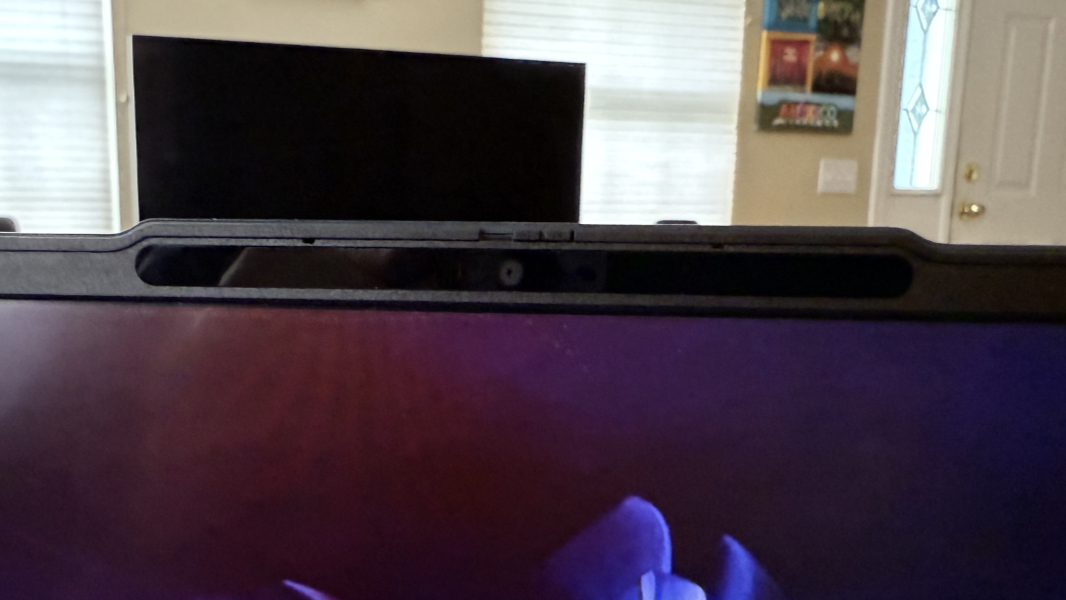
It’s not reasonable to expect any knowledge worker to use this laptop at home or on the go, but Lenovo again delivers the basics, with a Full HD (1920 x 1080) webcam that works fine with good lighting and a bargain bin set of microphones. Expect distortion on any audio.
Keyboard and touchpad
The full-sized keyboard is serviceable. It sports backlighting with two levels but no automatic settings, an island-style design, and a numeric keypad that triggered all kinds of typing mistakes.
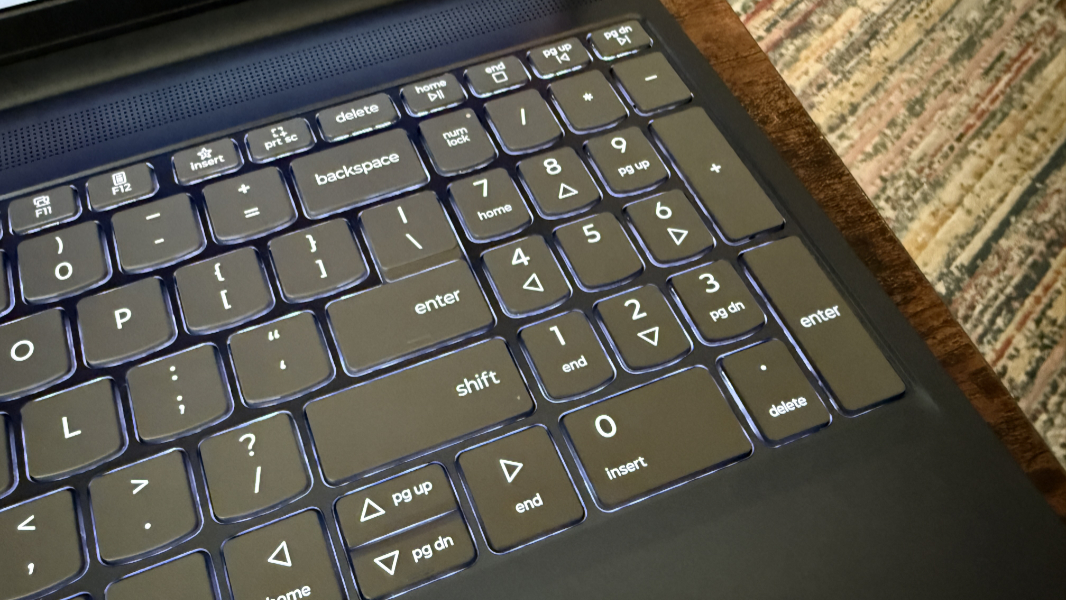
Other than that, the typing experience was fine, and I do like the soft-touch plastic feel of the keycaps. But I’m a hard typist, and each key strike is loud, and the flex is out of control: When I press down on the middle of the keyboard, the entire keyboard sinks in with my finger.
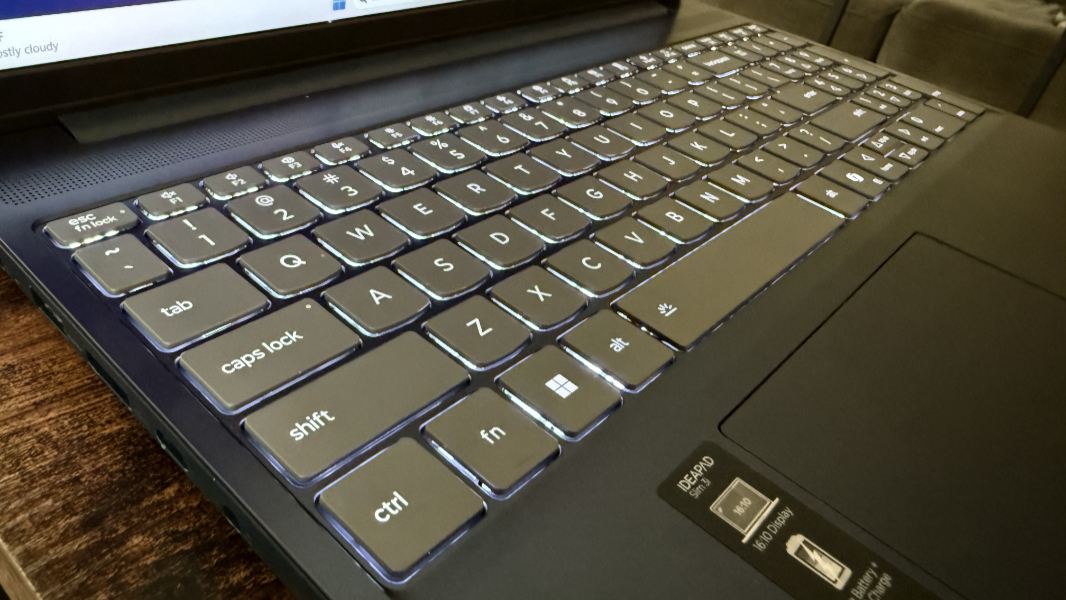
The touchpad is similar, it’s large, clacky, and loud in a cheap way, and unreliable. I had to disable three-finger gestures because I kept finding myself in Task view while trying to scroll (a two-finger gesture). It’s utilitarian, in line with the rest of this laptop.
Security
The IdeaPad delivers Windows Hello-compatible facial recognition, but there’s no fingerprint reader. The webcam has a manual privacy shutter, of course–to be fair, most premium laptops do too–and you can mute the microphones with a dedicated function key. There is no presence sensing, as I expected given the price point.
Sustainability
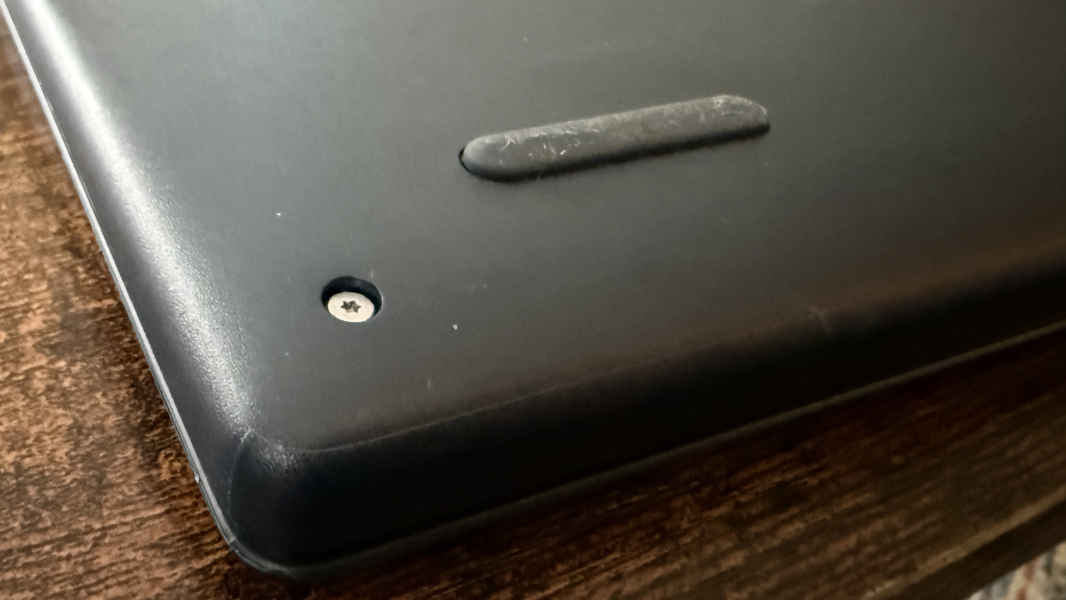
In the spirit of keeping this short, the IdeaPad underachieves with an EPEAT Silver certification–as opposed to the more typical Gold–and Lenovo claims only that it’s build at least partially with post-consumer recycled contents. And while it’s unlikely many customers will be repairing or upgrading this PC themselves, the back cover can be removed with six exposed Torx screws and a plastic pry tool. The battery, M.2 SSD module, RAM (!), and Wi-Fi module are all readily accessible.
Efficiency and portability
At 13.52 x 9.43 x 0.74 inches and 3.59 pounds, the IdeaPad Slim 3 15 is not small, thin, or light, but I never found that to be problematic. No one is going to fly regularly with this type of laptop, and most customers will use it exclusively at home. Which is smart, because the battery life is a poor 4 hours or less in real-world usage. Instant-on is a distant dream, and it’s not really possible for me to comment on reliability beyond my observing that every day was a new adventure.
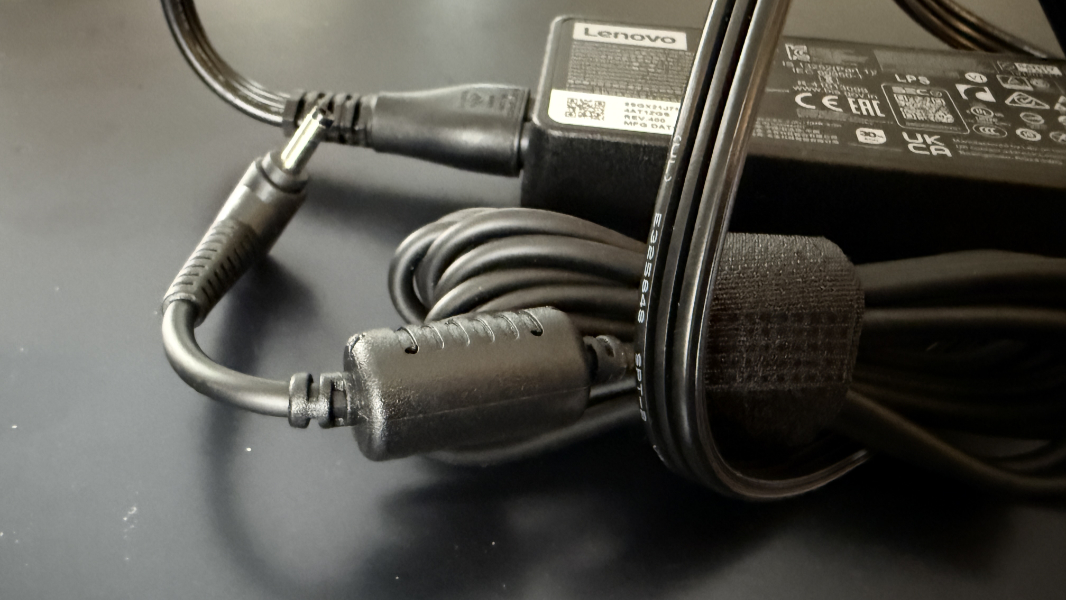
Lenovo provides a 65-watt power adapter with the IdeaPad, but it has a proprietary barrel connector. I used the laptop with other USB-C chargers, however, and that worked fine.
Software
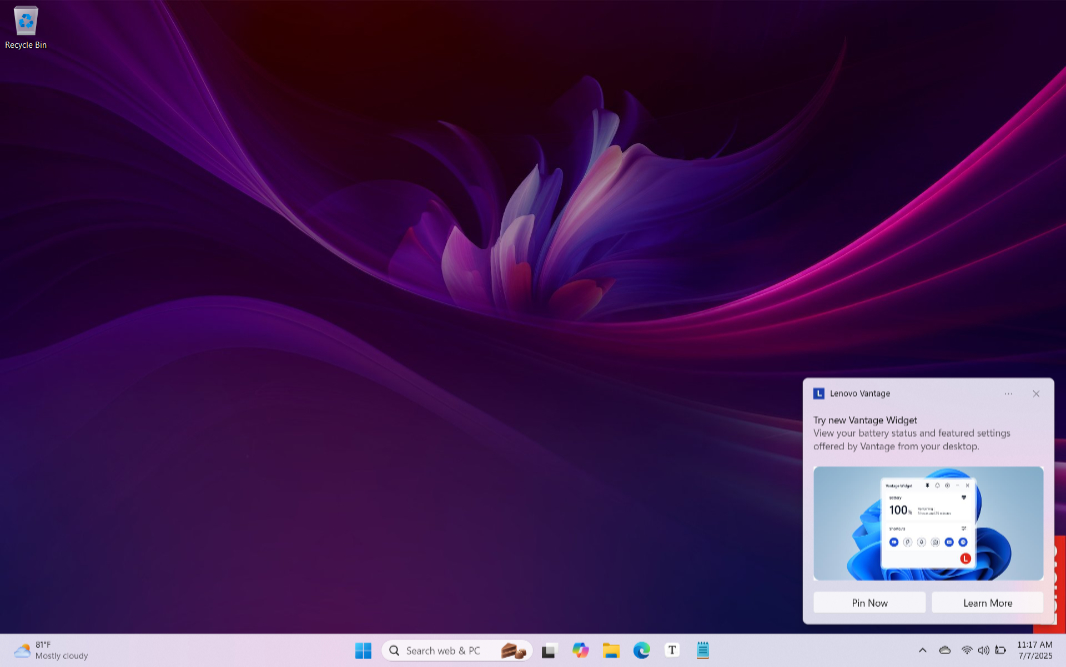
It’s reasonable to expect a low-end laptop like this to be swimming in crap, but it wasn’t too bad. Aside from McAfee, Lenovo preinstalls Dolby Access, Intel Graphics Command Center, five Lenovo utilities, and a link to the online user’s guide. Not too shabby overall, though Lenovo Vantage continues to be both useful and annoying, in the latter case with regular upsell pop-up notifications.
Pricing and configurations
While the IdeaPad Slim 3 15 can be had for as little as $430 on Lenovo’s website, most of the configurations are painfully low-end and unacceptable. The Costco configuration I tried to use costs $670 at the time of this writing, but it should cost less. Something closer to $500 would make more sense.
Recommendations and conclusions
The Lenovo IdeaPad Slim 3 isn’t for anyone who relies on a laptop all-day, every day. I found it to be annoying to use, with regular performance issues and slow connectivity. But my needs are obviously beyond this class of laptop, and I would have to spend $1000 or more to find a laptop with acceptable specifications. This is a large laptop for the home bound with very light computing needs or just the occasional large screen to get real work done. If you fit that bill, it’s unlikely you’re reading this site. But if so, this could work out OK, assuming you find it on sale.
At-a-glance
Pros
- Large screen
- Not overly heavy or thick for the size
Cons
- Slow performance with regular fan noise
- Poor battery life
- Cheap materials, out-of-date internals
- Numeric keypad
- Lackluster webcam and microphones