Lenovo Googlebook 15 First Impressions
- Paul Thurrott
- Oct 05, 2026
-
3
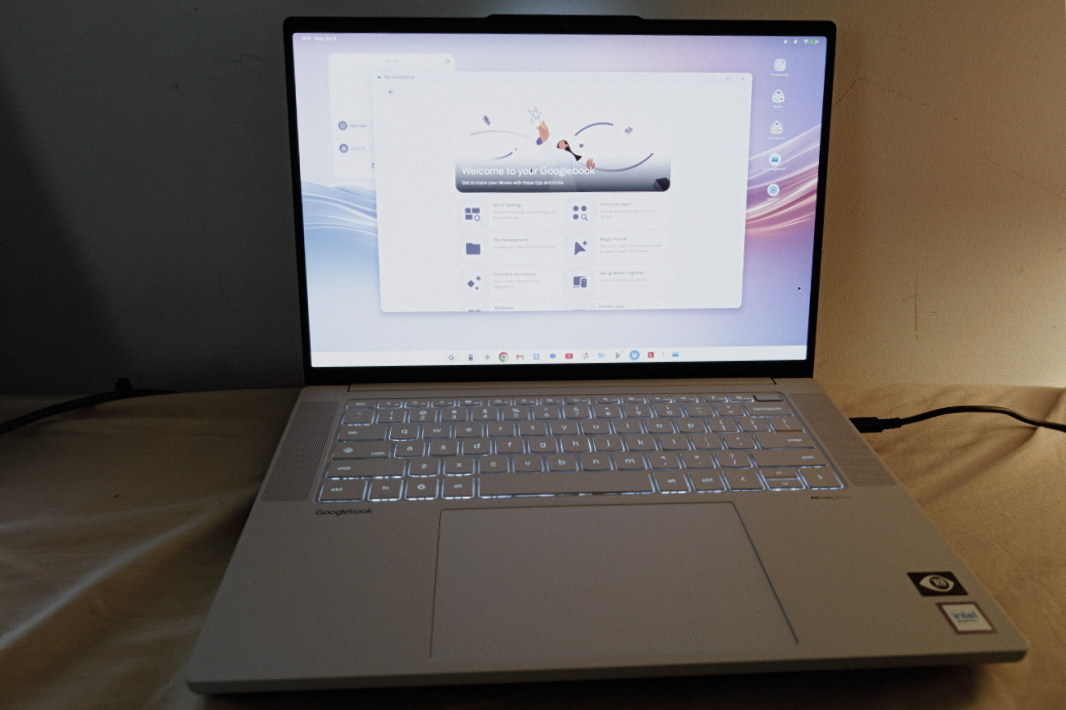
We have five Googlebook laptops from which to choose at the new platform’s launch. Three are powered by Intel Core Ultra Series 3 “Panther Lake” chipsets, and two run on the beloved Qualcomm Snapdragon X Elite chips that were originally designed for the first Copilot+ PCs two summers ago. (At least one MediaTek-based Googlebook is coming soon as well.) Given how much I prefer Arm-based computers, going with a Snapdragon X Elite-based device makes the most sense. But there are other factors at work here, and so I chose the 15.3-inch Lenovo Googlebook for my first experience with this platform.
What put it over the top was the Lenovo’s big display–the other initial Googlebooks have 13.x- or 14.x-inch screens–the facial recognition capabilities the others models all lack, its Thunderbolt 4 ports, and that curious mix of Intel and Lenovo that proved so satisfying with the ThinkPad X9 15p Aura Edition laptop I recently reviewed. Panther Lake is incredibly powerful, and Lenovo seems to have a unique ability to rein in Intel’s bugs.
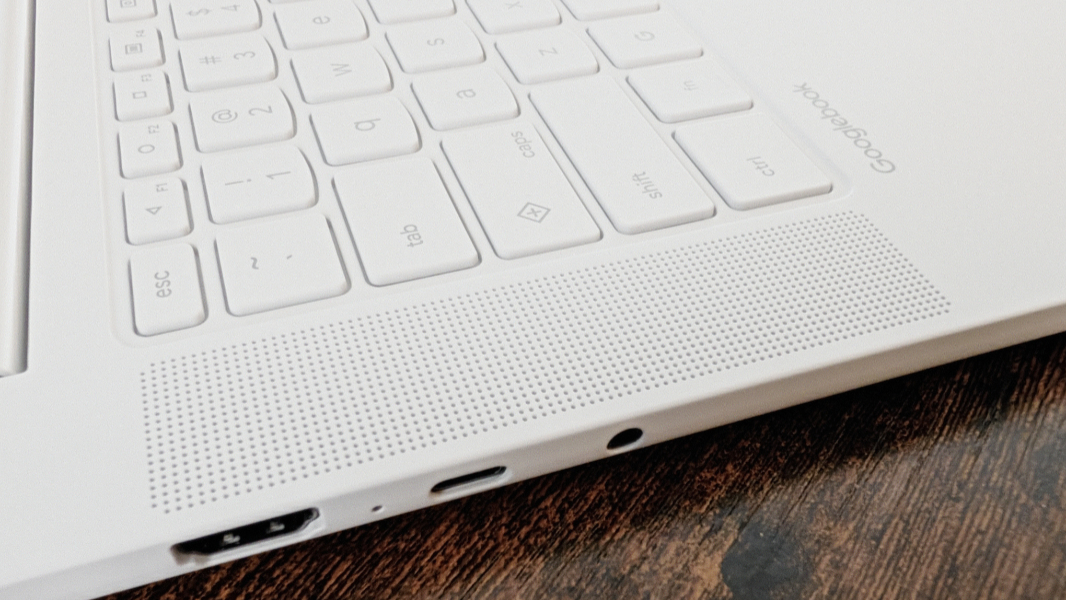
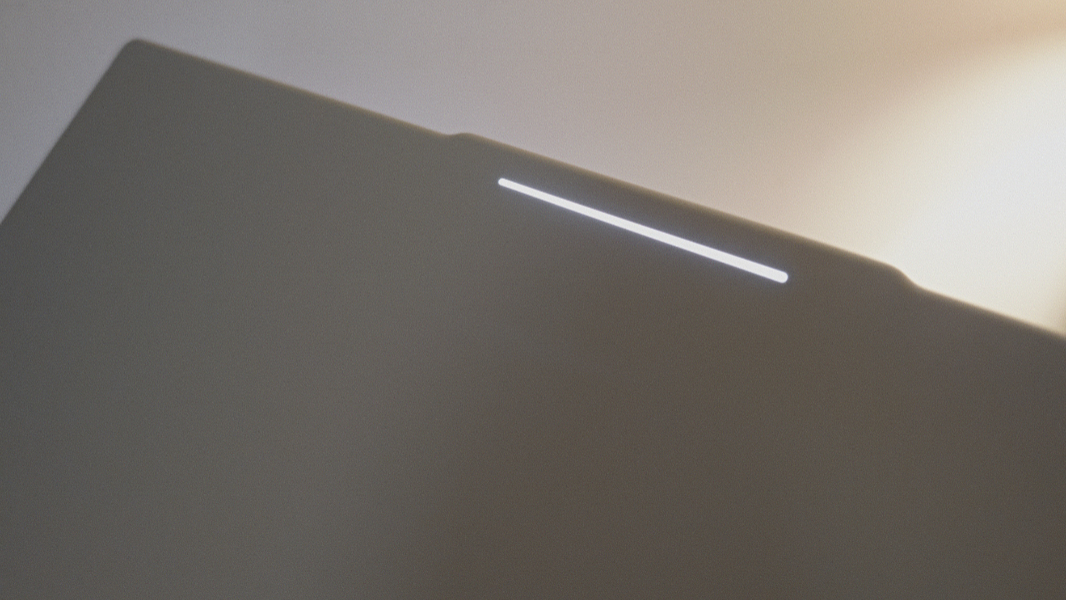
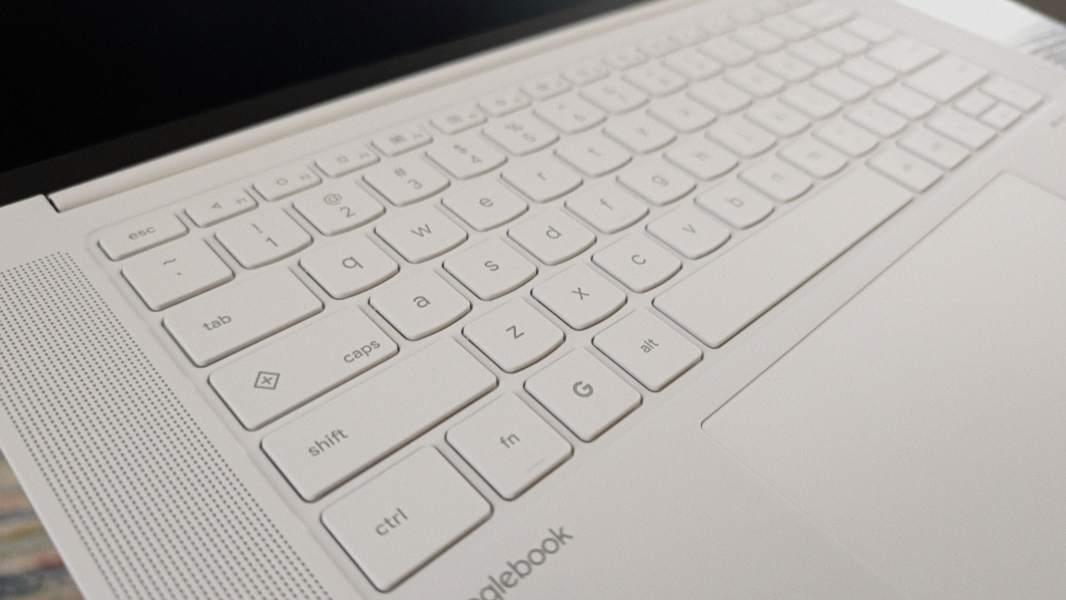
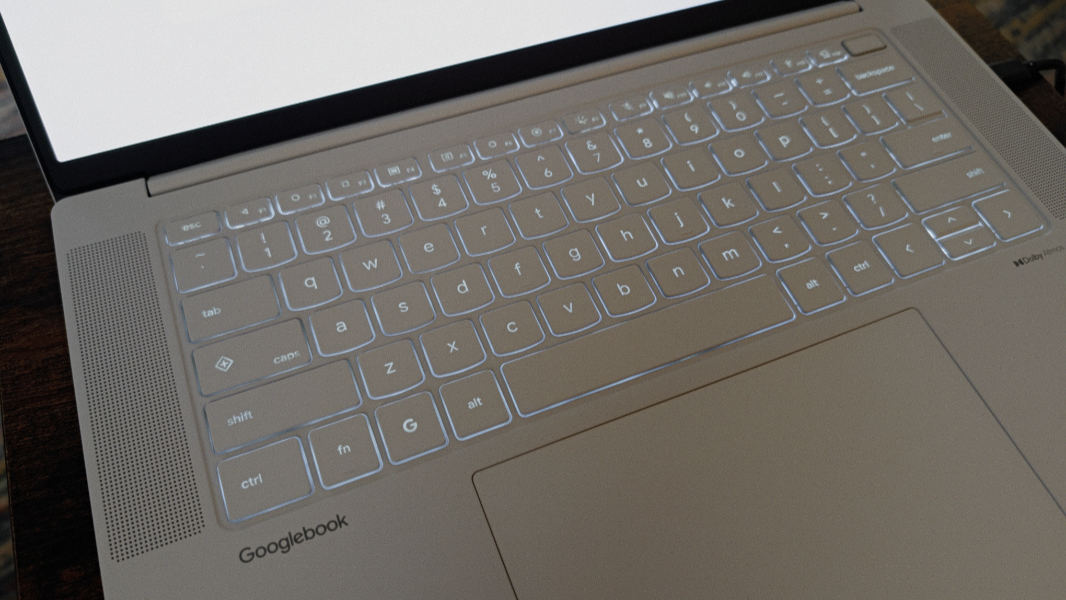
Beyond those attributes and the choice of processor platform, the first round of Googlebooks are mostly identical. They all have 16 GB of RAM, which is the minimum for the platform (32 GB is apparently an option, though none offer that now) and 512 GB of storage, which is likewise the minimum. They all have the same keyboard layout, which was true of Chromebooks too, though the Googlebook keyboard layout has some notable changes, including the addition of a Caps Lock key for some reason. Each has the glowbar on the back of the display lid. I can’t say I understand the point of that, as the laptop’s owner will rarely see it (unlike with the HiLite light in the camera array on the Pixel 11 series phones). And they all have multitouch displays even though such a thing is non-optimal for traditional clamshell laptops. (Only one of the first Googlebooks provides a convertible/2-in-1 form factor.)
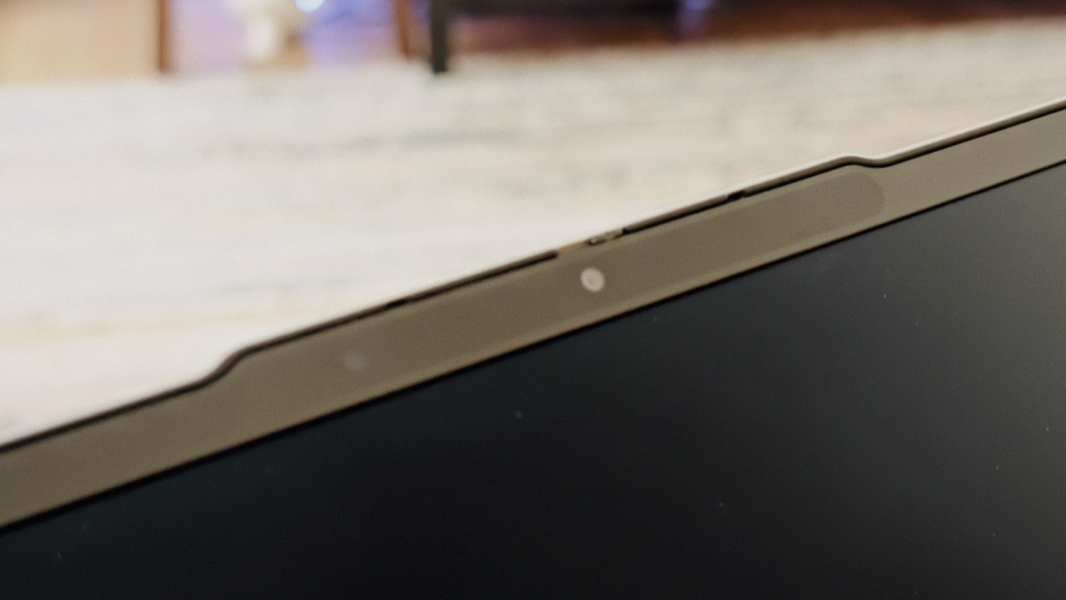
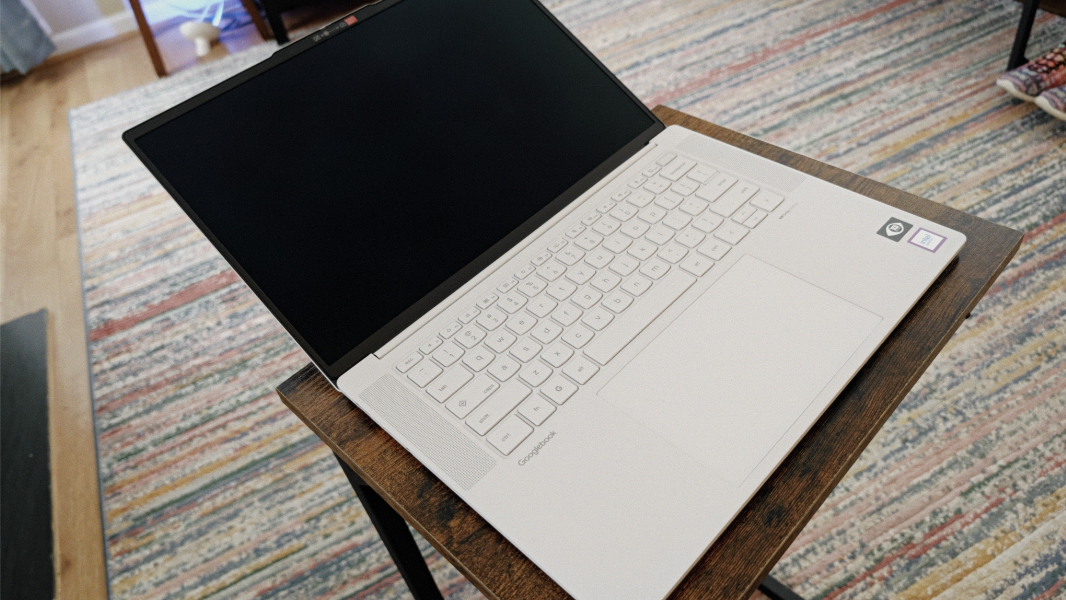
The Lenovo Googlebook 15 is a handsome laptop in Cloud Grey–a very light gray color that looks white in many environments–with a floating keyboard with no intrusive numeric keypad set inside two speaker grills. It has some familiar Lenovo design touches, like the communications bar that houses its webcam, microphones, and facial recognition sensor. But it’s more obviously a member of the Googlebook class of 2026 than it is a part of IdeaPad, Yoga, or some other Lenovo product family.
The screen is terrific, it’s a 15.3-inch OLED panel with a 2.8K (2880 x 1800) resolution, a 16:10 aspect ratio, a 120 Hz refresh rate, and an anti-fingerprint and anti-glare coating. It covers 100 percent of the DCI-P3 color gamut, which means it might appeal to creators if the apps they need are also available, and it emits 500 nits of brightness.
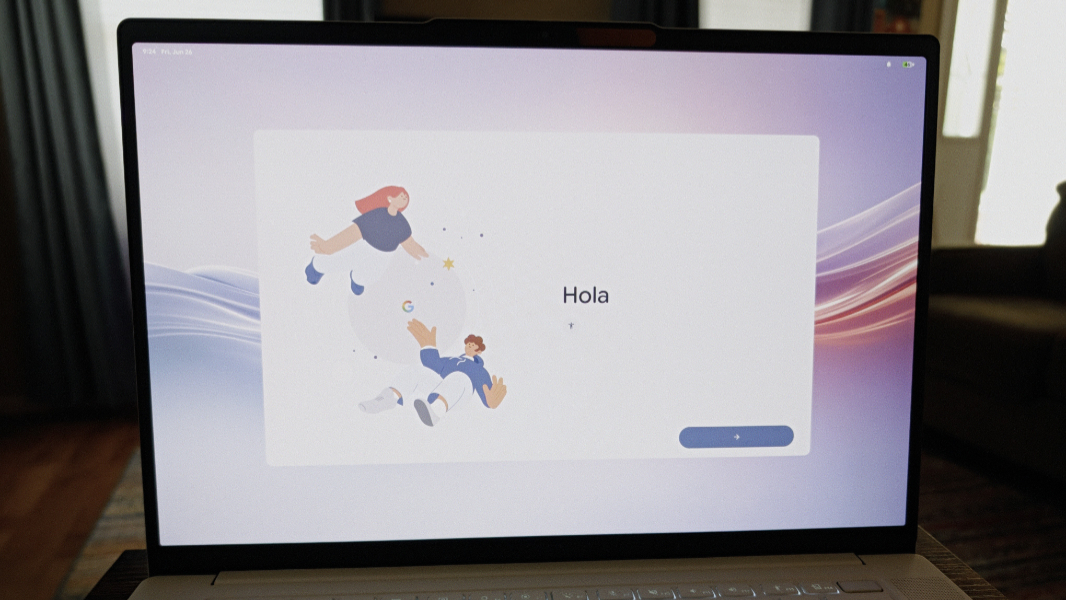
The Lenovo feels interesting, with a notable smoothness to its surfaces, including the keyboard. It’s overtly premium-looking and not at all downmarket like so many Chromebooks.
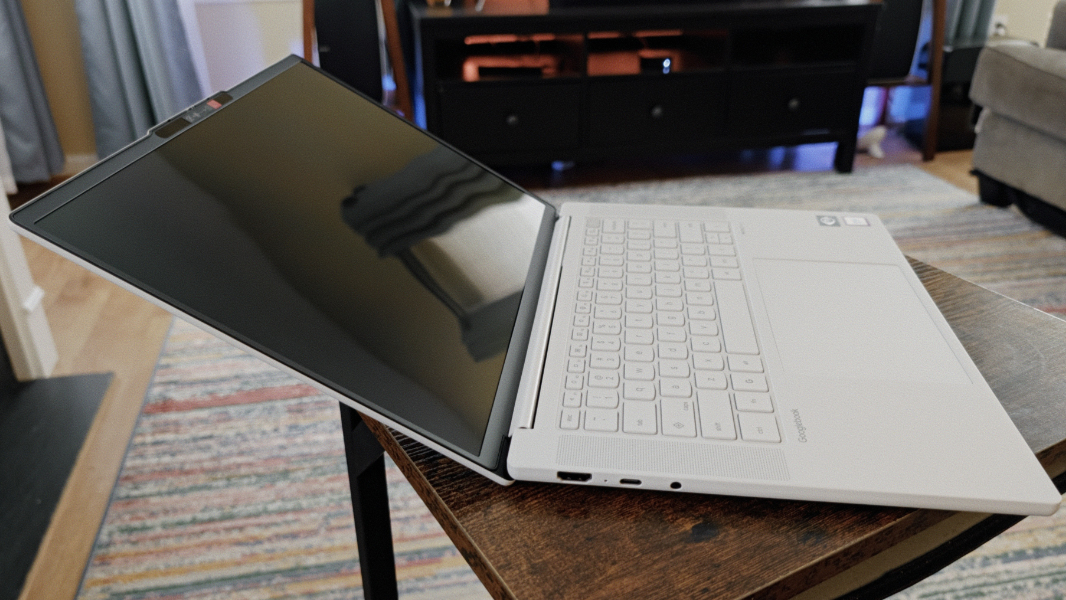
The keyboard and touchpad both seem to work well in early usage though I have a lot of new keyboard shortcuts (like G + s for screenshots) to learn. The keyboard is full-sized and backlit, and mostly familiar.
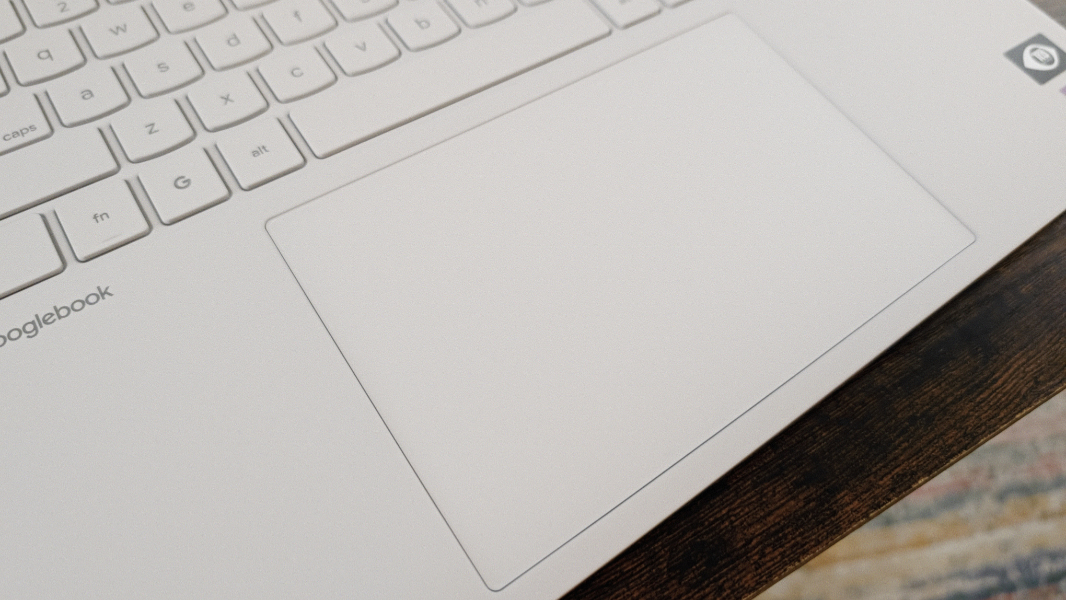
And the touchpad is big and clicky, and it seems accurate so far.
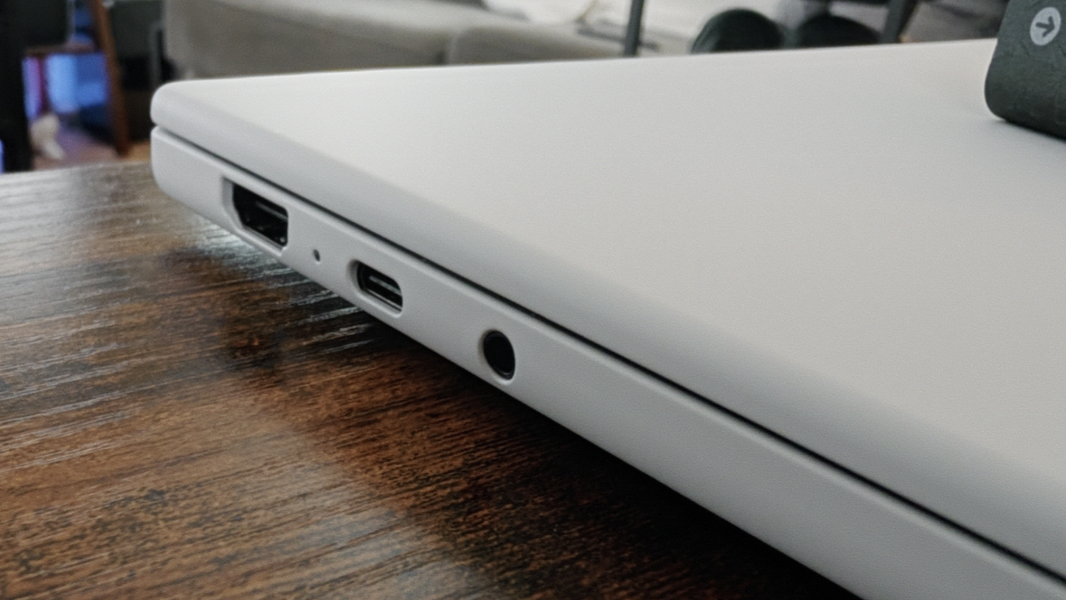
The expansion ports are a familiar mix of legacy and modern, and the Lenovo is somewhat unique in the Googlebook space in that if offers 40 Gbps Thunderbolt 4 ports, not just 10 Gbps USB ports. On the left is a full-sized HDMI 2.0 video-out port, a Thunderbolt 4/USB4 Type-C port, and a headphone/microphone combo jack.
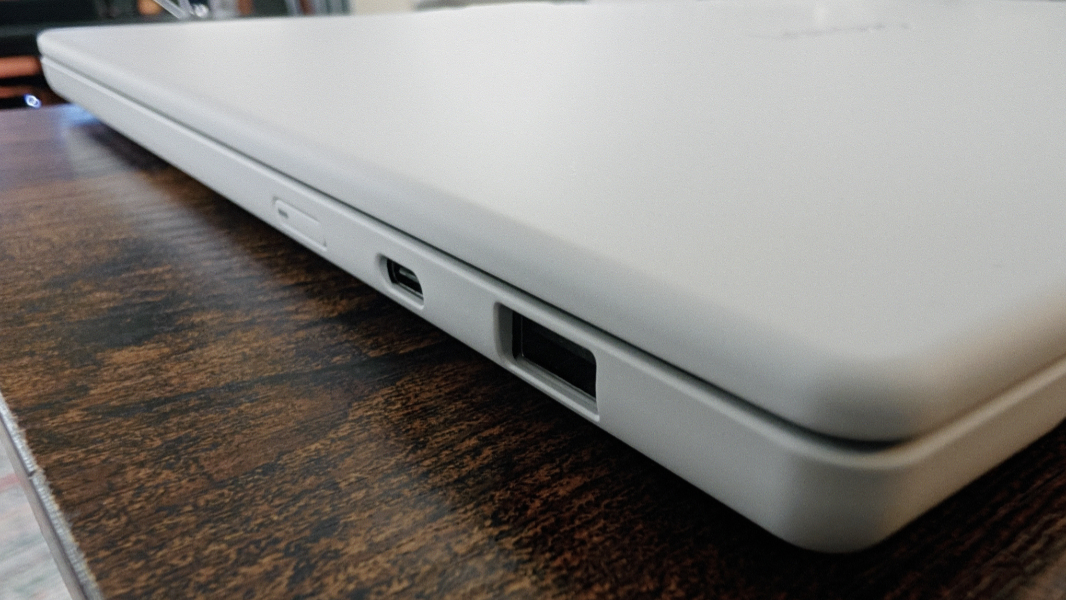
On the right, you’ll find a full-sized 10 Gbps USB 3.2 Type-A port, a second Thunderbolt 4/USB4 Type-C port, and the power button.
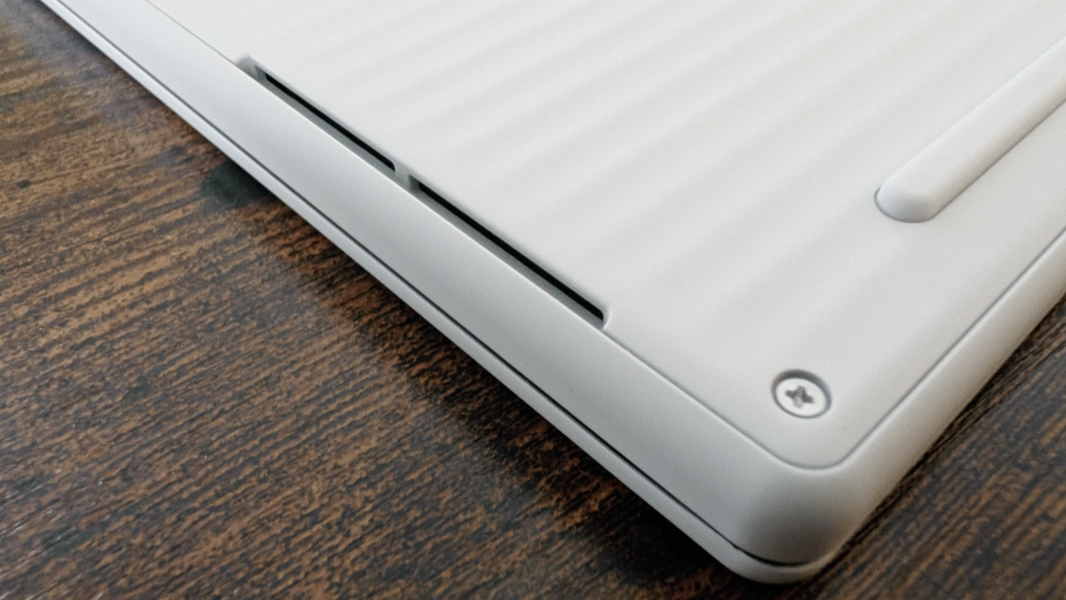
Connectivity is modern, with Wi-Fi 7 2×2 and Bluetooth 6.0. There’s a 5 MP webcam with a manual privacy shutter and a dual-array microphone that are fairly standard in Windows PCs these days. And quad Dolby Atmos-equipped speakers, two top-firing and two bottom-firing.
The Lenovo Googlebook is powered by an Intel Core Ultra 5 325 processor with Intel Graphics–not the astonishing Arc B-series graphics we see in premium Windows laptops–and a 47 TOPS NPU. This is a 25-watt chipset that can run between 12 and 55 watts as needed. There are 8 processor cores, with 4 Performance cores, 4 Low Power Efficient cores, and no Efficient cores, and a maximum clock speed of 4.5 GHz. Overkill for what is basically a glorified Chromebook, but perhaps that will help with non-native Android apps that have to be emulated on this laptop.
New to Googlebook is the Google Titan C2 security chip, though I assume this won’t impact day-to-day use. All Googlebooks have a fingerprint reader, and the Lenovo’s is built into a keyboard key in the upper right, as is the case with many of the company’s Windows laptops. But as noted, it is unique for also offering not just facial recognition but the latest and most secure form of facial recognition offered by Android. (Googlebooks are powered by what Google calls GooglebookOS. But yes, it’s just Android, just as iPadOS is really iOS with some form factor-specific additions.)
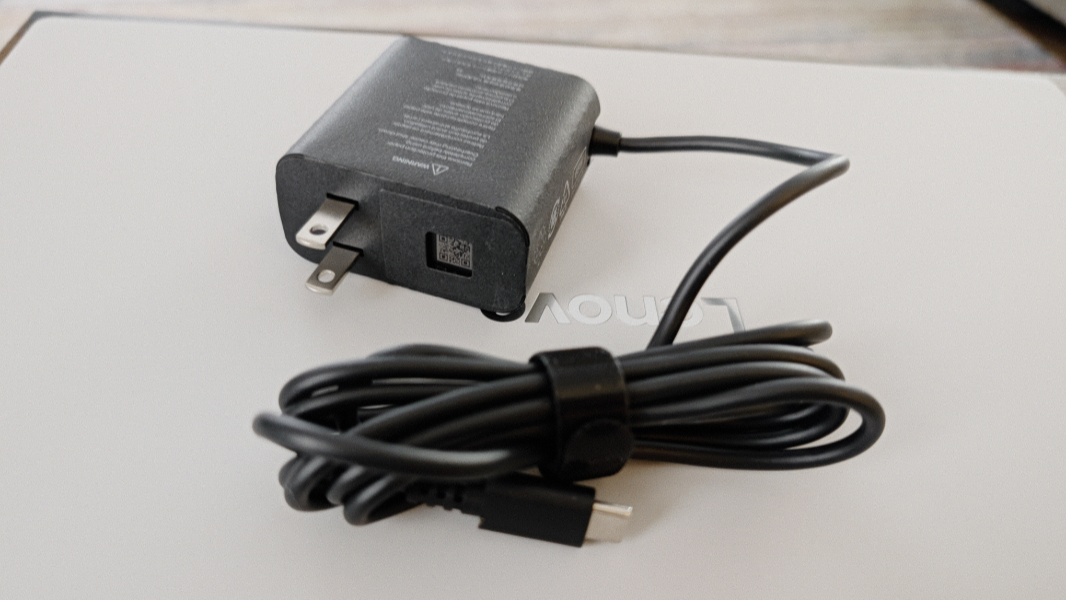
It’s not particularly big or heavy for a 15.3-inch laptop with its 13.43 x 9.29 x 0.63-inch dimensions and 2.8-pound weight. It has a large 70-watt-hour battery and is charged using a standard 65-watt USB-C power adapter. Battery life is allegedly 13 hours, but we’ll see.
Lenovo provides a Lenovo AI Mouse for Googlebook in the box. The price was $1099 before taxes, and there are no other models or ways to configure the laptop, which I assume is common to the first set of Googlebooks. I can’t tell you the last time I had set foot in a Best Buy, but that was a blast from the past in some ways.
We’re heading to Mexico City this Friday, so I’ll get it fully configured by then and bring it with me for what should be a five-week trip and review it before we return home. I’m curious to compare this experience to that of Chromebook Plus, which I assume is now a dead platform walking, and my iPad Pro with Magic Keyboard. I mostly like the latter quite a bit, and my few complaints are mostly tied to the iPad being a touch-first device with some non-optimal interactions for those using it like a laptop. We’ll see if Google can overcome that problem. Maybe not.
More soon, starting with my first impressions of the software.