Apple iPad Pro M5 13-Inch First Impressions
- Paul Thurrott
- May 30, 2026
-
16
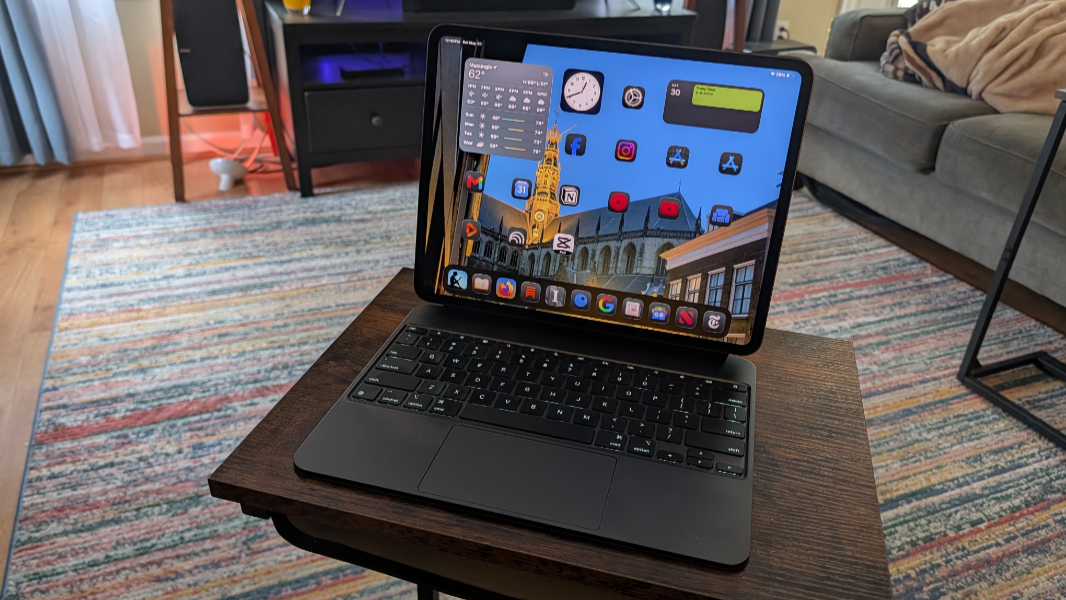
The 13-inch iPad Pro is silly expensive, but it delivers several advantages over other iPads, many aimed at productivity and creative workflows. Put another way, it provides a superior laptop-like experience compared to the iPad Air I was using previously. He writes, trying to justify the cost.
It’s been a crazy year.
After moving from a too-bulky 13-inch iPad Air M2 to a too-tiny iPad mini to a just-right 11-inch iPad Air M3, Apple threw a wrench into my idea of the “Goldilocks” iPad size by surprising us all with iPadOS 26, which finally unleashes the power inside modern iPads and gives those users who want this a terrific productivity/laptop-like experience. This was what I had wanted for too many years to count, but Apple had previously only taken minor, half-hearted steps down this path to date, and so I had pretty much given up on the dream. And then, suddenly, it was real.
And not just real, but better than I could have ever hoped. The problem, of course, is that my “just right” iPad Air M3 was just right for reading, not for productivity work. I bought an Apple Magic Keyboard, regardless, to see how much iPadOS 26 would transform that experience. And it’s very good, though the 11-inch form factor means the keyboard is a bit less than full-sized, tough on my huge hands, and it artificially lacks some key features I like, such as keyboard backlighting, because Apple is terrible.
But even with those compromises, I could see that the iPad was suddenly a nearly-perfect laptop for so many mainstream users. The touch-first nature of the iPad creates a few minor interaction differences for those used to desktop platforms like Windows and Mac, but some of these issues will disappear as developers update their apps for keyboard and touchpad interactions.
As 2025 turned into 2026, I continued to use my 11-inch iPad with the keyboard stand, and I adapted to this landscape screen orientation after 15 years of portrait orientation iPad usage. As part of a desire to focus on particular topics each month (roughly) in 2026, I landed on switching, as in switching computer platforms, as an obvious topic for a focus month. And because this is the way my brain works, I wrote about this topic twice, in February and then in March, before formally diving head-first into the Switcher 2026 series in April and then continuing and expanding it to include apps and services in May.
I revisited the iPad as a laptop in early May, in part because I was always going to do that, but also because the release of the MacBook Neo seemed to confuse people about whether this inexpensive new Mac was somehow a better laptop for most people than an iPad. (Only Apple would finally unleash the iPad only to muddy the waters like this less than a year later.)
But I am a believer. And though Apple can never satisfy all my needs–it’s a Big Tech abuser with closed platforms and a locked-down App Store and ecosystem, for starters–there is a simplicity and elegance to the iPad when used as a laptop that true desktop platforms can’t beat. In that debate, I always mention regarding the right way to create a modern computing platform, the iPad proves that starting simple and adding sophistication and capabilities over time can really work well.
My problem was one of timing: I bought an 11-inch iPad just two months before Apple announced iPadOS 26, and because of whatever physical needs and personal preferences, I would need a larger iPad to fully realize its benefits. So I spent much of the previous year using the iPad Air to write only occasionally. The keyboard is too cramped, and it doesn’t have backlighting, and the display is too small. It was nice to have in a pinch, for sure. But I wanted to understand whether an iPad could make sense for me as a laptop replacement. And so I waited. Apple had announced an M5-based iPad Pro lineup in October, and then it refreshed the iPad Air in March with M4 chips while we were in Mexico. For the next few months, I priced out 13-inch models of both, thinking about the trade-offs of each, the cost, and whether I should go with a third-party keyboard case instead of an Apple version.
By the time we got home, I had enough money in PayPal to make sense of this purchase financially, but I was still on the fence. Plus, we were busy, and we will remain busy through the first half of July, when we will return to Mexico for a month and, go figure, continue to be busy. I spend money on things like this reluctantly, which even I realize sounds ludicrous given how much tech I buy. And I suddenly have tons of hardware to review that I really need to focus on. Indecision is terrific.
In the end, what put this over the top, what gave me the final nudge I didn’t realize I needed, was an unexpected email message telling me that I had received over $600 from a Blue Cross Blue Shield settlement I don’t recall being part of. It came in the form of a virtual VISA card I could add to Apple and Google’s wallets or just use normally online with the numbers provided. I pretty much already had what I needed, but now I had more. And while I could spend it on anything, it was found money. So I spent it on a 13-inch iPad Pro. Which is surprisingly complicated.
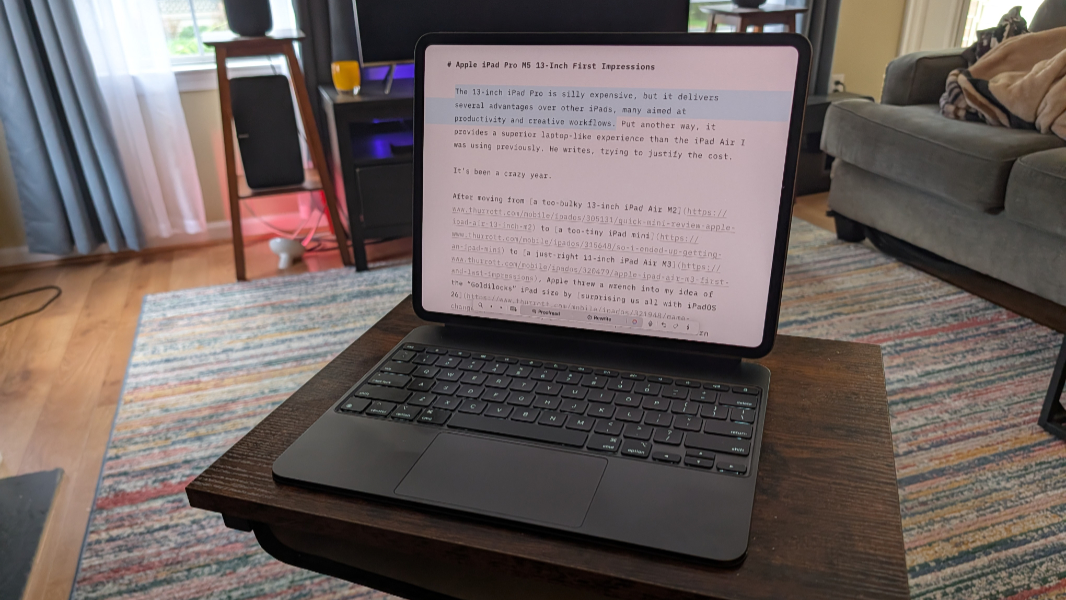
Knowing I wanted the biggest possible display nicely narrowed my choices: The iPad Air and iPad Pro are both available with 13-inch displays, though I would like one even bigger if such a thing existed. But even with just those two options, there was so much to consider.
The iPad Air is less expensive, of course, though it’s still pricey. A 13-inch iPad Air M4 starts at $799 for a model with just 128 GB of storage, which is unacceptable to me. You can get 256 GB ($899), 512 GB ($1099), or 1 TB ($1299) models for more money, of course. (My iPad Air M3 came with 256 GB of storage, which feels like a reasonable minimum these days.)
The iPad Pro 13-inch starts at $1299, but that’s for a 256 GB storage configuration, so it’s at least $400 more–50 percent more–expensive than a comparable iPad Air. (There are other options that can raise the price further.) There are 512 GB ($1499), 1 TB ($1899), and 2 TB ($2799!) configurations too.
But the iPad Pro also has different internal configurations. If you get a 256 GB or 512 GB model, the M5 chip inside the iPad has a 9-core CPU and a 10-core GPU. But the higher-end configurations have a more powerful 10-core CPU (alongside the 10-core GPU). And more RAM, too: Where the 256 GB and 512 GB configurations have 12 GB of RAM, the more expensive variants get 16 GB of RAM. You also get a nano-texture glass option on those higher-end configurations that adds another $100 to the price.
Comparing just the screens, the iPad Air has a standard LCD panel, or what Apple calls a Liquid Retina display, while the iPad Pro has a superior tandem OLED panel, marketed as an Ultra Retina XDR display, with a high and variable refresh rate (ProMotion) and, if you pay extra, that nano-texture coating. None of that factored too much into my decision. The iPad Air display is fine, I don’t really notice high refresh rates in displays, and I don’t want/need nano-texture (which doesn’t add capabilities I need but does make fingerprints more obvious and requires a special cleaning cloth; no thanks).
There are many differences between the iPad Air and Pro, but the things that did factor into my decision, the things that matter to me, include:
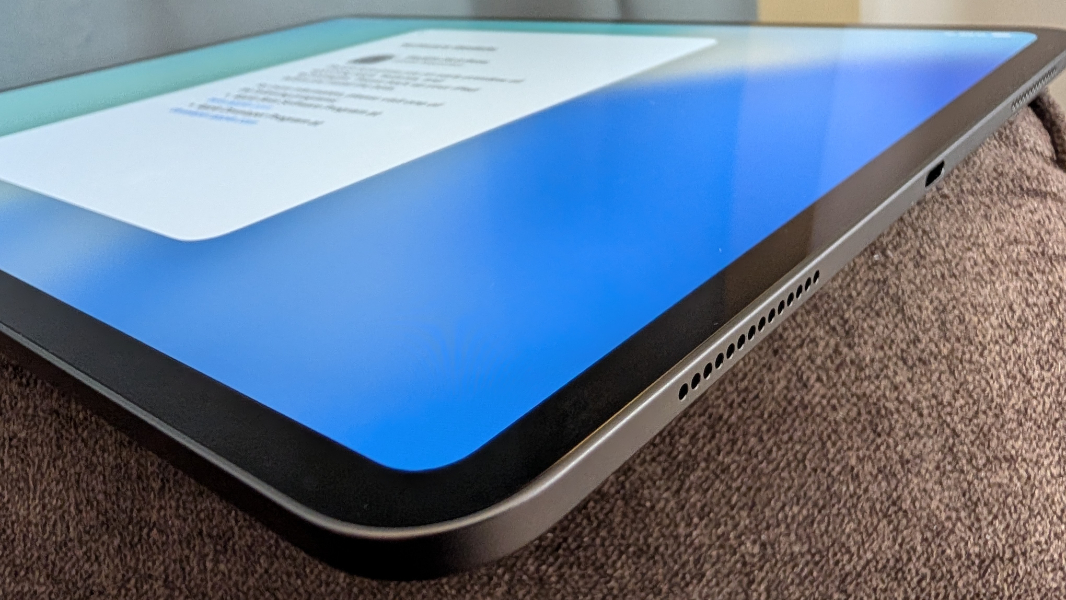
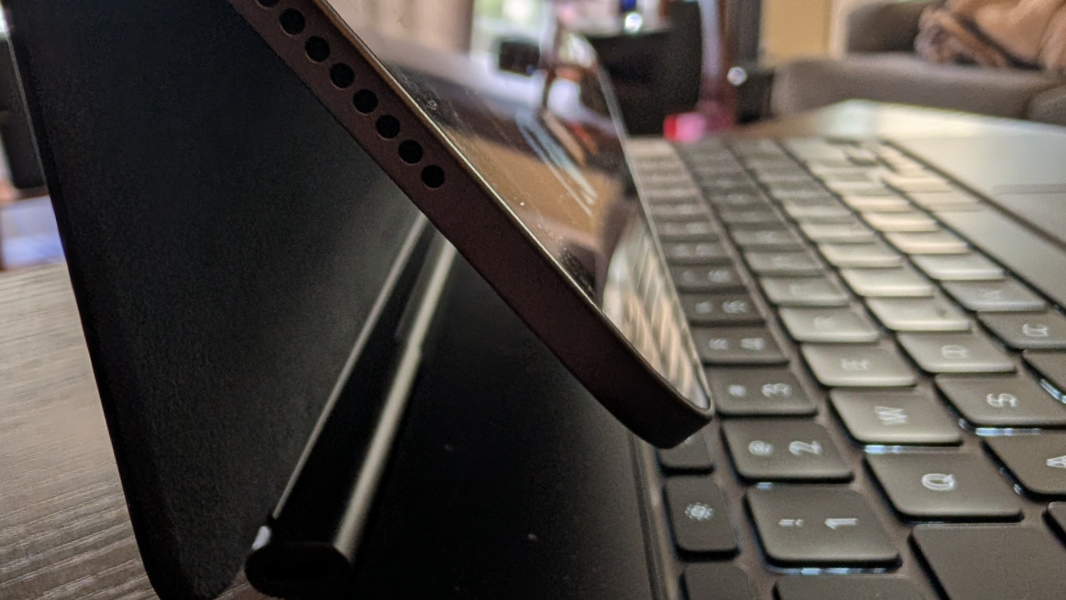
Size and weight. The iPad Air is thicker and heavier than the iPad Pro, and it’s immediately obvious if you can see and hold both side-by-side. It doesn’t seem like a big difference on paper–the iPad Air is 11.04 x 8.46 x 0.24 inches and weighs 1.36 pounds, whereas the iPad Pro is 11.09 x 8.48 x 0.20 inches and weighs 1.28 pounds–but it is. This was an issue with the 13-inch iPad Air M2 I had used previously, and it was immediately apparent how incredibly thin and light the iPad Pro was just pulling it out of the box. It’s incredible.
Face ID. Aside from it being smaller than I’d like, the biggest issue I have with the iPad Air from a usability perspective is that it only supports Touch ID biometric sign-in: It’s awkwardly integrated into the power button, which sits on the upper corner of the left side of the device when it’s on the Magic Keyboard, and as a right-hander, it’s not where I would prefer it. But Face ID, so excellent on iPhones, is only available on the iPad Pro. And I really wanted that.
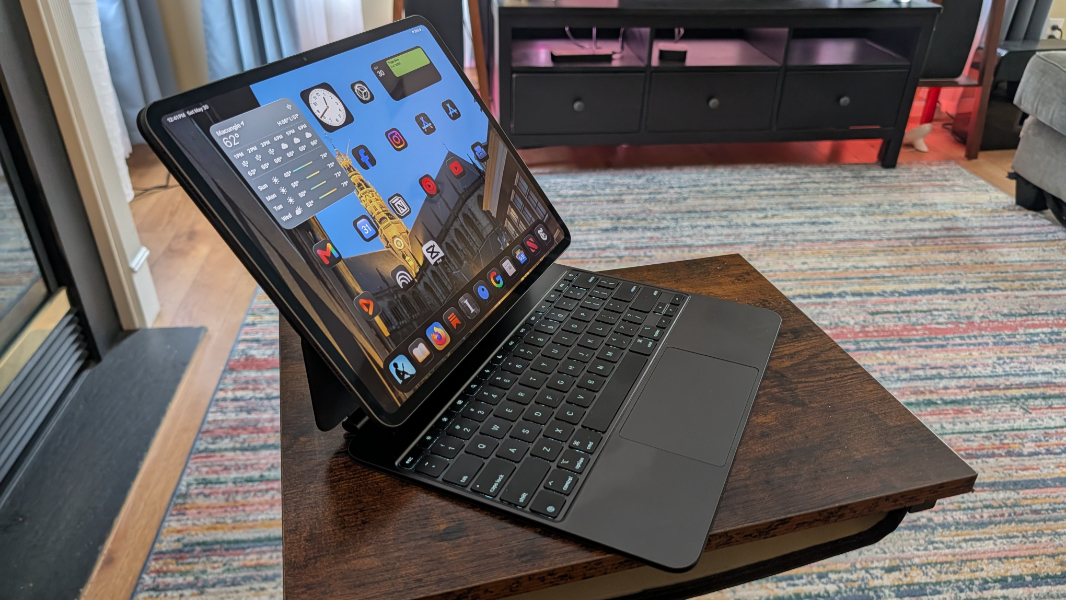
Magic Keyboard differences. While I wanted to get a Magic Keyboard alternative that supported both portrait and landscape orientations, I also prefer a Smart Connector attachment over Bluetooth because of latency issues. And so I eventually gave up on that and stuck with the Magic Keyboard. Which, on the iPad Pro only, supports keyboard backlighting, a must-have feature.
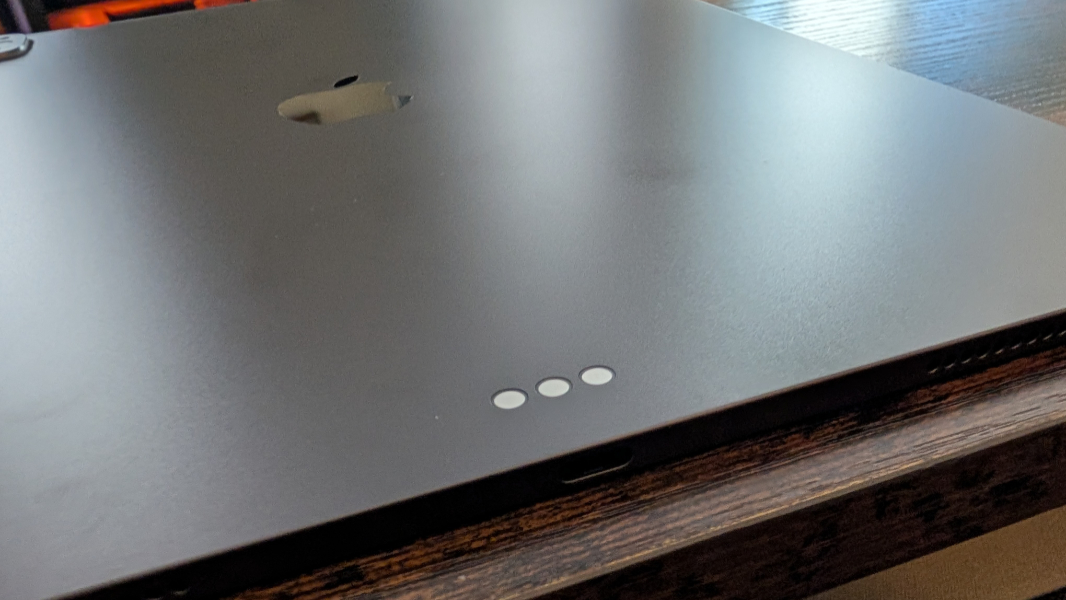
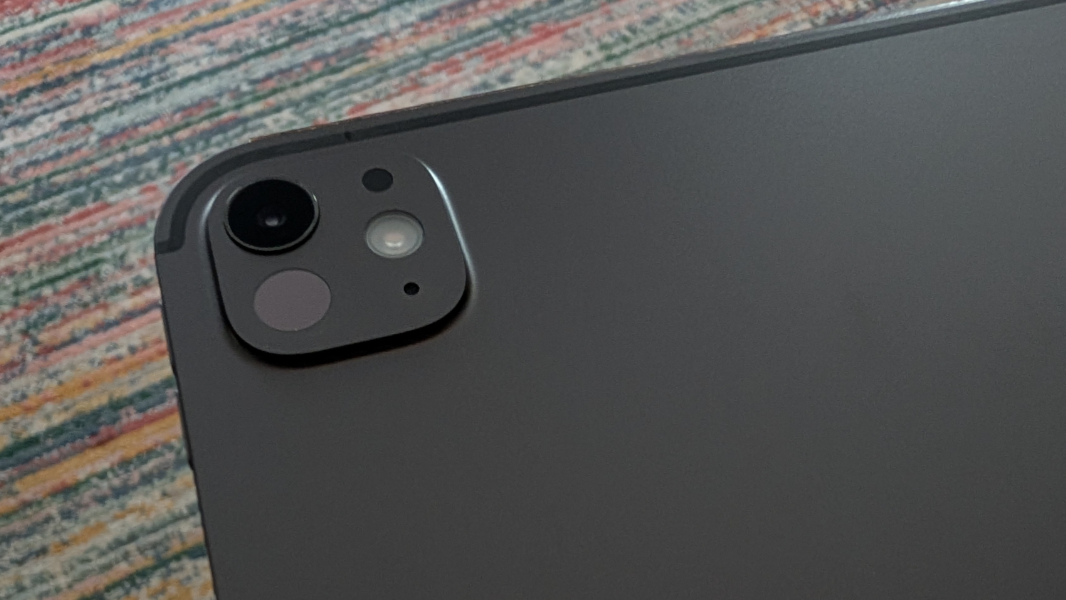
Beyond these things, the iPad Pro OLED display is superior. It offers a 40 Gbps Thunderbolt 4/USB4 Type-C port and not just a 10 Mbps USB 3.1 Gen 2 Type-C port. The M5 chip is, of course, faster/better, though I don’t expect to notice much there. It has four speakers, not just two. Superior microphones I will rarely, if ever, use. And better rear cameras that I don’t care about.
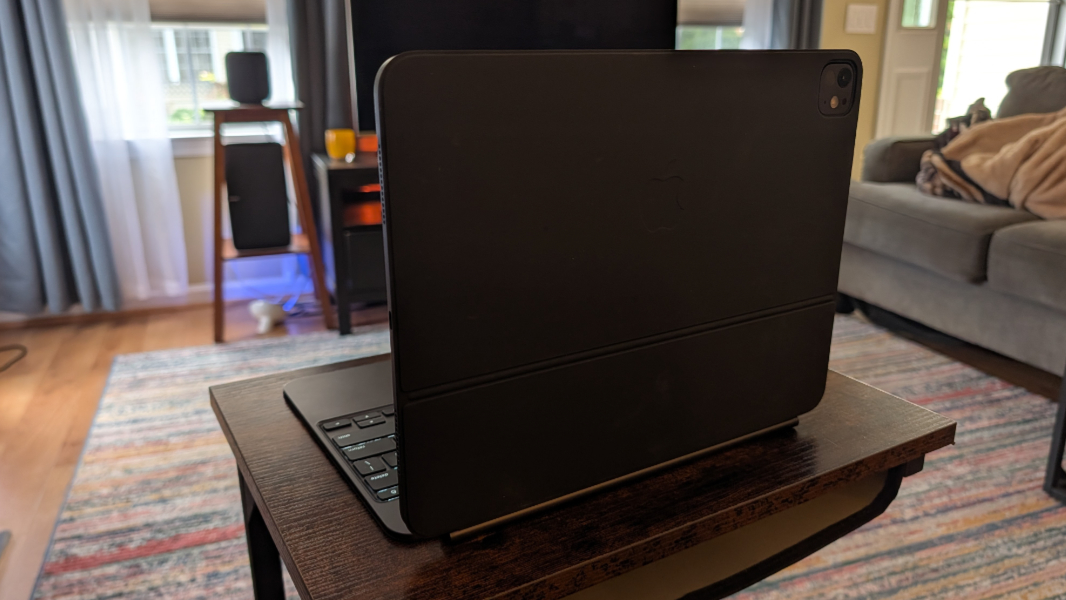
There are colors to consider, I guess, though this is something I don’t care about all that much, at least not for the obvious reasons. There are more colors for the iPad Air–Space Gray, Blue, Violet, and the Starlight I like–but just two–Space Black and Silver–for the Pros. But here’s the thing, or two things, when it comes to colors.
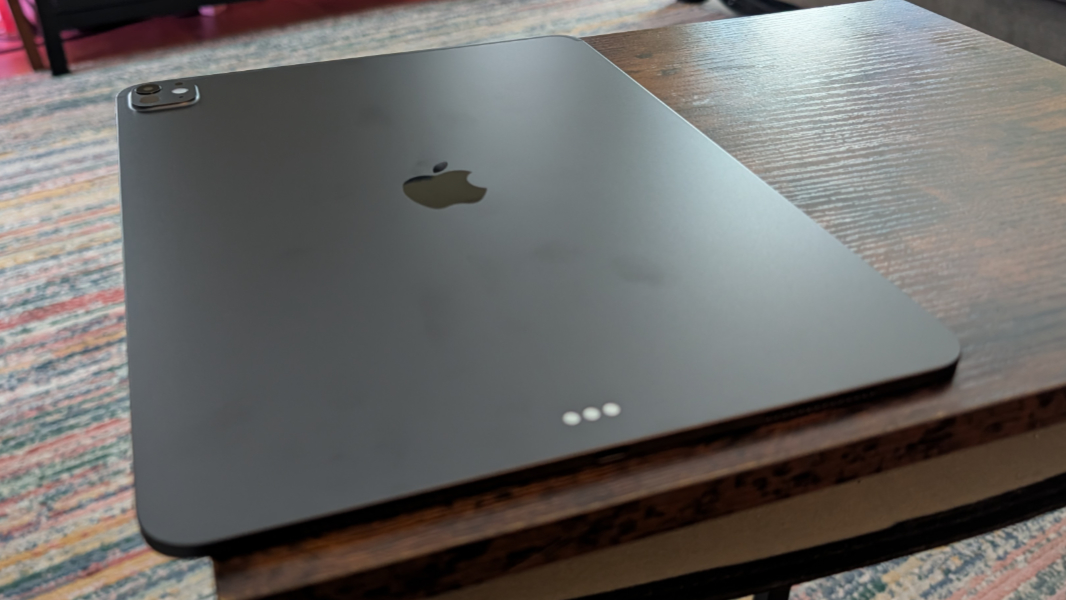
When applied to metal, color chips and scratches, something that’s proven to be a huge issue with my iPhone 17 Pro Max, and is something I see on my black Surface Pro 7 laptop (which I would have gotten in a Platinum color if that had been possible). And when I got the Magic Keyboard for my iPad Air, white was the only option, so that’s what I got. Predictably, it’s dirty and stained in ways I can never truly clean, and I resent it. Apple added a black Magic Keyboard option after I b bought mine, but the Magic Keyboard for iPad Pro has always come in both colors.
But with the iPad Pro, you also get those improved processor and RAM configurations when you choose 1 TB of storage or more. And while a single processor core isn’t super compelling, the extra RAM is. I intend to use this thing like a laptop, after all. So a 16 GB/1 TB configuration seemed about right.
Of course, an iPad Air M5 with a 13-inch display and 1 TB of RAM is super-expensive, $1899, compared to just a normally expensive $1299. That’s a $600 difference. Which is nicely covered by that VISA gift card I just got. Found money.
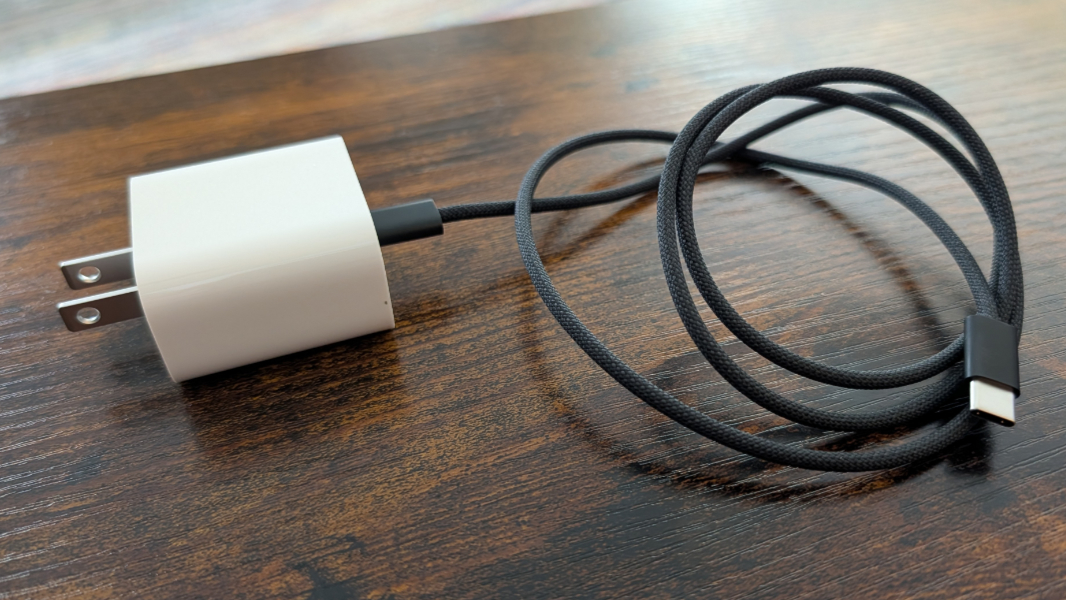
So that’s what I did. After a fine comparison, I ordered an iPad Pro M5 13-inch in Space Black from Apple, trading in my iPad Air for $380 in credit, lowering the price from $1899 to $1519. I then ordered a black Magic Keyboard from Amazon using that gift card to cancel out the $355 cost.
I don’t quite have $1500 in PayPal, but it’s close, so I set up the iPad Pro for $126 monthly payments and will just pay for most of it this coming month and then pay it off in July. In any event, I ordered both items on Thursday, and both arrived, separately, on Friday.
I’ve been using an iPad since the very first model, and I’ve owned an astonishing range of these devices over time, often having two or more in-house. The one iPad I don’t recall ever buying, and definitely never owned for any amount of time, however, is an iPad Pro. This lineup entered the world overpriced, and it was underserved by its OS until iPadOS 26, which arrived last fall. So there just never seemed to be a point.
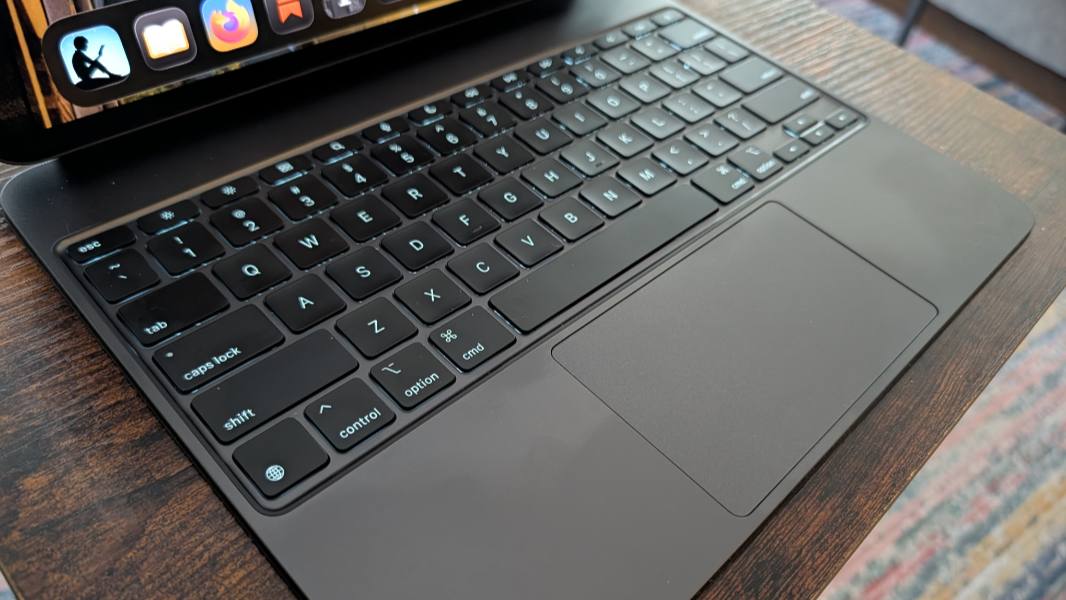
Given my experiences with multiple generations of iPad Airs in both 11- and 13-inch form, the iPad Pro M5 is immediately impressive. I chose Space Black to match the Magic Keyboard, and though scratching/chipping is a concern, I will never use it without this case, so hopefully that will be OK. It is, as noted, incredibly thin and light for its size. And the screen, for an iPad, is epic.
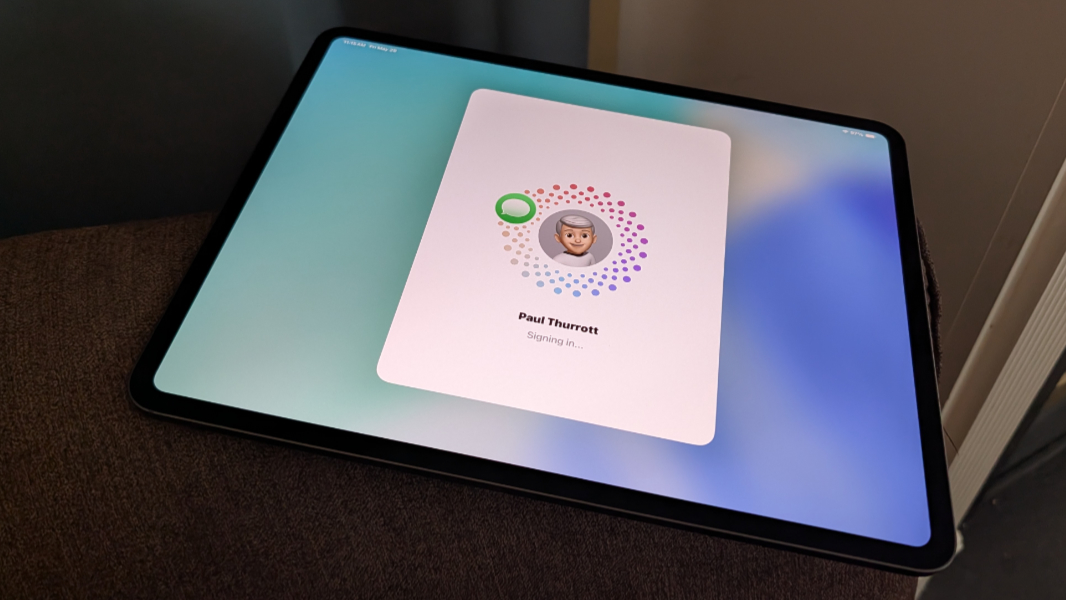
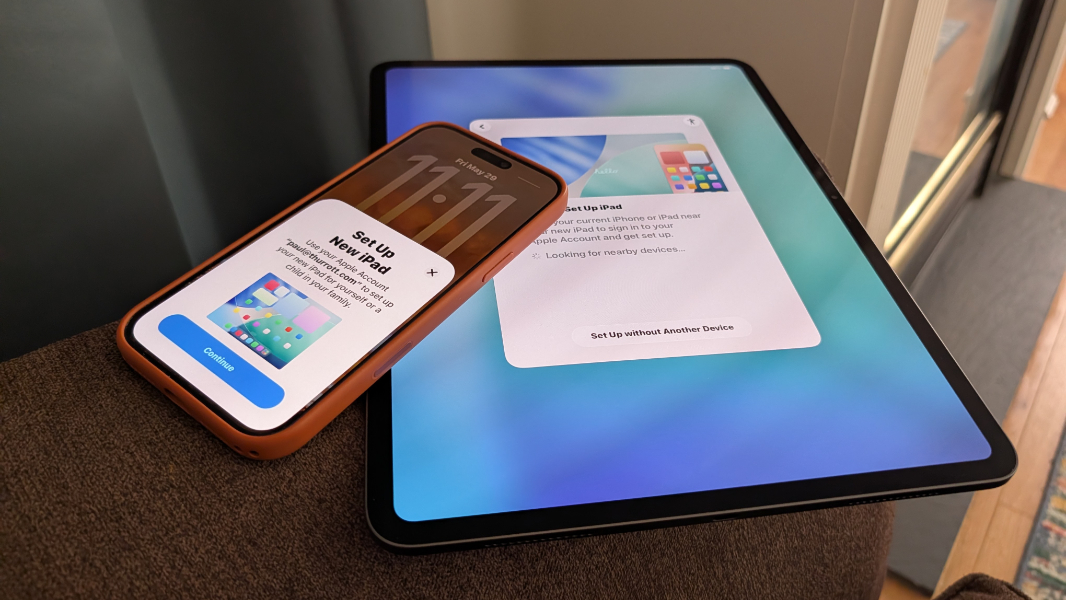
I had a few nervous hours with the iPad before the Magic Keyboard arrived, so I tried to restrict that to soft surfaces like a living room chair arm or the bed while initially setting it up. That took a few hours, really, though much of it was automatic because I chose to set up using an existing device, my iPhone, and it just installed all the apps I had on the previous iPad and laid out the Home Screen accordingly.
Today, I wrote four articles in iA Writer on the iPad Pro and Magic Keyboard, including this one. That’s unusual for a Saturday morning, but also coincidental. And it gave me a good opportunity to try some basic workflows around writing (iA Writer), image downloading (to the local device, accessible in Files), image editing (in Affinity Photo 2, though I found the cropping to be nonsensical), and article posting (to WordPress in Firefox).
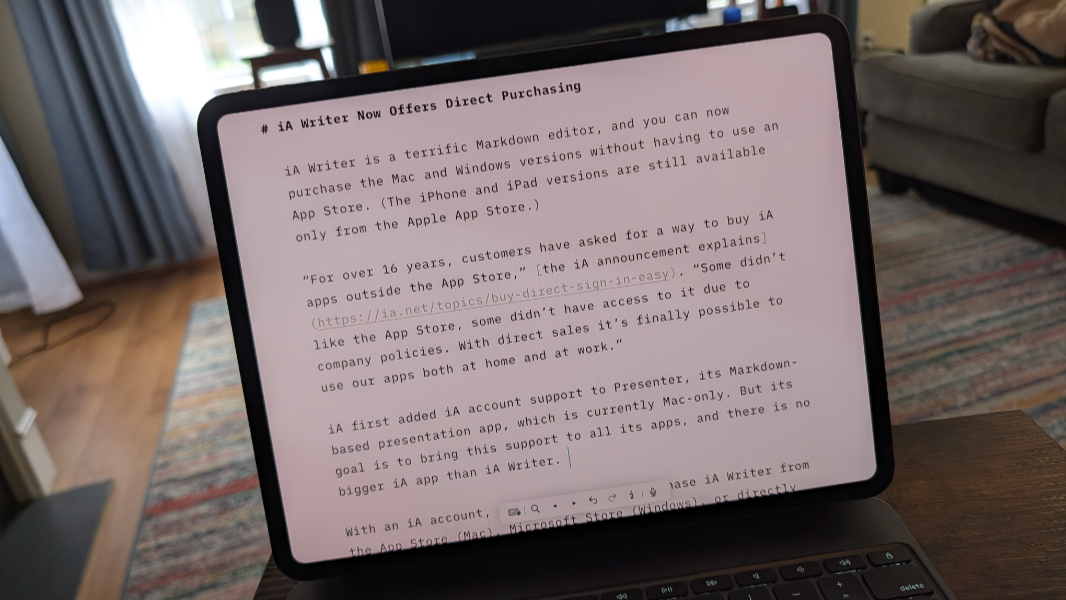
For the most part, this went well. Face ID is the game-changer I expected. The keyboard is full-sized, backlit, and delightful to type on. The screen is nuts. Most of what I did, noted above, worked great, though I do need to figure out how to crop better in Affinity or find something else. A bigger screen would help side-by-side views make more sense, but I don’t really do that much on laptops either, even when they do have bigger displays.
I read using the same apps as always, and I do like the bigger screen for that, too. But I’m curious about all kinds of things, from battery life to general performance (which seems terrific so far) to video editing and whatever else. So I will just keep using it, as one does. And I’ll see where this gets me. But so far, this is impressive, and it does seem to come through on the promises I saw so clearly in iPadOS 26 over the past year. The only real compromise is the price, which makes this difficult to recommend for others.
More soon.