Lenovo ThinkPad X1 Carbon Gen 14 Aura Edition Review: Panther Lake Perfection
- Paul Thurrott
- Jul 15, 2026
-
8
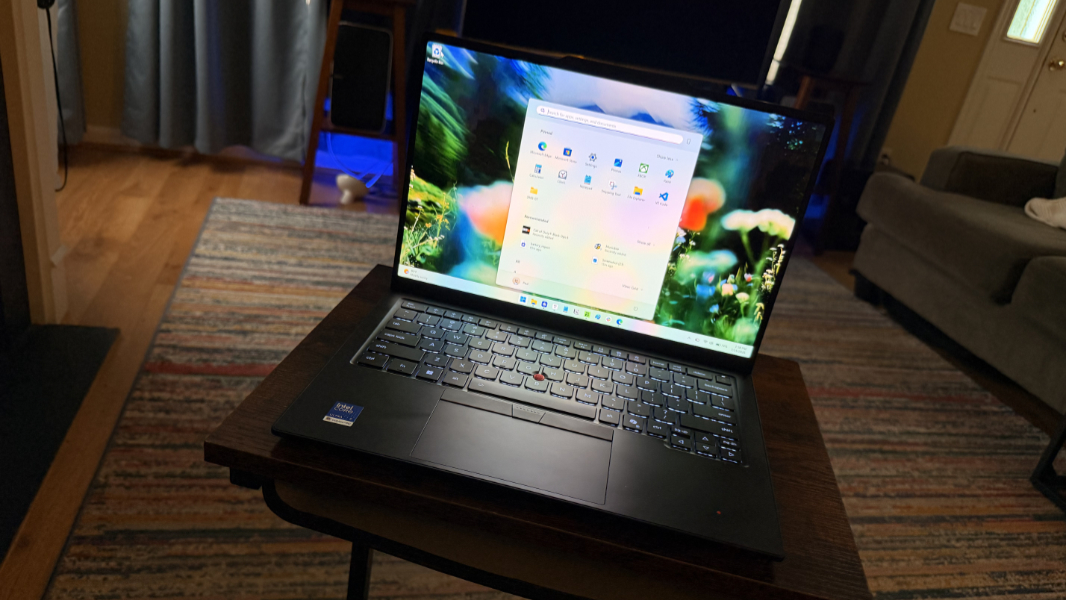
The ThinkPad X1 Carbon has long reigned supreme among ultra-thin and light premium laptops, but this latest generation model manages to extend the product’s lead with impressive repairability and self-service upgrades.
Design
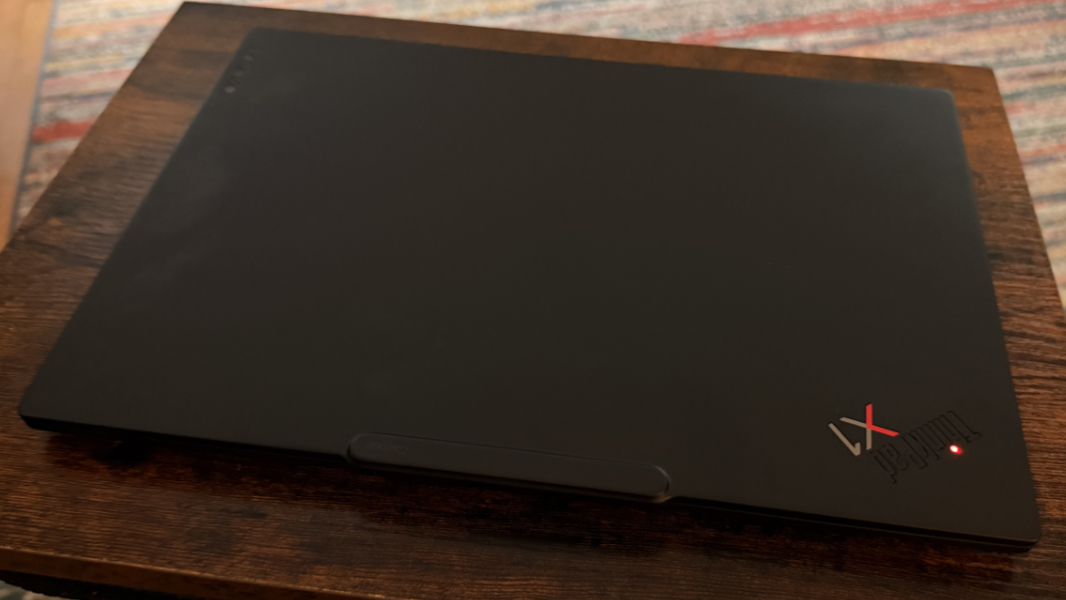
The ThinkPad X1 Carbon design is familiar by this point, but also understandably beloved with its black exterior surfaces, red accents, and rounded corners.
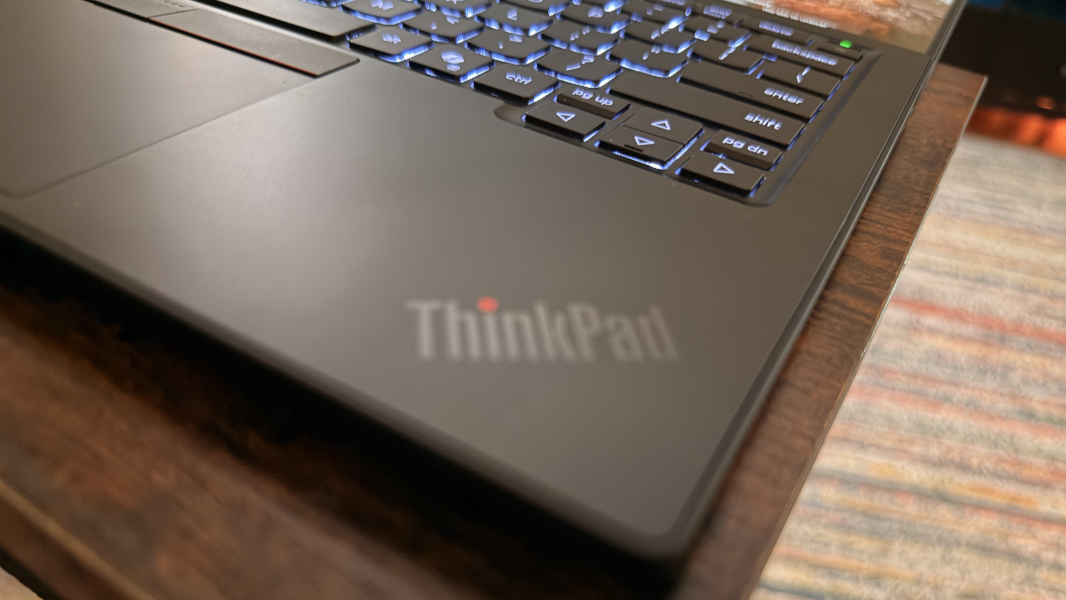
The most significant changes are on the inside. The Gen 14 X1 Carbon features a reengineered “space frame” chassis that improves repairability as described below, improves airflow to help with performance, and lowers the weight. And that is something you will notice: This laptop weighs just 2.15 pounds, or less than 1 kg, far lower than the average 3 pound weight in this class. As always, it feels nearly miraculous in the hand.
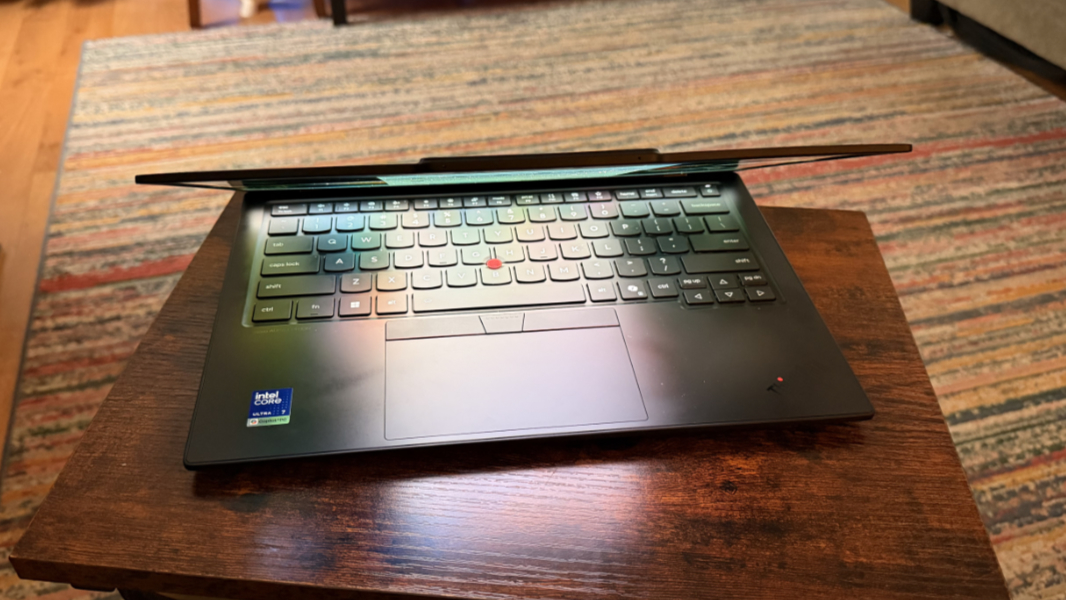
The materials are likewise familiar, though their exact composition seems to change somewhat every few years. For Gen 14, Lenovo utilizes Carbon fiber in the top and magnesium (OLED) or aluminum (IPS) in the bottom depending on the display type. The review unit has the magnesium bottom, which is just a bit lighter than the aluminum versions.
Incredibly, the X1 Carbon is still as durable as ever, Lenovo says, and it passes all the standard MIL-STD-810H military tests for durability and reliability.
Display
Lenovo offers multiple display choices, all of which are 14-inch panels with a 16:10 aspect ratio. Choices include:
- Low-power IPS touch panel at Full HD+ (1920 x 1200) with a 60 Hz refresh rate, an anti-glare coating, and 100 percent sRGB color gamut coverage that emits 500 nits of brightness.
- OLED non-touch panel at 2.8K (2880 x 1800) with a 30 to 120 Hz variable refresh rate (VRR), an anti-glare coating, HDR 500 True Black and Low Blue Light capabilities, and 100 percent DCI-P3 color gamut coverage that emits 500 nits of brightness. This is the display that shipped with the review unit.
- OLED touch panel at 2.8K (2880 x 1800) with a 30 to 120 Hz variable refresh rate (VRR), an anti-glare/anti-reflection/anti-smudge coating, Dolby Vision, HDR 500 True Black, and Low Blue Light capabilities, and 100 percent DCI-P3 color gamut coverage that emits 500 nits of brightness.
- OLED non-touch panel 2.8K (2880 x 1800) with a 30 to 120 Hz variable refresh rate (VRR), an anti-glare/anti-reflection/anti-smudge coating, HDR 500 True Black, and Low Blue Light capabilities, and 100 percent DCI-P3 color gamut coverage that emits 500 nits of brightness.
- IPS touch panel at Full HD+ (1920 x 1200) with a 60 Hz refresh rate, an anti-glare coating, 100 percent sRGB color gamut coverage, and an ePrivacy Filter that emits 500 nits of brightness.
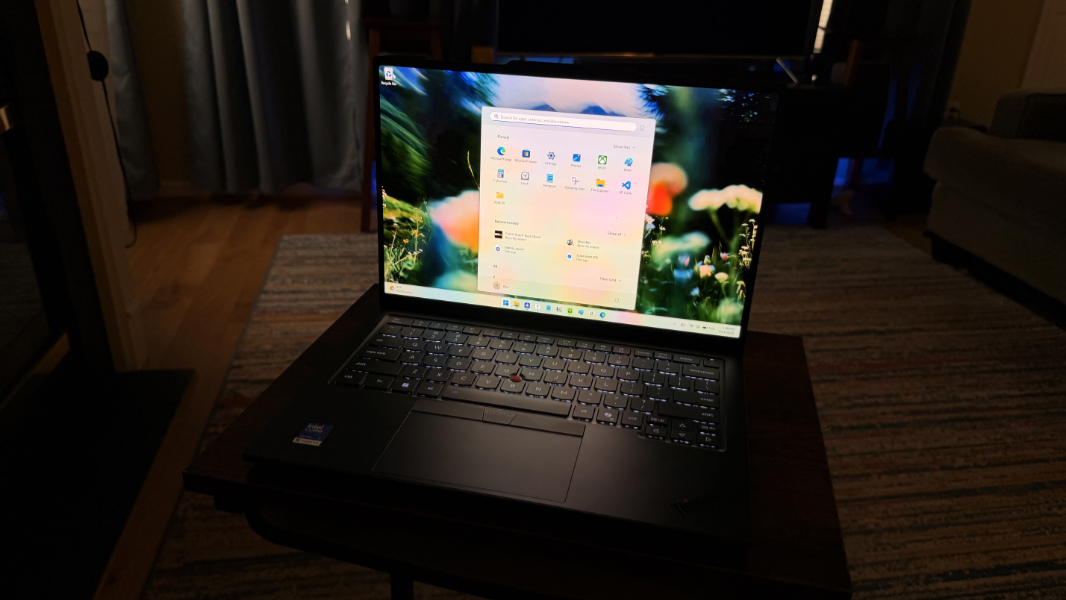
As noted above, the review unit came with the 2.8K OLED non-touch panel with VRR, and it is an absolute delight. It’s as bright and vibrant as we’ve come to expect from OLED, but there’s some magic to the various screen coatings, which reduce glare and reflections surprisingly effectively. I suspect a Full HD+ panel would be great given the form factor, but the 2.8K OLED upgrade is inexpensive and impressive.
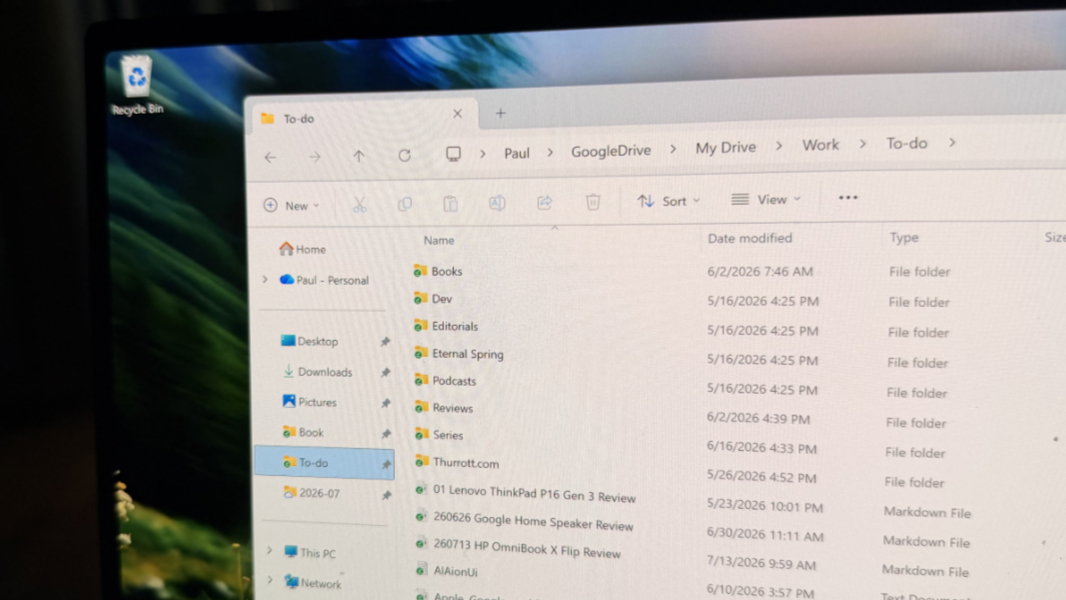
The display Lies flat, which I love.
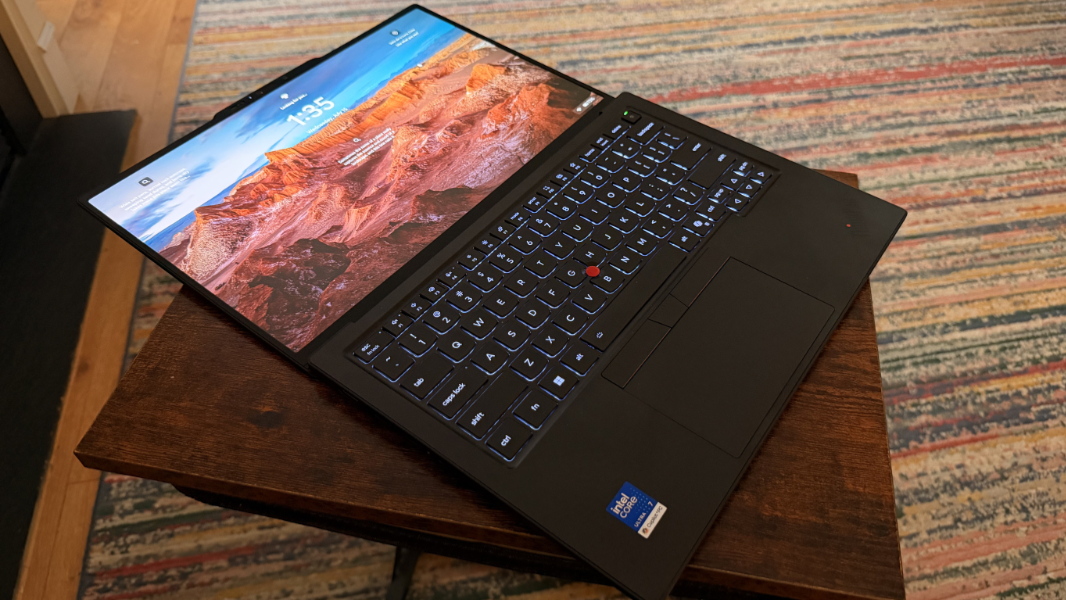
And the display bezels are impressively thin on the left and right sides, with a excellent 88.8 percent screen-to-body ratio.

Internal components
You can configure the X1 Carbon with an Intel Core Ultra 5 335 with vPro, Core Ultra 7 335, or Core Ultra 7 365 with vPro, 32 or 64 GB of soldered LPDDR5x-8533MT/s RAM, and 256 GB, 512 GB, 1 TB, or 2 TB of M.2 2280-based PCIe Gen4 or Gen5 Performance TLC Opal SSD storage.
The review unit shipped with an 8-core Intel Core Ultra 7 355 processor with Intel integrated graphics, 32 GB of RAM, and a 512 GB SSD. The improved thermal design enables a double-sided system board that reduces its overall footprint by 20 percent, provides air intake through the keyboard, and makes room for a 70 percent bigger fan than with the previous generation. All this combines to enable up to 30 watts of TDP performance.
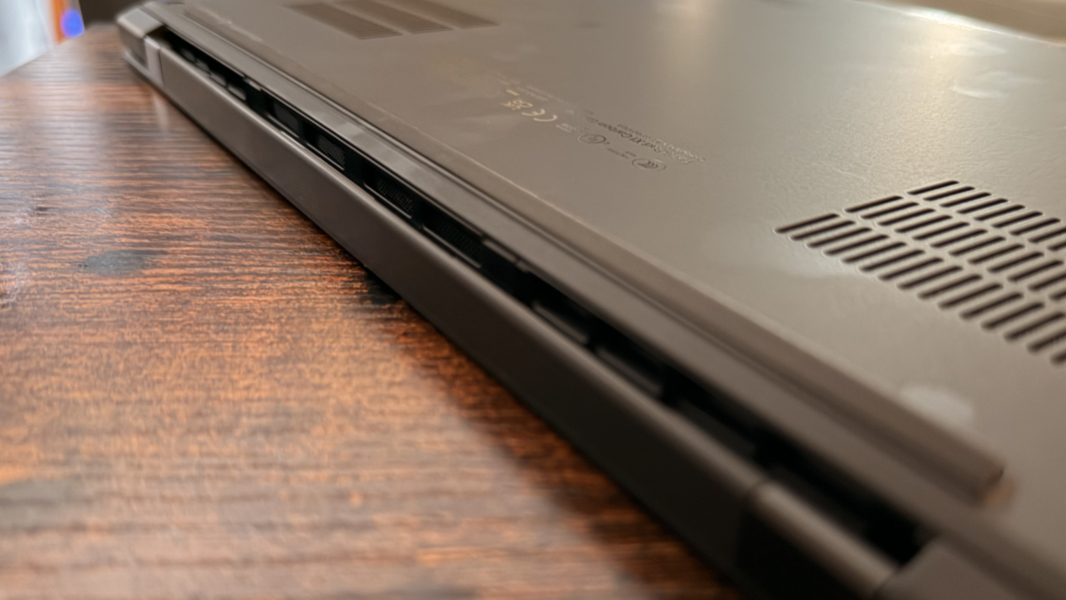
And yes, the performance is impressive, given the size of this laptop. But only when it’s plugged into power. Off power, that familiar Intel problem crops up. Intel processors fare the worst when used on battery power, the bigger performance drops than with modern AMD processors and much bigger drops than with Qualcomm Snapdragon X/X2.
That said, there are some improvements here. Thanks to its decades of experience partnering with Intel, for many years as the biggest volume maker of PCs by far, Lenovo just handles silicon reliability issues better than the competition. This partnership is so tight and so critical to both companies that it resulted in the Aura Edition branding we’ve seen for the past few years and the unique features I describe later in the review. But that’s not what this is about; most of those features are uninteresting to me. What is interesting to me is how much more reliable this laptop makes Intel’s processors.
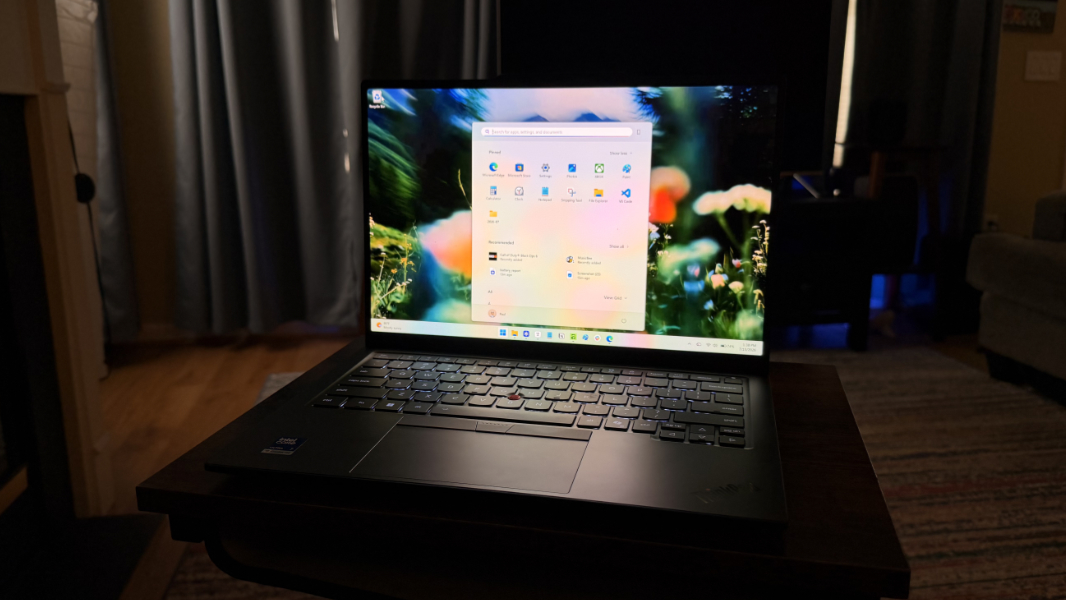
Generally, performance is fine for traditional productivity tasks, of course. Where it fall short is in some of the higher end use cases, especially off power. The Panther Lakes series of Intel processors, of which this is one, can provide incredible performance, in particular when it’s one of the higher-end variants paired with a powerful Arc B390 GPU. But the processor in the review unit is not, and the other options available do not fall into that category.
To test this, I went to my recent default option, Call of Duty: Black Ops 7, but I experienced the same TPM-based issues I’ve seen on other recent laptops and wasn’t able to make it work at all. So then it was on to its predecessor, Call of Duty: Black Ops 6, which is roughly the same game minus the TPM testing. And the results were surprisingly good: A bit over 60 FPS when running at a rendered resolution of 960 x 608 (33 percent) with Intel XeSS upscaling and no frame generation. That a laptop this size can even play a game like this acceptably is great. And on battery, it was consistently north of 40 FPS, if not 50 FPS, at all times. Very nice.

Spinning up the performance like that fires up the fans noticeably, of course. But for the most part, fan noise was at a minimum, and I never experienced any undo heat issues.
Connectivity
Wi-Fi 7 and Bluetooth 5.4 are standard, and you can configure the X1 Carbon with 4G/LTE or 5G cellular data connectivity with both eSIM and nano-SIM.
Ports and expansion
Despite the thin form factor, the X1 Carbon offers terrific expansion capabilities, and there are even USB-C ports with at least one on each side.
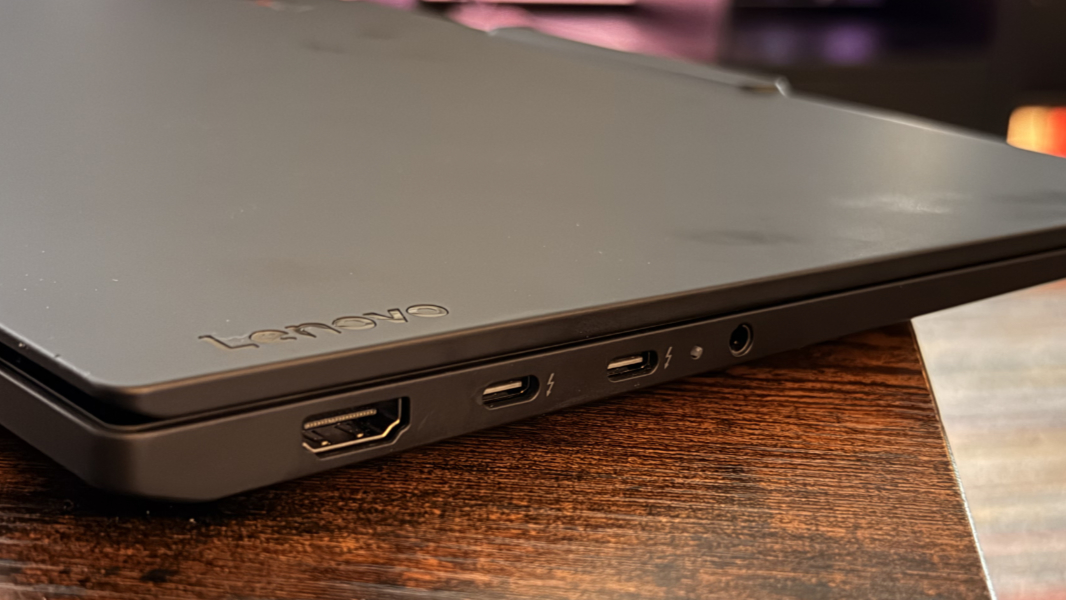
On the left, there’s a full-sized HDMI 2.1 video-out port, two 40 Gbps Thunderbolt 4/USB4 Type-C ports with Power Delivery (15-65 watts) and DisplayPort 2.1 capabilities, and a combo headphone/microphone jack.
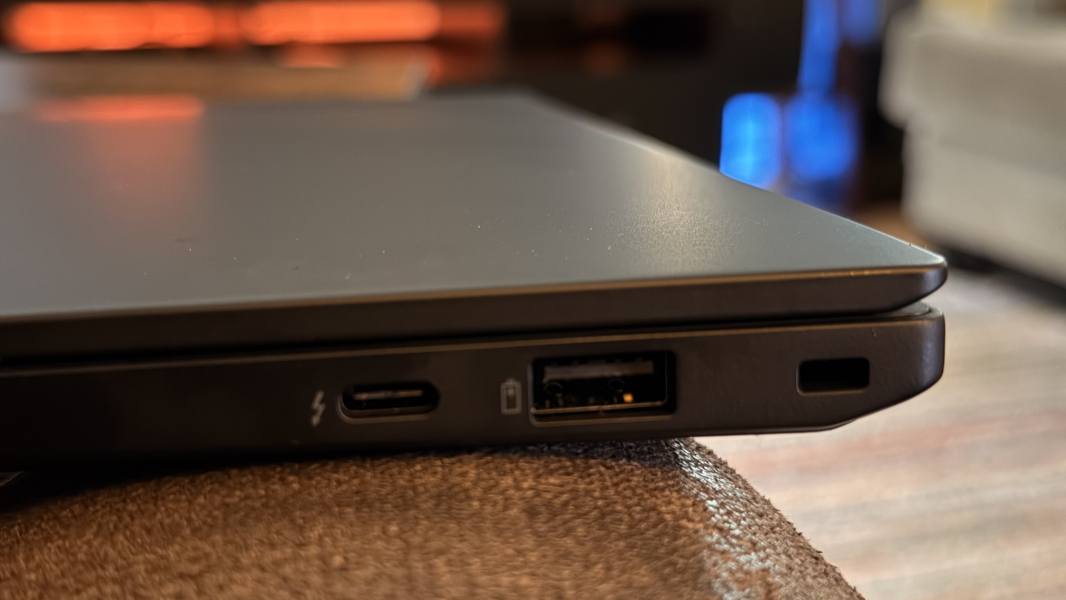
On the right, you’ll find a Kensington Nano security slot, one full-sized 5 Gbps USB-A port, one 40 Gbps Thunderbolt 4/USB4 Type-C port (identical to the others), and, if configured, a nano-SIM card slot.
Audio and video
Lenovo bolsters the gorgeous OLED display with two 2-watt speakers with tweeters and backed by Dolby Atmos immersive sound capabilities.
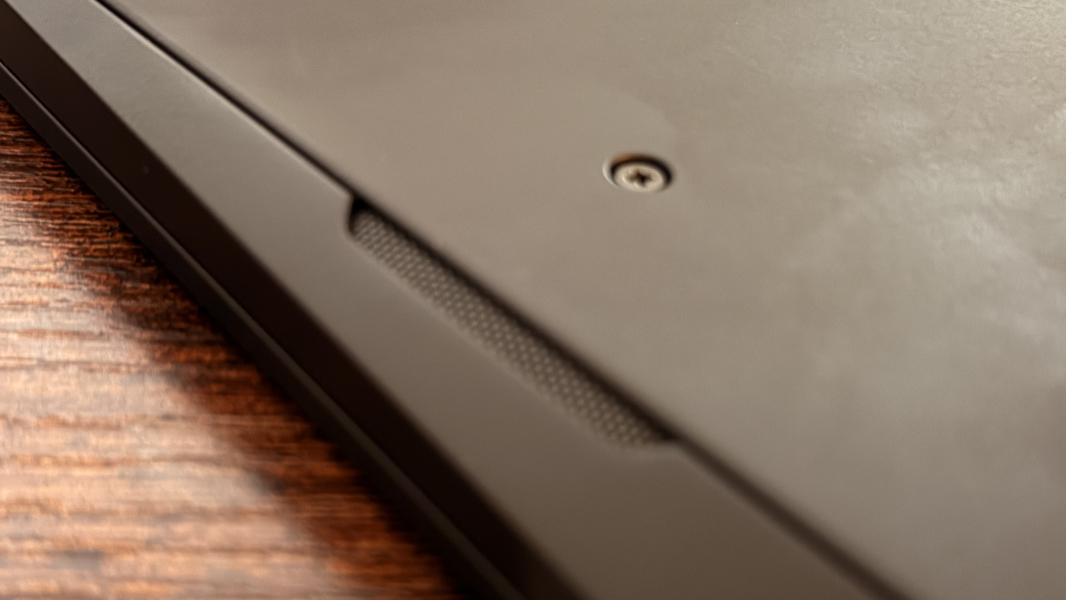
It sounds great, but I never really experienced any true positional audio, just terrific stereo sound with room-filling sound and no distortion at all at 100 percent volume, with the laptop placed on a hard surface. It’s especially loud with music, but the atmospheric sound effects in Call of Duty were perhaps the most impressive.

And as always, I love that the Dolby Settings app will auto-configure the sound profile for the type of content you’re enjoying.
Hybrid work
We’ve hit a lull of sorts when it comes to laptop webcams and microphones, but Lenovo again manages to raise the bar. The X1 Carbon provides a 5 MP webcam with a Computer Vision DSP for presence sensing or a 10 MP Mobile Industry Processor Interface (MIPI), depending on configuration. The review unit has the former webcam, and it’s fine, with just a few Windows Studio Effects, like Automatic framing, Eye contact, and Background effects, but nothing special. It does 1440p at 30 FPS if needed.
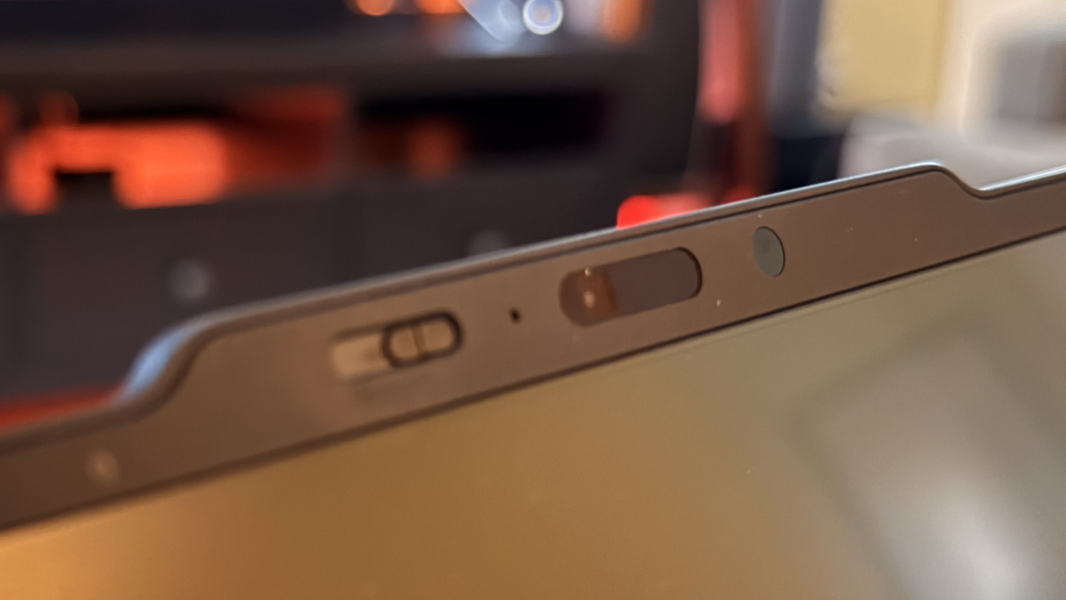
There’s also a manual privacy shutter, and while I’m not usually a fan of that, it’s offset to the side in the communication bar above the display, which means you’re less likely to smudge the camera with your finger when you use it.

Audio comes from dual array far-field microphones, which again doesn’t seem all that impressive or unique. But it supports Windows Studio Effects Voice Clarity, and my tests in Sound Recorder were impressive, full stop, with crisp and clear audio. This is one of the best integrated mics, maybe the best, I’ve ever used.
Keyboard and touchpad
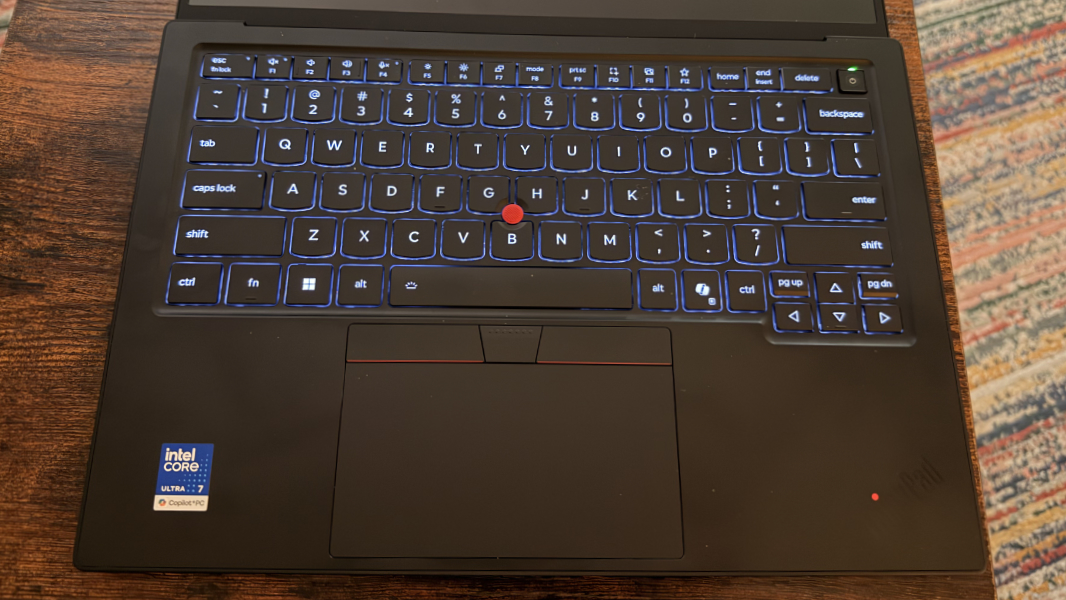
The X1 Carbon’s full-sized and spill-resistant keyboard is just about perfect, maintaining the richly deserved reputation Lenovo has maintained for years. It offers a perfect 1.5 mm of key travel, two levels of manual backlighting with an auto mode that I very much prefer, and excellent key feel and feedback. I love it.
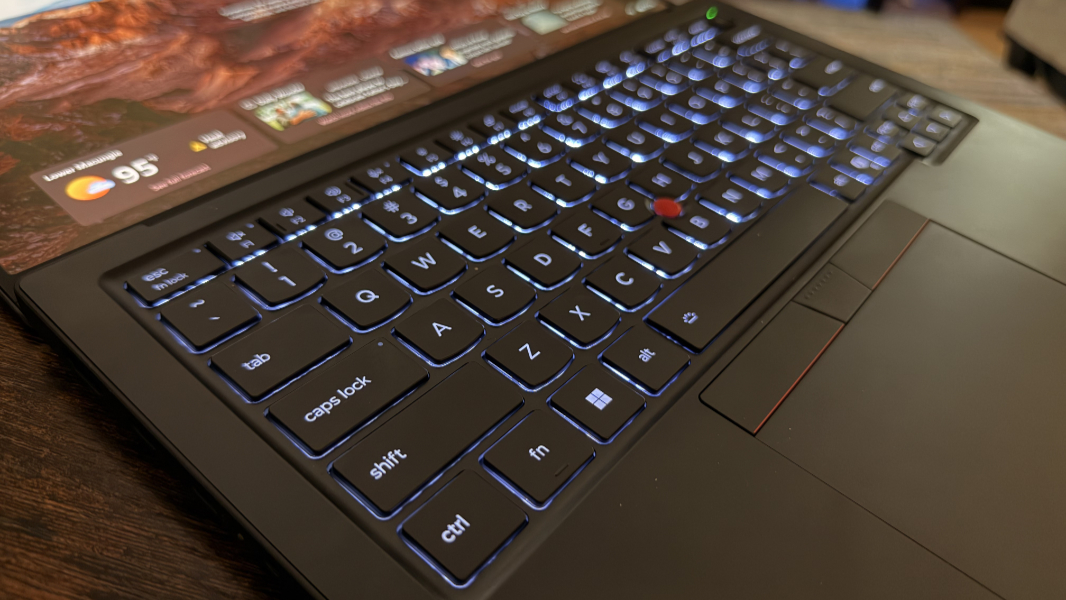
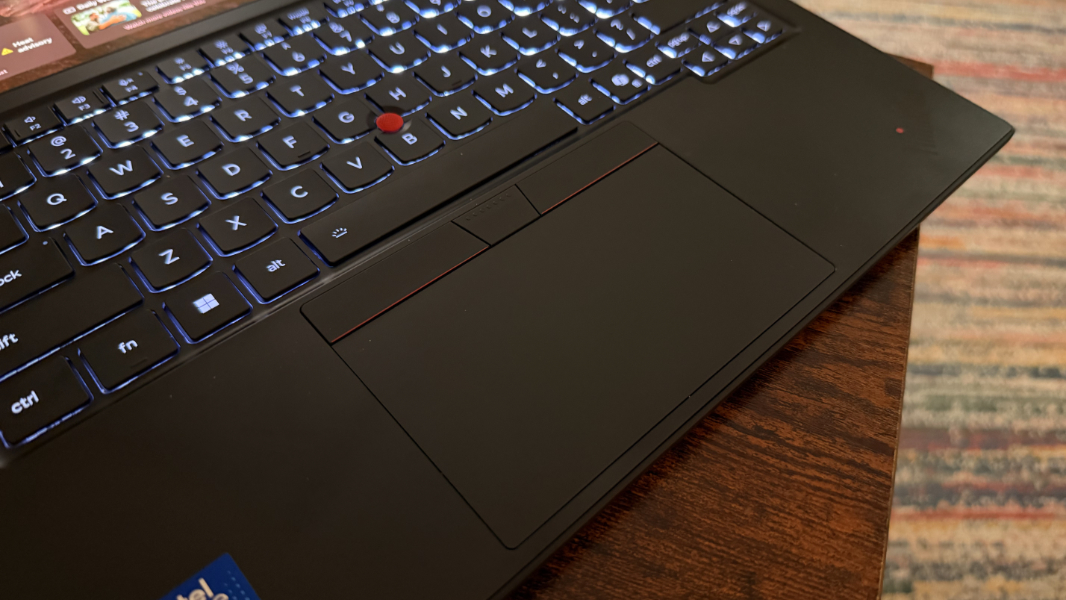
ThinkPad fans will love the TrackPoint dual pointing system with three hardware buttons and, in this product, a medium-sized haptic touchpad. And God help me, it too is just about perfect. So much so that I never needed to disable three-finger gestures as I have to do so often.
Security
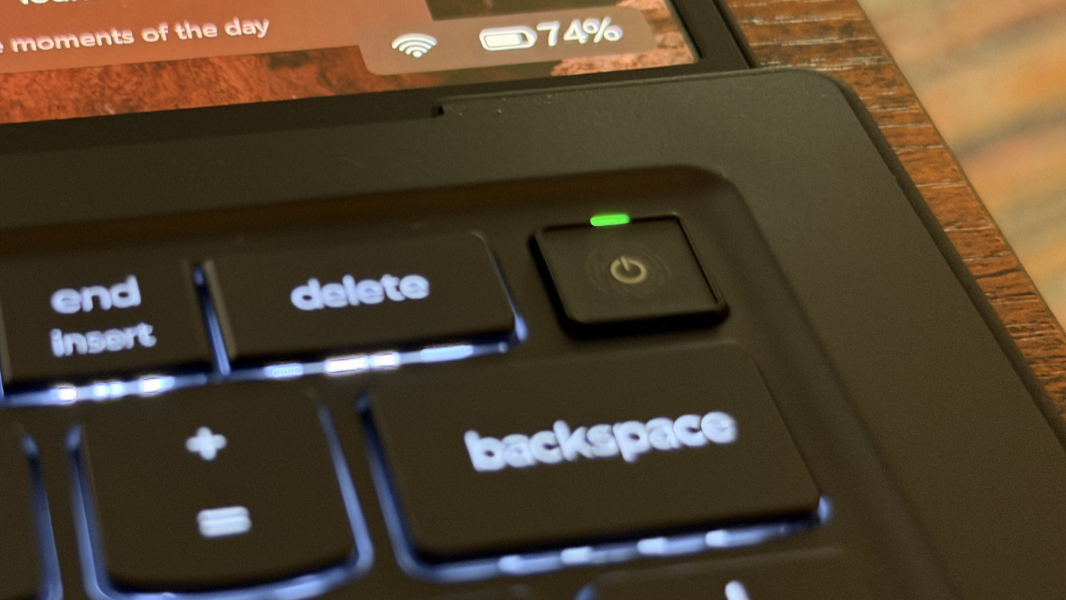
The ThinkPad X1 Carbon is a Copilot+ PC, so it offers the best possible security in any PC, with Windows Hello Enhanced Sign-in Security (ESS) facial and fingerprint recognition, the latter of which is integrated into the power button on the keyboard. Both are as fast and reliable as can be.
Lenovo also pads the stats with its self-healing BIOS (firmware) and a discrete TPM (dTPM) 2.0/Microsoft Pluton security chipset. As noted, there’s a manual privacy shutter for the webcam, plus a dedicated key for muting the microphone. And you can configure the X1 Carbon with an optional Privacy Guard with Privacy Alert capabilities that I wasn’t able to test.
Sustainability
The Lenovo ThinkPad X1 Carbon Gen 14 Aura Edition laptop is possibly the single most sustainable laptop I’ve ever tested. It stands alone among the mainstream competition.
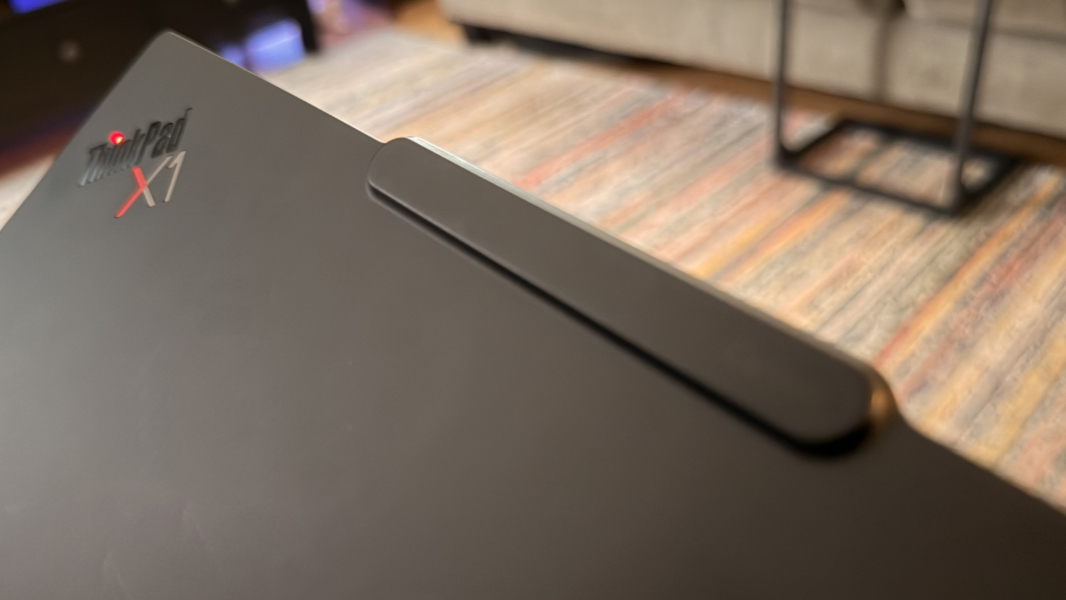
From a recycled materials perspective, the X1 Carbon delivers the longest list of recycled materials I’ve ever seen in a review laptop. It features 100 percent bio-based carbon fiber, 61 percent post-consumer content (PCC) recycled plastic, and 20 percent recycled carbon fiber in the frame resin used in the top cover. There’s 90 percent recycled magnesium in the keyboard frame and space frame, 90 percent recycled magnesium in the bottom cover (on OLED models), and 50 percent post-industrial content (PIC) and PCC recycled aluminum used in the bottom cover on IPS models.
We’re not done. The X1 Carbon is also made from 98 percent PCC recycled plastic in its speaker enclosures, 90 percent PCC recycled plastic in the battery enclosure, 100 percent recycled cobalt in the battery, 90 percent PCC recycled plastic in the power adapter, 85 percent PCC recycled plastic in the keycaps, 50 percent recycled polyisocyanurate (PIR) aluminum in the keyboard base plate, 30 percent PCC recycled plastic in the cable and antenna holders, 30 percent PCC recycled material in the haptic touchpad magnet, and 25 percent PCC recycled plastic and 90 percent recycled steel in the fan housings. And the packaging uses 100 percent plastic-free Forest Stewardship Council (FSC) certified paper.
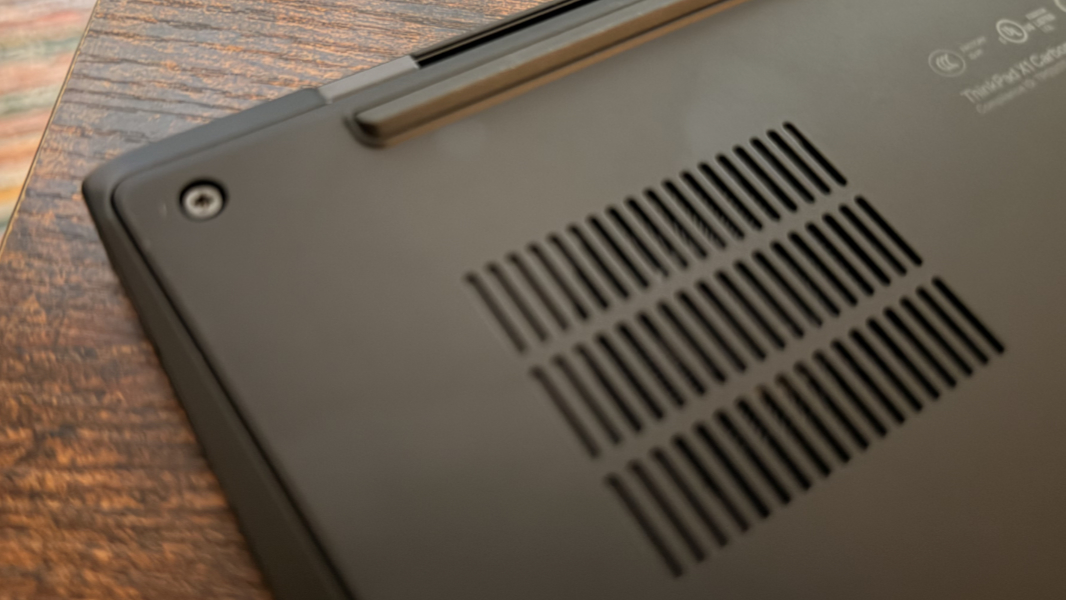
That’s impressive, but the X1 Carbon’s 9/10 iFixit repairability score is even more impressive: Aside from the soldered RAM, always an issue these days, this laptop reaches a new apex for usability and repairability among mainstream laptop makers despite being so thin and lightweight. And it incorporates some ideas clearly inspired by Framework to get there. So in addition to the SSD and battery being user serviceable, so too are the I/O daughter board, the keyboard, and even the USB-C ports. Nice.
Efficiency and portability
At 12.30 x 8.49 x 0.36/0.60/0.69 (front/rear/maximum) inches and just 2.15 pounds, the ThinkPad X1 Carbon is a thin and light miracle and a perfect travel companion that just disappears into your bag unnoticed.
But with its Intel innards, I was understandably concerned about performance on battery and instant-on reliability and performance. Both were a nice surprise, and though the X1 Carbon can’t reach the pinnacles of efficiency and portability found in Snapdragon X2-based laptops, it comes close enough that it won’t matter to many.
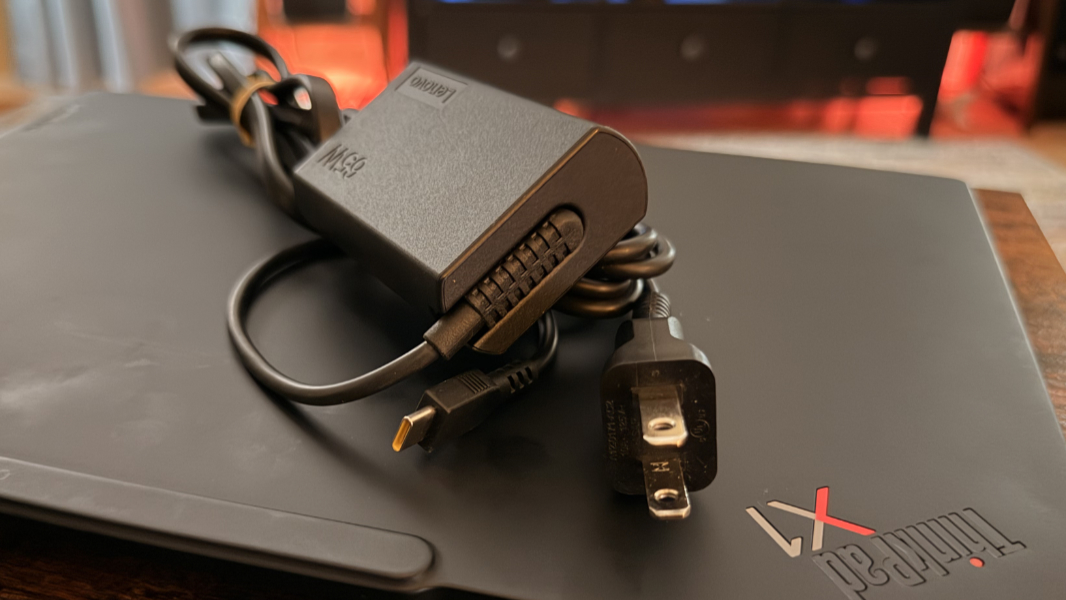
Battery life is good and better than expected at 6.5 hours on average. And you can rapid charge the 58 watt-hour battery to 80 percent in 60 minutes with the small bundled 65-watt USB-C GaN charger, which helps too.
Instant-on performance and reliability were excellent, and I never noticed any major issues. That’s not just rare; it’s next to inconceivable, and the battery held steady, draining a maximum of 3 percent off power overnight and would come on immediately the next morning. It just worked.
Software
You can configure the ThinkPad X1 Carbon with Windows 11 Home or Pro and because it’s a Copilot+ PC, it comes with all the software niceties tied to that platform, often based on local, on-device AI.
Crapware is non-existent. There are three Lenovo utilities–Lenovo Smart Share (see below), Commercial Vantage (support and drivers), and TrackPoint Quick Menu, each ad-free–Dolby Settings, and two Intel utilities, Graphics Software and Connectivity Performance Suite, and a link to some online user manuals. And that’s it.
Well, not entirely.
The Aura Edition branding indicates a deeper than usual partnership with Intel and, in this laptop, three unique features: Smart Care, Smart Share, and Smart Modes. None of which are are particularly critical. (Or, to be fair, problematic.)
Smart Share is perhaps the best of the lot. It lets you integrate Windows 11 with your smartphone in some unique ways, including a Tap to Pair feature that makes transferring data as seamless as possible, plus Tap to Share feature specifically for photo transfer.
Smart Care is a “white glove” support service available through the Lenovo Commercial Vantage app that provides real-time support and troubleshooting from human technicians with live chat and calling, plus an AI agent no one wants.
Lenovo’s Smart Modes build off the traditional power management capabilities in Windows 11. Thankfully, there’s an Auto mode you can enable so that the PC just adapts on the fly to what you’re doing and learns more about your usage over time. There are presets for working, gaming, creating, and other scenarios, each of which configures system components like VPN, noise-canceling functionality, and more a bit differently. But again, Auto mode.
Pricing and configurations
The ThinkPad X1 Carbon is not inexpensive, as expected. But sometimes you do get what you pay for. Sometimes you even get more.
Barring any sales–and there are always sales–the X1 Carbon starts at $2139 for a model with an Intel Core Ultra 5 335 processor, 32 GB of RAM, 256 GB of SSD storage, and a Full HD+ touch display with a 60 Hz refresh rate. That’s as I write this, and it is not the base model, just the lowest-end model I can find on Lenovo’s website. There are also prebuilt $3099 and $3499 configurations with higher-end specs, but most would likely do better by building out a more personalized configuration. For example, I would opt for the 2.8K non-touch OLED panel, a reasonable $80 upgrade, and a 512 GB (just $10 more) or 1 TB (+$210) SSD.
But the best advice is obvious enough: Wait for a sale. You won’t have to wait long.
Recommendations and conclusions
Is it at all fair to describe anything as perfect? No, but the Lenovo ThinkPad X1 Carbon comes about as close as possible given its Intel innards and thin and light form factor. The design is classic, the weight is ungodly light, the keyboard and touchpad are almost literally perfect, and there are solid multimedia, hybrid works, and even gaming experiences to be had here. The sustainability story is off the charts good, especially for those who will want to later replace or upgrade certain components themselves. The only minor downside is RAM, which remains soldered on. Still. The ThinkPad X1 Carbon is highly recommended. This is a tough one to have to send back.
At-a-glance
Pros
✔️ Gorgeous ultra-thin and ultra-light design
✔️ Incredible sustainability with dramatic user service upgrades
✔️ Perfect keyboard and typing experience
✔️ Solid performance, even for AAA games
✔️ Excellent instant-on reliability and performance
✔️ Wide range of modern and legacy ports, with 3 USB-C ports
Cons
❌ Expensive
❌ RAM is not upgradeable