HP OmniBook X Flip 14 Review
- Paul Thurrott
- Aug 11, 2026
-
4
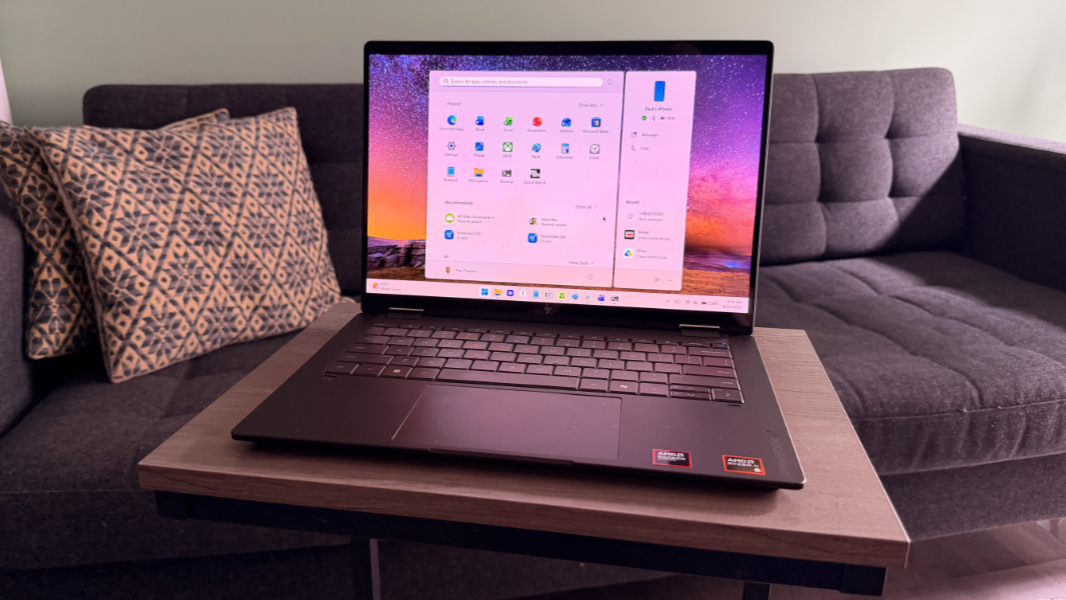
The HP OmniBook X Flip 14 is a premium convertible laptop aimed at creators and anyone else who needs the high performance of AMD’s chipsets on the go.
Note: I reviewed this laptop’s predecessor one year ago and it’s interesting to compare that with the new model. The two are similar, of course, but HP made some nice upgrades that I point out in this review where appropriate.
Design
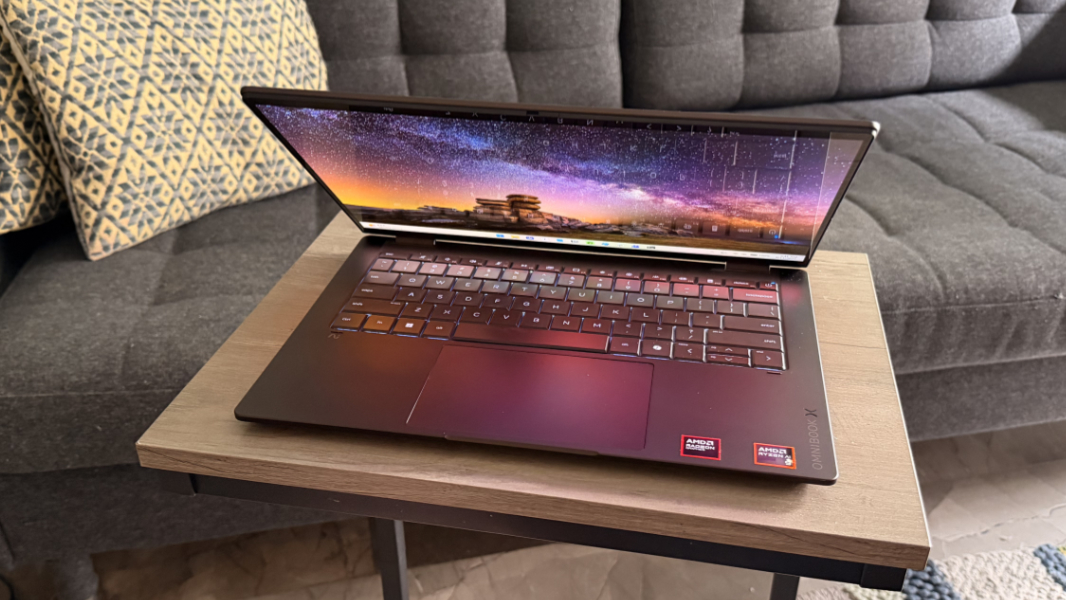
HP’s branding may still be confusing to some two years later, but here’s the shorthand on what the name of the OmniBook X Flip 14 tells us: This is a premium (“X”) consumer laptop (“OmniBook”) with a 14-inch display (“14”) and convertible form factor (“Flip”). But you don’t need a cheat sheet to understand the premium build quality and handsome design of this elegant laptop. Those, at least, are immediately obvious.
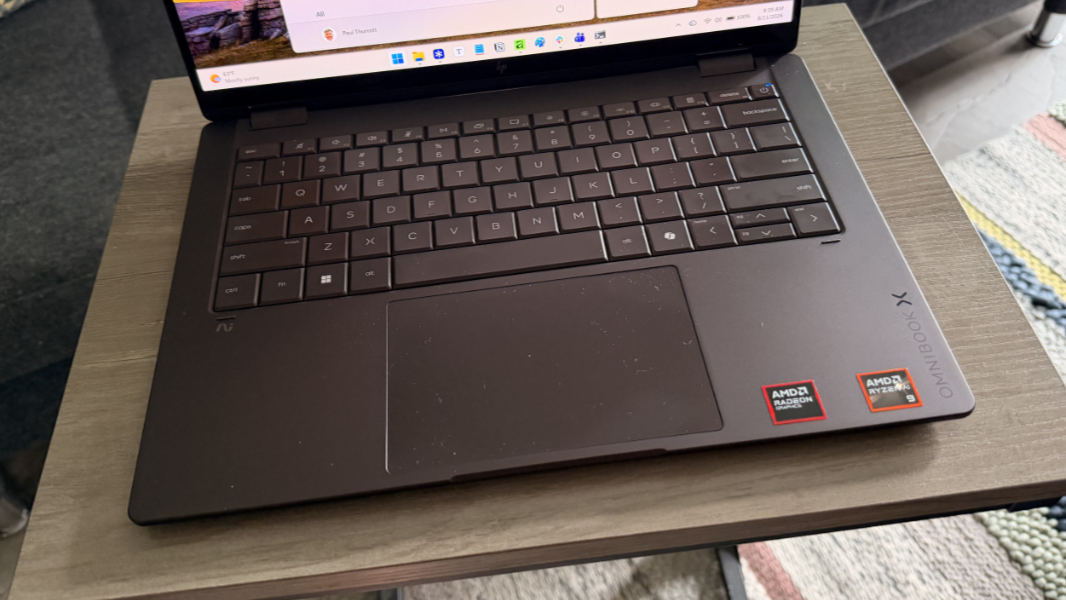
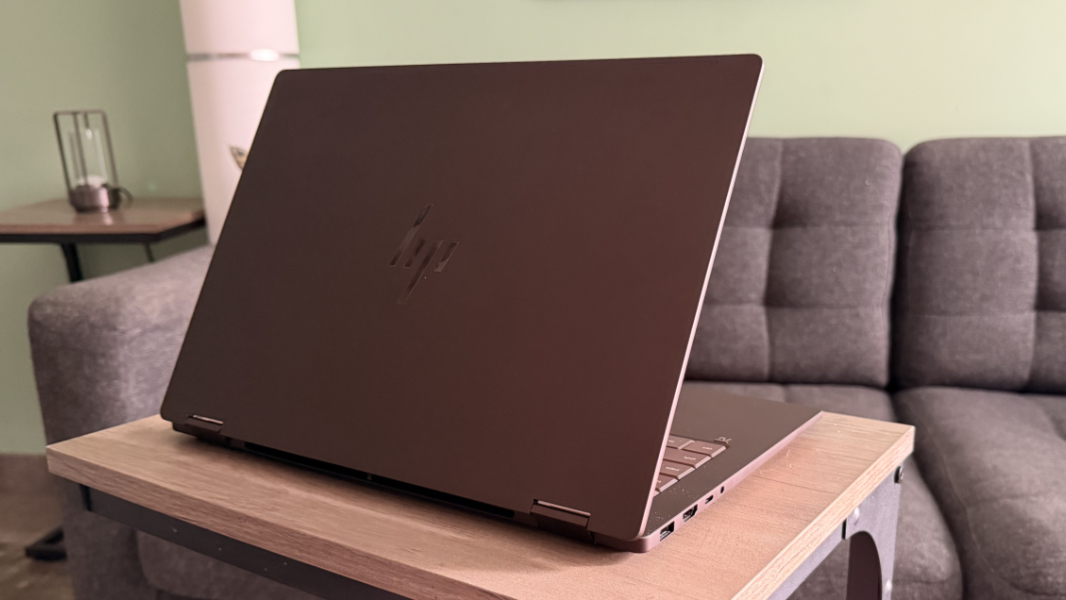
That was true last year, of course, as the basic design is unchanged for 2026, but for one obvious visual element: Where the 2025 OmniBook X Flip was sold in a single gray color called Meteor Silver, HP now offers this laptop in two additional color choices, Deep Espresso and Atmospheric Blue. The review unit came in the former of those new colors and it’s a nice medium brown that really stands out from the plain gray laptops you see everywhere. The keyboard keys are likewise a similar brown color with just enough difference to provide a bit of contrast.
As a convertible laptop, the OmniBook X Flip is a tad thicker and heavier than a typical laptop in this price class, but not so much that anyone would notice without a side-by-side in-person comparison.
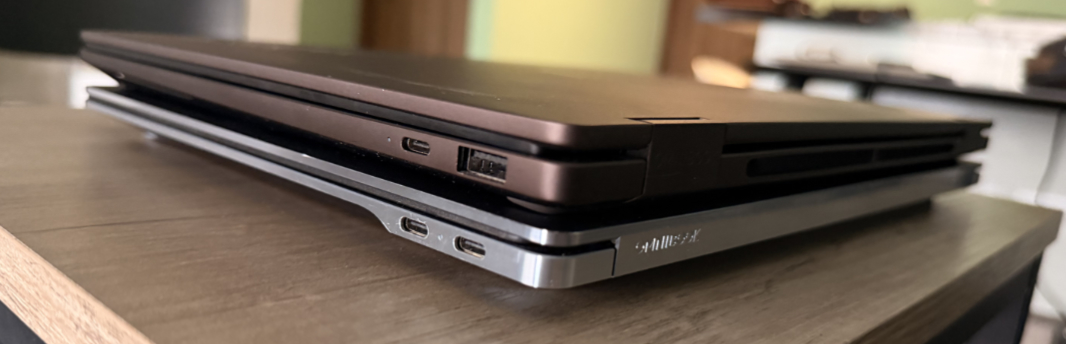
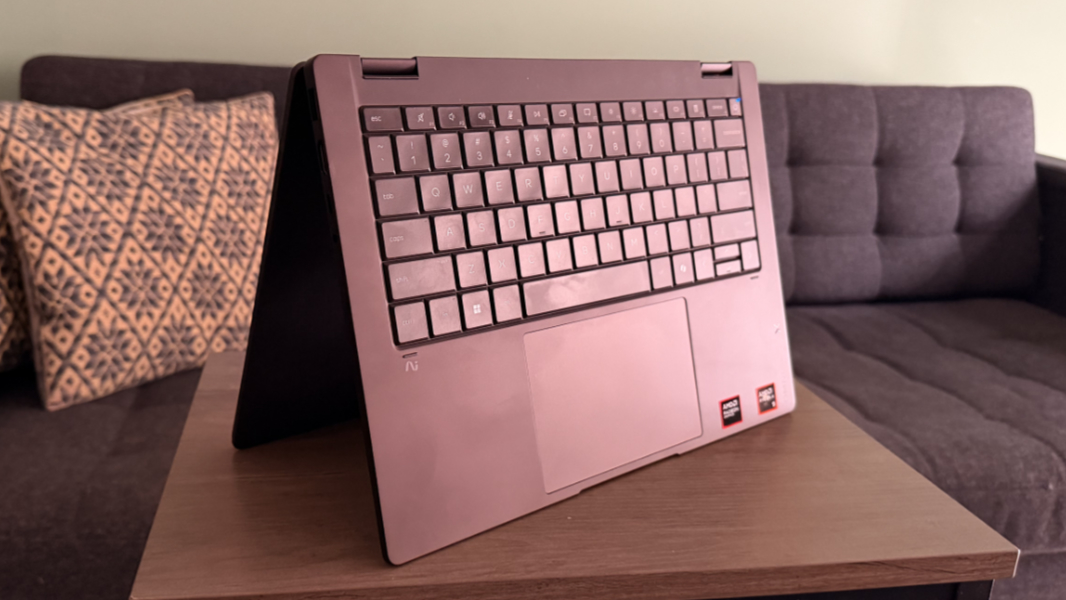
And you can’t beat the versatility if you need the tablet or other modes that are especially useful for artists and note-takers. Hybrid devices like this are by nature a bit of a compromise, but that compromise is minimal with the OmniBook X Flip, in that it’s slightly big and heavy for a tablet. But when you use this like a traditional laptop, as I do, it’s terrific and has no downsides.
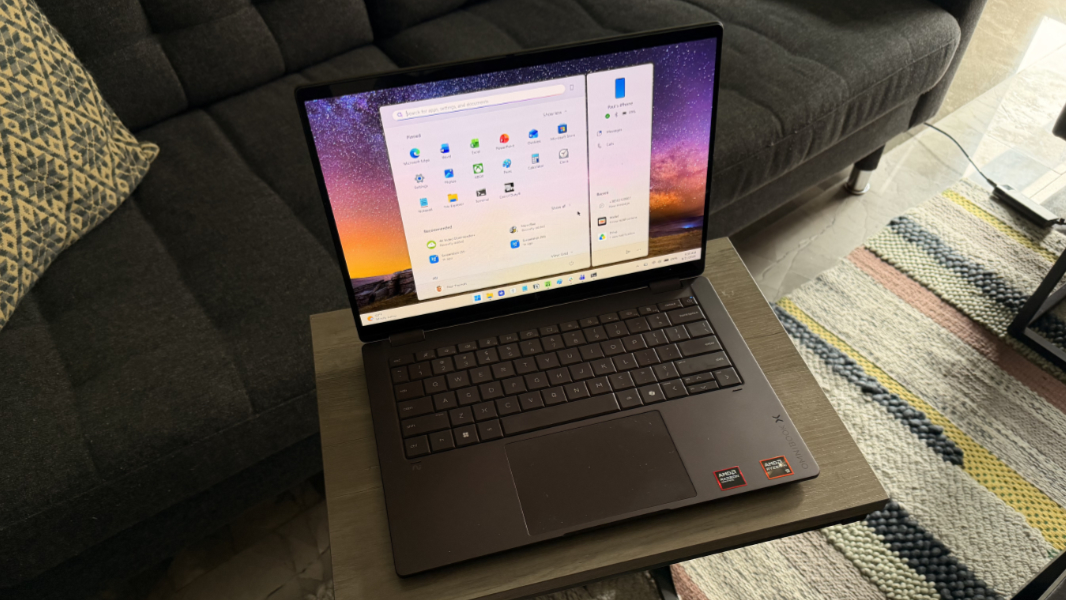
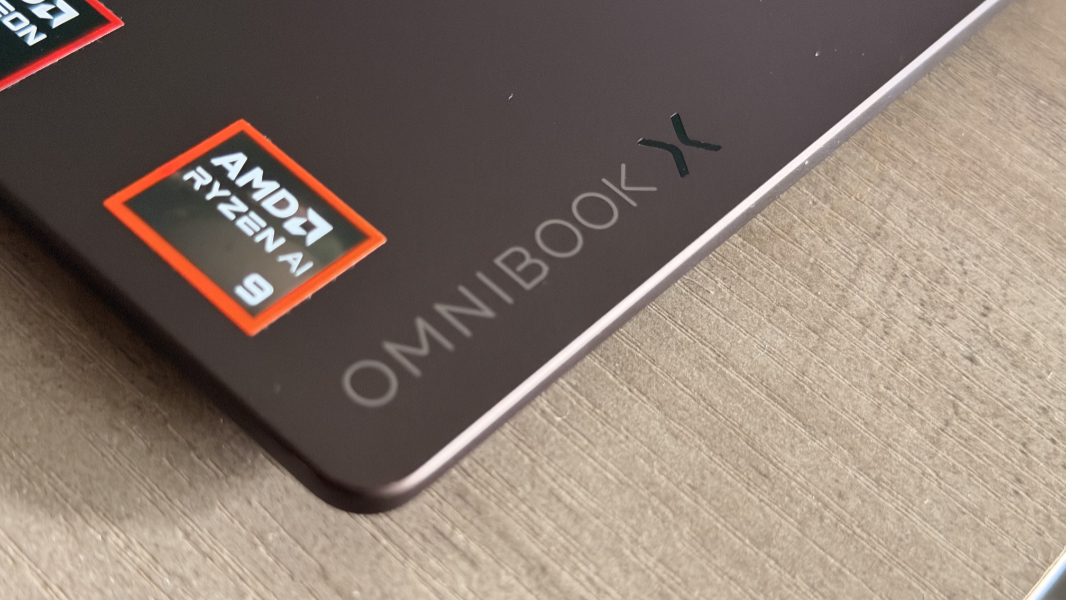
Branding is minimal, with HP adding a now familiar OmniBook X logo in a classy reflective font on the right wrist rest in addition to the premium HP logos on the display lid and the tiny “AI” logo you’ll never notice under the left Ctrl key. Well, that and the somewhat garish two AMD stickers.
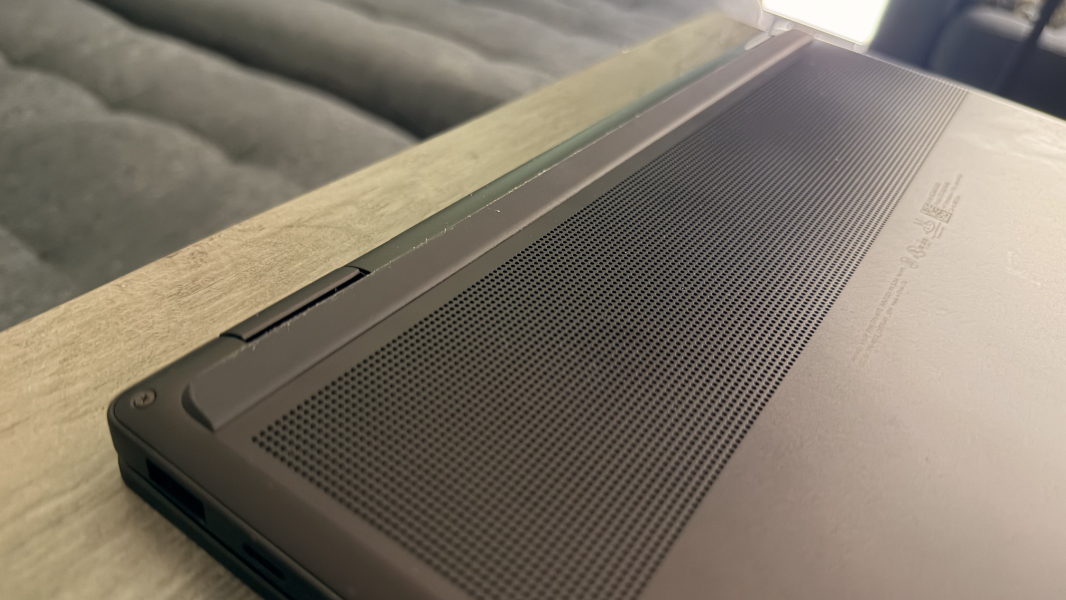
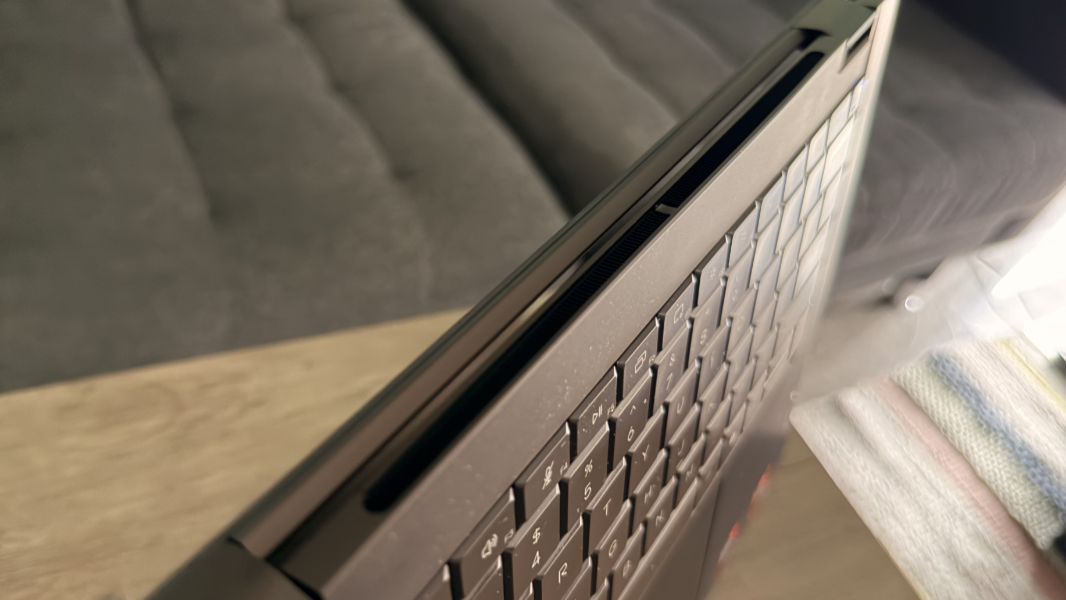
The best thing about this design, at least in the laptop/clamshell mode, may be the two rubber feet on the bottom, one in the front and one in the back, each of which extends across the device’s width. They provide a nicely stable base and help with airflow.
Display
There are three OmniBook X Flip display choices, each of which is 14 inches diagonally with multitouch capabilities, edge-to-edge glass, and Corning Gorilla Glass 3 protection:
- Full HD+ (1920 x 1200) IPS panel with 100 percent sRGB color gamut coverage that emits 400 nits of brightness.
- Full HD+ (1920 x 1200) OLED panel with ultra-wide viewing angles, Low Blue Light capabilities, and 100 percent DCI-P3 color gamut coverage that emits 300 nits of brightness.
- 3K (2880 x 1800) OLED panel with a 120 Hz refresh rate, ultra-wide viewing angles, HDR and Low Blue Light capabilities, and 100 percent DCI-P3 color gamut coverage that emits 500 nits of brightness for SD content and 1100 nits of brightness for HDR content.
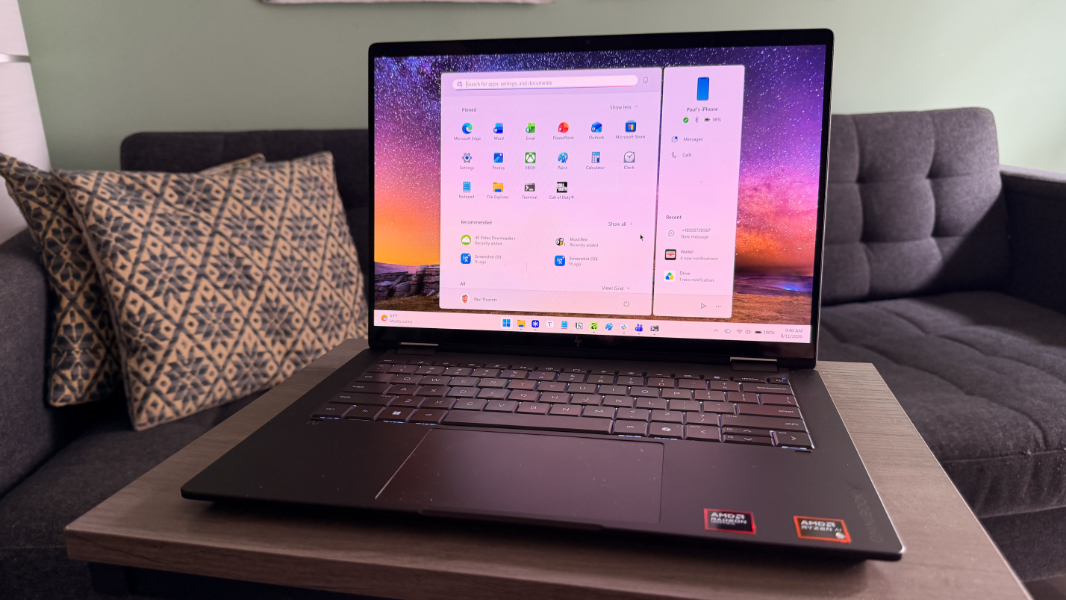
Here, the review unit comes in on the low end with the base OLED display and its fixed 60 Hz refresh rate. This is a good choice for productivity work, and it’s even better for videos and game playing, with minimal reflections (for OLED). And the color gamut coverage is a nice improvement over last year’s version, and an attribute visual creators need.
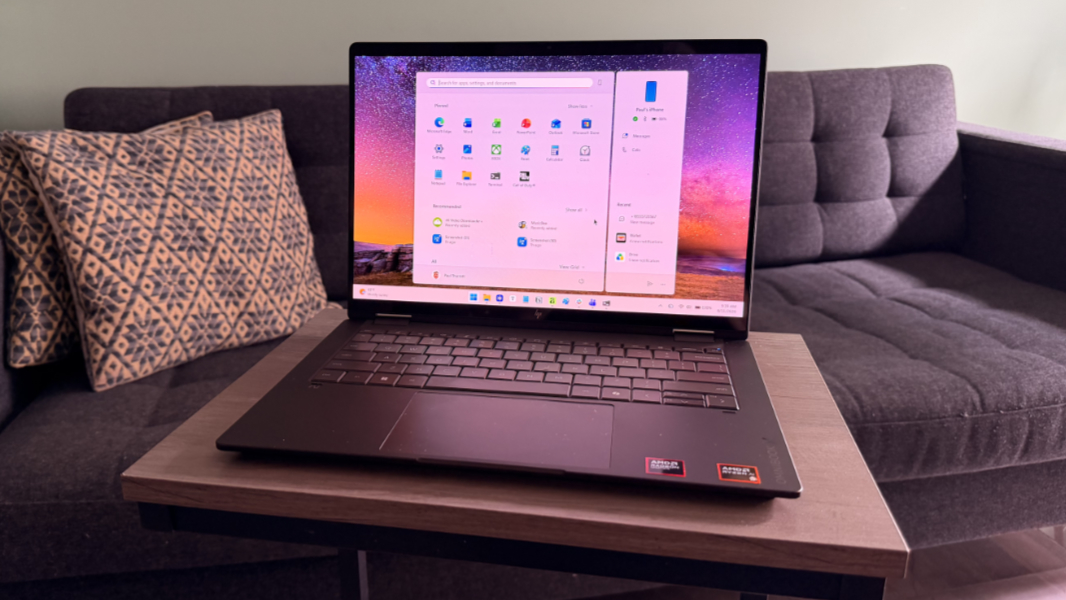
The display bezels are quite small, especially on the left and right sides–HP reports a 90 percent screen-to-body ratio, which is about as good as that gets these days–and the display hinges are rock-steady.
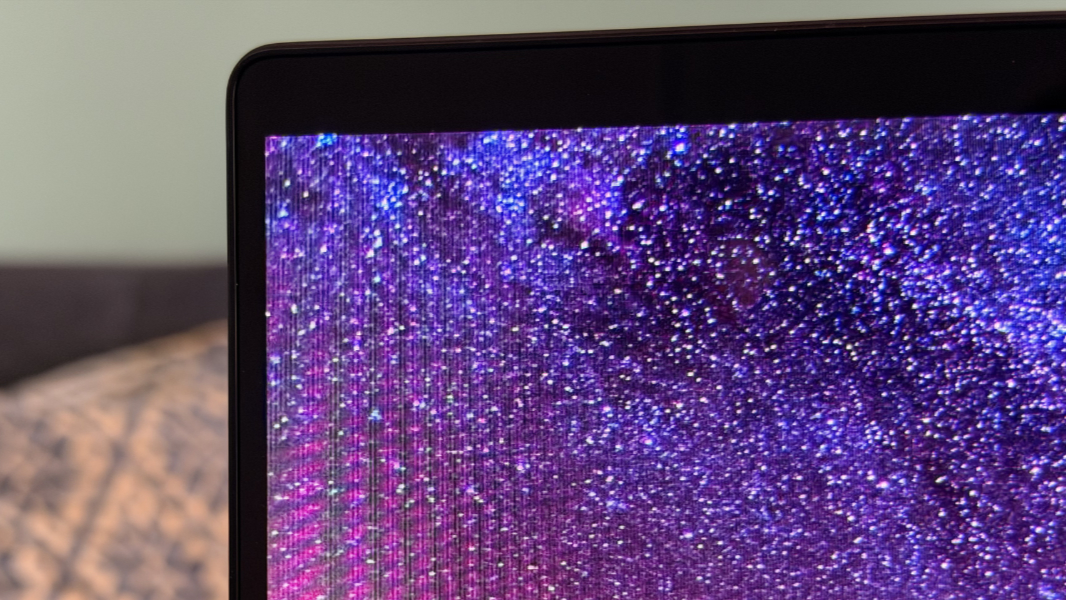
Obviously, you can lay this device flat, but you can also contort the screen into tent, stand, and tablet modes, and display panel flex is minimal to the point of being a non-event.
Internal components
The OmniBook X Flip can be configured with your choice of an AMD Ryzen AI 5 430, Ryzen AI 5 435, Ryzen AI 7 445, Ryzen AI 7 450, or Ryzen AI 9 465 processor, each of which includes an AMD Radeon 840M or 860M GPU, depending on configuration, and an AMD Ryzen AI NPU with 50 TOPs of AI hardware acceleration.
Also depending on the configuration, you get 16 GB or 32 GB of soldered (and very fast) 8533 MT/s LPDDR5x RAM, with no other upgrades available. But if you go directly through HP you can configure the PC at build time with 512 GB, 1 TB, or 2 TB of PCIe Gen4 NVMe M.2-based SSD storage.
The review unit is maxed out, with the Ryzen AI 9 465 processor, Radeon 880M graphics, 32 GB of RAM, and 2 TB of storage. This is a beefy–and, yes, expensive–configuration, but it will easily meet the needs of any power user, creator, engineer, or developer. I often have trouble stressing modern laptops, even though I write software code, edit images and videos, and play games on PCs in addition to the standard productivity work. But the OmniBook X Flip seemed unimpressed by my workloads. There were no performance issues at all.
That said, gaming has become a shorthand way for me to at least get a glimpse at what a PC is capable of. This is interesting for comparing different PCs. And it can be interesting for comparing a PC to its immediate predecessor. Unfortunately, comparing the gaming performance of the 2026 OmniBook X Flip with its predecessor is a little tough since the configuration I tested last year came with a lower-end processor but also a higher resolution display. Not oranges to apples, exactly. But not quite a fair comparison.
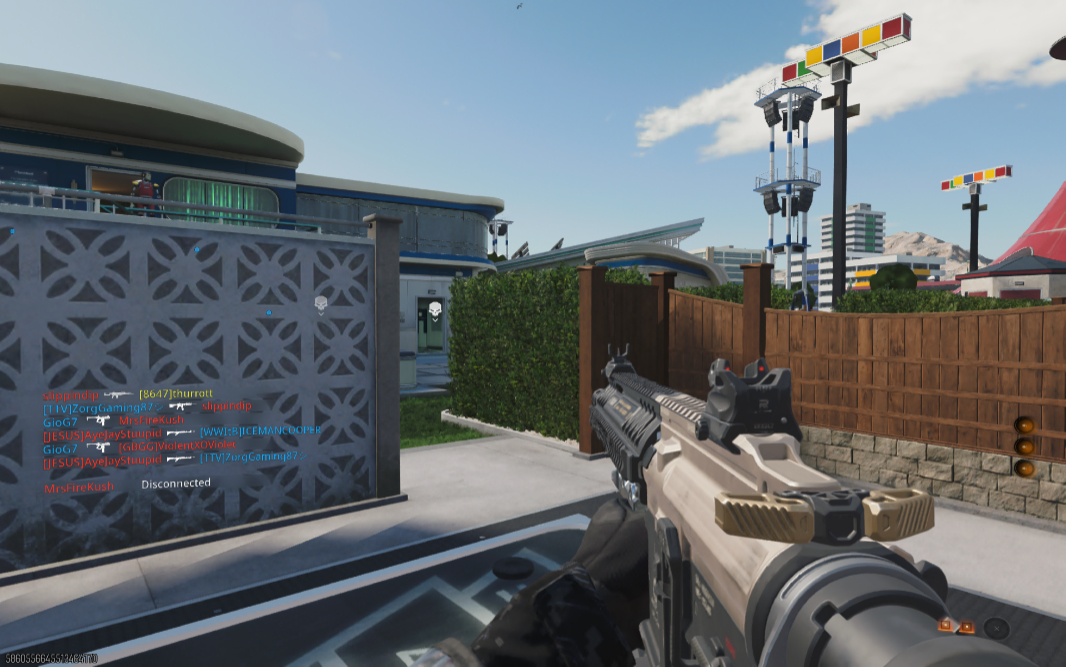
On that note, the new OmniBook X Flip delivered a consistent 80 to 90 FPS in Call of Duty: Black Ops 7 multiplayer at a render resolution of 902 x 564 and most of the graphics settings on their recommended values, mostly low. That may sound iffy, but the game looks and plays wonderfully, with no stutters or lag.
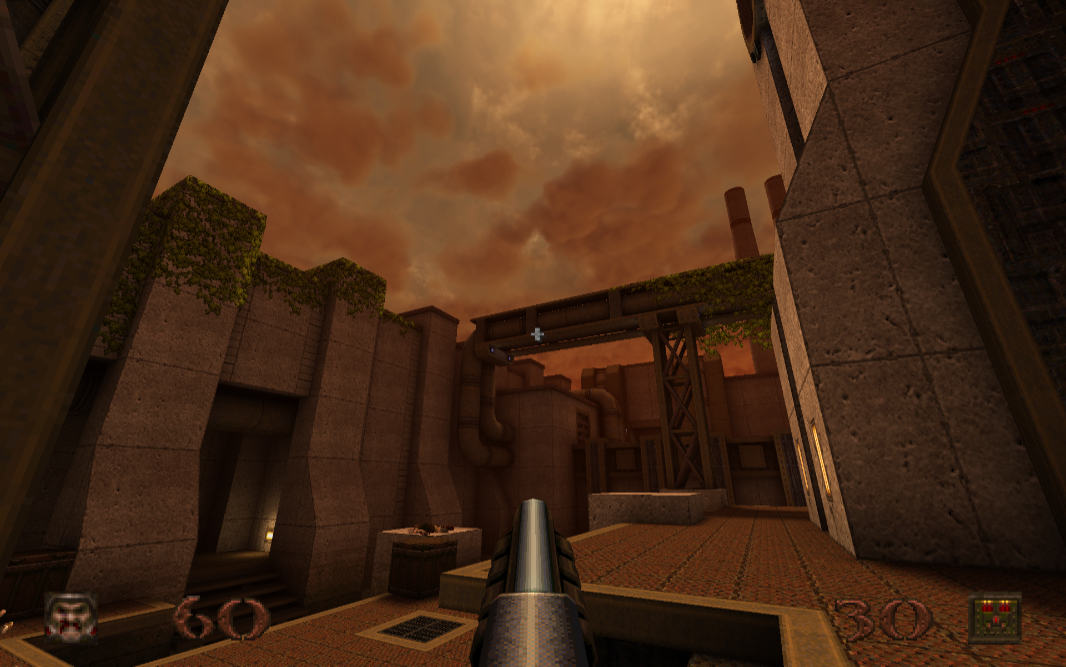
Gaming aside, heat and fan noise are non-existent in normal use. And even though playing a game like Call of Duty does, of course, fire up the fans a bit, it was never overly loud or long-lasting.
Connectivity
Connectivity is modern and future-proof with the OmniBook X Flip, with Wi-Fi 7 and Bluetooth 6.0 regardless of configuration. There’s no cellular data as an option, but that’s typical. But I had no Wi-Fi or Bluetooth connectivity issues here in Mexico or back in Pennsylvania.
Ports and expansion
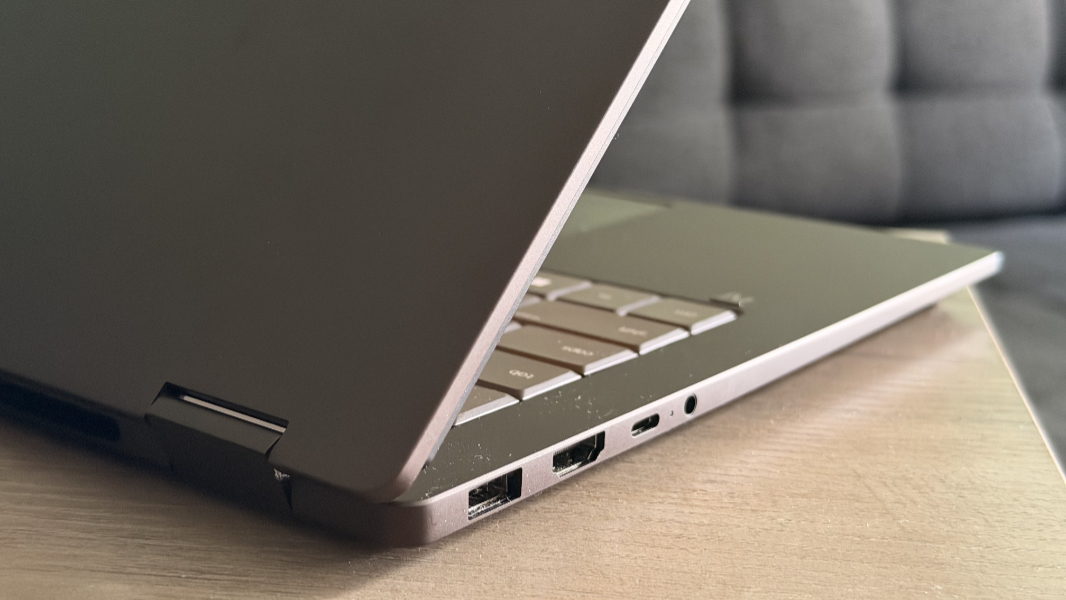
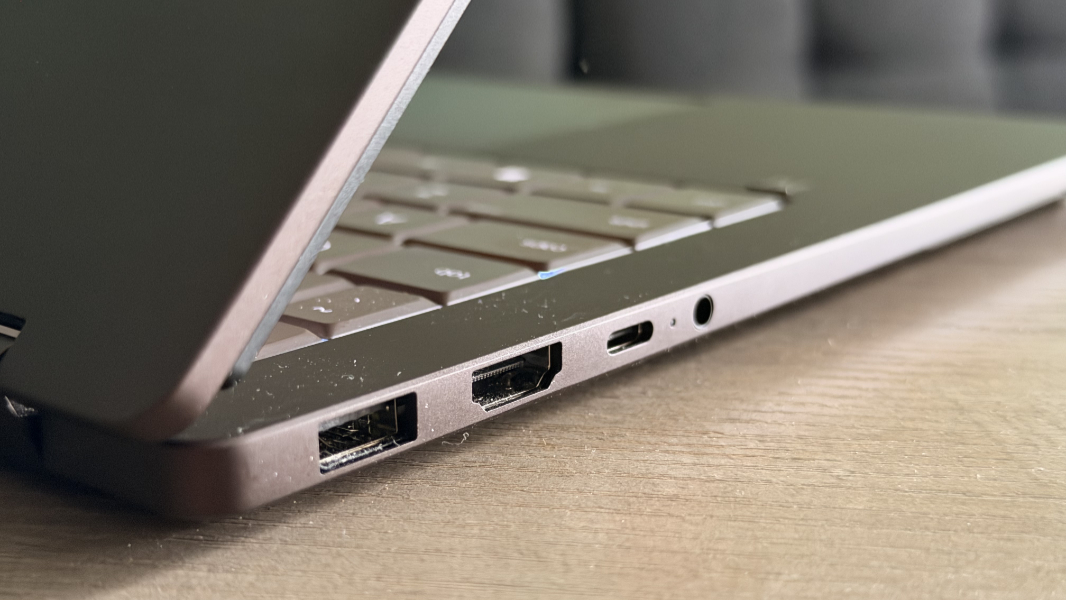
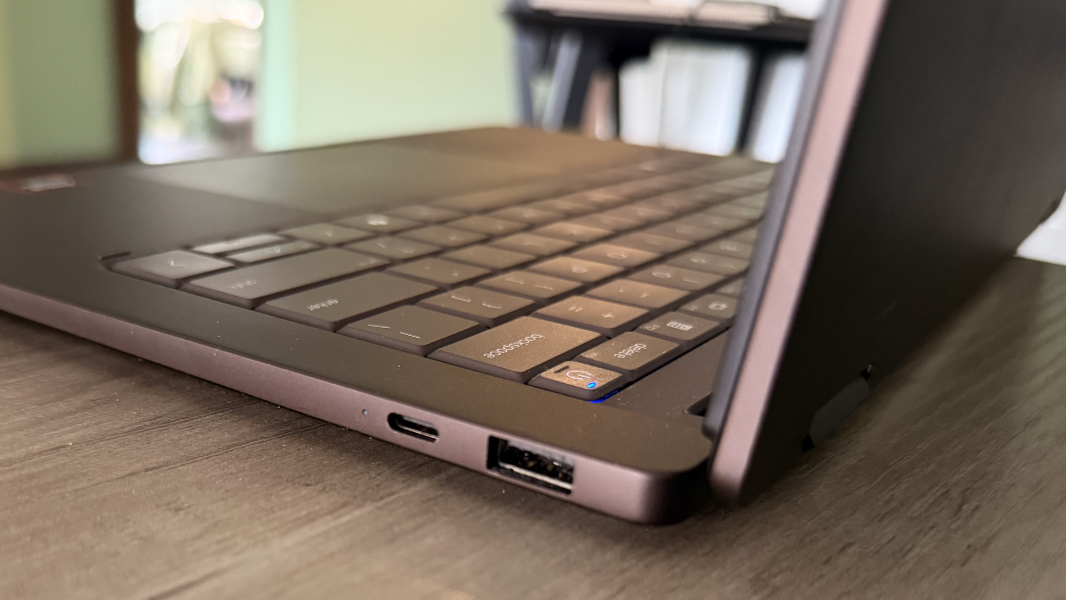
One of my complaints about last year’s OmniBook X Flip is that HP placed both USB-C ports on the left side of the laptop. But it’s course-corrected nicely with this new model while retaining the laptop’s solid mix of modern and legacy ports.
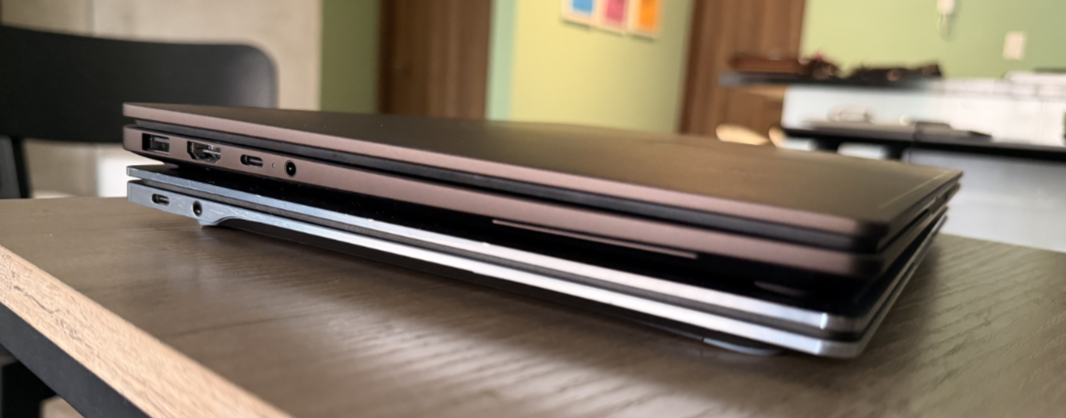
On the left, HP provides a 10 Gbps full-sized USB port, a full-sized HDMI 2.1 video-out port, a 40 Gbps USB Type-C port (with Power Delivery 3.1, DisplayPort 2.1, and HP Sleep and Charge capabilities), and a combo headphone/microphone jack.
On the right is a second 40 Gbps USB Type-C port with the same capabilities as above and a second 10 Gbps USB Type-A port.
Audio and video
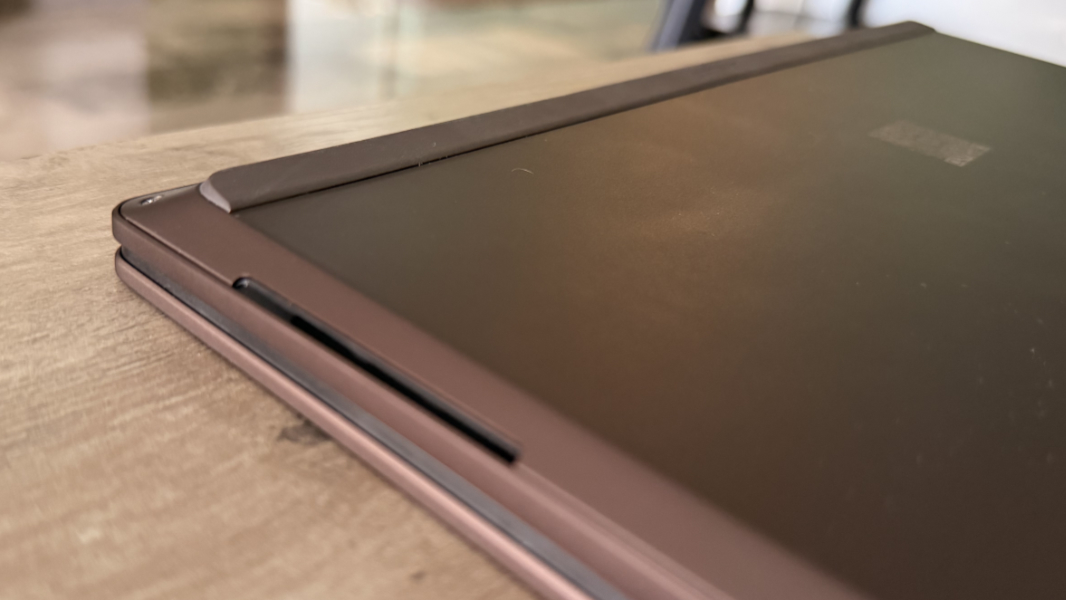
As with its predecessor, the OmniBook X Flip provides two downward-firing speakers located towards the front of the laptop on each side. This helps the keyboard deck maintain a clean look, as there are no visible speaker grills on the top. But it also works to help the sound volume and bass, as audio will bounce off whatever surface the laptop is sitting on.
The speakers are tuned with HP Audio Boost and Poly Studio, HP says, and there are presets for music, movies, and voice in the HP app, plus an equalizer, but no automatic setting. It’s unclear what the tuning accomplishes, But the inclusion of DTS:X Ultra is a bigger deal, I think. This technology provides spatial, immersive sound via the built-in speakers or compatible headphones, with included licenses for both.
That’s really nice, and though you need to have DTS-encoded content to best take advantage of this technology, the speakers sound terrific across the board. It’s more of a stereo mix than spatial with music, of course, but the sound stage is wide and has real depth. The speakers could get a bit louder, but I guess it’s time for me to stop being surprised each time a set of laptop speakers cranks up to full volume without any distortion.
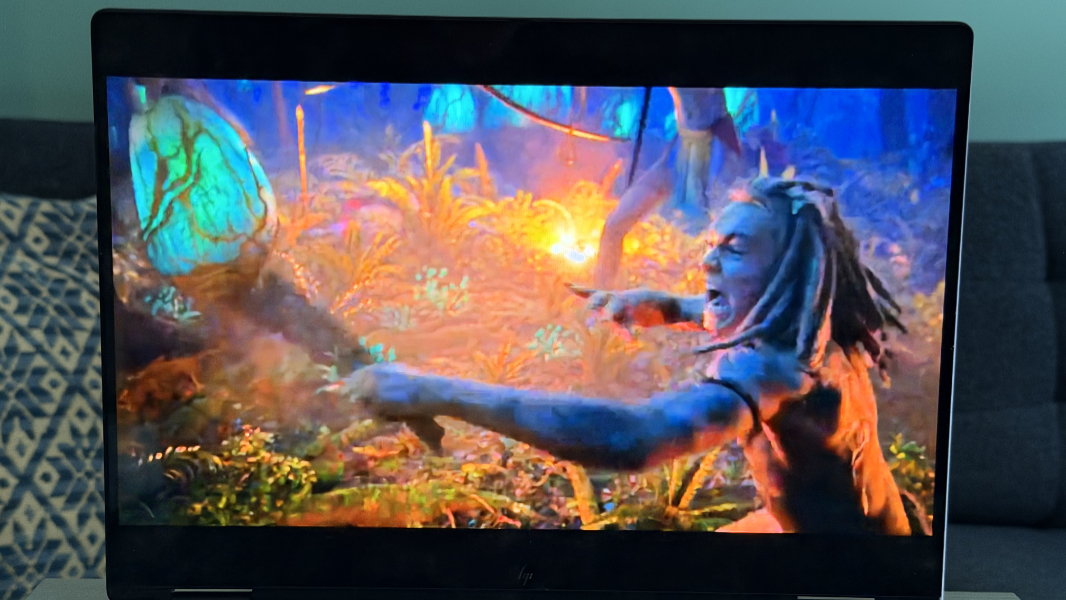
The spatial effect is even more noticeable with video playback, and with the right movie, like Star Wars Episode 3: The Revenge of the Sith or Avatar: Fire and Ash, it’s about as immersive as audio can be with just two speakers. It’s always a good sign when I get lost in whatever movie while assessing audio and video quality, especially dubious titles like that Avatar movie.
Hybrid work
Like other premium HP laptops, the OmniBook X Flip delivers a solid hybrid and remote work setup, with a 5 MP webcam and integrated dual-array microphones.
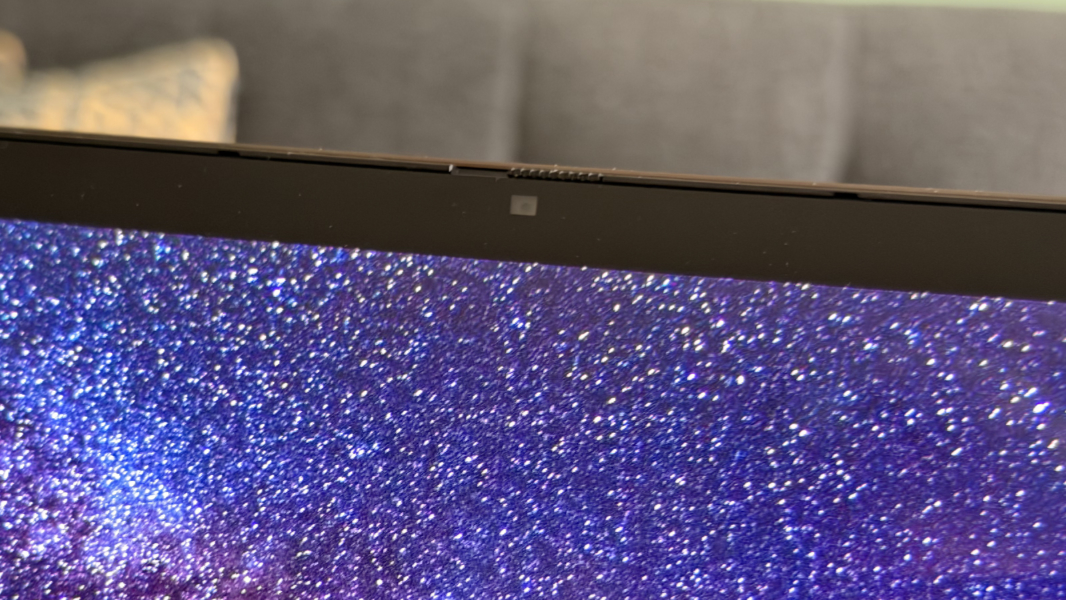
The webcam has an HDR auto switch and temporal noise reduction, HP says, though I never saw a place to toggle or configure either. The video quality is excellent, and it can be bolstered with Windows Studio Effects, though you only get a subset of the available effects that includes Automatic framing, Eye contact, and Background effects.

The integrated dual-array microphones can be configured with a noise reduction toggle and a microphone mode that offers conference, personal, and studio recording choices in the HP app. I experimented with each, and Mexico City was kind enough to throw some construction noises at me while I did so. The microphones did block out the background noise, which is good, but the overall sound quality still sounded compressed. This is fine for the occasional work call, but anyone recording audio for a podcast or whatever else will need an external microphone.
Keyboard and touchpad
HP debuted its lattice-free keyboard design with no space between the keys with its premium laptops last year. And you may recall that the OmniBook Ultra 14 I just reviewed included some subtle improvements, including a bit more spacing between the key caps (but not the entirety of each key, if that makes sense). The keyboard on the 2026 OmniBook X Flip appears identical to that on the Ultra me, which means it’s also ideal, with terrific key feel and nice feedback. This is a very nice upgrade over last year.
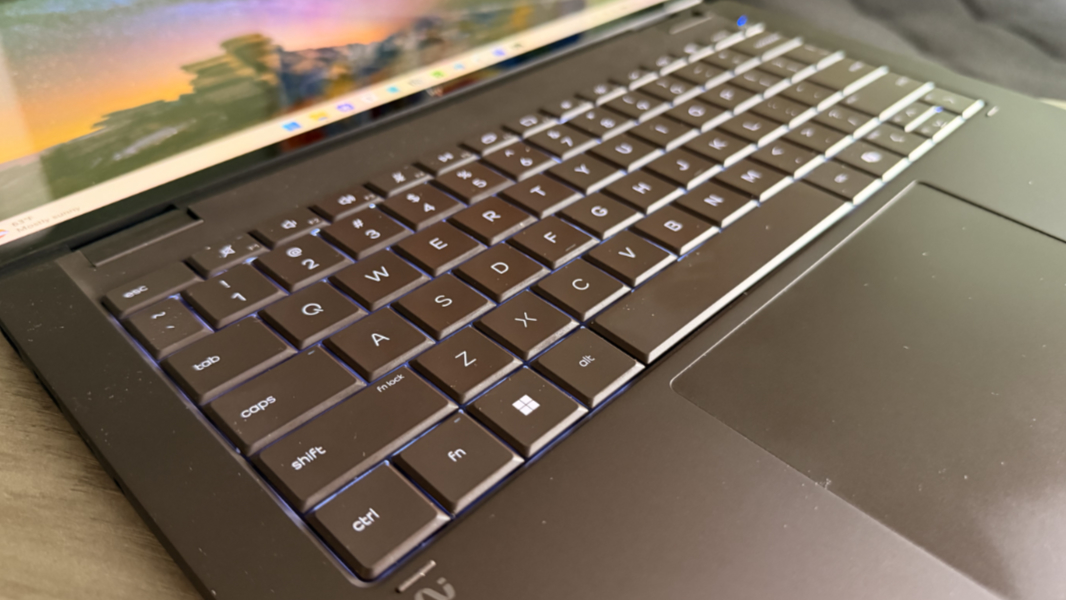
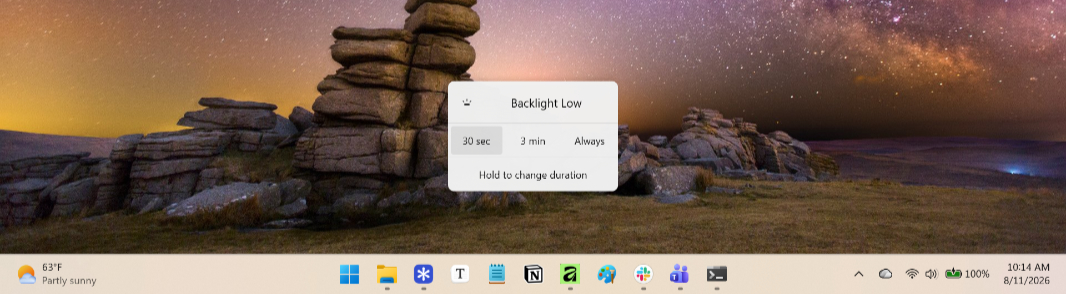
The keyboard is full-sized and backlit, of course. And though the backlighting only has two light levels with no auto mode, I do like the little on-screen menu that appears when you adjust it; this also lets you configure its duration.
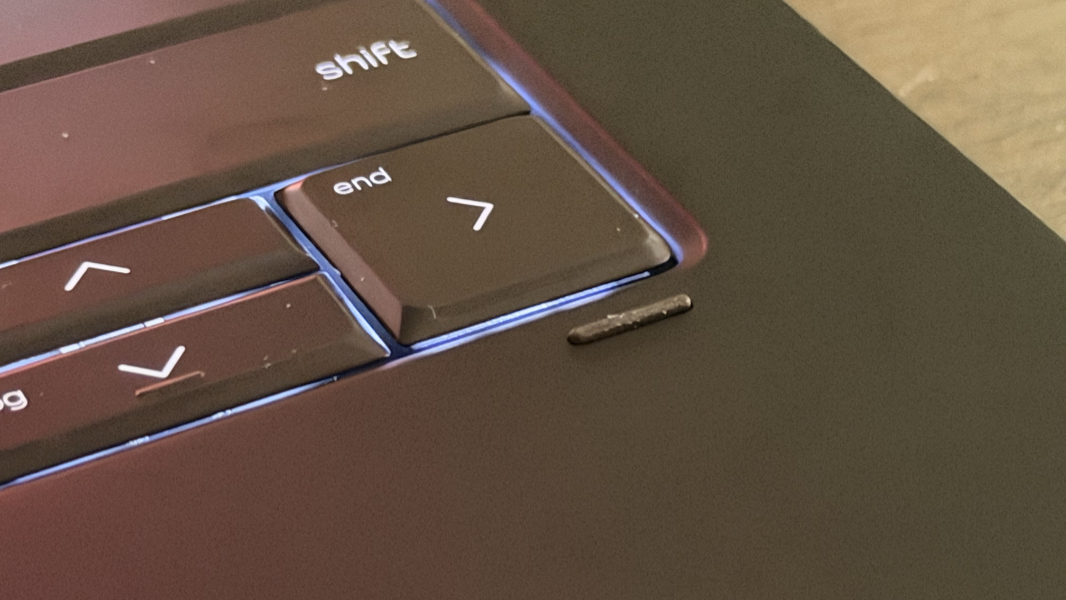
As with the OmniBook Ultra 14, the keyboard sticks up just a bit above the laptop base that surrounds it. But this laptop has small rubber pads below the keyboard corners to help prevent the keys from imprinting skin oils on the display while the lid is closed. Go figure, I still saw some square key outlines on the display from time to time but not as badly as with the OmniBook Ultra.
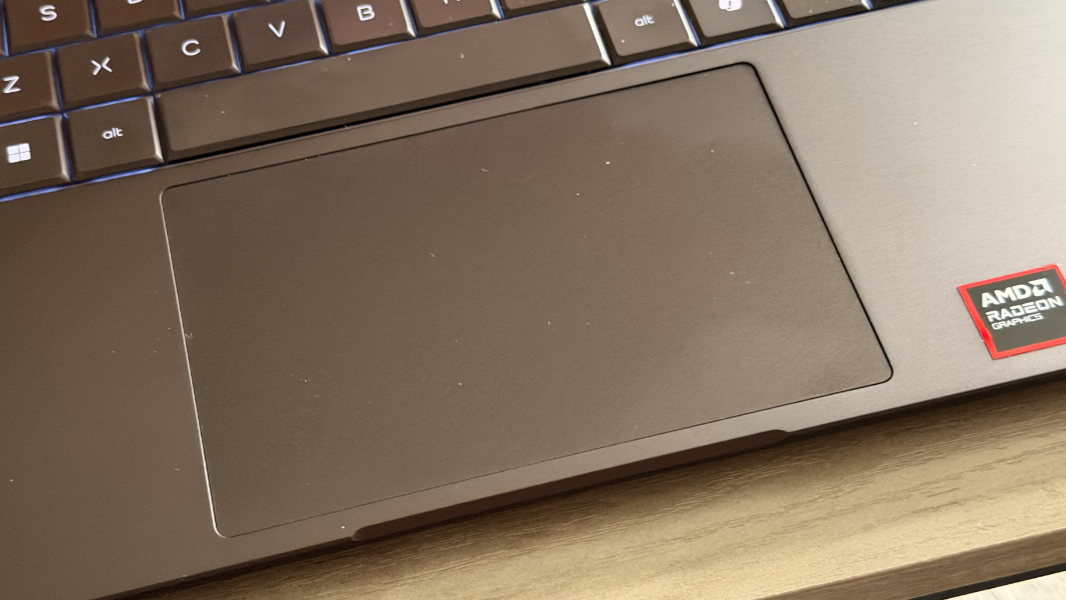
The mechanical touchpad is largish, as most touchpads are these days. But here’s a nice rarity, at least for me: This touchpad is reliable enough that I never bothered to disable three-finger swipe gestures as I do with most laptops. It always worked well in day-to-day use.
Note that you can configure the OmniBook X Flip with an HP USB-C rechargeable MPP 2.0 smart pen in black with tilt capabilities for $30. It’s not included by default and wasn’t included with the review unit.
Security
As a Copilot+ PC, the OmniBook X Flip provides the best possible default security protections in Windows PCs, with Windows Hello Enhanced Sign-in Security (ESS) and all its underlying plumbing. HP provides facial recognition through the webcam and its surrounding sensors, plus a full set of presence sensing capabilities, but no fingerprint reader.
As with most laptops these days, it also has a manual webcam privacy shutter that’s located right above the camera and a more elegant microphone mute toggle key in the function key row.
Sustainability
The OmniBook X Flip is made with 20 percent recycled aluminum in its cover, keyboard frame, base, and hinge cap, and 30 percent recycled plastics, with ocean-bound plastic in the speaker enclosures and bezel, and post-consumer recycled plastic in the keyboard keycaps, scissors, and keyboard plate.
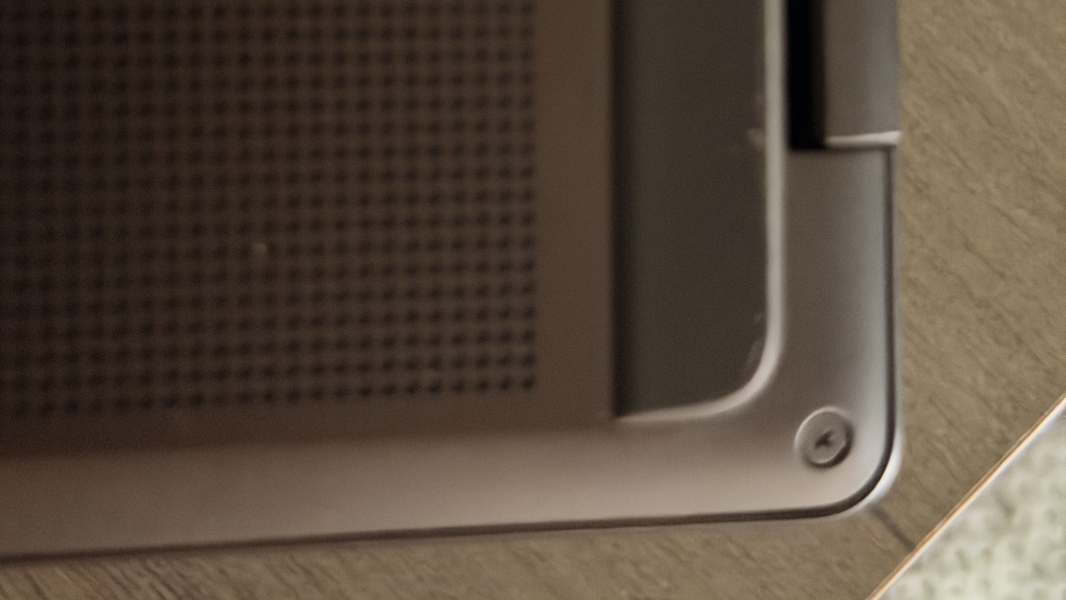
This laptop also delivers a good self-service experience. The RAM is soldered on and non-upgradeable, as noted, but you can open the bottom of the keyboard deck via four screws and a plastic pry tool to access and replace the battery, SSD, and wireless card.
Efficiency and portability
I came to Mexico with the Snapdragon X2-based OmniBook Ultra 14 and this laptop, an AMD Ryzen-based OmniBook X Flip, and the similarities and differences between the two were interesting. The two obviously share some physical characteristics, and the overall day-to-day performance of both was excellent. But they diverged sharply when it came to efficiency, battery life, and the reliability of the instant-on experience.
It shouldn’t be surprising that the OmniBook Ultra 14 with its Snapdragon X2 chipset stuck the landing in these categories. But I was a bit surprised by the less positive experiences I had with the OmniBook X Flip. In the x86 space, the behaviors I witnessed are common and, if anything, it was at least a step up from the typical Intel experience these days. But compared to the Snapdragon X2 laptop, this was less than ideal.
Instant on was a roulette wheel of uncertainty. Yesterday, I woke up, went through my morning routine, and then finally opened up the OmniBook X Flip, and it came on quickly enough, without having to boot or wake slowly from hibernation. Today, I did the same, but nothing happened for a few seconds. Then, the HP logo appeared mid-screen for several long seconds. Then, the blank screen again, and then, finally, the lock screen and yet another wait before the camera and sensors sprung to life and let me sign in. Tedious.
Battery life was decent for a powerful x86-based laptop, but underwhelming compared to the Snapdragon X2-based Ultra. Granted, part of the problem is that HP offers two battery choices–a 3-cell 59 watt-hour unit and a 4-cell 70 watt-hour version–with the OmniBook X Flip, and the larger one is a $10 upgrade that I feel every customer should get. With the base battery in the review unit, I saw about 6.5 hours of real world uptime, so the larger unit should get you closer to 7.5 hours.
The OmniBook X Flip supports fast charging to 50 percent in 45 minutes if you’re starting from a nearly depleted battery and using the bundled 65-watt USB-C power charger. Or any modern 65-watt or better charger, as it turns out.
At 12.32 x 8.6 x 0.57 inches and 3.09 pounds, the OmniBook X Flip is reasonably thin and lightweight given its convertible laptop form factor. Yes, it’s a bit heavy compared to the typical premium laptop these days, but that’s a small price to pay for the display versatility if you need that.
Software
Though the OmniBook X Flip is a premium laptop that could pass for a business-class offering, it’s aimed at consumers and so there’s a bit of extra and unwanted cruft in there that most will uninstall immediately. The major culprits are well-understood, McAfee and its sneaky second app install that can only be removed using Control Panel, an Xbox Game Pass Premium 2-month trial, and so on. But there are also some oddities, including a “Child Safety and Learning” shortcut that launches to a page on the HP website, plus two apps for tuning video game performance and quality, AMD Software: Adrenaline Experience and the OMEN Gaming Hub.
Indeed, there are almost a dozen HP utilities preinstalled on this laptop overall, many superfluous. There’s also something going on with the HP app (formerly myHP), which now offers a software update function in addition to the normal system utilities and upsells. And then DTS Sound Unbound for the audio experience, though the configuration possibilities are minor there.
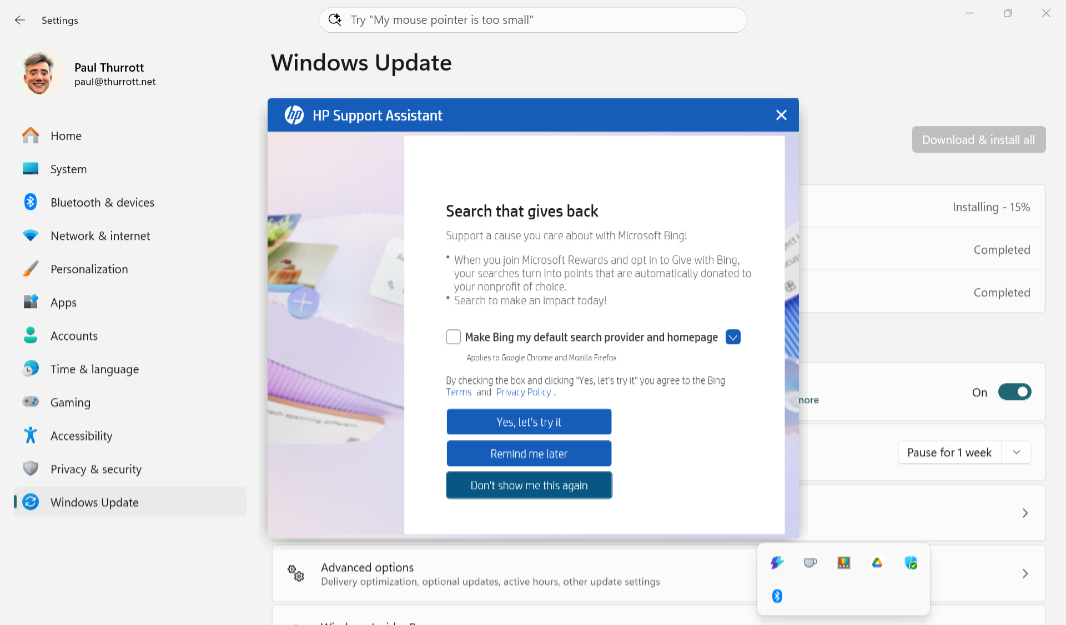
In short, it’s the usual grab bag of crapware, but most of it is easily removed at least. In the good news department, this is a Copilot+ PC, so gain access to all the additional Windows 11 capabilities that are exclusive to this platform, from standalone apps like Click to Do to individual features in apps like Paint, Photos, Notepad, and more.
Pricing and configurations
The OmniBook X Flip starts at about $1400 normally, but HP is hosting a sale now that brings that price down to a very reasonable $1000 for a configuration that includes the base AMD Ryzen AI 5 430 processor, 16 GB of RAM, 512 GB of storage, and the base Full HD+ IPS display.
Some upgrades are also reasonable, though some are less so. The review configuration with its high-end Ryzen AI 9 465 processor and 32 GB of RAM adds $610 to the price, while the 2 TB SSD adds another $620, bringing the total to a bit over $2200, though the normal retail pricing is about $2600. That’s expensive, of course. But there are enough configuration choices that most should be able to find a happy medium in there somewhere. The amount of RAM you get is tied to the processor choice, but you can configure the display and storage independently.
Recommendations and conclusions
Though I personally have little use for the convertible form factor, the HP OmniBook X Flip is a terrific choice for just about anyone who needs the performance of its AMD chipset. Everything from the display to the connectivity, multimedia and gaming experiences, hybrid work capabilities, and security is likewise excellent, and the keyboard and touchpad are among the best I’ve experienced on a PC laptop. Efficiency and portability are good–this is an x86-based design, after all–and the design is professional and elegant, especially in the Dark Espresso color I tested. The OmniBook X Flip is highly recommended.
At-a-glance
Pros
✔️ Elegant design with nice new color choices
✔️ Reasonable display choices with OLED and IPS options
✔️ Powerful AMD chipset is good enough for AAA gaming on the go
✔️ Terrific multimedia experiences
✔️ Perfect keyboard and touchpad
✔️ Copilot+ PC security and local AI functionality
✔️ Solid mix of legacy and modern expansion ports
Cons
❌ A few minor x86-related reliability and battery life/efficiency issues
❌ The usual crapware and cruft