Microsoft Updates Surface Laptop 7, Surface Pro 11 Firmware
- Paul Thurrott
- Jul 04, 2024
-
1
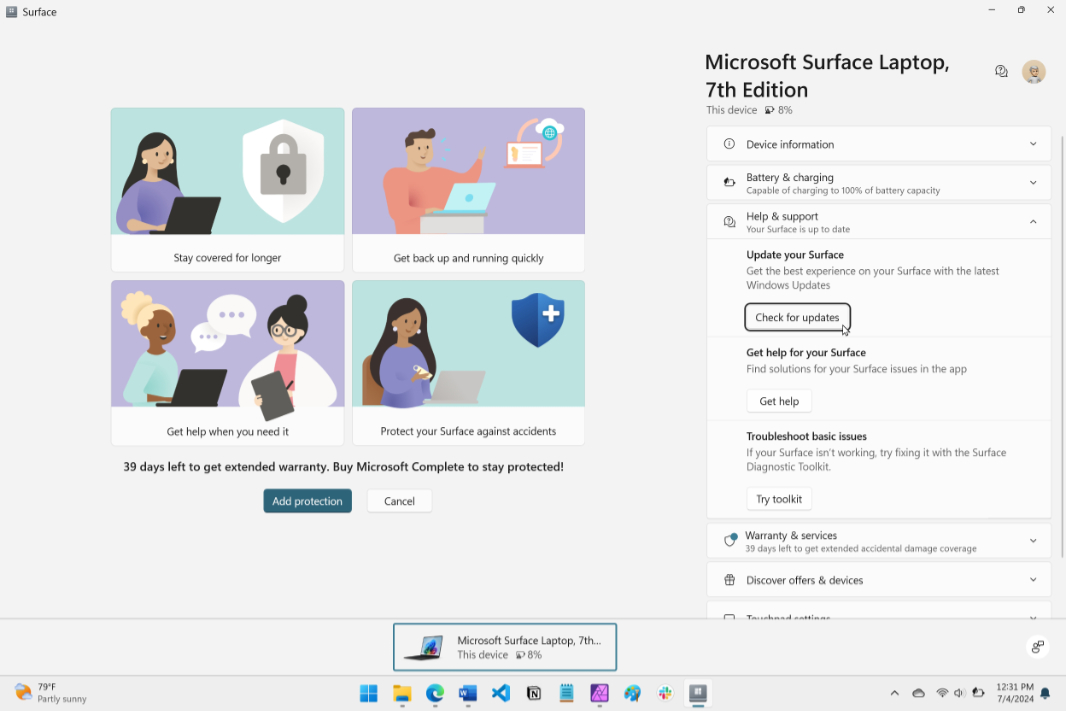
Yesterday, I noted that my Surface Laptop 7 had unexpectedly installed a firmware update, and now we know more about it: As it turns out, Microsoft updated the firmware in Surface Laptop 7 and Surface Pro 11 to address six issues with each.
The improvements in each firmware update are identical. They are:
- Fixes a problem that causes momentary color distortion when waking from sleep or rebooting with HDR enabled.
- Addresses a potential horizontal white line flicker during the initial device setup.
- Resolves an issue where customized accessibility settings for a mouse would reset after reboot.
- Resolves an issue where audio playback fails after connecting a Bluetooth headset.
- Addresses intermittent audio jittering under heavier system workload.
- Improves interoperability with USB 3 devices when connected to a USB-C Power Delivery charger.
The firmware update installed automatically in my case. But if you have one of these new Snapdragon X-based Surface PCs and want to install the firmware update immediately, open the Surface app, click “Help & support,” and then click “Check for updates.” The firmware will install via Windows Update, and it requires a reboot.