Google Home Speaker Review
- Paul Thurrott
- Aug 28, 2026
-
4
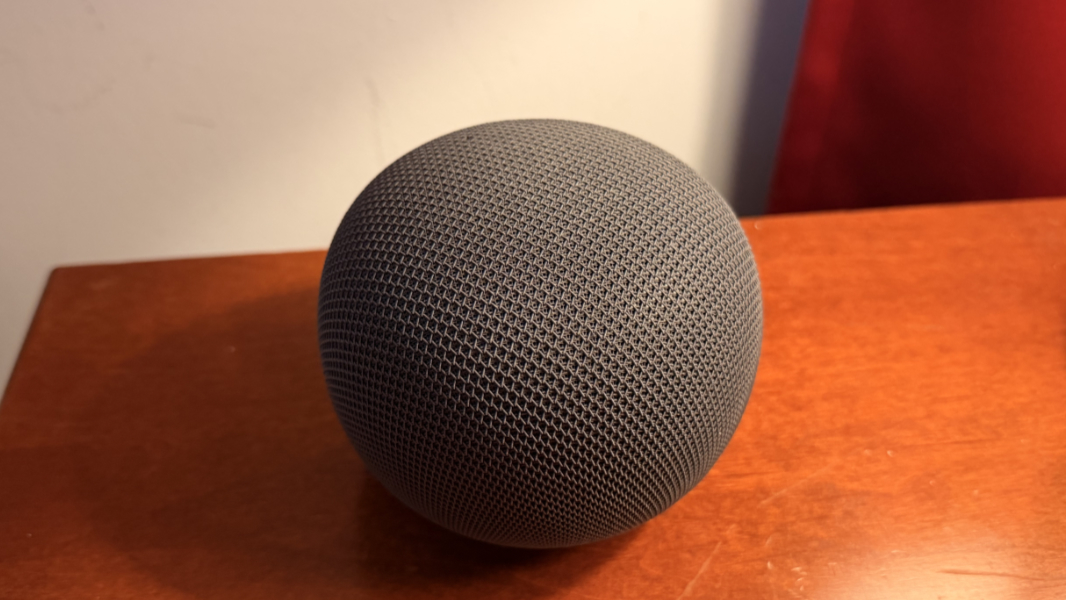
The Google Home Speaker is a smart speaker for the Gemini era, a colorful and conversational device with surprisingly good sound quality. Unfortunately, it’s also a smart speaker for the enshittification era, as some features are locked behind a subscription-based paywall, including perhaps the most important of them all.
Ecosystem matters
All things being equal, smart home ecosystems like those offered by Amazon, Apple, and Google matter because of the tightly integrated nature of the hardware, software, and services each of these companies offers. Lock-in has always been an issue, of course, but in the early days, this was less problematic because of competition and a steady drumbeat of forward progress and new product releases.
Today, that’s no longer the case, at least with Apple and Google. Both have embraced standards like Matter and Thread, which is good, but both have also slowed the release of new hardware because of its lack of payoff. As I type this, it’s been several years since either company released a speaker, and it’s been several years since Google released a smart display; Apple has never even shipped a smart display, though its first attempt, long delayed, is expected late this year. And Amazon? Ugh. It releases new hardware fairly regularly, but it’s has long been barely acceptable at best.
A lot more has changed since the smart home was a key battleground for these Big Tech companies. The one-and-done digital personal assistants of yesteryear–Alexa, Siri, and Google Assistant, respectively–are evolving into conversational AI assistants these days. Sonos, the one platform-neutral smart speaker company, always delivered superior sound quality to the Big Tech firms, but Google had to go and steal its technology, and now Sonos is a better choice for those not in the Google ecosystem. Thanks, everyone.
Google, as it turns out, is particularly problematic, not just in this space but in consumer electronics and personal computing in general. Its reputation for killing products is well understood, but what it doesn’t get enough attention for is ignoring entire product lines for years. A product cancellation can at least be seen as a form of decisiveness. Letting products linger–and then malinger–for years is worse because it causes doubts. The average Apple fan is certain that they made the right choice, but the average Google fan? They have doubts. And they should. It’s the only rational response.
I last wrote about Google’s Pixel ecosystem–which includes the Nest smart home products and services–about a year ago. There are pros and cons, of course, just as there are with individual products, like specific Pixel phone models. But what there isn’t is a clear winner. Today, Apple’s smart home products are better than Google’s overall, but that’s a low bar, and the lock-in there is palpable. Amazon’s are likely better still, unless you care about quality, especially sound quality. Whatever your take on this space, I suspect most would agree with at least two assertions: This market is not a priority for Apple or Google, and few if any of their products are best-in-breed no matter how you care to measure it.
But here we are. Google is tentatively moving to update its smart home hardware offerings after years of neglect while announcing, releasing, and steadily improving its Google Home AI assistant, called Gemini for Home, over the past year. The Google Home Speaker release was timed to take advantage of this specially tailored Gemini AI assistant that’s replacing Google Assistant throughout the ecosystem. But it’s a shame Google couldn’t have updated its smart displays as well. I’m sure that will happen eventually.
The hardware
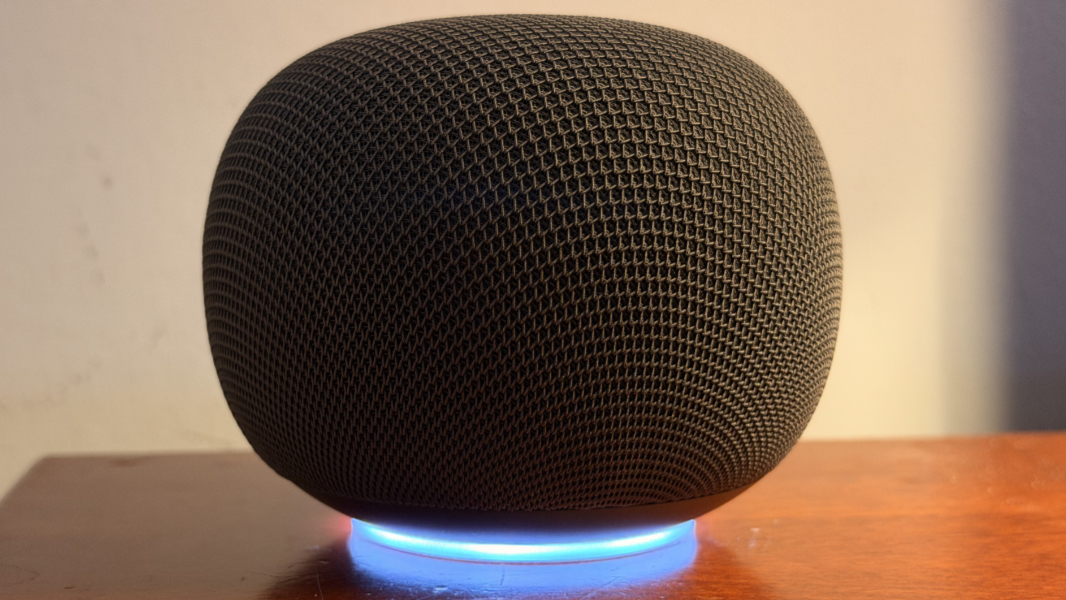
The Google Home Speaker is a pleasant oblong shape and not a perfect globe like an Apple HomePod Mini. It comes in four colors–Berry (bright pink), Porcelain (off-white), Jade (green-gray), and the misnamed Hazel that I purchased; it’s a dark gray color, not a green.
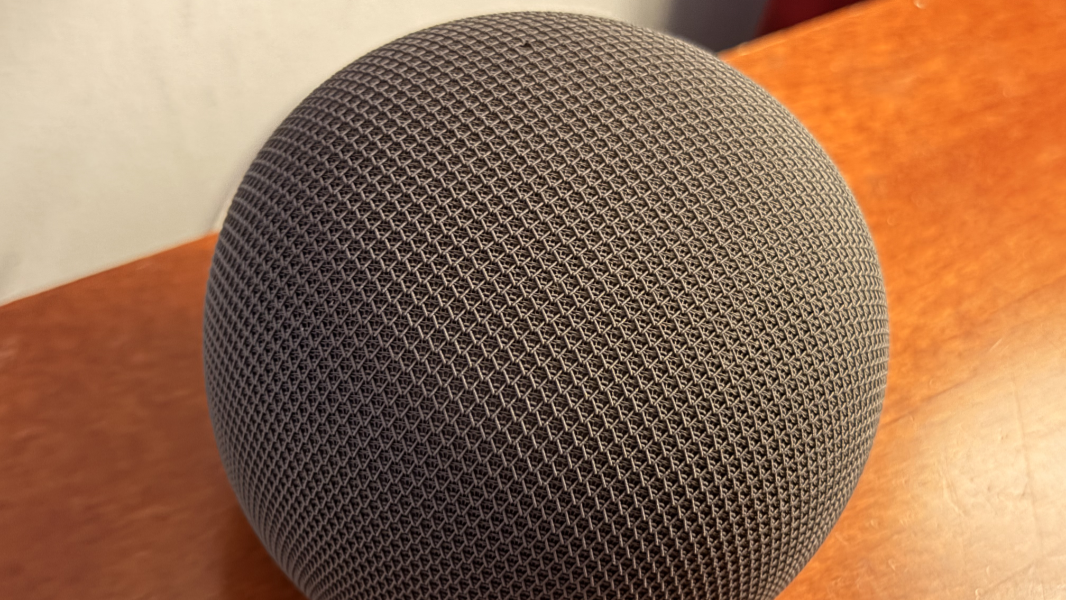
The fabric that covers the speaker is loose enough that you can easily move it over the hard plastic beneath with your fingers; it’s even looser than the similar fabric covering Apple’s HomePod smart speakers.

There are only three obvious hardware elements on the outside of the speaker.
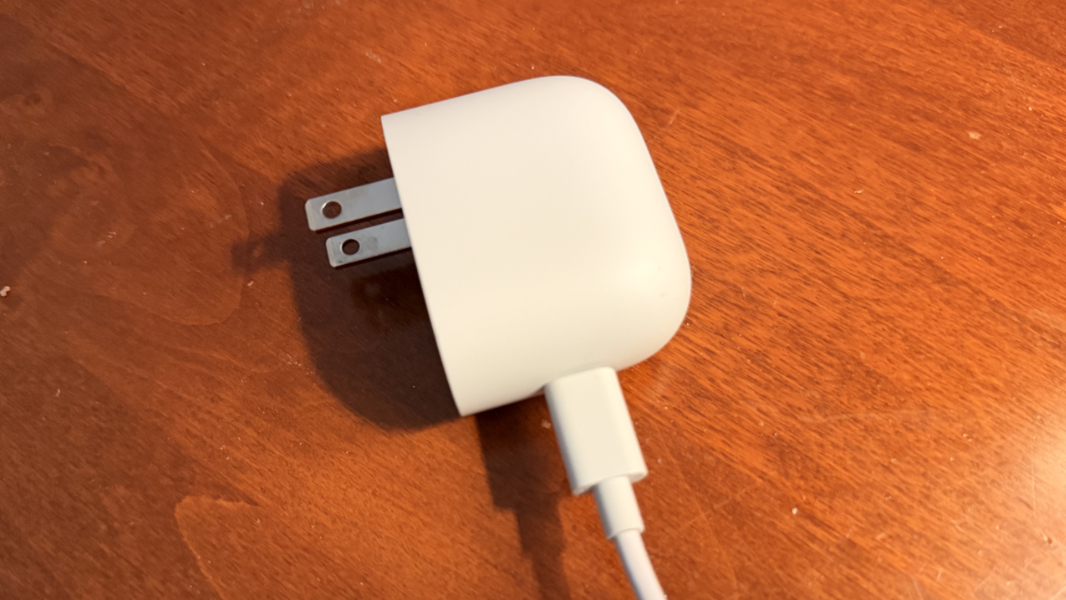
The USB-C charging cable is permanently connected to the base of the speaker, a step back from previous Google smart speakers, but at least Google includes a 30-watt power adapter in the box.
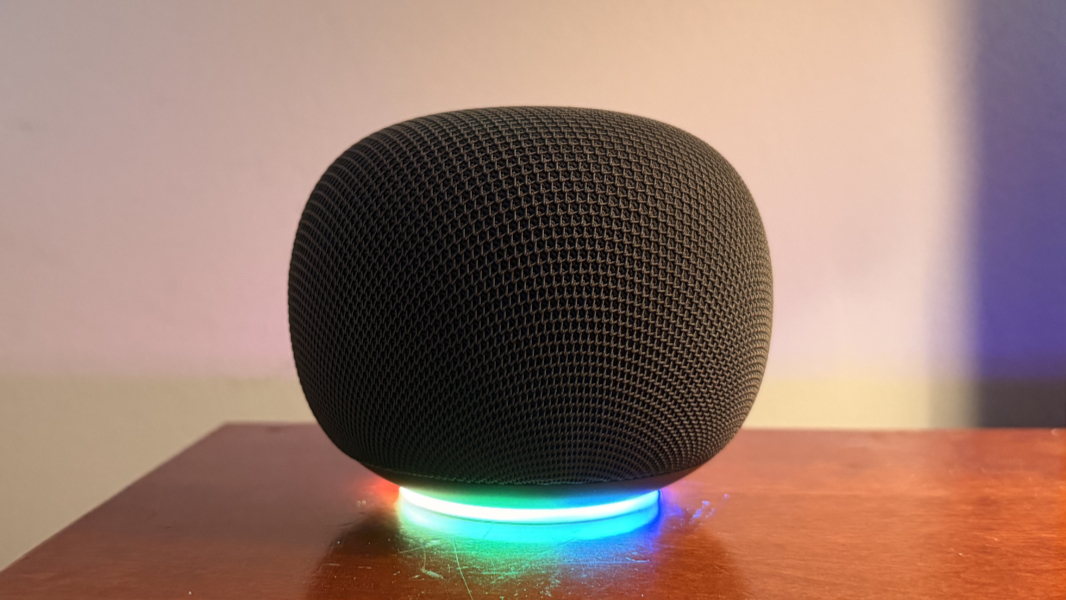
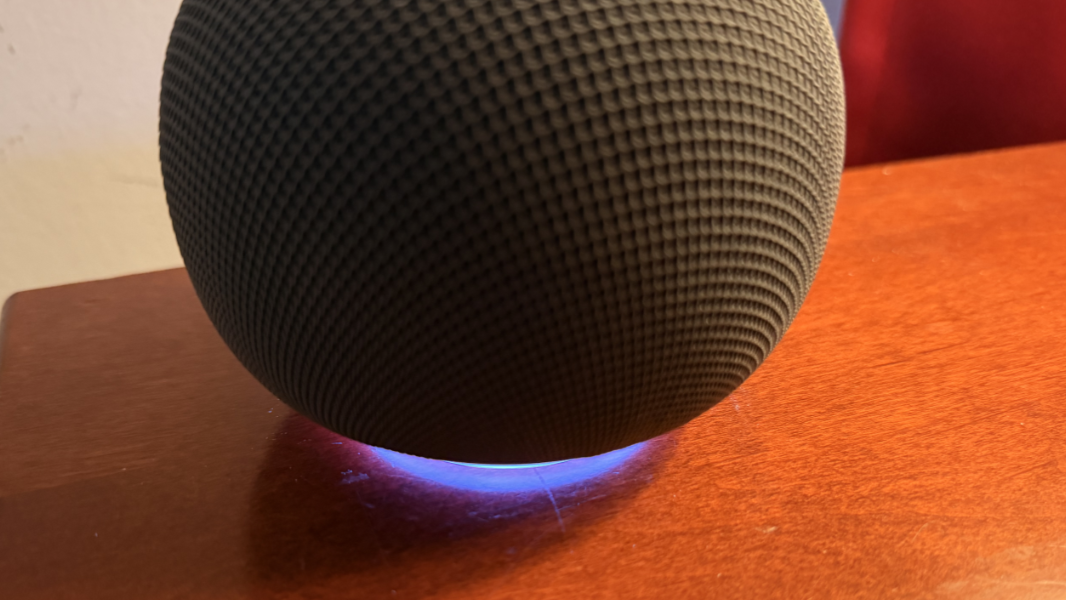
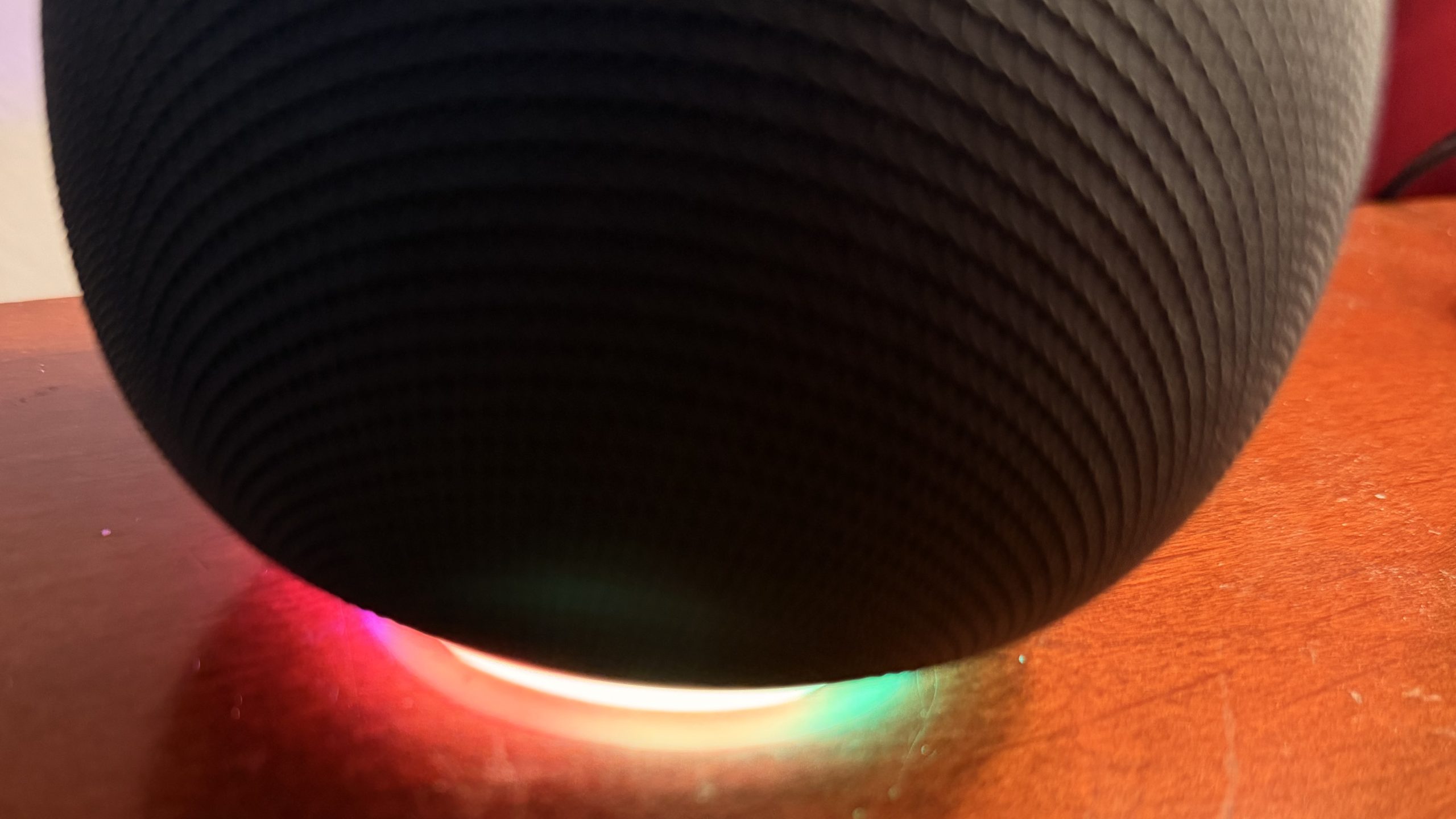
There’s a prominent ring light that forms a base for the speaker that lights up and pulses with color as you interact with Gemini for Home.
And there’s a hardware microphone mute switch on the bottom of the speaker right above the ring light base; I don’t like that the light is orange-colored when you mute the thing, but you can disable that in settings (in the Google Home app).
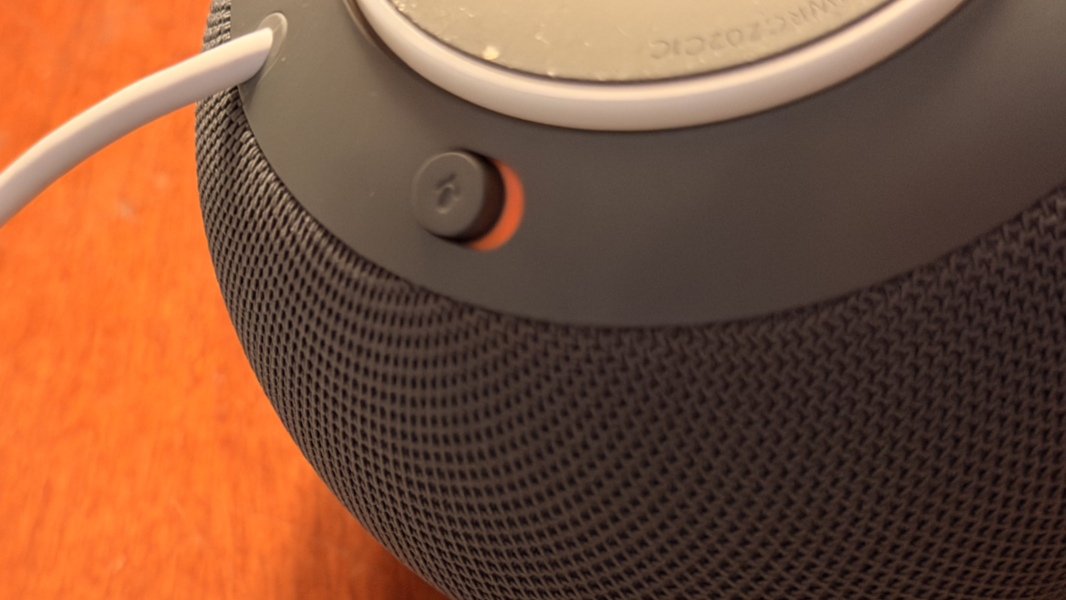
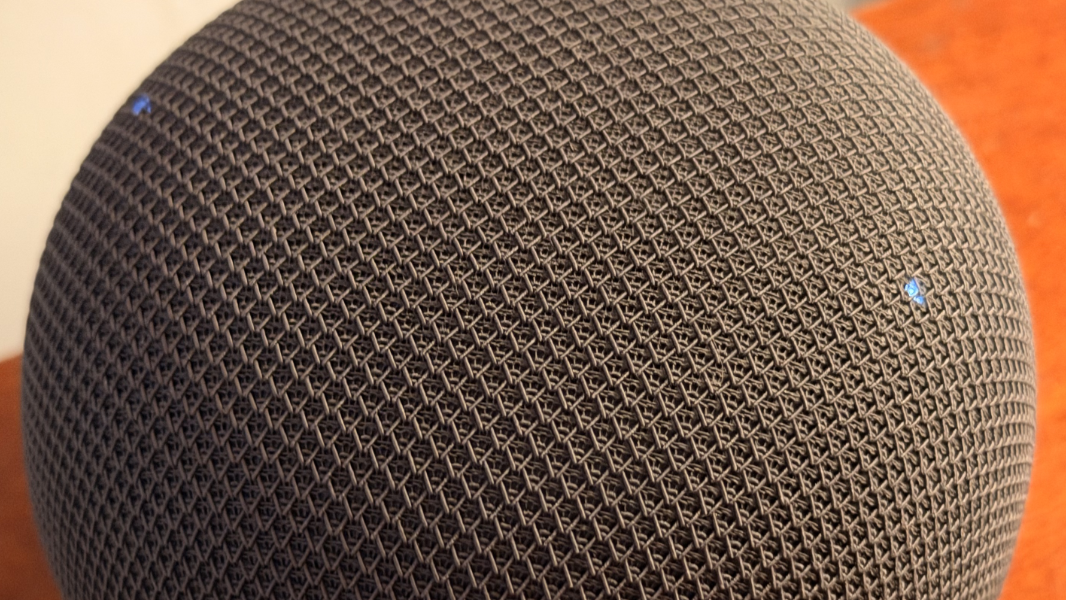
Less obviously, there are three capacitive touch areas on the top of the speaker, exclusively for audio playback. You can tap the top center of the speaker to play or pause audio, but also to stop an alarm or timer. When audio begins playing through the speaker, the capacitive areas to the right and left of center briefly display a small bright white light, and you can tap those areas to raise and lower the volume, respectively, by 5 percent with each tap.
Audio quality
The Google Home Speaker is not a Sonos-quality speaker, but it does have surprisingly good sound quality. As a small smart speaker, like an Amazon Echo Dot or an Apple HomePod Mini, it’s ostensibly more about interacting with AI–in this case, Gemini–than it is about listening to content. If you’re familiar with Google’s previous generation speakers–the Nest Audio and Nest Audio Mini, both of which are now discontinued–this new speaker is closer to the old Mini, but it’s larger and more bulbous-looking, and the sound quality is noticeably better.
Indeed, the sound quality is excellent for the size and there is noticeably more bass than with the old Mini. It’s quite good for spoken content like podcasts and audiobooks, and since this is the primary way you’ll interact with Gemini on the device, the audio upgrade is nice for the voice-based interactions as well. It’s also a good choice for music, better than any phone speaker, assuming you have a smaller room or an apartment and don’t need more impressive output.
One differentiator for the Google Home Speaker is that it offers omnidirectional (360-degree) sound where previous Google and Nest speakers were forward-firing only. So there shouldn’t really be a front or back for this thing per se, though of course there is, and everyone who buys the speaker will logically position it so that the power cable is in the rear.
You can also improve matters by grouping two or more of these things using the Google Home app. And you can pair one or two of them with a Google TV Streamer for a wireless TV sound setup that’s not possible with other Google TV devices for some reason. We do similarly in Mexico City, though in that case, it’s with an Apple TV and two HomePod Minis, and the sound is adequate overall. But a pair of Google Home Speakers will provide some form of basic Dolby Atmos immersive sound capabilities, thanks to that omnidirectional capability. I can’t test that, but it’s a nice differentiator as Apple doesn’t offer this feature on the HomePod Mini. (It does with the much larger and more expensive HomePod speakers.)
This isn’t obvious, but you can also pair the Google Home Speaker with any phone, tablet, or other Bluetooth-compatible devices and just use it like a standalone Bluetooth speaker too. To achieve that, you just tell Gemini for Home (with your voice) that you’d like to pair it with Bluetooth. Doing so doesn’t get in the way of its Google Home capabilities.
Smart home smarts
The Google Home Speaker is Matter and Thread compatible and it can act as a Matter hub and a Thread router, which should make connecting smart home devices to Google Home easier, including those that lack integrated Wi-Fi. Given this, I was curious if I could add it to Apple Home as well. I could not, even by trying to scan the QR code on its bottom. (In the good news department, Google Home is available for iPhone and iPad, too.)
What’s missing is a screen, of course, and I’m surprised Google didn’t release updated smart displays alongside the Home Speaker. There’s also no presence, temperature, humidity, alarm detection, or other sensors.
Google Home is a work in progress these days and so, too, is Gemini for Home. I had given up on even trying to use any personal digital assistant regularly years ago, and there’s nothing about Gemini for Home that changes my mind on that. But I did try to at least gain an understanding of the basic smart home capabilities here and test a few common use cases.
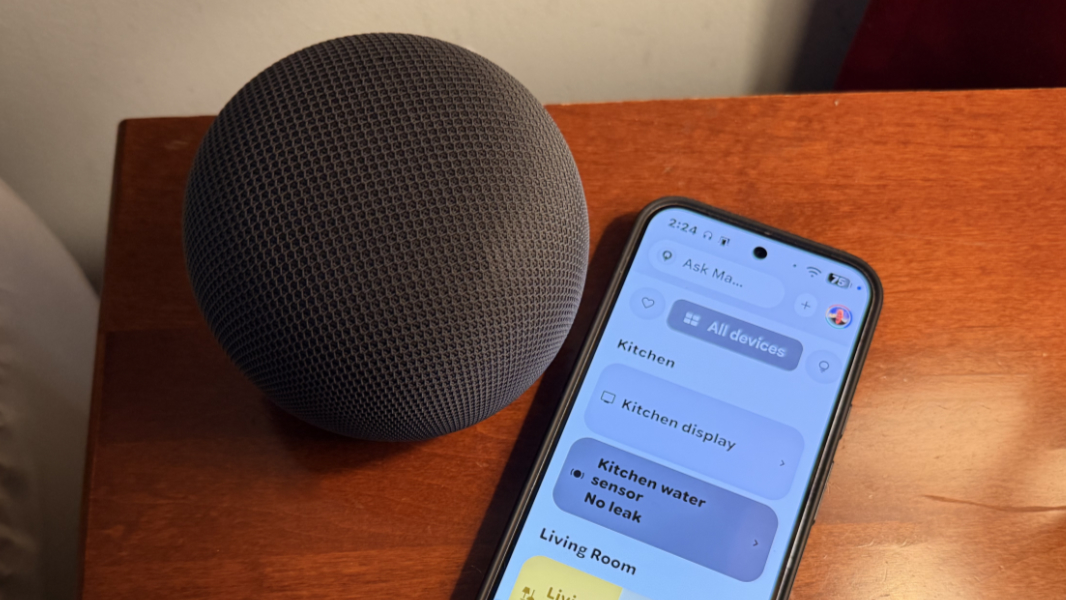
It mostly worked well, but there were some typical smart home glitches, like the wrong device responding when I said “Hey, Google” to perform some interaction. In these cases, my Pixel phone would display a notification later asking which device–in this case, the speaker, the phone, and a smart display in our kitchen–I would prefer to use.
The ring light in the base glows white when it’s listening to you, which is a good visual cue. And it cycles through Gemini gleam colors–blue, purple, and so on–while the AI assistant is thinking, an overly-dramatic flourish you’ll either love or hate.
The conversational nature of the interactions you can have with this speaker is impressive, but I sometimes wish it could be more concise. For example, when I asked it about the next day’s weather, it told me what the weather was at that time before launching into a longer description of the weather for tomorrow. And when I asked it for a Manhattan recipe, it described the cocktail before doing providing the recipe I wanted. That said, the follow-up questions or prompts can be interesting, and it’s easy to forget you’re not talking to a person: After explaining the Manhattan recipe, it asked if I wanted to know about variations and I could imagine going off on a tangent with this seemingly intelligent non-human device.
It does help to be all-in on the Google ecosystem. When I asked it to play the latest U2 album, it told me that it could do so if I had a YouTube Music Premium subscription, but since I didn’t, it played a radio station based on the album with advertisements instead. This was momentarily confusing, as I do have a YouTube Music Premium subscription, but then I realized it’s with a different account than the one I use with Gemini. Doh.
That one is on me, of course, and other interactions–describing my schedule for the day and so on–proceeded as expected. You can speak to it normally, fix errors as you go, similarly to Rambler in Gboard on the Pixel 11 series phones, and it will handle the changes without any comment and, usually, without making mistakes. From a smart home perspective, you can use it to control devices like lights, though I find that more natural in the Home app.
Using a feature called Gemini Live, you can have ongoing conversations with Gemini for Home explicitly by starting out with “Hey, Google, let’s talk.” I’m working on a book about Markdown, so I decided to have a chat about this. And I have to say, while I don’t see myself normally chatting with a ball of plastic and fabric, I pretty quickly got caught up in this conversation. With one caveat: Like other AI assistants, Gemini for Home can be a bit fawning, so almost everything I said was followed by a compliment of some kind. That gets a bit tedious, though I suspect many would enjoy it.
What surprised me more, however, was that this conversation quickly transitioned from me asking Gemini about the topic to Gemini prompting me about the various aspects of the book. And here, I think, there may be a near-universal tendency to just let that conversation happen, as if you have a friendly ear interested in what you’re doing and eager to provide advice. Logically, I understand that Gemini doesn’t care about this book or what I’m writing, but the more it asked, the more it seemed to understand what I was doing and agree with whatever approach. And there was a sense of positive affirmation that was difficult to ignore.
But you can always interrupt Gemini while it’s talking, and if you’re using Gemini Live, you can switch to different topics as needed.
The subscription asterisk
You have to use the Google Home app to configure the Google Home Speaker and integrate it with your smart home devices. That’s understandable, but some features require a Google Home Premium subscription, too. That’s new to this device, and there are two tiers of that subscription, Gemini Home Premium Standard for $10 per month and Gemini Home Premium Advanced for $20 per month.
Incredibly, Gemini Live is one of the features that requires a subscription even though it’s available for free elsewhere, including on your phone. There are other features tied to each tier, of course, and you do get 6 months of Google Home Premium Standard with the speaker purchase, so you can at least see for yourself whether you think it’s worth the additional ongoing cost.
(If you have a Google AI Pro subscription, you get Google Home Premium Standard too. If you have Google AI Ultra, you get Google Home Premium Advanced.)
Final thoughts
I’m surprised by how much I like the Google Home Speaker. And though I don’t think I’ll be getting a second speaker, I could see stereo pairing it with our Google TV Streamer and using that as the TV interface. It’s not a bad option for those deeply involved in the Google ecosystem, and it’s inexpensive enough that having a few spread around your home isn’t too prohibitive.
The audio quality is excellent, as noted, but that’s within the confines of the speaker size and its expandability. Even a pair of these speakers won’t satisfy the needs of the budding home theater enthusiast, and the need for more components, like a soundbar and rear speakers, is real in that scenario. But if that’s not a concern and you are already using–and, ideally, paying for–Gemini, then the Google Home Speaker is a solid option. Or two.