Google Pixel Watch 3 First Impressions
- Paul Thurrott
- Sep 14, 2024
-
10
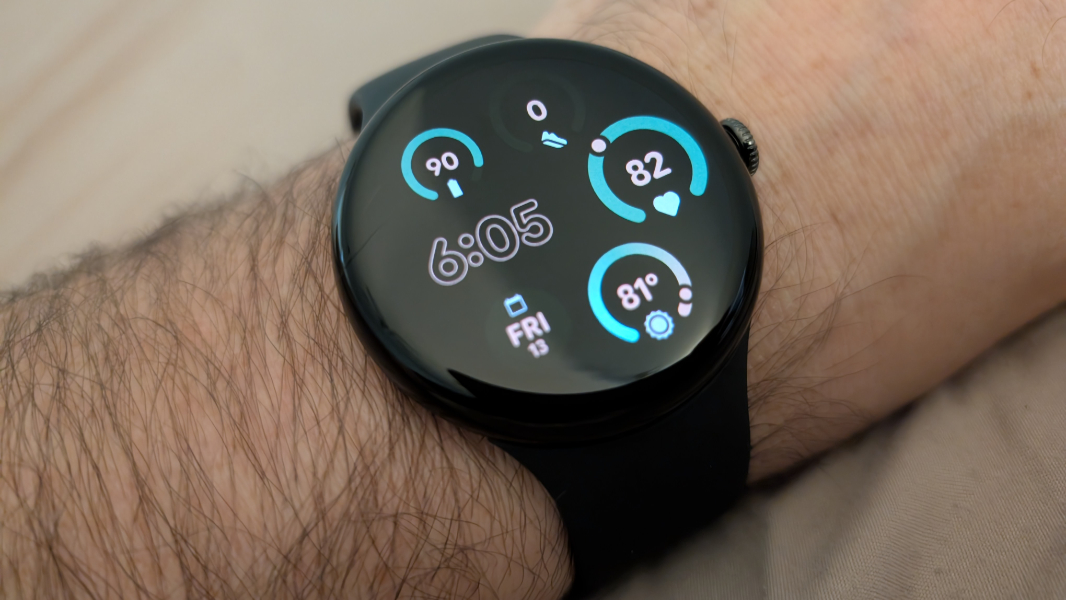
With hundreds of dollars in Google Store credit and no need for yet another set of earbuds I’ll never wear, I had a decision to make. And so I’m giving the latest Pixel Watch a shot: There’s a larger size this year, it’s the new Fitbit flagship, and I can experience cellular connectivity in a smartwatch for the first time. So what the heck.
To be clear, I don’t expect this to stick. In the matrix of sub-decisions that makes up my choice of wearable, the Pixel Watch fails in some of my most heavily weighted categories, most notably multi-day battery life. But I’m also a fan of Pixel–a real fan, not someone paid to promote the brand–and of all the mostly sub-optimal non-phone Pixel devices, Pixel Watch is perhaps the most promising. I’m happy to at least see where it’s at and keep an open mind.
Did I mention this was essentially free? No? Well, it was: Between the $220 trade-in that Google offered for my (mint condition) Pixel Watch 2 and the hundreds of dollars of Google One-based Store credits I have for my past hardware sins, er, purchases, I could skip right past the base model Pixel Watch 3 and opt for the larger 45 mm version, and with two years of free cellular connectivity through Google Fi. This is over $500 of hardware that’s not costing me a cent.
And, yes, I did consider other options. I even ordered a pair of Pixel Buds Pro 2 earbuds, only to later cancel it when my wife handed me the Bose QuietComfort 2 Earbuds I had given her some months ago. As I had, she tried all the tips and couldn’t find any that fit properly. She didn’t want them popping out on runs and walks, and I realized I suddenly had several pairs of earbuds that no one would ever use. And what else is there for me at the Google Store? I have a Pixel Tablet, which is eh. Google hasn’t updated its speakers in forever (literally four years). I’m good on Wi-Fi, having recently moved both my Wi-Fi networks over to Eero, which I love. There’s some mildly interesting Nest equipment, I guess. And … yeah. Here we are.
The early word on Pixel Watch 3 is quite positive. I wasn’t expecting to buy the thing, so I did read some write-ups. I prefer smaller devices on my wrist but contrarily have issues reading most smaller displays thanks to my middle-aged eyes. This is what makes the Samsung Galaxy Fit 3 such a magical device, at least from that one perspective: The screen is the perfect combination of shape (oblong, not square), size (small), and legibility, three traits that shouldn’t all work well in a single wearable. What ruins the Fit 3 is the whole Samsung thing. The less said about that the better.
So … maybe. Fitbit is familiar, of course, and I do have years and years of data in there, not that I ever refer to the historical stuff, ever. I would like to disable sleep tracking, the bizarre non-negotiable feature in the Fitbit ecosystem, because it’s so inaccurate and annoying. And I’ve settled into a pattern in which, on most days, I simply use whatever device is on my wrist to see the time, the weather (it’s curious how often I look for that, even with my Fitbit Charge 5, which doesn’t even provide that information), and my resting heart rate. When I’m in Mexico, I keep track of a few other metrics, like blood oxygen, because of the high altitude and my history. But most of the time, it’s pretty basic.
Because there’s not much else, the presentation matters. And that is another area in which the Fit 3 shines. I love its massive library of built-in faces, and how easily I can read the display. I couldn’t see the battery level on my Charge 5 in any condition, and would simply rely on the icon changing color to orange to determine it was time for a charge. But the Fit 3 is wonderful. So we’ll see where I land on the Pixel Watch 3. It is quite customizable, of course, with faces that support multiple complications so I can get an at-a-glance experience that makes sense to me. Its larger size should help in this area, while it will also be bulkier and more noticeable, especially when I’m typing, as I am now, and can feel it bumping up against my hand. Life is a series of trade-offs, I guess.
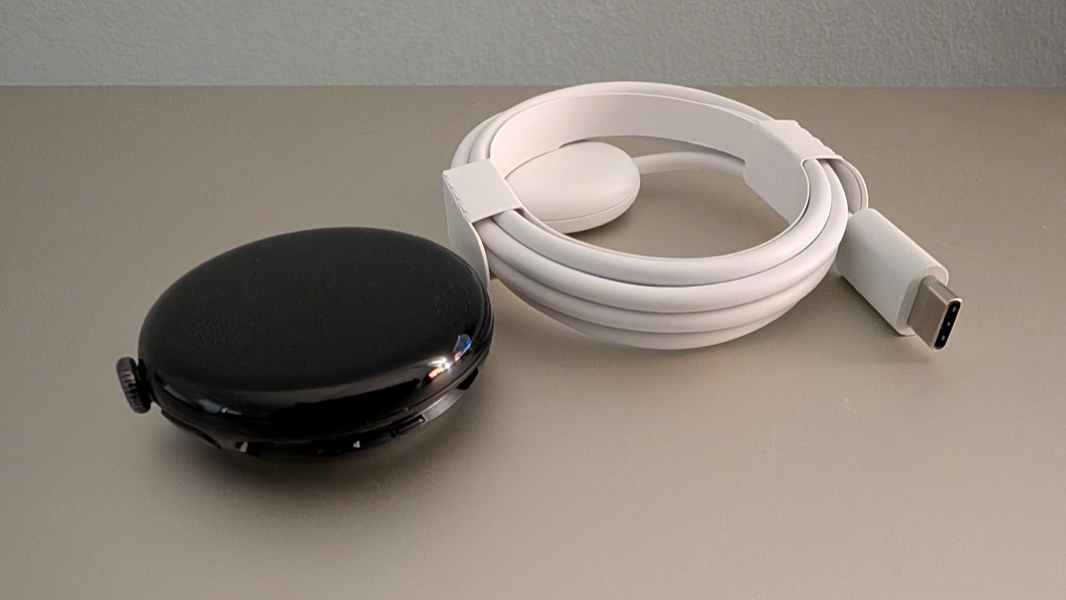
It arrived Friday, which was a busy day, but I finally got around to unboxing it late in the afternoon. Smartwatches like Apple Watch and Pixel Watch are inherently complicated, pardon the pun, because of all the pieces, and these devices in oddly long boxes that contain multiple pull-out drawers and panels.
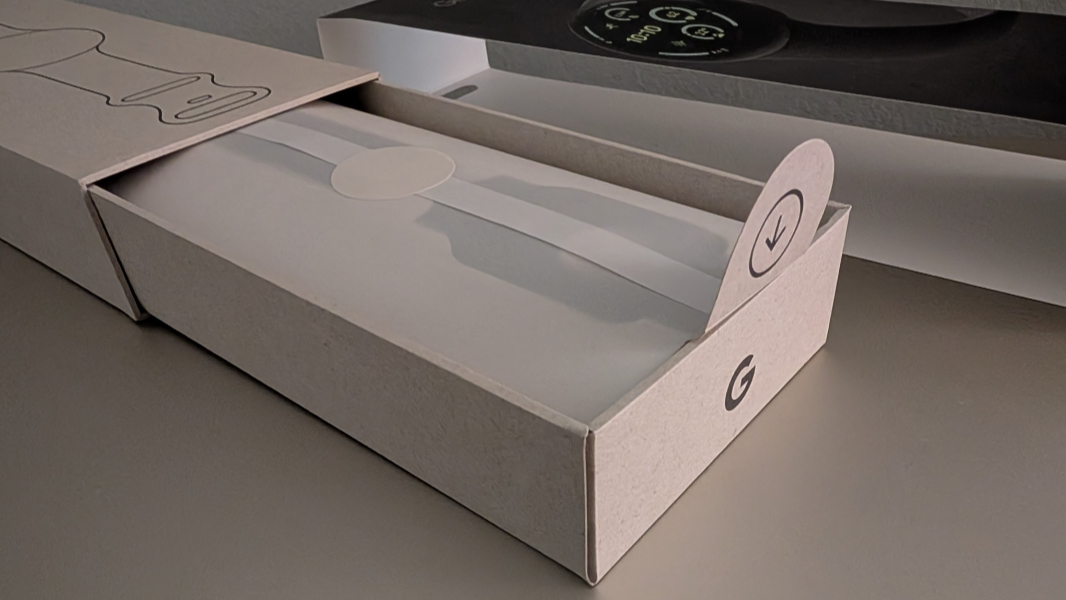
But for Pixel Watch 3, I feel like Google has simplified this as much as possible. It does come in a long box, yes, but there are slide-out smaller boxes accessed from either end, one with the watch body and charging cable and one with the bands in two lengths and paper documentation. It’s pretty straightforward.
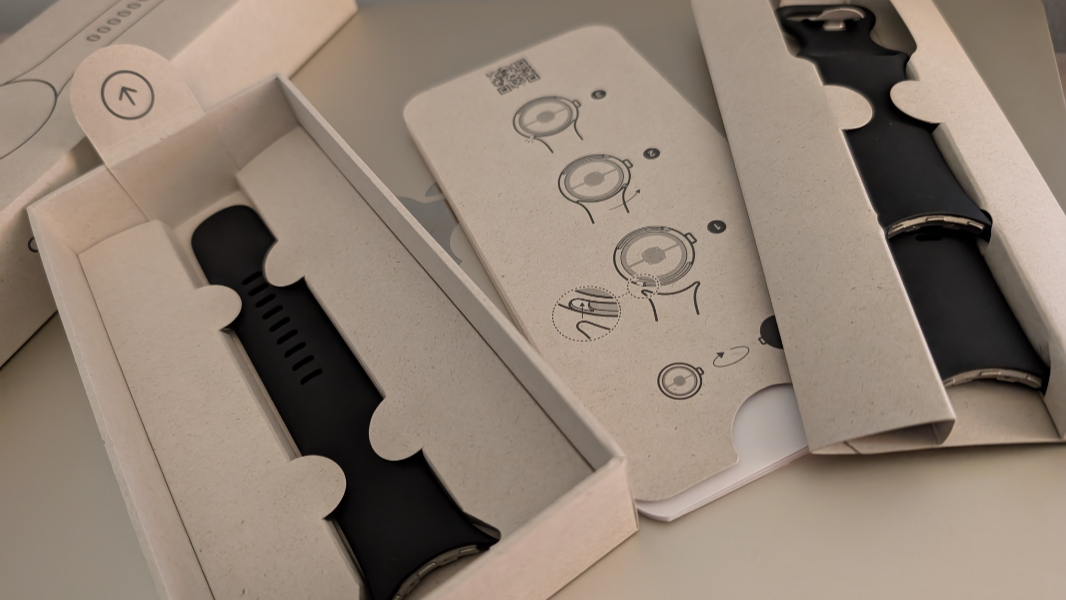
I have big hands and wrists, and so I always opt for the longest band. With Fit 3, I have to use the furthest out notch, so it barely fits. But I was happy to see that Pixel Watch 3 easily fits with room to spare. Less happily, connecting the bands to the watch body is a nightmare, thanks to Google’s bizarre system.
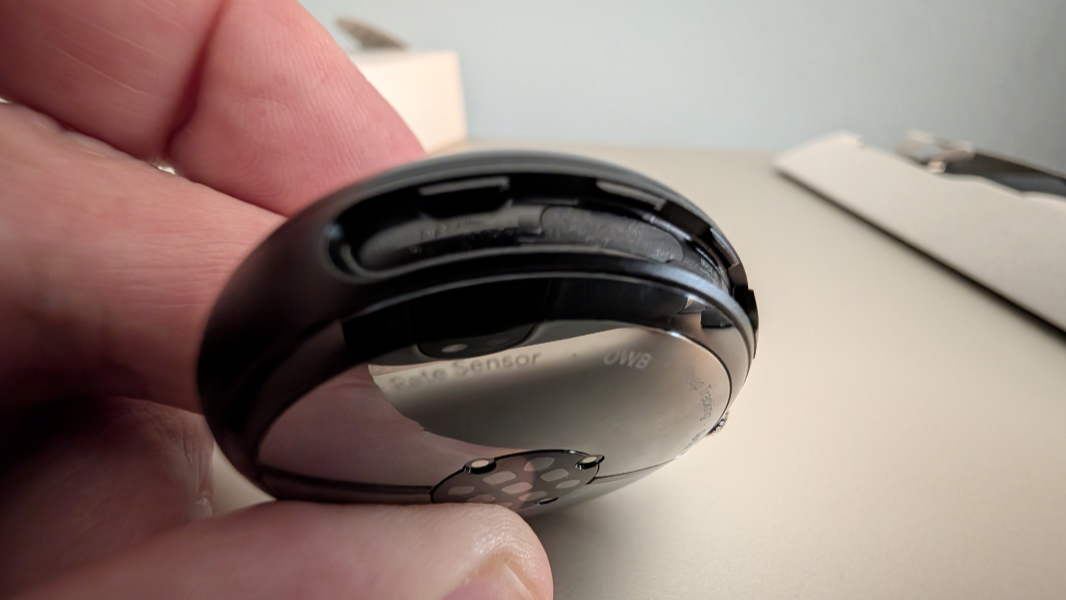
It took me a long time to figure this out, even with the pictograms in the box and a quick Google Search. But I finally figured it out.
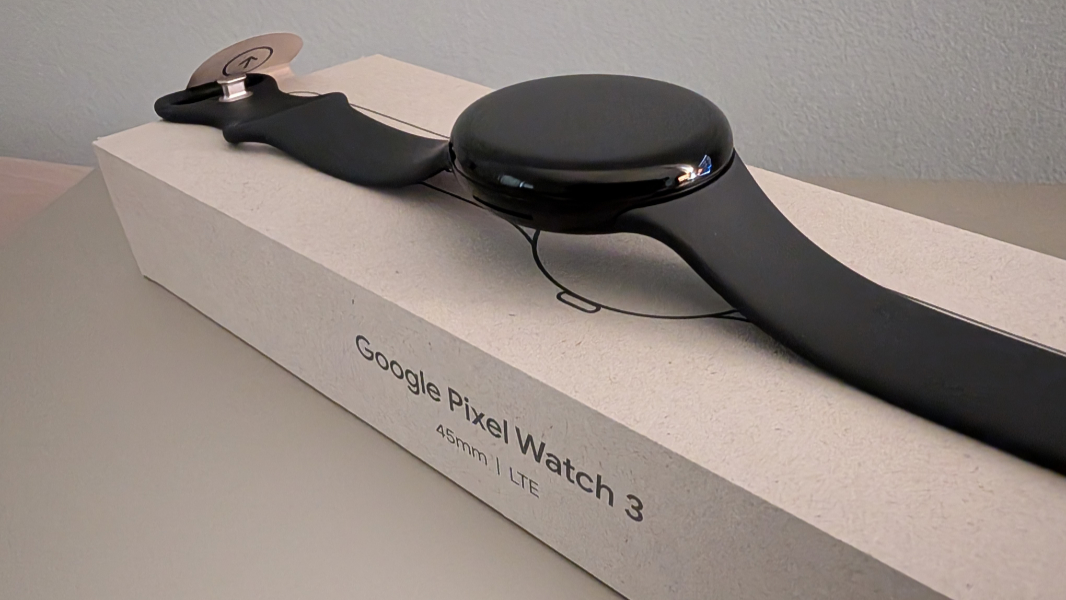
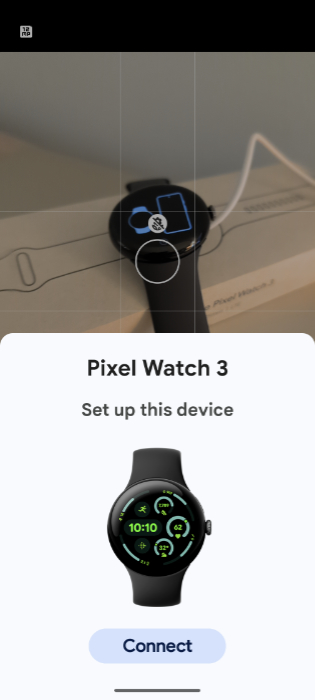
With that done, I booted up the watch and opened the Pixel Watch app on my Pixel 9 Pro XL. But I didn’t have to do that: A Bluetooth quick pair pane appeared as soon as the device had booted, and so I stepped through the onboarding process.
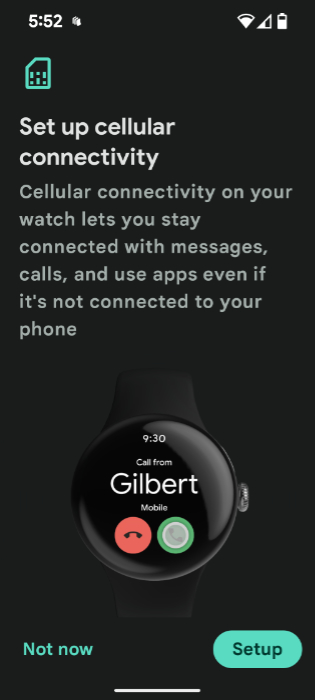
This is time-consuming, as with an Apple Watch, with multiple steps and lots to read and consider, but it’s mostly straightforward. I accepted most of the features Google threw at me, opting only to ignore the Fitbit Premium offer I know from experience I don’t need. Cellular connectivity seemed to connect without issue: You download an eSIM to the watch and enable cellular services, and that’s that.
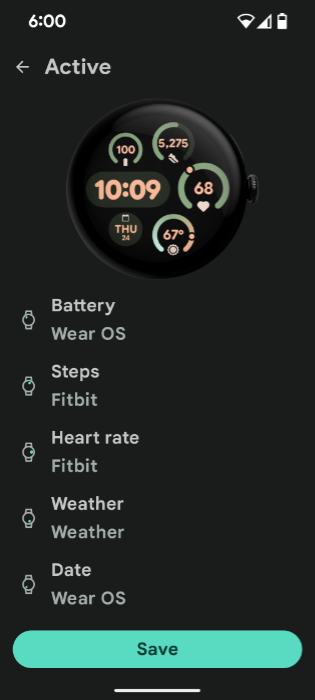
After enabling Google Wallet and OKing the addition with my credit card company, I installed a handful of apps–like Google Maps, Audible, and so on–and then I spent some time looking at the available watch faces. There’s a nice selection, but I stuck with the new default face because it supports five complications in addition to the time, all in decent sizes. I configured it with the minimal layout, which removes the progress rings on the outside of the face, the Cedar color scheme (a combination of forest green and pale orange/pink colors), and the complications I like to access the most: Battery, Steps, Heart rate, Weather, and Date, in clockwise order.
And that was that.
I’ve only just started using it, so my observations are on the light side. The 45 mm Pixel Watch 3 is indeed big, and it may in fact be too big, even for someone my size, though I do like the screen readability, of course. The charger appears unchanged year over year, though I will have to find the old one to make sure. It buzzes on my wrist when someone texts or calls, as expected.
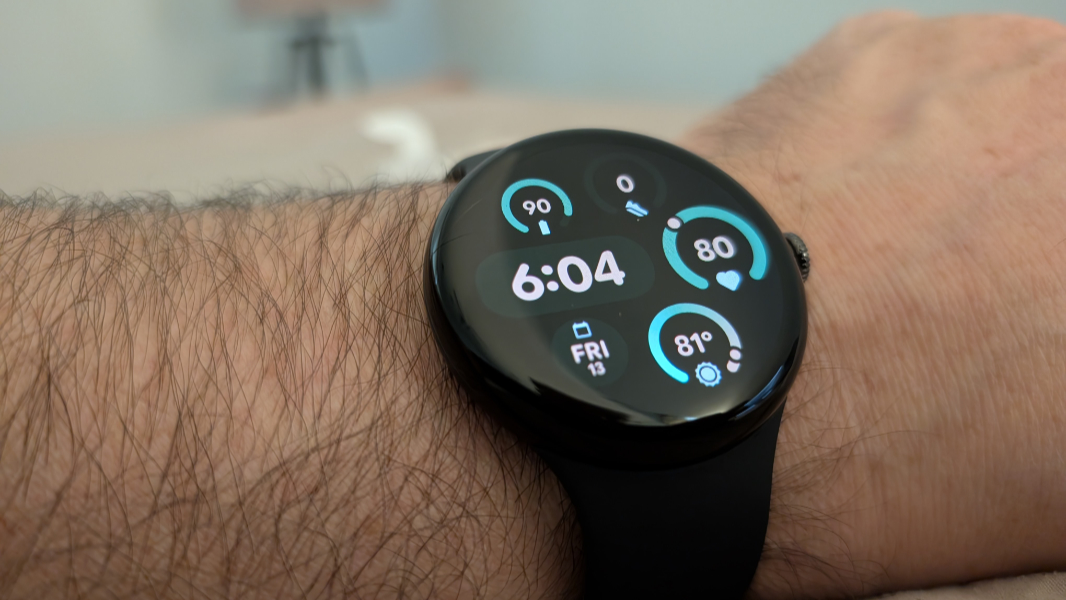
And at 10 minutes before every hour, like any Fitbit. (My wife and I refer to this time as “Fitbit-o’clock.”) Speaking of Fitbit, there are new features enabled by Pixel Watch I need to check out, like Cardio load and Target load and a lot more. And as expected, it said I slept horribly last night, though I feel like I slept pretty well, for me. Granted, I did go to sleep very late.
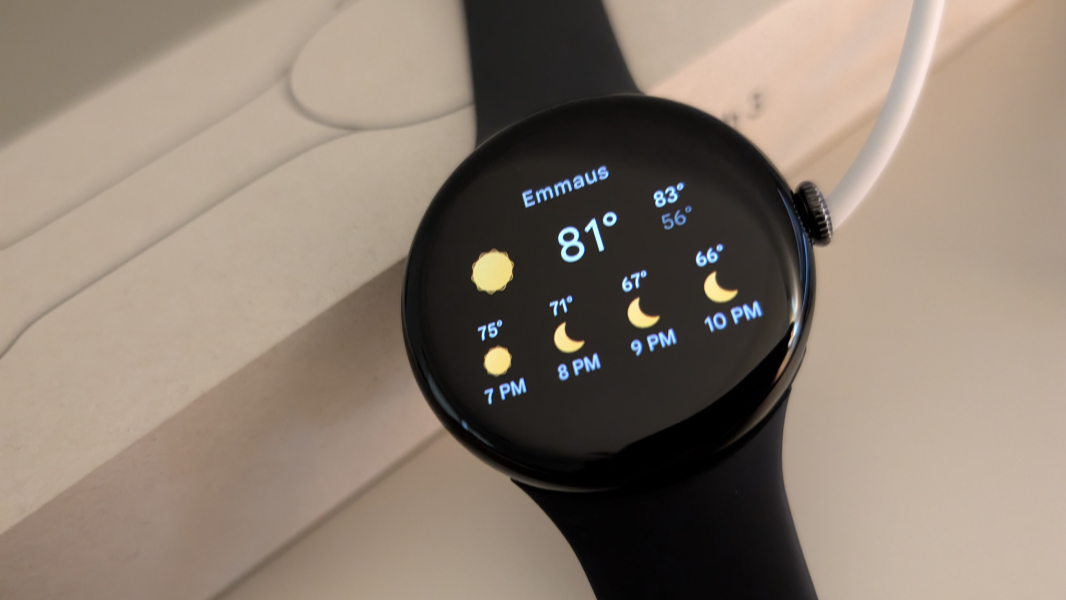
Some may prefer the circular shape of Pixel Watch over the rectangular Apple Watch, though I’m curious if the newly thinner Series 10 changes anything.
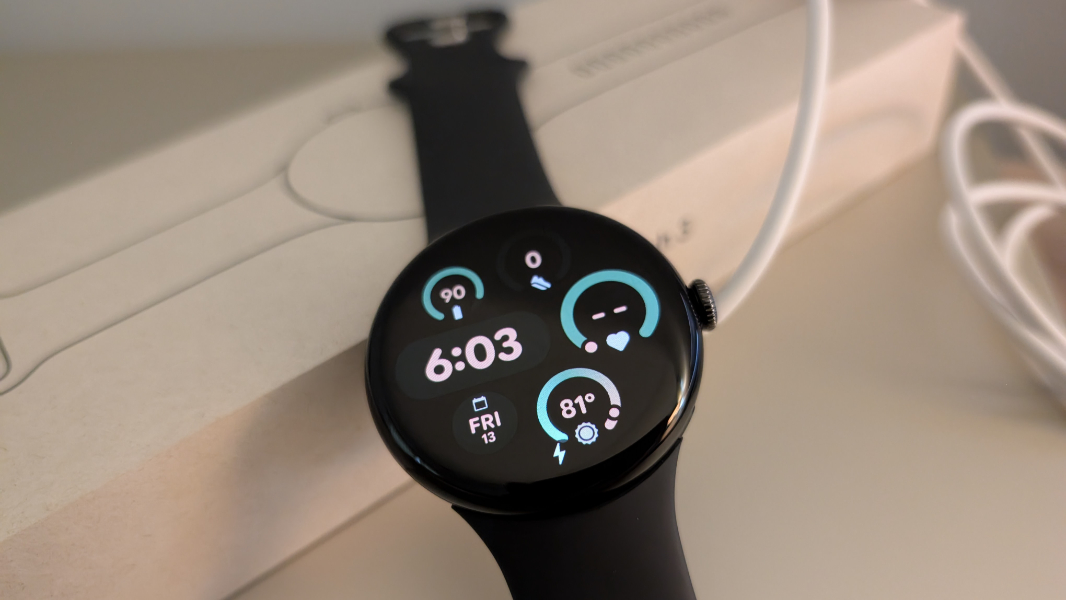
It’s too early to draw any big conclusions, but I feel like my previous impression that Google Watch delivers a reasonable alternative to Apple Watch for those who prefer the Pixel (or Android) ecosystem is as true as ever. It’s a great-looking device, is clearly well-made from premium materials, and it’s not unreasonably priced if Apple Watch is the standard by which we must compare: A 46 mm aluminum Apple Watch Series 10 with cellular connectivity and a Sport band is about $530. But it’s also mostly unnecessary, unlike a smartphone, and requires a bit more mental gymnastics to justify. And it’s not particularly popular, so the band selection is smaller but, I think, adequate.
More soon: Unless something goes horribly wrong, I’ll bring the Pixel Watch 3 to Mexico in early October and see how that goes.