- Blog
- Smart Tech
- Post
Withings ScanWatch 2 First Impressions
- Paul Thurrott
- Sep 08, 2026
-
6
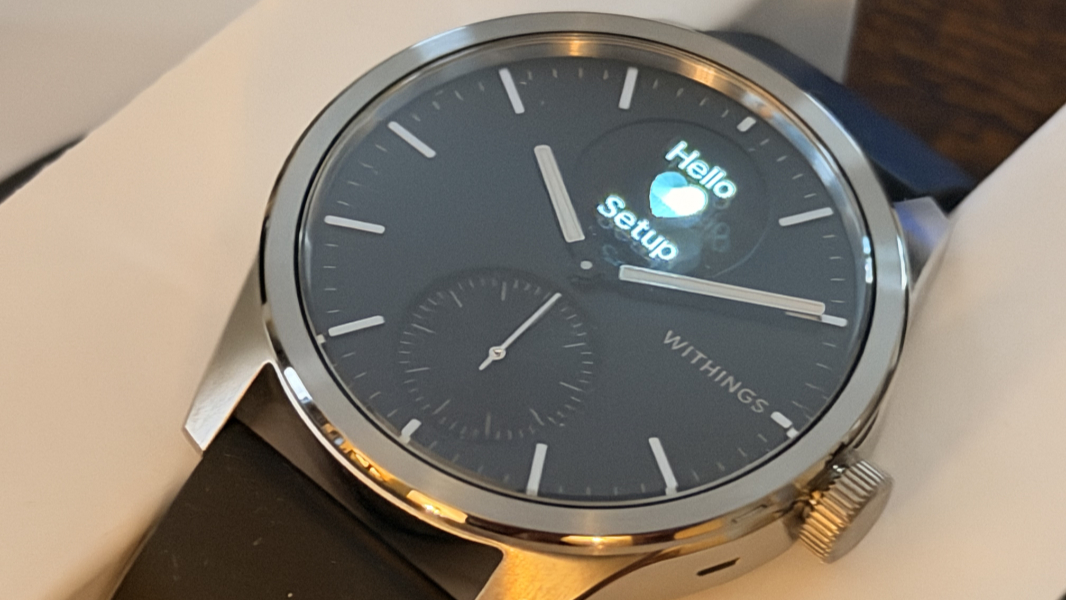
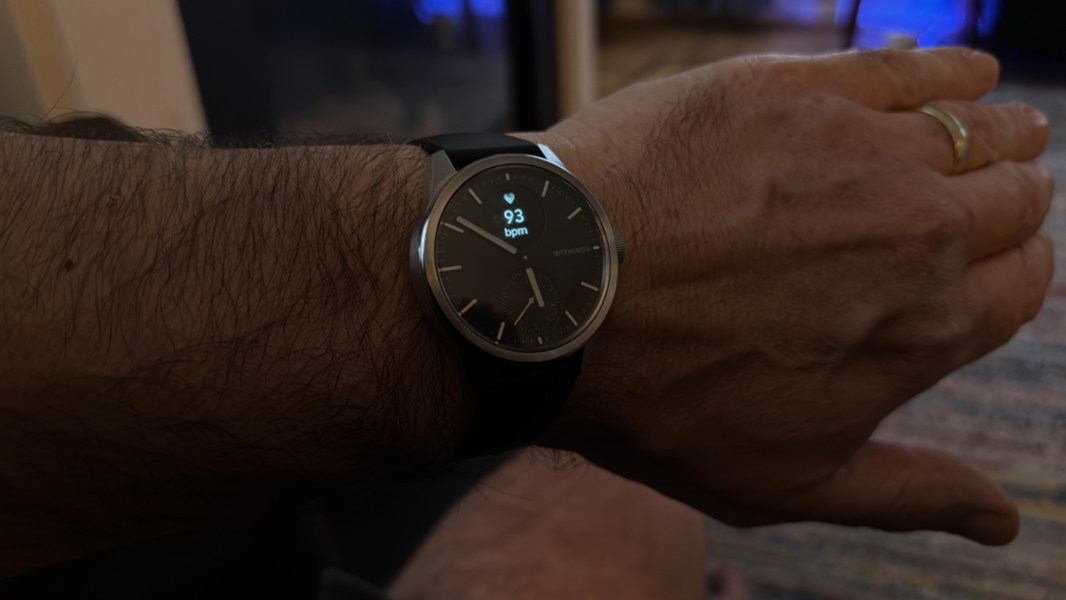
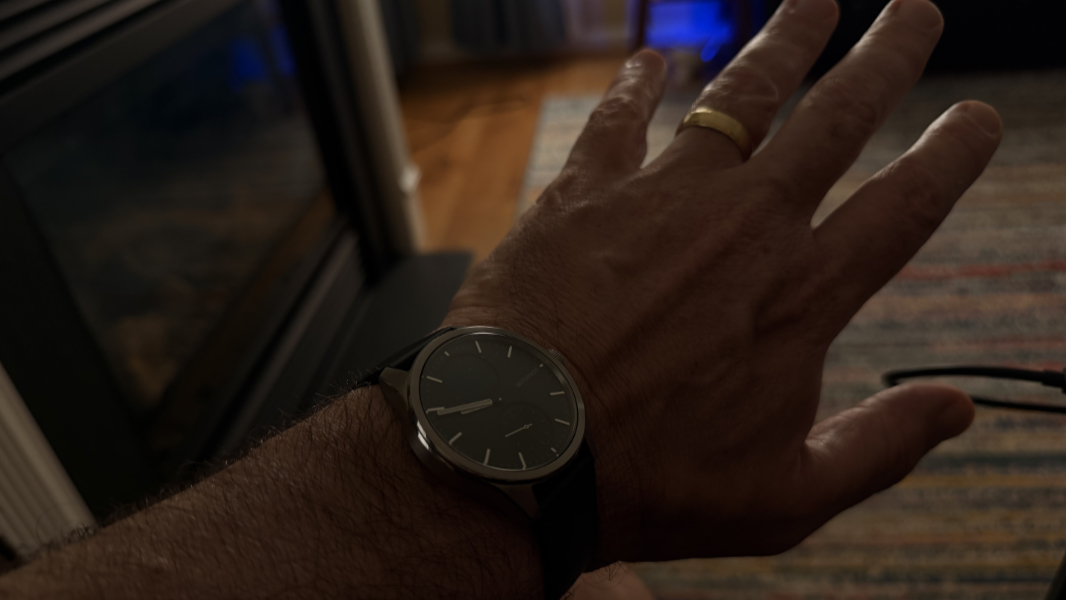
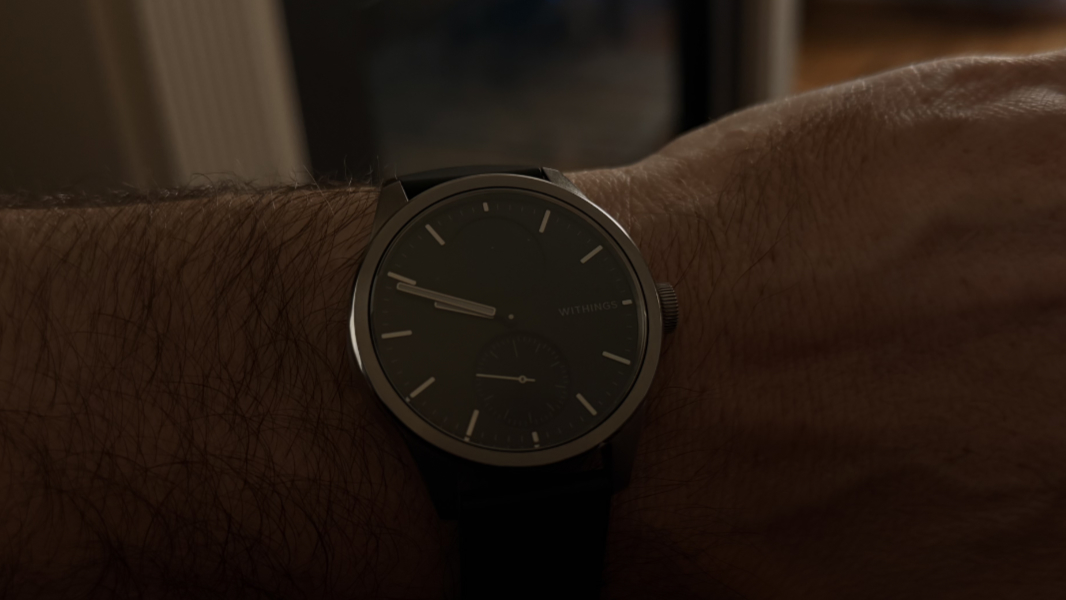
The Withings ScanWatch 2 is a hybrid smart watch that combines a classic analog watch with health and fitness tracking capabilities. It’s a handsome and classy device with a large, round analog watch face, and there are two smaller circular cutouts on the back of the face, behind the watch hands, one with a digital display and one an analog activity dial. And that design communicates intent quite nicely: Though the health and fitness tracking is solid, this is a watch above all else.
And that is precisely what I wanted. Whether the ScanWatch 2 fully meets my needs will require weeks of testing, at least. But aside from a few rough spots, it’s looking good so far. Great, in some cases.
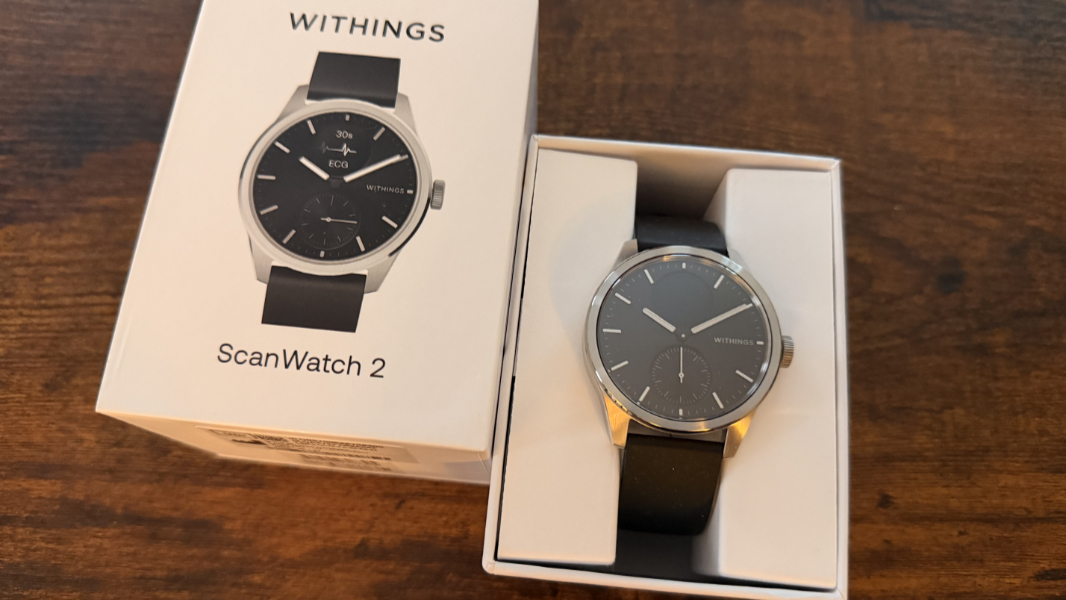
The ScanWatch 2 I purchased is the larger 42 mm model in black. I find the white version to be a bit nicer, and the blue version is interesting, too. But the small round digital display is black with white text, and it looks horrible on the white models in photos. So here we are.
The bezel and watch body are silver, not black as with the Apple Watch 9 Series I’ll be trading in with Apple, and I might have gone with a light champagne-type color were that an option. But it’s not. Silver it is for most ScanWatch 2 colors, other than the white and rose gold model that I find to be a bit garish.
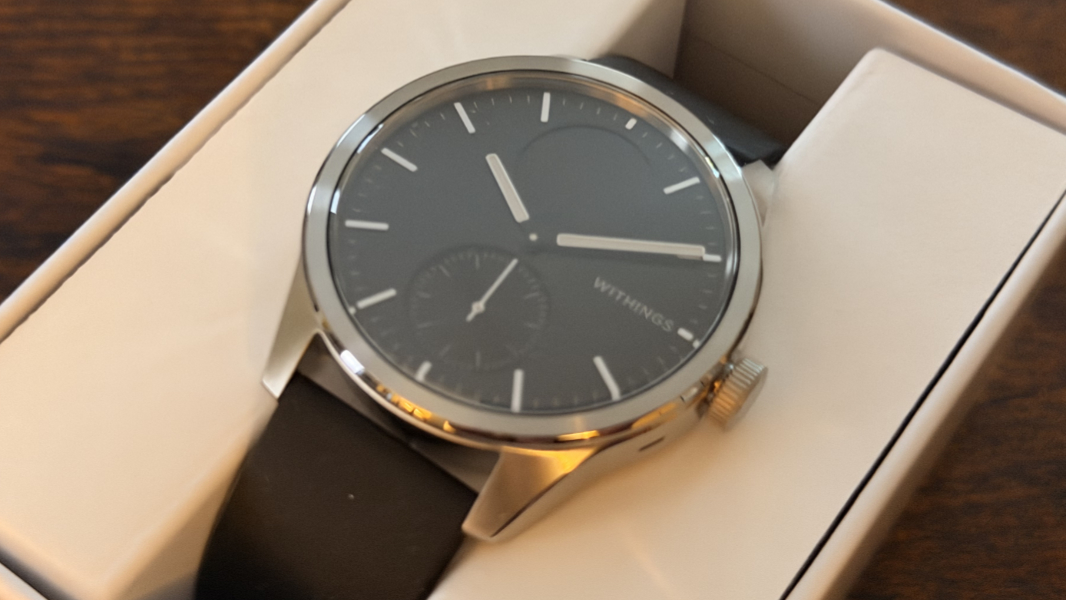
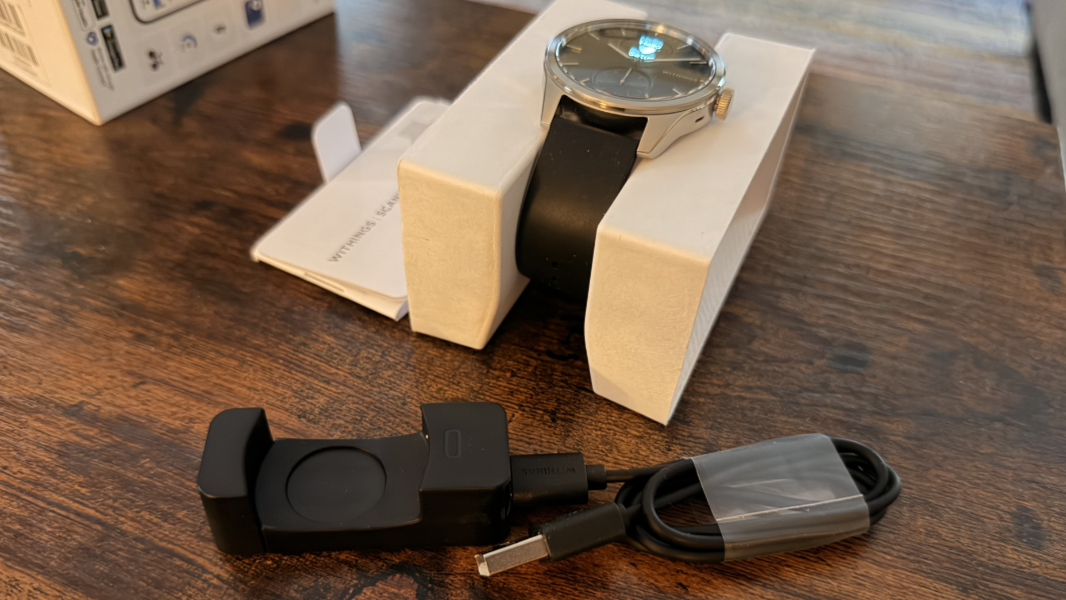
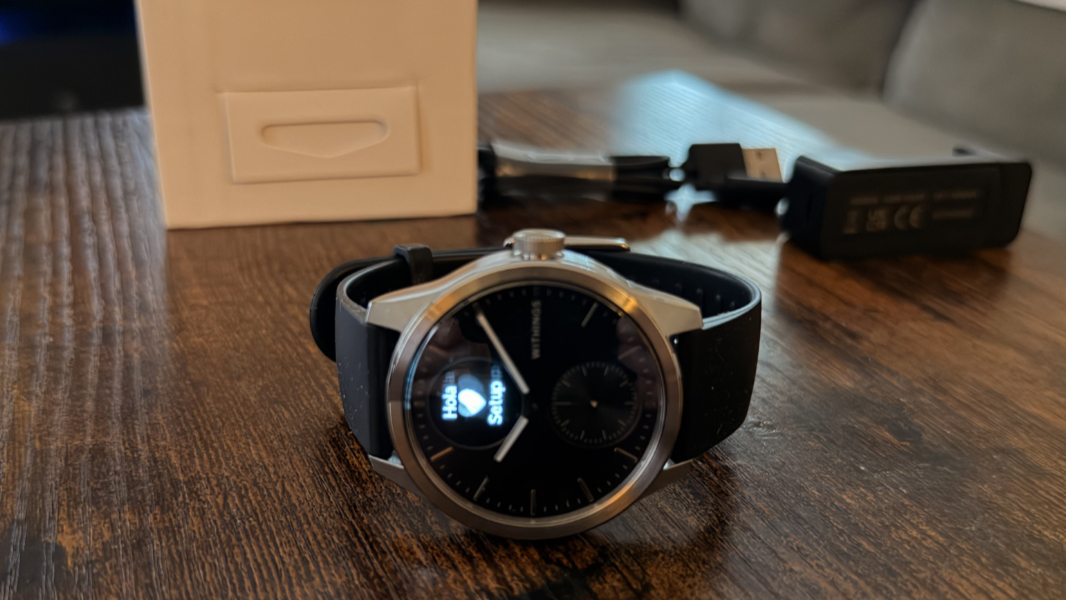
The Scanwatch 2 comes in a small box with a single USB-A-to-C cable, an awkward charging cradle, and not much else. The thing looks like a watch, which is the point, as it is a watch. It also doesn’t have any touch controls, which I find vaguely endearing and in keeping with the analog vibe. Instead, you press the crown–the dial on the side of the watch–to enable the small digital display and then spin it to rotate through the available screens, things like time and date, heart rate, steps, and so on. Then you press the crown again to turn off that display, or just wait for it to happen automatically.
You can optionally enable a feature that turns on the display when you lift your wrist, but I left it off after briefly experimenting with it. Per my watch editorial the other day, I’m looking to reduce unnecessary interruptions, something my Apple Watch was uniquely good at producing. So for this watch, I left all notifications off, at least for now, and enabled all the health and fitness tracking features, some of which are optional.
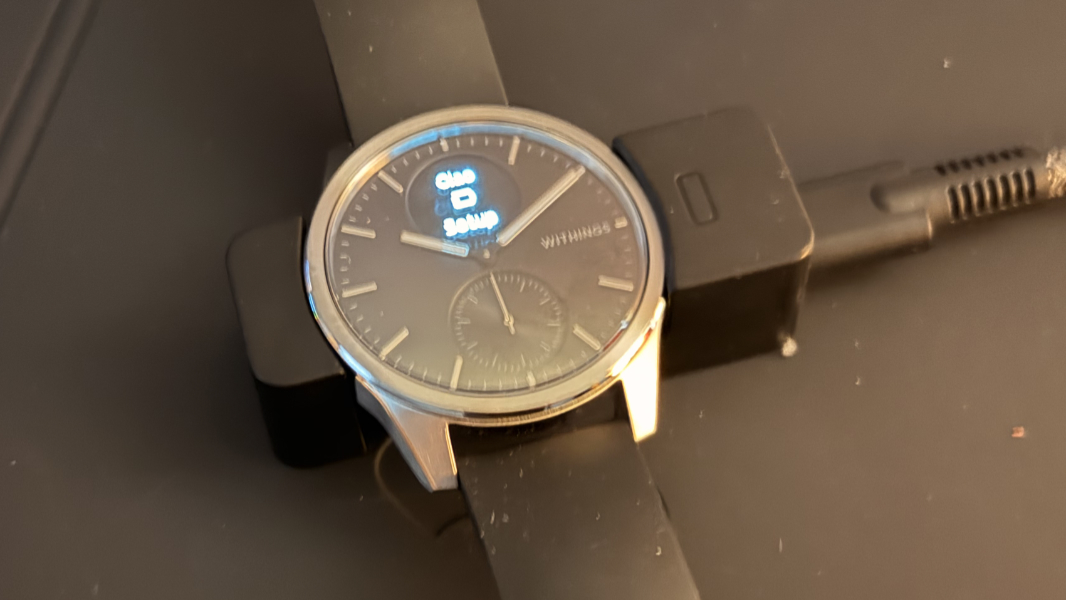
Initial setup is simple enough. The watch arrived almost drained of battery power, so I put it in the cradle–which you have to stretch to open more, place the watch in place, and then let go of it to secure it in place–and let it do its thing while I configured it.
I had heard that the Withings app for this and their other devices was poor, but I find it to be attractive and even well-designed. The only issue I had up front was syncing. It took me several tries to sync the watch to my iPhone, and then when I checked on the app during the first few hours, it kept asking me to sync it again as if I hadn’t already done so. This was initially troubling, but it’s been fine since that initial weirdness.
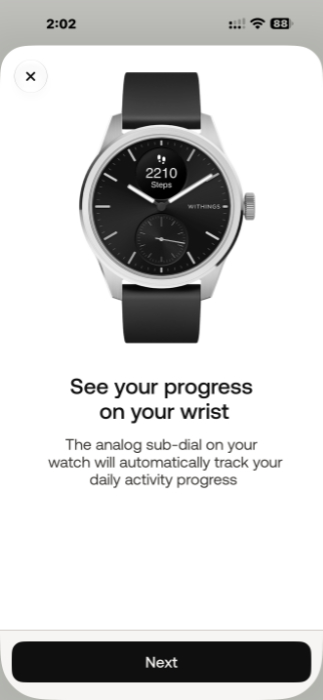
I don’t recall which of these were enabled or not by default, but the ScanWatch 2 tracks activity, of course, and can use the GPS in your phone for outdoor activities. Unlike with the Apple Watch, there is automatic activity detection, something I always missed on that device, and I enabled the ECG, oxygen saturation, respiratory scan, and high/low resting heart rate features, some of which happen automatically when you’re asleep.
You can configure which measurements appear in the little digital display and in what order. But every time I enable it, it’s on the time and date, which is superfluous to me, and I can’t figure out whether it’s possible to have it default to the display I want, like steps or heart rate. But since this is a secondary thing for–I’m more interested in it just measuring everything it can measure–I can live with that.
I had installed the Withings app before the watch arrived, and I created an account and configured it to sync fully with Apple Health. When my Pixel 11 Pro XL arrives, I will do the same there for Google Health, and if this works as expected, I should be able to carry forward whatever data I have in these services. I did notice that all my Apple Watch-based data appeared in the Withings app, at least.
This morning, my wife and I got up early because of the time change weirdness from our trip to Berlin last week, had some coffee and read the news, and then went for a walk. Normally, I would put my Apple Watch on the charger while I was getting ready to head out, as that device only lasts one day on a charge. And because I’m mentally trained to do that–I always charge the Apple Watch when I shower, too–it occurred that this was a good chance to compare the battery life. So I looked at the watch’s little digital display, spinning the crown dial until I found a screen with a battery icon. Which looked full but didn’t display a number. So I looked at the app. The watch synced and the app told me its battery life was 98 percent. I had previously charged it mid-afternoon the day before and it had tracked my sleep overnight, and it only used 2 percent of the battery? Incredible. (After our walk, it was 96 percent.)
That is a great sign and a welcome relief after many years of using whatever Apple Watch and Google Watch models. As noted earlier, Withings claims the ScanWatch can get up to 3 weeks of battery life, but the reviews suggest 2 weeks is more likely. Whatever it is, it’s dramatically better than the relatively heavyweight smart watch platforms that I’d been using. That’s a nice win.
One of the things I love about this device is that it’s basically analog, especially the way I have it configured. It’s … a watch. It has analog watch hands, no backlighting or lighting of any kind, and so it’s not going to light up the room in the dark when I use it for sleep tracking. (Like any smart watch, there are some lights on the device’s underside, but these are barely visible in the dark.) I raise my wrist to see the time and what I see is the time: The digital display is black just like the watch face’s back, so it blends in. And the analog activity dial is black, too, with a tiny single hand that measures your activity on a clock-like dial where 12 o’clock is 0/100 percent of your daily goal. It, too, blends in nicely, so the thing just looks like a normal, old-school watch.
Withings offers a subscription service that’s $9.99 per month or $99.99 per year, but I will ignore that. The only annoyance there is that there are two tiles at the top of the main app page for “Readiness” and “Health Score” that require the subscription to access, but they’re just sitting there mocking me, with no way to hide them. That’s OK. Again, I’m not going to interact with this app or even the watch itself all that much, aside from some early testing.
Scrolling past those two buttons in the app, and there are tiles for other things the watch does let you access, including Body (temperature, which the watch tracks, plus some manually inputted data like weight), Heart (average heart rate, AFib, etc.), Respiratory (sleep SpO2), Sleep (quality/time, breathing quality, etc.), and Nutrition, which is either manual or perhaps obtained from another source.
It wants to send me notifications, and though I’m resisting for now, some of them–a weekly report, perhaps some motivation notifications–could be useful, so I may experiment. But this is where I want it for now, and it’s a dramatic shift away from the complexity and poor battery life of Apple Watch. Which is also what I wanted. Very much so.
More soon.