Microsoft Starts Testing Recommended Snap Groups in the Windows 11 Start Menu
- Laurent Giret
- Mar 07, 2025
-
1

Microsoft has just released two new Windows 11 Insider builds for testers on the Canary and Beta Channels. On the latter, the 23H2 build 22635.5025 introduces suggested apps to snap together on the Recommended section of the Start menu.
“We are trying out a new change where we will recommend a snap group in the Recommended section of the Start menu based on two apps that are most likely to be snapped together,” the Windows Insider team explained today. On Windows 11, Snap groups are collections of windows that are snapped together, but the feature may not be that easy to discover for the average user.
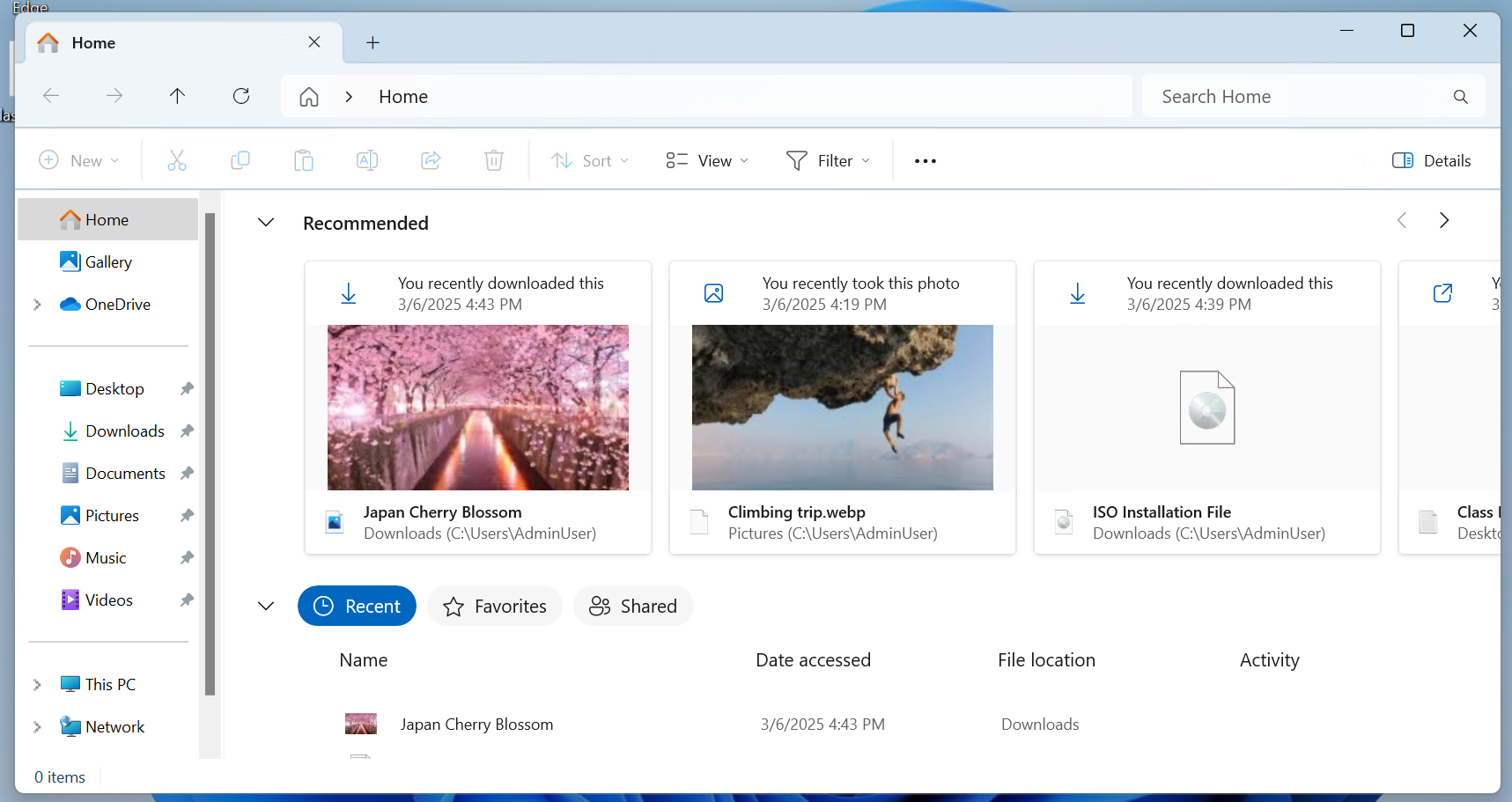
With today’s 23H2 build 22635.5025, Microsoft is also making Recommended files in File Explorer Home available to all Beta Channel testers (except in the EU) who are signed in with their personal Microsoft account, as well as those using local accounts. “These files will provide you quick access to relevant files based on your activity in the Recommended section which is displayed as a carousel with thumbnail previews,” the Windows Insider team explained.
Microsoft also released today the preview build 27808 for Canary testers. It introduces a change to the way Task Manager calculates CPU utilization for the Processes, Performance, and Users pages. Canary Insiders can also start testing a new version of the Microsoft Store that brings a new design for the “spotlight” on the department pages, as well as new sections on the Downloads page to display updates for apps managed by Microsoft. This Microsoft Store update is also rolling out to Dev Channel Insiders today.