Microsoft Starts Testing Taskbar Icon Scaling on Windows 11
- Laurent Giret
- Apr 03, 2025
-
2
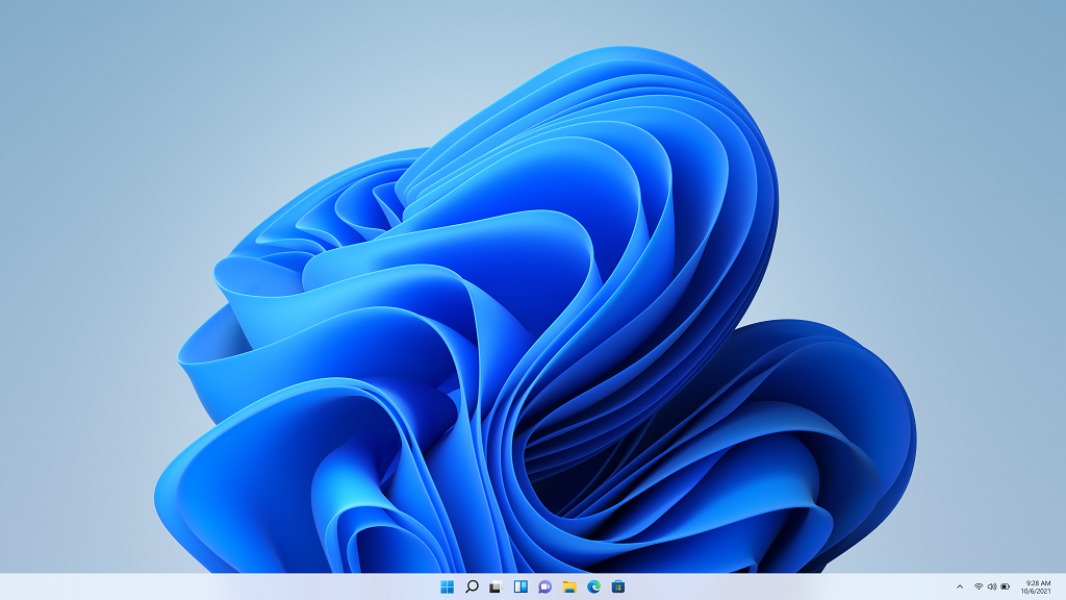
Microsoft has just released two new Windows 11 24H2 preview builds for Insiders on the Dev and Beta Channels, and the new bits add support for icon scaling in the taskbar. Insiders can now choose to have the taskbar always show smaller icons, or make them automatically scale down when the taskbar is full.
The new control for showing smaller tasbar icons will roll out gradually to Insiders on the Dev and Beta Channels. It will be available from the “Taskbar settings” section of the Settings app, which can also be quickly accessed by right-clicking an empty region of the taskbar.

The Dev Channel build 26200.5518 and Beta Channel build 26120.3671 also bring the new Drag Tray feature that Microsoft previously introduced on the 23H2 build 22635.4950 for the Beta Channel in February. There is also a new test remediation package to use with the new Quick Machine Recovery (QMR) feature, which is also making its way to the Dev Channel today. Moreover, Insiders on Copilot+ PCs will get to test minor improvements to Copilot+ features like Recall and Click to Do.
You can find more details about the main changes in these two new preview builds below:
Drag tray: This new UI will appear at the top of the screen when dragging a local file from File Explorer or the desktop, and it will make it easy to share files using Outlook Teams, WhatsApp, or other apps.

Test remediation package for Quick Machine Recovery (QMR): Quick machine recovery, which lets IT admins recover Windows PCs when they encounter critical errors that prevent them from booting offers a test mode for validating the auto-remediation process in a simulated environment. Insiders can now test this QMR feature using a remediation package that will automatically be installed when “test mode” is activated.
Search history in Recall: Microsoft has started testing a basic search history feature in Recall on Copilot+ PCs.
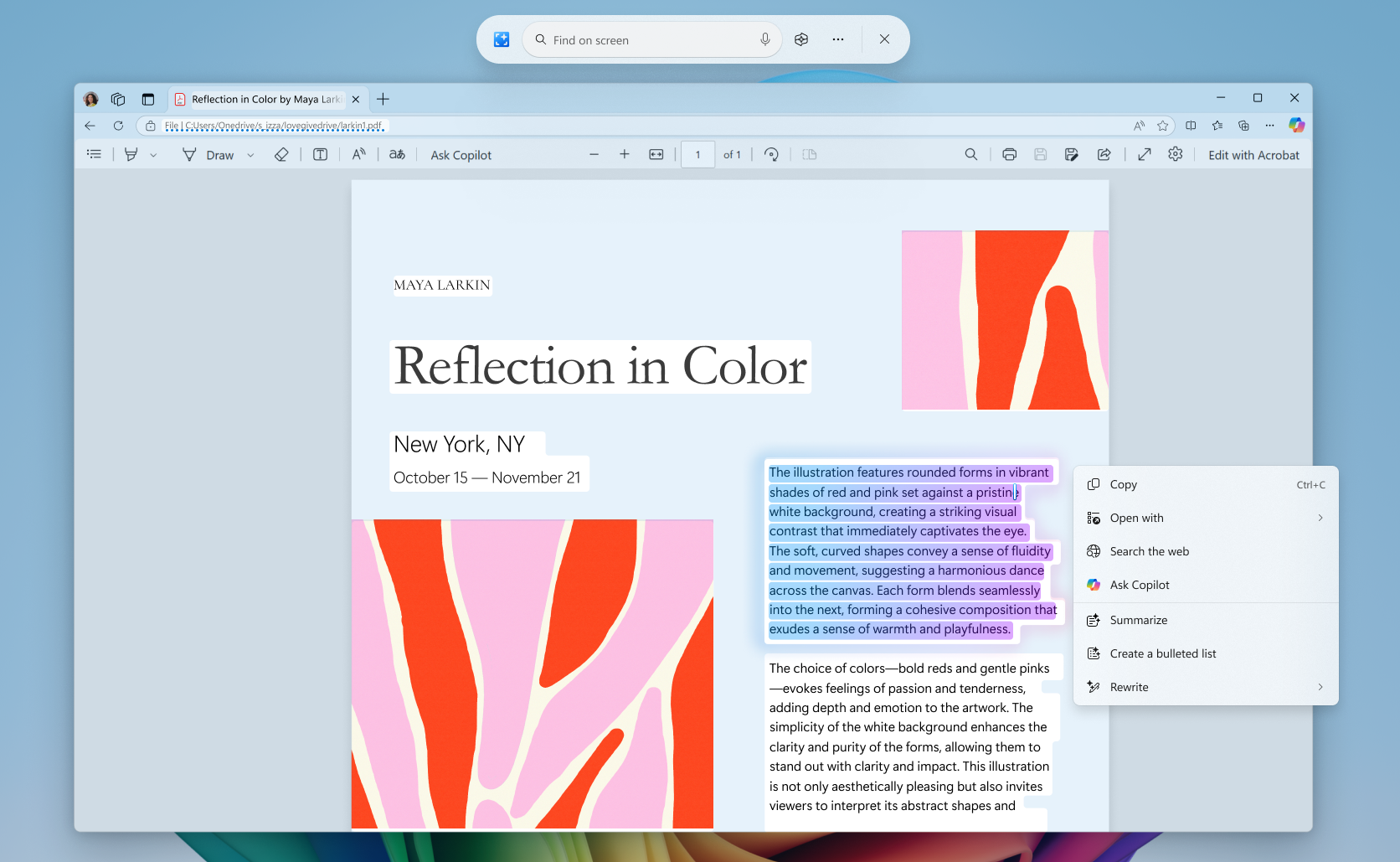
Ask Copilot in Click to Do: When highlighting either text or image with Click to Do, Insiders on Copilot+ PCs will see a new “Ask Copilot” option that will send the selected text or image to the Copilot app. This feature is currently not available in the EU.
Settings app: The app now makes more mouse-related settings available directly under Settings > Accessibility > Mouse and Settings > Accessibility > Mouse pointer and touch. The Bluetooth & Devices > Pen and Windows Ink, and Bluetooth & Devices > Touch pages are also adding options if you want press and hold for pen or touch to perform a right click action.
That’s it for the main changes that are starting to roll out on the Dev and Beta Channel today. At the moment, the 26200 series builds that Microsoft is releasing on the Dev Channel are still based on Windows 11 version 24H2, which is why they include many of the same features and improvements as the 26120 series builds that are being released in the Beta Channel.