The First Windows 11 Insider Build of 2026 is Out With Copilot Improvements
- Laurent Giret
- Jan 09, 2026
-
0

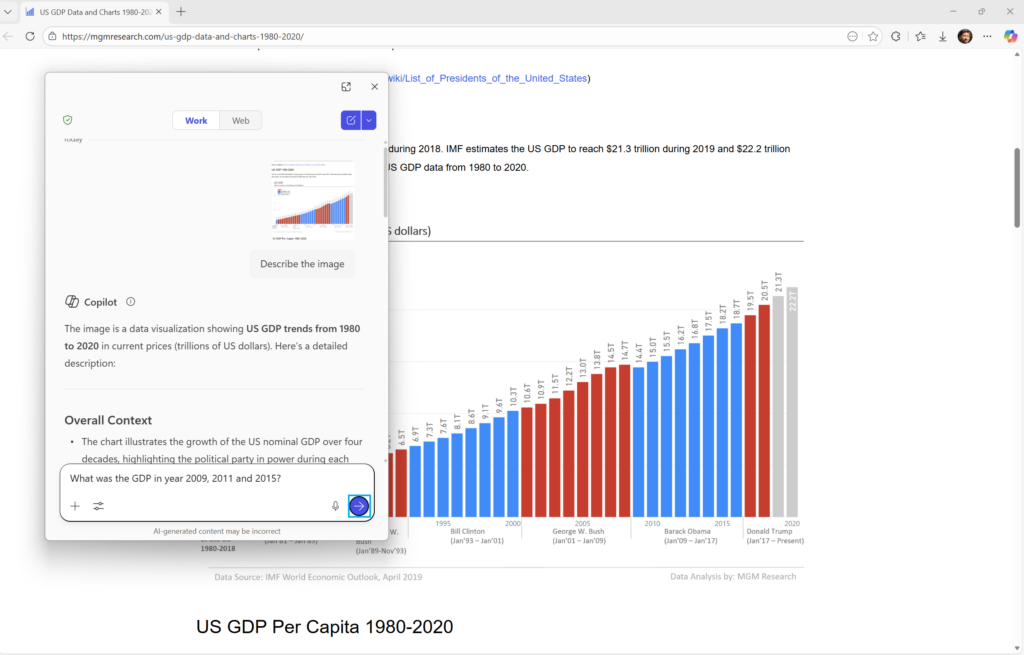
Microsoft has just released the first Windows 11 preview build of the year following the holiday break, and the new bits bring a new accessibility feature powered by Copilot. The AI assistant can now describe images when using Narrator, but it also works to get a description of the full screen.
Copilot-powered image descriptions follow the introduction of rich image descriptions in Narrator on Copilot+ PCs last year. This time, however, Copilot can describe images in Narrator on all Windows 11 PCs. “The image is only shared after you choose to describe it, the Windows Insider team emphasized.
The new accessibility feature will be rolling out gradually to Dev and Beta Insiders running the just-released preview build 26220.7535, but it won’t be availablein the European Economic Area. Once available, Insiders can either press Narrator key + Ctrl + D to ask Copilot to describe the focused image, or Narrator key + Ctrl + S to get a description of the full screen. Copilot also lets users ask follow-up questions to dive deeper.
Today’s build 26220.7535 also introduces a new policy allowing IT admins to uninstall the Microsoft Copilot app on managed PCs. Insiders using Windows Spotlight wallpapers will also notice that the Windows Spotlight icon has been refreshed with a blue color, and it’s now more in line with the Windows 11 design language.
For developers, there’s also a new option to leverage the Windows Notification System (WNS) to implement the ability to seamlessly resume using their apps from an Android phone on a Windows 11 PC. The existing integration relied on the Link to Windows app, and the Windows Insider team said that this new option will deliver “the same seamless experience on Windows.”