Windows 11 Version 24H2 Introduces Yet Another Way to Update Windows
- Paul Thurrott
- Jul 16, 2024
-
4
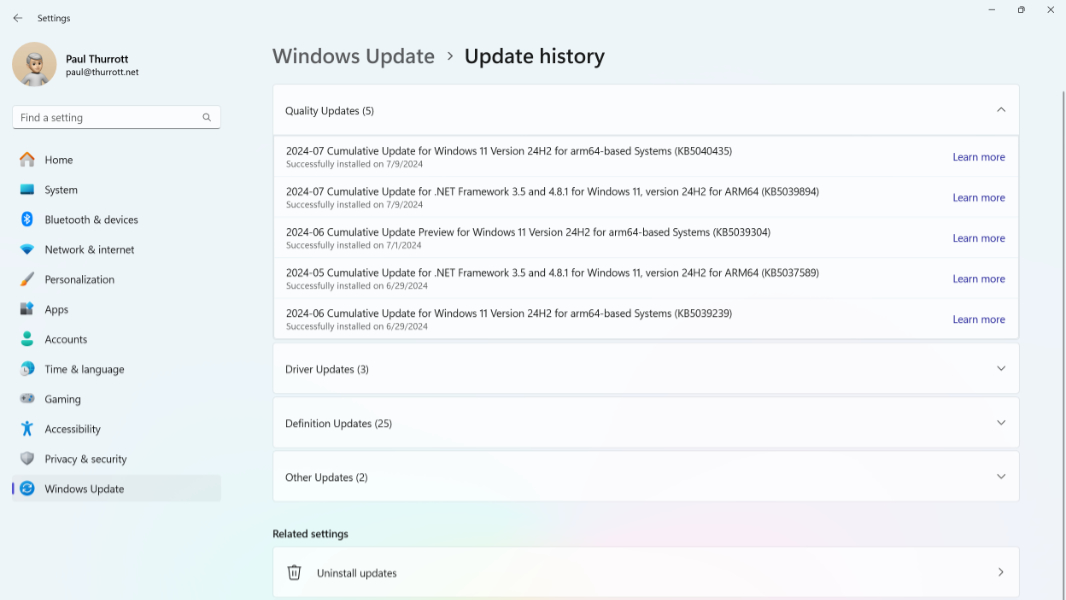
Thanks to its Windows as a Service (WaaS) initiative, which evolved into “continuous innovation” with Windows 11, Microsoft now has approximately 1,000 different ways in which it can update Windows or any of the apps, services, or other components that ship with it. With Windows 11 version 24H2, that number is increasing to 1,001.
“We’re excited to further optimize the delivery of continuous innovation in Windows 11 with new checkpoint cumulative updates,” Microsoft’s Maliha Qureshi explains in the announcement post. “As early as late 2024, you will automatically get this optimization on any [PCs] running Windows 11 version 24H2 or later.”
Checkpoint cumulative updates build on the monthly cumulative updates (CUs) that Microsoft ships each month on Patch Tuesday (the second Tuesday of the month) for each supported version of Windows. They are what most people probably believed CUs to be already: Incremented differentials that contain only the bits that were not the previous CU. This means that checkpoint CUs (or CCUs, I guess) are smaller than traditional CUs and thus faster to download and install.
Oddly, each CU will not be made available in CCU form each month. Instead, the promise is that Microsoft might periodically release CUs as CCUs. Windows 11 version 24H2 (and later) will simply manage this behind the scenes, keeping your system up to date regardless. Which feels obvious, but there you go.
The good news for individuals is that you don’t have to do anything: Microsoft will deliver CUs and CCUs as needed via Windows Update, and Windows 11 will keep itself up to date on the usual schedule. If you’re in IT and managing Windows updates with Windows Update for Business, Windows Autopatch, or Windows Server Update Services (WSUS), you likewise have nothing to do: Updates will be delivered as CUs or CCUs at Microsoft’s discretion. All you may notice is that some updates will consist of multiple update packages, one file representing a checkpoint and the other with the “cumulative payload,” as Microsoft calls it. Existing deployment tools will continue to work.
One final note on CCUs, as they can impact annual Windows Feature Updates (FUs, appropriately enough), which are version upgrades.
“When an annual Feature Update is delivered using servicing technology and an enablement package, this new release shares a common core operating system with the previous release,” Qureshi explains. “When a checkpoint is introduced in alignment with the availability of a feature update with an enablement package, the monthly updates for those releases can start fresh and small. This means that Microsoft can scale to more enablement packages for feature updates, and you can adopt them faster, more easily, and more efficiently than a traditional feature update.”
Put simply, CCUs will have the same impact on Feature Updates delivered via an enablement package as they do on monthly CUs, which makes sense since those two things are literally identical. That is, they will make the update even smaller (and quicker to download and install). Of course, not all annual Feature Updates are delivered this way, and CCUs won’t impact “normal” Feature Updates (not delivered via an enablement package), as those are standard downloads.
(You may recall that Microsoft shipped what was going to be Windows 11 version 23H2, including Copilot, to PCs running Windows 11 version 22H2 as a monthly CU, and that it then shipped 23H2 as a tiny enablement package. It did so to ensure that customers didn’t skip installing what would have otherwise been a major Feature Update. This is why Windows 11 versions 22H2 and 23H2 still have exactly the same feature sets today.)
Anyway. There’s nothing to do. Just something to know.