Microsoft Belatedly Delivers Windows 11 22H2/23H2 Week D Preview Update
- Paul Thurrott
- Jul 25, 2024
-
0
It’s two days late, but Microsoft today delivered a June Week D preview update for Windows 11 versions 22H2 and 23H2. As expected, this update maps to the build it shipped to Windows Insiders in the Release Preview ring two weeks ago in that it offers the same small set of new features and enhancements.
The update, KB5040527, will update the Windows 11 build number to 22621.3958 (22H2) or 22631.3958 (23H2). Once installed, the following changes will appear gradually:
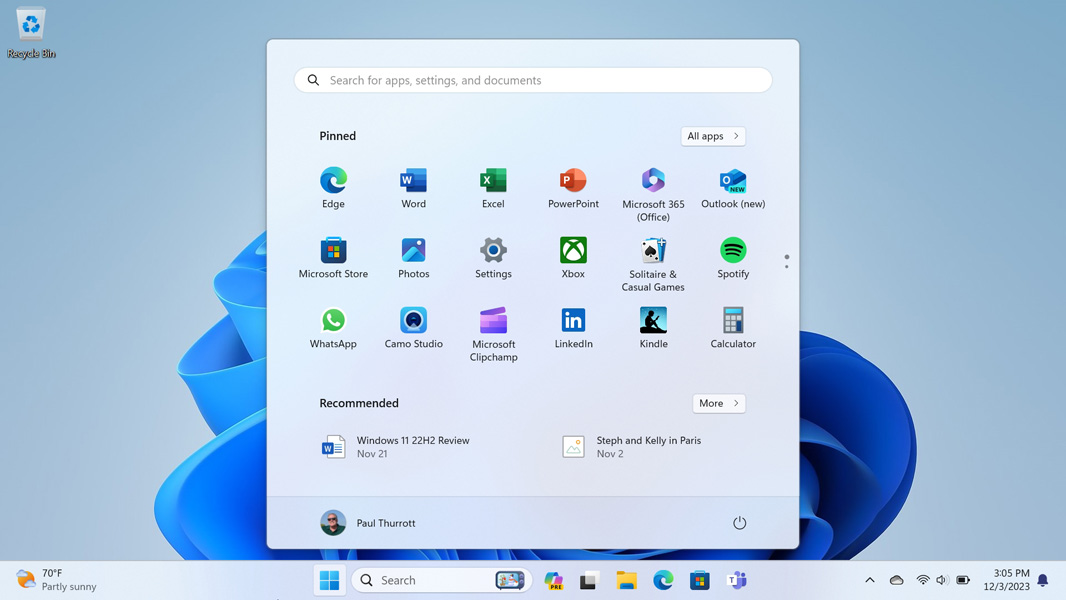
Start menu. You can drag app shortcuts from the Pinned section in the Start menu and to the Taskbar to pin them there as well.
Taskbar. The rarely used Taskbar keyboard focus feature (enabled by typing WINKEY + T) has been enhanced so you can type a letter to go to the next pinned app shortcut in the Taskbar. For example, you can go directly to a pinned Notepad shortcut by typing WINKEY + T, N. You can also type Home or End to go to the first and last shortcut in the Taskbar, respectively. To my knowledge, Microsoft never actually tested this change in the Insider Program, though I may have missed that.
File Explorer. You can right-click on a File Explorer tab and choose a new “Duplicate” item to create a new tab to the same file system location.
China. For users in China only, Wi-Fi and Bluetooth must both be on before you can enable Nearby sharing. Windows will prompt you if this is needed.
There’s no Week D Preview update for Windows 11 version 24H2 yet. But Microsoft delivered this update last month too, so it might still happen. That said, Microsoft also shipped a 24H2 build to the Release Preview channel today, and it looks like this build is what would have been the Week D update. So it could be another week or more.