Microsoft Issues Release Preview Builds for Windows 11 23H2, 24H2
- Paul Thurrott
- Oct 10, 2024
-
3
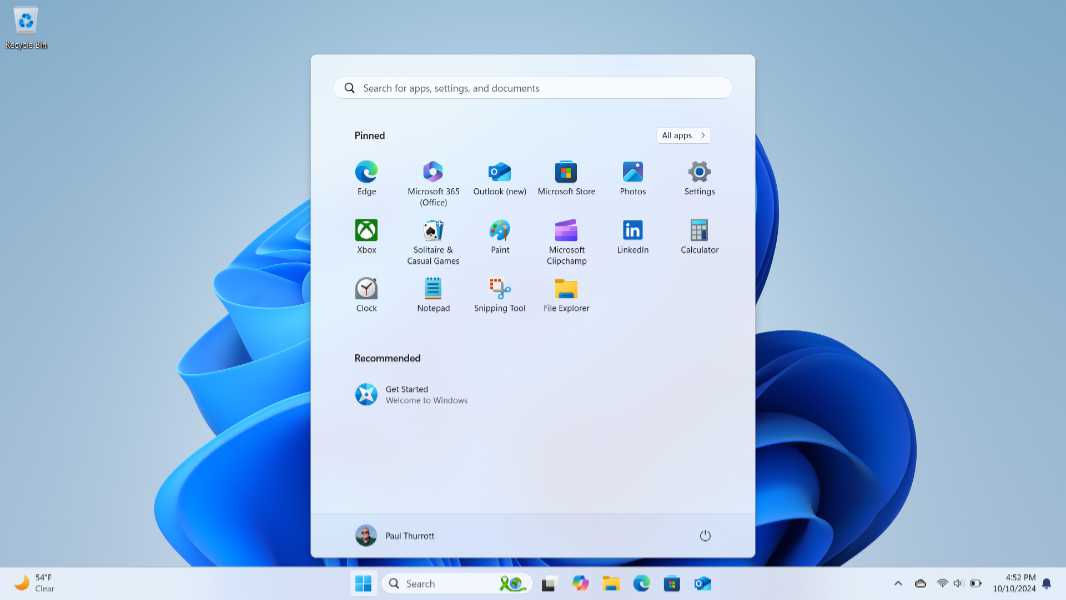
Microsoft today shipped Release Preview builds for Windows 11 versions 23H2 and 24H2 that provide a peek at the near future. These features included in these builds will obviously ship as preview updates by October 22–the Tuesday of Week D–and then to stable (the General Availability channel) on Patch Tuesday in November, Tuesday, November 12.
Or not. Nothing makes sense this year when it comes to Windows updates.
In any event, KB5044380 is now available for those testing Windows 11 version 23H2 in the Release Preview channel. It updates the build number to 22631.4387. Likewise, KB5044384 is now available for those testing Windows 11 version 24H2 in the Release Preview channel. It updates the build number to 26100.2152.
Microsoft highlights the following new features.
- Phone Link connectivity next to Start. With this feature, you can access your Android device’s battery status, connectivity, voice messages, calls, photos, and recent activities using a bizarre add-on pane next to Start.
- All apps is renamed to All. The All apps interface in Start is now called All for some reason. (This feature is only mentioned in the 23H2 write-up.)
- Gamepad layout for on-screen keyboard. (Oddly, 23H2 only) This feature adds a gamepad layout to the on-screen keyboard so it can be used like a virtual Xbox gamepad.
- Notifications improvements. You can now turn off the suggestion to disable notifications for specific apps and system services.
- Tailored experiences is being renamed. Tailored experiences will be referenced as Personalized offers going forward. You’ll see this change in the Out of Box Experience (OOBE) in Windows 11 Setup, and in Privacy settings in the Settings app.
- Copilot key configuration. With this change, you can remap the ridiculous Copilot key on new PC keyboards to open a different app or Search.
- Windows Sandbox Client Preview. (24H2 only) A new version of Windows Sandbox with clipboard redirection, audio and video input control, and runtime folder sharing is coming in preview.
There are some other small changes, and some of the things listed above are on a Controlled Feature Rollout (CFR), so you’ll get them when you get them. There are many fixes in each build as well, of course.